Basketball coaching app: streamline planning, video, and scouting
Discover how a basketball coaching app can streamline weekly planning, video review, scouting, and playbook sharing for youth through college programs, boosting team communication, analytics, and exports.

Key takeaways
- Centralize planning, drills library, and team communication to reduce chasing notes and errors.
- Leverage mobile access to push quick feedback and plan tweaks from anywhere.
- Create a clear path from planning to on-floor execution with visual boards.
- Use shared libraries and schedules to align assistants, players, and staff consistently.
- Export to PDF and mobile sharing keeps drills and plays accessible for everyone.
What a basketball coaching app can do for your weekly workflow
As a head coach juggling practice plans, scout reports, and a steady stream of updates, I lean on a basketball coaching app to keep everything in one place. It centralizes planning, the drills library, and team communication, so I’m not chasing notes across emails or sticky notes. In my weekly plan, I pull drills from the library, assign them to assistants, and publish a shared timetable the whole staff can see. This is a core part of my weekly coaching workflow.
Mobile access makes updates land where I need them—on the sideline, in the gym, or during travel. I drop quick feedback to assistants after walkthroughs and push tweaks to the plan or a short note to players right from my phone. That on-the-go cadence keeps us from losing momentum between drills and scrimmage.
From plan to practice to review, the path is clear. On the tactical board I map actions (BLOB/SLOB/ATO/PnR), and I export PDFs for staff briefings. During practice, I show a short video clip to reinforce timing and call out a scouting note to remind the group what we’re testing. This setup creates a clear path from practice planning to in-practice execution and review.
Consistency across assistants, players, and staff comes from shared libraries and schedules. When everyone references the same drills, action lists, and calendars, miscommunications drop dramatically. Our scouting notes link with board work and video clips, so we’re comparing apples to apples rather than fragments.
Set up now and your board, video, scouting, and playlists flow naturally through the week. CourtSensei consolidates these functions into one integrated platform, laying the foundation for the rest of your workflow.
Practical workflow: how to set up your weekly plan in the app
From a coach’s perspective, the week starts with a clean plan in the app. The weekly plan setup in basketball app helps me lock goals and map a daily plan that links directly to drills from our library. I outline a drill block for each day—rebounding on Monday, defensive rotations on Tuesday, fast-break reads on Wednesday—so the team shows up with purpose. That upfront structure also feeds our scouting notes and video reviews later in the week.
Each plan includes tasks for assistants and players, with concise notes and clear coaching points attached to the relevant drill blocks. This keeps substitutions, rotation notes, and tempo aligned, and gives players a one-page reference before practice. The workflow is simple: you can enter training plans in app once, then share them with everyone so the gym runs predictably.
Within CourtSensei, you can Export to PDF for gym-aided sessions and record-keeping, ensuring a clean handoff between planning and on-floor execution. This makes it easy to plan workouts with app and keep a formal sheet that travels with the team to the court and meets our documentation needs.
Versioning lets you track plan changes across the week and reflect on outcomes after each game. If we tweak after a Tuesday practice, the history shows what changed and why. On Friday, we compare results to the plan and adjust Saturday’s session accordingly—keeping the cycle tight and intentional. This is where versioning and outcomes after each game pay off.
Finally, review and adjust quickly based on practice feedback and performance data. I pull in real-time stats and trend graphs from recent sessions to see which drills held up under pressure. With that input, we re-prioritize the drill library and fine-tune the plan so the next week starts sharper. This is how we close the loop: practice feedback and performance data.
Using the tactical board to design plays and practice scripts
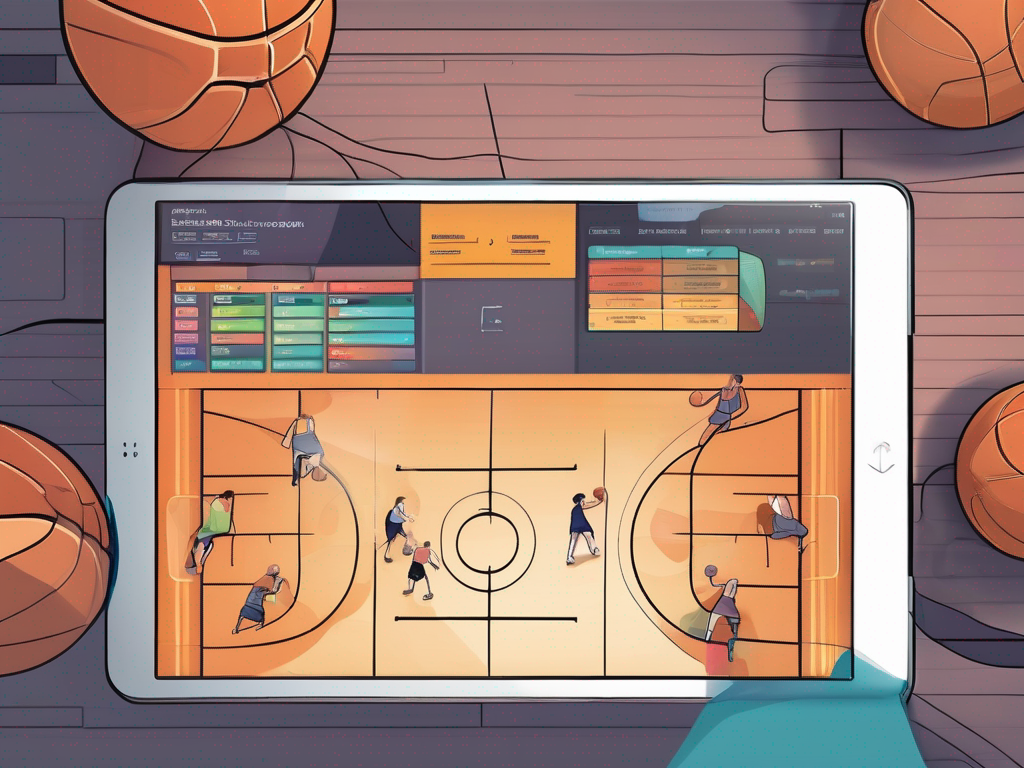
As I map out this week’s practice, the tactical board in our basketball coaching app brings the plan to life. I pull up BLOB/SLOB/ATO/PnR diagrams and translate ideas into clean diagrams for in-practice reference. That clarity keeps assistants aligned and players focused on the action.
On the board, I annotate actions, set timing for each phase, and assign roles for cutters, screeners, and guards. We walk through how the ball moves from set to screen to flare, then confirm rotations before we touch a ball. This is where the tactical whiteboard becomes a real-time coaching tool.
After a session, I export boards as PDFs for the gym wall and also send shareable links to players. The ease of printing or sharing keeps our players studying the diagrams during drills and film review alike. It’s a small step, but it compounds learning and consistency across the group.
Frequent plays live in our drills library, so I can pull up a BLOB or a PnR from memory and run it without digging through notes. The library is a quick retrieval tool—my go-to for practice scripts and repeatable resets when we want to lock in a sequence.
And when we’re in the gym, mobile access lets me teach and adjust on the bench. A quick tap shows players the next option, and I can re-diagram on the fly between reps. Using this single platform keeps our weekly workflow tight and coach-friendly, from plan to bench-side tweaks.
Organizing game film and player clips for feedback
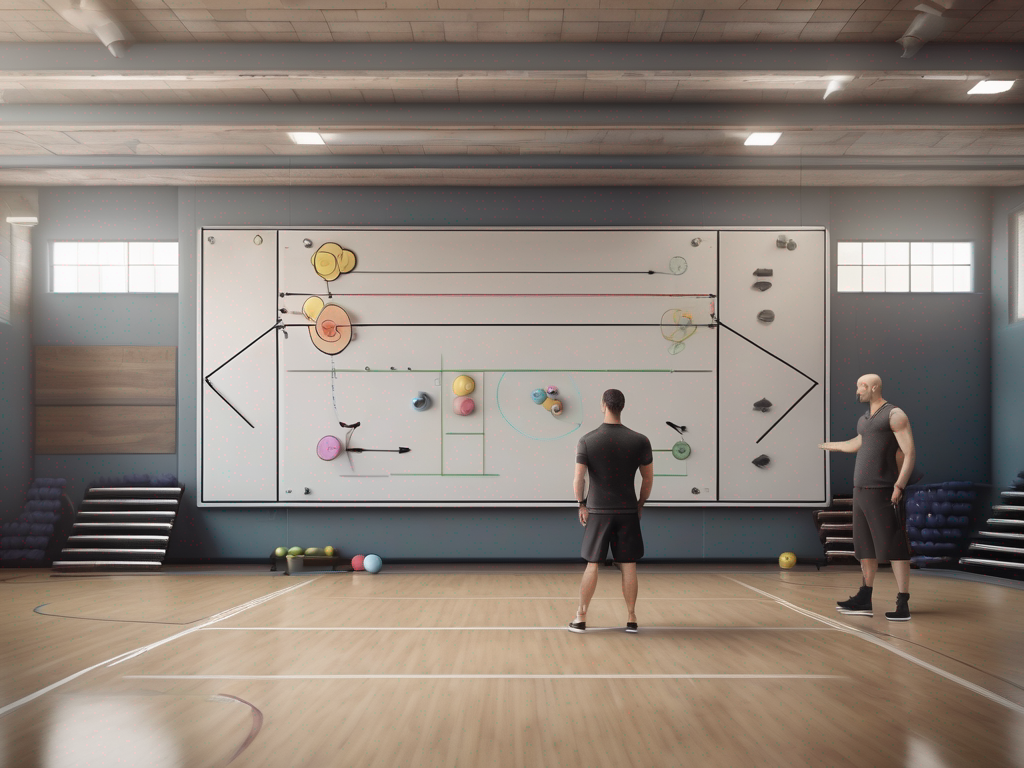
As a coach who already runs planning, the tactical board, and video in one system, I treat game film as the week’s anchor. After a game or scrimmage, I pull up the game film and relevant video clips, then use clip trimming to cut to the moments that matter—late clocks, transition opportunities, miscommunications in coverage. I tag and categorize these clips by play type, opponent, and court location, so I can pull them up quickly in prep. Keeping the clips neatly organized makes it easy to reference in the plan or on the tactical board. AI coaching helps auto-tag key moments as you import, saving time for bigger adjustments. Bold game film and clip trimming.
From there, the power of playlists comes into play. Create player- or team-specific playlists for focused review—think “guard decision chains” or “wing defense rotations.” A playlist makes it simple for players to study the same clips across games, while you compare trends against your drills library and scouting notes. In practice, this turns video into a repeatable drill—no hunting through files, just a click away. Use video clips alongside the clips you’ve trimmed to reinforce patterns during practice planning.
Annotate with notes on decisions, positioning, and alternatives right on the clip. You can call out where a choice worked, where spacing broke down, and what options existed next. These annotations stay linked to the exact frame, so when you discuss adjustments in a film review, the team sees concrete coaching points rather than vague critique. That clarity turns a moment into a teachable habit. Bold annotations and coaching points.
Sharing is fast with players and assistants, creating efficient feedback loops. A quick link lets anyone view the clip during a meeting, and your assistant can add notes from the sideline. Use clips as reference during post-game meetings and pre-game prep to guide decisions for the next outing. With these steps, your weekly workflow stays tight: review, discuss, and apply. Bold feedback loops and post-game meetings.
Scouting reports and opponent prep in a coaching app
In my weekly planning, I treat scouting reports as a living asset. I log opponent tendencies and catalog actions to build a living scouting library. A basketball coaching app makes this effortless: I pull game film, tag sets, and drop notes into one place. That centralized hub—my scouting app—lets me see patterns across weeks and opponents, not just in the moment.
From there, I create scout plays and counter-points tailored to upcoming opponents. On the tactical board, I map out specific scout plays and how we counter their preferred actions. These entries become ready-to-use references for rehearsals, so assistants can coach the exact sequences in practice and then reinforce them in film review. It keeps opponent prep crisp and actionable.
Notes, heat maps, and trend graphs are the eyes of the report. After each game or clip review, I record quick notes, then visualize where the opponent tends to operate—shoot spots, ball movement lanes, defensive gaps. The heat maps spotlight hot zones; the radar charts and trend graphs show how their approach shifts over time. This visual data informs the game plan and helps us stay ahead.
Exporting scouting reports to PDF is a simple win for alignment. I share concise, portable files with staff and players who need to see the plan before tip-off. The PDF keeps everyone on the same page, from rotation notes to key counter-points.
Finally, I link scouting insights to practice plans and playbook entries to ensure discipline in execution. When a scout note points to a counter-rotation, for example, I tie that insight to a drill in the drills library and a corresponding play in the playbook. The result: sharper opponent prep that translates to clear, repeatable actions on game night.
Sharing playlists and player video reviews for accountability
At the start of the week, I build role-specific playlists for individuals and groups to guide development. In the plan, I map out which drills, movement patterns, and decisions belong to each player, then push them into a dedicated playlist that lives in my basketball coaching app. This keeps every progression visible in one place.
Sharing is frictionless: I send shareable links to players and assistants or drop an embedded playlist into a scouting note. Each clip labeled in the video reviews section helps players see the sequence, tempo, and decision points. A short clip becomes a teachable moment during a quick review session.
Track engagement and progress across clips and drills: I can see who watched what, and how much of a clip they absorbed. The platform records time-stamped views, letting me correlate engagement with drills in the plan and with on-court outcomes. That data sits alongside notes from the drills library or game film.
Accountability comes from clear goals linked to reviewed footage: after a session, I assign a target—such as improved decision timing or footwork—tied to the clips in the playlist. Accountability and clear goals help players own their progress, and I can measure growth across clips against performance in practice and games.
Integrated workflow: from plan to on-tactics board to video review to scouting notes, the playlists and video reviews loop back into the weekly cycle. When a player hits a goal, I adjust the planning and update playlists, closing the loop from planning to performance.
If you build plans like this every week, CourtSensei keeps your drill library, tactical board, and video clips in one workflow - start free.
FAQ
What is a basketball coaching app and what can it do for my weekly workflow?
Think of it as a single hub for planning, scouting, video, and team messaging. It centralizes planning, the drills library, and staff updates so notes don't scatter. Build a weekly plan, assign drills to assistants, and publish a shared timetable. On mobile, you push tweaks from the sideline and keep players and staff aligned. It also stores playbooks and clips for quick access.
How does AI coaching work in basketball apps?
AI coaching analyzes practice and game clips to surface insights you'd miss. It auto-tags moments, tracks trends, and suggests drills or adjustments based on team needs. You still decide, but the app provides AI-driven insights that flag timing issues, defensive gaps, and standout performances. It's a support tool, not a replacement for your eye on the floor.
Can coaching apps track real-time stats?
Yes. Many coaching apps capture Real-time stats like shots, assists, rebounds, and turnovers, then present dashboards and trend graphs. Coaches can monitor pace, player minutes, and lineups on the fly, helping decisions at the bench. The data feeds back into the plan so drills align with performance and adjust for the next session.
Can I log game film and get insights?
Absolutely. You can import game film, trim clips to key moments, and tag by play type, opponent, and court location. The app surfaces insights tied to those clips, and AI tagging highlights critical sequences. You'll have a clean library for prep, and you can link clips to scouting notes for quick review.
How can I share plays and playbooks with my team?
Share plays and playbooks via a central library with versioned updates. Publish diagrams, export PDFs, or send shareable links to players and staff. Assign plays to drills or games, and track who viewed what. This keeps everyone on the same page and speeds up on-floor execution.
Do coaching apps use AR or video analysis?
Many apps rely on robust video analysis and tagging; some offer AR overlays for on-court diagrams during drills. You can draw routes, show timing on screen, and adjust in real time. AR is optional, but video analysis remains core for feedback and play refinement.
Can coaching apps integrate with calendars or scheduling?
Yes. Most platforms sync with team calendars and scheduling tools, so practice blocks, meetings, and scout sessions appear in one place. You can set reminders, auto-assign tasks, and export schedules for staff. The goal is a seamless, visible plan that travels with the team week to week.