
Basketball Diagram App: Plan, Share, and Animate Plays
Explore how a basketball diagram app fits a coach's weekly workflow: plan practices, build playbooks, export PDFs, and share diagrams with players for teams.


Key takeaways
- Centralize diagrams as reusable assets by team and season to streamline planning.
- Attach diagrams to practice plans so assistants access them quickly, cutting prep time.
- PDF exports and mobile sharing keep players and staff aligned across drills.
- Tie diagrams to weekly schedules to create a repeatable, season-wide workflow consistently.
- Implement a quick diagram-to-video chain to build a library of reviewed plays.
Why a basketball diagram app fits a coach’s weekly workflow
basketball diagram app isn't optional—it's how we plan, teach, and improve on a predictable cadence. In my weekly workflow, the diagrams I build become reusable assets across training plans, the tactical whiteboard, and scouting notes. With season organization at the core, I can organize by team and map plays across the year.
Two common views are essential: full court diagram and half court diagram. In practice, we start with a full-court diagram for a press break, then pivot to a half-court diagram for entries and spacing. The quick switch keeps players oriented and assistants aligned during drills.
With PDF export, the diagrams you sweat over travel with scouting notes and practice handouts. I export a set of diagrams as PDFs for sideline sheets, then share a link to the assistants on the go. That keeps the plan current and easy to digest on game nights.
Diagrams don't live in isolation. A single diagram can power the plan for next week, drive actions on the on-court board, and anchor video reviews. In CourtSensei, that asset moves through planning, scouting, and playlists, with animation playback to show movement and timing. It’s the essence of the diagramming software we rely on.
How to plan practices by diagramming your plays
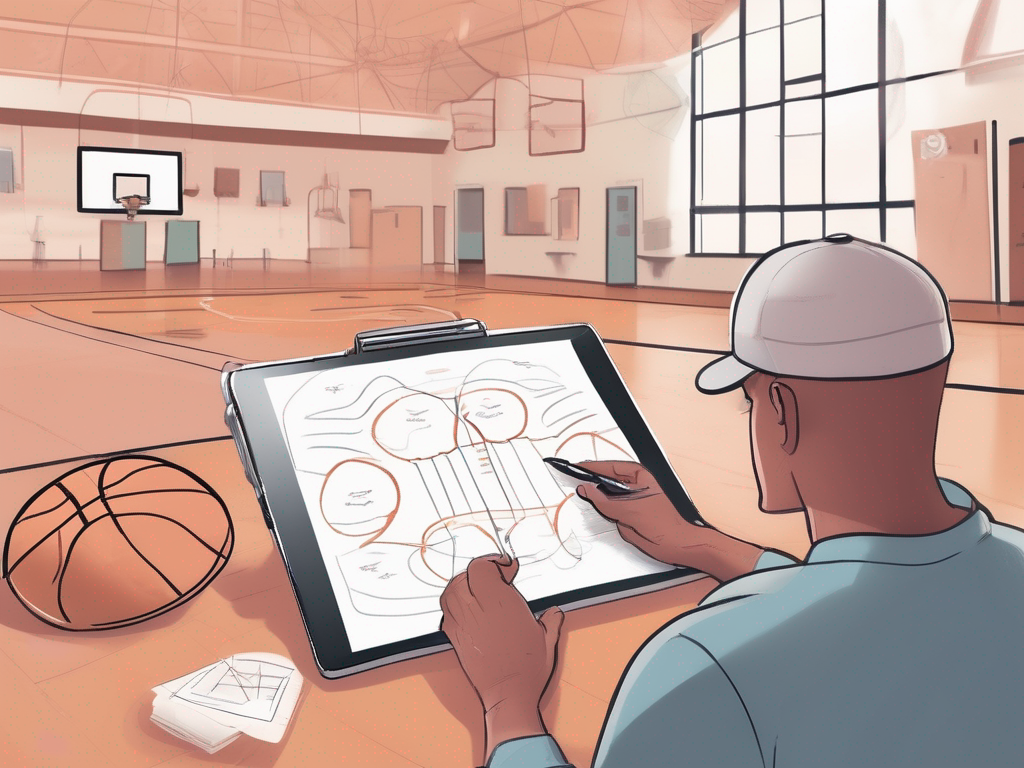
As a coach who already uses a basketball diagram app, I kick off the week by creating a starter set of plays and categorizing them by team and season. The play designer helps me label diagrams as half-court or full-court and tag lineups for different personnel. This keeps practice planning clean and repeatable, not scattered across notes or loose drawings.
Attach diagrams to practice plans so assistants can access them quickly. In the plan for training, we attach the right diagram to each drill, then my assistant pulls up the exact image on the tactical whiteboard before we start. It’s a small workflow gain, but it cuts prep time and reduces miscommunication on the floor.
Export PDFs for pre-practice handouts and create playlists for on-court use. I export compact PDFs of the diagrams to hand to staff and players, and I build playlists that run the same diagrams on the floor during stations. The combination keeps our players focused and ensures the instructions stay consistent across groups.
Tie diagrams to your weekly schedule for a repeatable routine. When you connect each diagram to the weekly schedule, you create a season-wide workflow: planning, on the tactical whiteboard, short video clips, and opponent scouting. Diagrams become reusable assets across weekly plans, on-court boards, video reviews, and scouting notes.
From diagrams to action: using a tactical whiteboard during sessions
In sessions I run, diagrams drive rotation, spacing, and timing more than any chalk talk. On the tactical whiteboard, I start with a half court diagram to map where players slot into gaps as the ball moves. I drop arrows for cuts, screens, and ball-side fills, then lock the setup into the diagramming software as a reusable asset. That diagram feeds the plan in the training plan we share with assistants and staff.
During a transition drill, I flip from a full court diagram to a half court diagram to show how spacing compresses when we sprint through the middle. The quick visual helps players read where to fill, sprint, and recover. It’s not just lines—it's timing cues they can trust in live action.
After we lock in a sequence, I push the diagram to players’ phones or hand out a printable version. With a PDF export, the crew can take a crisp diagram to the sideline, and a short video clip (kratak video klip) can sit beside it in the scouting notes for quick context. The same diagram also sits in our playbook editor for later review in video sessions.
Adopt a consistent diagramming workflow to cut on-court confusion. Build a cycle: draw on the board, annotate timing arrows, save to the weekly plan (u planu treninga), and tag for scouting notes. Reuse the same diagrams across practice, on-court boards, video reviews, and opponent prep. When diagrams become a shared asset, your team moves faster from planning to play.

Exporting diagrams for players: PDFs, mobile sharing, and handouts
After I finish a weekly practice plan in CourtSensei, I perform a PDF export of the diagrams for practice handouts and scout packets. Keeping the format constant means our players and assistants all see the same action, whether printed or viewed on a tablet. I’ll typically include both a full court diagram for transition sequences and a half court diagram for half-court sets. The PDFs stay alongside the plan in our library, easy to pull up before sessions.
On game nights or during warmups, I rely on mobile sharing to push those diagrams to players' devices for quick on-court reference. A simple tap lets them view the diagram during a huddle or while we set up a drill, keeping everyone aligned without pulling a clipboard back out. I also find it useful to share diagrams with the group between drills, so corrections or adjustments stick in real time.
To keep everything easy to locate, I use the Playbook Editor to organize by team and season organization. Tags and folders let me pull the exact scout diagram for this opponent or this week’s opponent prep in seconds. A scout packet from last season sits in the archive, ready to be revisited if a similar matchup pops up again. This structure makes it simple to compare a strategy across different teams or years.
In practice and in the film room, exports become reusable assets across the weekly plan, the tactical whiteboard, video reviews, and opponent prep. It’s not just about one diagram—it’s about turning a single diagram into a dependable building block for every phase of the cycle.
Linking diagrams with video: building a library of reviewed plays
Linking diagrams with video: building a library of reviewed plays
As a coach who relies on plan, board, and short video clips, using a basketball diagram app to pair diagrams with video creates a living library of reviewed plays. Diagrams become reusable assets that travel from your weekly plan to the on-court tactical board, into quick video reviews, and into opponent scouting notes. This is where video integration earns its keep — every diagram you sketch can be tied to a clip for faster, clearer feedback.
Animation playback makes timing and movement crystal clear. Instead of a static schematic, you see spacing tighten, cutters turn the corner, and the ball flick through the sequence in real time. Use it to run a PnR or a SLOB drill on the board, then hit play to show players exactly when to cut, when to slip, and how long each contact lasts. It’s a small step from diagram to demonstration, but it changes retention for players.
Playlists and shareable links let you lock in a review routine. Create playlists that pair diagrams with review clips, and share them with assistants, managers, or players for asynchronous study. A single link can guide a player through a sequence from plan, to board, to film review, and back to the court with confidence. This is how you scale coaching time without sacrificing clarity.
In practice, you might prep for an opponent by opening a half-court diagram, pair it with a clip showing the defense’s reaction, and annotate timing with animation playback. When ready, export a PDF of the diagram-and-clip sequence for the scouting notes or playbook editor. A tight loop, powered by a true basketball diagram app, that keeps your weekly workflow cohesive.
Workflow step-by-step: how to input a new play and attach it to a plan
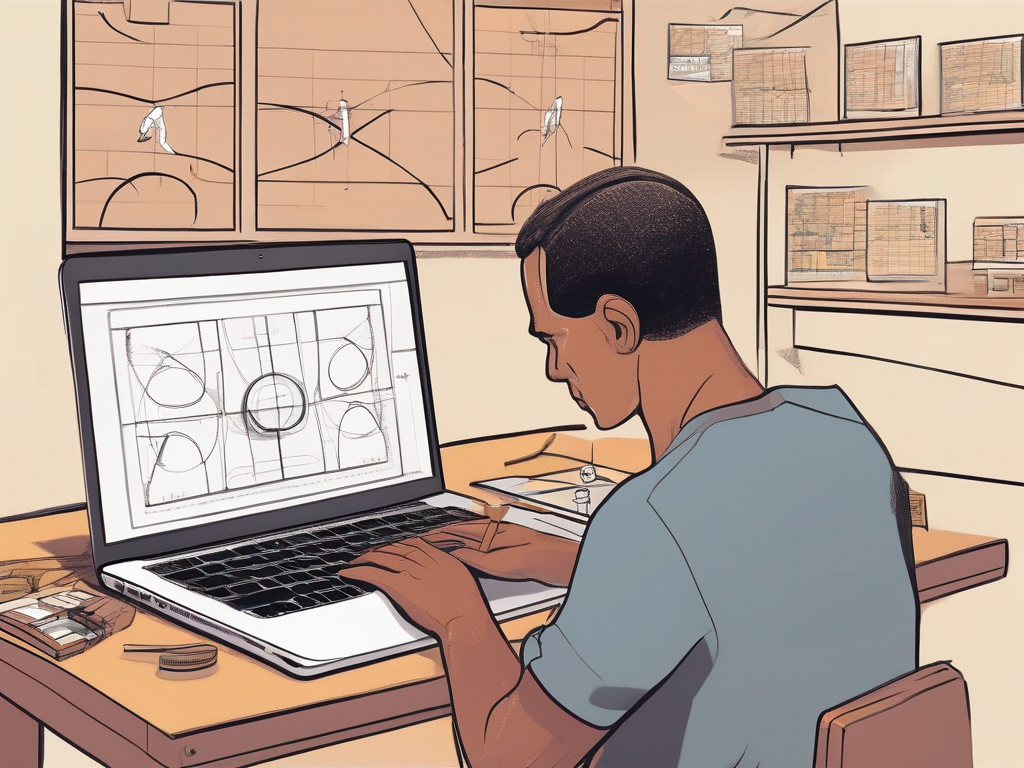
In a typical week, I start with the basketball diagram app in CourtSensei to lock in a play we can actually run. I open the play editor, choose half-court for setup or full-court for transition, and begin inputting the action. I drag players into positions, place passes and screens, and map the sequence. For clarity, I add concise action notes as annotations to guide the on-court execution.
Next comes the action types and annotations. I tag each segment—ball handler, ball screen, cut, reversal—so the diagram reads like the playbook we use on game night. I use drag-and-drop to adjust spacing, insert timing cues, and sketch counters or counter-motions. The goal is a clean, reusable diagram that works whether we’re rehearsing a Horns set or a quick-entry break.
Once the diagram meets the standard, I save and label the play under the correct team and season. I keep a consistent naming convention and add tags for opponent style or tempo. This makes it easy to pull the diagram into a weekly plan during planning phase, and it preserves the play in the library for future scouting or video reviews. The result is a stored asset you can reuse.
Finally, I attach the diagram to a practice plan or scouting packet for easy retrieval. In the plan, I drop the diagram into the session outline and link it to the opponent scouting notes. Assistants can view it on the board during drills or pull it into a video review after the session. That linkage—plan, board, video, scouting—lets a single diagram power multiple steps in our weekly workflow.
If you build plans like this every week, CourtSensei keeps your drill library, tactical board, and video clips in one workflow - start free.
FAQ
What is the best basketball diagram app for coaches?
Choosing the best basketball diagram app comes down to workflow fit. Look for full- and half-court diagrams in one tool, plus season-by-season libraries to keep plays organized. Features like PDF exports, mobile sharing, and simple video links turn diagrams into living practice plans. If it helps your staff rotate roles without confusion, it’s the right pick.
How do you draw basketball plays effectively?
To draw plays effectively, start with a clear objective and a simple setup. Use half-court or full-court layouts as needed, label roles, and mark spacing with arrows and timing cues. Save it as a diagram, attach it to a drill, and reuse it in practice plans. Repetition, not decoration, drives learning.
Can I export basketball plays as PDFs?
Yes. You can use PDF exports for handouts and scout packets. Keep a consistent layout so players and staff see the same action on paper and tablets. Attach the PDFs to practice plans, share a link with assistants, and pull up the file during games or film sessions.
Do these apps support full-court and half-court diagrams?
Yes, most diagram apps support both full-court and half-court diagrams. Use the full-court view for press breaks and the half-court view for spacing and entries. Save both as reusable assets and switch between them in drills and walkthroughs. Quick toggles keep the team aligned and the plan actionable.
Can you animate basketball plays for practice?
Animation playback is a game changer. With it you can show movement, timing, and player reads, then pause to discuss a decision. Run sequences in warmups and station work, and share short clips with players on mobile. Turning a static diagram into live practice cues helps with retention.
Are these apps suitable for youth basketball programs?
Yes—these tools fit youth programs too. Look for a simple UI, safe sharing, and templates that teach basics without overloading players. Mobile access and clear handouts help volunteer coaches stay on the same page. When apps support beginner-friendly diagrams, you can scale from clinics to middle-school teams.