How to Plan Weekly Practices with Basketball Drills Software
Discover how basketball drills software streamlines weekly practice planning, drill libraries, plays, video review, scouting, and sharing for basketball coaches.

Key takeaways
- Centralize weekly workflow in basketball drills software to keep planning, drills, and scouting aligned.
- Build the week inside the plan area, pull drills from a drill library, and tag by skill, tempo, and rotation.
- Export the tactical whiteboard to PDF and run prepractice checklists to minimize last minute chaos.
- Share video clips and playlists to support quick reviews, track attendance, and guide future practice rotations.
- Use templates and tags to reuse weekly plans; leverage AI for balanced drill mix.
Why basketball drills software is essential for a coach’s weekly workflow
From the moment I map out a Monday-to-Sunday cycle, this basketball drills software becomes the backbone of my weekly planning. It centralizes planning, drill content, and scouting in one system. I build the week inside the plan area using the practice planner and pull from a growing, searchable drill library, tagging drills by skill, tempo, and rotation. My assistants reference the same plan and the same library, so everyone stays aligned.
That alignment feeds a true unified workflow: plan, board, video, scouting, and playlists. The plan informs the board, the board captures on-court actions, we compare those actions to short video clips, and the scouting notes steer opponent prep. When game week arrives, the playlists finish the loop for player review.
On the floor, the tactical whiteboard lets us map actions like BLOB/SLOB/ATO/PnR and run through sequence options. I export the board to PDF for assistants and handle the weekly checklists quickly before warmups. Having that whiteboard tied to the plan cuts last-minute chaos.
After practice, a short video clip is trimmed and organized in the system, then shared with players via a quick link. We track attendance and rotate players into focused clips for the next session. The cadence of video reviews becomes a regular line item in the weekly cycle.
Finally, we generate scouting reports and catalog opponent actions so the staff can plan scout plays and tailor practice reps. Those insights feed the play creator and the play library, while rotation maker helps us design balanced lineups in live practice. The weekly cycle stays cohesive, from scouting to playlists.
Building a reusable weekly plan from your drill library
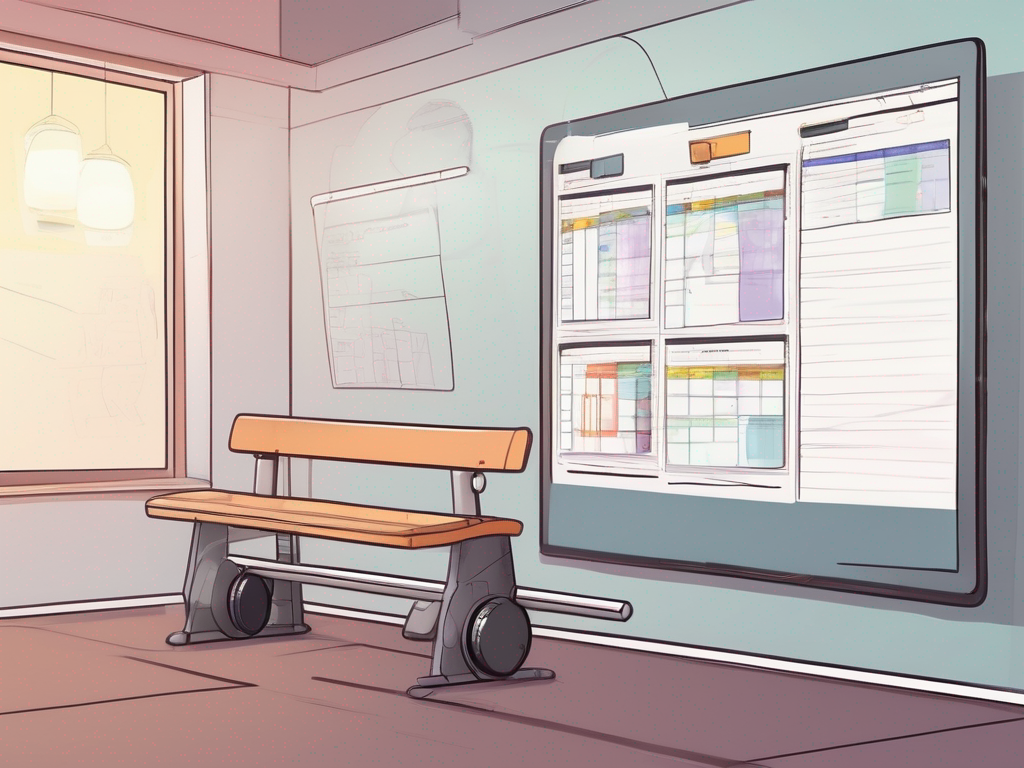
Start with your standard weekly frame (days, sessions, goals). In practice, I open the CourtSensei practice planner and lay out the week: Monday through Saturday, two 60-minute sessions, with concrete goals like "sharpen transition defense" or "improve spot-up timing." Then I pull drills from the drill library and drop into the plan. This is where basketball drills software shines—one view to adjust pacing, reps, and balance across the week.
Browse drills by focus (offense, defense, transition) and drop into the plan. A typical progression is two offense drills, one defense drill, and a short transition sequence, all placed in the morning block using clean, repeatable slots. If you reuse week after week, templates keep you from reinventing the wheel. If you want faster setup, the AI-powered practice builder suggests a balanced mix based on your goals and roster.
Attach notes about objectives, and time estimates for each slot. If a drill runs short or runs long, you can swap it on the fly without breaking the flow. Assign players to groups directly in the plan; the cueing from plan to on-court rotation helps assistants stay aligned during walkthroughs and live practice.
Use templates to reuse plans week after week, and apply tags so you can pull up similar weeks in seconds. Everything lives in the shared library, so veteran coaches and assistants can contribute, tweak, and review the plan from the road or the gym.
Export the full plan as Export to PDF/Print for staff rooms and gym boards. On game day, you’ll carry a single printable sheet to the gym, while your assistant references the digital version on the bench. This is the backbone of the end-to-end workflow: planning, the tactical whiteboard, short video clips for review, scouting notes, and playlists that support the next practice.
Drawing plays and rotations with a tactical whiteboard
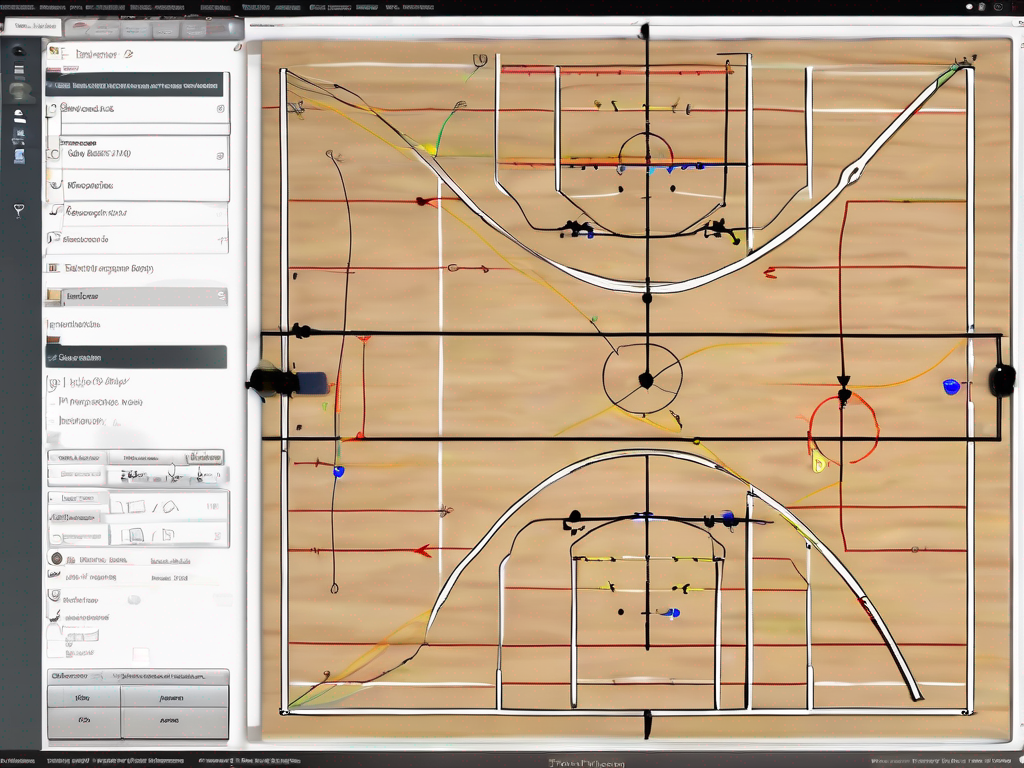
In the weekly plan, I open the tactical whiteboard and sketch our core actions, drawing BLOB/SLOB/ATO/PnR sets with clean lines and clear spacing. This is exactly how basketball drills software keeps your weekly cycle cohesive. I annotate runs, call out on-ball vs. off-ball reads, and—once the scout report nudges us—adjust the look on the fly with the assistants watching the geometry shift. The play creator makes it simple to flip between sets, while the rotation maker keeps guards, wings, and bigs in the right lanes. This is where the plan starts taking shape before any drill begins.
Once we settle on a couple sequences, I save them to the play library and map them to upcoming practices. All of this lives in CourtSensei, aligning our plan, board, and scouting into one place. That keeps our drill library tidy and ready for the rotation maker to slot into the weekly cycle. When the scout report lands, I pull the relevant looks and drop them into the rotation without losing the thread of our game plan. I also export to PDF for printouts or on-court reference, so assistants and players can study the actions before we run them.
Sharing on the fly keeps us aligned across the bench. When tweaks are needed during timeouts, we pull up the same play on the board, adjust the rotations, and roll into live practice with confidence.
Organizing, trimming, and sharing game/practice video
After a weekend game or a tough practice, I pull the raw footage into CourtSensei and start organizing. I trim long sequences into concise, decision-focused clips and label them by action, matchup, and result. The goal is a clean set of video clips that teammates can digest quickly. I drop those clips into the team’s shared library so assistants and players see the same material, with no hunting through files.
With clips in place, I build player-centric playlists for quick review sessions. A point guard’s library might combine ball-handling entries, decision-making in 2-on-1 scenarios, and drive options in the same session, while wings study catch-and-release reps. The playlists live in the weekly plan, so any coach can pull up a fast review during film time or a late-evening session.
Sharing is where the workflow clicks. I push clips and playlists to players, position coaches, and scouts with controlled access. A quick click distributes the review pack, and I can leave comments or annotate directly on the clip for context. The result is a cohesive cycle: players study on their own, staff tracks progress, and we align on what to emphasize at the next practice.
Finally, I link video to related drills or scouting notes so context travels with the review. If a clip shows weak help, I attach it to a drill in the drill library or to a scouting note on that opponent’s tendencies. This connection between video, drills, and scouting notes keeps the weekly cycle tight and reduces confusion during practice planning.
Scouting and opponent prep: turning data into action
On the scouting side, I start with what the opponents show in clips and game logs. In our basketball drills software, I create scouting reports that capture opponent actions and tendencies. I annotate defensive twists, pace reads, and favorable matchups, then tag the moments so the staff can revisit them during prep. This living document becomes our breadcrumb trail for the week, guiding both video review and on-court installation.
I catalog counter-plays and map them to drills and plays in my library. When the opponent runs a high-ball screen, I tag a corresponding counter-play as scout plays and connect it to a drill from the drill library and a set from the play library. The staff can run a quick install during practice, while I pull assets from the play creator for live adjustments. These links turn data into practice-ready actions.
Syncing insights with the game-week plan is where the system earns its keep. I drop the notes into the practice planner and align sessions to cover counters, late-clock decisions, and rotations. The integration with the rotation maker helps us map minutes to matchups, so scouts see what actually reduces risk. By midweek the plan is coherent: scout notes guide drills, which guide live practice and video review.
Sharing with staff and exporting to PDF is the final step. I send the scouting reports to assistants, export a tidy PDF for the Friday meetings, and upload it to team management so anyone can pull up context during film work. The whole process keeps the workflow tight: data becomes scouting reports, which inform practice planning and player development.
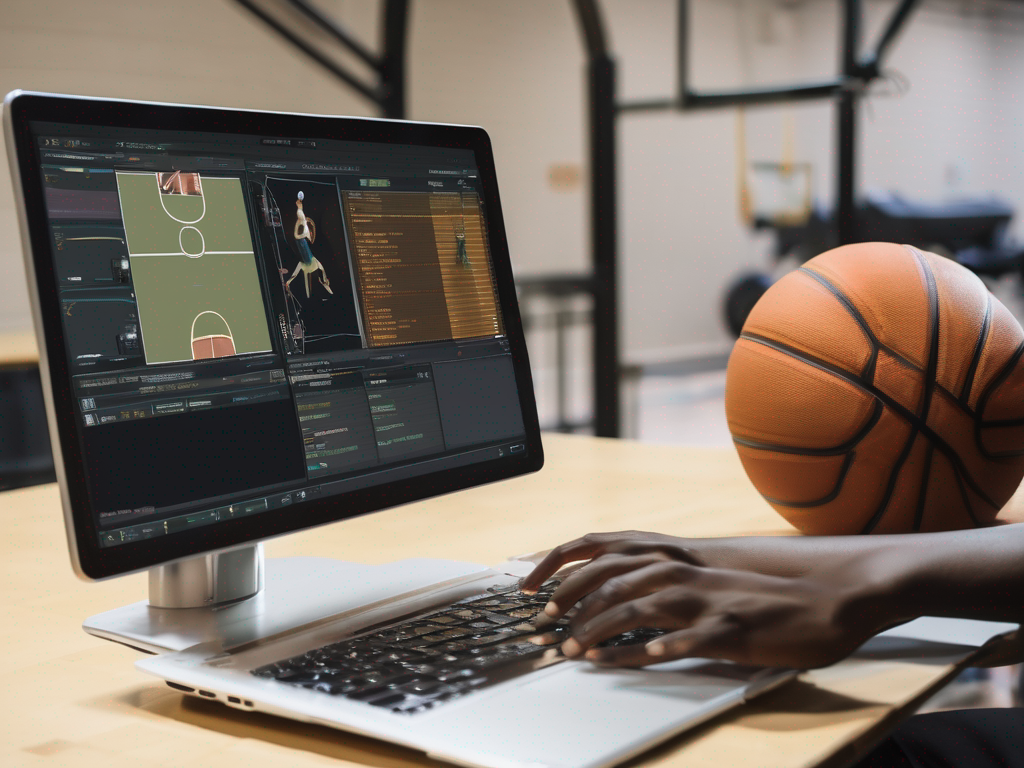
Quick-start: 15-minute setup to start using basketball drills software
In 15 minutes, you can set the tone for a cohesive week using basketball drills software. Start in the Plan area and create your first plan template for the week. Use the built-in practice planner to map a 3-session cycle, and import 3-5 core drills from your team’s drill library. Name it your Week 1 template, assign durations, and tag it with your rotation goals.
Next, jump to the Tactical Whiteboard and set up a basic play. Draw a simple action (PnR or a standard sideline set) and save it as a play. Assign this play to the upcoming session so players see it when they review the plan. The play creator makes labeling and sharing easy for your scouting notes and game prep.
Upload a practice video from the last session, trim it to a tight 30-60 seconds, and drop it into the player clips area. Create a short player playlist with the clip highlights and attach it to the session for quick review. In a real week, this becomes your go-to clip library for quick feedback during live practice.
Finally, bring in your assistants. Send invites to your coaching staff and set permissions for editing and commenting. Share the first plan so they can prep equipment, run-through notes, and monitor attendance. This step lands in your team management workflow, ensuring everyone is aligned before the first drill hits the floor during live practice.
If you build plans like this every week, CourtSensei keeps your drill library, tactical board, and video clips in one workflow - start free.
FAQ
What is the best basketball drills software for coaches?
There's no universal best basketball drills software for every coach. Look for a central plan hub that ties the week together and a robust drill library you can tag by skill, tempo, and rotation. Essential tools include a tactical whiteboard, video clips, attendance tracking, and easy sharing with staff and players. Try a few options, compare UX, and verify multi-team support before you commit.
How can I plan basketball practices digitally?
Plan basketball practices digitally by starting with a weekly framework and a dedicated practice planner. Build days and sessions, then pull drills from the library and slot them by focus. Use templates to keep weeks consistent, and assign players to groups within the plan. Export to PDF for staff rooms, and let assistants view the same plan on the bench.
What features should a basketball coaching app have?
An effective basketball coaching app should cover both planning and execution: planning & board to map drills, a tactical whiteboard, a searchable video library, and a shared library for notes. It should support scouting, playlists for review, and simple rotation management. AI features are optional—prioritize reliability and clear workflow over bells and whistles.
Can I share plays and drills with my team easily?
Sharing plays and drills with the team should be frictionless. Use shareable links to quick-send clips, PDFs for printed reference, and in-app playlists assigned to groups or players. Real-time tweaks during timeouts should propagate to everyone, and permissions prevent unwanted edits. The smoother the sharing, the faster you can execute adjustments on the bench.
Are there AI-powered basketball coaching tools?
Yes—AI-powered tools exist, and they can help generate balanced weekly plans based on goals and roster. They can suggest drills, pacing, and rotation mixes, then you review and adjust. Remember, AI is a guide, not a replacement for coaching judgment. Use it to accelerate setup, then validate with your staff and players.
Do these tools support multi-team programs?
Most practice planners support multiple teams, but coverage varies. Look for multi-team support with shared libraries, roster syncing, and cross-team templates. Budget for licenses per team, and confirm you can push updates across squads. A tool that scales with your program saves time when you run clinics, camps, or multiple squads in season.
How much do basketball practice planner tools cost?
Pricing ranges from monthly subscriptions to one-time licenses, often scaling with the number of teams, storage, and features. Expect options for individual teams or whole programs. Check for free trials and per-team pricing, and clearly compare what's included (drill library, AI builder, exports). A small weekly cost can pay off in saved planning time.