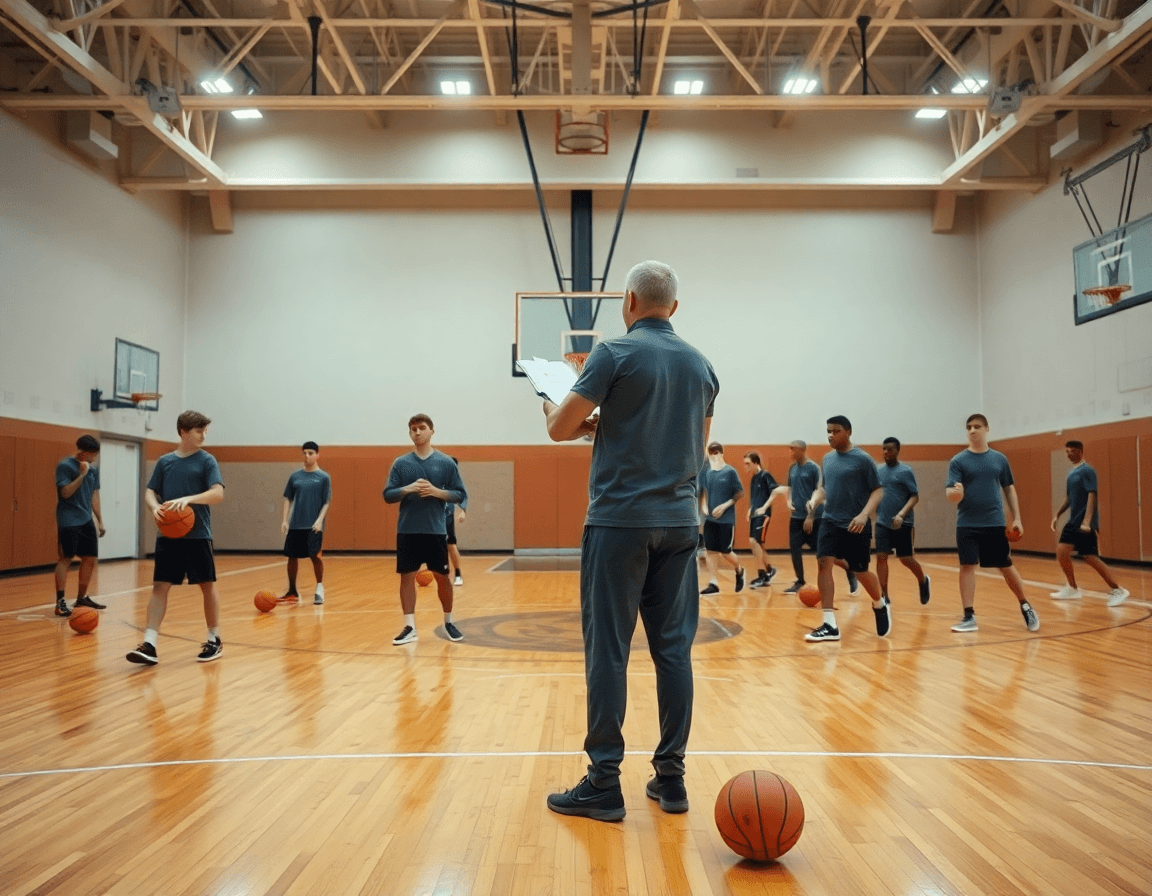
Basketball Playbook: Weekly Coaching Plan for Practice
Build a practical basketball playbook for weekly coaching: design offense/defense sets, diagram plays, and integrate video, scouting, and practice plans.

Key takeaways
- Build a living playbook that unites offense and defense for weekly staff alignment; install clarity.
- Create a clean exportable library and workflow that links plans, diagrams, video, and scouting.
- Reduce decision fatigue by curating a short weekly install of BLOB and SLOB plus inbound options.
- Turn footage into action with clearly labeled video clips that feed your centralized playbook for on-floor reference.
- Establish a repeatable workflow: plan in the system, diagram on the whiteboard, export PDFs, and share.
Why a Basketball Playbook Should Guide Your Weekly Prep
Your week starts with a basketball playbook that ties offense and defense into one living guide. When you centralize concepts, the staff can align on what to install, review, and monitor as players come into the gym. A strong playbook makes weekly prep smoother for coaches and players alike. With our coaching platform, you can build your playbook, diagram your sequences, and attach notes from previous sessions—all in one place. This helps you move from scouting reports to on-court runs without chasing sheets across devices. In practice, you’ll see how a motion offense or 4-out offense fits into your plan and how a late-game option emerges from a simple 3-out look.
Clear play categories help you plan practice blocks around sets, inbound plays, and late-game options. When you label each area, your staff can prep drills that map directly to a single concept or a combination. Think in terms of play diagrams and set plays so you can assemble blocks like “early-week install” for a 1-4 set, followed by a quick inbound to start the third quarter. A well-organized plan makes it easier to progress from shell work to live reps, and it keeps every diagram, note, and clip in sync for the unit.
A reusable play library links planning, diagrams, video, and scouting into one workflow. You export a PDF of a play, pull a relevant clip, and attach a scouting note for the same sequence. The goal is a single source of truth your staff can trust every week, from the first scout report to the last inbound decision.
Decision fatigue is real, especially in early-season weeks. On Monday, you install a handful of plays—BLOB, SLOB, and a couple of inbound options—through a short video clip and a couple of on-court reps. The players get a shareable playlist with the exact clips they need, and your scouting notes are ready to review between sessions.
Assemble Your Play Library: Plans, Sets, and Installations
Build the backbone of your week by assembling a clean play library that mirrors how you plan and teach. I organize by offense type (4-out offense, 3-out offense), and by defense (man-to-man, zone) so every install has a home in the plan. In the training plan, I attach a quick diagram on the whiteboard for each option—motion looks out of a 4-out, or a set play from a 1-4—and link a short video clip for quick reference. Inbounding plays, BLOB/SLOB options, and other situational looks sit next to the primary sets so we can pull the exact look without hunting through footage.
Next, tag every play with opponent tendencies and install priority for the week. On the plan, I attach a scouting report and a quick scouting note that tells us which looks to install first—inside-out against their zone or isolation into a late-game counter. The platform lets me tag plays as BLOB, SLOB, or PnR, so we can sort by what we’ll actually run in a game. With this workflow, the team walks into practice knowing the install priority and what to read from the opponent.
Finally, keep a clean exportable library (PDF) for scouting reports and clinics. When the week ends, export a PDF bundle of your install sheets, diagrams, and clips—this is our go-to for scouting reports and on-campus clinics. A tidy library means we can pull a sequence for a rival, share it with an assistant, or reinstall it quickly if a motif becomes a go-to look. The playlists and shareable links for video clips let players watch the exact sequence on their own time and come back prepared to execute.
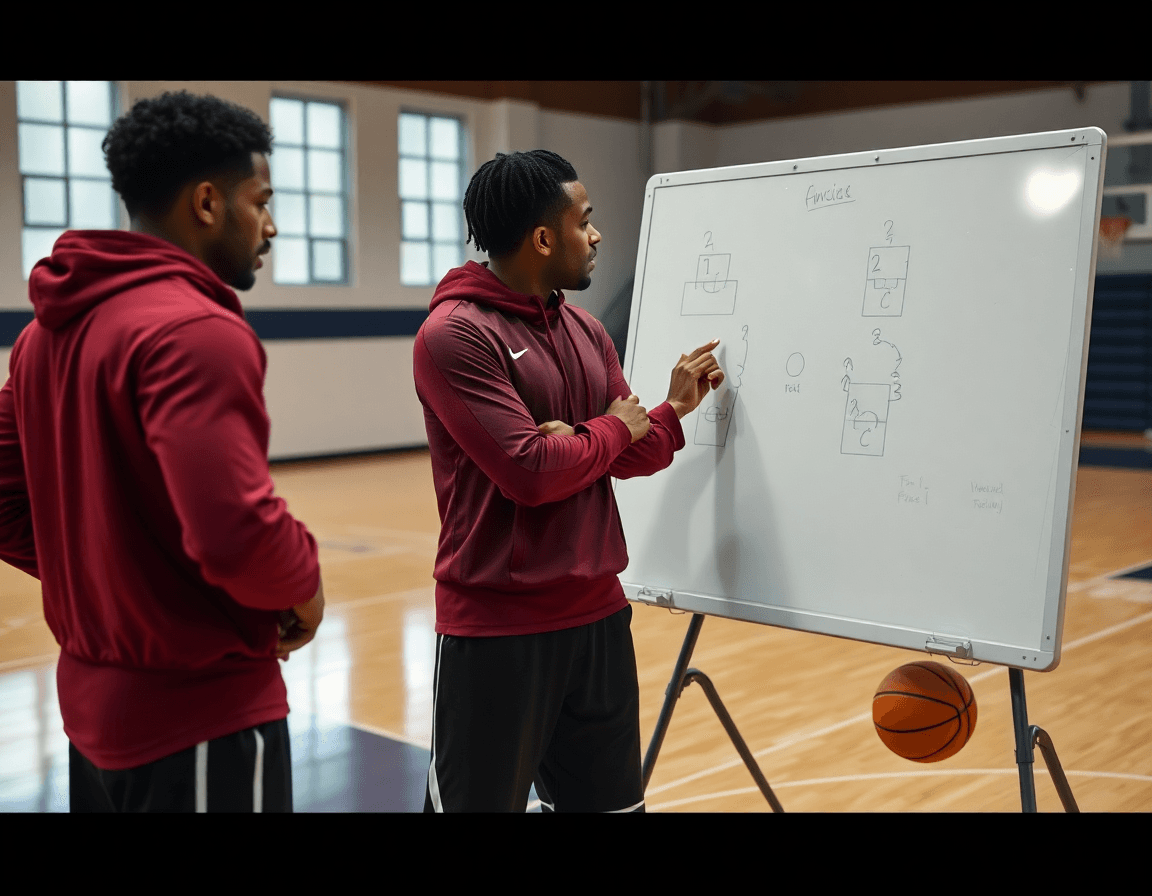
Diagram Like a Pro: Whiteboard Workflows (BLOB/SLOB/ATO/PnR)
On my weekly plan, I start with the whiteboard to map each play’s actions. The goal is to translate practice plans into clear, repeatable visuals players can install. I pull up the library of play diagrams in CourtSensei, drop in the base formation (4-out offense, 3-out offense, or 1-4 set), and sketch the routes, cuts, and screens. I label phases like early motion vs. late action, so when we talk in the huddle, we’re referencing the same image. This is more than art—it’s a repeatable workflow that ties into scouting notes and video clips later.
Next, I carve out BLOB plays and SLOB plays on the diagram. The BLOB lines help our late-game options, while SLOB keeps the offense on the same side of the court and preserves space. I annotate the screen angles and decision points, so the point guard reads the defense in real time. In this weekly cycle, we practice those late clocks, ice actions, and the distinct flows within motion and zone sets.
Then I add PnR and ATO entries—these are the quick retrieval nodes coaches lean on during film sessions and timeouts. On the board, I diagram the pick angles, the roles if the defense hedges, and the options if the ball swings to the weak side. The goal is to have a clean path from plan to practice installation. After the diagram, I tag it as PnR or ATO in the system, so any assistant can pull it up in minutes.
Finally, I export the diagrams as PDFs to share with assistants and players for practice installation. A clean PDF means everyone—from the head coach to the scout team—has the same image, the same rotations, and the same quick-reference notes. The workflow is: plan in the system, diagram on the whiteboard, annotate with PnR/ATO, export as PDFs, then attach to the practice plan. It keeps our weekly rhythm tight and makes it easy to revisit a set like 1-4 set, inbound plays, or zone offense.
Turn Footage into Action: Video Clips and Player Access
From the plan to the floor, I clip game and practice footage to show exactly how each play is run and defended. Those video clips become the backbone of our basketball playbook on CourtSensei, letting coaches see decision points instead of relying on memory. I label clips by play name—motion, 4-out, 1-4 set—and pull out the moments where spacing breaks down. A short clip on the tablet in the scout debrief links what we diagram on the whiteboard to what players just watched on film.
Organize these clips into playlists aligned with each play in your library, whether it’s a 4-out offense or a BLOB/SLOB sequence. A label for each clip and a quick overlay of court diagrams helps players connect the spacing.
Share access with players and staff through shareable playlists; use them for pre-practice walkthroughs. The workflow is simple: in the plan, pull a short video clip, discuss the read on the whiteboard, then run it on the floor. A linked scouting note reinforces the why behind each action.
Finally, tag clips by player roles to personalize learning. A wing in a 3-out offense or a post in a 1-4 set can study the exact reads they face. These labeled clips sit in our library and guide inbound plays and defensive counters. It’s how the basketball playbook stays alive week to week.

Scout, Schedule, and Adjust: Integrating Opponent Data
From scouting reports to practice plans, I build our weekly basketball playbook with purpose. Those scouting reports reveal opponent tendencies that shape our menu for the week. In the plan, I tag plays that answer the opponent's preferred actions, so every drill, whiteboard diagram, and video clip aligns to a concrete game plan.
Build scouting reports that feed directly into play selection. I pull insights on where they overcommit in transition, or how they rotate to help on drives, and attach a set of counters to our diagrams. When we lean into a BLOB or SLOB option, the assistants know which motion offense or 4-out look to install first, based on the matchup.
Log opponent tendencies and map them to preferred plays and counters. We tag every play by offense type—motion offense, 4-out offense, 3-out offense, and 1-4 set—and by defense they face, like zone offense. This lets us pull the right options for a given matchup and emphasize the proper counters in practice.
Update weekly to keep installations relevant to upcoming opponents. Sunday scouting notes feed the whiteboard and the playbook library; the goal is a tight set of plays you can call in real time. This weekly update ensures our BLOB/SLOB packages and inbound plays stay fresh for whatever scheme the next opponent runs.
Use library tagging to pull compatible plays against specific defenses or matchups. If you’re seeing a 2-3 zone, pull zone-offense entries; against pressure, call up inbound plays and quick ball reversals. Attach a short video clip to each play and drop it into a shareable playlist for players to study—so film becomes a kitchen-table resource, not a locker-room rumor.
From Idea to Practice: Export, Share, and Run Your Week
Midweek, I’ve mapped out the week’s plan in CourtSensei. I export to PDF so the staff has a clean, portable reference for meetings and the locker room. The playbook covers our motion offense, 4-out options, and inbound plays, with diagrams and notes that translate directly into the practice plans for the upcoming sessions.
Next, I push it out via shareable links with role-based access controls, so assistants can annotate changes and players can review the action without altering the master file. Keeping the PDF secure in our system prevents out-of-date edits from slipping into game prep.
To move ideas from idea to execution, I turn plays into practice blocks by linking each play to specific linked plan steps and drills. A 1-4 set entry or a BLOB play becomes a sequence you can drop into your schedule, so the week’s work compounds rather than overlaps.
Finally, I assemble video playlists as a daily installation resource for players—short clips that show timing, spacing, and reads from the plan. Players study the clips before practice, then we use the whiteboard and quick reps to lock in the reads and rhythm.
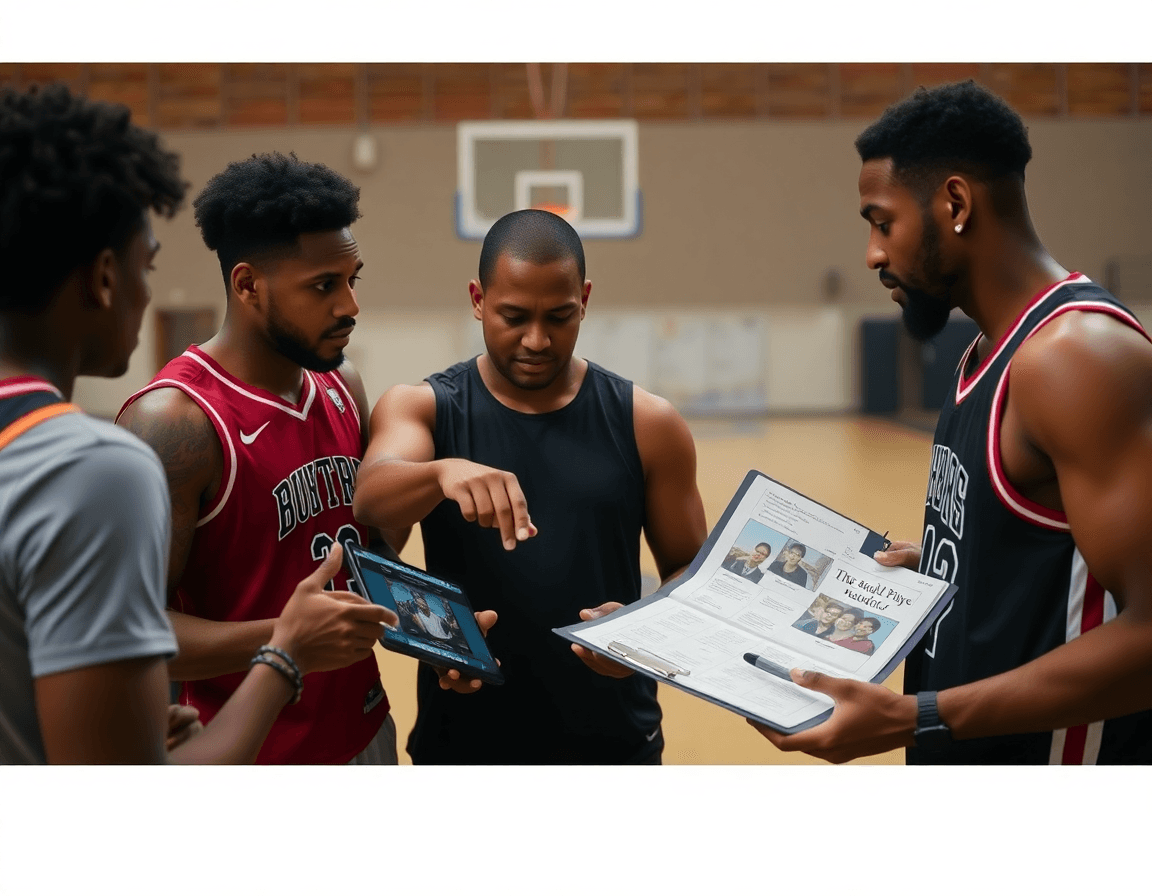
Practical Weekly Workflow: A 60-Minute Cycle to Implement the Playbook
Step 1 (0-10 min): Review opponent scouting and weekly install priorities. Kick off the week by a quick skim of the opponent scouting notes and your own install priorities. I’m looking for telltale cues in their motion offense and their zone/4-out tendencies, then I map those into the weekly workflow. The goal is a concise setup: which plays we’ll install first, and which diagrams we’ll show on the whiteboard later. This is where the playbook starts to feel alive—your plan should reflect what we actually expect to see and how we’ll teach it in practice.
Step 2 (10-25 min): Add/install new plays to the library; diagram with whiteboard templates. Next, I drop the new plays into the play library and diagram them with our templates. Whether it’s a motion offense, a 3-out or 4-out set, or an inbounding play, I sketch the sequence, label options (BLOB, SLOB, ATO, PnR), and export a clean PDF. Having a central library keeps the playbook consistent across staff and makes it easy to pull up a specific action during a game or practice.
Step 3 (25-40 min): Create or update video clips; assign players to clips by role. I pull game and practice clips, trim to highlight the exact action, and tag players by role (ball handler, shooter, cutter). Each clip gets a short caption—so when we brief players, they can see the role, the read, and the finish. Then I generate a set of shareable links for the team and staff, so everyone can review the specific clips tied to a play in our workflow.
Step 4 (40-50 min): Prepare practice plan blocks around the plays; set drills and reps. With plays diagrams and clips ready, I assemble practice plan blocks that align drills to each action. We’ll run a 15–20 minute install, followed by 3–4 drill blocks focused on options from the library (e.g., PnR reads, wing entries in 4-out, or inbound sequences). Reps are mapped to the play’s rhythm, so players repeat the reads under game tempo.
Step 5 (50-60 min): Share PDFs and playlists with staff and players; brief the team. I export a consolidated practice PDF and a playlist of clips for every player role. Staff get the PDFs and a set of shareable links; players get the clips tied to their assignments. We finish with a quick team briefing to lock in the weekly language and ensure everyone knows their role in the flow—this is how the weekly rhythm becomes second nature.
If you build plans like this every week, CourtSensei keeps your drill library, whiteboard, and video clips in one place — try it free.
FAQ
What is a basketball playbook and what does it include?
A basketball playbook is a living guide that links offense and defense into one source of truth. It typically includes diagrams, sets (like 4-out, 3-out, 1-4), inbound options, BLOB/SLOB looks, PnR and ATO sequences, short video clips, and notes from film sessions. A strong playbook keeps installs, scouting, and practice blocks aligned for the week.
What is motion offense and how does it differ from other offenses?
Motion offense is player-driven spacing and reads rather than fixed actions. It emphasizes ball movement, cuts, and decision points, allowing players to react to how the defense shifts. It contrasts with set offenses, like 4-out or 1-4, where each action is pre-scripted. Use it to keep defenses guessing and to develop live-ball reads.
What are BLOBs and SLOBs in basketball and when are they used?
BLOBs (Baseline Out of Bounds) and SLOBs (Sideline Out of Bounds) are inbound plays designed for late-game situations or specific matchups. They put the ball in a trusted action near the baseline or sideline, with prescribed screens and reads. Having reliable BLOB/SLOB options lets you start possessions with precision when time is tight.
How can I draw and export basketball plays for my team?
Use a diagramming tool to map every sequence, then export a PDF library for easy sharing. Organize by offense (4-out, 3-out), defense (man, zone), and situational looks (BLOB/SLOB, inbound, PnR). A clean exportable library lets assistants and players review installs between sessions and keeps everyone on the same page.
What does 4-out or 3-out offense mean in basketball?
4-out means four players on the perimeter with one ball-handler inside or at the top; 3-out uses three perimeter players. Both create spacing to open driving lanes and kick-outs, but the number of shooters and screens shifts. Start with simple cuts and reads, then add ball reversals and quick decisions as you progress.
How do you adapt plays to different defensive schemes (man vs. zone)?
Plan ahead by tagging plays to opponent tendencies and adjusting spacing and screenings. Against man-to-man defense, you emphasize on-ball pressure, drives, and threading the needle with passes. Against zone, flood the weak side, overload gaps, and use skip passes to reverse tempo. Keep a short print of reads so coaches can pull the right look quickly.