
Basketball Plays Software for Weekly Coach Planning
Learn how basketball plays software speeds weekly planning for coaches—design plays, diagram movements, clip footage, organize scouting, and share playlists with the team.

Key takeaways
- Set clear weekly objectives using basketball plays software to align drills with the season.
- Utilize a drag-and-drop play creator to build repeatable looks and map timing.
- Centralize plans in a centralized system with cloud sync for real-time updates.
- Clip and organize video clips for teaching, attach them to plays, and share via mobile app.
- Export PDFs and build counter-plays from scouting notes, linking them to the team library.
Define weekly objectives and drill plan
As a head coach, the week begins with clear goals and a plan I can actually follow. This is where weekly planning becomes more than a reminder on a sticky note — it’s a mapped path that lines up with the season schedule. With basketball plays software, I set play objectives that translate into drills and decision-making moments, so every practice has a purpose.
I then map those objectives to a library of plays and templates, so the team sees repeatable actions instead of loose ideas. The drag-and-drop play creator lets me sketch variants on the whiteboard in minutes, and our playbooks stay organized in one place. This is where online access and templates shine, especially when assistants jump in.
With the plan drafted, I assign tasks to assistants and lock in a draft Practice Plan. The workflow is simple: tasks assigned, drills scheduled, clips queued, and expectations posted in the cloud. When Friday rolls around, we can export the plan as a PDF and share it with the staff, ensuring everyone is aligned before the first whistle.
Finally, I keep the whole cycle under a centralized system to track progress week to week. We log what was executed, what went well, and what needs tweaking. With cloud sync, the team is always on the same page, and I can pull a quick status update during meetings to adjust the play objectives for the next week.

Design plays with a drag-and-drop whiteboard
As I map out the week, I open the basketball plays software and dive into the drag-and-drop whiteboard. I create, label, and organize plays that fit our game plan, then drop boxes of movement into position groups. The editor makes it easy to diagram different looks fast, assign roles, and color-code sets for quick reminders during practice. It keeps the weekly plan actionable, not just ideas.
On the diagrams layer I map the movements for BLOB/SLOB/ATO/PnR. I’m jotting in the paths for screens, slips, and cuts, and I annotate timing for each movement so players know where to be and when. These play diagrams and the BLOB/SLOB/ATO/PnR actions sit side by side, ready for review before we touch the floor.
Once the actions are laid out, I save them to the team library so the assistants can pull the exact sets into their scouting and practice notes. I add notes for the reader (especially for freshmen or transfers) and, when the plan is ready, I perform the PDF export for printouts. The PDF export makes it easy to keep a physical copy handy in clinic huddles.
Before we share with assistants, the plan gets a final run-through with the assistants. We review the diagrams on the tactical board, tweak timing or spacing, and lock in the language we’ll use in drills. This short collaboration keeps feedback tight and ensures the plays land cleanly in practice. When we’re good, we push the finished package to the players.
Clip and organize game footage for teaching
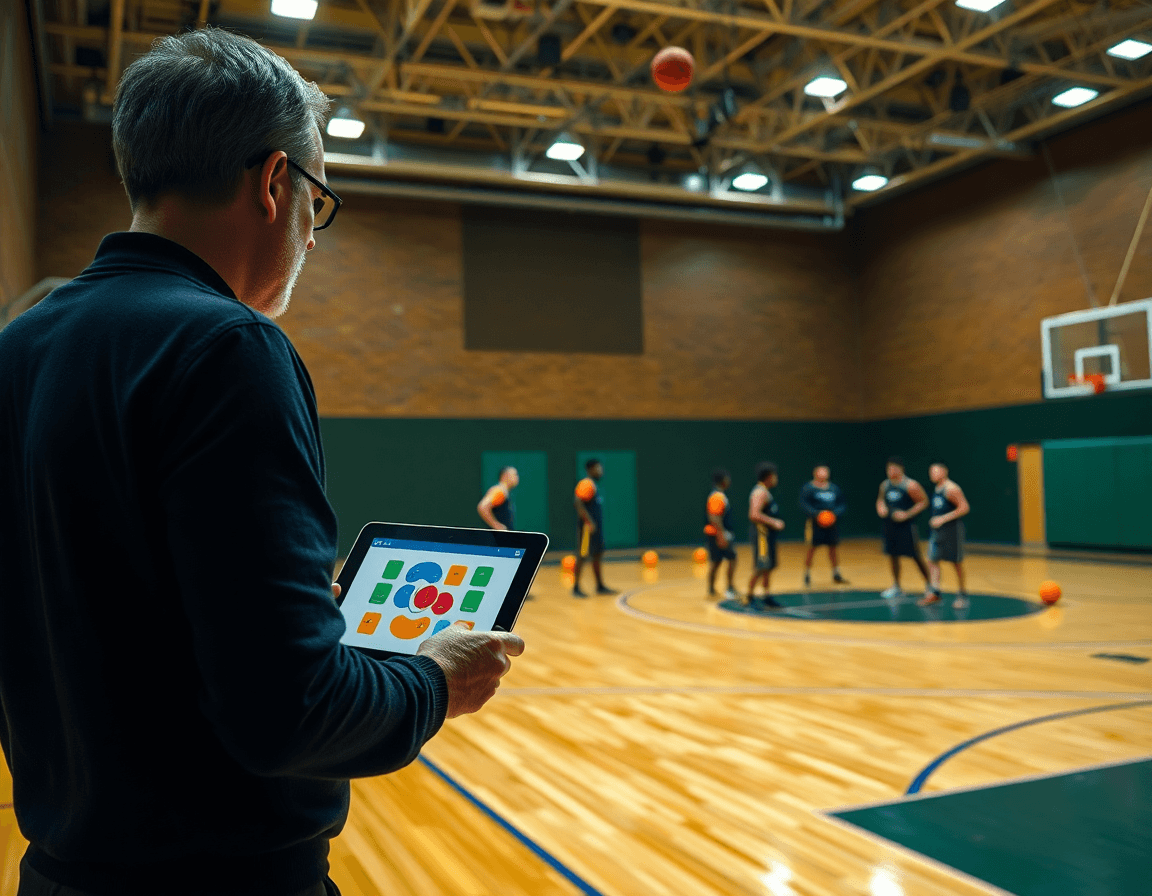
As we map out the week, I start with a clean set of video clips. Slice games and practices into relevant clips that spotlight concrete concepts—rotations off ball screens, pocket passes in late clock, or how we defend transition. Short, pointed cuts keep our teaching tight. That’s the backbone of the workflow: a growing library you can pull from in minutes, with clip organization making everything searchable. In the plan, I flip between the playbook and these clips on the whiteboard, so the action on the page lines up with what the players will see on film.
On the play creator, I attach clips to a specific play so the assistant coaches and players can see exactly how the action should unfold. The drag-and-drop interface makes this fast—drop a clip beside a PnR, a spacing pattern, or a sideline out-of-bounds set, then add a quick note. If we need a portable reference, we export a PDF of the play with its clips attached. That keeps our teaching synchronized with scouting and practice planning, and gives the staff a crisp, shareable teaching package.
Tag clips by player, situation, or defense. Labels like "player: Carter", "situation: late clock", or "defense: 2-3" help you filter in seconds. Then share clips with players across devices using the mobile app, with cloud sync keeping everyone on the same page. A 40-second clip paired with a call-to-action in the plan helps a player study a single action, then apply it in drill. This is how our weekly coaching workflow stays practical: fast access, clear context, and real-time feedback.
Build scouting reports and scout plays
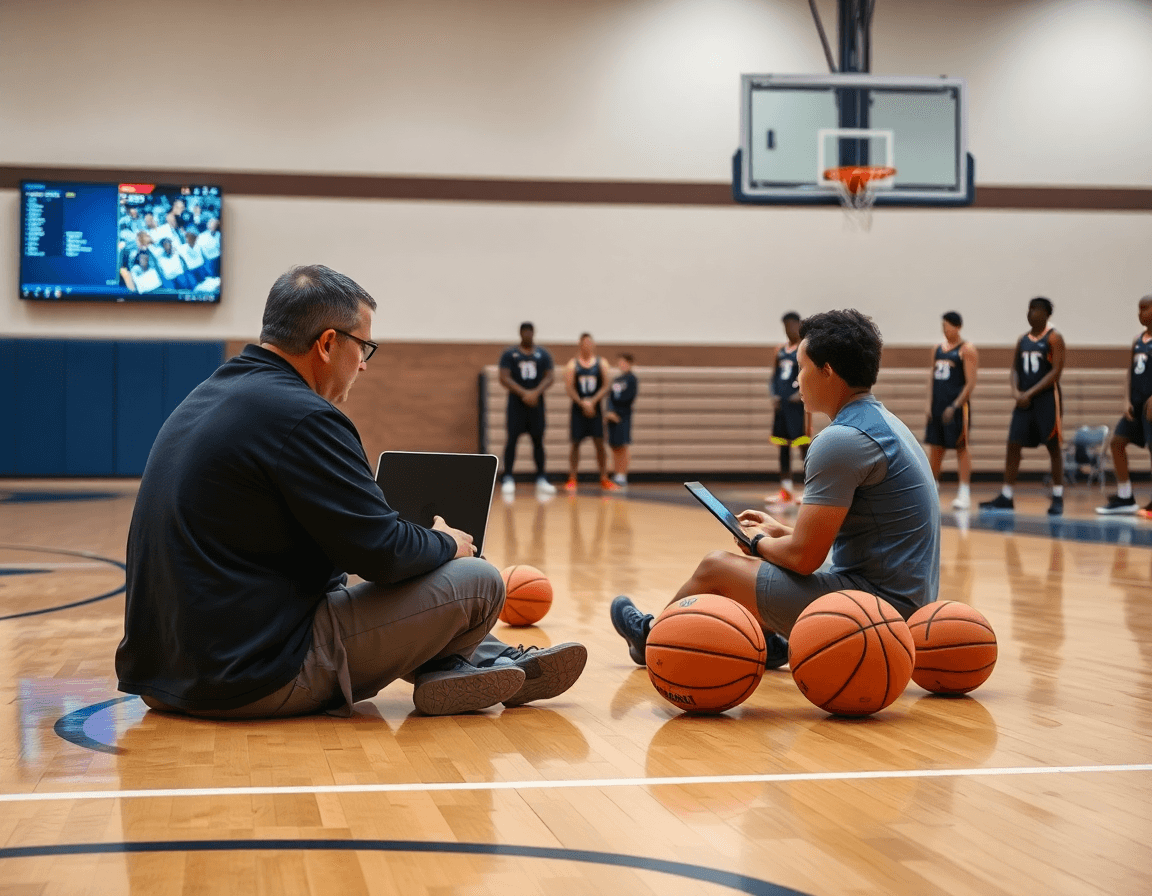
Each week I start with our opponent scouting. I pull up the latest scouting reports and note opponent tendencies—and their defensive schemes. With basketball plays software, I capture where their bigs rotate, how they attack ball screens, and their press tempo. I tag these as counter-reads in the team library so any coach who walks in can see the patterns at a glance.
From there, I link those notes to counter-plays in the team library. I use templates to map a quick sequence: pressure the ball, deny skip passes, then trap in late quarters. The system creates a PDF export and keeps things cloud-synced, so assistants can pull up the same notes from anywhere.
I then build scout plays using the drag-and-drop play creator. I arrange a sequence that counters the opponent's shell defense, and I link it to the related scouting notes so the counter-reads live in the same context as the game plan.
On Friday, I publish shareable playlists for players and assistants. They get online access to the clips and counter-plays, saved directly in the team library for quick access in the weekly plan and pregame. The result is that scouting reports stay in sync with the team library, so everyone is on the same page when we walk into the gym.
Create and share playlists for players and staff
I build and share playlists for players and staff in my weekly plan. I use the play creator to design plays with a drag-and-drop whiteboard, then group them into topic-focused collections. When prep is done, I publish a shareable link to each playlist so assistants and players can grab what they need without chasing emails. It stays in the cloud, so updates hit every device at once.
Control access across devices and roles is the backbone of the workflow. I grant full visibility to the Head Coach, enable editing for assistants, and let players view only assigned playlists. The workflow stays tight because it uses a mobile app and cloud sync to keep permissions current, whether I'm on the bench or in the office.
Each playlist can carry its own library of clips, so when we walk through a late-week install, I attach relevant game or practice clips to the playlist. Drag-and-drop to reorder, annotate with notes on what to study, and share a quick clip pack with the team. This keeps teaching content linked to the action on the floor.
With all teaching content in one place, you keep a single source of truth for the season. I lean on templates for common situations, and when the staff needs a portable copy, you can export a PDF export to share in meetings or locker-room huddles.
Practical weekly workflow: step-by-step
Morning, I open our basketball plays software and map out the week. I lock in the top objectives for offense and defense, set pacing, and assign tasks to assistants for clips, scouting notes, and plan sharing. This isn't flashy; it's a simple, repeatable process that makes the rest of the week predictable and anchors our weekly routine. These are practical steps we follow every week. I also rely on a simple checklist to keep rhythm.
Midday is when the board comes to life. I use the drag-and-drop whiteboard to assemble plays, draw action diagrams (BLOB/SLOB/ATO/PnR), and attach clips. I drop these into organized playlists and save templates for next week. The play creator lets me tweak spacing and timing in minutes, then export a PDF for the staff binder if needed.
Afternoon is for a run-through with the assistants. We walk the plan on the tactical board, test options, and tweak diagrams and clips based on what we expect to see in practice. The workflow keeps notes and changes in one place, and the cloud sync ensures everyone is seeing updates in real time as drills unfold.
Evening is when the team gets the plan. I push the plan to players and assistants with shareable playlists of clips and drills, and I verify online access on their devices. A quick check at the end of the day avoids scramble before the first drill the next morning.
Sunday night is optional but powerful: scouting notes for the next opponent. I draft tendencies, drop them into the system, and attach them to scouting notes. I reuse templates to keep consistency, so Monday's staff meeting starts from a known baseline.
If you build plans like this every week, CourtSensei keeps your drill library, whiteboard, and video clips in one place — try it free.
FAQ
What is basketball plays software and how can it help weekly planning for a coaching staff?
Basketball plays software is a centralized hub for weekly planning, diagramming, and teaching your game plan. It links goals, drills, and decision-making into one workflow so your staff stays aligned. Use a drag-and-drop play creator, templates, and a unified team library to map objectives to actions. With cloud sync, everyone stays up to date between sessions and trips.
What features should I look for in basketball play software to support weekly planning and drills?
Look for a solid set of features that translate plans into actions. A drag-and-drop whiteboard makes quick, concrete look changes; clear play diagrams and timing notes help players visualize actions. You’ll want templates, a shared team library, and reliable cloud access so coaches and assistants stay in sync across devices and sessions.
Can I export plays or planning materials as PDFs or MP4 videos?
Yes. Most basketball plays software supports exporting for print and review. You can export a clean PDF for meetings and save clips as an MP4 video to review. These exports stay linked to the team library and cloud storage, so staff can access the latest plan from the office or on the road.
Does basketball play software support multi-team libraries so assistants can pull the same plays?
Yes, many tools support a multi-team library so assistants from different squads pull the same plays. Use a central team library with role-based access and cloud sync to keep everyone aligned. Create shareable playlists for players and staff, and let editors lock in final versions before you roll into practice.
Is there a free option for basketball playbook software?
Many tools offer a free option or a trial, but full features usually require a paid plan. A limited free version might cover essential planning, diagramming, and basic exports. Use the trial to verify the platform handles your weekly planning needs before you invest.
Do animated plays help players understand movements better?
Yes. Animated plays help players see timing, spacing, and reads in motion more than static diagrams. A short, well-timed animation clarifies movement, sets tempo, and reinforces decisions in game-like context, boosting movement understanding. Use them to cue reps in practice and reduce questions during film review; the result is faster buy-in from players.
Can I import plays from other tools like FastDraw, and are these tools used by pro teams?
Yes, most platforms support import options to bring in existing plays from common formats or tools like FastDraw, so you can migrate your library without starting from scratch. These tools are used by professional and college programs to streamline scouting, game planning, and teaching, so you’ll find a sizable ecosystem of templates and playlists to lean on.