Basketball Video Analysis Software: Weekly Coach Workflow
Learn how basketball video analysis software fits a coach's workflow—from planning practice and tactics to scouting and sharing clips—with practical steps.

Key takeaways
- Use a single platform for planning and video to streamline the weekly workflow.
- Convert scouting notes into practice objectives and link them directly to the plan.
- Create targeted clip playlists and attach notes to each item for quick review.
- Link whiteboard diagrams to video clips and use telestration for on-board coaching.
- Export tagging data to CSV and share via cloud for real-time feedback.
- Maintain a living plan that evolves with insights and keeps accountability tight.
Weekly workflow benefits of basketball video analysis software
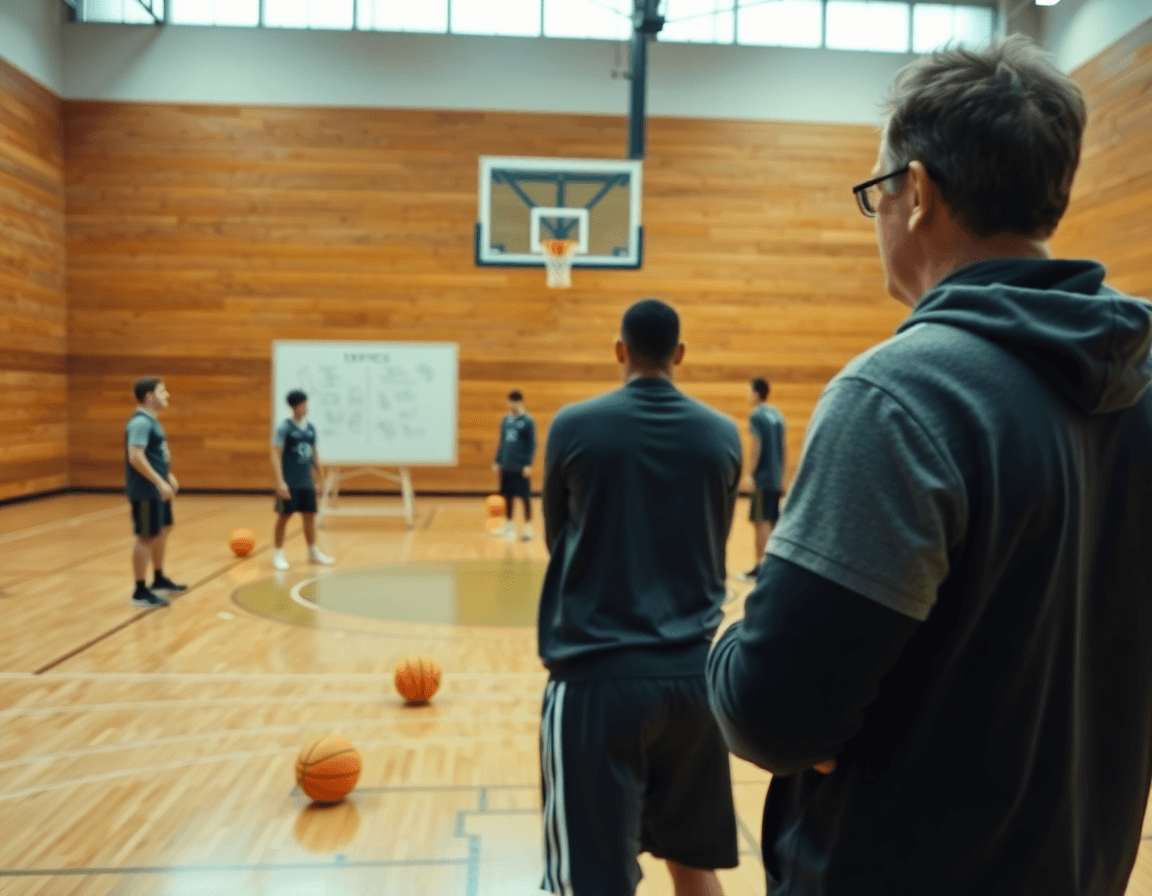
As a head coach, my weekly rhythm hinges on a single platform that combines planning, tactics, video, and scouting into one flow. With basketball video analysis software, I map the week in the planning phase, sketch plays on the whiteboard, and line up clips that illustrate our decisions. It keeps the process clean and repeatable.
In the planning stage, I pull last week’s drills from the library, tweak them for this roster, and publish them to assistants for input. Reusable practice plans fuel the weekly cycle and cut admin time. We tag drills so the road map is ready before the first bus pulls out.
On the tactical diagrams, I drop BLOB/SLOB/ATO/PnR diagrams and export PDFs for the staff meeting. The diagrams stay linked to the plan so adjustments in spacing or timing ripple through the week. This kind of telestration, part of our basketball analytics workflow, keeps our play calls coherent, even when assistants carry different responsibilities. We annotate directly in the plan and share instantly.
During the week, we clip high-impact video clips from games and practices, organize segments, and build clip playlists for players. Short clips travel with scouting notes and quick feedback loops. The tagging and cloud-based analysis let us track tendencies, perform a CSV export, and feed those insights back into the weekly workflows for the next game.

Plan week: turning game insights into a practice plan
Week planning starts the moment I finish the scouting notes. I convert scouting reports into practice objectives and map them into the plan. On the plan, tendencies become on-court actions: late closeouts, ball-screen gaps, rotations, and spacing. This is the core of the weekly workflow—the bridge from film to work on the floor. When I circulate the plan to assistants, they see how yesterday's film becomes today’s practice, and the team walks in Monday with a clear purpose. The result is a clean through-line from insights to execution in the plan week.
Build and share practice plans that align with opponent tendencies. I tag drills by purpose and scout cue, so assistants can filter by scenario or position. With cloud-based analysis, the whole staff can view updates in real time and even export to CSV if needed. The plan itself becomes a living document, linked to the scouting notes and designed to flow into the next practice block. We reserve space for accountability checks—closeouts, communication drills, and decision-making reps—so what we study is what we retain.
Attach video clips to plan items for prep clarity, giving players a quick reference to the exact sequence or read. A short clip labeled with the plan item offers a concrete example when we walk through telestration on the whiteboard. This keeps the cycle tight: plan, diagram, clip, repeat. The week moves from analysis to action in a single, cohesive workflow, with video analysis reinforcing every decision.
Tactics on the whiteboard: diagram plays and sets
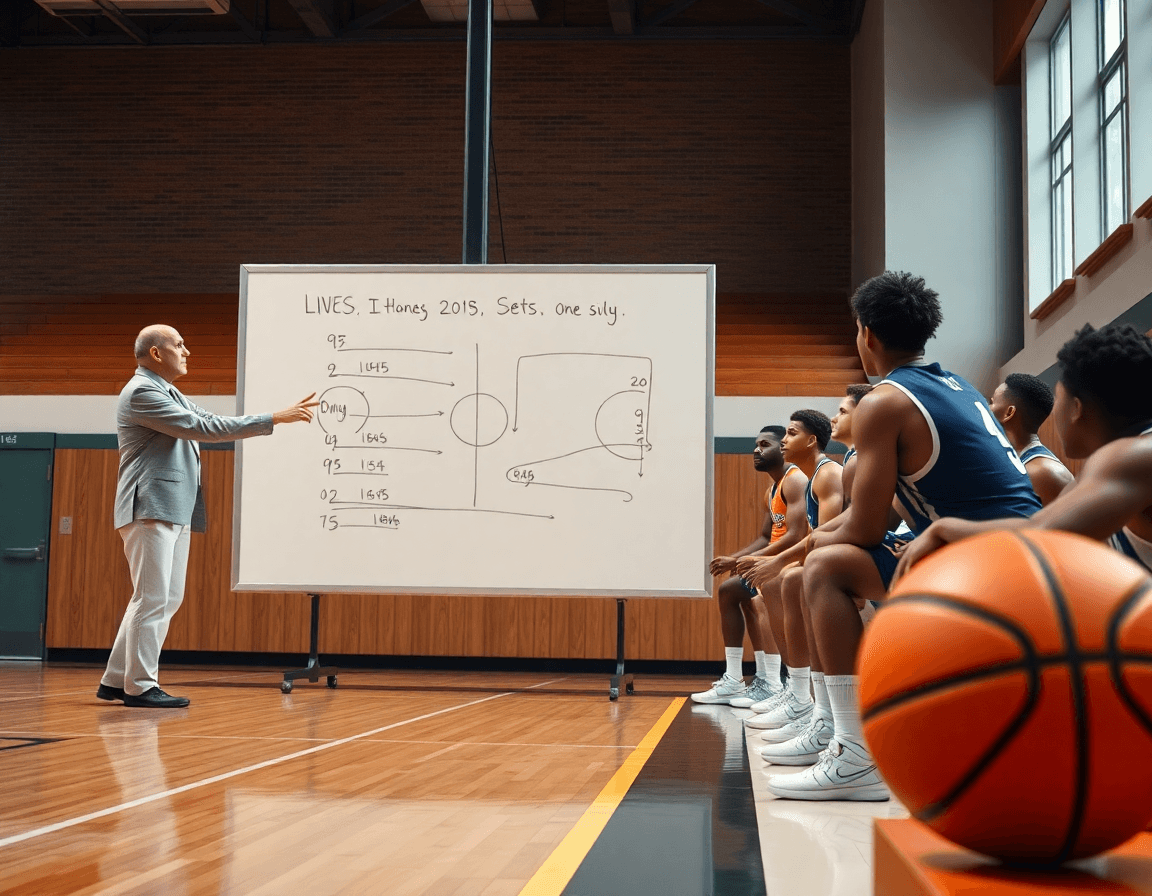
On the whiteboard, tactics come to life. I diagram plays and sets using BLOB/SLOB/ATO/PnR with clear action arrows, ball movement lines, and spacing that matches what we run in reps. We’re not just doodling; these diagrams set the tempo for the week and give every coach a shared language. I tag each diagram with opponent tendencies and the current game state so we can pull the right look fast.
When a plan settles, I export the diagrams as PDFs for staff and players. Printing the play sheets lets assistants coach the same sequence on the floor, while veterans reference the route from the sideline. The PDFs stay in our cloud library, easy to pull up before timeouts or during scouting sessions. Having a portable version means we can walk into a timeout and be aligned in 30 seconds, not scramble for a handout.
Later, we pull those same diagrams into video clips, tagging the action to align the cut with the schematic. Revisit the diagram as the clip plays to show exactly what to run—where the screen, where the pass, where the finish should be. This tight loop between whiteboard and video is our fastest way to lock in a concept. We also generate a CSV export of tagging data to share with analytics and scouting staff, so the look you drew on the board becomes a measurable target in the scout report.

Clips and clips management: organize, edit, and share
As a coach, my weekly ritual starts with pulling video clips from the last game and practice. In our basketball video analysis software, I extract the moments that tell the story—P&R actions, late rotations, and made or missed reads—and drop them into a single, organized clips library. I tag each clip by play type or opponent, so I can filter quickly when I’m scripting tomorrow’s walkthrough. This keeps the plan, the whiteboard diagrams, and the film in one place and accessible via cloud-based analysis from the staff room to the locker room.
I then assemble playlists for targeted review—six to eight clips that demonstrate a pattern or a mistake, tailored to a player or a unit. I generate shareable links so assistants and, when appropriate, players can review on their own time. Mobile-friendly and cloud-based, these playlists sit under the same project, so a scout late in the week sees the same clips the coach wrote notes on—easy review during film room sessions or bus rides.
Annotations are where the coaching concepts land. With telestration, I can draw routes right on the clip to show spacing or angles. I drop coaching notes on the clip timeline—points to emphasize, drills to run, and an assignment for the next practice. With one click you can attach an action item to a clip, or group clips into a lesson set for a scout or a player. If needed, export the metadata to CSV export for scouting reports or game prep. This tight workflow—clip extraction, tagging, organization, and annotation—keeps video analysis aligned with weekly practice planning.
Scouting reports and opponent tendencies: actionable insights
Scouting reports and opponent tendencies are not static; they shift as the season unfolds. In our weekly workflow, I tag video clips of the opponent’s sets—pick-and-roll reads, off-ball motion, late-clock sequences—and turn them into a living set of scouting reports that sits beside our plan. The beauty of a cloud-based analysis platform is that this data travels with us—from the whiteboard to the video room—without losing context. It’s where scouting becomes actionable, not a file cabinet of clips.
With CSV export and JSON export options, that scouting data feeds game prep and opponent scouting reports without retyping. I drop the files into our shared drive and leave a note for assistants: this is how we counter their horns, curls, and pressure traps. You can pull a clean, game-ready packet in minutes, not hours, and the numbers back up the reads we’re making on the floor.
In practice planning, I map the opponent tendencies to our weekly game plan. The tagging system lets us link a scouting clip to a drill on the whiteboard, so our players see the context before we reps it. This isn’t guesswork; it’s game-specific preparation that grows out of the scouting data.
Example: against a team that leans into side pick-and-roll, we tag those clips, generate a quick telestration diagram over the action, and assemble a short video clip playlist for players to study. The result is a cohesive workflow that makes every breakdown actionable, compact, and shareable across the staff.
This integrated approach keeps scouting as a core part of the weekly routine, not a separate sub-project. It’s all connected in the same platform, ready to drive decisions on the floor.
Practical workflow step: 60-minute Monday routine
The Monday routine starts with a focused 15 minutes of review. I pull last weekend’s game clips and notes through our cloud-based analysis, tagging the moments that defined the result—breakdowns, late-game decisions, and the most effective sequences. This quick scan sets the tone for the week and confirms the priorities I’ll carry into practice. In this moment, we lean on the core principle of video analysis to translate what happened on the floor into actionable items for the staff.
From there, 15 minutes are spent converting those insights into a real plan. I build out the week’s targets in the planning practice phase and shape our drills around the identified gaps and strengths. We lock in a concise checklist for X in weekly training—a few precise objectives for defense, transition, and ball execution. The plan lives in the plan for the week, so the assistants know what to run and what to emphasize as we approach Thursday’s scrimmage.
Next, 15 minutes on the whiteboard to diagram key plays for the staff. We sketch the main actions—BLOB, SLOB, PnR—using telestration to show positions, cuts, and reads. This is not a rough sketch; it becomes our visible reference in practice and on film, easily exported to PDF for the next-day walkthrough with the scout group.
Then 10 minutes for tagging and assigning clips to players, and creating targeted playlists. Each player gets a personalized clip set highlighting the exact items they need to study, plus a short video clip to reinforce a concept discussed during the day. This keeps the messaging consistent across the team and makes post-practice review fast.
The final 5 minutes revolve around exporting and sharing. I generate a compact scouting report for the staff and a set of player-focused notes, then share via a secure link. If needed, we export the data as CSV export for deeper analytics, and export PDFs for scouts and visiting coaches. This completes a tight, repeatable weekly workflow.
If you build plans like this every week, CourtSensei keeps your drill library, whiteboard, and video clips in one place — try it free.
FAQ
What exactly is basketball video analysis software and how can it help coaches?
Basketball video analysis software is a platform that unites film, tagging, playlists, and scouting into one workflow. It helps you map the week, build practice plans from game footage, and share tactics with assistants. You create a reusable plan, attach video clips and telestration notes, and export summaries (PDFs or CSVs) for staff reviews. It keeps your process clean and data-driven.
What features should I look for in basketball video analysis software?
Focus on features that drive action: a robust film library, fast tagging, and clear telestration to diagram decisions. Look for reusable practice plans, playbook-style diagrams, and the ability to build playlists for targeted reviews. Cloud-based sharing, role-based access, and flexible export formats (CSV, JSON, PDFs) save time and keep staff aligned across locations.
How do Hudl, Nacsport, and iSportsAnalysis support coaching and player development across levels?
These platforms provide a film library, tagging, and playlists to structure scouting and feedback. They scale from youth to college and pros, with built-in analytics and templates that translate film into drills and scouting insights. Expect cloud-based sharing and role-based access so staff and players review clips on their own schedules. It's a true multiplatform workflow.
Can these tools export data formats such as JSON or CSV and share reports?
Yes. These tools typically export tagging data, summaries, and clips as CSV or JSON, and they generate shareable reports or PDFs. You can link clips to specific plan items and distribute insights to coaches, players, and scouts. Look for batch exports and automation to keep reports timely.
Can these tools analyze YouTube videos and export data for analysis?
Many options can ingest YouTube or other external videos and analyze them alongside your own footage. You’ll tag actions, measure tendencies, and export data for deeper review. Some tools also provide built-in clip creation from YouTube sources, so your analysis stays centralized.
Are these tools suitable for live bench analysis or remote coaching?
Yes—these tools support live bench analysis and remote coaching, with cloud access, mobile apps, and real-time notes. You can push clips to the bench, guide players during timeouts, and review performances off-site with the same data. The goal is to keep everyone aligned, no matter where you coach from.