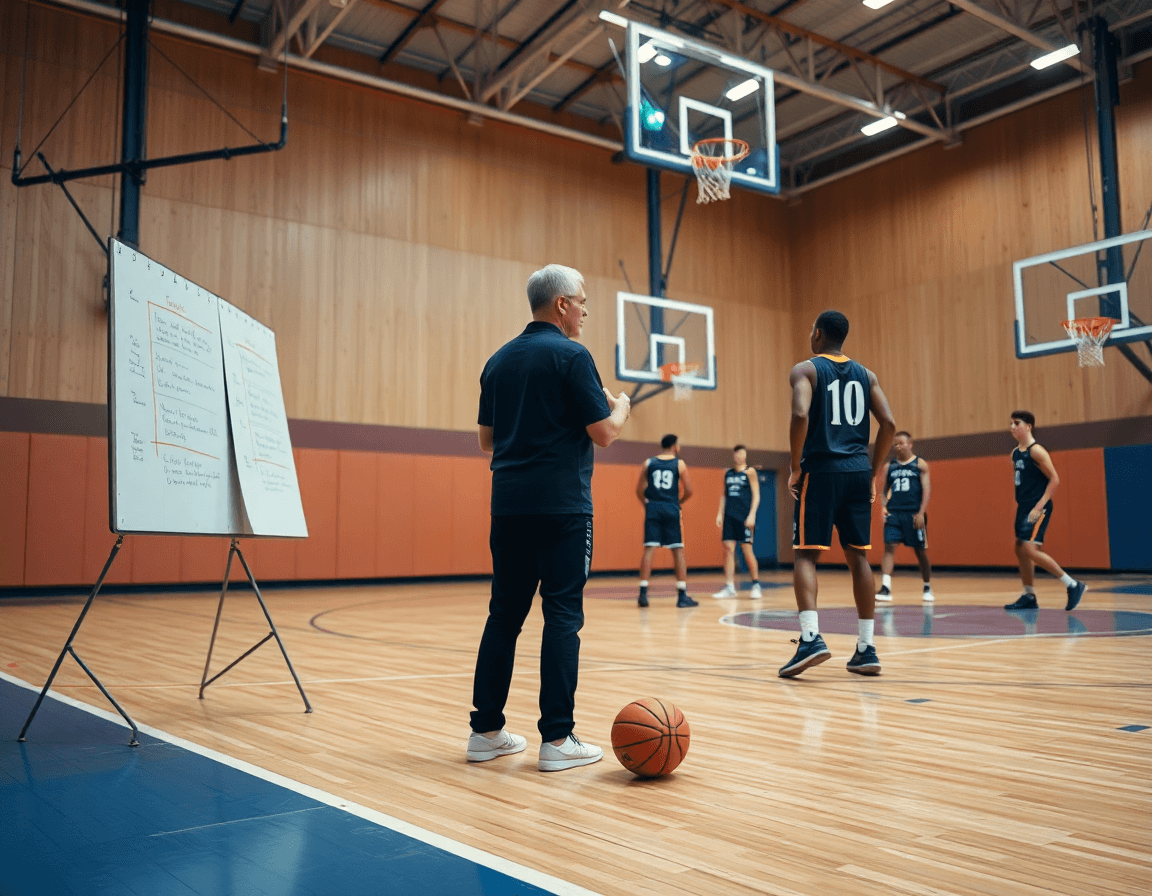
Best basketball playbook software for weekly coaching
Explore how the best basketball playbook software fits a coach’s weekly workflow—plan sheets, diagrams, video clips, and scouting, all in one platform.

Key takeaways
- Leverage a unified playbook platform to synchronize planning, diagrams, video, and scouting for your weekly cadence.
- Design a 7-day cycle with clear handoffs and offline access to keep everyone aligned.
- Use cloud sync and PDF exports to ensure the staff and players have durable references.
- Build a clip library organized by team and season to accelerate feedback and decisions.
- Curate playlists of player-specific clips for targeted practice, secure sharing, and offline study on mobile.
Practical weekly workflow with playbook software
As a head coach using the best basketball playbook software, my weekly workflow centers on five modules: planning, whiteboard, video, scouting, and playlists. This unified platform keeps me and my assistants in lockstep from morning scout to late-night edits. Cloud sync means what I build in the plan is available in the gym and on the road, and PDF export gives staff and players a clean, shareable reference. This setup makes weekly execution predictable and repeatable.
A practical 7-day cycle starts with planning on Monday. I open the planning module, pull templates, set daily objectives, and assign responsibilities to assistants. Tuesday centers on diagrams in the whiteboard—drawing plays, spacing, and actions (BLOB/SLOB/ATO/PnR) so the install is clear on film and in handouts. If we use external libraries, I can import FastDraw library data to speed the setup. A quick PDF export now gives everyone a durable reference for the week.
Wednesday moves into video work. I clip relevant sequences from recent games or practices, tag them by play type, and organize them in the video module for quick access during walkthroughs. Thursday is scouting, where I compile opponent tendencies, add notes, and sketch scout plays that can be dropped into a plan to test in Friday’s sessions.
Friday wraps with playlists. I assemble player-specific clips, share secure links, and verify the player app can access them offline. Saturday becomes a review day with assistants, ensuring cloud-sync updates propagate, and Saturday’s tweaks are ready for Sunday’s finalization. Finally, Sunday I tidy the team-season library, export a one-page PDF summary, and prepare for the next week. This cadence keeps the weekly workflow tight and focused.
Plan and organize practice plans
In the plan stage of a typical week, I start with the plan builder and lay out the blocks we’ll hit on the floor. I pull from the drill library to keep reps intentional and easy to reuse. The goal is to have a clean outline that ties each drill to a team objective, then map those tasks into weekly priorities within the Planning module. This is where the weekly rhythm comes together, and you can see how the plan sheets flow from session to session.
Reusable templates are a game changer. I’ve got templates for different practice blocks and goals—shooting days, transition loading, or defensive principals—so I don’t reinvent the wheel every week. I clone a template and customize it for the specific week and squad, then adjust minutes, progressions, and emphasis. It saves time and keeps consistency across your drill library and plan sheets.
Sharing is where the system earns its keep. I send a plan to assistants for quick feedback and edits, then lock in the final version once we’re aligned. With cloud sync, changes propagate in real time, so everyone stays on the same page, even when you’re juggling video clips or scouting notes in parallel. If you need to print or review offline, you can export a clean PDF of the weekly plan for the staff room or car ride home.
All of this lives in a central library, so you can organize by team and season and pull last year’s best practices into this year’s cycles. It also supports importing from the FastDraw library and syncing across the player app, so players can study the plan and drills between sessions without missing a beat.
Tactical diagrams and PDF exports
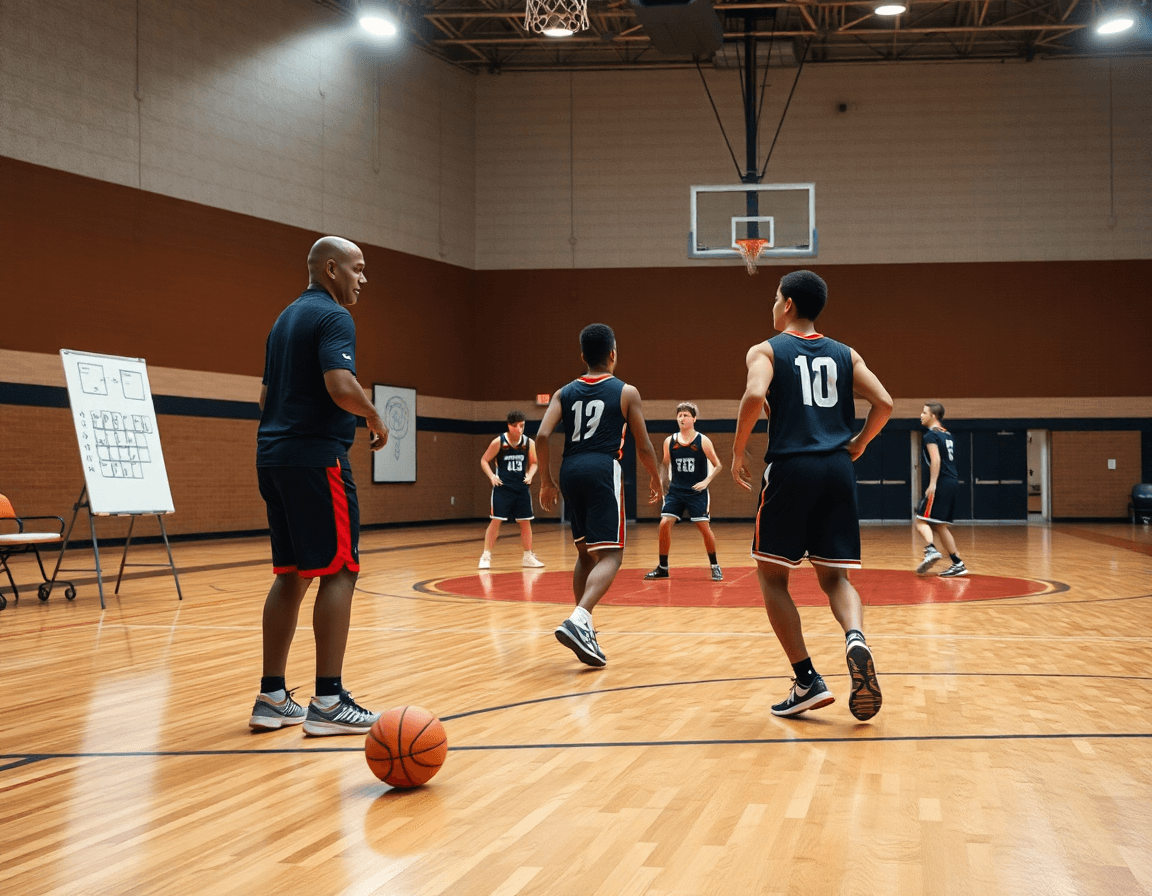
During the weekly plan, I map the script on the court with our best basketball playbook software. I draw plays with BLOB/SLOB/ATO/PnR diagrams and add concise annotations. The result is a clean set of whiteboard diagrams that matches what we run on game night, easy for assistants to digest and mark up during practice.
Attach notes to each diagram for setup and counters. The system lets me add concise on-diagram notes, so players know the read and the counter if pressure comes. These annotations stay with the diagram as we move from plan to film review, keeping our messaging consistent across drills and scrimmages.
Once the week is locked, I export to PDF for printouts that travel with the staff, for scouting reports, or for offline viewing when Wi-Fi isn’t reliable. The PDF export preserves diagrams and notes, so coaches and scouts can study the setup without opening the app.
All of this fits into the weekly workflow: plan, diagram on the whiteboard, quick video clips, and a shareable PDF. With cloud sync and organization by team and season, the playbook stays accessible whether I’m in the gym or on the road.
Video clip management for feedback
After the weekend games, I load the footage into the video module and clip the moments that matter—breakdowns in defense, miscommunications, and clean ball movement. I create video clips, tag them by player and action, and organize them by team and season for fast retrieval. In a typical week, these clips sit in a searchable library that I can pull up during film time, in practice planning, or before a scouting session. It keeps feedback concrete and tied to our weekly plan.
Link clips to plays on the tactical whiteboard or to entries in the weekly plan for instant context. I build playlists of clips for each focus area—how we attack the hedge, the timing of the slip, or our transition setup—and share them with players via secure shareable links. If a scout or assistant coach adds a new clip, it automatically slots into the right playlist, so everyone stays aligned without hunting through folders.
With cloud sync, the same library is available in the locker room, the film room, or on the road. We can download key clips for offline access on the player app or a tablet, ensuring review continues even without Wi-Fi. When a new clip lands, it auto-syncs to the appropriate season and playlist, so the coaching staff and players are always looking at the latest feedback and context before the next game.
Scouting reports and scout plays
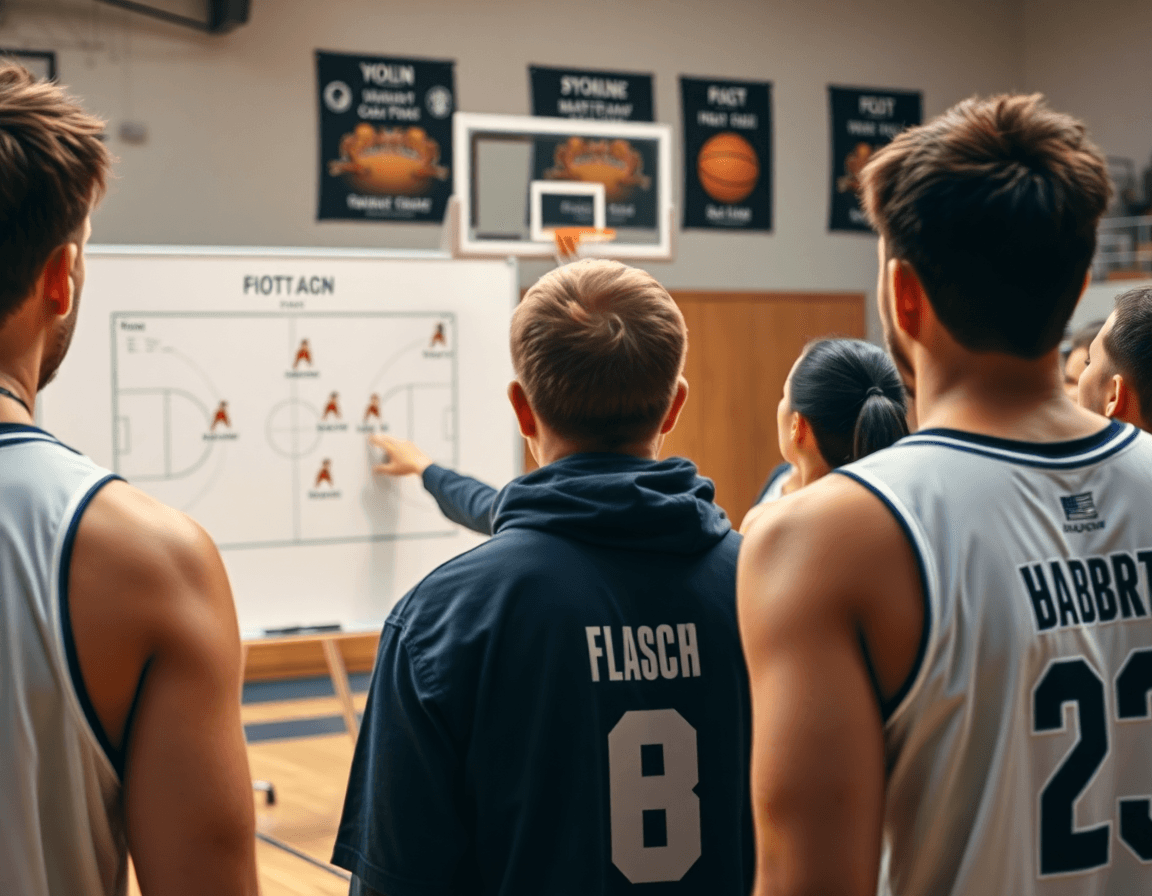
In our weekly routine, scouting reports drive our planning. I build opponent profiles and note key actions and tendencies—where they pressure, how they guard ball screens, and which sets yield baskets. Those insights sit next to our practice plans so the staff can reference them during meetings and on the floor. With the best basketball playbook software, these scouting reports become a living part of the plan, not a separate folder.
Attach scouting notes to relevant plays and plans so every diagram or drill carries context. If the opponent frequently over-helps on a pick-and-roll, we tag the scout play and link it to the PnR diagram in the whiteboard. You can export those scout plays as PDFs for the staff room or the film session, keeping everyone aligned. This is where play diagrams and PDF export come together to turn information into action.
Use scouting insights to tailor next-week practice. We run quick-ball-handling and decision drills that mirror their tendencies, annotate upgrades on the plan, and adjust defensive rotations in the diagram view. Those notes drive practice adjustments—whether we emphasize late-clock execution or alternative ball reversals—so players see how scouting translates into reps. It’s not guesswork; it’s a deliberate, evidence-based path to improvement.
All of this lives in one platform with cloud sync and organization by team and season, so our scouting library travels with us. We can import the FastDraw library, work offline, and share clips to the player app for quick reference. From plan to video clip to scouting note, the weekly loop stays tight and coach-friendly.
Shareable playlists and player engagement
During a typical week, I build targeted groups from the roster—guards, wings, and scouting focuses—and map them to a concise plan. In the weekly workflow, the playlists pull together the exact clips and basketball diagrams we’ll review, all neatly organized by play type and decision point. I push a set of shareable links to the coaching staff and players, so everyone can access the same content from any device before practice. If I want a printable reference, I can export a PDF of the selected plays and notes from the playlist bundle.
Sharing is controlled with permission controls. I can set who can view, who can comment, and who can re-share, then revoke access when the week ends. For a scouting session, I drop in clips for a specific opponent and assign a couple of staff members to annotate while players watch on their devices. The result is a clean, accountable review cycle that supports our weekly plan.
Players stay engaged because content travels with them. The videos, diagrams, and notes sync across the team via cloud, accessible on the team portal and the player app. With offline access, players can load their playlists during travel or in the gym without reliable Wi‑Fi, and the platform offers HD social exports for high‑quality clips in team chats or a highlight reel. It’s all part of a unified workflow: plan, whiteboard, video, scouting, playlists.
Choosing the right playbook software for your program
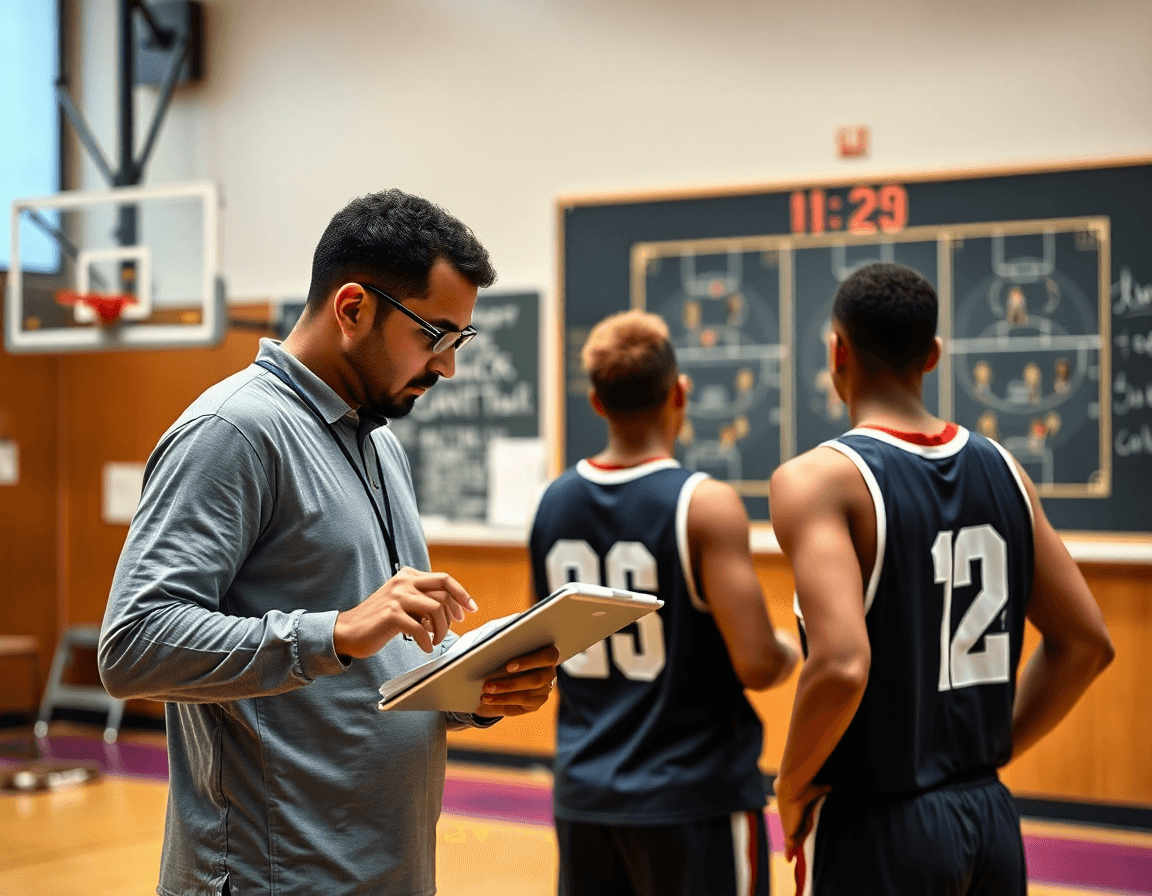
As a head coach, I run my weekly routine in one system, mapping tasks across five modules: planning, diagrams, video, scouting, and playlists. In the planning phase, I lean on templates to lay out drills for the week and share them with assistants. A solid drill library keeps us moving even when staff changes.
When you pick the best basketball playbook software, pay close attention to the whiteboard and export options. The ability to diagram sets, with BLOB/SLOB/ATO/PnR, and export to a portable PDF export file helps the staff prep and print. A good whiteboard becomes a living playbook during timeouts.
In the video module, you should be able to clip, label, and organize footage from games and practices, then share short clips with players. A strong system ties those clips to the weekly plan and to specific plays in the playlists. Quick, shareable links speed up feedback sessions.
Scouting modules should support rival scouting reports and scout plays, with notes linked to weeks and teams so you can build the weekly opponent plan. The best software also helps you organize by team and season, so you can pull a scouting history for a tournament or playoffs.
Take your time evaluating playbook software features. Look for templates, export options, and team-season organization. Consider mobile access, offline use, and cloud sync. If you can import the FastDraw library to jump-start your diagrams, you’ll feel the impact in year-long planning.
If you build plans like this every week, CourtSensei keeps your drill library, whiteboard, and video clips in one place — try it free.
FAQ
What is the best basketball playbook software for coaches?
The best choice aligns with your weekly workflow. Look for a platform with five modules: planning, whiteboard/diagrams, video, scouting, and playlists; reliable cloud sync; a clean PDF export; and library imports (FastDraw). Add mobile/offline access and solid support. Key strengths to prioritize are the planning module and cloud sync for real-time collaboration.
How do I create a basketball playbook online?
Start in the planning module, set weekly objectives, and pull templates to stay consistent. Import plays from your library, then sketch formations and actions with clear diagrams (BLOB/SLOB/ATO/PnR). Add setup notes, tag plays, and share with assistants before exporting a PDF for print or offline use.
Can I export basketball plays as PDFs for printing?
Yes. Once your plan and diagrams are locked, choose PDF export to preserve spacing, annotations, and play labels. PDFs travel to staff rooms, buses, and clinics, and stay readable offline. Include play summaries and scout notes to give players a durable reference.
Do digital playbook tools support sharing with players and teams?
Absolutely. Tools support secure links and access via the player app, with offline access for practice. You can assign permissions, share playlists, and push updates in real time through cloud sync, keeping players studying the plan between sessions.
Are there free basketball playbook tools available?
Yes, several platforms offer free tiers with essential features. They usually limit imports, exports, or the number of plays and devices. If you need full access—video, AI, offline playback, and team libraries—you’ll likely upgrade. Free tools let you pilot the workflow before buying.
What features should I look for in basketball playbook software?
Prioritize diagramming (BLOB/SLOB/ATO/PnR), a sturdy planning module, and clean video integration. Scouting, templates, and easy sharing matter. Cloud sync, mobile access, and offline playback keep your cycle intact. Also check import options (like FastDraw) and PDF export for staff printouts.
How does AI help in basketball playbooks and coaching?
AI speeds your workflow by auto-tagging clips, suggesting plays, and flagging patterns in opponent tendencies. It can tailor drills to individuals and surface actionable insights from your clip library. Look for AI features that integrate with planning and playback, not just flashy analytics.
