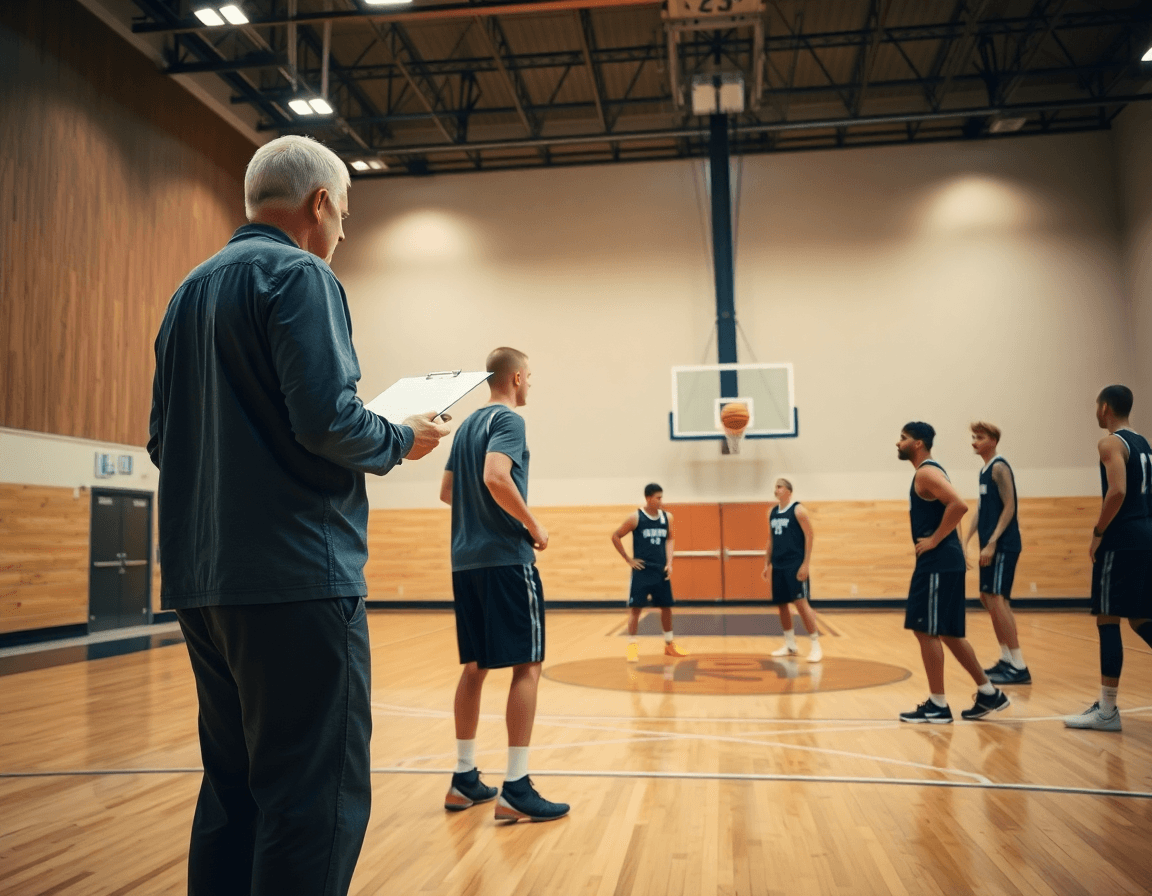
Shuffle Screen Basketball: Coaching Playbook
Master a weekly shuffle screen basketball plan: drills, diagrams, and a printable playbook to free shooters, plus video notes and scouting for game prep.

Key takeaways
- Integrate shuffle screen drills into weekly cycles to build rhythm, spacing, and reads.
- Stage a four-session progression: basic on-ball screen, shuffle cut, UCLA, then counter.
- Pull drills from the drill library and link PDFs and videos for repeatable reps.
- Diagram and animate reads to train decision points, pacing, and late-switch reactions under pressure.
- Ensure PDF exports and read-only links for staff cohesion, while noting scouting notes.
Why Shuffle Screen Matters in Your Weekly Plan
In shuffle screen basketball, the action hinges on misdirection and steady continuity that create open looks for shooters. A well-timed screen, a clean shuffle cut, and a quick reversal in the ball can freeze a defender and put a shooter in a better window on the wing or in the corner. That makes it a core part of any weekly plan because it teaches players to read pressure and sprint into their next option with purpose. Emphasize rhythm over force, spacing, and timing so the offense never looks static.
Placed into a weekly cycle, it layers progressive drills and scouting notes from your library. Use the training plan library to map a four-session progression: start with a basic on-ball screen into a single shuffle, add a shuffle cut, introduce the UCLA screen, and finish with a counter action. Pull relevant actions from the drill library to support each step, so you’re building the sequence with clear, repeatable reps. The result is a cohesive progression that links setup, action, and read—all inside your weekly practice cadence and with solid scouting context.
With CourtSensei, you can diagram and animate each action, build a structured playbook with printable PDFs, and attach targeted video clips and scouting notes to every action. In the collaboration space, share sequences as read-only links with assistants to review and tweak before you roll into the next scouting session. Note: CourtSensei does not provide AI video analysis, automatic tagging, attendance tracking, roster management, or automated progress reports.
Drills to Install: Shuffle Cut, UCLA Screen, and Back Screen
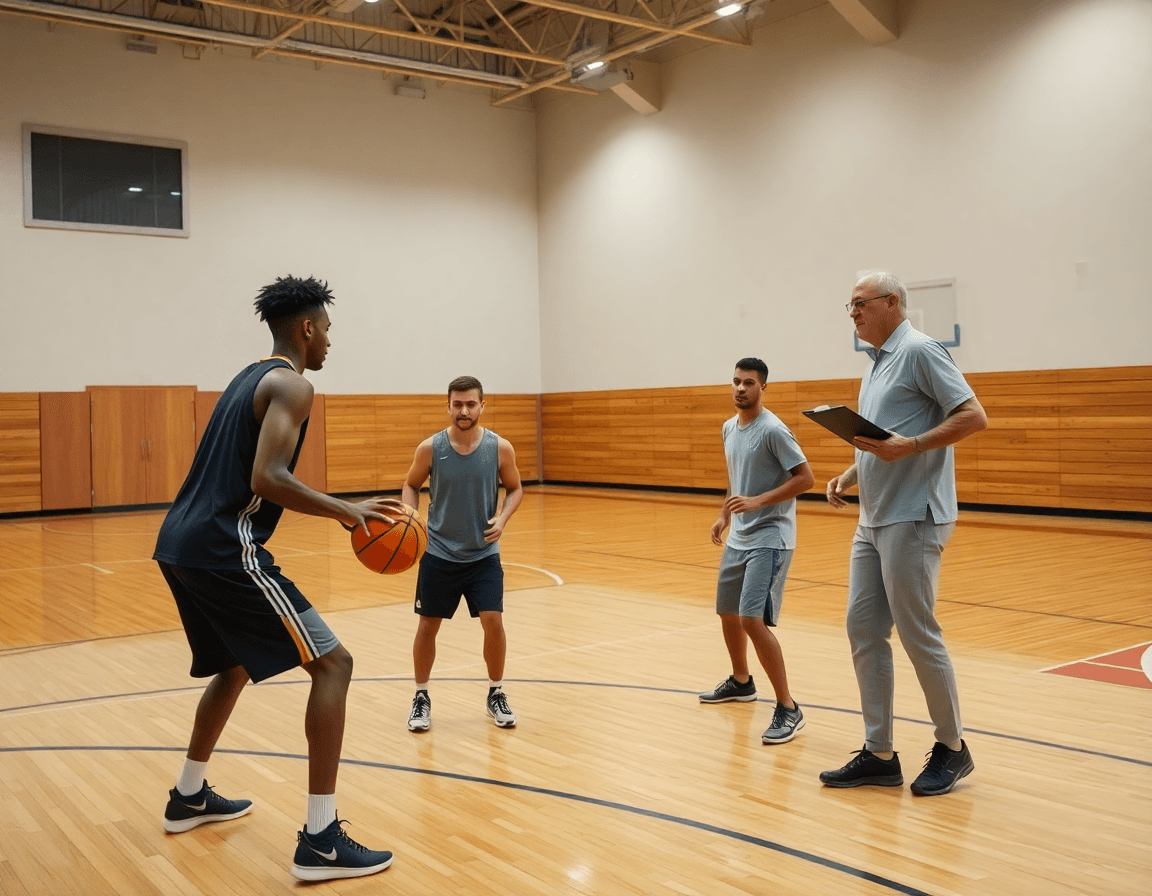
Installing a solid shuffle screen basketball progression starts with a clearly connected sequence: shuffle cut, followed by a UCLA screen, ending with a back screen. In CourtSensei you can build this as a timeline within the training plan library, diagram the actions, and animate the movements so your assistants visualize spacing and timing. Each action gets its own entry in the drill library—linked to a targeted PDF and to attach video clips for quick reference. That’s a solid shuffle screen basketball workflow for weekly prep.
Describe the drills and progression from basic to game-speed reps: start with a clean shuffle cut to create momentum, then install the UCLA screen with proper footwork and spacing. After that, bring in the back screen to stress late switches and reactive decisions. Note the footprints, timing, and decision points for each action, so you can coach the read on the fly. Map each drill into your playbook as a sequence—tag the downscreen and the double stack variations as optional branches for different defensive looks, and keep the tempo steady.
Once the drills are drafted, map each action into your playbook and generate PDFs for staff review. Attach targeted video clips to each action and drop in scouting notes to capture tendencies and counter-strategies. Use the collaboration space to share sequences as read-only links with assistants, keeping everyone aligned while preserving the master plan. Remember: this workflow sticks to planning, action design, video organization, and scouting integration—no AI video analysis or automated reports.
Diagramming and Animating Shuffle Actions
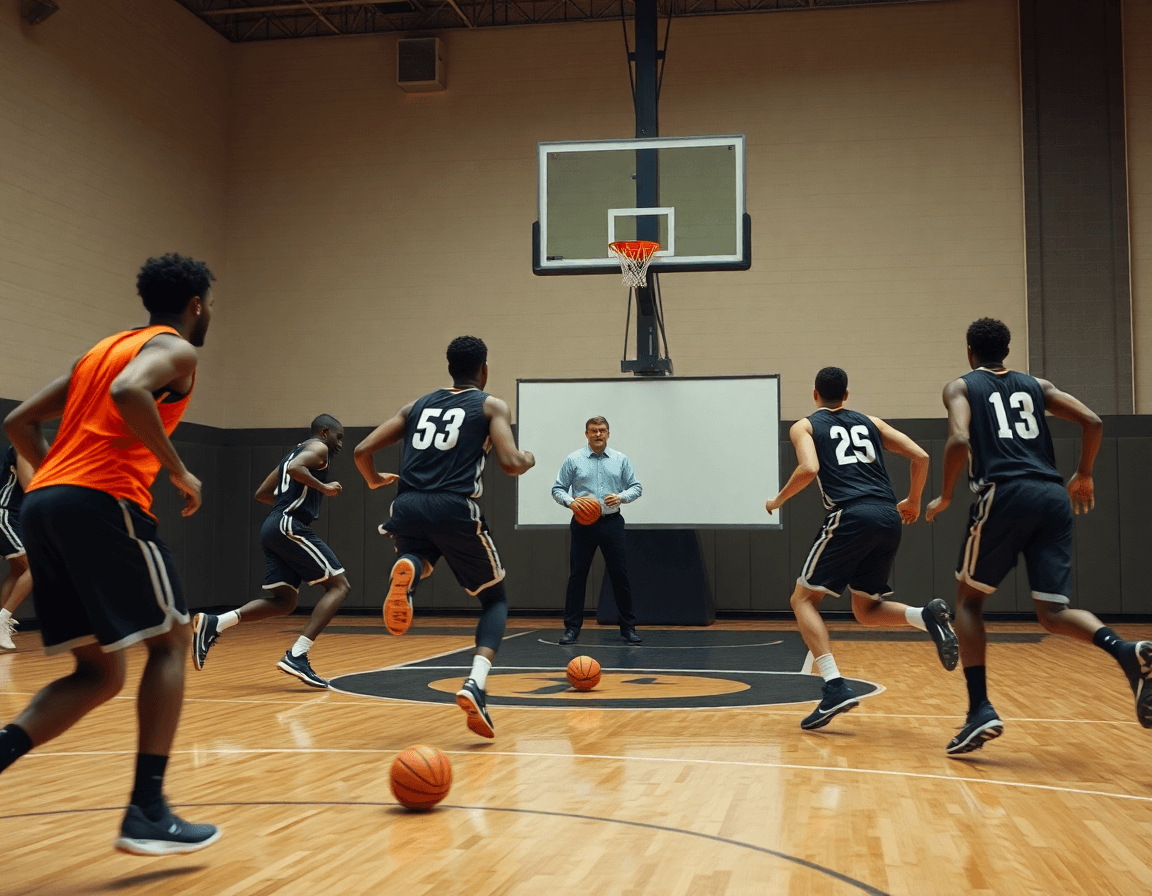
Diagramming the shuffle screen is where weekly prep becomes action. You map each shuffle screen action into clean diagrams and its reads, pulled from the training plan library and drill library. Start with the base shuffle screen, then show how reads on the weak side evolve into a UCLA cut or another option. Clear diagrams pin down positioning, spacing, and timing, giving you a play that can be taught on a whiteboard and walked through on the floor with confidence. This is how a coach translates planning into practice.
Add simple animations to illustrate timing and spacing for players: when the ball handler lifts, when the screener steps into space, and when the UCLA cut triggers the next read. These visuals stay in the playbook workspace and can be replayed in a meeting or on the court with assistants, helping everyone stay in sync without clutter on the clipboard.
Each diagram action can be linked to its video clips and attached scouting notes, creating a complete sequence in the playbook. In the collaboration space, share sequences as read-only links with assistants, keeping feedback controlled and organized. You can export the progression as a printable PDF export, or distribute a shareable PDF for practice planning. The workflow stays focused on planning, action design, video organization, and scouting integration.
Practical Workflow: Drill to Game Plan
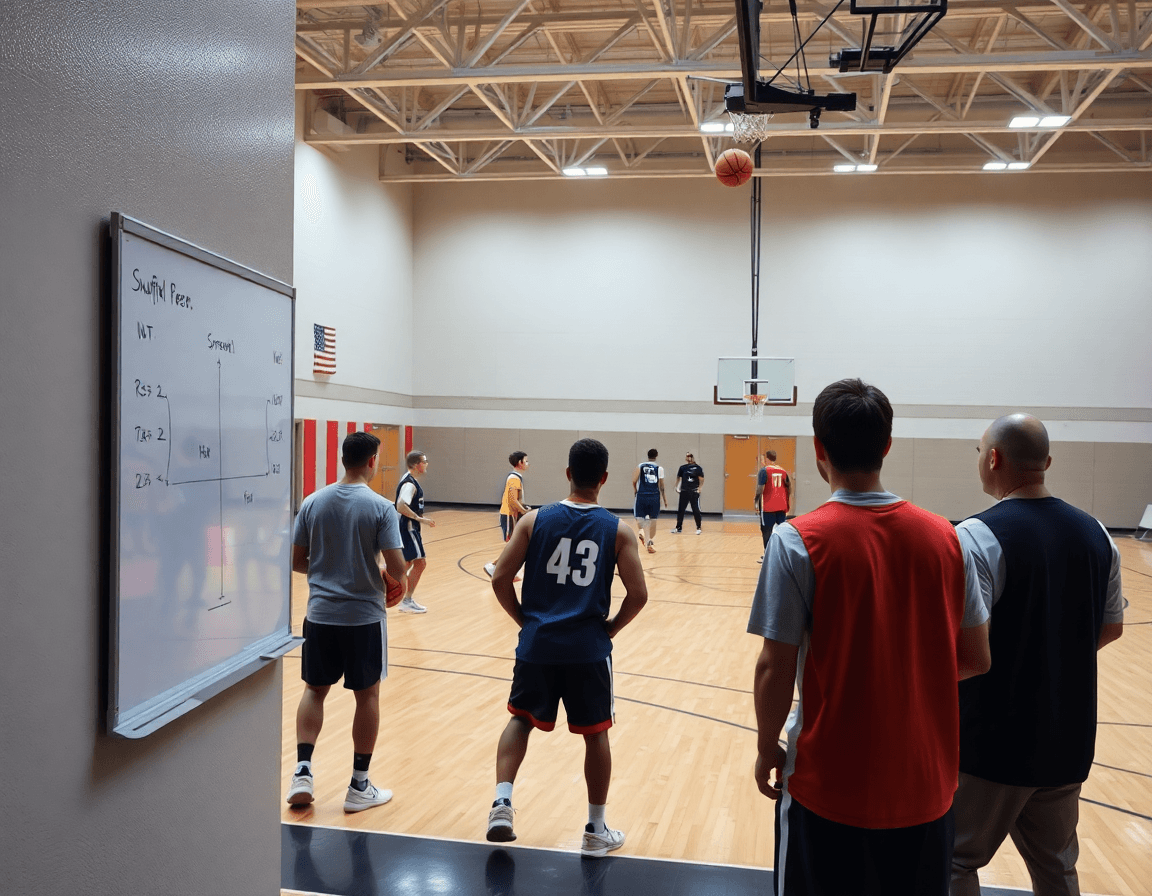
Your weekly prep for shuffle screen basketball starts by turning concepts into a concrete progression. Use the training plan library to map the sequence and the drill library to pull drills for each action. Diagram and animate every step, then assemble a structured playbook with printable PDFs. Attach targeted video clips and scouting notes to each action, so you have a ready reference on the floor. In the collaboration space, share sequences as read-only links with assistants, keeping the plan transparent and manageable.
Daily flow: install concepts, test with defenders, and tighten reads. Combine drills into a durable continuity that can counter common coverages. Involve a starting point from a two-guard set into a shuffle screen, then chain into a shuffle cut, progress to a UCLA screen or back screen, and add a downscreen option against aggressive help. Diagram each action on the board, then practice it in tight, game-like reps. Attach video clips to illustrate transitions, and keep the PDFs updated so the staff can reference the exact sequence without hunting for clips.
Keep the plan adaptable by tying each action to scouting notes that flag opponent tendencies and adjustments. Update the playbook with new clips and PDF pages as you observe patterns, ensuring the shuffle screen progression stays responsive to different defenses. The goal is a cohesive workflow where planning, action design, video organization, and scouting integration converge into a clear, game-ready sequence—without veering into any off-platform analytics or automation.
Video, Playlists, and Scouting: Game Prep With Shuffle Actions
In your weekly game prep, you upload opponent film, clip key sequences, and build playlists for review. Each clip ties to a specific shuffle screen action—whether it’s a UCLA screen, a shuffle cut, or a standard shuffle entry—and you assemble them into a coherent progression. This keeps your plan sharp and your practice reps aligned with what you’ll see on game night, with clear video organization and purposeful playlists guiding the process.
Attach scouting notes to specific actions in your playbook. For example, a note on the UCLA cut leading into a downscreen helps assistants know what to watch for and where to place pressure. When notes live beside the action, scouting becomes an actionable part of your weekly plan rather than a separate file.
Use read-only links to share lines of action with assistants and staff. A single link can open a sequence of shuffle actions, the associated clips, and the notes, while preserving control over who can view what. This setup keeps collaboration tight and ensures everyone is reviewing the same sequences as you build the shuffle screen progression.
Note: CourtSensei does not provide AI video analysis, automatic tagging, attendance tracking, roster management, or automated progress reports. The workflow stays focused on planning, action design, video organization, and scouting integration. You can pair clips with printable PDFs of your playbook for sideline reference and quick replays during breaks.
Common Pitfalls and Fixes: Getting Open Looks with Confidence
Spacing and timing issues can derail the shuffle rhythm before it even starts. If players are bunched, the shooter never gets clean separation; if the screen pops too late, the read is telegraphed and the defense collapses. In your weekly plan, lock in a shuffle offense progression that starts with controlled spacing drills and advances to live reads. Use the training plan library to sequence the shuffle screen, slips, and back-cuts, and pull exact reps from the drill library. Diagram and animate each action on the board, then export printable PDFs for your scout or assistant crew. Attach targeted video clips and scouting notes to every action so you can review tempo and spacing. The collaboration space lets you share sequences as read-only links with assistants, keeping input controlled while maintaining a single source of truth.
Defender reactions and how to adjust screens and reads can throw off the flow fast. When the defense pressures the top or switches, your progression should include clear reads: hedge versus go-over, stop-and-go changes, and quick back-door options. Build in a run of reads that accounts for common responses to the shuffle screen, so your players know exactly how to attack the coverage. Incorporate a UCLA screen variant as a contingency, and link every adjustment to scouting notes and a short video clip for quick review. Keep the emphasis on actions you can diagram, animate, and teach, rather than on external analytics.
Practice fixes with targeted drills and rapid feedback loops. Start with spacing tweaks, then layer in timing adjustments after the screen, and finally add the back-cut option for backside pressure. Use brief, focused clips to reinforce each corrective, and annotate the actions in your playbook so assistants see the same cues. The goal is confident decision-making that results in clean, open looks—supported by a coherent workflow: plan, action design, video organization, and scouting integration. Bold: back-cut, video clips.
FAQ
What is a shuffle screen in basketball, and how does it fit into a weekly plan?
A shuffle screen is a misdirection sequence designed to create clean reads and open looks through a controlled continuity. In a weekly plan, it becomes a four-session progression built from the training plan library: basic on-ball screen, then shuffle cut, then UCLA screen, then a counter. Use diagrams and animations to teach timing, spacing, and reads, and attach video clips and scouting notes to each action so assistants can review in the read-only collaboration space. Note: CourtSensei does not provide AI video analysis or automated reports.
How do you run a shuffle cut effectively in drills?
A shuffle cut starts with the ball handler reading pressure, then the screener slips into space as the ball comes. Emphasize timing and spacing—rhythm over force. Build the progression in the training plan library and pull drills from the drill library that emphasize footwork, reads on the weak side, and quick reversal. Diagram the movement, animate the sequence, and attach clips for quick reference so assistants can coach the read on the fly.
What are the common actions in a shuffle offense?
Common actions in a shuffle offense include the base shuffle screen, the subsequent shuffle cut, the UCLA screen and UCLA cut, plus a back screen and occasional downscreen. You map these actions into your master sequence in the playbook and pair each with clear reads and timing. Use the drill library to practice each piece, and attach video clips and scouting notes to reinforce tendencies.
What is UCLA screen and UCLA cut, and why use them?
The UCLA screen is a two-setup action that frees shooters; the UCLA cut is the read that follows, with the cutter turning the corner into an open shot or drive. It creates spacing and reads that complement shuffle actions. In CourtSensei, diagram and animate these actions, build a structured playbook with PDFs, and attach video clips and scouting notes so you can review tendencies with assistants.
When should you deploy a shuffle screen in offense?
Use shuffle screens to counter ball-pressure, create quick reads, and generate open shooters when spacing and timing are solid. It’s especially useful during pressure periods, late-shot-clock situations, or after a misdirection sequence. Tie the approach to your weekly cycle by diagramming the sequence, animating it, and exporting a printable PDF export for staff review.
How can you free up shooters with shuffle screens?
Think spacing, timing, and reads. Use misdirection to pull a defender off the wing, then hit shooters in their window with a quick reversal. In CourtSensei, attach targeted video clips and scouting notes to each action, build the sequence in the training plan library, and share sequences as read-only links with assistants to review before practice. This keeps planning transparent and aligned.
