Best Basketball Playbook App for Coaches
See what the best basketball playbook app should offer coaches: play diagrams, practice plans, video, sharing, offline access and clean PDF exports.

Key takeaways
- Use a single platform that covers planning, diagrams, and video, like CourtSensei.
- Build a growing play library with a fast cadence to cover youth through varsity.
- Export options matter: share PDFs or JPEGs and staff links to keep weekly plans moving.
- Pick a mobile app with offline access so practice stays on track when tech hiccups happen.
- Attach video clips and notes to plays, connecting diagrams to planning and scouting for cohesion.
Evaluating the best basketball playbook app for your weekly coaching workflow
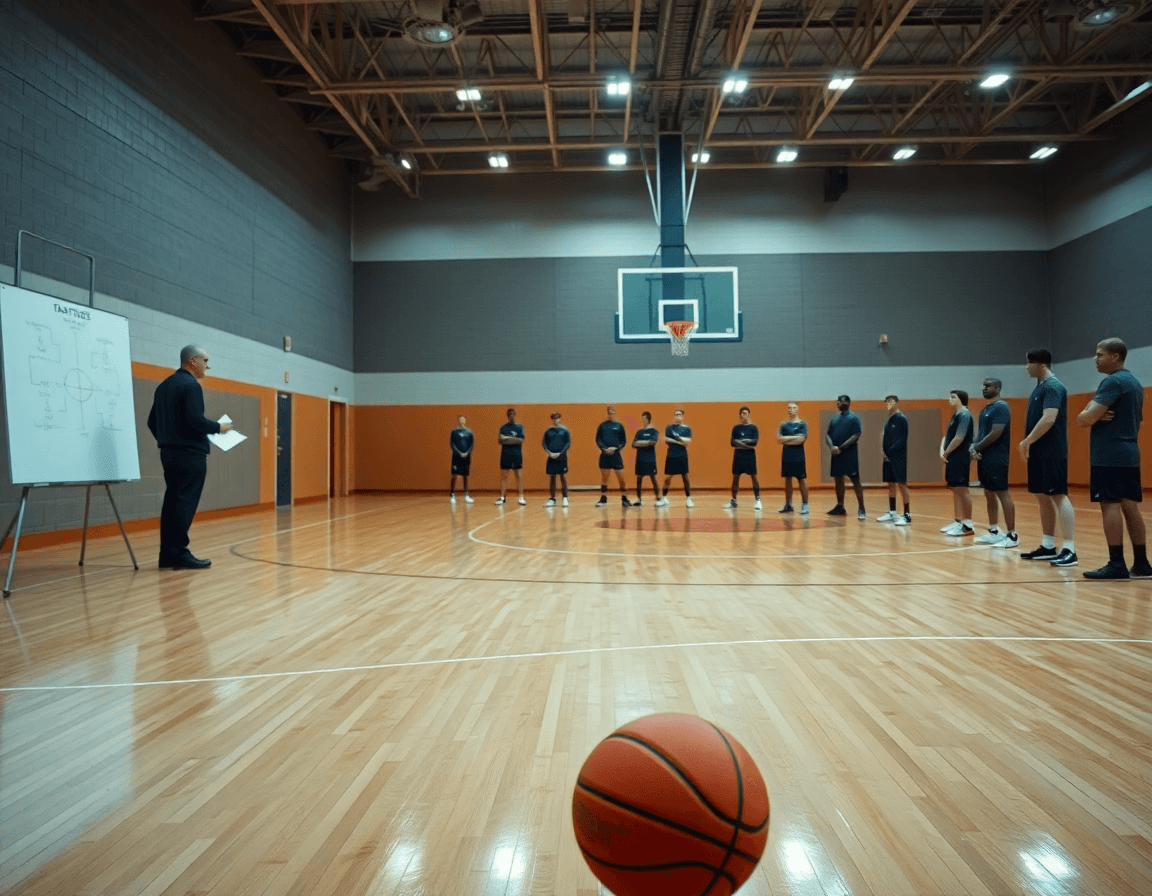
The core test is whether the app can handle planning, diagrams, and video in one loop. Start with diagram depth: half court and full court visuals, and editable play diagrams you can swap positions on the fly. In a film session, lay out a base 3-2 set on the whiteboard, adjust spacing on the tablet, and see the change reflected in the plan for assistants to review. That integrated capability is the key for coaches evaluating the best basketball playbook app. CourtSensei delivers an integrated flow: planning, whiteboard diagrams, video clips, scouting reports, and shareable playlists, all in one weekly cycle.
Next, assess the play library and update cadence. Our program covers youth through varsity, so a catalog that grows with level and speed matters. If a new motion gains popularity, it should be available next week, not next season. A strong library keeps the week cohesive.
Export options matter for staff. Look for export to PDF or JPEG and easy sharing with the staff. I export a diagram packed PDF of an ATO and drop it into a team drive, or send shareable links to assistants who review plays on their phones during film sessions.
On court realities demand mobility: you want a mobile app with offline access so you aren't stuck chasing Wi-Fi. During a walkthrough at practice, I pull up a set on my tablet, make a quick update, and keep the floor moving even if the network hiccups.
Finally, consider whether you can attach video clips and notes to individual plays and link diagrams to planning and scouting in one place. In a typical week, I annotate a cut from yesterday's game to a counter in our planned run, then attach a scouting note that flags tendencies, all in one clean workflow.

Connecting play diagrams to your weekly practice plans
Connecting play diagrams to the weekly practice plan is the difference between a rushed week and a mapped one. In the planning workflow, pull animated plays from the library to emphasize and pair each with a concrete practice objective. The pieces, diagrams, video clips, and scouting notes fit into one rhythm. In the market for the best basketball playbook app, the real value isn't diagrams alone; it's a connected weekly workflow.
With a couple of clicks, link specific plays to the planned drill sequences and progression steps on the calendar. The diagrams become the visual guide for reps and rotations, so players know exactly where to be and what to do in each block. It keeps the planning workflow tight and scalable from warmups through scrimmage.
During practice, embed the diagrams directly into practice blocks to guide reps and rotations. The whiteboard diagrams stay visible as we move from warmups to team reps, and substitutions don't derail the flow. We also use animated plays to show timing, spacing, and cuts, clear cues for on floor decisions.
Afterward, share linked plans with assistants and evaluate progression during sessions. Export to PDF the week's plan for staff and drop shareable video links to players. When the gym loses power or Wi-Fi offline access keeps everything available, so we stay on track midweek.

Using video clips and playlists to drive player development
On Monday, extract, organize, and annotate video clips from games and practices. The goal is a clean library of moments, fast breaks, rotations, and decision points, so I can pull exact clips when we review film with the team. Using the best basketball playbook app, tag clips by action and align them with play diagrams, then jot quick notes on footwork, spacing, and counters. This keeps coaching points tight and easy to reference during the week.
Attach clips to plays to illustrate actions and counters in real time. On the tactical board, link a clip to a 1-4 set to show how a counter reads the guard or how a back cut creates an opening. These video attachments let players see the sequence rather than just hear the plan. With central storage in the cloud, share a link to a single play with the assistants or pull a few clips during walkthroughs.
Create player facing playlists or shareable links for quick review. After practice, assemble a playlist for each player's role and send the link to study during film time or travel. This keeps the review simple and focused, and reinforces scouting insights and game adjustments. Players watch the clips, notice tendencies, and come back with questions, fitting into our weekly cycle of plan, diagram, and video.
Scouting and opponent preparation within a playbook app
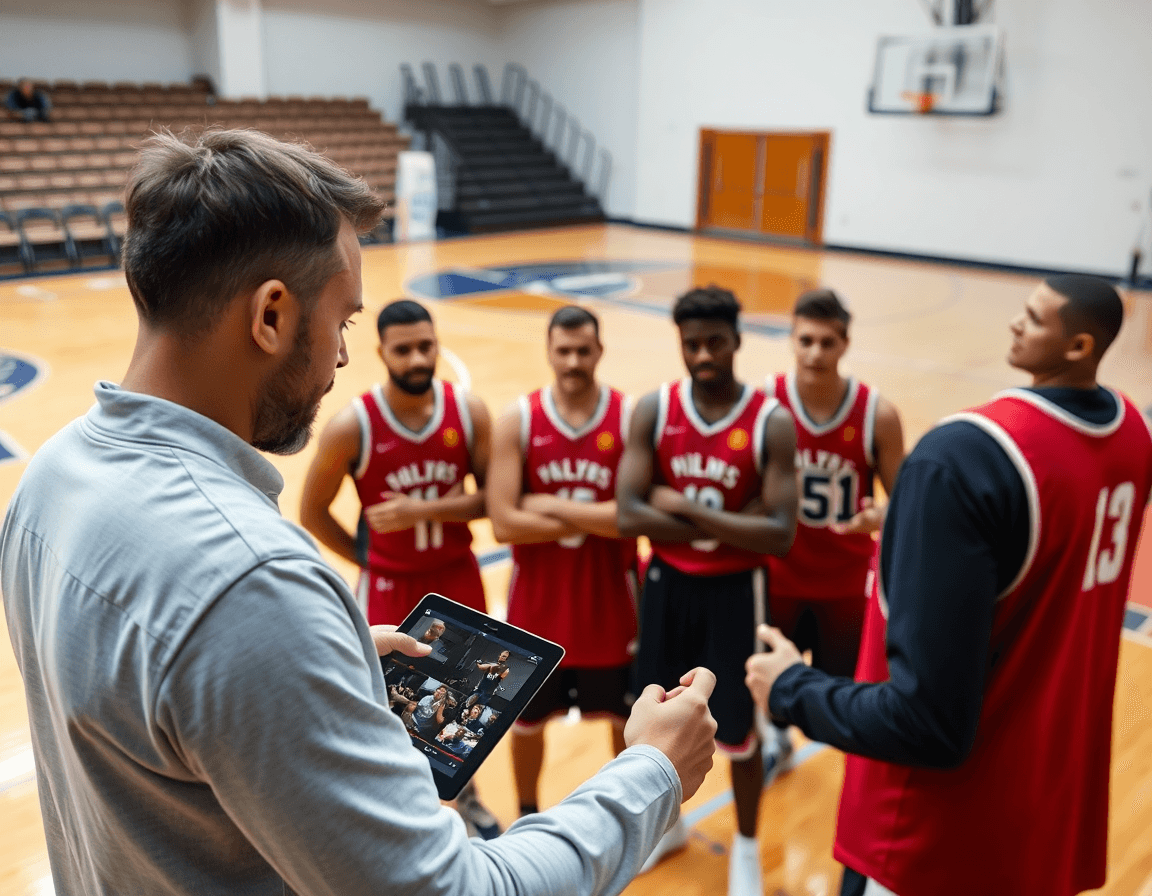
As a head coach weaving scouting into a weekly cycle, keeping all scouting reports and opponent tendencies in one place is a revelation. You jot notes after a game, tag tendencies, and immediately pull them up when you map practice plans or set up the whiteboard. The result is a living library of opponent tendencies that travels with you through plan, diagram, and video work.
Within the app you can tag counter plays and map them to your own play library. When you design play diagrams for a scouting counter, you can link to animated plays or run throughs in video clips to show the staff. This makes it easy to reuse a counter attack or a high ball action on multiple boards and bring those adjustments into your weekly cycle.
Distributing this intelligence is simple: a single link or an exportable PDF lets staff stay aligned. You can share reports with assistants, coordinators, or video staff, and even keep offline access so you can review on the road. The shared reports approach ensures everyone is on the same page ahead of the next practice.
Keep the notes handy when you design game specific adjustments. Reference scouting notes during the plan for a game, or while you're on the whiteboard diagramming adjustments to your defense and matchups. This ties opponent preparation directly to your coaching workflow, reducing last minute chaos.
Praktičan workflow korak: From plays to weekly plan
As a coach, your week hinges on a clean, connected workflow. The best basketball playbook app should do more than hold diagrams; it should be your weekly workflow hub. On Monday you review last week, prune the old stuff, and refresh your play library with new options. With planning, diagrams, and scouting in one place, you map what to teach for the next training cycle. This is a praktican workflow korak, one that reduces friction across the week and sets the tempo for everything to come.
Tuesday is where planning becomes actionable. You add or adjust plays and connect them to drills, so diagrams on the whiteboard line up with the live practice. You refine the diagrams, whether static or animated, and create a PDF for assistants who review film later. The idea is that every concept has a drill twin, ready to coach in the moment.
Wednesday the plan comes together. You build the practice plan around linked plays, grouping them into stations and sequences that support your game plan. Thursday you attach video clips and assign clips to players, linking film to the plays they need to learn. By Friday you finalize the plan and share with staff and players; you export for meetings using the built in shareable playlists so everyone has access, offline if needed.
Decision checklist: choosing a plan that fits your budget and needs
As you lock in next week's plan, start with a free trial to test the basics. I want to feel how the planning tool, the whiteboard diagrams, and the shareable playlists fit into the calendar I run for practices. If your program covers multiple teams, a team plan that supports assistants helps keep everyone on the same page.
When sizing the depth of diagrams against the play diagrams and animated plays you rely on, I balance depth with the connected workflow. Crisp diagrams pair with your practice plans and are easy to export to PDF for notes after film sessions.
Data portability matters. In my week I check for solid data portability and clear migration paths if you switch apps. If moving from another tool, I want to know how boards, scouting notes, and playlists can be moved, and whether you can export to PDF option for scouting reports and game prep.
Storage and sharing: I assess how much space is available for video clips and scouting notes, and how team sharing works so assistants can comment on plans and contribute to the play library without friction. I have learned that keeping data organized as the library grows saves time.
Onboarding and pricing: I look for solid onboarding and pricing that fits your program size. The right plan treats your system as a connected weekly workflow, not just a standalone basketball playbook app. A scalable option should grow with your needs without surprise fees.
If you build plans like this every week, CourtSensei keeps your drill library, whiteboard, and video clips in one place, try it free.
FAQ
What is the best basketball playbook software for coaches?
Choosing the best option comes down to workflow. Look for an integrated loop that supports planning, diagrams, and video in one place. Prioritize a strong planning workflow and clear play diagrams you can tweak on the fly. A scalable library, easy export, and simple staff sharing matter. A mobile app with offline access keeps practice moving when the gym wifi drops.
Can I animate basketball plays in a playbook app?
Yes. Many apps include animated plays or motion diagrams to demonstrate timing and spacing. You should be able to attach animations to specific diagrams or video clips, and play them smoothly on tablets or phones. Offline access is a plus for walkthroughs, so you stay on schedule even without network.
Is there a free basketball playbook app I can start with?
There are options with a free tier or trial, but they often cap libraries, exports, or video features. Use the free version to test core capabilities like diagramming and sharing, then plan upgrades for full motion, offline access, and a larger play library. Make sure the basics fit your weekly workflow before paying.
Do playbook tools offer a free trial, and what are the terms?
Yes, many tools offer a free trial usually 7-14 days to preview planning, diagrams, and video. Expect easy signup and the option to cancel anytime before renewal. Before you commit, verify data access after the trial ends and whether you're required to move to a paid plan to keep features.
Do I lose my plays if I cancel my subscription?
Policies vary, so check data retention. Some apps keep plays accessible in a read only mode; others require you to export assets. A best practice is to export key diagrams and video to PDF or local storage before canceling. Confirm how long you can access content after termination and whether you can reactivate without rebuilding.
Is there a way to import old plays from FastDraw?
Migration support varies. Look for an import/migration feature or supported export formats from FastDraw. If automatic import isn't available, plan a staged move: export assets, recreate core plays, and tag them for mapping. A smooth path keeps your weekly workflow intact during the switch.
Can I password protect my shared plays?
Yes. Most platforms offer privacy controls with password protection and access permissions. Use private playlists or role based sharing, and consider time limited links for staff review. Keep admin controls current so you can revoke access when staff changes occur without slowing collaboration.
