
Coaching Board App: Weekly Workflow for Coaches
Learn how a coaching board app fits a coach's weekly routine—from planning and tactics to video review and scouting—exportable boards and playlists.

Key takeaways
- Using a coaching board app centralizes planning, tactics, video, scouting, and communication for the week.
- Plan weekly objectives by mapping drills and plays, exporting clean PDFs for staff and offline access.
- Create reusable diagrams and a play library to speed up decisions during timeouts and practices.
- Review video clips with targeted notes, tagging by player, drill, or opponent scenario for clarity.
- Use version history and tweaks to keep plans iterative, avoiding rigidity while maintaining core structure.
Why a coaching board app fits a coach's weekly routine
To me, a coaching board app is not a gadget but a backbone of a weekly routine. It brings planning, tactics, video, scouting, and communication into one place. I kick off the week by laying out practice objectives and building a plan, then I map out drills in the library and drop in plays on the whiteboard—BLOB, SLOB, ATO, PN R—so we see it all at a glance for half-court and full-court emphasis. That clarity translates to fewer questions and more productive sessions on the floor.
During planning, I assemble practice plans from our drill library, tag objectives, and assign tasks to assistants who have access. The whiteboard diagrams can export to PDF, so we can print or share with staff who aren’t at the gym. The playbook-like setup helps me align on tactics before we step on the court, and I can fine-tune lineups and rotations in minutes. If we want to revisit a set, I pull the diagram, check the player assignments, and push a quick checklist for the week.
On game week, the platform is the hub for scouting notes and video clips. I keep scouting reports and scout plays organized and linked to clips for quick review. Short video clips are trimmed, labeled, and dropped into playlists or shareable links for players to study. With assistants sharing access to plans and diagrams, we keep communication tight and cut admin overhead. The offline mode lets us prep on the road or in the gym between sessions, and the system scales from junior teams to higher levels across seasons.
Plan the week: mapping practice plans and drills
On a typical Sunday, I start with a clean slate and let planning shape the week. In the coaching board app, I map the days ahead by pulling drills and reps from a central library, then lay out how each day builds toward our goals. That weekly rhythm gives me a solid scaffold before the first whistle. For me, the magic is in the pairing of planning and practice plans—clear aims, clear starts.
As soon as the framework is visible, I assign plans to assistants and players for clear ownership. I tag each drill path to a squad or an individual, so everyone knows what to run and when. That clarity reduces noise during practice and keeps us aligned as the plan evolves.
Midweek, I export a clean Export PDF of the weekly plan to share at staff meetings or print for the gym wall. The weekly plan stays portable, so coaches in different rooms and athletes in the weight room can all see the same priorities and timing.
Notes attached to each drill emphasize progression and focal points. I drop in cues—from pace to decision-making—and tie them to what we’re testing that week. Those notes guide players and staff, and they make it easy to revisit the plan and adjust as needed. Tracking the progression keeps us honest.
Even as we execute, I rely on the platform’s version history to see what tweaks we made and why. If a spacing drill slows transition, I can roll back or refine without losing the core structure. Keeping track of changes—our tweaks—lets the plan stay iterative rather than rigid.

Design and share tactical diagrams for drills and game plans
Using a coaching board app, I design diagrams for drills and game plans that feed straight into my weekly practice plan. On the whiteboard, I sketch PnR options, BLOB/SLOB actions, and ATO sequences. The diagrams become the backbone of our drill sequences before we ever step on the floor. I keep a library of plays in the playbook area, so I can pull a relevant diagram during a timeout or scouting session.
Drag players, adjust spacing, and annotate routes in real time on the whiteboard, turning play diagrams into a living plan. I tweak lineups and spacing to show how a spread offense looks at half court versus full court. That quick manipulation saves us from scrambling on paper and keeps the staff in lockstep with the terminology we use on the court.
Share diagrams with the team via links or export PDF for meetings. The links are handy for assistants who review the clips after practice, and the PDF gives coaches a clean handout for the film room.
Link diagrams to upcoming practices or scouting sessions to keep workflow aligned. When we set up a week with a diagram-driven plan, players see the flow from drill to game tempo, and it ties directly into scouting notes.
Review video clips with players: organize, tag, and annotate
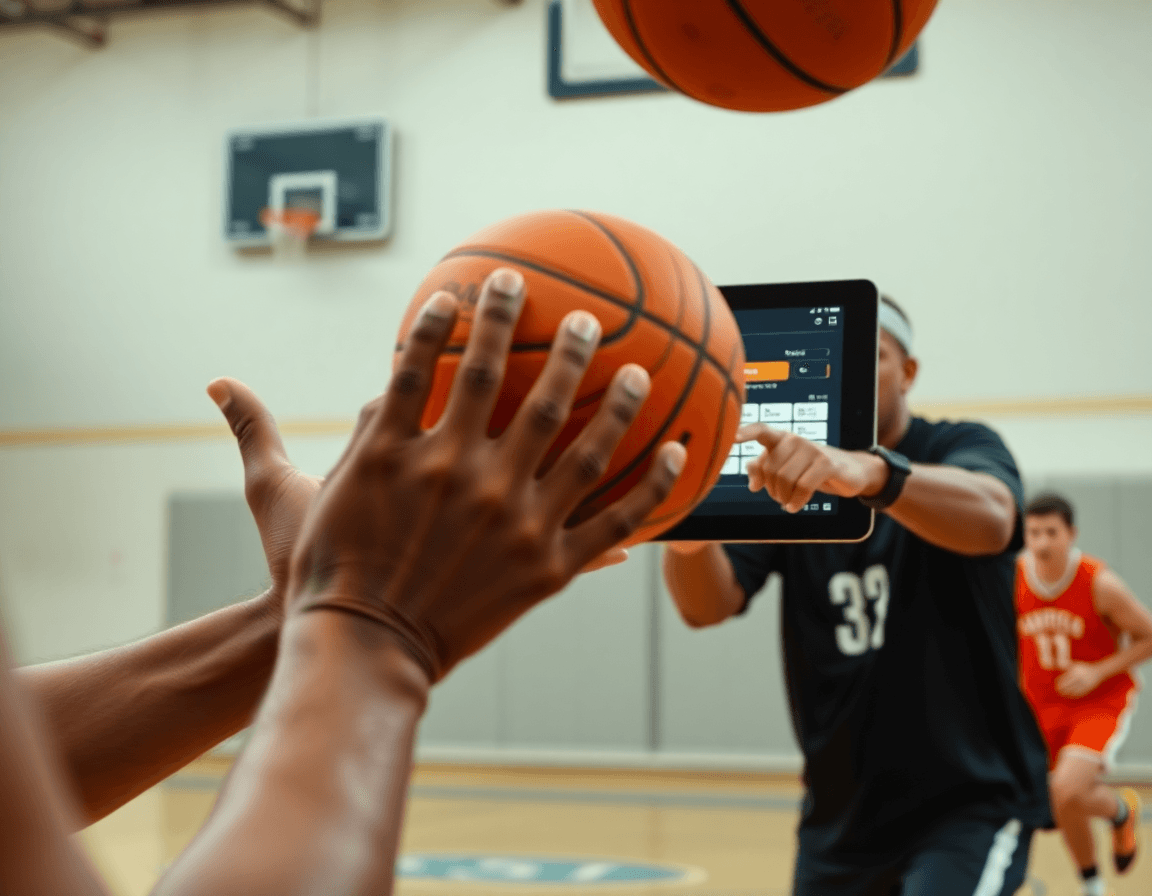
As a coach using a coaching board app in my weekly routine, I kick off with a quick review of video clips with the team. The goal is to turn practice reps into clear takeaways and decisions. I pull clips from the latest session, mark the moments that matter, and run a brief, targeted review with the group. This is where the power of a singular platform shows itself—the clips, notes, and next steps all in one place. video clips and targeted review anchor the session.
Organization matters. I categorize clips by player, drill, opponent scenario, or decision type. On the coaching board app, tagging lets me pull a sequence for a specific emphasis—drives against a hard hedge, spacing on the wing, or a late-game decision. The result is a lean, repeatable workflow where each clip has a purpose, and every review spotlights a concrete learning point. Pairing clips with a clear label keeps the weekly plan tight and ensures we revisit the right situations.
Annotating decisions during playback turns feedback into action. I drop notes on the clip, call out what to replicate, what to adjust, and why the decision mattered. Instead of vague comments, players see the exact moment and the instruction that follows. This inline, actionable annotating supports real-time player feedback, builds trust, and shortens the path from observation to improvement.
Sharing and offline review. I assemble a clip playlists for individuals or groups and distribute the links for study anytime—practice, film room, or on the road. If needed, I export a PDF with key observations and play call ideas for offline viewing. The flow stays consistent across weeks, so the team knows where to look for answers and next steps.
Build scouting reports and scout plays for opponents
Week in and week out, I lean on scouting as a core input. I pull footage of the next opponent and build concise notes: where they set ball screens, how they rotate on drives, and what they run in late-clock situations. I flag tendencies like early offense, transition pressure, and preferred lineups. The notes live in CourtSensei under clean tags, so they become part of the weekly plan rather than a separate file.
From those notes, I create scout plays on the coaching board. When the opponent favors a certain ball-screen action, I map a counter-action for the next practice sessions: hedge, quick switch, or a smart ball reversal. I diagram these sequences on the tactic board and export a PDF for assistants to review before drills begin.
All scouting artifacts live in a central library accessible to staff. I keep a growing folder of reports and counter-actions, with links tied to the upcoming game plans. When prep hits a particular opponent, I pull the scouting notes and attach them to the week’s plan, so the staff can adjust lineups and defensive schemes on the fly.
Distribute clip playlists: keep players aligned outside practice
After the weekly plan locks in, I spin up clip playlists for the squad in our coaching board app. Each playlist targets a group—guards, wings, posts—and stacks clips by action (PnR, weak-side cuts, shell shifts). The goal is a clear, repeatable reference players can study outside practice. I create a few consolidated playlists and attach shareable links so assistants can jump in and tweak as needed.
Players can tap into offline viewing on their phones, so they can study during travel or at home. The platform makes it easy to share shareable links to specific playlists with the whole team or just a subgroup. I also keep an eye on the viewer log to see who has viewed what and when, which helps me gauge whether a clip set is landing.
Periodically, I ask for quick feedback tied to the clips—one-liner notes or a short question in the comments. This keeps the learning loop tight and makes it easier to adjust the week’s focus in practice. When a clip highlights a particular basketball play or defensive concept, I export a PNG snapshot of the diagram and drop it into the scouting notes or the group chat for quick reference.
Using playlists to reinforce the week’s priorities and game plan keeps players aligned when we’re not on the floor. The clips map to our planned basketball plays and the tactic board visuals, tying into week-to-week ideas like half court vs full court pressure and suitable lineups. It’s a quiet, steady nudge that helps the team stay on the same page as the week unfolds.
Practical 60-minute weekly workflow using a coaching board app
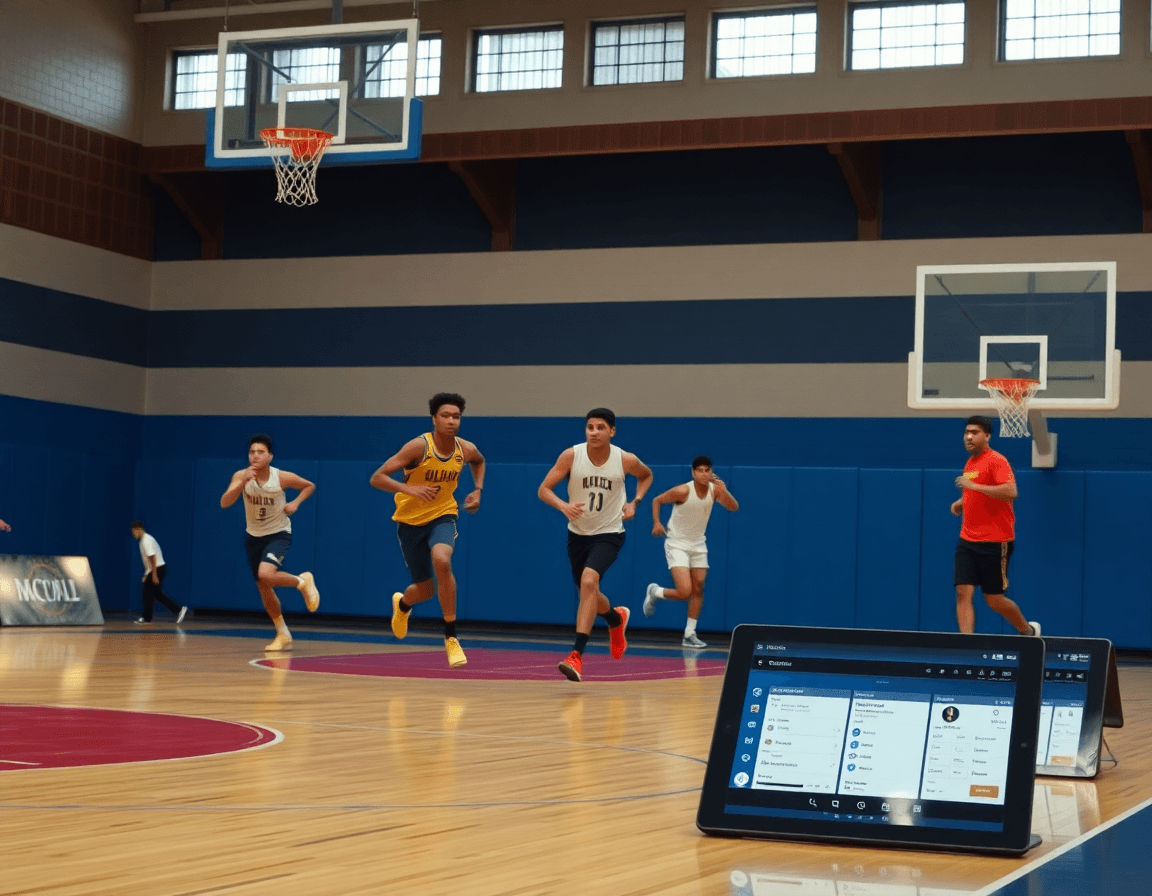
Here's a practical 60-minute weekly routine using a coaching board app to tie planning, diagrams, video, scouting, and sharing into one workflow. It keeps a single source of truth for the week, so the staff and I stay aligned on the goals, plays, and pace we want to set.
15 minutes: plan the week. In the planning phase, I define the goals for the upcoming practices (defense, transition, late-game execution), map the progression of drills, and mark practice priorities in the plan. This is where the weekly routine starts to take shape.
15 minutes: diagram core plays and scenarios for the week. On the tactic board, I sketch the core plays (PnR, ATO, BLOB/SLOB) and lay out situational diagrams for half-court and full-court sequences. I keep the diagrams tight so we can export them later for the whole staff.
15 minutes: review key clips and extract coaching cues. I pull a few short video clips from recent sessions, tag them, and pull out quick coaching cues like “angle on the drive” or “shield with your body.” The goal is to have tangible reminders ready for the next practice.
5 minutes: update scouting notes for upcoming opponents. I jot quick notes on tendencies, preferred lineups, and rotation patterns, so I’m not chasing scattered data midweek.
10 minutes: publish plans, share playlists, and assign tasks to staff. I publish the week’s plan, assemble shareable video playlists for players, and assign clip prep and scouting updates to assistants. This keeps everyone moving together and makes the workflow easy to follow.
If you build plans like this every week, CourtSensei keeps your drill library, whiteboard, and video clips in one place — try it free.
FAQ
What is a coaching board app and how does it fit into a weekly workflow?
Think of a coaching board app as the central hub for your week. It combines planning, drills, video notes, scouting, and team communication in one place. In my routine, it helps me map objectives, build a plan, and drop plays so staff and players see the flow from warmups to scrimmage. This is the backbone of a true weekly workflow.
How do I use a basketball coaching board app for planning and drills?
On planning days, you pull drills from your library, assign tasks to assistants, and craft diagrams that feed into the weekly plan. You can adjust spacing, swap sets, and label plays so everyone on the floor knows where to be. In short, use the app for planning and diagrams to keep practice efficient and repeats.
Are coaching board apps free or do they require a subscription?
Most coaching board apps offer a free tier or trial, but the full feature set usually requires a subscription. Look for upgrade options, cancel policies, and access to premium tools as your team grows. The choice often comes down to how deeply you want to lock in tactics, video, and rosters.
Can I export plays as PDFs or PNGs?
Yes. You can export diagrams and plays as PDFs, and many apps support PNG exports for quick sharing with staff and players. Use these exports for printouts, film-room handouts, or shareable links. The feature is handy for keeping teaching cues consistent across rooms.
Do coaching board apps work offline?
Yes. Offline mode lets you prep, annotate, and review between sessions without internet. When you reconnect, the app syncs changes so everyone stays up to date. If your team travels or practices in gyms with spotty Wi‑Fi, offline access is a real time-saver.
Can I manage rosters and lineups, and do these apps support multiple sports?
Absolutely. You can manage rosters and lineups, assign players to rotations, and tailor plans by group. Many coaching board apps also support multiple sports, so you can reuse the same workflow across teams. The core is keeping ownership clear and keeping plans aligned as you grow.
Is there cloud sync or cross-device access?
Yes. Most platforms offer cloud sync and cross-device access, so updates ripple to phones, tablets, and laptops. If you rotate devices or bring on new staff, this is a big productivity booster. If offline work matters, check how data merges when you reconnect.
