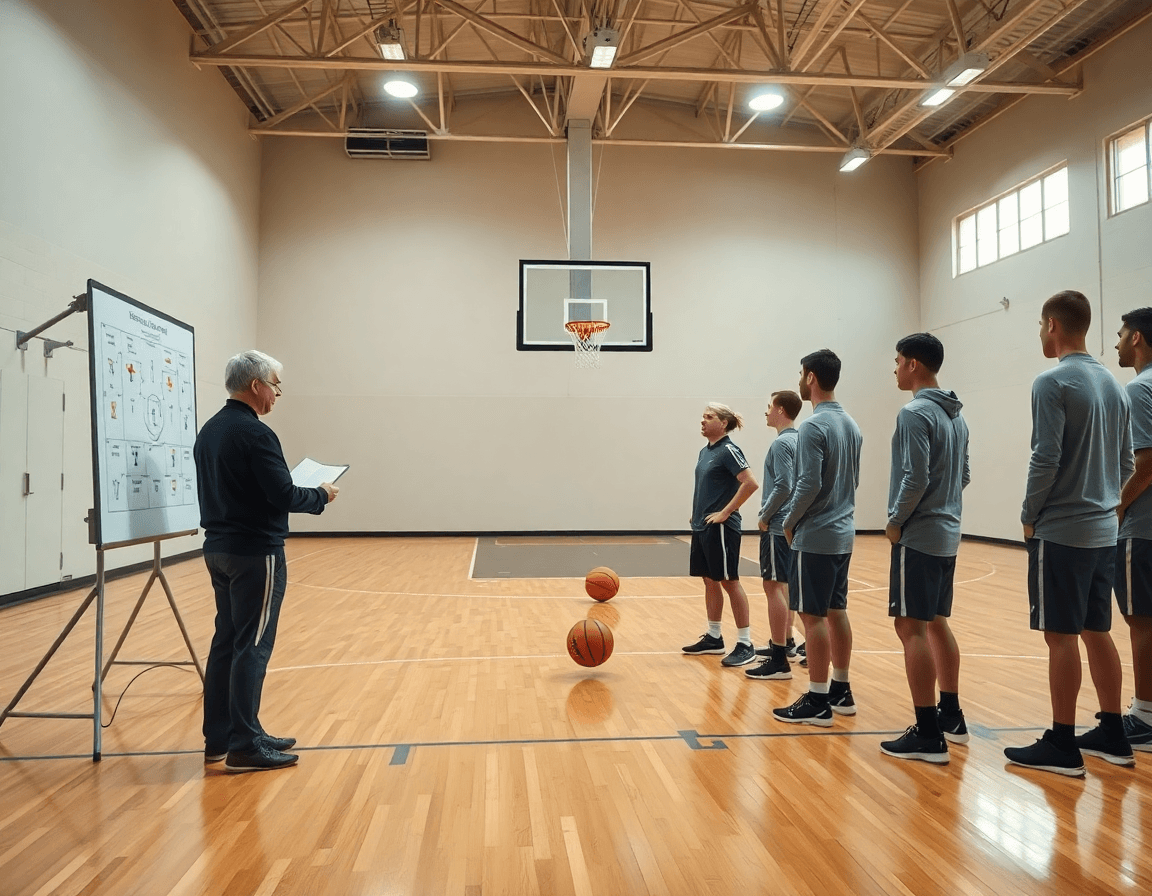
How to Build a Weekly Plan from a Free Basketball Playbook
Turn a free basketball playbook into a weekly practice plan with diagrams, clips, and scouting insights—a coach-focused workflow you can implement this week.

Key takeaways
- Identify 4–6 core plays from a free basketball playbook and align with scouting report.
- Map plays into a weekly calendar, pairing each with a drill and tempo to install.
- Create a master Practice Plan and tag plays by day to tighten the run-of-show.
- Build a living library of free pdf basketball playbooks, annotated for personnel and tempo.
- Attach concise coach notes to diagrams and pair with scouting to guide on-court coaching.
From free playbooks to a weekly coach plan
As a head coach, you start with a free basketball playbook to gather ideas, but the real work is turning those ideas into a weekly plan. Identify 4–6 core plays or concepts from any free pdf basketball playbooks that align with your opponent’s scouting report—think a 5-out zone attack, a 4-out with ball-screen, or a quick ATO that pre-reads a counter. If they show a zone offense, pull a zone offense playbook and adapt. A focused core lets you install several looks without overloading your players. Then map what you want to emphasize this week around those staples.
Map these plays into a weekly calendar, aligning install days with practice blocks. Pair each play with a day, attach a drill from the library, and designate tempo—fast-break, half-court, or in-between. Use the central whiteboard to diagram BLOB/SLOB/ATO/PnR, so the staff can see the flow at a glance. On game week, export the diagrams to a PDF export and hand players a single reference.
Create a master Practice Plan outline and tag plays by day, drill type, and tempo. This is where the run-of-show tightens: install on Monday, a short video clip on Wednesday, scout notes for Friday. Save these as templates so next week you swap in opponents’ alignment and stay in a familiar rhythm. That keeps a single source of truth for staff and players.
With this setup, you’re not starting from scratch each week. The workflow—plan in the plan, diagram on the whiteboard, pull a quick video clip, drop in scouting notes, and share a playlist for players—keeps everyone aligned. A few free playbook ideas become repeatable actions, wired into your weekly rhythm, ready to pull from saved templates, exports, and notes when the next scout report lands.
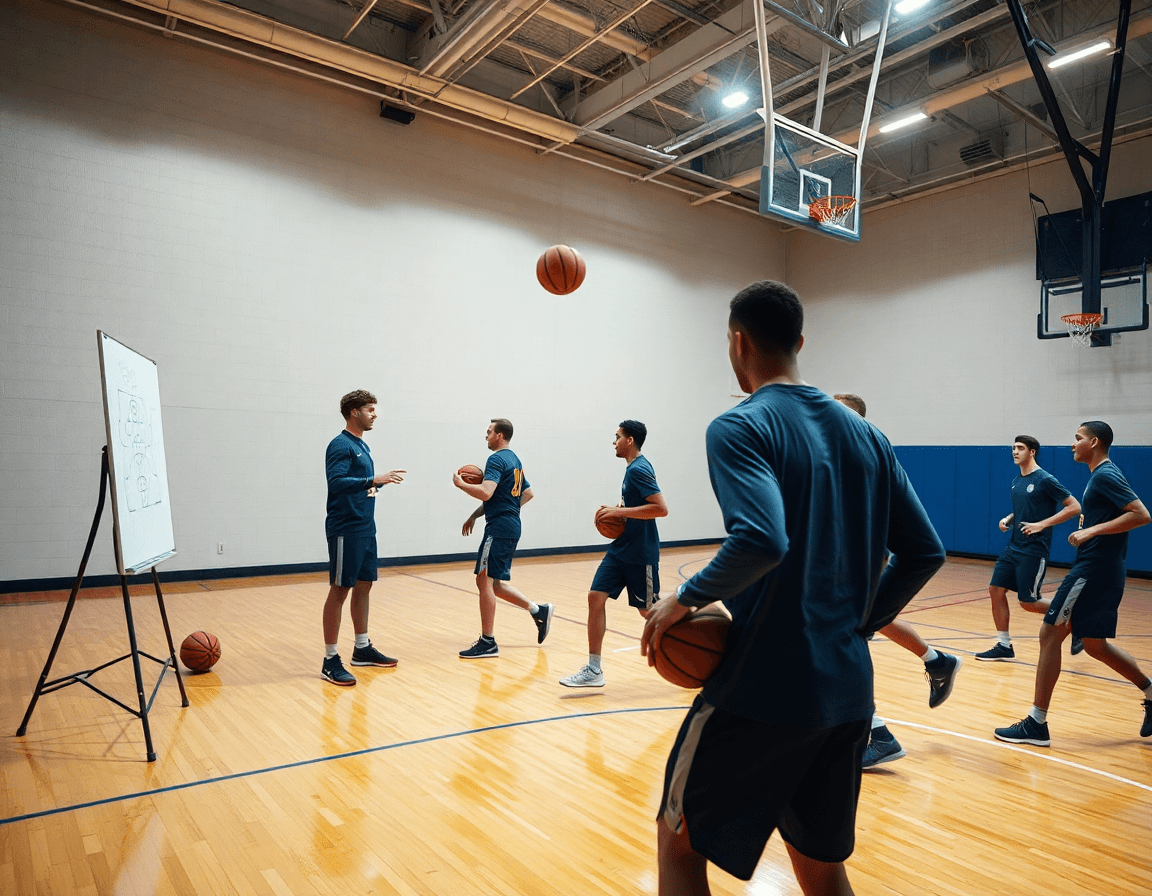
Transform free PDFs into your organized practice library
As a head coach, I start the week by gathering free pdf basketball playbooks—zone offenses, BLOBs, 5-out sets—from trusted sources. I don’t want a scavenger hunt; I want a clean, organized living library I can navigate. I drop these PDFs into that library, tagging them by concept and season so I can pull them up in a pinch. Then I skim for ideas that fit our personnel and tempo.
Next, I convert the collection into actionable items in the plan. I tag each document with concepts like Zone Offense, BLOB, or 5-out and assign it to the current week. I add annotations to tailor plays for my personnel before installation. This is where the playbook library becomes a deployable plan rather than a PDF pile.
Finally, I connect these PDFs to video clips and diagrams for quick reference. When we install a concept, I pull the matching PDF, the diagrams on the whiteboard, and a short video clip from our scouting notes. The links create a one-stop reference you can walk players through during film sessions or in the huddle.
With one click, you can perform a PDF export or build shareable playlists for assistants and players, keeping everyone aligned as the week unfolds.
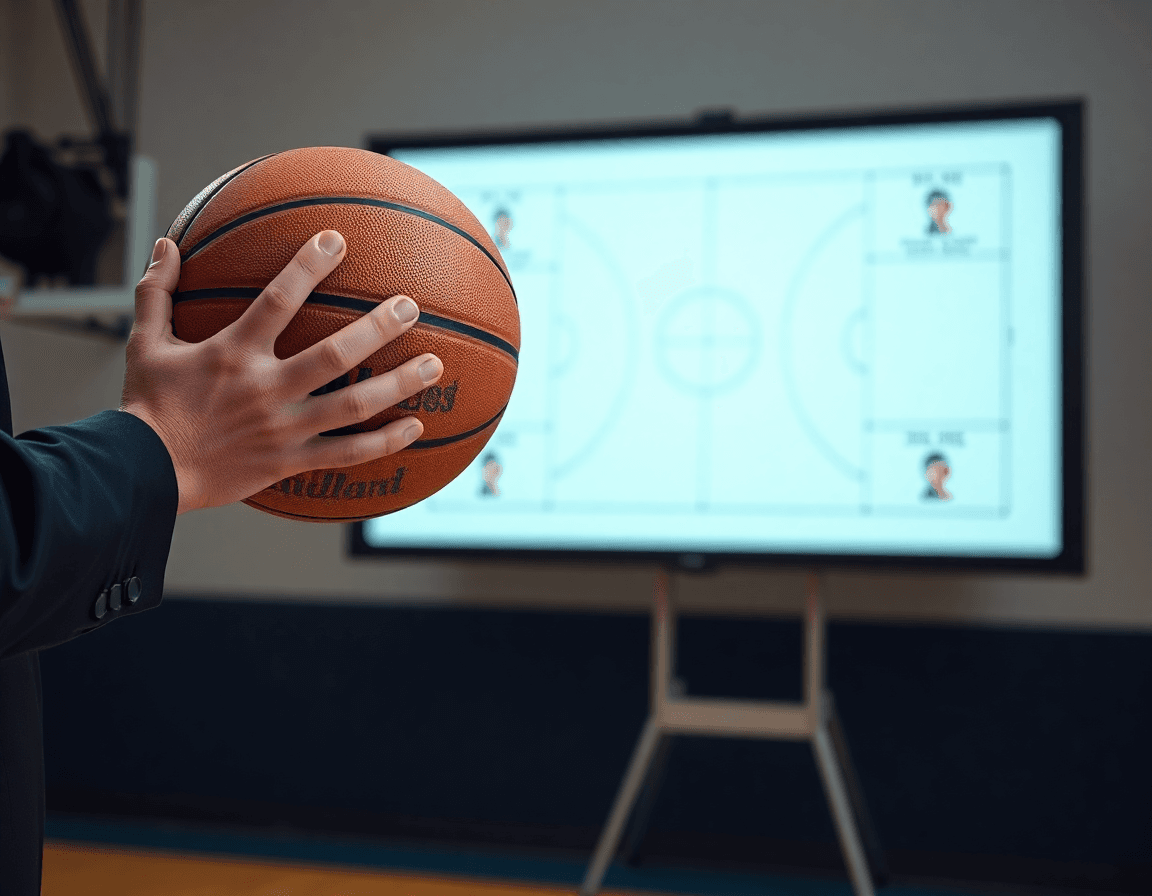
Diagram, annotate, and tailor plays with notes and scouting
From a free basketball playbook, begin by diagramming each play on a court, using the whiteboard or your playbook editor to map spacing and action. Draw lanes, screens, and cuts, and color-code actions: BLOB, SLOB, ATO, and PnR. I label each position and annotate where the ball moves and when a secondary cutter hits the floor, so a newer assistant can run the drill with minimal coaching. For contested looks, sketch alternative spacing or a quick option pass. This is where basketball play diagrams become a practical coaching tool, not just a page of ideas.
Next, attach concise coach notes right on the diagram that cover drills, rotations, and timings. I’ll note which player initiates the action, what rotations occur on each read, and the window to attack or reset. A simple 3-second entry, a 2-second flare toward a secondary option, or a clear outlet reset—these details keep your plan executable during a Monday practice and a Friday scrimmage. Think of the notes as your go-to guide for on-court coaching while you’re running the plan in the plan templates.
Incorporate scouting insights to show how opponents defend or counter each action. Add a quick scouting note for the defense’s typical reaction to the ball-screen, the pressure on secondary cutters, or how a zone shifts spacing. This helps you decide when to counter with a different spacing or an emergency pass. Linking these observations to the diagrams keeps your preparation coherent and gives assistants a clear, teachable baseline.
Pair diagrams with relevant video clips to illustrate execution and corrections. A short clip attached to the play demonstrates proper footwork, timing, and how to recover if the read is off. When you pair visuals with your notes and scouting, you gain a streamlined workflow: diagram, annotate with coach notes, reference scouting, and review with a quick video clip before you run it in practice.

Incorporate BLOBs, zone offense, and quick transitions from free resources
From free resources, pick representative BLOB plays, zone offense sets, and transition sequences that map to your weekly goals. Look for solid entries in free pdf basketball playbooks and filter by what suits your roster and pace. Choose 2–3 BLOB plays to have ready for baseline resets, a concise zone offense playbook set (think 5-out or a basic zone read), and a transition offense playbook sequence that accelerates or slows depending on opponent. Save them with clear names and export a clean PDF you can drop into your plan and share with assistants.
Install them in your weekly plan with clear installation progressions and practice focus. In the plan, lay out the install ladder: Day 1 diagram on the whiteboard and walk-through with players; Day 2 add reads and reactions; Day 3 live reps against scout looks. On the board, diagram each BLOB, zone set, and transition sequence with simple action verbs (pass, screen, rim run, fill). Tie each one to a specific practice focus—execution under pressure, decision speed, or spacing during late clocks.
Annotate for your roster to make plays team-ready. Note guard depth, wing timing, and post spacing for each entry. For example, mark a BLOB with “two-ball handlers needed,” annotate zone timing for wings cutting into space, and assign post spacing so screens don’t collapse the paint. Attach these as coach notes to your scouting notes so you can tailor the install to your opponent and your own players before you run the plays in a game plan.
Create a playlist of video clips to reinforce concepts during meetings and film sessions. Curate short clips from the free resources, sequence them by concept (BLOBs, zone offense playbook, transition offense playbook), and share accessible playlists with your team. A quick video clip after practice helps players see the exact movement and timing before you lock in the next session.
Practical workflow: 6-step weekly process
Step 1: Gather 3–5 core plays from free playbooks that fit your opponent’s scouting. Start with a few “free pdf basketball playbooks” you trust, pull plays that exploit weak spots you’ve spotted on film, and trim down to what will actually fit your personnel. This is where a strong weekly workflow begins—don’t overcomplicate; pick what you can install consistently.
Step 2: Build a week-long plan with install days, practice blocks, and review slots. Lay out the rhythm: two install days, focused practice blocks, and a short review session at the end of each day. Tie the plan to your practice plan and use it to drive what you load on the whiteboard first. Clarity here saves time later in the week.
Step 3: Diagram and annotate each play on the whiteboard, linking to notes. On the canvas, sketch the action and the spacing, labeling BLOB, SLOB, ATO, and PnR as appropriate. Attach scouting notes so every diagram has context—why this action works against their defense, and what to watch for in the game.
Step 4: Create video clips and assign to players via playlists for review. Clip the key moments from each play, then drop them into player-specific playlists. A quick shareable link lets players review on their own time, reinforcing what was shown on the board.
Step 5: Update scouting notes and adjust your plan based on practice feedback. If a read or timing is off, revise the notes and tweak install priorities. This keeps your plan responsive and aligned with what players actually execute.
Step 6: Export a shareable PDF and brief staff meeting to confirm responsibilities. A clean PDF export bundles the plan, diagrams, plays, and notes for the staff huddle, ensuring everyone knows who handles what in the coming week.
Export, share, and track progress with your staff
Export your weekly plays and notes to PDF for quick briefing with assistants and captains. Even if you start with a free basketball playbook, you can push that content into a coach-ready weekly workflow using clear plan templates. The PDF export keeps diagrams, notes, and assignments portable, so everyone walks into film and practice with the same expectations.
Shareable links and playlists remove the chasing between spreadsheets and inboxes. After practice, drop a clip of a zone defense rotation and send a link to the point guard and scout coordinator. A single playlist lets players review the sequence on their own time, and a link to the clip travels fast to the staff. This is how you scale feedback without bogging down communication.
Maintain a centralized library of plays, diagrams, and videos to track progression across games. When you audit a BLOB/SLOB/ATO/PnR sequence, you can see what earned minutes and what fizzled. The staff pulls notes from scouting and performance clips, keeping the evolution visible rather than scattered.
Use the ongoing workflow to refine plays week by week based on outcomes and feedback. Each game feeds the next plan: tweak the motion on the whiteboard, replace a stubborn set with a better counter, swap clips in the playlist. The result is a sharper, faster-cycle for your team.
If you build plans like this every week, CourtSensei keeps your drill library, whiteboard, and video clips in one place — try it free.
FAQ
What is a basketball playbook and how do you use it?
Think of a basketball playbook as your team's actionable library of plays, diagrams, and notes. Start with a free basketball playbook to gather options, then convert them into a practical weekly plan. Tag ideas by concept, map them to install days, and attach drills and scouting notes. Keep it a living resource players can reference.
How can I create a basketball playbook for my team?
Start by gathering resources from trusted sources, then build a structured playbook tuned to your roster. Group plays by concept (BLOB, zone offense, PnR), create a simple weekly calendar for installation, and attach drills and PDFs. Save a master template you can reuse weekly, and share notes with assistants so everyone stays in rhythm.
Where can I download free basketball plays or playbooks?
You can start with trusted sources that publish free PDFs of plays. Look for free pdf basketball playbooks you can download and filter by zone offense, BLOB, or tempo. Save them into your living library, annotate them, and when ready, use a quick PDF export to give players a concise reference.
What are BLOB plays in basketball?
BLOB stands for Baseline Out of Bounds plays—designed to create immediate action when the inbound comes. They’re short, high-clarity sets you can install early in the week. Pair a couple with a zone or 5-out attack, and practice the reads on day one, then run them live later.
What is zone offense and how do you practice it?
zone offense is attacking a zone defense with spacing, ball movement, and inside-out threats. Practice it by installing a basic zone set, then add reads for ball reversal, skip passes, and weak-side cuts. Use short install blocks, scout-driven tweaks, and clips to accelerate learning. Tie reps to your weekly plan to maintain rhythm.
How do you draw basketball plays on a diagram?
Begin by drawing plays on a court diagram with a whiteboard or editor. Color-code actions (BLOB, SLOB, ATO, PnR) and label each position. Add concise notes on reads, rotations, and timing so a newer assistant can run a drill with minimal coaching. Pair diagrams with video clips to reinforce execution.