How to Keep Basketball Stats: A Coach’s Weekly Workflow
Learn how to keep basketball stats effectively as a coach with a weekly workflow: what to track, how to log, and how to analyze using video and scouting tools.

Key takeaways
- Treat stat-keeping as a planning tool, not just a scoreboard; let numbers drive weekly drill priorities.
- Track trends over weeks, not single games; use box score trends to shape practice emphasis.
- Link stats to scout reports and video; clip patterns to update scouting and guide adjustments.
- Design a simple scorebook and running score; keep quick-entry codes for speed.
- Share stat-rich playlists with players; connect clips to context to boost accountability.
- Tie weekly targets to the plan, whiteboard tactics, and post-game box scores for action.
Why stat-keeping matters in weekly coaching
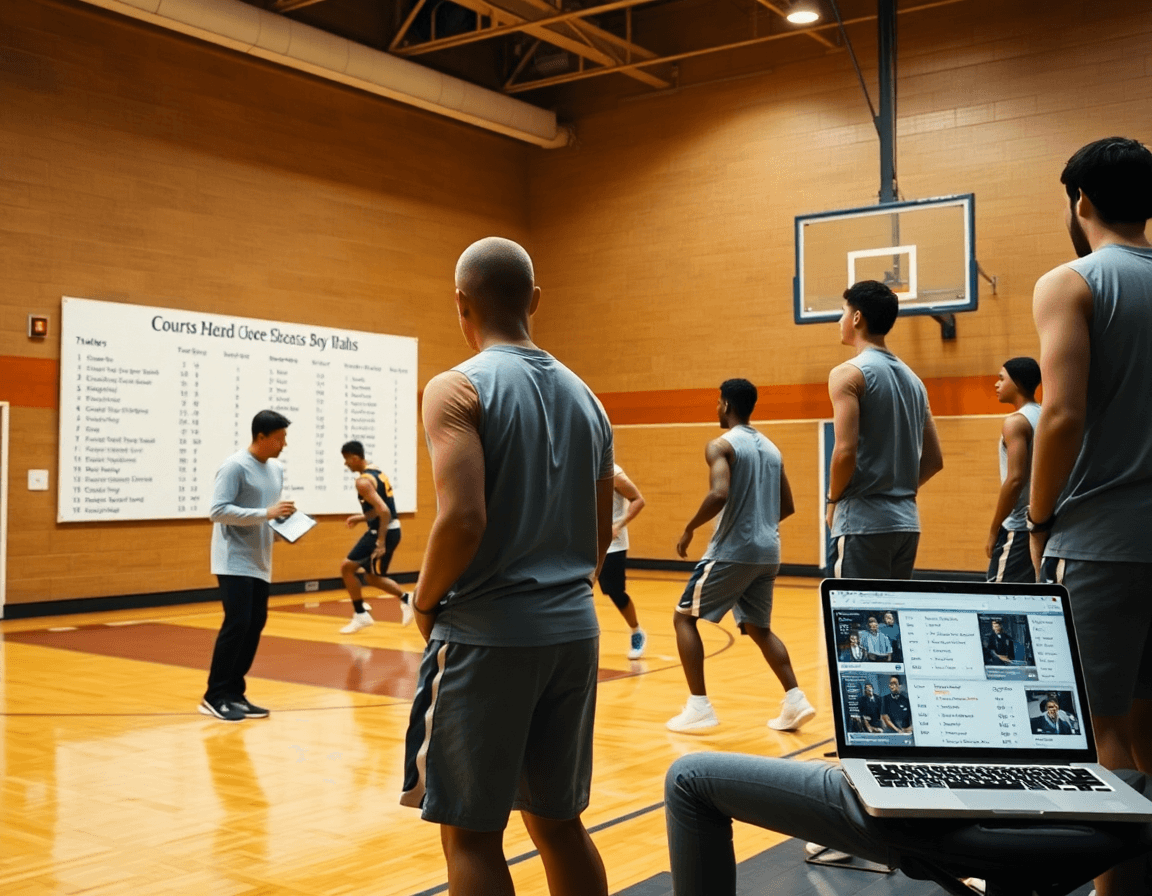
stat-keeping is a planning tool, not just a scoreboard. If you're wondering how to keep basketball stats, this approach guides practice focus, player development, and matchup decisions. In my weekly rhythm, the numbers drive how we structure drill priorities, who needs reps in the post, and which opponents we prep for next. That’s basketball stats planning in action.
Week-to-week you’re chasing trends, not chasing a single game's glow. How our offense moves, shot efficiency, and late-quarter decision-making shape practice priorities. The box score-style layout helps you spot those trends over time, while a quick running score keeps the pulse before you dive into the numbers.
Linking stats to scout reports and video creates a feedback loop that fuels smarter decisions. If you notice a matchup pattern—say a guard drives to the same weak angle—we confirm it with clips and update the scout reports accordingly. The numbers then point you toward targeted adjustments in practice.
Plan the week by pulling stat-driven drills from the practice-plan library, map them on the whiteboard, and assign roles that address the data. Using this workflow keeps your training focused on what the numbers say, from skill reps to decision-making drills that translate to the court.
Finally, share stat-rich playlists with players and staff for accountability, and link each clip to context in the video. Track core markers like field goals, free throws, 3-pointers, assists, and rebounds, then review the week together to align on what changes next.
What to track in basketball stats for a typical week
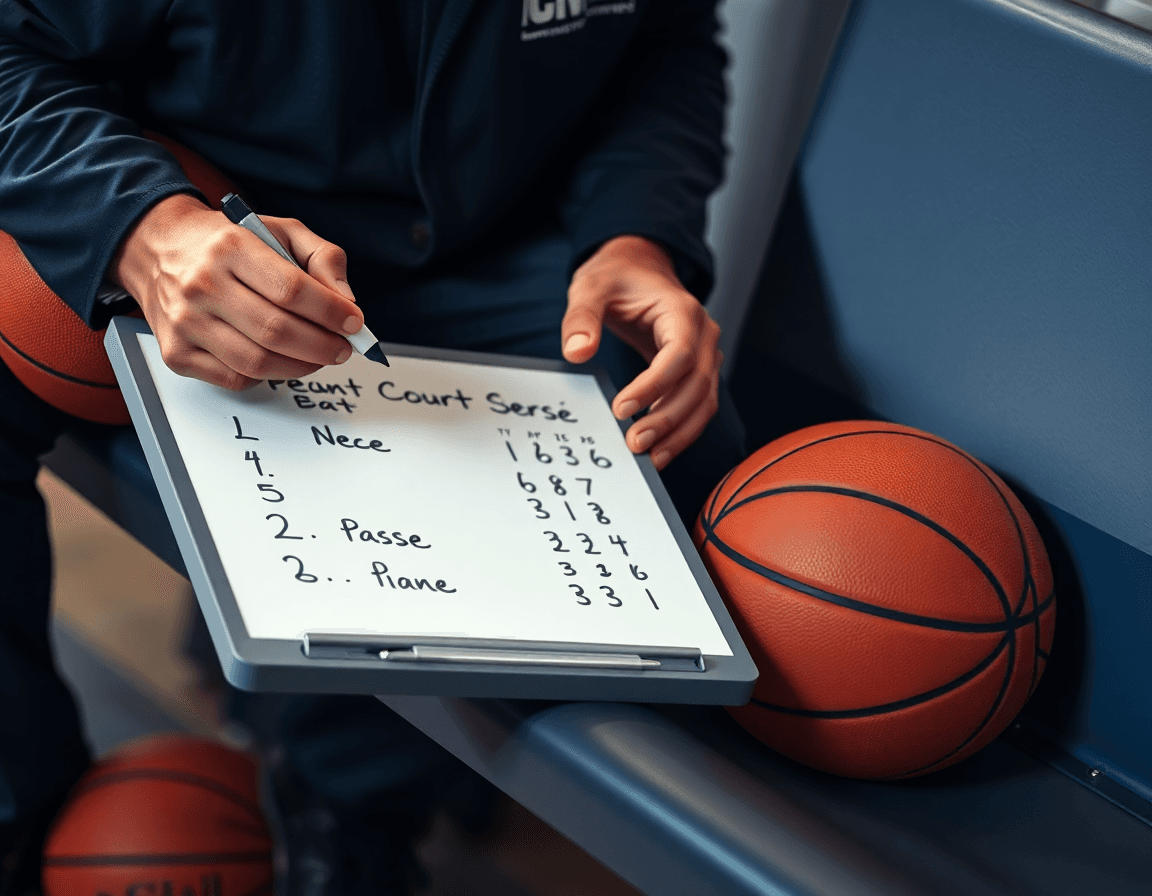
During a typical week, focus on core game stats: points, field goals (FGM/FGA), 3-pointers, free throws, assists, rebounds (offensive/defensive), steals, blocks, turnovers, fouls, and minutes. In CourtSensei, these feed the box score-style layout you use every game. Start by assigning who tracks each stat in your plan, then monitor progress as you run drills and scrimmages. Seeing points accumulate or field goals stall highlights where to push tempo or adjust sets in the playbook, without waiting for the postgame report.
Team stats offer a broader lens: total points, shooting percentages, team fouls, turnovers, and pace indicators. Treat these as weekly levers you pull by adjusting lineups or tempo in practice. A quick check on the box score after a scrimmage helps you compare halves and identify where the team needs a different emphasis—are we forcing more turnovers, or speeding up transitions to improve the pace?
Contextual stats bridge what happens on the floor with how you coach it: time of possession, lineups, plus/minus, and play outcomes (made/missed shots, forced turnovers). Record these in your notes and link them to game situations. After you film, drop a short video clip into a stat-driven playlist so players see how a decision in a possession maps to the box score line and the momentum swing.
Your weekly workflow ties stats to action: in the plan, set targets; on the whiteboard diagram tactics that influence the numbers; after the game, export the box score-style report and tag clips accordingly. Use scouting reports to connect opponent tendencies to expected stat outcomes, then share stat-rich playlists with players and staff for accountability.
Designing a scorebook and box score that save you time
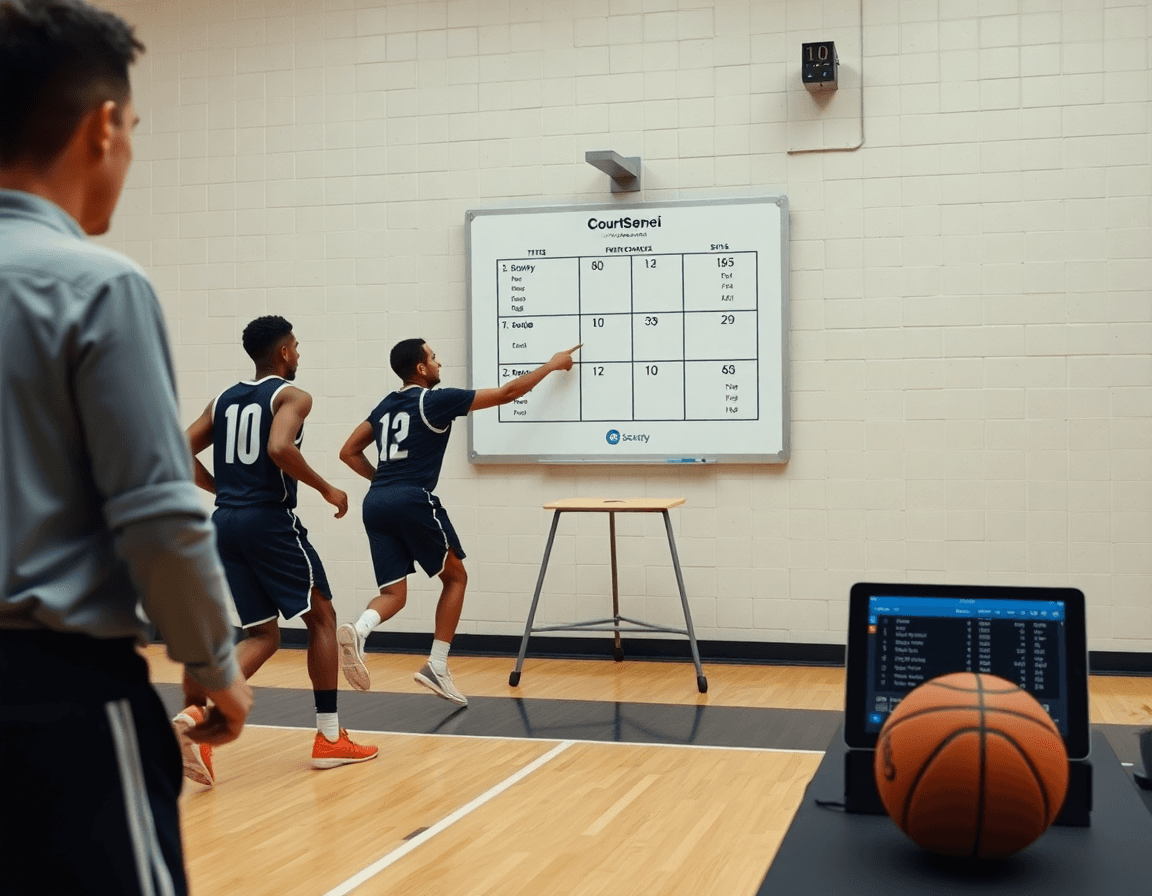
As a coach, you want a scorebook you can fill out in one sitting and hand to assistants without a headache. Design a simple, repeatable layout that travels game-to-game. Right now I set up per-player lines with minutes and the core stats: FGM/FGA, FTM/FTA, and a few key per-game totals like points, assists, and rebounds. Keep a clean header, a running score at the top, and a tight box score that fits on a single page.
Use quick-entry codes to shave minutes off your sheet. For notes like makes, misses, and attempts, a small set of codes keeps the sheet readable. Example: 2 for a made 2-point, 3 for a made 3, 0 for a free-throw attempt (with FTM/FTA tallied separately). Still log misses as FGA and FTA accordingly, and keep your field goals, free throws, and 3-pointers columns visible. This reduces scrambles during the game and keeps the pace with the play-by-play record.
Include a running score and a play-by-play log to verify totals and identify streaks. The play-by-play helps you audit calls after the game and catch any counting mistakes on the fly. A quick running score lets you see momentum shifts—like a 9-0 burst—that swing a quarter without paging through notes.
Done right, this sheet plugs into your weekly workflow. After the game, export a clean PDF, attach it to scouting notes for next week, and link the stats to short video clips for context. When teammates can see the scorebook alongside video and scouting insights, accountability follows naturally and the whole team improves together.

From stats to actions: sharing insights with players and staff
If you’re asking how to keep basketball stats in a way that actually informs our weekly plan, I start by laying out a clean box score-style layout and running score for the game. I track field goals, free throws, 3-pointers, assists, rebounds, and turnovers, then note where the numbers point to shot selection and decision-making. That raw data becomes the first cue in my weekly workflow.
From there, I move into action planning. In the plan for the week, the numbers drive the practice-focus: efficiency at the rim, decision-making in the pick-and-roll, and efforts on defensive gaps. I pull the stats into the practice-plan library and sketch the drills on the whiteboard that will sharpen the exact sequences the numbers reveal. Then I build stat-driven playlists—short, clip-based bundles you can share with players and staff. This is where the phrase “share stats with players” becomes practical: each playlist ties a trend to a concrete drill or decision.
I also connect stats to our scouting work. In the scouting reports, I highlight how opponent tendencies shape our box score outcomes. If the other team gives up a lot of space to shooters, the stat line may show elevated 3-point attempts; I annotate the plan with counter moves and the expected practice reps. This is the essence of integrating scouting reports with stats, or “scouting and stats,” so we know what to defend and how it should show up in the box score.
Finally, I close the loop with clip-based feedback. I pull a few key game clips that illustrate the stat narrative—a thin line between a good decision and a forced shot, a defensive rotation that closes a gap. I share these clips as part of a stat-rich feedback loop, so players understand not just the what, but the why behind the numbers.
Practical weekly workflow step: log, review, and act on stats
The practical weekly stat-keeping workflow starts before the opening tip. In the plan library you decide which numbers actually drive your game plan, then translate them to the whiteboard so the staff knows what to chase on the floor. This is where the weekly rhythm begins: define targets like what matters for the opponent and your own scheme, then map them to concrete actions in the box score-style system you’ll monitor all week. Keeping this tight keeps your practice plans and scouting notes aligned with what you’re measuring.
In-game logging should feel like second nature. As the game unfolds, you’re logging key events in real time to keep the box score accurate. Track field goals, free throws, 3-pointers, assists, and rebounds, plus the occasional turnover or steal if it shifts a possession. The goal is a running score that you can pull up later to see patterns. A clean log supports a clear running score and helps you verify what you’re teaching in real time.
Post-game review is where you connect stats to practice priorities and player feedback. Pull together a concise summary, call out trends, and link outcomes to what you just drilled in the plan. Use scouting reports to frame how opponent tendencies affected box score numbers, and note which players benefited from targeted coaching moments. This is where the stat-keeping workflow step becomes coaching insight—translate data into concrete drills and peer feedback for the next week.
Distribution closes the loop. Share a stat brief and suggested actions to players and assistants, then attach stat-rich playlists anchored by video clips for context. By tying numbers to clips and to the plan, you create accountability across the staff and squad. This cyclical flow—log, review, act on stats—keeps your team connected to the data that shapes practice and performance.
Using video, scouting reports, and planning tools to contextualize stats
After the final horn, I start with the box score-style layout to map weekly trends: points, field goals, free throws, 3-pointers, assists, rebounds, steals, and turnovers. For each trend, I pair a video clip from our library to show what happened and why. If we shot poorly from the floor and finished around the rim with weak balance, I pull two clips: a stalled drive and a decisive kick-out that produced a bucket. I drop these clips into a player-specific playlist and reference them in the plan library for the next practice. This is where video stats contextualize the box score and turn numbers into coaching actions.
Next, I align stats with scouting reports to anticipate opponent tendencies and tailor practice. If the scout notes the team overhelps on drives and leaves shooters open, I compare our assists and 3-pointers to the running score and look for patterns. I pull clips that show the counter-move—ball reversals and kick-outs for open looks—and map a drill in the plan library to exploit that. I circle the notes on the whiteboard so the staff sees how prep, stats, and decisions fit together. This is where scouting and stats work in tandem to inform every rep.
Finally, leverage playlists to deliver player-specific feedback and progression. Build per-player playlists that pair clips with stat milestones—field goals, free throws, 3-pointers, assists, rebounds—and share the links with players and coaches. When a guard climbs from 2 to 4 assists a game, the clips illuminate decision points and the stats trend confirms growth. This approach keeps everyone accountable and focused, tying weekly planning, video, and scouting into a clear path of improvement: playlists with stats.
If you build plans like this every week, CourtSensei keeps your drill library, whiteboard, and video clips in one place — try it free.
FAQ
What’s a box score in basketball, and how should a coach use it weekly?
The box score is a compact, per-player and team snapshot: minutes, FGM/FGA, FTM/FTA, points, assists, rebounds, steals, blocks, turnovers, fouls, and more. It highlights trends across games and weeks, not just one night. Use it to track efficiency, identify where players need reps, and guide practice focus. Pair it with a quick running score for momentum on the bench.
How do you keep basketball stats during a game without slowing things down?
Keep stat-taking simple: assign a dedicated scribe, use quick-entry codes, and maintain a running score at the top of the sheet. Log core markers (FGM/FGA, FTM/FTA, assists, rebounds) as they happen, not after the period ends. A clean setup lets you stay accurate without slowing the game.
Which stats should you track for a typical week of coaching and practice planning?
Core stats for a weekly coaching cadence include: points, FGM/FGA, 3-pointers, FTM/FTA, assists, rebounds, steals, blocks, turnovers, fouls, and minutes. Team stats like pace, shooting percentage, and team fouls matter too. Add contextual items—time of possession, plus/minus, and lineups—to connect the box score to game flow.
Can you share basketball stats online after a game, and how is that done?
Yes. After a game, export a clean box score-style report (PDF or shareable link), attach it to scouting notes, and pair it with short video clips. Create stat-rich playlists you can share with players and staff. Making stats accessible online reinforces accountability and speeds up follow-through in the next practice.
Can multiple people track the same game, and how do you stay synced?
Absolutely. Set clear roles for stat-keepers, use a shared score sheet, and verify totals with a quick audit of the run and the play-by-play. Coordinate entries at transitions and rely on cross-checks to prevent drift. A synced workflow keeps everyone on the same page game to game.
Are there mobile apps for tracking basketball stats, and which ones work best?
Yes—there are mobile apps for basketball stat tracking. Look for real-time entry, easy export, and video integration. Try a couple to find a workflow that fits your program, then standardize across assistants. The right app should support your stat-driven playlists and scouting notes.
What is play-by-play in basketball statistics, and how does it relate to the box score?
Play-by-play is the minute-by-minute record of every possession. It ties decisions to the box score, helps audit coaching calls, and reveals streaks and momentum swings. Keep a concise log and map each play to outcomes in the box score for fast post-game reviews with your staff.
