
Basketball Stats Pro: Weekly Coach Workflow
Learn how to use basketball stats pro to power a weekly coaching workflow: plan drills, build playbooks, and curate scouting reports—organized for practice and game prep.

Key takeaways
- Start with a focused set of metrics from basketball stats pro that align with your goals.
- Map metrics to clear weekly objectives and practice priorities, tying objectives to specific drills and measurable goals.
- Draft a plan in the plans library with linked drills, video clips, and scouting notes.
- Create a centralized scouting board and attach notes, diagrams, and highlights for rapid reference.
- Link stats to drills and playlists, then use PDF exports or shareable links for staff.
Turning basketball stats pro into weekly planning
Turning basketball stats pro into weekly planning starts with selecting metrics that truly reflect your team’s goals. Identify a handful of top metrics from basketball stats pro sources—pace, defensive impact, and shot quality—that align with your game plan. By narrowing to the most impactful data, you can translate insights into a concise set of weekly objectives. This is the backbone of consistent improvement and a clear path into your practice priorities. The result is a plan you can teach, measure, and adjust as the week unfolds.
Map those metrics to clear weekly objectives and practice priorities. For example, if the data highlights a dip in transition defense, set a hard objective for defensive sprint reps and 2-on-1 closeouts in Tuesday's session. Tie each objective to a specific drill from the plans library and mark measurable goals (e.g., cut breakdowns after stops, win the next scrimmage). This step turns numbers into concrete actions on the court.
Now draft a plan in the plans library with targeted drills and clear objectives. Link relevant stats items to specific drills and supporting video clips for context. Pair a per-game stat with a corresponding drill and a short clip from a video playlist, so players see the behavior you’re targeting. If you track secondary data like live games, box scores, or play-by-play, keep those references in scouting reports as context notes for your game-prep sessions.

Organizing stats for scouting reports
Organizing stats for scouting reports starts with a centralized scouting board. In your weekly workflow, pull together opponent tendencies and key stat signals—tempo shifts, when they run ball screens, and per-game scoring patterns. Use inputs from live games, box scores, and injury reports to map tendencies across a few recent outings. With CourtSensei, those inputs sit side by side in one place, so you can reference them during planning, drills, and game prep without hunting through multiple apps.
Each scouting entry should be rich with context: attach notes, diagrams, and video highlights for quick reference during a timeout or film session. A simple diagram showing defensive rotations or a quick note on a preferred counter-rotation can save minutes on the sideline. Build playlists of clips that illustrate the same concept across different games, and keep the source video organized so assistants review the same material before practice.
When it’s time to share prep, generate PDF export files or shareable links to distribute game prep material to assistants and staff. Cross-link scouting data with opponent-specific plays and defensive adjustments, including play-by-play clips to illustrate sequences. Tie in per-game stats, box scores, and full rosters to confirm context and ensure the plan aligns to the opponent’s cadence and lineup possibilities. The result is a clear, printable scouting packet built around real game indicators.
From numbers to drills: designing practice plans
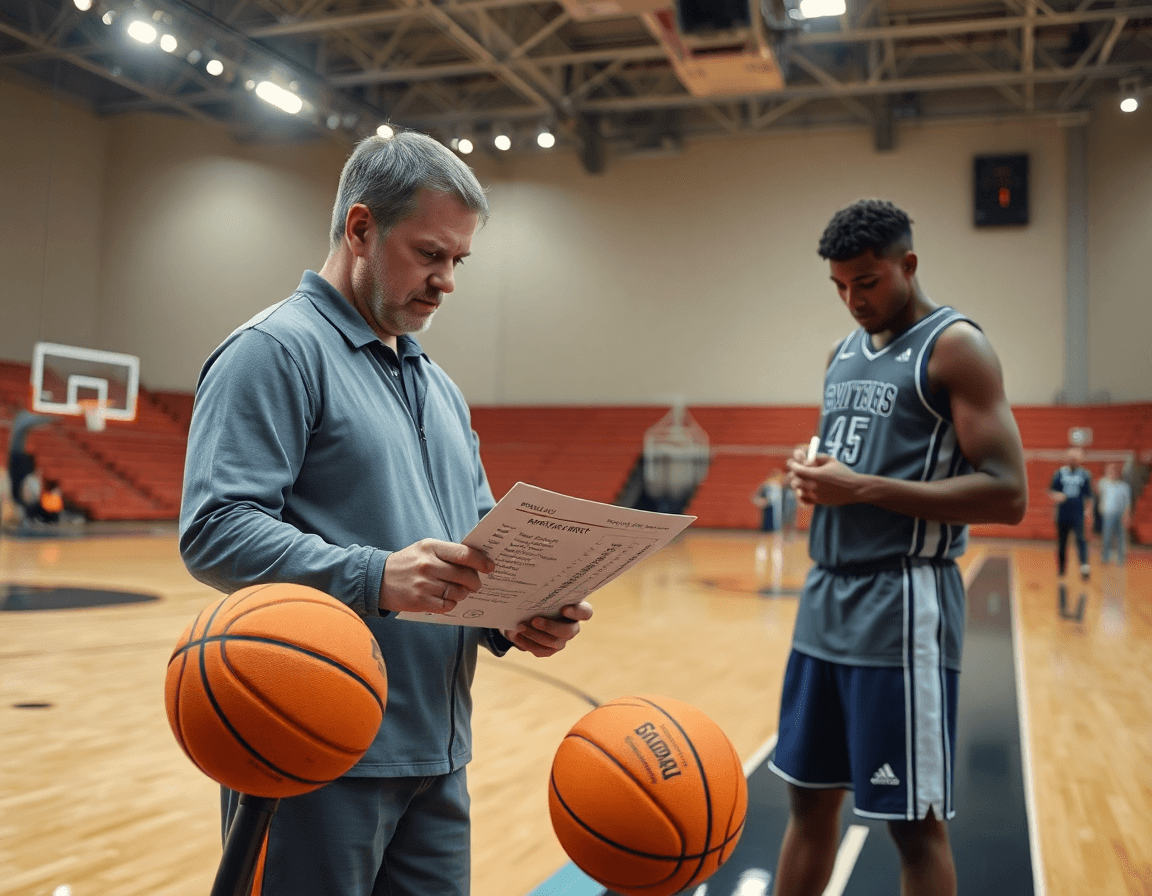
Translate stat insights into a structured set of practice sessions and drills. In the CourtSensei coaching workspace, you start with a weekly plan that threads Basketball Stats Pro outputs—per-game stats, box scores, and global trends—into on-court work. Build 3–4 blocks, each with a focused set of drills, a linked video playlist for teaching clips, and scouting notes that set the tone for the session.
Design drills to address identified gaps (offensive efficiency, transition defense, late-game decision-making, etc.). Think through play design within each drill to translate numbers into action. For example, if the data flags slowed ball movement in secondary break situations, include sequence drills that emphasize outlet passes, spacing, and quick decision-making in transition.
Attach objectives to each drill and track weekly progress within the plan. Every drill should have a measurable aim—points per possession in a live drill, timing on pushes, or accuracy on perimeter reads. Use the plan’s progress tracker to note improvements or stubborn gaps, then re-prioritize the following week based on the updated data from your scouting notes and box scores.
Use visual boards to annotate how stats influence drill sequencing and priorities. A quick note on the board can show why a sequence starts with a specific drill or why a shift in emphasis is needed mid-week. When you connect your data-informed drills to a clear play design and a concise scouting report, the week’s practice becomes a coherent engine for improvement—without losing sight of the bigger team goals.
Video analysis: playlists and playbooks to reinforce stats
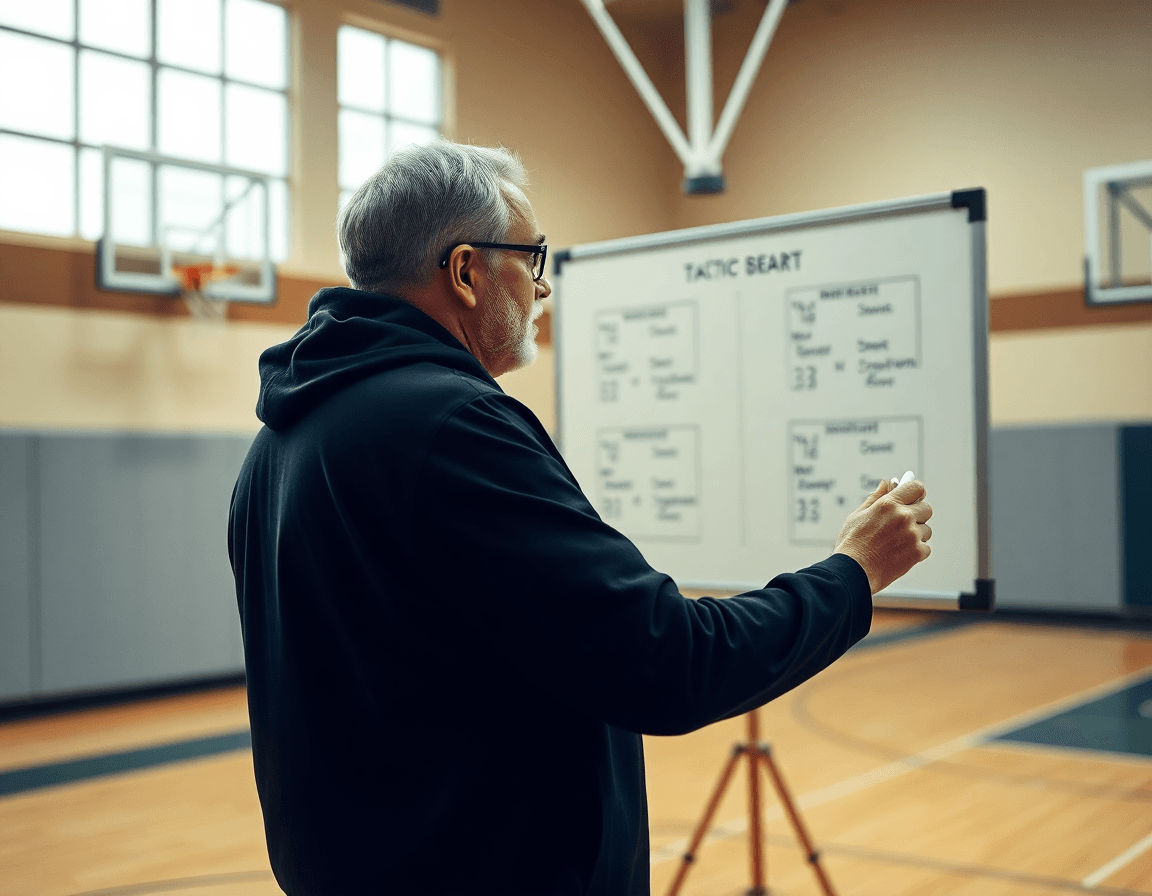
In a weekly workflow anchored to basketball stats pro data, the move is to pair raw numbers with visual teaching tools. Use game footage uploads to illustrate stat-driven concepts—for example, a clip sequence that shows shot distribution patterns or a defensive rotation that influenced opponent efficiency. This is where video analysis becomes your visual language, translating external stats pro insights into on-court adjustments.
Next, build playlists that align with your weekly objectives and drill plans. If the goal is to improve transition defense or tighten ball security under pressure, assemble clips that demonstrate the actions you want to see. Tie each clip to a specific drill plan so the sequence from film to practice is clean and repeatable. The result is a cohesive, stats-informed training cycle rather than a jumble of isolated video moments.
Then connect clips to the tactical backbone: playbooks that embed the clips alongside corresponding plays and defensive schemes, plus scouting notes that contextualize the numbers. Link a cut of a fast-break sequence to a fast-break play diagram, and annotate it with a quick scouting note about tendencies you’ve identified in the data. This creates a direct line from what the numbers say to what you run on the floor.
Finally, export or share read-only links to staff for review and feedback. This keeps inputs centralized and prevents drift between the data, the clips, and the coaching plan. With this workflow, video becomes a precise amplifier for the stats pro narrative guiding your week.
A practical 60-minute weekly workflow
Step 1 (10 min): Review basketball stats pro insights relevant to your roster. Pull the latest per-game stats, box scores, injury reports, and full rosters, then identify the trends that matter for your rotations and matchups. Capture the top takeaways in your weekly plan inside CourtSensei, a key part of your weekly workflow.
Step 2 (20 min): Build or adjust scouting notes and opponent-focused plans. Translate those insights into concrete scouting notes and game prep plans for the week. Update opponent tendencies in your scouting reports, note likely rotations and key matchups, and align these with a shareable PDF or page in your playbook.
Step 3 (15 min): Design or refine drills and plays tied to the data. Turn insights into practice-ready assets: tweak existing drills or add new ones, create plays that exploit tendencies highlighted by the stats pro data, and align with your coach workflow by linking each item to a clear objective in your library and playbook.
Step 4 (10 min): Assemble video playlists and clip highlights for the week. Gather clips that illustrate the trends, assemble them into targeted playlists, and prep short clips to show on the tactical board. Upload videos, trim clips, and generate read-only links for staff review.
Step 5 (5 min): Share, assign, and set expectations with assistants and players. Distribute tasks, confirm ownership of each item, and push a concise expectations brief. Use read-only links and assigned clips to keep everyone aligned before practice and the next game.
Exporting and sharing actionable reports
Export weekly plans and scouting notes as PDFs for game prep packets. The PDF export keeps planning elements—training plans, drill sequences, and scouting notes—together in a printer-friendly format staff can reference on a bus ride or in a staff meeting. Use a consistent, one-page style to summarize objectives, align on defensive adjustments, and flag action items for the week ahead.
Share playlists and clips via read-only links to ensure consistent access. After you assemble video playlists and individual clips in CourtSensei, generate a read-only link and distribute it to assistants, analysts, and coordinators. This keeps everyone on the same page without the risk of edits or version drift, and makes it easy to pull clips into a scouting report or game plan.
Archive past weeks to track progress and reference historical stat-driven decisions. The archive stores weekly PDFs, scouting notes, and clip playlists so you can review decisions against outcomes from earlier games. When external stats pro data shows patterns (live games, per-game stats, box scores), you can reference them in the context of prior weeks without re-creating reports.
Use standardized report formats to keep communication concise with staff. A concise, standardized format—often a one-page weekly review—highlights goals, tendencies, and adjustments for the next game. Keeping report sharing consistent helps coaches at all levels stay aligned during the weekly prep cycle.
FAQ
What is basketball stats pro and how does it fit into a weekly coach workflow?
Turning basketball stats pro into weekly planning starts with selecting metrics that truly reflect your team’s goals. Identify a handful of top metrics—pace, defensive impact, and shot quality—that align with your game plan. By narrowing to the most impactful data, you create a concise set of weekly objectives you can teach, measure, and adjust as the week unfolds.
What tools does basketball stats pro offer to support planning and scouting for weekly sessions?
Within basketball stats pro, you map stats to clear weekly objectives and draft plans in the plans library. Link each objective to specific drills and use PDF exports or shareable files for staff. Attach notes and diagrams on a centralized scouting board so assistants review the same material. This keeps planning and scouting aligned across your coaching workspace.
How can video clips and playlists help translate stats into on court adjustments?
Video clips are the bridge from numbers to action. Pair stat-driven objectives with teaching clips, then organize them into playlists that align with each drill block. Use video analysis as a common language on the court, and connect clips to your playbooks and scouting notes so the sequence from film to practice is repeatable.
How can you export scouting materials or game prep packets for the staff?
You can generate PDF exports of your scouting packets and share read-only links with assistants. Tie opponent tendencies, play diagrams, and per-game stats to a single, printable packet that travels with staff and keeps everyone aligned.
How should you organize opponent tendencies in a centralized scouting board for weekly game prep?
Organize opponent tendencies on a centralized scouting board. Pull inputs from live games, box scores, and injury reports to map tempo shifts, ball-screen usage, and scoring patterns. Attach video highlights for quick reference during timeouts. Build playlists of clips to illustrate concepts across games, and keep source video organized for staff review.
What are best practices for turning stat insights into actionable drills and practice plans?
Turn insights into 3 to 4 weekly drill blocks in your plans library. Each block has a focused set of drills, a linked video playlist, and scouting notes. Attach goals to every drill and track progress in the plan’s progress tracker. Then re-prioritize next week based on updated data from scouting notes and box scores.
