Basketball for Coaches: Weekly Practice & Scouting Workflow
A practical weekly workflow for basketball for coaches: plan practices, install plays, review video, and prep scouting reports to elevate your team's performance.

Key takeaways
- Begin with a weekly coaching workflow that guides basketball for coaches toward season goals and opponent scouting.
- Create a master plan from library templates, assign tasks to assistants, and keep a shared timeline.
- Schedule practice blocks that cover offense, defense, and transition, exporting diagrams to PDF for quick reference.
- Set metrics for the week-end review to inform next week's plan and adjust the master plan.
- In video workflow, emphasize clip curation and player sharing with playlists aligned to this week's objectives.
Weekly coaching workflow: plan, practice, and review
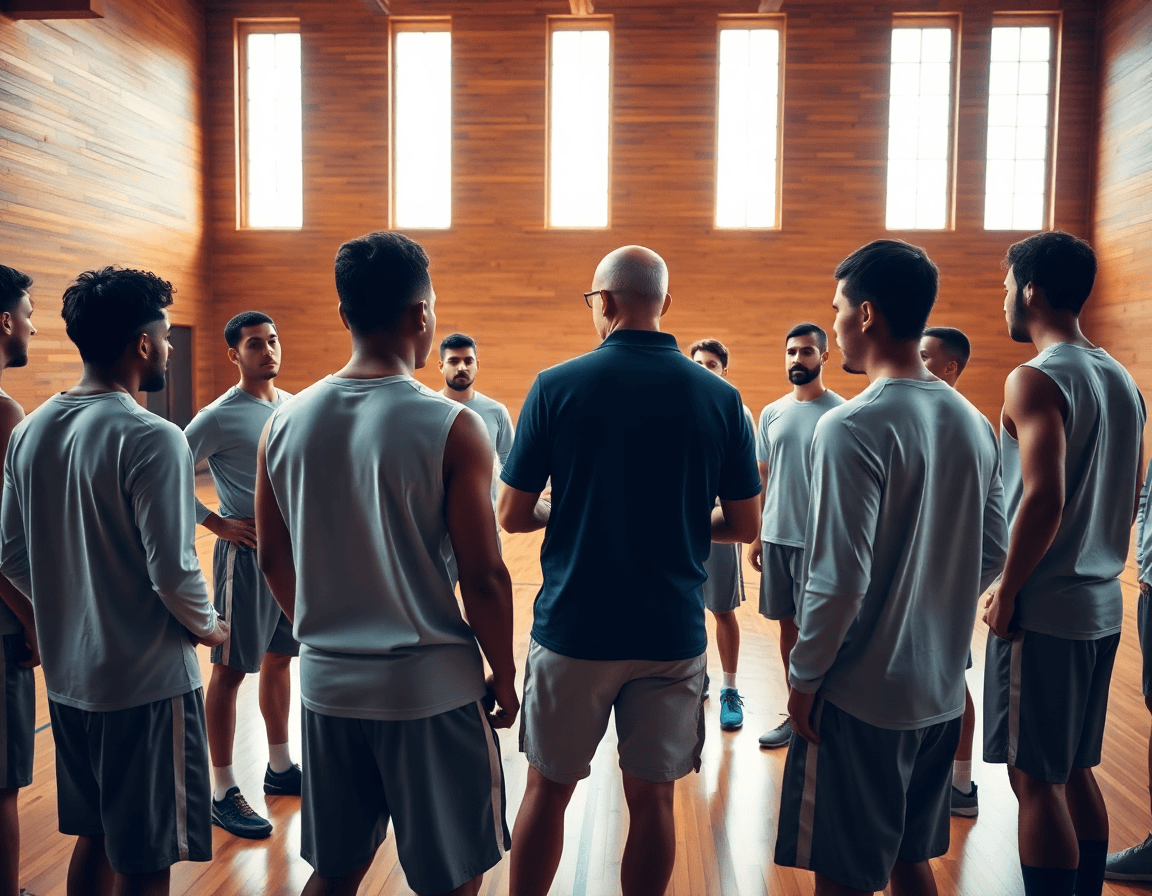
Monday morning, I start with a clean map: outline the weekly objectives aligned to our season goals and opponent scouting. This is the heart of the weekly coaching workflow — a guide that keeps every practice, drill, and clip pointed at one target. I pull the season-long plan from our practice plans library and translate it into a set of outcomes for the week, then cross-check with the scouting notes for the upcoming opponent. The cadence here is what keeps our drills and reads purposeful.
Then I create a master practice plan from library templates and assign tasks to assistants. This is where the workflow shows its value: you map drills and plays into a single block, assign responsibilities, and keep a shared timeline. The master plan becomes the backbone for the week, allowing us to stay on offense, defense, and transition without ad hoc chaos.
Schedule practice blocks that cover offense, defense, and transition concepts. I slot time for read-and-react reads, break down plays, and run through conditioning in a way that aligns with game urgency. On the court, that looks like a steady rotation of drills and quick touchpoints, with a plan to export the tactical diagrams to PDF if needed and to keep players focused on the bigger picture.
Set metrics for the week-end review to inform next week's plan. We track completion rates, concept mastery (offense, defense, transition), and the effectiveness of our scouting notes against the opponent. The week-end review feeds back into the plan, adjusting the master plan and guiding the next cycle of plan-to-practice alignment.
Build practice plans with templates and a shared library
Week by week, I start by pulling from a library of drills and planning templates to build a progressive practice. The aim is a clear flow from warm-up through skill work, into offense and defense reps, with concrete weekly goals. In the plan, I map out the progression for each group and set the expectations for a Monday-to-Sunday cycle. This is where the weekly routine begins to feel solid, not scattered.
I customize plans for split squads and player groups. For example, the bigs focus on defensive rotations and rebound counters, while guards work on ball-screen reads and decision-making. The library lets me swap drills or plays without losing rhythm, so we stay aligned even when rosters or roles shift.
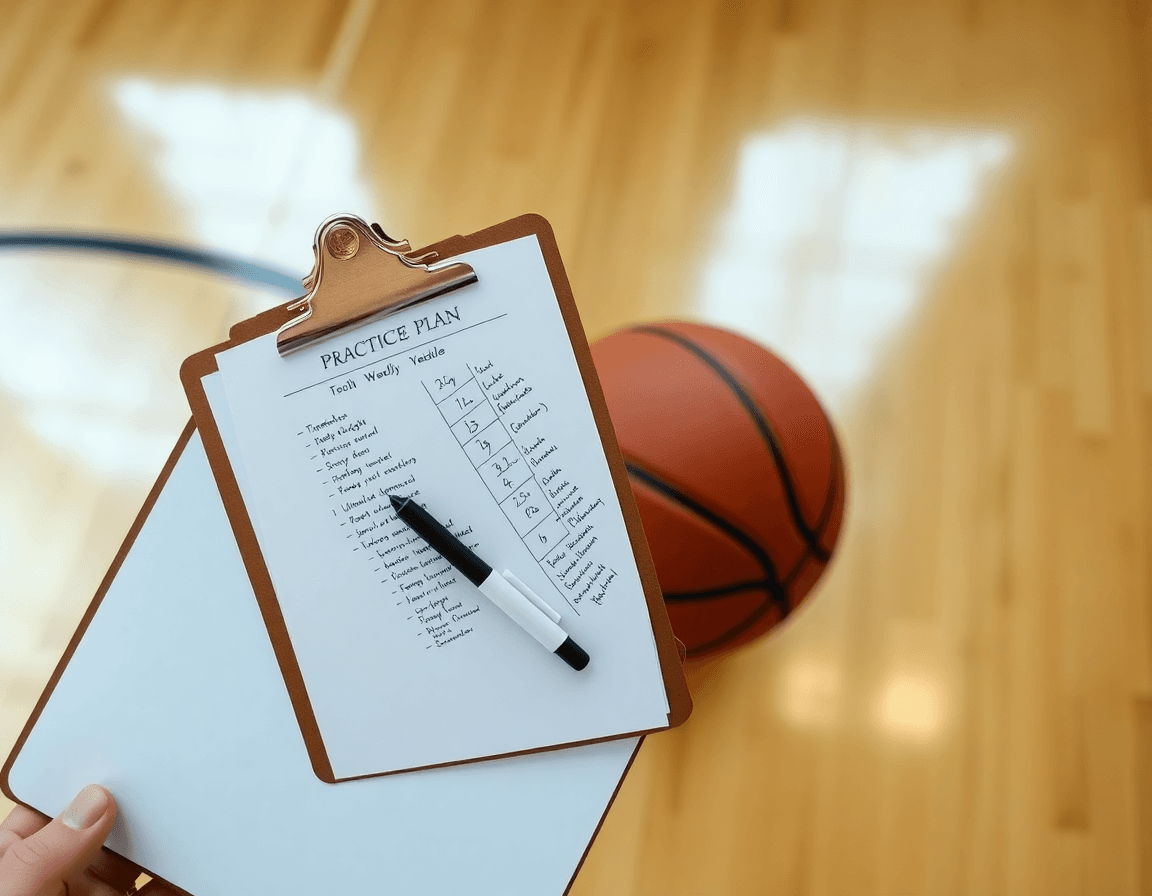
Sharing matters. I push the final plan to assistants and players for shared practice plans and transparency. A couple of clicks export a PDF from the whiteboard, so everyone can follow the same roadmap. I also attach short video clips tied to the day’s objectives to reinforce the action and speed up revisions.
Two weeks ago, roster changes forced adjustments. I pulled a ready-made template for offense, swapped in a different drill, and pushed it to the group. The week stayed on track, and the players understood their roles after a quick Read & React breakdown.
Whiteboard tactics: diagram plays and export to PDF
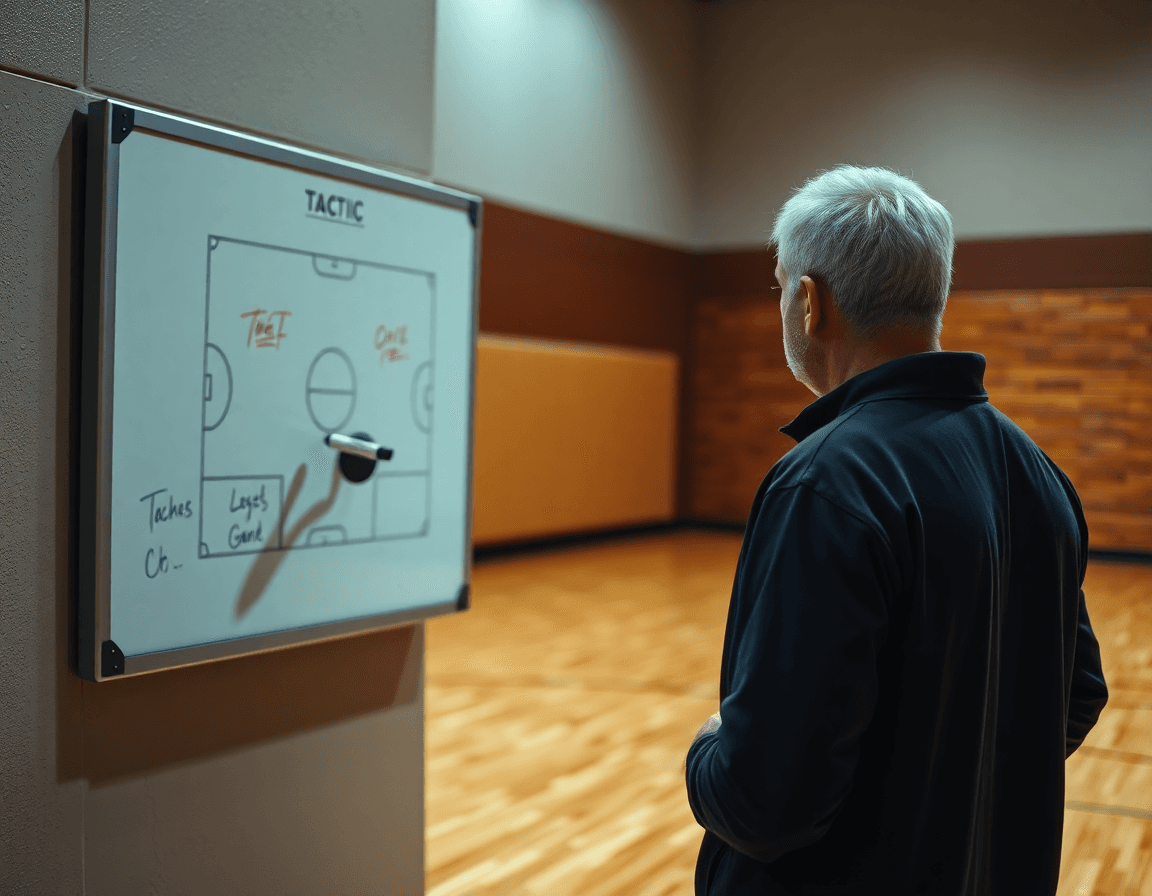
On the whiteboard, I diagram plays like BLOB, SLOB, ATO, and PnR with clear action cues. The goal is to translate what’s happening on the court into a visual that assistants can reproduce quickly. In our weekly plan, we keep a library of whiteboard diagrams, so I can pull the exact setup for the opponent we’re scouting or for a specific practice focus. These diagrams form the backbone of the practice script, guiding both offense and defense during group reps.
Annotate reads and defensive rotations for quick teaching moments. A few arrows show how the weak-side rotates; a note flags spacing or timing. We label reads as Read & React options so players know what to expect from a defender, not just what to run. This workflow shines when I switch mid-drill from the board to a short clip, then back to the board to reinforce the adjustment in real time.
Export boards to PDF for handouts, pre-game briefings, and scout sessions. After a session, I export the current board to PDF so staff can print reference sheets for the locker room and for opponent scouting pages. The PDF handouts pair with our video clips to create a compact briefing package: diagram, clip, cue. When players come in for film, they’ll see the exact actions on the board before they step on the court.
Video workflow: clip curation, organization, and player sharing
Video clips drive weekly decision-making. Clip relevant game and practice footage by play type and by player. This is where video clips and clip curation shine for basketball for coaches: tag sequences by offense vs defense and label the action (PnR, Read & React, ATO). A late-game Read & React look from our guard, and the hedge from our big, become teachable moments when pulled into a short clip.
Next, I organize those clips into playlists aligned to this week’s objectives—defense rotations, decision-making in Read & React, and finishing at the rim. This is clip organization in action: each playlist mirrors a segment of the plan, so drills and plays map directly to what players will see on the floor. By tagging clips to offense, defense, and specific reads, you keep the library searchable and focused on Read & React decisions.
Once playlists are built, I distribute them to players with player sharing through shareable links. They can open on device, even offline, and watch before or after practice. I’ll assign clips by role—a guard studies pull-ups and spacing, a big reviews hedges and rotations—and I can see who watched, so we can address gaps in the next film session. This keeps everyone on the same page without extra meetings.
We use clips for quick-instruction sessions and post-practice reviews. A short video clip pops up in a pre-practice huddle to illustrate a read, then we pause, discuss the adjustment, and annotate the clip for future use. After practice, we run a quick review, tying each clip back to our weekly offense and defense goals and the Read & React reads we’re emphasizing.
Scouting reports: prep for opponents and game plan integration
Scouting reports form the backbone of your weekly prep. As soon as you know the opponent, you compile opponent tendencies and game tempo insights—how they guard ball screens, what they run in late clock, who their shooters are in dynamic sets. Those scouting notes become your guide for practice planning. With a clear view of what they do, you shape priorities for the week and decide where to push and where to hedge. This is where basketball for coaches really pays off.
Turn those findings into action on the court by linking scouting to drills, formations, and defensive calls. If the opponent thrives in transition, you install a quick transition defense drill and a compact press look on the whiteboard; if they over help in the paint, you tag a drop defense and a couple of related formations in your diagrams. The goal is game plan integration that drives Read & React decisions in real time, and you map each tendency to a specific sequence—play breakdowns become coaching anchors.
Make the weekly workflow seamless. In the plan, attach a scouting note and a short video clip that highlights two opponent sequences. Build a player-facing playlist with shareable links to those clips, so Read & React can practice the adjustments before game night. On Monday you finalize opponent tendencies and frame the week’s practice focus; midweek you lock in formations and defensive calls on the whiteboard; Friday you run through the game-ready scripts with the team.
Practical weekly checklist: close the loop and track progress
At week’s end, I lead a quick post-practice debrief with the staff. We call out what clicked and what didn’t, and lock in adjustments for next week. This is where the post-practice checklist earns its keep: tweaks to drills, pacing, and sequences go into the practice plans library, with clear action items for assistants. I export a clean PDF from the whiteboard and share it with coaches and players so everyone’s on the same page. The loop is closed, and our progress tracking stays honest.
Next, I update the playbook with new installations or refinements. If a Read & React read or a new set proves effective, we drop it into the diagrams and adjust the offense/defense on the whiteboard. Changes live in the library as fresh play breakdowns for the staff. I generate a quick shareable link for players to study the clips and print an updated PDF for the team. This is where planning, diagramming, and distribution converge on our plays.
Finally, I review player progress metrics and set development goals for the next week. I flag players improving in decision speed, shot selection, and reads, and prescribe targeted reps in defense and offense. I pull video clips to illustrate points, assign focused workouts in the library, and give each player a personalized playlist. The weekly wrap-up becomes the backbone of progress metrics and coach reflection, keeping our Read & React approach aligned with the season plan.
If you build plans like this every week, CourtSensei keeps your drill library, whiteboard, and video clips in one place — try it free.
FAQ
What does a typical weekly basketball coaching workflow look like?
In this weekly rhythm, I start with objectives aligned to our season goals and the upcoming opponent. The weekly coaching workflow keeps drills, reads, and clips pointed at one target. I pull the season plan from the library, translate into weekly outcomes, and cross-check with scouting notes. This cadence prevents drift and ensures we coach toward a clear plan.
How can I build practice plans from a library of drills and templates?
Build a master plan from the library's templates, outlining a Monday-to-Sunday cycle. Use progressive drills, group splits, and role-specific work (bigs vs guards). Share plans with assistants and players; export PDFs for quick reference. The library keeps rhythm intact when rosters shift, and video clips reinforce objectives.
How do I diagram plays on the whiteboard and export to PDF for handouts?
On the whiteboard, I diagram plays like BLOB, SLOB, ATO, and PnR with clear action cues. I maintain a library of whiteboard diagrams for quick reuse and scouting. Export boards to PDFs for handouts, pre-game briefs, and film sessions, and pair them with short clips to reinforce adjustments on the floor. This combo keeps practice focused and teachable.
How can video clips drive weekly decision-making and help track progress?
Video clips drive weekly decisions by organizing footage by play type and player. I build playlists aligned with this week's objectives—defense rotations, Read & React reads, and finishing at the rim. I implement clip organization to keep clips searchable and shareable, then I share clips with players via links, track who watches, and hold quick post-practice reviews to anchor adjustments.
What should a comprehensive basketball coaching library include, and how should I keep it current?
A solid library should cover drills, plays, and coaching articles, plus a clear progression for player development. Keep it searchable and taggable, easy to update when rosters shift, and connected to the weekly plan. Include mentorship resources and a coach-community link. Schedule quarterly updates to prune old material and add new Read & React breakdowns.
How do I track player progress over a season and adjust the plan?
Track player progress with weekly metrics at offense, defense, and transition mastery. Record completion rates, concept mastery, and game-scout alignment. Compare results to scouting notes and opponent tendencies, then adjust the master plan for the next cycle. The weekend review informs the week-to-week evolution and keeps development credible.
How can I use play breakdowns to install new plays on my team?
Start with a clear play breakdown of a new play: setup, reads, action sequence, and counters. Use clip-driven teaching to illustrate each piece, then demo on the whiteboard and run a few reps. Attach a PDF handout with the breakdown and link it to Read & React reads and this week’s plan so players see the payoff.
