
Basketball stat sheet maxpreps: weekly coaching workflow
Master the basketball stat sheet maxpreps in your weekly routine: plan, log, and review stats, and align them with practice plans, video clips, and scouting.

Key takeaways
- Base weekly practice priorities on the MaxPreps stat sheet to tailor drills and tempo.
- Extract actionable drill goals from game stats and lock them into the weekly whiteboard, aligning with scouting reports.
- Rely on the printable stat sheet and scouting reports to tailor practice against opponent tendencies.
- Post-game uploads and verification ensure the MaxPreps-driven weekly plan reflects the latest data.
- Pull short video clips for players and create a shareable playlist for quick review.
Why the basketball stat sheet maxpreps matters in weekly planning
Your weekly planning hinges on the basketball stat sheet maxpreps. The trends hidden in the numbers tell you which drills to lean into and how hard to push the group that week. If MaxPreps statistics show a drop in free-throw percentage or a spike in 2FGA, you adjust: finish-at-the-rim reps, late-close ball-handling lanes, and tighter finish drills. I pull a handful of relevant actions from the practice plan library and slot them into the week’s agenda. On the floor, the plan becomes concrete: a sharp warm-up, three skill stations, and a team-tactical segment that builds toward the next opponent.
MaxPreps statistics provide the compass to compare across games and opponents, not just the latest box score. With a printable stat sheet, assistants and managers can review trends (pace, efficiency, shooting splits) side-by-side. The data also travels with you—on a tablet during film sessions or printed for the chalkboard. This standardization lets you build a weekly coaching workflow that scales. When you plan X vs. Y, you can point to the same numbers and say, "We attack this gap the same way this week," then map it on the tactical board.
Turn the numbers into actionable drill goals and crisp scouting notes for assistants. The week’s data becomes a set of tasks on the whiteboard, tagging plays from the last game and naming the required adjustments. Then pull short video clips that illustrate the key sequences and assemble a shareable video playlist for players—a quick, digestible recap right after practice. Those scouting reports line up with your plan and keep every coach moving in the same direction.
Where to find and print the MaxPreps basketball stat sheet
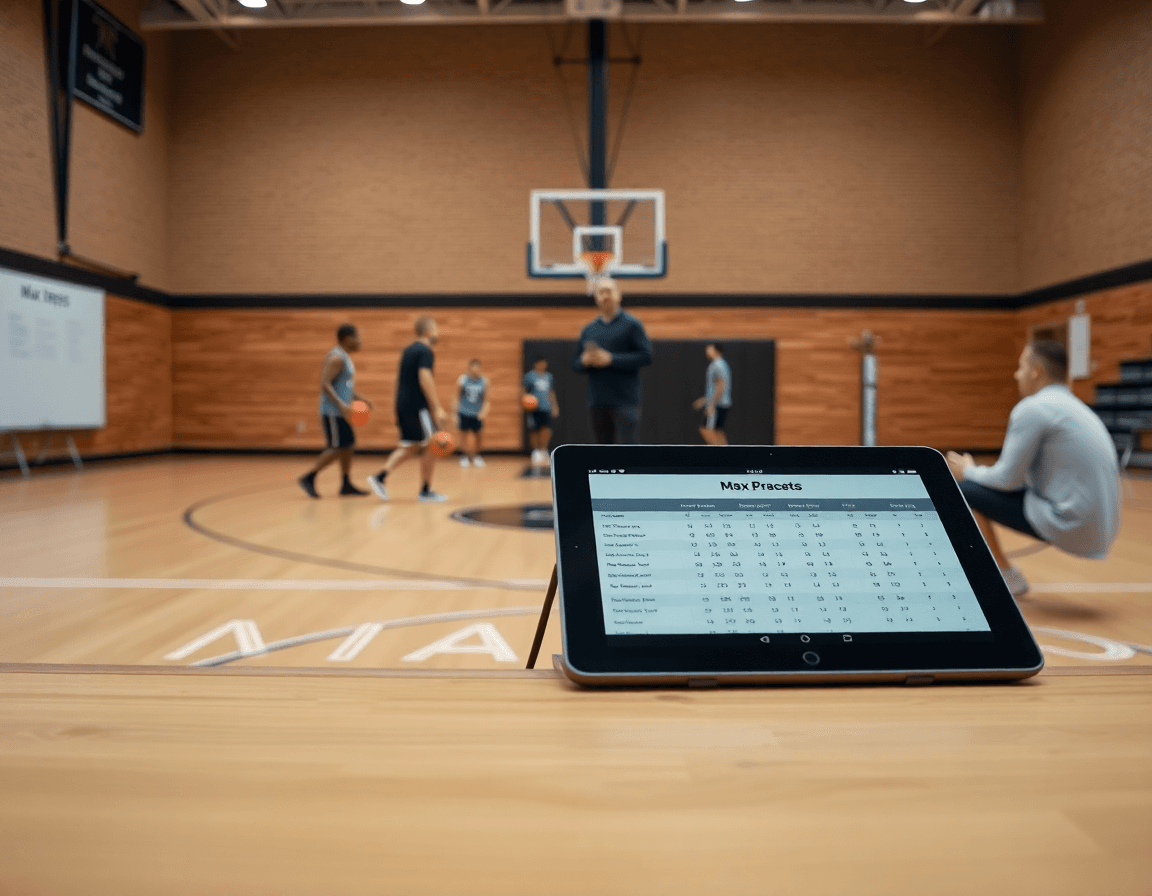
As a coach, I start the week by pulling the official data from the source of record. The department that I lean on is the official MaxPreps stat sheets page, where you’ll find the printable PDFs you need for game night and the film room. For basketball, download the basketball stat sheet pdf and print a copy for the bench and the scouting table. That printable stat sheet becomes the backbone of your weekly workflow, feeding what you plan in the library and what you discuss on the whiteboard.
The sheet itself is clear and role‑driven. The basketball stat sheet pdf includes fields for the score by quarters, plus key totals like points, rebounds, assists, steals, blocks, and more. If you want to get granular, you’ll also see fields used in many programs for 2FGA and 3FGA, which helps you track shot habits without drowning in numbers. The format makes it easy to translate what happened in the gym into concrete coaching decisions—right there in your plan and on the board.
If a sheet isn’t visible for your sport, reach out to MaxPreps support and confirm availability or alternatives. In a practical weekly routine, I save the printable stat sheet in our library, then pull the numbers into our scouting notes and the plan library before we meet with assistants. That way, from the first practice to the final clip, we’re aligned with real data. The stat sheet becomes a bridge between what happened on the floor and how we build our next game plan.
Practical workflow: from game stats to weekly practice plan
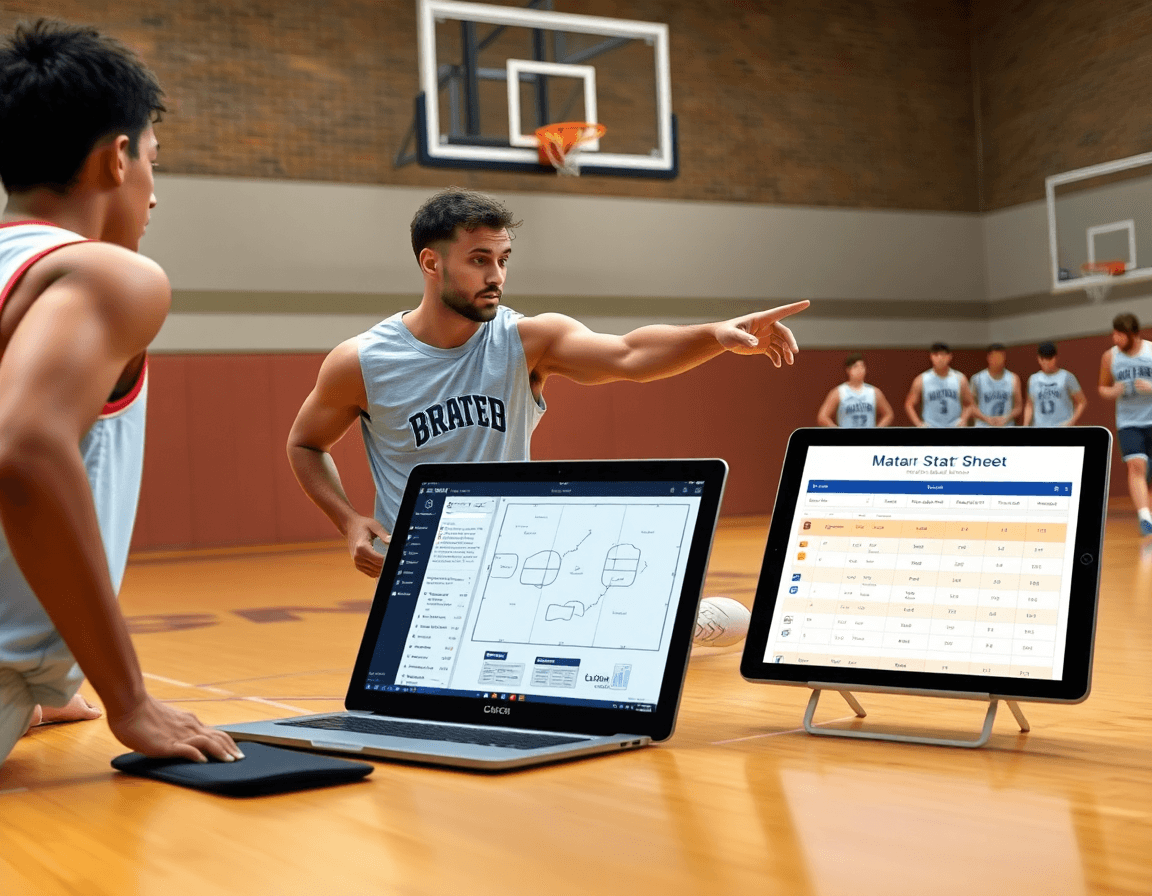
Game day starts with the basketball stat sheet maxpreps open on my laptop, and the MaxStats app ready on the tablet for quick entries. As the action unfolds, I track a few must-have numbers—made shots, attempts, turnovers, and the telling 2FGA/3FGA splits that signal where the offense is headed. I also keep a scouting beleška for mismatches I notice on the floor so we don’t chase the week around what happened last game. Clean data today means a sharper plan tomorrow.
Post-game, I push or upload the stats to MaxPreps and verify entries with assistants while the locker room energy is still high. From that data I translate the final stats into our weekly practice plan and drill emphasis—pinpointing the areas that showed up most, like 2FGA pressure or 3FGA rhythms. This keeps our weekly coaching workflow tight and ensures the video clips, scouting reports, and practice libraries stay aligned with what the numbers say.
Back in CourtSensei, I map stat-driven drills into the practice plan library, diagram plays on the whiteboard (BLOB/SLOB/ATO/PnR), and assign short video clips to players to reinforce the concepts. A quick scouting beleška goes into the scouting reports, and a shareable video playlist lets players review the clips on the bus or between classes. The cycle completes: stats drive the drills, the drills drive the diagrams, and the clips drive the takeaways—all visible in our weekly routine.
Using stats for opponent scouting and game prep
Each week I start with MaxPreps statistics for the opponent. I pull the basketball stat sheet maxpreps—whether as a printable stat sheet or through the MaxPreps app—to see their pace, their top scorers, and their shot distribution (2FGA vs 3FGA). Those data points become the backbone of opponent prep. I drop the key numbers into a CourtSensei scouting reports and attach the relevant game logs to our training plan so the staff sees what to emphasize in practice.
On the board I translate those numbers into concrete actions: their go-to plays, how often they attack mismatches, and their go-to shooters in catch-and-shoot. I jot these in a CourtSensei scouting report with a short video clip example. I diagram the core actions on the whiteboard and annotate the counters you’ll drill in practice. The goal is to turn those scouting reports into a repeatable field guide that the staff can reference in pregame and in timeouts.
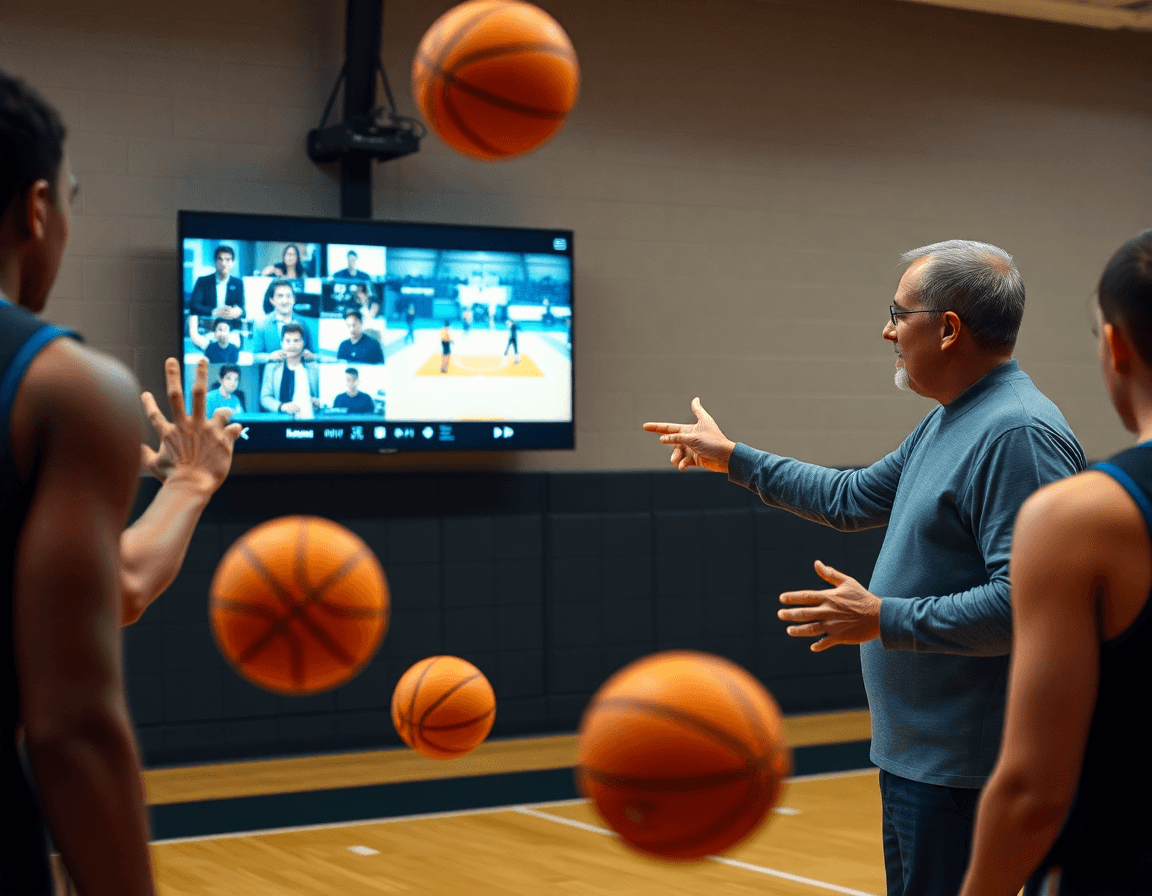
At practice, I reference the printable stat sheet to check off what we saw from the opponent's MaxPreps statistics. We run a short drill sequence aligned to their tendencies and keep a shareable video playlist with the key clips and the scouting notes for the assistants. After the session, we compare game prep against what we saw in their last game log, and adjust the game plan accordingly. The weekly cycle stays tight because the data from MaxPreps statistics informs every decision, and the team gets a clear, actionable path for opponent prep.
Linking stats to video: clips, tagging, and playlists
Each week, I pull the basketball stat sheet maxpreps and the MaxPreps stat sheets from the weekend games and start mapping the numbers to our weekly plan. The totals feed the scouting notes and highlight drills to emphasize in practice. With MaxStats, I push the data into our planning workflow—practice plan libraries, whiteboard diagrams, and the video library—so the coaching becomes a story the players can follow all week.
In the plan, I grab a handful of short video clips tied to the stat events: points, assists, steals, and shot attempts. I label each clip with the corresponding tag, so on the whiteboard we can replay a drive-and-dish sequence or a defensive rotation in seconds. This tagging makes it easy to pull a focused review in a quick team meeting.
From those clips, I build player playlists around the strengths and weaknesses highlighted by the stats. A guard with underwhelming 2FGA efficiency gets a playlist of finish-at-the-rim clips, plus decision-making sequences that show when to attack or kick. The link to MaxStats makes the connection obvious: the numbers drive the exact clips you want to study.
Finally, I deliver clip playlists to players with coaching notes that explain what to watch for and how to apply it in practice. Each player gets a shareable link to their clips, plus a one-page note in our scouting report style that ties the video back to the week's goals. This is how we close the loop between what the stat sheet says and what happens on the floor.
Weekly data quality and a simple checklist
Every Sunday I lock in our weekly data quality for basketball stat sheet maxpreps. I pull the latest sheets from MaxPreps stat sheets and cross-check them against our plan library. The critical first step is verifying player names, numbers, and stat totals—especially 2FGA totals—so the rest of the week isn't chasing mislabelled data.
To keep the wheels turning, I rely on a tight workflow: assistants submit game data by the deadline, I reconcile it in the plan, and the printable stat sheet becomes the master reference. When a discrepancy pops up, we fix it in the system and confirm the corrected totals before the next game.
Checklist to keep this tight includes a few non-negotiables for every week:
- Verify player names, numbers, and stat totals across games.
- Confirm 2FGA and 3FGA totals align with box scores.
- Ensure FT totals are tracked consistently.
- Export to a printable stat sheet and share with the staff.
While the data settles, I map it to our CourtSensei workflow on the floor. The weekly stat frame feeds into the plan library for practice, and I sketch adjustments on the whiteboard diagrams to illustrate where we push on selective shots or pace. I also couple the numbers to our scouting reports so we can highlight opponent tendencies and prep matchups with short video clips.
Done right, this loop keeps the weekly cycle running clean: clean MaxPreps statistics feed the plan, the video clips, and the plays we run. When the staff sees consistent fields and reliable totals, like 2FGA/3FGA trends, they trust the data and we move faster.
If you build plans like this every week, CourtSensei keeps your drill library, whiteboard, and video clips in one place — try it free.
FAQ
What is the MaxPreps basketball stat sheet and why does it matter for weekly planning?
The MaxPreps stat sheet is the official game log that records points, rebounds, assists, steals, blocks, turnovers, fouls, minutes, and shooting data like 2FGA and 3FGA. Use it as your weekly planning compass—spot trends, guide drills, and align staff notes. Print copies for the bench and keep digital versions for film and scouting.
How do I fill out the MaxPreps basketball stat sheet during or after a game?
Fill it live if you can, with one trusted scorer handling primary totals (points, assists, rebounds) and the shooting data (2FGA/3FGA). After the game, verify entries with assistants and fix any mismatches. Keep concise notes that map plays to numbers, then save the printable MaxPreps stat sheet for scouting and planning.
Where can I download or print the MaxPreps basketball stat sheet PDF?
Go to the official MaxPreps stat sheets page to download the basketball stat sheet PDF. Print extras for the bench and scouting table, and keep a digital copy for film sessions. The printable sheet outlines score by quarters, totals, and shot data you’ll use in your weekly workflow.
How do I upload stats to MaxPreps from a game?
After the game, use the MaxPreps app to upload the final stats. Have a trusted assistant verify the entries against the scoreboard, then publish to MaxPreps and share with staff. This keeps box scores accurate and ties quick scouting to your weekly plan.
What stats are tracked on the MaxPreps basketball stat sheet (e.g., 2FGA/3FGA, score by quarters)?
Common fields include points, rebounds, assists, steals, blocks, turnovers, fouls, and minutes. You’ll also track shooting data such as 2FGA and 3FGA, plus free throws, and, where available, score by quarters. These metrics help evaluate efficiency, pace, and shot distribution for your game plan.
How can I report basketball stats using the Teams by MaxPreps app and keep the workflow aligned?
Teams by MaxPreps app lets you enter and share stats with players and staff in real time. Use it to push final box scores, generate scouting reports, and attach short video clips. It smooths the workflow between the game and your weekly plan, so everyone stays aligned even when you’re on the move.