
NBA Scouting Report Template: Streamline Weekly Evaluations
Discover a repeatable NBA scouting report template to power weekly game prep: structure player profiles, key metrics, tendencies, team fit, and video notes.

Key takeaways
- Center your template on a Player Profile with Physical Data and anchor it with PER, TS%, USG%.
- Track Statistical Performance Metrics (PER, TS%, USG%, AST/TO, DRTG) and tie numbers to clips in practice.
- In Skill & Tendencies, quantify shooting, drive outcomes, and decision speed to guide practice emphasis.
- Define Team Fit and Role Projection to anchor rotation decisions and minute distribution.
- Establish a weekly Workflow: base templates, post-game updates, PDFs, and task assignments in CourtSensei.
What to include in an NBA scouting report template
As a coach, I build the nba scouting report template around a solid Player Profile with Physical Data: height, wingspan, position, age, and injury notes. This is paired with quick metrics like PER, TS%, and USG% to anchor weekly game prep. A clean start keeps the plan tight.
Next comes Statistical Performance Metrics. I track efficiency and usage to map how a player scales in our system. Include PER, TS%, USG%, plus AST/TO and DRTG to gauge playmaking and defense pressure. This section flags where a player can influence pace and decision making.
In the Skill & Tendencies section, I map shooting tendencies, catch-and-shoot frequency, drive outcomes, and decision speed. Tendencies determine our scouting reads and practice emphasis. The space helps you quantify what a player does, not what you hope they will do.
Team Fit & Role Projection outline how the player fits defensive schemes, spacing, and rotation needs. Role Projection covers minutes, lineups, and specialty tasks—switch coverage, late-game ball handling, or go-to sets. This keeps weekly lineup decisions grounded in reality.
Live Observation Notes and Short Scouting Conclusions capture on-court reads from recent games: on-ball pressure, footwork, and recovery speed. End with a concise scouting conclusion to guide your next weekly plan and practice focus.
Video Clips and Outline keep your media organized. Plan video integration—attach clips to the player card, caption key moments, and build Playlists / shareable links for quick distribution. Use the Whiteboard to diagram tendencies and scout plays beside the notes.
Workflow and Sharing matter most. Maintain a consistent format to streamline sharing with assistants and staff. In the weekly planning workflow, export polished PDFs for staff meetings and assign tasks to assistants, all within CourtSensei.
Core sections and metrics to cover
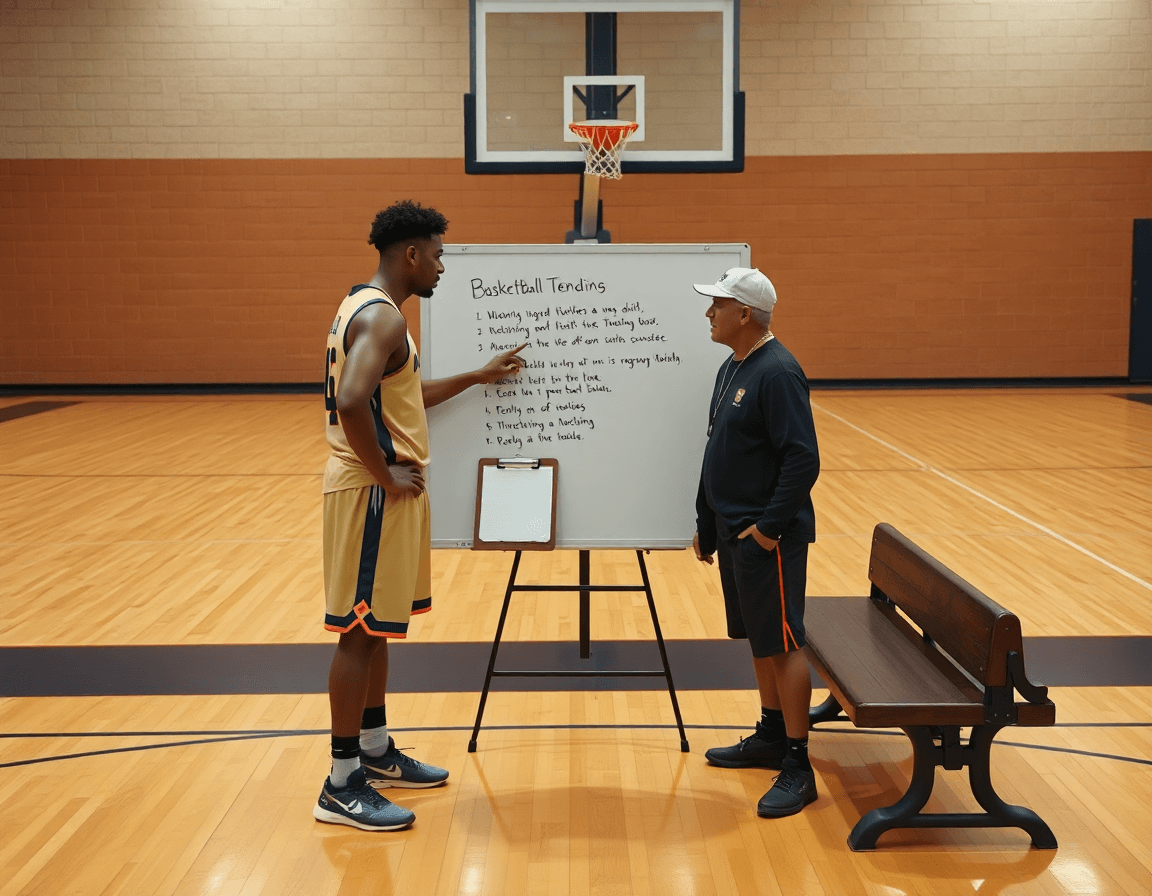
Think of the weekly scout packet as your nba scouting report template in action. In CourtSensei, you build this in the Scouting Reports module, attach Video Clips, and organize Playlists for easy sharing. Start with the Player Profile and Physical Data—height, wingspan, position, age—so staff see the baseline at a glance. A quick note on context helps: even with solid numbers, a player’s feel for the game matters, so capture a concise Live Observation when you’re on the floor.
Next, lock in the key metrics: PER, TS%, USG%, AST/TO, and DRTG. Each number tells part of the story, but you’ll want the context—how do these rates change with different lineups or in late-clock situations? Tie these figures to clips from practice or games to illustrate the narrative, then summarize what it means for your rotation and expectations.
In the Skill Assessment, you rate core abilities: shooting, finishing, decision‑making, defense, and basketball IQ. A simple 1–5 scale paired with a representative clip makes it actionable. Note any quick wins or red flags you’d want to test in next week’s drills, so assistants can chase the same improvement targets.
Tendencies matter, too: document preferred spots, shot types, and pace. This is where the Tendencies-based decision making section shines. Use the Whiteboard to diagram patterns or scout plays that reflect those habits, and attach a quick clip that demonstrates the trend for quick reference.
For Team Fit and Role Projection, describe how the player contributes to rotations and lineups, including potential roles in different lineups and how they complement established pieces. Finally, outline Defensive and Offensive Impact contexts—start vs. bench, favorable matchups, and situational usage—so your staff knows how to deploy the player in the coming week.
Weekly workflow: structuring and using the template
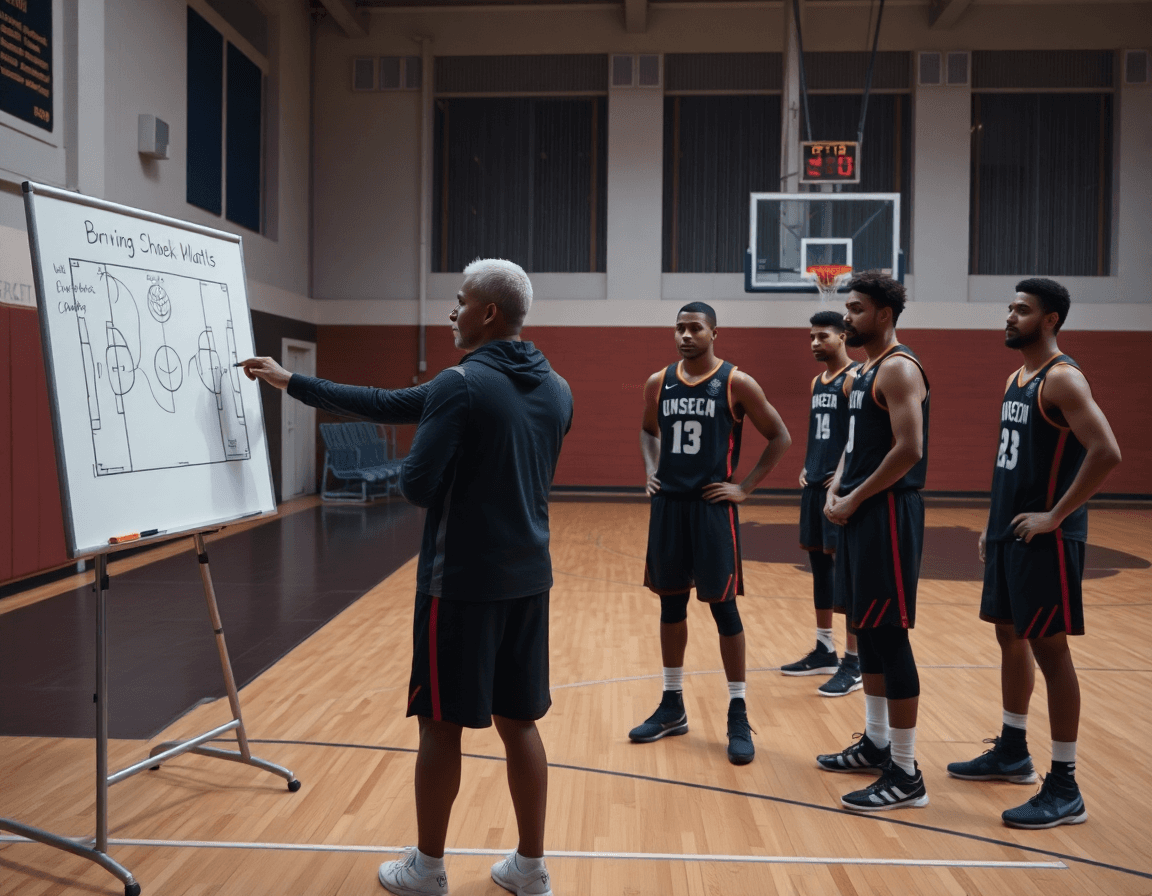
In the weekly cycle, I begin by building a base NBA scouting report template in the Scouting Reports module to keep consistency across staff. The template lays out the core fields we rely on: Player Profile, Physical Data, PER, TS%, USG%, AST/TO, DRTG, Team Fit. This structure acts as the spine for the week’s scouting, so every game note slots into the same framework and supports quick comparisons.
After each game, I fill in sections with observed data and notes. I track how a player attacked specific coverages, tendencies in transition, and any shifts in role or efficiency. The goal is to capture actionable takeaways in the template sections, so a teammate can pick up the report and read the storyline without hunting for scattered observations.
Attach relevant video clips and caption them to align with the template sections. A clip of a defender hedge or a sequence from a PnR can be linked to the corresponding line item, and captions tie the action back to the sheet’s language. This keeps video context tight and makes it easy to assemble a cohesive narrative for the staff.
Generate a PDF export for staff meetings and share via a centralized link. The polished PDF keeps the weekly review crisp, and the shareable link lets assistants and coordinators access the latest scouting report without digging through folders. You can also assemble short video playlists to accompany the PDF, so everyone has a quick reference pack for the meeting.
Finally, review and update the template weekly to reflect new data and insights. This is where the workflow tightens: after a couple of games, I adjust sections like Player Profile or Team Fit, ensuring the template evolves with the team’s scouting needs and the players’ development.
Linking video and live observation into your reports
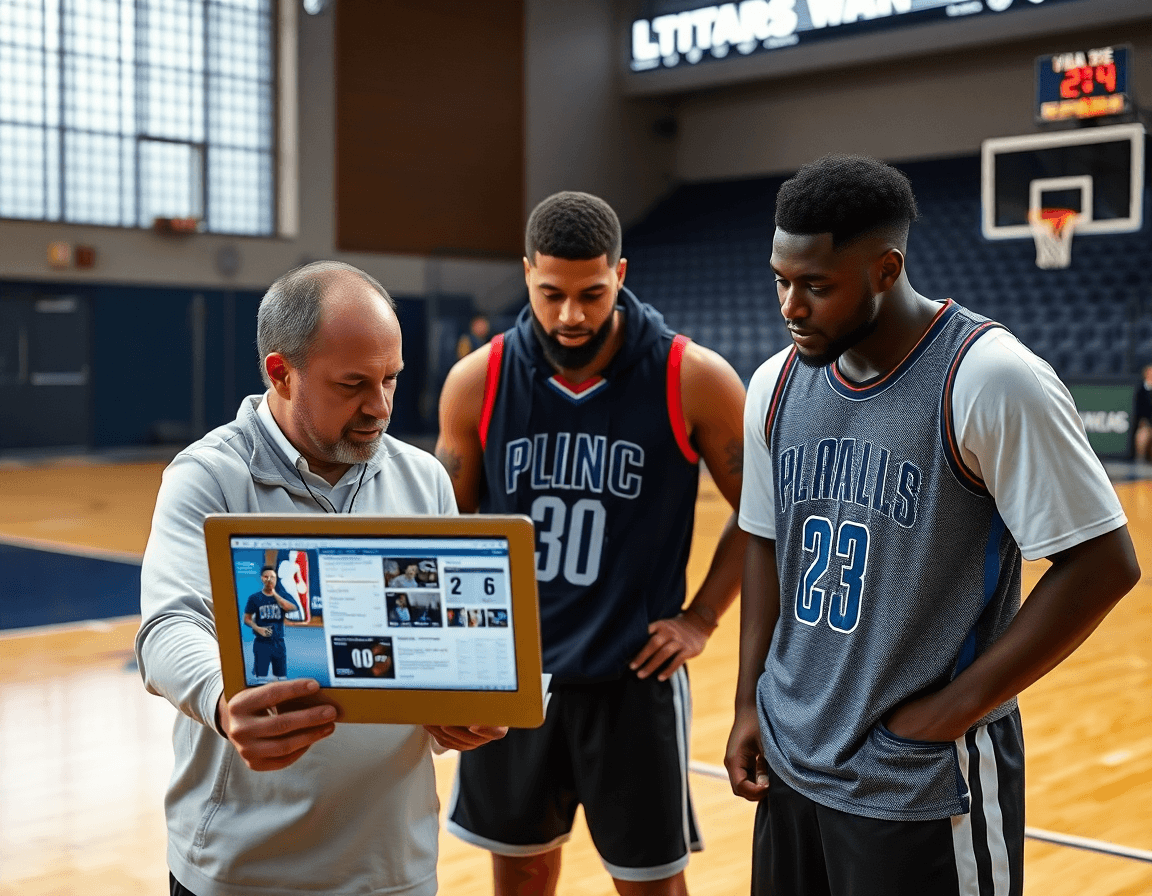
Linking video and live observation into your reports strengthens the nba scouting report template you rely on during weekly planning. In CourtSensei, store Video Clips in a centralized library and annotate them against template sections—off-ball movement, decision-making in PnR, and defensive gaps—so you can quickly pull relevant footage for staff reviews. This keeps your plan, your tape, and your notes aligned in one place, ready for the next practice.
Use Embedded Video for quick reference within each player's report. As you populate a Player Profile, drop in short clips that illustrate tendencies—pull-up decisions, drive-and-kick reads, or rotations in transition. The embedded clips let you cross-check live observations with on-court action and keep your notes anchored to metrics like PER, TS%, and USG% without cluttering the narrative.
Create Playlists or shareable links for specific players or scouting categories. For example, a ball-handler tendencies playlist or a rim-protection gaps playlist travels with the report so assistants can review the same material, even on a tablet during a film session. This approach helps you organize video by category and attach it directly to the corresponding scouting reports, streamlining review cycles and staff feedback.
Combine Live Observation with video evidence to improve objectivity. During a session, capture quick notes next to the observed action and attach the matching clip from your library. Over the week, this fusion of live input and video evidence strengthens the credibility of your nba scouting report template and makes staff discussions more productive when you’re building game plans and roster evaluations.
Adapting the template for different levels (NBA, college, international)
Adapting the NBA scouting report template for different levels starts with a simple premise: the core structure stays the same, but the context you’re evaluating changes. The base template you’d use for an NBA prospect can be dialed down for college or international players by adding context notes and level-appropriate expectations. Calibrate team fit and role projection to the level—whether depth on a college roster or a primary role on an international squad—and keep the weekly workflow clean. In CourtSensei, you run this in the Scouting Reports module, attach Video Clips, and map tendencies on the Whiteboard as you plan the week.
Metrics take on different meanings across levels. In NBA mode, you lean on PER, USG% to gauge efficiency and usage, and you interpret pace to set expectations for decision-making. For college, you reference pace-adjusted stats and development indicators to track improvement rather than raw volume. International scouting often emphasizes spacing and discipline against unfamiliar defensive schemes. The same template holds the data, and you can swap benchmarks to reflect league tempo, then export polished PDFs for staff review and cross-level discussions.
Keep a consistent core structure while letting context-specific notes breathe. The template should still contain a concise Player Profile, Physical Data, Key Metrics, Tendencies, Role Projection, and Team Fit notes. Use dedicated sections for context—NBA, college, or international—to flag differences without rewriting the form. This makes cross-level scouting analyses much easier when you pull data into one central view.
Workflow-wise, the advantage is simplicity: use the same template across contexts, attach clips, diagram tendencies on the Whiteboard, and build Playlists / shareable links for quick feedback to assistants or staff. After reviewing clips, export a polished PDF to circulate in staff meetings and assign follow-ups in your weekly plan. The result is a data-driven scouting loop you can run every week, regardless of the level.
Maintenance and updating for consistency
Maintaining an accurate nba scouting report template means ongoing calibration and updating to stay aligned with the league’s shifts. As trends evolve, I tweak metrics inside the Scouting Reports module and keep the core fields steady: Player Profile data, Physical Data, and the key indicators we track (PER, TS%, USG%, AST/TO, DRTG, Team Fit). The goal is to preserve a clear, actionable narrative that translates into weekly decisions on the court.
Schedule regular template reviews and version control. I treat the template like a living document—establish a cadence (weekly or after big league changes), stamp updates with a version number, and log what changed. When the staff runs a weekly scouting cycle, everyone grabs the latest file, exports the PDF for staff meetings, and trusts that what they’re seeing reflects the current game plan.
Train assistants on data entry standards and reporting language. Create a compact onboarding flow so new contributors know how to enter data, how to label Player Profiles, and how to phrase findings in a consistent, neutral voice. Use CourtSensei to assign training tasks and track progress, reinforcing uniformity across scouting notes and the whiteboard diagrams.
Align scouting outputs with broader tactical plans and practice plans when relevant. When tendencies shift, reflect them on the Whiteboard and feed that into practice planning. Use the templates to generate clean PDFs for staff sessions, attach relevant Video Clips, and build Playlists / shareable links for quick distribution. This cohesion—calibration, updating, and version control—keeps our workflow tight from weekly planning to game week.
If you build plans like this every week, CourtSensei keeps your drill library, whiteboard, and video clips in one place — try it free.
FAQ
What should a basketball scouting report template include?
Start with a clear Player Profile and Physical Data (height, wingspan, position, age, injuries). Add key metrics like PER, TS%, USG%, AST/TO, DRTG with context. Then map shooting patterns and decision speed under skill and tendencies. Finish with team fit and role projection, plus live observation notes and video clips for weekly updates.
How should you structure a basketball scouting report?
A solid structure: begin with the Player Profile, then present Key Metrics, move to Skill & Tendencies, assess Team Fit, and conclude with Live Observation and video context. Keep it concise for quick reads and tie each section to rotation decisions and practice priorities.
Which metrics are most important in basketball scouting?
Center your view on core numbers: PER, TS%, plus USG% to gauge usage, then track efficiency split with AST/TO and defensive impact via DRTG. Always add context by noting lineup with whom these rates change and late clock pressure. Ground the narrative in clips that illustrate the story.
How do you assess a player's tendencies in scouting?
Assess Tendencies by mapping shot locations, catch and shoot frequency, drive outcomes, and decision speed. Use a simple 1–5 rating on core habits and attach representative clips. Document patterns with quick diagrams on the Whiteboard and include a brief summary to guide next week’s practice targets.
What is team fit and role projection in a scouting report?
Explain how a player contributes to rotations and spacing, describe potential roles in different lineups, and outline minutes and specialty tasks. Provide actionable guidance for deployment next week and note matchup considerations to anchor development plans.
How can live observation be integrated with data in scouting?
Integrate Live Observation with data by capturing quick notes and linking them to the relevant sections. Attach annotated Video Clips to illustrate patterns and areas for growth. This creates a cohesive pack staff can reference during weekly planning planning sessions.
How often should scouting reports be updated?
Set a clear cadence with Weekly Updates. After a few games, revise Player Profile, Team Fit, and Role Projection as development shifts. Archive prior versions for comparison, and keep the template lean so staff can track changes without reworking the whole report.
