How to Create a College Basketball Scouting Report
A coach-focused guide to building a college basketball scouting report with film study, live evaluations, and analytics to inform weekly prep.

Key takeaways
- Centralize the weekly scouting workflow in one platform to turn scattered notes into action-ready insight.
- Define a repeatable framework with four buckets—physical tools, skills, decision-making, consistency—and keep notes comparable.
- Identify data sources: film clips, box scores, and live observations; export insights into a centralized profile.
- Structure a solid report with sections like Offense, Defense, Playmaking, Fit/Role, Projections, and weekly review.
- Tie metrics to clips to show cause and effect; export a PDF for weekly prep.
Why a weekly scouting report matters for your program
Centralize the weekly scouting workflow in one platform and you turn scattered notes into action-ready insight. As I prep for the next week, the college basketball scouting report becomes my compass for roster planning, recruiting, and player development. When film notes, live evaluations, and stats are converted into one cohesive document, the path from data to decision is clear—and repeatable.
Opponent prep starts with film study, then a quick round of live evaluation to confirm tendencies. The scouting report captures how opponents space the floor, run guards off sets, and attack mismatches. I also bring in advanced metrics—PER, TS%, USG%—to quantify impact and turn ambiguous reads into tangible scouting cues that our staff can trust during prep and practice planning.
Centralization saves time and keeps assistants aligned. Instead of chasing PDFs and scattered notes, everything lives in one place. I attach diagrams on the whiteboard to illustrate rotations, sets, and defensive schemes, and I share video playlists with the staff and players so everyone sees the same clips. When it’s time, I export PDFs for the weekly meeting and keep all artifacts in one repository for easy reference.
Finally, the weekly scouting workflow feeds directly into planning. The insights drive practice priorities, scouting coverage, and development goals, all organized in a centralized workflow. By turning clips, notes, and metrics into a single planning document, I establish a dependable routine that makes Sunday prep feel manageable and focused.
Define criteria and data you need for every prospect
Define a simple, repeatable framework you can deploy every week. The core is four buckets: physical tools, skills, decision-making, and consistency. Under physical tools you note size, length, speed, and vertical, while skills cover shooting mechanics, ball handling, finishing, and defense in space. Decision-making tracks basketball IQ, shot selection, and tempo, and consistency looks at game-to-game production and practice habits. With these categories, your notes stay comparable across every prospect you evaluate.
Identify data sources: film clips, box scores, and live observations. For film, tag each clip by action (pull-up, drive, catch-and-shoot) and attach quick notes on outcomes. Box scores give you per-game context (minutes, efficiency, usage). Live observations fill in the nuances—defensive gaps, on-ball pressure, and communication. All of these data points feed into your weekly scouting report, and you’ll want to export these insights into the centralized profile for reuse.
Create templates with sections for strengths, weaknesses, fit, and comps. Build a concise structure: pull a player's best clips for strengths, note gaps for weaknesses, assess how they would fit your system, and compare to known college players as comps. Store this data in a centralized profile you can reuse weekly, updating as new film and box scores land. When you run the numbers, bring in statistical analysis—PER, TS%, USG%—to validate your qualitative notes and keep the college basketball scouting report robust.

Film study plus live evaluation: building the report
Film study plus live evaluation: building the report
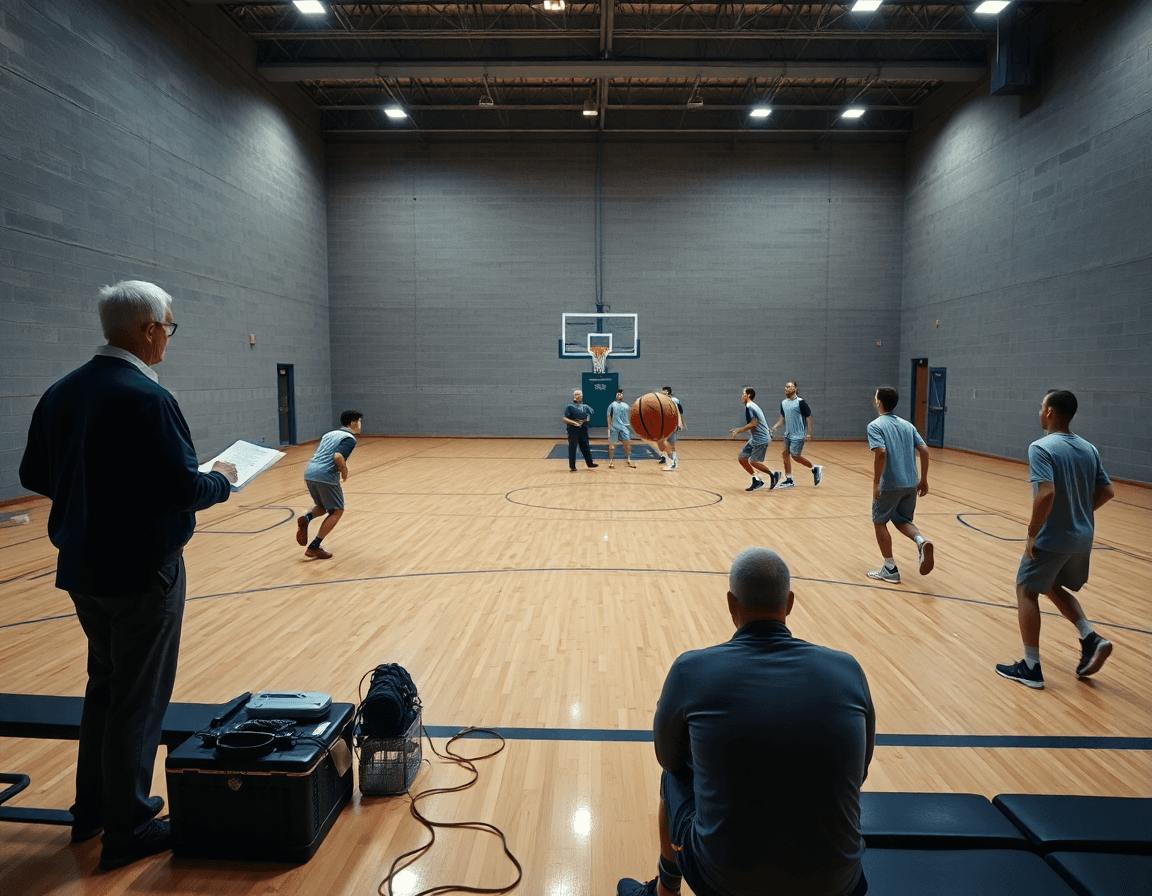
For a college scouting report, I lean on two inputs: film study and live evaluation. In my weekly plan I pre-scout, cut the footage, and tag time-stamped notes on strengths and areas. Then I add live notes from practice or a scrimmage—effort, leadership, basketball IQ. The aim is a single, cohesive scouting report that guides decisions through the week.
With CourtSensei, I convert those notes into a narrative that ties what I saw on film to what I observed in real time. I attach time-stamped clips to illustrate strengths and tendencies, and I label weaknesses with concrete examples. I emphasize scouting report writing as the framework, and I include PER as a gauge of efficiency and impact when the data supports it.
To keep it practical, I blend clips, live notes, and stats into one document. A typical entry might read: “Active defender, closes gaps well; evidenced by clip 18:40 and 23:12; rim finish shows consistency; TS% 0.65, USG% 26.” I also attach video clips and whiteboard diagrams to show rotations and spacing, so staff can reference the rationale at a glance.
Workflow integration matters: I share the completed report with assistants, attach the diagrams on the whiteboard, and bundle a video playlist for quick reference. The whole package—film notes, live evaluation, and stats—stays in one place, and I can PDF export for weekly prep and distribution.
Structure a solid scouting report for college players
For a college basketball scouting report to carry weekly weight, structure is everything. In my weekly scouting workflow, I centralize film notes, live evaluations, and stats into a single, cohesive report. The goal: a document staff can reference during prep and recruit conversations, not a collection of scattered notes. This is where scouting report writing meets player profiling.
Start with a concise player profile and a clean read on where the player fits on the court. The core blocks are: Offense, Defense, Playmaking, Fit/Role, and Projections. The idea is to translate court presence into measurable impressions you can defend with numbers and clips.
Back observations with statistical analysis and film study to show cause and effect. Tie each note to concrete metrics—PER, TS%, and USG%—and link it to a clip that proves the point.
Provide anonymized comparables and a recommended role. These give staff a frame for projection without naming names, while still highlighting where the player fits on a college roster. A clean template helps keep reports consistent across staff.
To close the loop, run the report through a quick weekly review with the staff, attach diagrams on the whiteboard, and share a video playlist with the key clips. A single PDF export keeps the scouting artifact in one place for Monday prep and midweek adjustments.
From scouting to practice prep: using insights on the bench
As a coach who lives in the weekly scouting loop, I translate every college basketball scouting report into bench-ready action. In my plan for the week, I map what we found in film study and live evaluation to concrete drills and progression goals. The aim is simple: convert insights into effective practice planning and game prep, so we’re not chasing information—we’re chasing competitive adjustments on the floor.
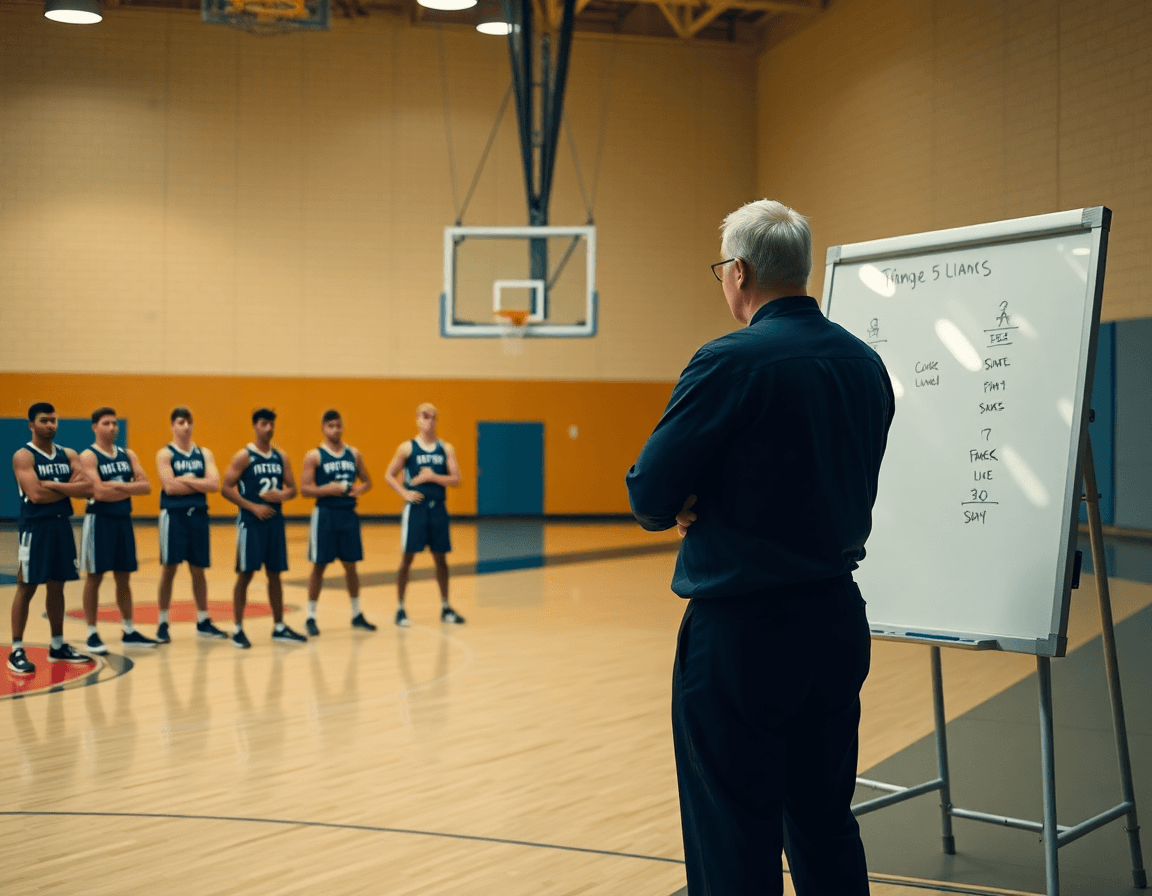
During early practice, I pull the bench closer and use the whiteboard to map opponent-specific actions. We sketch play diagrams for their pick-and-roll coverage and rotations we expect to disrupt. The notes from the scouting report guide the diagrams, and the team sees clearly where to help and where to recover.
After practice, I assemble a lean video playlist that pairs clips with the scouting plays we want to emphasize. We share these quick cuts with the staff and players, reinforcing film study with live demonstration. By creating separate scouting plays and a compact video playlists, we turn raw data into repeatable on-court reps.
Everything ends up in one place. I export PDFs of the weekly scouting report, attach diagrams on the whiteboard, and keep all artifacts accessible for next week’s prep.
60-minute weekly scouting workflow: a practical step
Think of your weekly scouting as a tight, repeatable rhythm: film study (0-20), live eval (20-35), write the report (35-50), and export/share (50-60). This 60-minute workflow keeps your prep focused and the staff aligned. With CourtSensei, you centralize the weekly scouting workflow: convert film notes, live evaluations, and stats into a cohesive scouting report, attach diagrams on the whiteboard, and share video playlists with staff and players.
During film study you pull the clips you trust, tag them with context (spacing, ball movement, decision-making), and drop notes into your template. Convert those notes into the early draft of the scouting report. Build a ready-to-use video playlist for staff and players, so everyone reviews the same clips quickly. Rely on templates and a weekly checklist to stay consistent.
In the gym, the live eval window (20-35) captures tendencies as they unfold: note action runs, preferred counters, and player-specific reads. Sketch quick diagrams on the whiteboard to map potential actions (set plays, ball-screen reads, transition gaps). Those live notes feed directly into the scouting report and link to the clips, making real-time insights actionable for game prep.
With data in hand, you draft the report (35-50) using a structured template: opponent tendencies, lineup notes, run/stop patterns, and key metrics (PER, TS%, USG%). The goal is a clean, readable scouting report that your staff can reference and annotate. Use the platform’s checklists to ensure every section is complete before you move to export.
Finally, export and share (PDF) with staff and players. Everything—notes, clips, diagrams, and the final report—lives in one place for quick access in weekly prep. The ready-to-use scouting report comes with a prep plan for the week: who watches what, which clips to emphasize in practice, and how those insights map to your practice plan.

Templates, tools, and templates to speed up your process
As a coach juggling film study and live evals, I lean on built-in scouting report templates. They pull everything into a clean college basketball scouting report with sections for notes, stats, and visuals. You jot quick observations after a drill, then drop in heat maps or diagram lines on the whiteboard, all within the same template. The templates guide your weekly workflow—checklist prompts for opponent tendencies, defensive schemes, and their go-to sets—so you don’t miss details that matter when you’re comparing players. It’s a real time-saver for film study and statistical analysis, especially when you’re weighing advanced metrics like PER, TS%, and USG%.
Attach and share video clips via playlists; export PDFs for staff. The film study portion becomes a lot less chaotic when you can flip from a scouting note to a clip that illustrates a point, then pin that clip to the same report. With shareable video and integrated clips, you can grade reads, ball-screen attack, and rotation breakpoints in a single flow. The PDF export makes weekly prep painless for the coaching staff, so your report lands in the right hands before morning meetings.
All artifacts live in one place, syncing with practice plans to keep weekly prep cohesive. From film notes to live evals and stat lines, everything threads through the same reference. When the opponent changes a scheme midweek, you can update a diagram on the whiteboard and push the revised visuals into the same template, ready for the next staff huddle.
If you build plans like this every week, CourtSensei keeps your drill library, whiteboard, and video clips in one place — try it free.
FAQ
How do you scout basketball players?
Start with a simple, repeatable framework: physical tools, skills, decision-making, and consistency. Gather film clips, box scores, and live observations, then tag actions and outcomes. Build templates with strengths, weaknesses, fit, and comps. Regularly export a centralized profile and tie numbers like PER, TS%, and USG% to your notes. This keeps scouting actionable.
What do professional basketball scouts look for?
Prospective players get evaluated across four buckets: physical tools, skills, decision-making, and consistency. Look for size, length, speed, and vertical, then assess shooting mechanics, ball handling, finishing, and defense. Add basketball IQ and shot selection as the lens for decisions, plus game-to-game consistency in production. Tie every note to clips and a clear projection for fit with your system.
How much film should a scout watch per player?
Aim for a representative film sample: roughly 8–12 games plus a mix of high-leverage moments. Focus on quality over quantity, tagging film clips by action (pull-ups, drives, catch-and-shoot) and attaching quick, time-stamped notes on outcomes. Pair with box scores and live observations to avoid overfitting to one game.
How do you compare players across different leagues?
Treat leagues as contexts, not absolutes. Use a normalize data approach: compare players by position, system, and pace, then evaluate with universal stats (PER, TS%, USG%) plus clip-based impressions. Note level-specific gaps and adjust expectations. Provide anonymized comparables to anchor decisions, so you can forecast how a player would translate to your program.
What is the difference between a scouting report and a scouting checklist?
A scouting report is narrative, evidence-based, and forward-looking; it explains impact with clips, metrics, and context. A scouting checklist is a repeatable form of criteria you apply across players to ensure consistency. Use both: the checklist keeps evaluators aligned, the report translates observations into a decision-ready profile and projections.
How do you evaluate basketball IQ during scouting?
Basketball IQ shows up in decisions under pressure, pace control, and playmaking vision. Assess via on-ball reads, off-ball awareness, and shot selection, then confirm with clips and live notes. Track situational outcomes—late-clock decisions, transition threats—and tie results to turnovers, assists, and usage. Use a clear narrative plus concrete examples to justify your basketball IQ assessment and fit with your system.
