
Weekly Scout Workflow: Free Basketball Scouting Template
Learn a practical weekly scouting workflow using a free basketball scouting report template, and how to integrate planning, video clips, and opponent analysis for coaches.

Key takeaways
- Start with a free basketball scouting report template as baseline, then tailor weekly fields for clarity.
- Map template fields to a weekly plan; convert opponent tendencies to notes and game goals to drills.
- Draft a practice schedule reflecting scouting insights: film clip, shell drill, and rotations; use an editable template.
- Link data to matchups and action items; schedule blocks for late rotations and spacing drills tied to scouting data.
- Link plan components to a library of drills and a short video clip playlist, enabling quick, targeted reviews.
- Adopt a video-driven approach: tag clips by opponent, player, decision; attach notes; share a concise playlist.
Practical workflow step: turn a template into a weekly scouting plan
I start with a free basketball scouting report template as the baseline for the week. It gives me a clean set of fields I can trust: opponent tendencies, player notes, and game goals. With this as the backbone, I don’t reinvent the wheel every Sunday—I tune the template to fit the unit I’m coaching and the week ahead. The idea is to have something you can print, share with assistants, and annotate in real time as we gather info from film and live viewings.
Next, I map those template fields to a real weekly plan. The field for opponent tendencies becomes the focus of our scouting notes, highlighting what we expect to see in the opponent’s sets and reactions to pressure. Player notes track individual week-one priorities, like improving decision speed or finishing through contact. Game goals translate into concrete practice objectives—shots we want to contest, pace we want to push, and locations on the floor we want to control. This is where the plan becomes practical: the weekly scouting plan feeds the practice design and chalkboard diagrams, keeping the team aligned on what matters most.
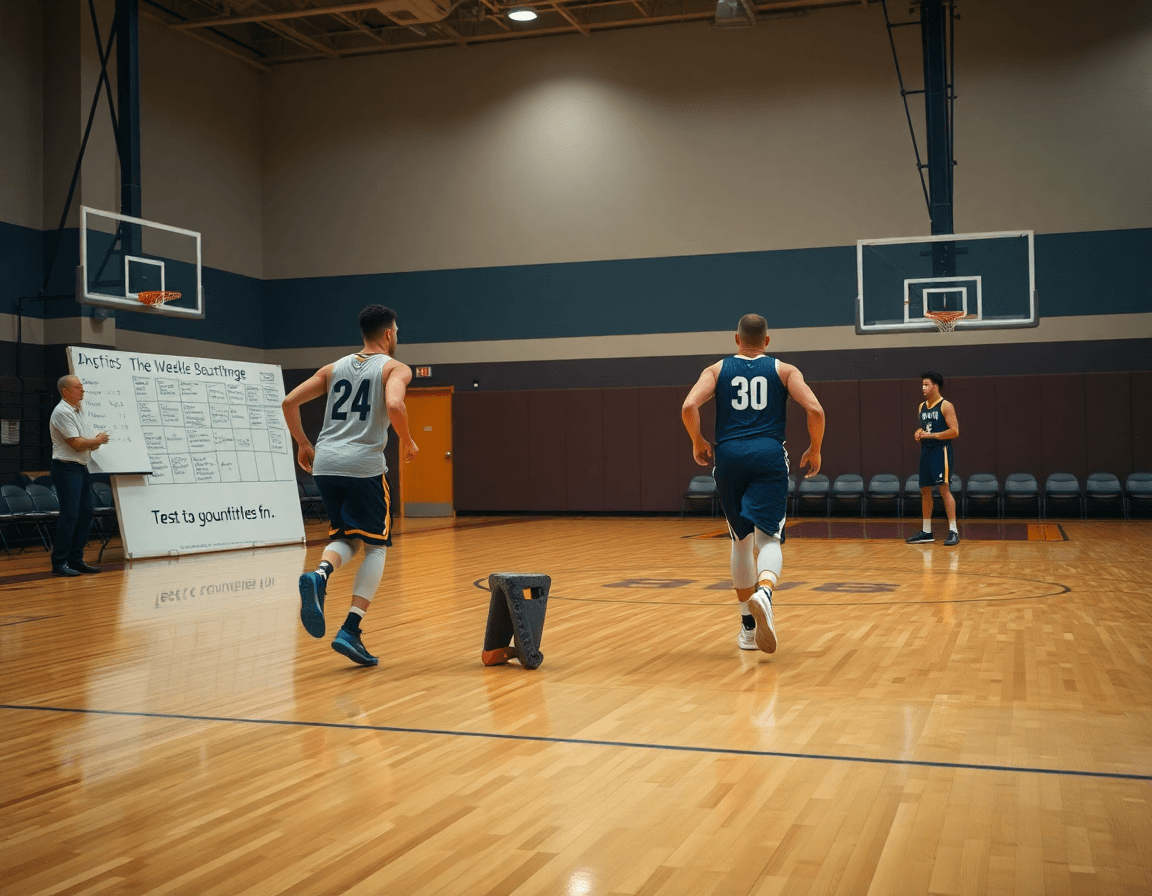
With the mapping in place, I draft a practice schedule that reflects our scouting insights. We might begin with a quick film clip to illustrate a specific opponent pattern, then mirror that in live reps: a light shell drill focusing on defending ball screens, followed by a short video clip review and a whiteboard diagram that shows our preferred rotations (BLOB/SLOB/ATO). A simple, editable template keeps this flow clean—one place to track progress on player statistics, offense patterns, and team performance. The result is a cohesive week where the plan, the board, and the clips reinforce each other.
From template data to practice planning
Starting with a free basketball scouting report template, I pull the data into the weekly plan. The template gives me baseline stats, tendencies, and injury notes that guide what we emphasize. I translate that into concrete emphasis for the week: where to dial up focus, what to guard on defense, and what to stress in decision-making. In the plan for the week, I map each scouting finding to a practice block—“focus: ball-screen defense,” “focus: transition finish”—so the film work flows directly into reps.
From that data, I pull out the key matchups and action items for each session. If the report flags a guard who struggles with late rotations, I schedule a 20-minute block on late help rotations and quick rotations in the defensive shell. If we see offense patterns where the opponent collapses off ball handlers, we design drills to improve spacing and drive-and-kick timing. Each session gets a clear objective tied to the scouting data, keeping the weekly plan tight and actionable.
Finally, I link plan components to my library of drills. That linkage makes it easy to tag drills with “PNR defense,” “relay passes,” or “finish at the rim” so the plan can be rebuilt next week in minutes. I also assemble a short video clip playlist for players to review after practice—only the clips that map to the week’s focuses—so our feedback loop stays quick and specific.
Video-driven scouting: organize clips and notes
Video-driven scouting: organize clips and notes
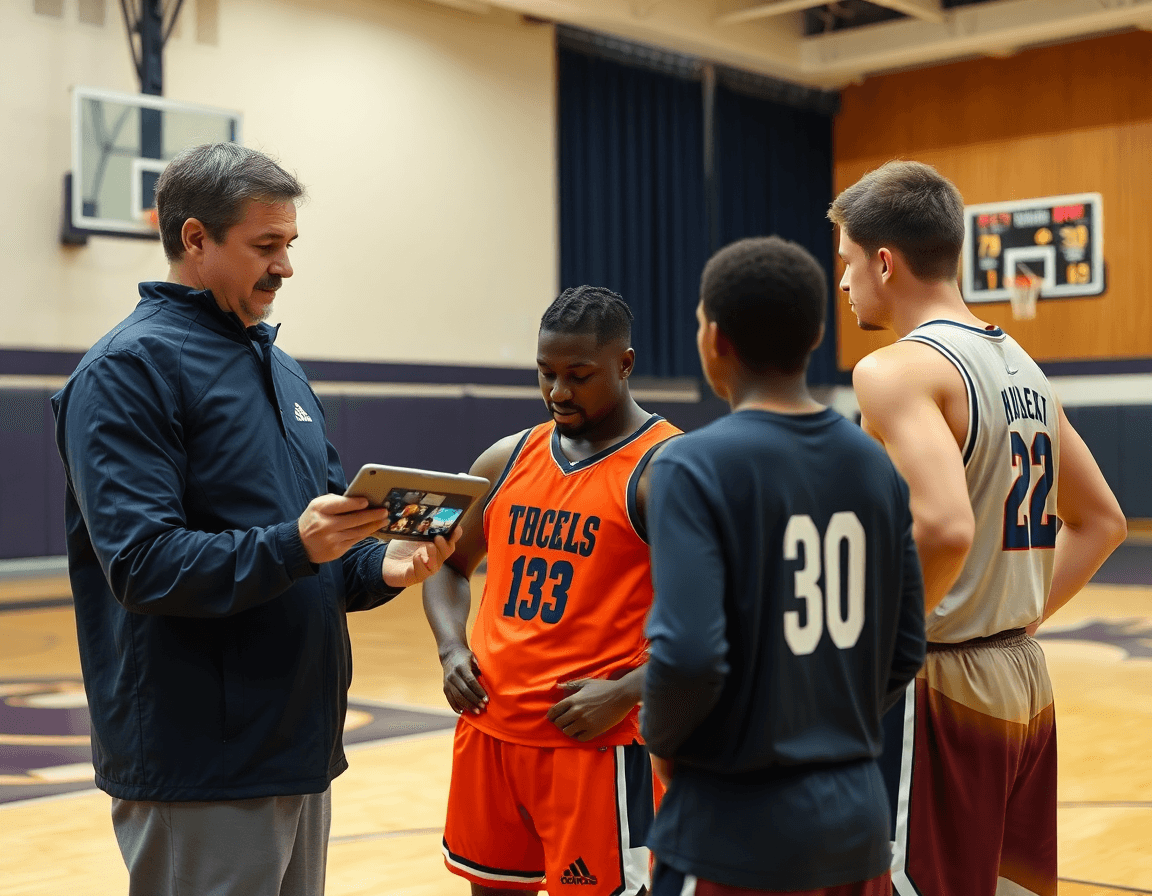
Start with a free basketball scouting report template as baseline to keep labeling consistent, then let the real work flow from there. Treat each clip like a data point: tag your video clips by opponent, by player, and by decision type (drive, pass out, pull-up, screen action). This small habit pays off when you’re hunting patterns in opponent analysis or game strategies later in the week. A clean tagging system also makes it easy for an assistant coach to pull the exact clip during a quick film session.
Attach notes to each clip for quick reference during practice. A one-liner on the clip can save you from hunting through film later: "ball-screen decision, defender hedges, shooter rotates," or "mid-post entry, ball gets swung." Those scouting notes live with the clip and show up in the plan for training sessions, so you’re not guessing what to emphasize in the walkthrough. In the huddle, you can call up the note and point players to the exact frame without fumbling through a folder.
Finally, create a sharable clip playlist for the team. A short, organized lineup of clips—opponent sets, risk-reward decisions, and key sequences—lets players see a pattern at a glance. Use the playlist during film breakdowns to drive quick feedback loops before practice. When players watch the same clips ahead of time and hear the coach’s point, the takeaway becomes concrete: a specific counter to a defense pattern or a shot zone that needs attention in the week’s plan.

Whiteboard diagrams: codifying plays and patterns
Right after you finish the weekly scouting notes, you translate what you saw into a clean visual on the whiteboard. Diagram offensive sets and defensive schemes observed in scouting. Sketch where spacing tends to break, how ball reversals unfold, where cutters pop up, and how the defense hedges or traps. These whiteboard diagrams codify patterns you’ll coach all week, turning scattered observations into actionable visuals for the plan-in-progress and the first practice walkthrough.
Annotate with BLOB and PnR as applicable to your squad, and drop SLOB and ATO notes where they fit. Quick labels on ball-screen actions and spacing help players anticipate the next move. For example, a BLOB set with a flare outside can become a ball-handler’s read; a PnR option cues the guard to roll or pop depending on coverage. If you see a trend in late-shot-clock spacing or in transition alignments, label it in the corner so it’s easy to reference during the plan review.
Export diagrams to share with assistants and players. The final diagrams get exported as PDFs or PNGs and dropped into the week’s scouting folder. Use them in the weekly plan walkthrough and in practice clips. When a player studies the position-by-position map, the notes from the whiteboard translate into faster recognition on the floor, tying the diagrams to the clips they’ll see in the playlists.
Opponent scouting: mapping tendencies to game plans
Opponents scouting starts with a clean profile. I pull together strengths, weaknesses, and typical sets from a free basketball scouting report template, then layer in the tendencies we’ve tracked across games. I call out what they do well (ball-screen comfort, quick decision-making in the half-court) and where they struggle (rim protection, late clock decisions). The profile covers offense patterns, defense patterns, and shot zone tendencies, and it sits in our scouting notes and on the whiteboard for quick reference during a staff huddle. This isn’t about guesswork—it's about turning raw footage and numbers into a readable map for the week.
From there, I translate notes into a game plan for the week. If their offense leans on specific ball-screen actions into a handoff, we script counter-actions and rotations on the tactical board (PnR reads, BLOB/SLOB/ATO). If they pressure the ball, we set clear outlets and decision points for our guards. I pair concise clips with each point on the plan so the players see the reads in action, not just theory. The result is a tight bridge between opponent analysis and our on-court decisions, so practices drill the exact scenarios we expect to face.
Finally, we store opponent patterns for quick reference in future matches. The scouting notes become a living archive: a searchable folder of offense patterns, defense patterns, and shot zone maps. Each entry is tagged with opponent name, date, and matchup context, then linked to PDFs and clip playlists for fast review. When we scout another team, we pull from this library to update our game plan without starting from scratch, keeping the process efficient and repeatable for every weekly cycle.
Shareable reports and playlists: distribute insights
Turning notes into actionable, shareable formats is the bridge between weekly scouting and actual on-court adjustments. Start with a downloadable template that fits your opponent and game plan, then pair it with a printable report for the staff room. This keeps everyone on the same page and makes it easy to review trends without sifting through scattered files. In practice, a clean PDF lets you preserve diagrams, stats, and notes exactly as you intended.
Next, build player-specific playlists of clips for review. A few short clips highlighting shot attempts, decision-making, and body position can spark targeted feedback in film sessions. Label clips around key themes—offense patterns, defense rotations, or shot zone analysis—so players see the exact cues to adjust. These playlists aren’t just for one player; they serve as a quick reference for what we’re emphasizing in the week’s game plan.
Finally, use centralized sharing to keep assistants and players aligned. A single hub for the shareable reports and playlists reduces back-and-forth and ensures everyone sees the same insights at the same time. When the scouting reports capture team performance trends and opponent tendencies, the staff can pull together a cohesive strategy without duplicating effort. It’s about turning notes into a consistent, easy-to-daccess resource that guides practice focus and player feedback, all while keeping the workflow efficient and transparent.
If you build plans like this every week, CourtSensei keeps your drill library, whiteboard, and video clips in one place — try it free.
FAQ
What is a basketball scouting report, and why use a weekly template?
A basketball scouting report is a concise record of an opponent’s tendencies, a player's strengths and weaknesses, and the week’s game plan. Using a weekly template gives you a reliable baseline you can trust instead of starting from scratch every Sunday. It keeps fields like opponent tendencies, player notes, and game goals consistent, printable, and easy to annotate as you gather film and live observations.
What should be included in a basketball scouting report?
A solid scouting report should cover the opponent tendencies (what sets they run and how they react to pressure) and the game goals for the week, plus the player's notes. Include key matchups, injuries, and recurring patterns on offense and defense. Add a concise clip list and a plan that translates findings into practice. This structure keeps meetings focused and actionable.
How do you create a basketball scouting report?
Start with a template as the baseline for the week, then map fields to your real weekly plan. Turn findings into concrete practice blocks—focus areas like ball-screen defense or transition finishes—and pair them with a short video playlist. Keep the template editable so you can tweak fields after film sessions and live viewings without rebuilding from scratch.
Where can I download a free basketball scouting report template?
You can start with a free basketball scouting report template from this workflow and adapt it to your unit. Look for editable versions on reputable coaching blogs or association resources, then customize fields for your team. Make sure the template is printable and easy to share with assistants so you can annotate on the fly during gameday prep.
What is shot zone analysis in basketball, and how does it help scouting?
Shot zone analysis breaks the court into zones and tracks where teams and players take their shots. It helps you spot vulnerabilities and favorite spots to defend or contest, guiding where to pressure and how to orient rotations. Incorporate zone data into your notes and drills, so practice design targets the patterns you uncover.
How should you organize basketball scouting notes and present them to the coaching staff?
Organize scouting notes with clear labels for opponent, player, and decision type (drive, pass, screen). Attach notes to each video clip and build a shareable clip playlist for quick review. Present a concise weekly plan that maps every finding to a drill or rotation; use visuals and a brief whiteboard diagram to keep the staff aligned.
