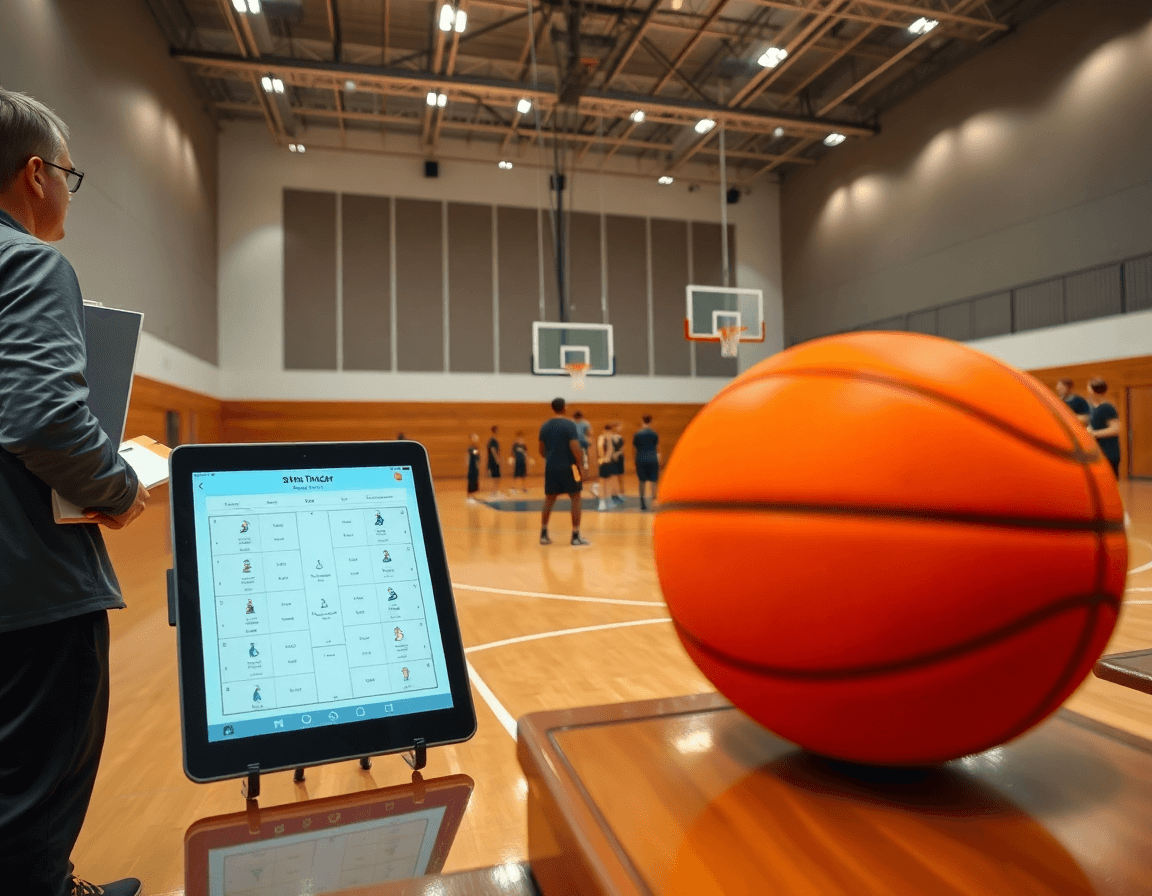
How to Use a Free Basketball Stat Tracker in Weekly Coaching
Learn how a free basketball stat tracker fits your weekly coaching routine—capture fast stats, generate quick reports, and feed data into planning, scouting, and video workflows.

Key takeaways
- Start each week with a free basketball stat tracker to ensure consistent data across assistants.
- Log box scores and shot types quickly, so you maintain an actionable weekly coaching routine.
- Use offline data storage to capture live stats when Wi‑Fi drops, then sync later.
- Export options like PDF or Excel keep staff informed without slowing game-night decisions.
- Tie stat trends to practice plans and video clips for fast, data-driven adjustments.
Why a free stat tracker fits a weekly coaching routine
Starting the week with data begins with a free basketball stat tracker. The low barrier to entry keeps data entry consistent across assistants, so you’re not chasing a complex system. On Sunday, you and an assistant log box-score entries during an early drill, while another notes shot types, assists, and rotation patterns between stations. This seeds your weekly coaching routine with concrete numbers you can act on.
With data flowing in, you get immediate visibility into game-by-game trends that inform planning and scouting. After a couple of games, you notice defenses sinking off the ball handler, so you reinforce spacing in practice and update your scouting notes. The stat tracker feeds into planning, scouting, and video prep, giving you the kind of stats tracking for coaches you can rely on week to week.
Offline capabilities are a big win in gym settings. Offline data storage means you can capture live stats even when Wi‑Fi is spotty, and then sync when the network returns. That flexibility pairs well with export options—export to PDF for staff meetings, or export to Excel for the analytics nerd in you. You’ll still get live game stats and box score tracking without sacrificing speed.
Even with no account required, a web and Android workflow keeps things simple. Log, review, and share insights with your staff or players via a quick export or a shareable link. When you integrate this into CourtSensei's ecosystem—planning with practice plans, diagrammed whiteboard plays, and video playlists—the data you collected during the week streams into your game-night decisions and next-week prep.

Choosing the right tracker: quick setup and common features
Choosing the right tracker starts with quick setup and a minimal sideline footprint. A free basketball stat tracker should feel like an extension of your coaching clipboard. Look for one-handed input so you can log plays without looking away from the floor: a tap for a made shot, a swipe for a turnover, a quick note for a foul. This keeps you in the moment while building usable data. Make sure it auto-calculates season averages so you’re not crunching numbers after the game.
During the game, you’re logging events in real time—this is where features like live game stats and box score tracking earn their keep. A clean log feeds your plan for the week and your scouting notes, and when you open the post-game review, you can surface trends (player minutes, shooting splits, turnovers) without retyping anything.
Storage options matter. Decide between offline data storage on a device or cloud storage, depending on your gym’s connectivity and how you want to share notes with assistants. In a typical week, you’ll export the game data into a few formats: a compact PDF for the staff room and an Excel sheet for deeper dive during film sessions.
Platform options matter too: look for a solution that works on web and Android so you can log from a tablet on the bench or a laptop in the locker room. If you’re evaluating options with no account requirements, a no account stat tracker flow can still give you a reliable log and export options for your staff.
Put simply, a good free stat tracker seeds the weekly workflow: you capture data on game night, feed it into your planning and scouting, and link it to video playlists for quick review. When paired with CourtSensei’s practice plans, tactical whiteboard diagrams, and curated video clips, this data-driven loop helps you coach with confidence.

Practical workflow: from game stats to practice planning
Right after the final horn, I open the free basketball stat tracker on web or Android and start entering final box scores and key player metrics. We log minutes, points, rebounds, assists, turnovers, and fouls, then pull quick reads on shooting splits and plus/minus. If the gym was a scramble with spotty wifi, offline data storage keeps everything safe—the entry can sync later. No account required for quick-entry bursts, which helps when I’m coordinating with assistants and an opponent scout before we’re back in the film room. This is where the weekly workflow for coaches starts to feel real.
From there, auto-generated trends take over. I see patterns in shooting efficiency by position group, defensive glass control, transition pace, and late-clock execution. These trends become the backbone for next-week practice emphasis, turning raw numbers into actionable coaching decisions. If the data shows a dip in decision-making during pressure, we slot in a ball-handling drill; if we’re solid defensively but slow to close out, our emphasis shifts to reaction drills. It’s a clean, data-driven lens that supports the workflow for coaches.
Syncing stat highlights with the practice plan is where plan and data finally kiss. Highlights can be tied directly to drills, with charts that populate your planning screen and quick exports to PDF or Excel for staff briefs. Short video clips linked to the gaps help us school players on technique and tempo. The loop stays tight: post-game stats inform the week’s plan, and the plan feeds more targeted video and drills.
Coordination with assistants gets easier with a live stat snapshot you can share now. Everyone sees the same numbers, can tag players, adjust assignments, or assign specific lineups—keeping us aligned from game night to next-week prep. In short, live game stats become a real-time checkpoint for our weekly coaching routine.

Turning stats into scouting notes and opponent prep
As a coach, the free basketball stat tracker seeds our weekly workflow by feeding data into planning, scouting, and video modules. When I collect box score data, I immediately start a scouting notes section with the key opponent tendencies. On web or Android, I can pull up the game from the bus or gym—offline data storage helps when the gym has spotty Wi‑Fi. The data then flows into our weekly cycle, pairing with CourtSensei's practice plans, the tactical whiteboard, and video playlists for a data-driven start to prep.
Pull relevant opponent tendencies from recent games into a scouting section, not just the box score. I annotate rust-busting patterns and the coverages seen in the stats, placing them next to our tactical notes. Then I link those scouting notes to upcoming game plans and defensive schemes, so our prep is concrete, not guesswork. This approach makes anti-runs, misdirection, and pressure looks predictable enough for the players to execute on game night without thinking twice.
During practice planning, I attach the scouting notes to the next game plan and the defensive-scheme diagrams on the whiteboard. In games, live game stats update the notes in real time, and after the game you can export to PDF or Excel to share with assistants. The tool supports web and Android, with offline data storage for tournaments, and no account required for basic use. The result is a clean bridge from data to actions—ready for the next-week prep.
Video integration: turning stats into player feedback
As you lock in the weekly plan, the stat tracker feeds the video workflow by surfacing matched video clips for each player. When you log shooting % by spot, the system pulls clips from recent games showing the look and the result. You can pair those clips with a quick note on what to adjust—footwork, release, decision—so feedback stays concrete. Use the clips to highlight a player’s strong outputs and clearly chart the next steps. By linking the numbers to visuals, you turn data into actionable adjustments, not just numbers on a screen.
Then build playlists that tie stats to drills. If the data shows 3-point shooting % by spot, assemble clips from that area and pair them with drills that replicate the look. Live game stats feed the playlists so sessions stay tied to what happened on the court. A few minutes of video after practice can reinforce the drill work, and you can export the learning plan to PDF for assistants or to Excel for your season-wide stat sheet.
Finally, use clips in team meetings to reinforce coaching points. A short reel can crystallize what you’re teaching about spacing, decision-making, and shot selection, with the numbers from box score tracking echoing the message. The video clips live in web and Android apps, can be stored offline if you’re on the road, and shared with a no-account viewing link when quick feedback is needed. That’s how you translate weekly stats into weekly growth.
Export, share, and archive: making weekly data portable
By Sunday night, the weekly stat tracker seeds the coaching workflow: planning, scouting, and video prep. I export to PDF for staff reports and parent meetings (where appropriate), and I keep an Excel version for the analytics board back in the gym. A free basketball stat tracker can run with minimal setup, often with no account required. This is enough to start feeding data into the plan page. In the plan, I review live game stats, turn them into action items, and map out the week’s practice priorities around what the numbers show.
Then I share: snapshots go to assistants in a few clicks, so everyone stays aligned between planning and performance reviews. We keep the data moving between web and Android, with dashboards that read the same numbers on devices in the gym or in the staff room. This transparency makes it easier to defend tweaks in scouting reports and to illustrate why a particular play or drill gets a higher priority in the next session.
Finally, I archive weekly data to track development and season trends. The archive grows into a season-centric library of box score tracking, shot profiles, and playlist lists tied to outcomes. If internet access is spotty, offline data storage keeps the numbers safe and portable; data stored locally on the device means you can export to Excel for long-form reviews or drop into a parent presentation. This portable data mindset helps turn a free stat tracker into a reliable backbone for planning, scouting, and video all season long.
If you build plans like this every week, CourtSensei keeps your drill library, whiteboard, and video clips in one place — try it free.
FAQ
How do I log a game with a free basketball stat tracker?
To log a game with a free basketball stat tracker, open the app on web or Android right after the final horn. Enter final box scores and key player metrics: minutes, points, rebounds, assists, turnovers, and fouls. Use quick taps (one-handed input) to stay on the floor, and enable offline data storage if wifi is spotty. The data will sync automatically when you’re back online.
Is this tool really free to use?
Yes—the core features live on a free tier that covers logging, basic analytics, and exports. You can typically use it without paying and without creating an account for quick entry. If you need deeper analytics or extended export limits, you may encounter paid options; for weekly coaching, the free tier usually suffices.
What devices can I use with a free basketball stat tracker?
Most trackers run on web and Android, with a tablet on the bench being ideal. You can log from a laptop in the locker room or a phone on the sideline. Some tools also offer an iOS app. If you’re in a gym with spotty Wi‑Fi, check for offline mode to keep data entry flowing.
Can I export my statistics from the tracker?
Absolutely. Look for one-click exports to PDF for staff briefs and to Excel/CSV for deeper analysis. Some trackers also offer shareable links or cloud integrations. If you pair stats with video, you can attach clips to notes in your scouting sheets for a complete review.
Do I need an account to use Statline, and does it work offline?
In many cases you don’t need an account for quick-entry, and you’ll find offline data storage available. You can enter stats on the bench and sync later when online. If you do create an account, your data stays linked across devices, keeping your weekly cycle smooth.
Which sports does Statline cover besides basketball?
Statline-focused tools often center on basketball, but some versions include multiple sports. If you coach other sports, verify whether your plan supports them (e.g., football or soccer) or plan to use a separate tracker. For a basketball-heavy squad, this usually means strong, sport-specific features.
How many free games does Statline include before upgrading?
Free-game quotas vary, but many trackers offer a limited number of free entries each month (often around 5–10). After the cap, you’ll need to upgrade to continue logging beyond the limit or to unlock more exports. If your cadence is light, the free allotment may cover your weekly routine.
