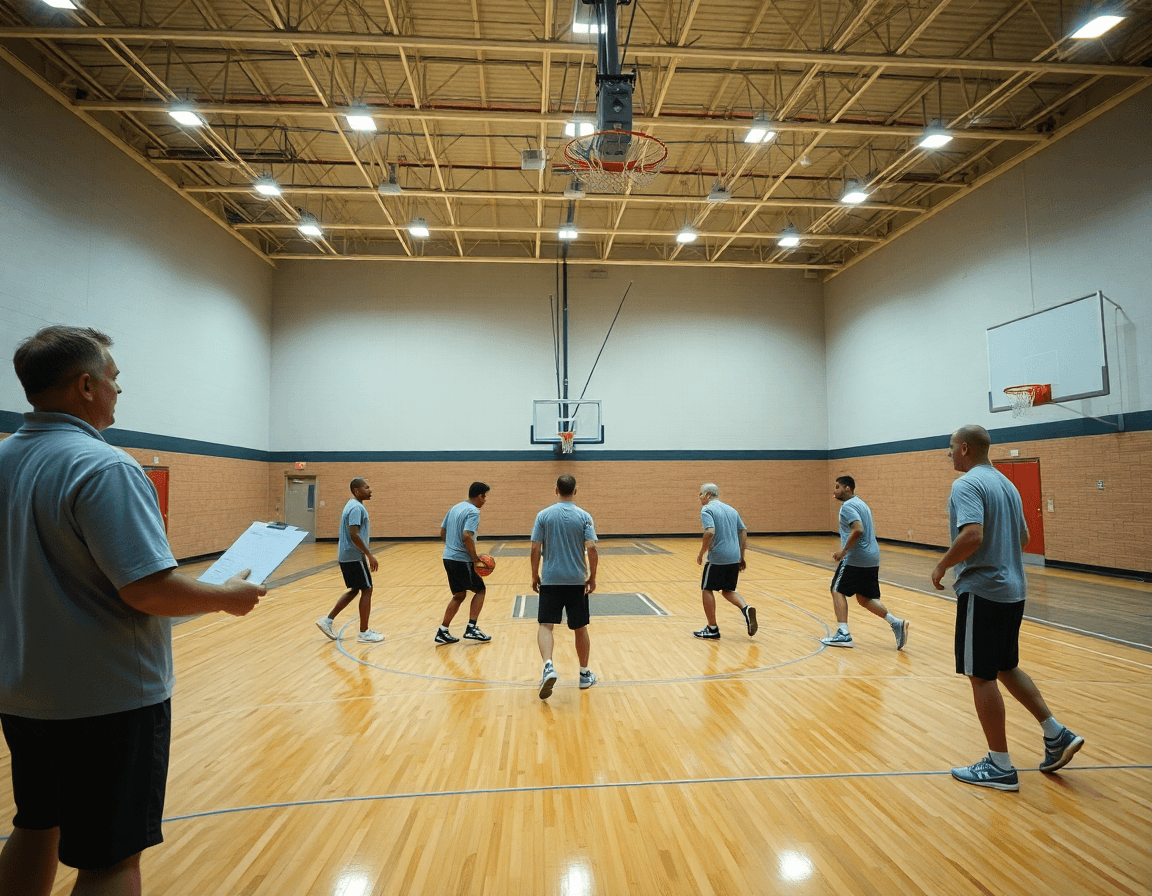
High School Basketball Scouting Reports: Weekly Coach Template
Master weekly workflows with high school basketball scouting reports—practical templates, structured notes, and a system to integrate planning, video, and scouting data.

Key takeaways
- Adopt a weekly scouting workflow that cycles prep notes, final scouting, and game-ready plans.
- Use a standardized scouting template that captures tools, defense tendencies, and leadership traits.
- Link opponent tendencies to practice plans with targeted drills and on-ball counters.
- Export a PDF or shareable link to align staff and cut back-and-forth.
- Regularly test templates in practice and iterate fields so data stays actionable.
Practical workflow: weekly scouting report from practice to game
I start with a clear 7-day cadence: prep notes after every practice, finalize the scouting notes before each session, and sync those insights with the week’s game plans. This discipline forms my weekly scouting workflow and keeps everyone on the same page.
Using a standardized scouting template, I capture each player’s tools, tendencies on defense, and the intangibles that don’t show up on box scores. It reads the same whether I’m evaluating a guard or a big, which is exactly what we need for consistent high school scouting reports.
Link findings to the weekly plan by tagging drills and situational work that target the opponent’s tendencies. My notes point straight to practice slots: ball-screen reads, help-and-recover timing, and closeout angles—so the plan and the report reinforce each other in the same frame.
Export a PDF or generate a shareable link so staff can review on the fly. With a click, the scouting findings align with the assistant coaches and coordinators, reducing the back-and-forth. It’s all about clarity and consistency across the whole week.
All of this lives in one place—planning, the whiteboard diagrams, the video clips, and the scouting data. A single platform keeps the workflow tight: you draft the notes after practice, diagram a play on the whiteboard, clip the game, then push a video clips playlist for players to watch.

Templates that scale: from paper to digital for high school scouting
Templates that scale from paper to digital let a coach grow with the season. In week one, I use a simple paper checklist for high school scouting reports—basic metrics like height, position, and shooting hand, plus a few lines for quick notes. By week six, that same idea lives in a digital form with standardized fields, drop-downs for common actions, and auto-saved data. The objective is a consistent foundation you can build your weekly scouting around.
Differentiate templates for players vs opponents while using consistent rating scales. For players, capture physical attributes, ball-handling, shooting, and leadership tendencies; for opponents, note defensive schemes, ball-screen tendencies, and preferred matchup strategies. Keep the same rating scale across both templates so you can compare apples to apples—think of a unified player evaluation template and an opponent scouting template that share a common language.
Choose formats (paper, digital, or hybrid) based on staff workflow and accessibility. Some programs prefer printed sheets for quick in-practice updates; others want a fully digital library that feeds the whiteboard diagrams and video clips. The key is a single framework: a scouting report template that adapts to level, plus a level-specific scouting template for different age groups and competition levels.
Regularly test templates in practice to ensure usability and data reliability. Run a mini-scouting cycle every week: fill out the templates during prep, review on the whiteboard, and sanity-check with clips. If something feels clunky, tweak fields or scales so the data stays actionable for the weekly plan.

Linking scouting to planning and drills in weekly sessions
In our weekly cycle, your high school basketball scouting reports feed directly into the planning process. Translate scouting observations into targeted drills and reps for the upcoming week, so what you see on tape becomes the first draft of your practice plan. The more precise you are here, the faster you can convert data into meaningful reps for each player.
Link opponent tendencies to defensive sets and offensive counters in your practice plans. If scouting notes show the other team leans into quick transitions, you map that to a series of shell drills, pressure rotations, and late-game counters that you capture in the plan and on the whiteboard.
Annotate play calls or set actions (PnR, BLOB/SLOB/ATO) to practice execution. When those actions appear in scouting notes, you attach a specific drill sequence and a time window on the whiteboard so players see both the call and the movement. This keeps your team aligned across units and makes film review more focused.
Keep a living plan where notes from scouting feed the practice design and film review. The weekly cycle updates as new scouting observations roll in; the plan stays flexible enough to swap in a new drill or clip on the fly, without breaking the rhythm.
Use the planning workflow and whiteboard tools to visualize adjustments for both players and units. A quick diagram of rotations, matchup targets, and sub patterns helps you see the impact of scouting on the floor, while a short video clip reinforces the change during film review.

Video workflow: turning clips into scouting notes
During a typical weekly cycle, the video workflow is where film translates into coaching notes. I clip relevant moments from games and practices that illustrate tendencies or actions, then map those clips into our scouting framework. The result is to turn raw footage into clear, shareable learning points—video clips to scouting notes—tied to our high school basketball scouting template so the staff speaks the same language.
Next, tag clips by category (shooting, finishing, defense, decision-making) for quick reference during prep sessions. These tags build a quick taxonomy that informs our scouting notes with video. A clip about a misdirection drive becomes a data point in the basketball scouting report template we reference across level-specific scouting templates. This approach keeps every note anchored to concrete examples when the staff reviews footage.
Then create playlists for players, opponents, and situational drills to accelerate film sessions. A playlist for the point guard, another for our opponent's pressure defense, and a third for end-of-quarter scenarios keeps the review tight. Playlists function as a filtered lens on film that speeds up the weekly routine and keeps film sessions focused on the most impactful moments.
Attach clips to scouting notes to provide concrete examples during discussions with staff. When a defender needs to see a repeatable action, the clip becomes the reference. Export or share clip-driven reports to reinforce learning in meetings and film sessions, giving everyone a clear, visuals-backed path from observation to action.
Opponent vs. player scouting: a unified framework
As a coach who runs a weekly scouting cycle, I keep two templates in my library: a player evaluation template and an opponent scouting template. They stay aligned through a shared taxonomy—attributes, tools, read/react, and decision-making—so we can compare how a shooter develops to how an opponent attacks. When roster changes happen, I adjust both templates in parallel, not in silos.
Opponent scouting informs our scout plays and in-game adjustments. When the analysis flags a defender’s preference for hard hedges, I craft a corresponding scout play to counter it, and I tag it in the plan. We keep a level-specific scouting template so the language and metrics stay consistent whether we’re coaching a varsity squad or a junior program. This consistency helps the staff communicate quickly during a tight game window.
Developing consistent terminology lets us compare player development with opponent trends over time. Our framework uses the same verbs and categories across both domains: attributes, tools, read/react, and decision-making. The data becomes more powerful when we pair it with advanced analytics basketball concepts like PER within the reports, giving a data-driven scouting view that informs both player evaluation and game prep.
Regularly refresh both templates to reflect roster changes and new tendencies. After a game, I adjust the opponent scouting template to reflect who played and who’s likely to start; I refresh the player evaluation template to capture development milestones. The two templates feed into the weekly cycle, informing planning, the whiteboard diagrams, and the video clips that become shareable playlists for the team.
Export, share, and archive: keeping staff aligned
At week's end, I run the numbers from the scouting template into a clean set of reports. I generate the export scouting reports and save it as a PDF export for the staff meeting and for assistants who jump in midweek. The templates—opponent scouting template and player evaluation template—keep language consistent, so everyone reads the same thing, every time. This aligns with our high school basketball scouting reports, ensuring consistency across staff.
Shareable links and playlists keep video resources accessible across units. I assign clips to the right scout group, then drop a short playlist for quick game-breakdowns and another for situational reps. Coaches can open a link on their tablet in film sessions or pull a clip during prep, without chasing emails or re-sending files.
Versioning and archiving preserve weekly progress and historical context. Each week’s scouting notes get versioned, so we can compare tendencies from one opponent to the next. Old PDFs sit in the archive with clear dates, allowing us to pull past looks during recruiting conversations or when planning future matchups. This is where versioning and archiving become more than habits; they’re a roadmap.
Centralized storage supports recruitment conversations and future planning. With everything in one place—the PDFs, the video playlists, the whiteboard diagrams from the week—we can reference data quickly during staff meetings, scout inquiries, or player evaluations. This cohesion isn’t about a single tool; it’s about a consistent workflow where planning, scouting, and video lace together to guide next week’s prep.
If you build plans like this every week, CourtSensei keeps your drill library, whiteboard, and video clips in one place — try it free.
FAQ
What is the main difference between a player scouting template and an opponent scouting template?
The player scouting template centers on the athlete—tools, shooting, ball handling, defense, and leadership—while the opponent scouting template maps how teams attack you—defensive schemes, ball-screen tendencies, and matchup targets. Use the same rating scale for both so you can compare apples to apples. The goal is actionable notes that drive practice focus and game plans.
Is it better to use a paper or digital scouting template for high school?
Start with what your staff actually uses week to week. A digital scouting template keeps data consistent, searchable, and easy to share across coaches; a simple paper version can work in practice when bandwidth is low. The best setup combines both: digital for storage and quick reference, paper for in-practice updates when needed.
What should I include in a basic player scouting template?
In a basic template, log core attributes: height, position, shooting hand, and athleticism; note ball-handling and rebounding tendencies, plus consistency, competitiveness, and leadership. Track shooting range and efficiency when possible, then add quick notes on habits that impact games and potential development drills. Keep it readable and actionable.
How should you tailor scouting templates for high school vs college vs professional?
Approach starts with a level-specific mindset. For high school, highlight growth trajectories, recruitment fit, and character; for college, stress system fit and conditioning; for pro levels, emphasize specialization and efficiency. Keep a shared rating scale across levels and use a common language so staff can compare players and transitions smoothly.
What are the key evaluation areas in a high school scouting report?
Think in five core zones: tools (athleticism, shooting, ball handling), production (scoring efficiency, decision-making), defense (on-ball pressure and rotations), intangibles (leadership and coachability), and context (scheduling, pace). Include ball-screen tendencies and notes for growth. The result should be a clear snapshot of current impact and future potential.
How can a standardized scouting template help with recruitment decisions?
A standardized template creates a consistent data trail for evaluators and recruiters. It makes it easier to filter candidates, observe growth across seasons, and align on program needs. When scouting notes feed a shared plan, coaches present a cohesive case to recruiters, increasing efficiency and reducing subjective bias in decisions.
