
Basketball Scouting Report Template: Weekly Coach Workflow
Weekly coaching workflow: a basketball scouting report template to organize player info, stats, shot zones, video clips, and opponent notes—export PDFs for staff.

Key takeaways
- Adopt a basketball scouting report template to anchor your weekly plan and minimize ad-hoc notes.
- Build a concise section for Opponent Tendencies and Player Information Dashboard to guide drills and decisions.
- Utilize Basic Statistics and Shot Zone Analysis visuals to drive practice priorities and scouting conversations.
- Make post-game data part of the routine, exporting PDFs and sharing clips for quick team feedback.
- Wire the template to your practice planning, so whiteboard annotations translate into actionable drills.
Why a standardized scouting report template matters in a weekly plan
Adopting a basketball scouting report template gives you a solid backbone for your weekly plan. The template lays out consistent sections—general information, opponent tendencies, and player evaluation—so you know where to capture what you need. With this structure, you start the week with a clear map and fewer last-minute notes, and you can quickly assign tasks to assistants with a shared understanding of expectations. Bold terms here help you ground the routine: basketball scouting report template and weekly plan.
On a busy week, that consistency cuts prep time by reducing ad-hoc note-taking. Assistants know where to add observations and how to format them, so collaboration is quick and clean. The template also functions as a reliable checklist for scouting, ensuring we cover each opponent and player with the same data points and format. When you have a standard sheet, you’re not re-inventing the wheel every session.
Standard sections align data capture with the on-court workflow. In a scouting meeting, you can annotate the whiteboard right on the opponent breakdown, sketching tendencies as you see them. The Player Information Dashboard pulls in Basic Statistics, Shot Zone Analysis, and Advanced Analytics like PER and VORP. A Radar Chart can visualize strengths and vulnerabilities at a glance, making it easy to compare players and opponents in the room.
Ultimately, the template feeds the weekly planning cycle and drill selection. You exportable PDFs for scouting reports, share video clips, and drop notes into your practice plan. This is how CourtSensei turns a templated scouting report into a true weekly workflow—data capture, annotations on the whiteboard, exportable PDFs, and seamless integration with the plan.

Core components of a basketball scouting report
The basketball scouting report template rests on a solid data spine. The Player Information Dashboard serves as the foundation for the week. It keeps roster basics, roles, and availability in one place, so you don’t have to chase numbers across notebooks. As you build the weekly scout, you pull in last game data, tag matchups, and note key players to watch. This feed then threads into your practice plan and the scouting PDFs you share with assistants. The workflow stays tight: data capture, annotations on the whiteboard, exportable PDFs, and seamless linkages to plan work sessions.
In the Basic Statistics and relevant shooting metrics, you surface the essentials that tell a story beyond wins and losses. Track points, assists, rebounds, field-goal and 3-point percentages, free-throw rate, and turnover trends. Add shooting splits by area—catch-and-shoot vs. off the dribble, above-the-break vs. corners—to highlight what to defend or exploit. A quick note on the whiteboard can flag a player who struggles in late-game situations or who thrives in transition. This section feeds directly into player development notes and your weekly practice emphasis.
Shot Zone Analysis is where you turn lookups into visuals your staff can discuss quickly. Visualize range and efficiency with zone-based heatmaps and diagrams. When you annotate on the whiteboard, you can mark opponents’ weak defenders or shot preferences, then export diagrams as PDFs for the team packet. The goal is to spot concrete adjustments—attack the gap where a shooter is most efficient, or rotate to deny a favorite region.
Advanced Analytics, including PER and VORP, pair with radar-style skill assessments to give a multi-dimensional read. The radar chart helps you compare shooting, decision-making, speed, and strength at a glance, so your game plan can target concrete areas for improvement. Use these numbers to drive practice priorities without losing the human lens on effort and competitiveness.
Offense/Defense Information and tendencies round out the disciplined profile you build every week. Document setting tendencies, transition patterns, help-and-recover habits, and the opponent’s play calls you’re likely to face. This section directly informs scouting plays and adjustments you might script for the whiteboard, and it ties back to video clips you’ll circulate to players. The weekly workflow becomes a loop: pull tendencies, annotate on the whiteboard, export a PDF, and fold those insights into your practice plans.

Practical workflow: from game data to a ready-to-share report
After a game, I capture game data and coaching notes right where our weekly workflow lives in CourtSensei. I jot quick impressions on opponent tendencies, rotations, and late-game decision points, then stash standout numbers in the Player Information Dashboard. This approach anchors the entire cycle and is the core of the Basketball Scouting Report Template, making every week feel deliberate rather than reactionary.
Next, I input that data into the template and organize visuals for the week ahead: Basic Statistics, Shot Zone Analysis, and select Advanced Analytics (PER, VORP, Radar Chart) to tell a coherent story. The structured fields keep us aligned with the staff, save time, and reduce guesswork, especially when you’re balancing scouting with practice planning. The Basketball Scouting Report Template serves as the spine for this process.
Attach video clips and build a playlist for quick access. I attach clips from the game, trim pivotal moments, and assemble a Playlist so assistants and players can replay decisions fast. This keeps Video Clips and Playlists in sync with the scouting data, letting everyone see the same context in minutes.
With the whiteboard, I diagram P&R, ATO, and other actions, then map those diagrams to the weekly Practice planning. The visual notes pull directly into the practice plan, so drills align with the scouting read and the game plan.
Finally, I export to PDF and share the compiled work with staff ahead of the next game. The export preserves the layout for notes, diagrams, and playlist links, so the whole scouting report travels cleanly into the team's Practice planning.
Using video analysis to enhance scouting insights
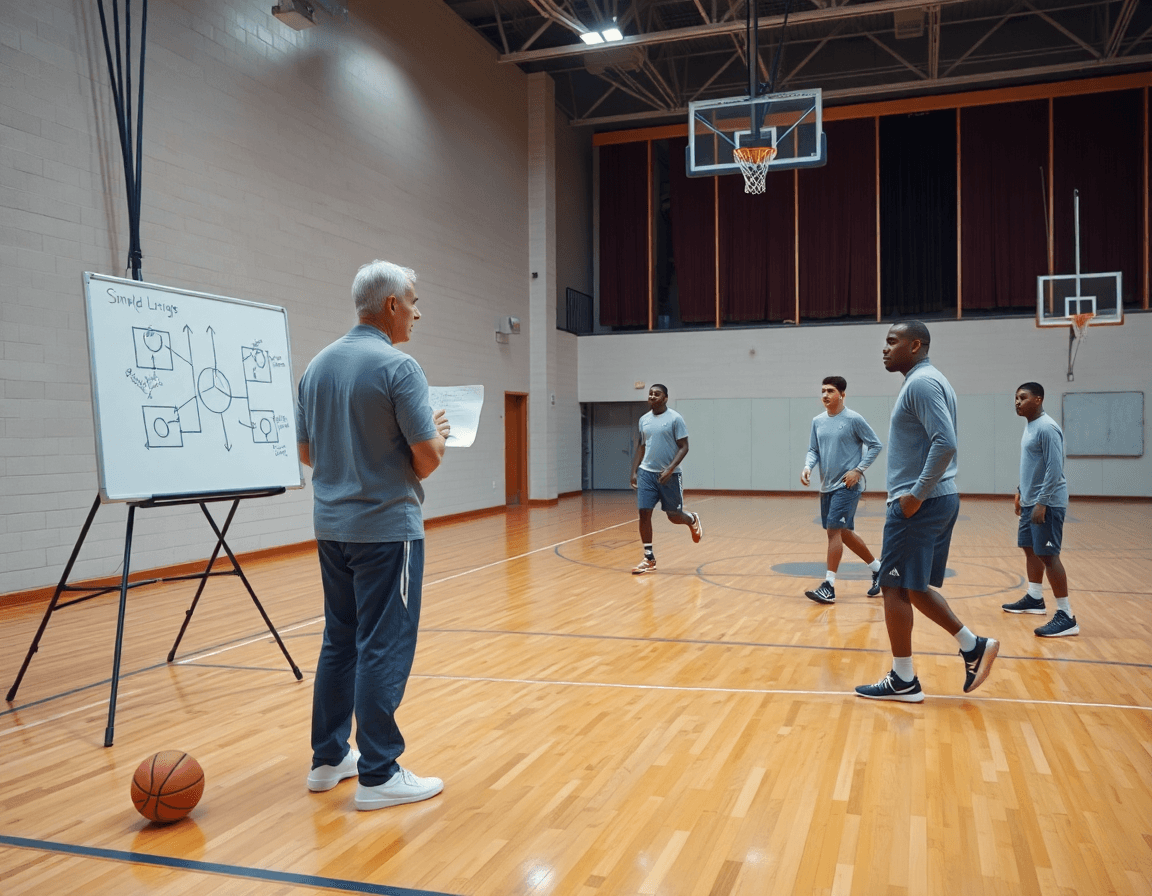
Video Analysis is the backbone of a data-informed scouting routine. In CourtSensei, you can link a player's notes to exact clips—evidence to support a strength or a weakness in the weekly report. For example, a guard's late closeouts on drives is tied to the clip labeled "Drive Defense #5" and a note about foot speed. That pairing lives in the Player Information Dashboard, so coaches and assistants share the same context when they review the template. You can pull in basic statistics and some advanced analytics for context too.
Use video-driven visuals to support coaching decisions in the report. Attach a short annotated clip that highlights a failure mode, then pair it with a Shot Zone Analysis or a Radar Chart to summarize tendencies across games. When you export PDFs, these visuals sit next to the scouting notes, turning footage into decision-grade evidence. The combo of clip, note, and chart makes it easy to justify changes in practice or lineup decisions.
Playlists give practical weekly workflow. Assign a set of clips to a player as their focus for the coming week, aligned with the plan. The staff can digest concise visuals before practice, confirming what to drill—finishing through contact, attacking angles, rotations in defense. Linking Playlists to the Player Information Dashboard keeps the loop tight: clip-based notes, practice targets, and a clear path from video to plan.
Opponent scouting: turning notes into scout plays
As a head coach, my weekly prep starts with a basketball scouting report template that turns notes into actionable items. I pull opponent tendencies from game clips and stat sheets, then capture them into our system so assistants can annotate and update in real time. We identify the opponent's go-to actions—BLOB/SLOB/ATO/PnR—and pair them with the players who run them. The goal is to translate those tendencies into tangible scout plays we can install this week, not just a spreadsheet of numbers.
On the whiteboard, diagrams become counters: if they trigger a PnR, we tag and hedge; if they execute a BLOB out of bounds, we script spacing and a quick trap; if they lean on SLOB late in games, we time our help. I link these diagrams to data from the Player Information Dashboard and the Basic Statistics to verify consistency across games, ensuring our Game Strategies stay grounded in reality. Then we craft a focused game plan around their primary actions, turning those into precise scout plays we rehearse in practice.
Video clips and playlists let us show exact sequences to players, with clips labeled by action type so the team can study anywhere. After the plan is finalized, exportable PDFs go to the staff and the scout plays are embedded in the weekly Practice Plans. The workflow flows: data capture → annotations on the whiteboard → scout plays → PDFs → practice plan updates. When it all clicks, that template stops being a file and starts guiding how we defend, attack, and win.
Sharing, exporting, and integrating with weekly practice plans
Sharing, exporting, and integrating with weekly practice plans
When the week closes in, the first move is to lock down distribution. Export PDFs of the basketball scouting report template for staff distribution and record-keeping. Keeping a consistent format with the Basketball Scouting Report Template means assistants and coordinators see the same data, notes, and quick stats every time. It makes onboarding new staff faster and reduces questions on what to review during film sessions.
Next up: shareable links. Create a couple of links to video clips and playlists so players and assistants can access exactly what they need, without hunting through folders. A single click gets you to the clip you marked for a specific situation—fast playback of the breakdown, plus a playlist organized by opponent tendencies or drill progression. This is where Playlists shine, because you can bundle clips with the related scouting notes and annotate right on the whiteboard during aos/pxn reviews.
Integration with the weekly plan is where the workflow clicks. Tie scouting data directly to the weekly practice plan and drills, so you’re moving from analysis to action in minutes. In the plan, you’ll see how Player Information Dashboard outputs—like Shot Zone Analysis, Basic Statistics, and even a quick Radar Chart with PER/VORP context—map to drill selection. The goal is a seamless loop: data capture on game night, annotations on the whiteboard during a session, exportable PDFs for the staff, and a ready-to-run practice schedule that reflects the latest insights.
Keep everyone aligned on objectives and expected adjustments for the upcoming week. If a defender’s pressure or a passer’s decision-making shifts, the plan updates, the clips reflect the change, and the PDFs capture the rationale. The result is a clean, repeatable weekly workflow that turns a templated scouting report into real, tangible coaching leverage.
If you build plans like this every week, CourtSensei keeps your drill library, whiteboard, and video clips in one place — try it free.
FAQ
What is a basketball scouting report template and why should coaches use one in a weekly plan?
A basketball scouting report template is a standardized format you complete after each game. It gives you a reliable data spine for your weekly plan, outlining general info, opponent tendencies, and player evaluation in the same way every week. Using it lowers prep time, improves collaboration, and keeps the whole staff aligned on what to capture and when to act.
How do you create a basketball scouting report?
A solid approach starts with capturing game data and coaching notes, then populating the template's sections. Start with the Player Information Dashboard to consolidate roster basics, roles, and availability, then fill Basic Statistics and Shot Zone Analysis to highlight shooting patterns. Finally, load the Advanced Analytics as needed and export to PDF to share with staff and players.
How do I organize my basketball scouting notes?
Organize notes by opponent and player, keeping everything in one place within your scouting template. After the game, tag matchups and key players, then jot quick impressions and trends. Use the whiteboard for quick annotations and attach Video Clips with a playlist so the team can review decisions fast. Tie notes back to the practice plan.
What should a final written basketball scouting report include?
A solid final basketball scouting report includes the game-ready snapshot plus a clear game plan. Include general info, Opponent Tendencies, and concise player evaluations, backed by shooting metrics, zone breakdowns, and relevant Advanced Analytics. Add practical adjustments and scouting plays for the next matchup, plus links to video clips and references for practice planning.
What information should be included in a basketball scouting report for players?
A player-focused report should surface core numbers and clarity. Include the Player Information Dashboard with basic stats, shooting splits by zone, and turnover trends. Add concise notes on strengths, weaknesses, late-game behaviors, and key matchups, plus recommended drills and a quick link to relevant video for review. Use a simple Radar Chart to compare skills at a glance.
How can video analysis be used in basketball scouting?
Video analysis anchors your scouting, letting you see decisions behind the numbers. Attach game clips, trim pivotal moments, and build a Video Clips playlist for quick review. Share Playlists with players and assistants, then annotate takeaways on the whiteboard and fold them into the next practice plan.
