Basketball Coach Tools for Weekly Practice Planning
Master weekly coaching with tools that streamline planning, diagram plays, manage video clips, scout opponents, and publish playlists for your players.

Key takeaways
- Frame the week around a clear weekly objective and pull 4–5 drills from the library using basketball coach tools.
- Map the sequence in the plan, sequencing warm-ups, ball handling, and team drills for clarity.
- Share the plans with assistants and assign weekly responsibilities, tagging defensive, transition, and rebounding roles.
- Export PDFs of the plan for meetings and attach short video clips to reinforce concepts.
- Diagram plays on the whiteboard and reuse diagrams across sessions to build a cohesive playbook.
Frame the Week: Planning and Library Utilization
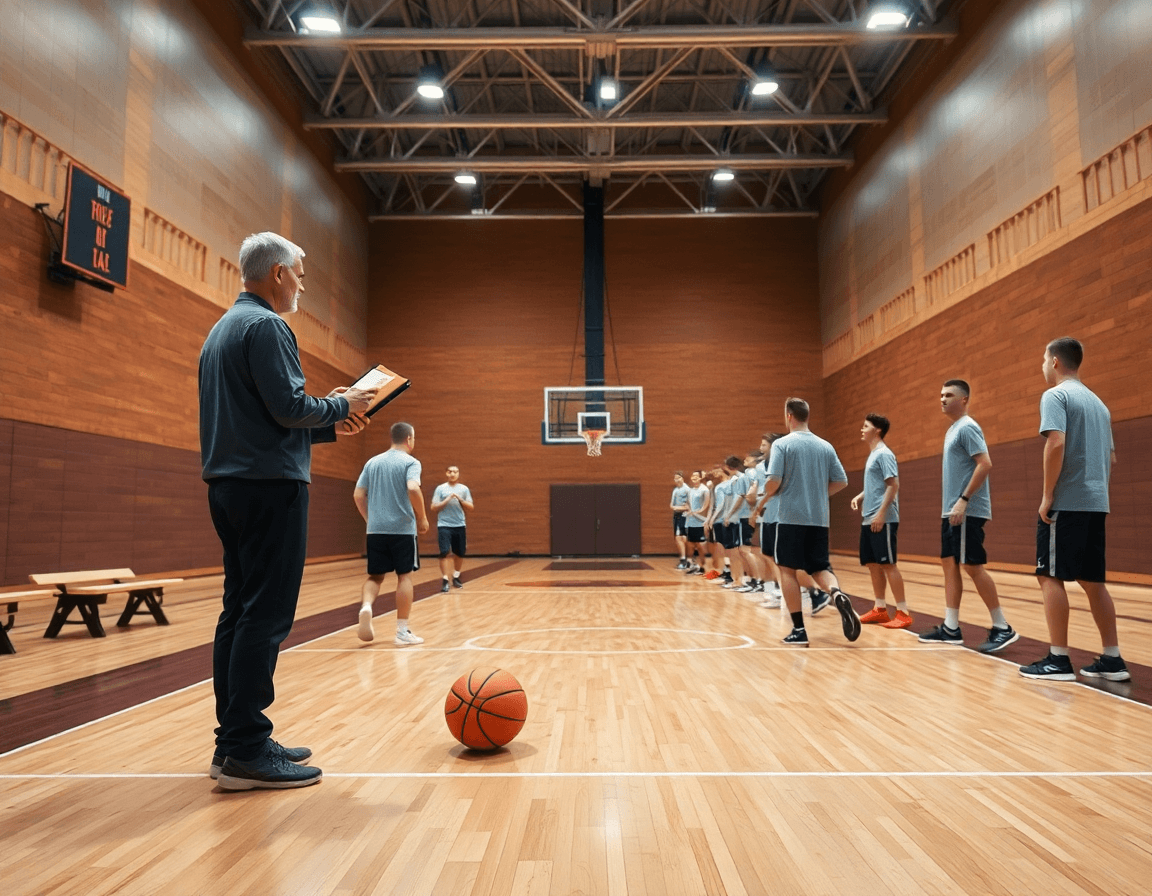
Frame the Week starts with a clear weekly objective. As a basketball coach, I set the focus for the upcoming cycle—from tightening ball-screen action to sharpening our transition defense—and pull from the drill library to assemble a customized practice plan. The library is the backbone: I mix 4–5 drills into a single session, adjust pace, and align them with our roster. In the plan, I map the sequence—warm-up, ball handling, team drills, controlled scrimmage—so the document doubles as a practical practice plan checklist. This is where weekly preparation lives: in the plan, not scattered notes.
With the plan drafted, I share plans with assistants and assign responsibilities for the week. CourtSensei makes this easy: we tag assistants to specific segments—defensive shell, transition offense, rebounding emphasis—and keep everyone aligned. Before practice, we walk through the sequence aloud so the staff is on the same page when drills hit the floor. The workflow is simple: in the plan, on the tactical whiteboard for diagrams, and in the notes section to guide practice flow, ensuring nothing slips during a busy week.
When it’s time to execute, the whole system stays portable. The exportable PDFs turn the plan into something you can pull into meetings or scouting reports without retyping. After practice, I add a scouting report note and attach a few short video clips that highlight coaching points. The workflow feels seamless: the weekly plan in CourtSensei, diagrams on the whiteboard, a concise video clip to reinforce concepts, and a shared link to the drill library for reference. This is how basketball coach tools are designed to work.
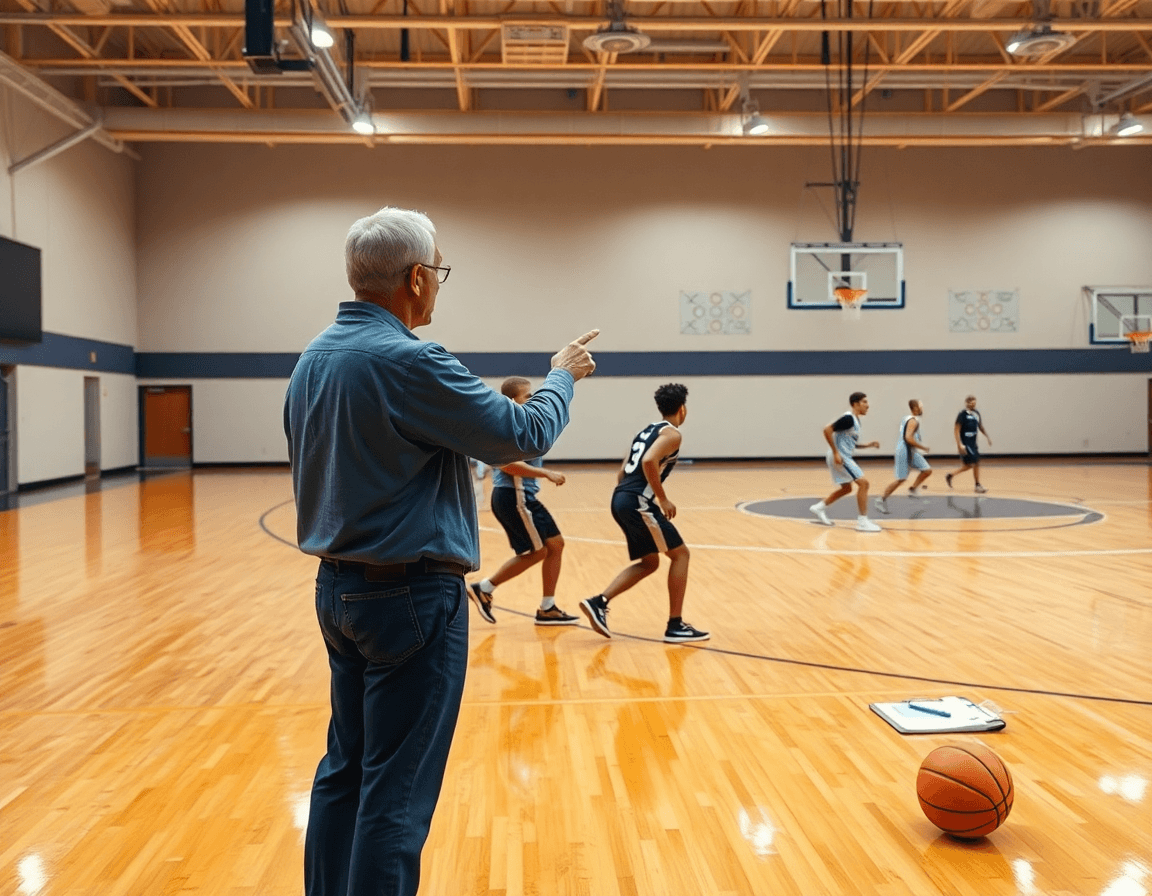
Diagram Plays Fast: Whiteboard for Xs and Os
During weekly planning, the whiteboard is where Xs and Os come to life. I diagram BLOB, SLOB, ATO, and PnR plays with spacing, reads, and responsibilities labeled so assistants can coach the drill without me standing over them. The tempo matters: a clean, quick diagram lets us walk through reads in real time and build rhythm before players step on the floor. In this workflow, diagram plays and whiteboard aren’t separate tools—they’re the same language coaches use to prep for practice.
With a ready diagram, I export to PDF for scouting reports or game-day prep. The PDF becomes a reference for opponent scouting notes and the film room, so staff can review the same diagram before sessions and during breakouts. We use the same diagram across units, swapping details as matchups demand while preserving core spacing and timing. This is where Export to PDF and scouting reports anchor the week’s prep, keeping us sharp even when we rotate personnel.
Reusing diagrams across sessions helps build a cohesive playbook that grows with the season. Once a set clicks, I drop that diagram into future practices, adjust timing, or swap personnel without rewriting from scratch. The rhythm of the plan, the whiteboard diagram, and a short video clip in the scout session align to reinforce learning. Over time, those diagrams become a portable language your team can reference—an enduring cohesive playbook and a mindset of reuse diagrams.
Clip and Compress: Turn Footage into Actionable Clips
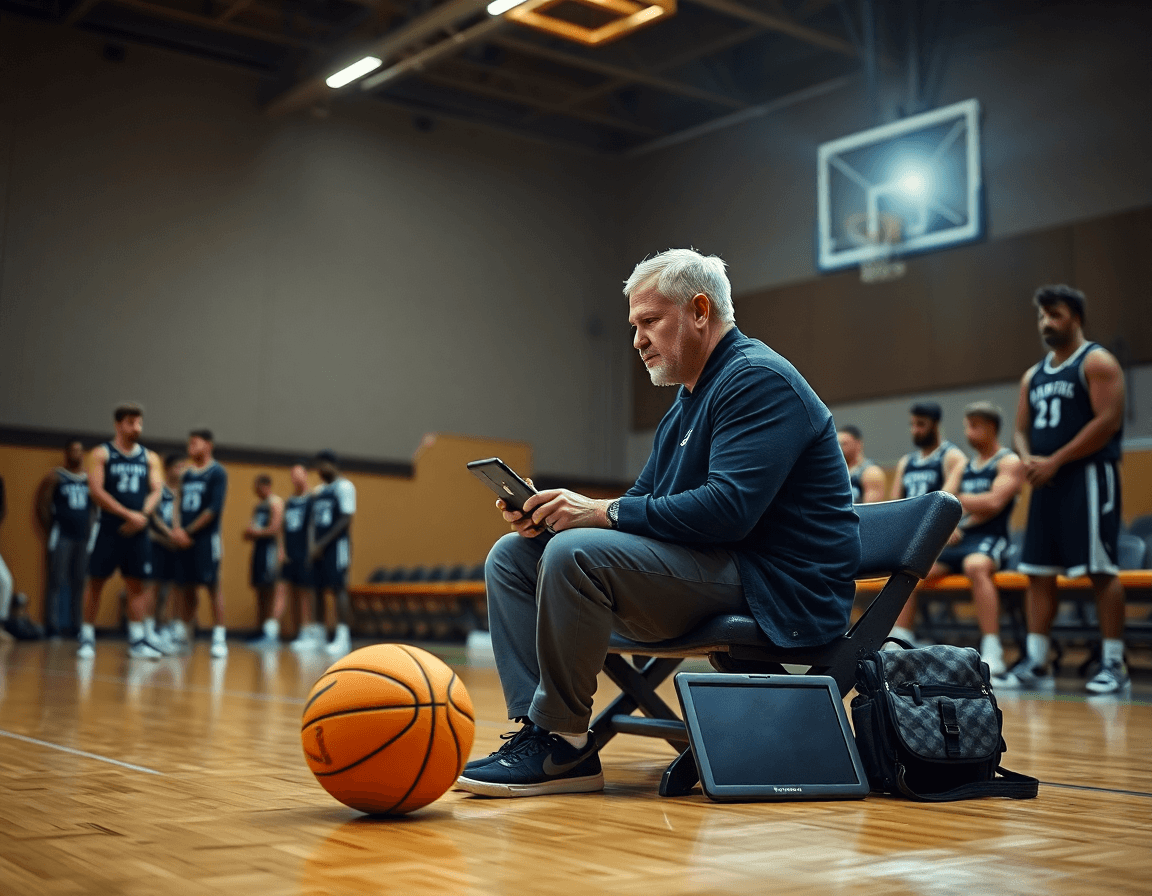
As part of my weekly practice planning, I turn raw game footage into teaching moments. The video clips workflow is the backbone of that effort: I trim game and practice footage into short, focused clips that spotlight a teaching point—a defender closing out, spacing misreads, or a decision in transition. A tight 10–20 second clip makes the point without fluff, and I tag it so it surfaces quickly on the whiteboard during plan review.
Next, I organize clips by player, drill, or specific play to streamline feedback. The clips sit in a central clip library—the go-to for labeling by player name, drill tag, or play design. When I pull a clip for a quick walkthrough in practice, I’m not digging through folders; I’m flipping through labeled files that tie directly to the current drill progression or scouting notes we’ve built into the plan.
Finally, share clips with players for review before the next session. I generate playlists and send shareable links so players can study the clips on their own time, then we address them on the floor. With a centralized video hub, everyone’s aligned—coaches, assistants, and players—before we step on the court. This approach keeps the feedback loop tight and makes the video library a living part of our weekly routine, not just a repository.

Scout and Study: Opponent Prep that Packs a Punch
Week starts with opponent scouting. I build scouting reports that map opponent tendencies and their preferred actions. I watch their last few games, noting how they pressure ball handlers, how they defend ball screens, and what action they run in late clock. Each pattern gets a scout plays tag so the staff has crisp cues to call and counters to practice. The notes sit next to our plan in CourtSensei, turning scattered film into a focused teaching tool for the week’s training plan.
Attach scout plays to the upcoming game plan for clear execution. On the whiteboard, I diagram the counters, then pair them with short video clips that show the action in live play. The workflow is simple: scouting note, diagram, clip; repeat with another pattern. Assistant coaches run reps in the drill library, and captains rehearse the reads in half-court sequences. The result is instant, reusable game prep that translates to what we call on the floor during a game.
Distribute materials to assistants and captains for clarity. I share the full package—scouting reports, opponent scouting notes, and scout plays—with everyone, so there's no confusion when the game clock starts. The player progress dashboard helps track how players internalize the reads and adjust during practice. We lean on digital basketball playbooks and team management tools to keep everything synced through season planning and staff duties. This is how we keep a complex opponent ready without bogging down the staff.
Playlists for Player Access: Shareable Clips and Feedback
Each week starts with a clear objective. I pull together playlists from our drill library and game clips that reinforce this week’s focus—spacing, off-ball movement, and decision points. With CourtSensei, planning, the tactical whiteboard, and video sit in one seamless workflow, so I can build a single playlist that aligns with the practice plan. Clips are tagged to weekly goals, notes added for quick takeaways, and the staff can open the same material in real time. The result is cohesion across drills, walkthroughs, and on-court reps.
Players access the playlists via shareable links and watch them on their own time. They can annotate directly on the clip—marking a cut, a read, or a misstep—then sync their notes back to the group. I drop a couple of clips into the plan for the next day and have players review the same material before we step onto the court. It’s not about homework; it’s about consistent reinforcement, feedback loops, and accountability.
Tracking who watched what feeds our understanding of growth. The player progress dashboard shows which players viewed each clip and what notes they left, then ties that activity back to performance metrics. In our Friday review, we compare clips watched to in-game results and adjust the playlists for the next week. This bridges planning to feedback, turning digital clips into measurable progress and a clearer path for season planning and team management.
Practical Workflow: Monday-to-Sunday Coaching Cycle
Monday sets the tone for the week. I finalize week objectives and assemble the plan from the drill library, tagging drills by goal (transition, spacing, late-clock execution). This is how I live the weekly coaching workflow: one connected plan, a ready-to-scan drill library, and a shared calendar for assistants. CourtSensei keeps everything in one place, so the staff stays aligned as we kick off practice.
Tuesday through Wednesday, I diagram the key plays on the whiteboard diagrams and prep video clips for feedback. I sketch BLOB/SLOB/ATO/PnR actions, export a clean PDF, and drop the clips into player reels for quick coaching moments. Watching the short clips, players connect spacing and timing with what’s drawn on the board. Our digital basketball playbooks tie these diagrams to real game scenarios.
Thursday is scouting day. I run scouting reports and weave opponent tendencies into the practice plan. We pull scout plays from our digital basketball playbooks and attach notes to the plan so assistants know what to emphasize in drills. This is where team management and season planning converge, giving us a clear countermap for the week ahead.
Friday becomes the prep day for players. I finalize playlists and ensure players have access to shareable links for pre-game study. The plan and video come alive for the squad, so when we hit the court, everyone is synchronized on tempo and spacing. Sunday wraps with a review of outcomes and a tightened plan for the next week.
If you build plans like this every week, CourtSensei keeps your drill library, whiteboard, and video clips in one place — try it free.
FAQ
Is CourtLab free?
CourtLab isn't universally free. Most users start with a free trial or a tiered plan, then upgrade as they need more features. You'll want access to the drill library, whiteboard diagrams, PDFs, and scouting notes to evaluate value. Check CourtLab's current pricing page for exact options and limits.
Does CourtLab work for teams and coaches?
Yes. CourtLab is built for teams and individual coaches. It supports weekly planning and a robust drill library, along with plan sharing with assistants and role-based access so staff stay aligned. Across devices, you can build, export, and review plans, diagrams, and clips. It’s designed to streamline coaching routines from prep to practice.
What ages is CourtLab for?
CourtLab isn't limited to a single age group. It's built for youth, high school, and college programs, and it scales with your roster. Coaches at any level can use the drill library and scouting notes, plus game-ready diagrams. If you're guiding a junior program or varsity squad, you'll find workflows that fit.
Do I need special equipment for CourtLab?
No special equipment is required. At minimum, you need a device with internet access. You can work from a laptop, tablet, or phone. Optional gear like a projector or a printer helps with on-site reviews. Features like export to PDF let you share plans and scouting notes without retyping.
Can my coach or parents see my stats?
Access is role-based. Coaches typically see team-wide stats, while parents only view what you choose to share. Players usually see their own progress and clips. You can control visibility in the settings so sensitive data isn't exposed. If you want, you can share a selective subset for review without giving full access.
What is basketball coaching software?
Basketball coaching software is a toolset that helps you plan practices, manage plays, scout opponents, and track progress. Expect features like a drill library, whiteboard diagrams, a clip library, and scouting reports. It centralizes assets, saves time, and supports collaboration across staff and players.
