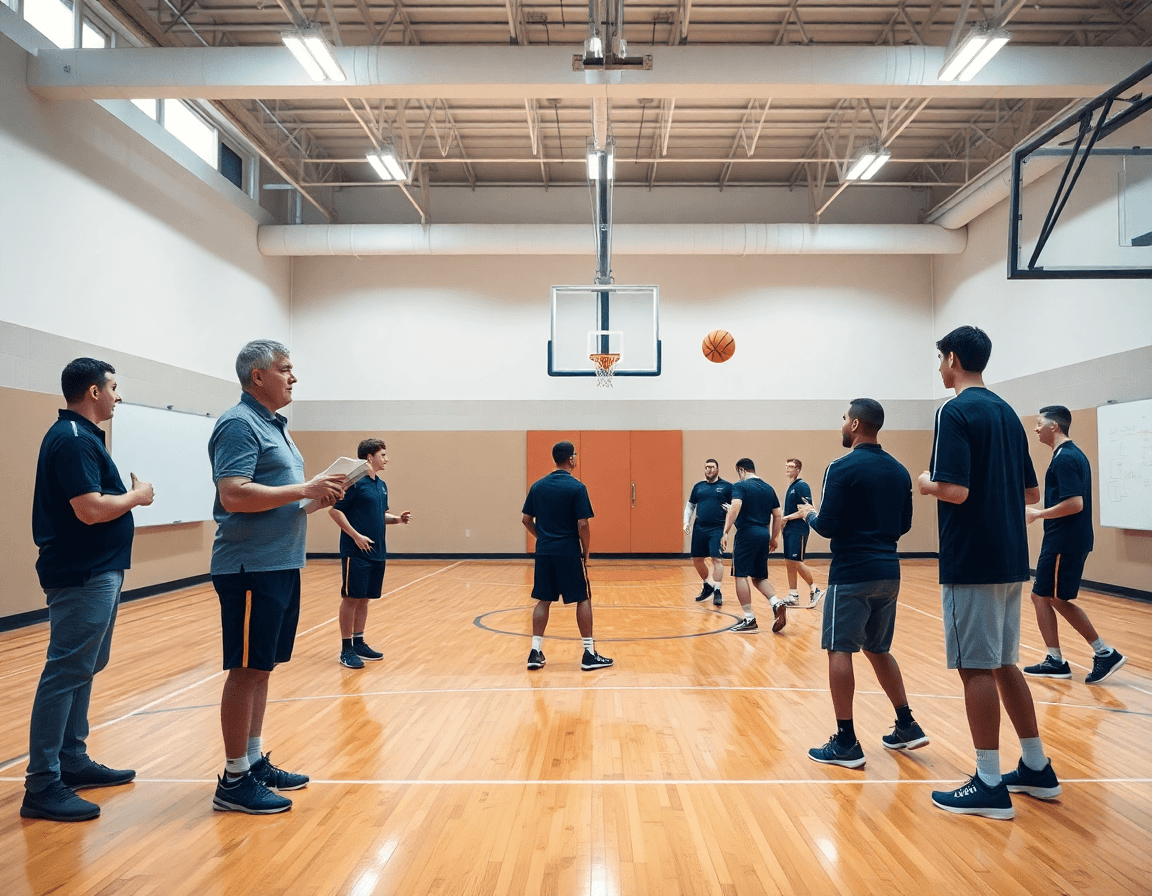
Basketball Coaching App for Weekly Planning and Workflow
Discover how a basketball coaching app streamlines weekly planning, tactics, video workflow, and scouting for HS and club teams, boosting coach efficiency.

Key takeaways
- Adopt the weekly plan with the basketball coaching app to centralize drills, schedule, and notes for visibility.
- Use the practice planner to map sessions, attach drills, and export a clean PDF for the huddle.
- Collaborate in the shared workspace; your assistants can review plans, edit notes, and run play editor sessions together.
- Integrate game film clips and scouting notes to tailor practices and drive consistent improvement week after week.
- Export a weekly PDF playbook and link clips to plays for easy sharing with staff and players.
Why a basketball coaching app fits your weekly workflow
Think of the week as a plan of attack. In my weekly routine, a basketball coaching app keeps planning, drills, and the schedule/calendar in one place, so I can see the week at a glance. In the plan section, I assemble the weekly plan, attach drills from the library, and drop in plays. When the schedule shifts, the calendar auto-updates and my assistants stay in the loop. That kind of visibility makes Mondays feel calmer and Fridays more focused.
With the practice planner, I map out each session—warm-ups, shell work, and late-game scenarios—and attach the drills I want to run. I can also link to specific plays and export a clean PDF for the huddle. On Tuesday, I pull the same plan, walk the team through two quick reps, and save the tweaks for next week.
Assistants share the same workspace, so they can see plans, modify notes, and run through the play editor together before practice. This shared access keeps everyone on the same page and speeds up prep. I can pull in game film clips to illustrate a point and attach scouting notes to the week’s plan, so the scouting reports inform what I emphasize in practice.
Ultimately, the payoff is consistent player development. A library of plays, a set of playlists, and a bank of video clips keep improvement on track session after session. You’ll see players repeat successful sequences, measure results in your notes, and iterate without reinventing the wheel each week.
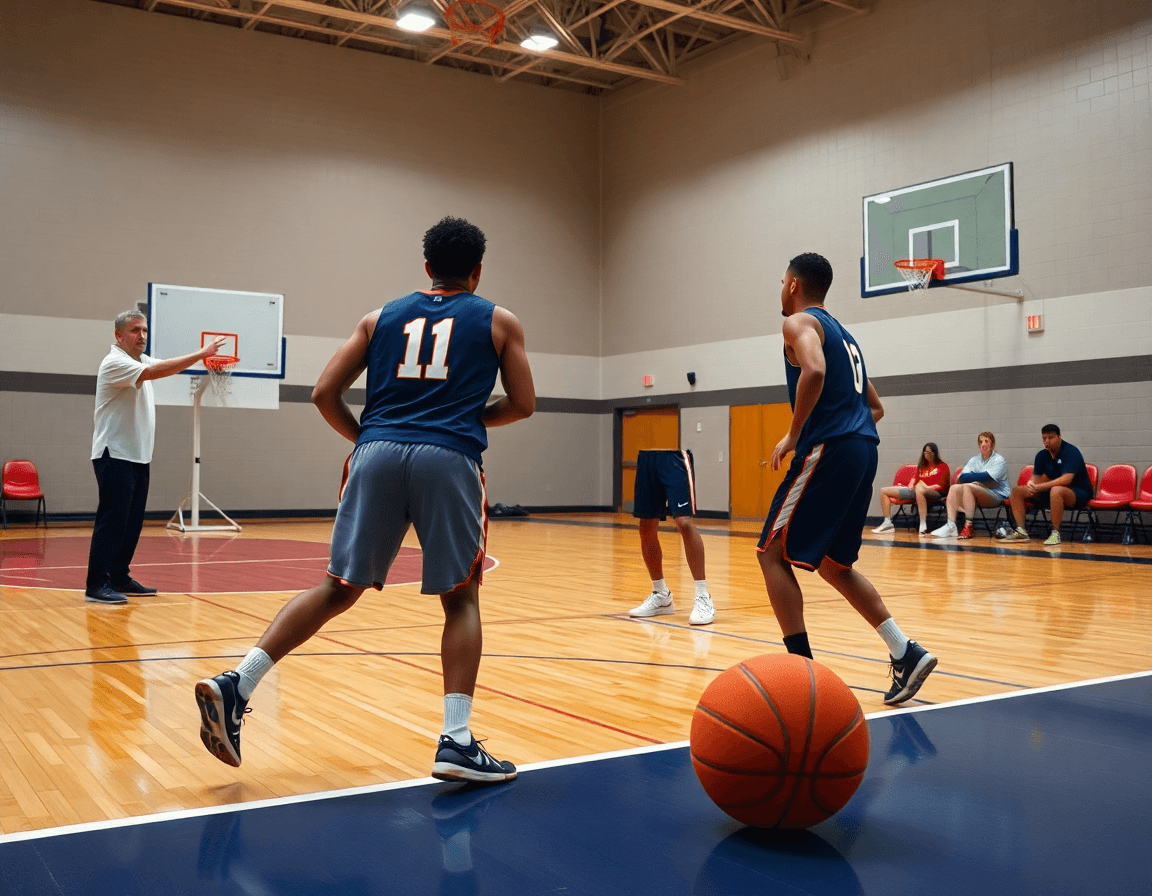
Structured weekly planning: from practice plans to scouting
Structured weekly planning starts with a library of drills you can pull into any practice block. In CourtSensei, a basketball coaching app, you build a growing library of drills and tag them by emphasis—shooting, transition, defense, you name it. Then you assign these to daily blocks with the practice planner, and the schedule/calendar view keeps your week visible at a glance. This keeps your players organized and your staff aligned before Monday’s first shootaround.
Attach plays to practice segments for on-the-fly execution. The play editor lets you lay out sets for the shell, PnR, and late-game situations, and you can attach them to specific blocks in the day. Use short video clips and clear diagrams to illustrate options, then keep the sequence tidy in your library for reuse during the week with animated plays to visualize options.
Incorporate scouting notes for the next opponent to tailor plans. The scouting notes live in your weekly plan and you can pull relevant tendencies into the practice blocks. The AI coach analyzes game film and real-time stats to suggest adjustments—like adding a defensive shell or prioritizing ball movement to counter their coverage.
When the week is finalized, export a clean PDF playbook for staff and travel kits. The packet includes the latest library of drills, the attached plays, and the scouting notes, ready to print or share. Your players will know what to expect on game day, and your assistants can run practice smoothly from the same source.
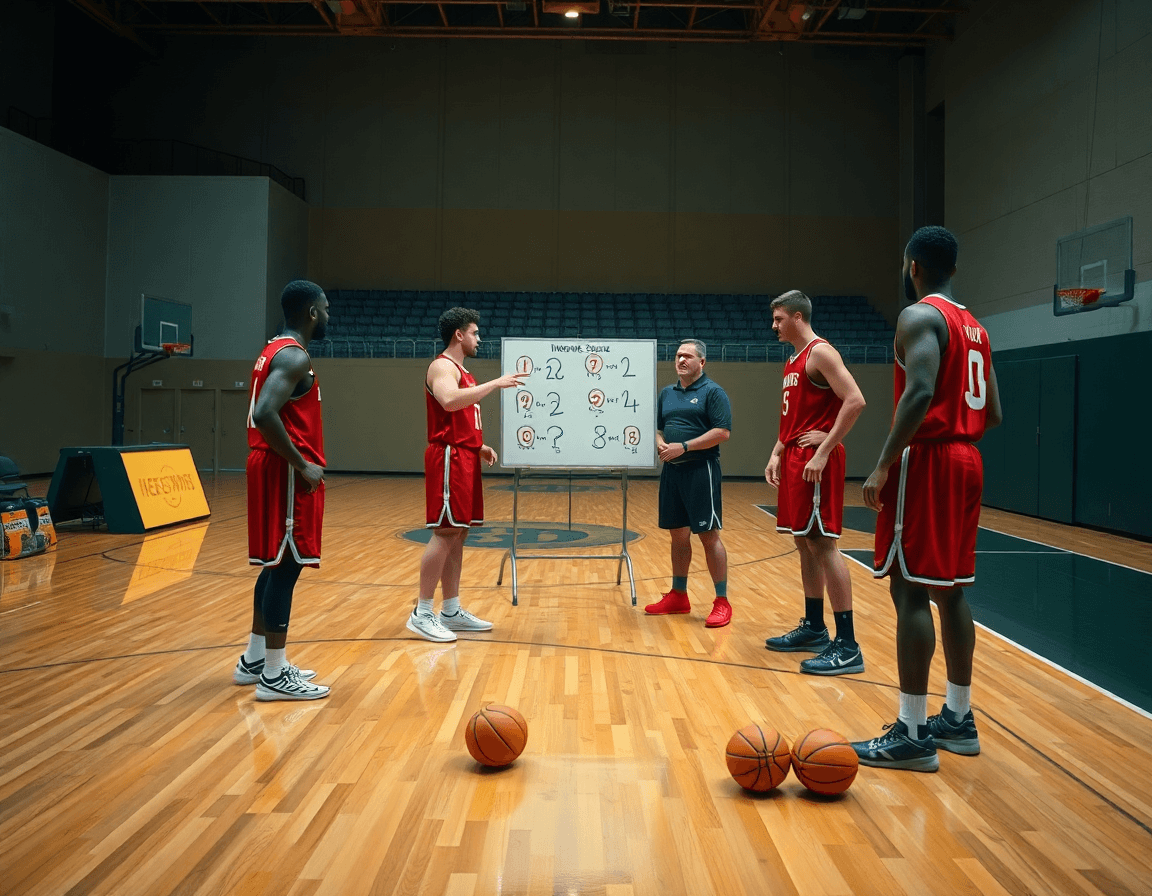
Tactical whiteboard: diagram plays and runbooks for games
On the tactical whiteboard, CourtSensei is my weekly planning companion. I diagram BLOB, SLOB, ATO, and PnR runbooks, then annotate decisions for spacing and timing. The play editor makes this fast: I sketch routes, assign responsibilities, and label variations without leaving the app. When we want a quick teach, I pull up an animated plays clip to illustrate timing, then tweak the diagram on the fly. It keeps our game plan aligned from the first drill to the late-game call.
After practice, I review the diagrams with assistants and players. We confirm options on the whiteboard, then export to PDF for the game-day playbooks — a clean, shareable reference that travels with scouting notes and film clips. We also share links so coaches can comment and players can study the runbooks on their own time. Keeping everything in one place reduces back-and-forth and helps our team stay synchronized for film sessions and prep.
During practice, the action lives as animated plays. We run the sequences, watch for spacing, and use the cues to teach rotations and ball-handler reads. If a defender overhelps, we adjust the diagram and show a quick clip of the new motion to lock it in. The result is a repeatable process: plan in the practice planner, diagram on the whiteboard, and reinforce with a short video clip. Chalk becomes execution, and the week feels cohesive.
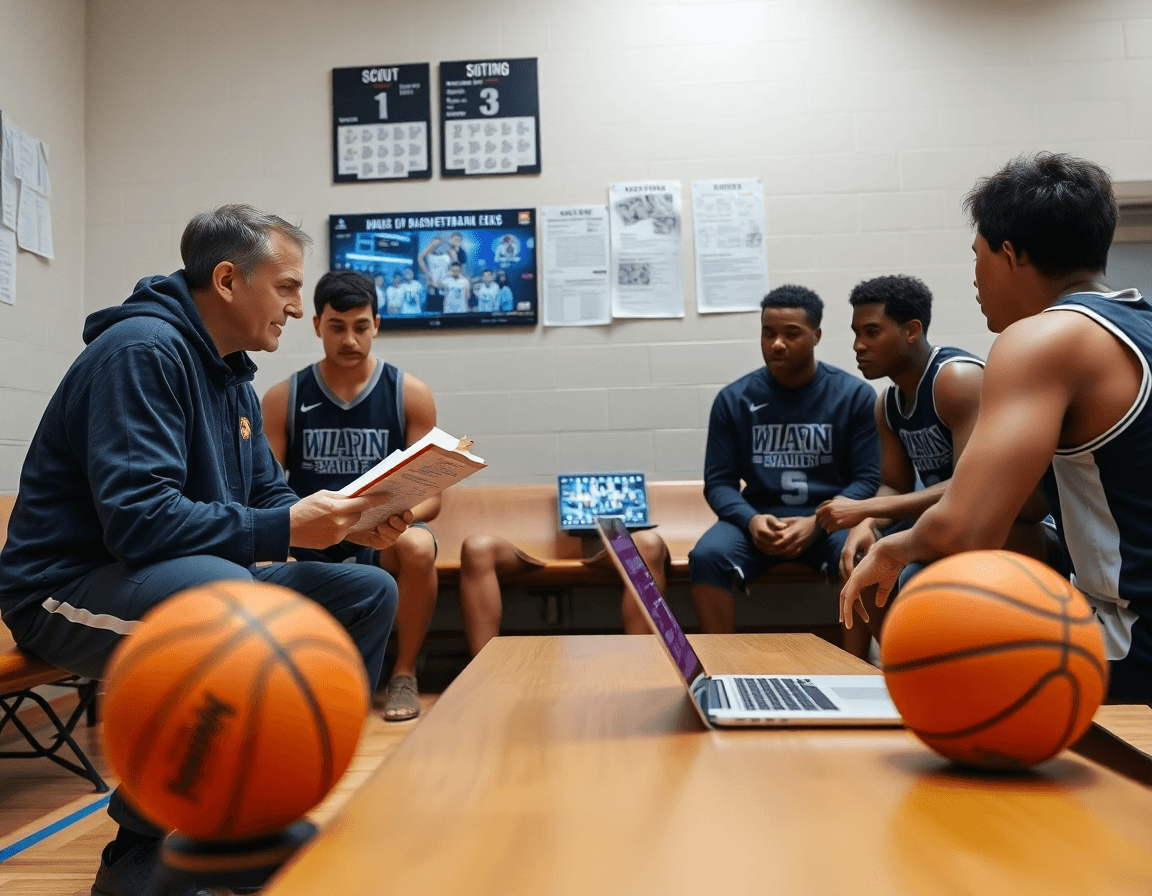
Video workflow: clipping, organizing, and sharing game film
During the weekly workflow, you start with game film. Clip game footage into teachable segments—pull out a drive-and-kick sequence, a weak-side rotation, or a late-clock decision into a 15–20 second clip. A short video clip should illustrate a concrete teaching point you can address in the film room or during a quick on-court walkthrough. The goal is to isolate teachable moments without slogging through hours of footage.
Next, you organize clips by player, drill, or scenario so you can pull the right clip into a meeting or individual session. For Player A, group clips tied to his help-and-recover rotations; for a drill, tag clips that illustrate proper spacing; for a scenario, collect late-shot-clock decisions. The library grows, but the search stays crisp when you use consistent tags.
Distribute clips to players with shareable links or playlists. Players receive links to study their clips before practice, then check back after sessions for updates. You can assemble position-based playlists or opponent-specific sets to align with your weekly plan. The system auto-generates a clean, mobile-friendly link you can drop into a message or the scouting notes from the week.
Finally, link clips to plays and drills for context. If you need to annotate, the play editor lets you attach a clip to a specific play (PnR, BLOB, SLOB, ATO) or to a drill in the practice planner. This bridges video and on-court work, so players see how the action in a clip maps to your animated plays and the drills you’ll run in the next session. It’s the kind of cohesion that turns scattered footage into a purposeful weekly routine.
Opponent scouting and prep: notes, scout plays, and intel
In our weekly scouting cycle, the basketball coaching app acts as the command center for opponent prep. We document opponent tendencies in a centralized scout file housed in the team library, with quick access to scouting reports, clip highlights, and opponent stats. It’s a living document—updated after every game and searchable by opponent, formation, or scenario. You’ll start to see patterns: how they defend ball screens, where they sprint to after ball reversal, and their go-to actions in late-clock situations. That clarity is priceless on the bench.
During prep, attach scout plays to the rotation maker and to the weekly practice plans. When the data shows a pattern—say, their overload ball-screen—drop a scout play into the rotation for the top unit, link the drill in the plan, and export a short clip for film review. The play editor lets you build animated plays that mirror what you expect to see, so assistants can practice the exact reads and ball movements during walkthroughs.
Flag key matchups and prep tasks for the week. In the scout notes, tag 'focus' players and 'priority' actions. For example, if their 6'9" wing is chasing your shooter off the line, assign a dedicated hedge drill and a post-rotation plan in the practice schedule. Attach these prep tasks to the rotation and to your game plan so the whole staff is aligned on what to emphasize when the ball goes live.
Keep the team aligned with a single source of truth that everyone can access. The file feeds game film, notes, and shareable playlists as needed, so players can review clips on their own time and coaches can reference a common language in meetings. With this workflow, the rotation, the strategy board, and the scouting intel reinforce each other, reducing guesswork and keeping us ready for game night.
Practical workflow: a 5-day weekly cycle you can implement
Day 1: finalize practice plan, assign drills, and outline plays. In the practice planner, I lock the week’s goals, map drills to groups, and set times on the schedule/calendar. I assign drills, track reps, and drop 2–3 plays into the play editor for review with the staff.
Day 2: diagram tactical actions and rehearse with players. On the tactical whiteboard, I diagram BLOB/SLOB/ATO/PnR and walk through the sequences with the group. We run 2–3 reps per action, then save a quick PDF of the diagram and keep a note in the plan for the players to study. If changes come up, I update the play editor so the staff sees the tweaks.
Day 3: clip opponent tendencies, update scouting notes. With game film, I pull recent opponents, cut 15–30 second clips of tendencies, and drop them into scouting notes. I update the scouting notes in the app so trend items stay visible as we prep for the week.
Day 4: share clips and run a video-based feedback session. I assemble short video clips into shareable playlists for players, annotate takeaways, and run a quick feedback session on the floor. Players watch the clips, respond, and I assign targeted clips for at-home review and drills to reinforce the corrections.
Day 5: finalize scout tasks and prep for gameday. We finish the scout tasks, assign responsibilities for the bench, and lock the gameday plan in the schedule/calendar. The final scout packets go out, and I do a last pass in the practice planner and play editor to confirm everything’s ready for game night.
If you build plans like this every week, CourtSensei keeps your drill library, whiteboard, and video clips in one place — try it free.
FAQ
What is a basketball coaching app, and how does it fit into weekly planning?
A basketball coaching app acts as your central hub for weekly planning and execution. It keeps drills, the schedule/calendar, and plays in one place, so you can see the week at a glance. In the plan section, assemble the weekly plan, attach drills from the library, and drop in plays. When the schedule shifts, the calendar auto-updates for your staff.
How can AI coaching help basketball players?
AI coaching helps tailor practice and decision-making. The AI coach analyzes game film and real-time stats to spot patterns, suggest adjustments, and flag inefficiencies. Use those insights to adjust emphasis in drills, shape scouting notes, and keep players aligned with a data-backed plan.
Can it track drills and progress?
Yes. A solid app tracks drills and progress with a growing library of drills tagged by emphasis and a dedicated progress log. Attach drills to sessions, document notes, and measure improvements across practices and games for consistent development.
Can it analyze shooting form and provide feedback?
Yes. The app can analyze shooting form using video clips and provide feedback. Clip the shooter’s motion, tag key cues, and pull up annotated clips for the film room. Use the visuals in practice to reinforce correct mechanics and timing.
How do you create plays and playbooks in a coaching app, and share them with the team?
Use the play editor to sketch sets (BLOB, PnR, ATO), attach them to practice blocks, and export a clean PDF playbook for staff and travel kits. Shareable links let players study plays on their own, and you can keep the library tidy for reuse next week.
What features should you look for in a basketball coaching app, and is it suitable for youth teams or free options?
Look for a comprehensive feature set: a growing library of drills, a solid practice planner, a capable play editor, scouting notes, and game film. Many apps fit youth teams and offer free tiers or trials, but compare what’s included in the plan and whether assistants can collaborate in the same workspace.
