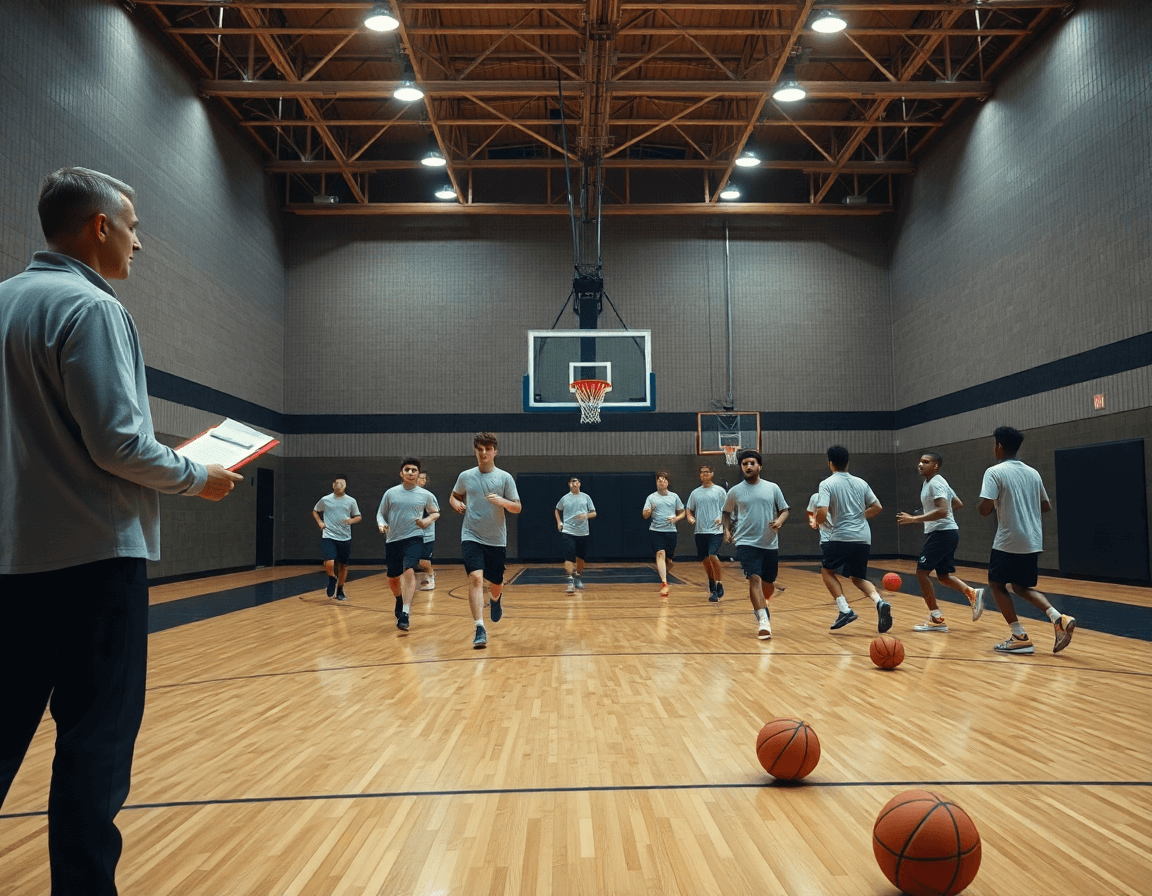
Basketball coaching tools: a weekly workflow for coaches
Discover how basketball coaching tools fit into a coach's workflow—whiteboard diagrams, video clips, scouting, and shareable playlists that boost development.

Key takeaways
- Establish a weekly rhythm by aligning practice plans with the drill library to reduce guesswork.
- Use a digital whiteboard to translate plays into action, then export PDFs for staff alignment.
- Trim and tag video clips to create a focused short library mapped to plays and drills.
- Build concise scouting notes and share a single file so assistants contribute before meetings.
- Curate a weekly playlists that links video, practice film, and notes for easy access.
Understanding basketball coaching tools for a weekly workflow
Think of basketball coaching tools as a five-piece weekly toolkit: practice plans, digital whiteboard, video clips, scouting reports, and playlists. In a typical week, we map every session in practice plans, from drills to objectives. The drill library lets me pull options, tag them by focus, and assign them to assistants. With these pieces aligned, the week runs smoother and cuts down on guesswork.
On the planning side, the digital whiteboard is where ideas become action. We diagram BLOB/SLOB/ATO/PnR and export PDFs for staff meetings. Assistants review the board before practice, and players access the plan in the same hub.
For video, the video clips tool lets us trim, tag, and organize clips from games and practices. I assemble a short clip library tied to our objectives and send links to players—no hunting through files. Players watch on their phones, coaches drop notes, and we track who has seen what.
Scouting reports give us a concise opponent snapshot, with scouting reports and scout plays highlighted for quick reference. I drop notes and opponent tendencies into a shared file, so assistants can contribute before meetings. The team analytics that surface from this work guide our weekly prep and future scouting.
Finally, playlists and shareable links for video assets keep talent aligned. I build a weekly playlist that stacks clips, practice film, and quick reads for the unit—accessible to the roster via roster management tools. Assistants push links and annotate, so players know exactly what to study.
Plan smarter: building weekly practice plans from the drill library
Week planning begins with a clear objective in the Practice Planning module. I pull from the drill library to craft a balanced slate—shooting reps, ball handling under pressure, transition defense, and late-game situational work. The drill library is my starting lineup: a handful of foundational drills, a couple of progressions for different skill levels, and a plan for minutes per block. I map the week to the calendar—three days dedicated to on-ball attack, one day for defensive rotations, and a lighter day for film and recovery. It’s where a coach’s weekly rhythm takes shape, with every rep tied to a real game scenario.
From there I lean on practice templates to lock in a weekly skeleton that travels well from week to week. The templates give me a consistent rhythm—warm-up, skill work, situation drills, and pressure minutes—while leaving enough room to adapt. For this roster and the current opponent scouting notes on next week's game, I swap a couple drills, adjust the balance, and drop in a defense drill that counters their primary action. The result is a week that feels deliberate, not ad hoc, and that still responds to what we learned from scouting.
With the skeleton approved, I push the plan to the group so everyone’s on the same page. I use the in-app notes and shareable links to ensure share plans with assistants and players to align on objectives. The room hears the same language: quality shots, pace, and smart decisions. Assistants track rotations and minute ladders, while players get a clean outline of the week. When Friday rolls around, we come to practice ready to execute, not scramble; that’s the power of a weekly workflow where planning, a tactical board, and video clips all reinforce the same goals.
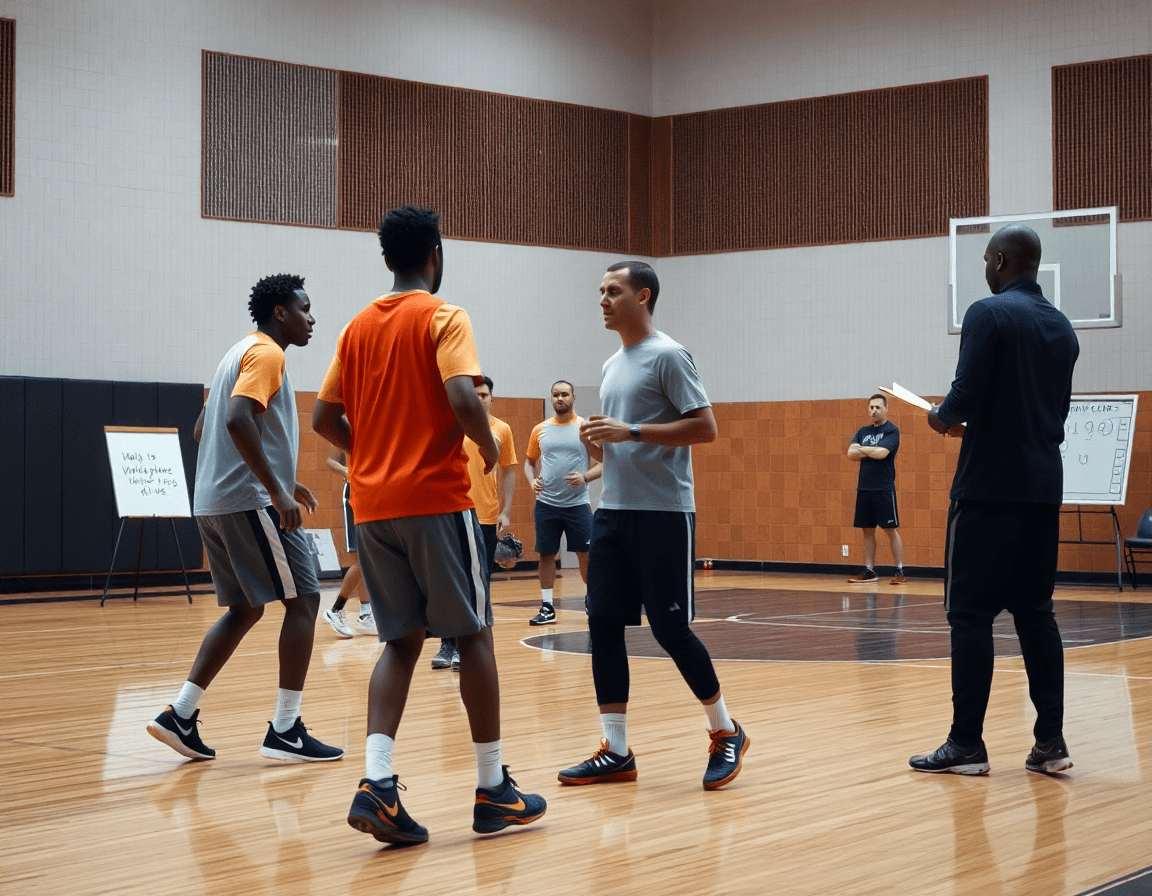
Tactics on the whiteboard: turning plays into action and PDFs
Within our basketball coaching tools, the digital whiteboard is where tactics become action. I diagram BLOB, SLOB, ATO, and PnR sequences and annotate key reads—like ball-handler pressure and corner spacing—so what seems complex on paper turns into clear reads for the players. These diagrams sit in the weekly plan as the backbone for the session builder and the drills we pull from the drill library. With my assistants, we walk through the same play diagrams on the whiteboard before every practice so we present a unified message to the players and keep the week on track.
After the chalk talk, we export PDFs of the diagrams for staff meetings and game prep. The PDFs serve as the core reference for scouting notes and game prep sessions, and they pair with the short video clips we’ve trimmed so coaches and players can review the action quickly. This simple step keeps our game plan aligned during the week and ensures everyone—on the bench or in the film room—speaks the same language.
Finally, the diagram becomes part of our collaborative library in the playbook software—the drill library and scouting notes live there for easy pull in weeks to come. This is how our workflow evolves: diagrams inform practice plans, PDFs unify staff, and the library grows with each proven sequence. When we lock in a productive action on the whiteboard, we’re building a repeatable cycle that accelerates player development and keeps the coaching staff marching in sync.
Video workflow: clipping, organizing, and sharing clips with players
After a game or a practice, I pull clips into our video workflow and start clipping the moments that matter. I tag each clip by player and drill, then organize them by the play they illustrate, so the staff can pull up everything in one search. That linkage—video clips tied to the drill library and mapped to plays—lets us review decisions quickly and plan for the week.
Then I turn those clips into short, focused segments—30 to 60 seconds—that spotlight a defensive rotation or a decision during a pick-and-roll. I deliver them as shareable clips with quick notes, and distribute via shareable links so every player can watch on their own device. The result is fewer emails and more consistent reviews across the roster.
Those clips feed our weekly plan through the session builder, letting me attach coaching cues and map drills to specific plays in the playbook software. The coach’s-eye view is sharpened by AI coaching, which surfaces tendencies in spacing, decision windows, and reaction times; I translate that into targeted drills in the drill library and roster notes for team analytics. The result is precise feedback that players can apply in the next practice.
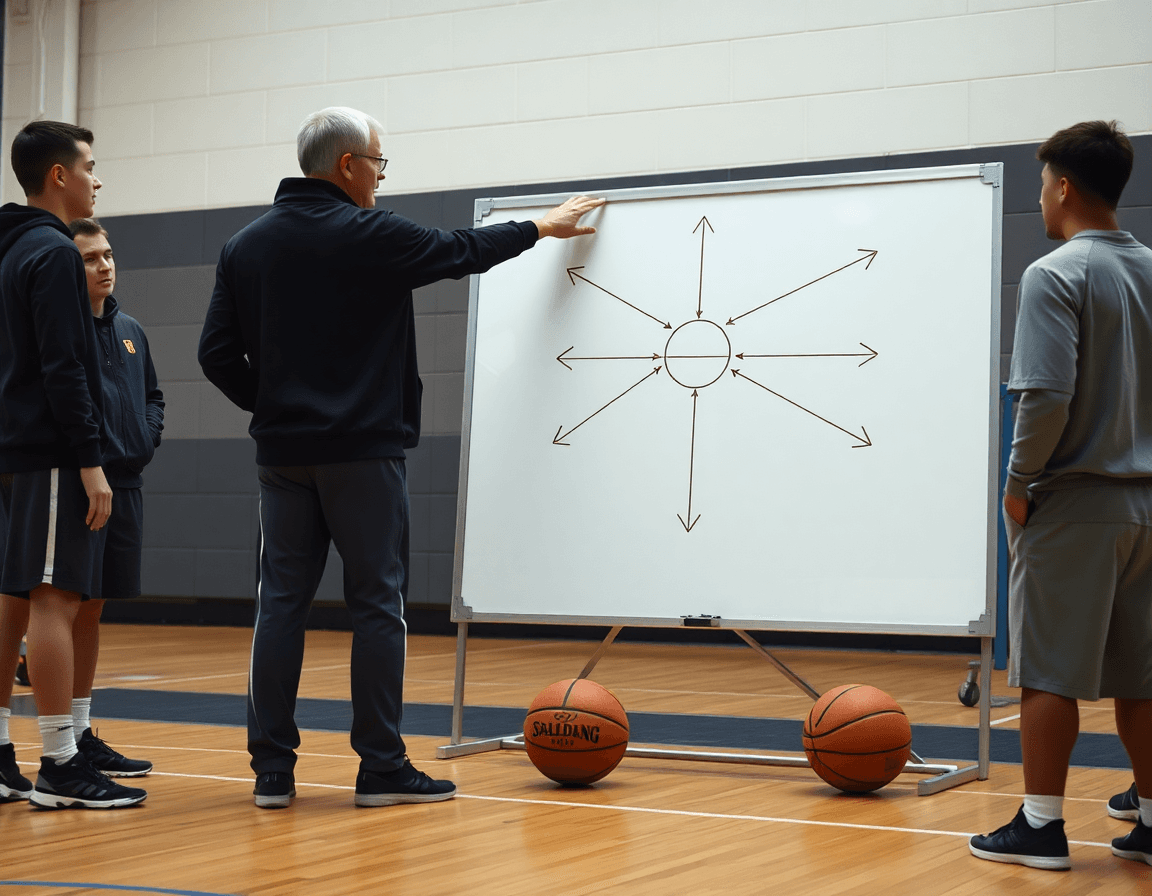
Scouting and opponent prep: turning data into action
Scouting and opponent prep picks up where practice planning leaves off. I build scouting reports that capture opponent tendencies and counterplays from their recent games and clip packages. These reports live in our playbook software and feed directly into the week’s session builder. By tagging formations, favorite sets, and late-game sequences, we turn data into actionable adjustments. scouting reports and opponent tendencies anchor the week.
Each scouting insight becomes a call-out on the board during my early-week walkthrough. We map out counters against their favorite actions, then drop them into the practice plans as drill progressions and scouting drills. The synergy between practice planning and the whiteboard diagrams helps staff stay aligned and players feel the plan.
All scouting assets—notes, clips, diagrams—are stored in a centralized library and shared with assistants via secure links. For pregame, we pull the relevant playbook for scouting, printouts, and short video clips that highlight counterplays. This keeps the team on the same page and makes pregame prep smoother. scouting assets are easy to access and quick to distribute.
Concrete example: against a team that ice-defends ball screens, we build a scout play in the playbook software, tag the rotations, and assign a counter in roster management. We drop a 20-second clip into our scouting assets and run it through a quick video analysis, then lock it into the session builder for the midweek practice. When game day arrives, the team executes with fewer misreads and more trust in the plan.
Playlists and shareable clips: reinforce learning and accountability
Within my weekly workflow, I build playlists that align with this week’s practice priorities—on-ball decisionmaking, pressure handling, and the actions from our drill library. The shareable clips pull from recent games and sessions, labeled by concept and tagged for quick reference during film study. Players can access them on their own devices, which speeds up feedback loops and keeps everyone on the same page. This is where our basketball coaching tools really prove their value: a centralized hub for concepts, actions, and quick-review clips that players can study after practice.
To reinforce learning, I assign clips to players with clear expectations—what to watch, what to notice, and the exact improvement goal. I might drop a clip into a guard’s playlist showing a correct PnR read and add a task: pause at 0:12, describe the decision, and replay with the proper action. Before the next session, the player leaves notes back in the system, which creates player feedback and a quick feedback loop. This routine turns video into a concrete plan, not just highlights.
From a coaching standpoint, I track engagement and progress to inform future decisions. I monitor who watches the clips, who completes the tasks, and how those adjustments show up in our team analytics and scouting notes. Shareable reports give the staff a concise read on who’s absorbing concepts and where we still need to push. In practice, this translates to smarter sessions, a more accountable roster, and a clear path for improvement heading into the next week.
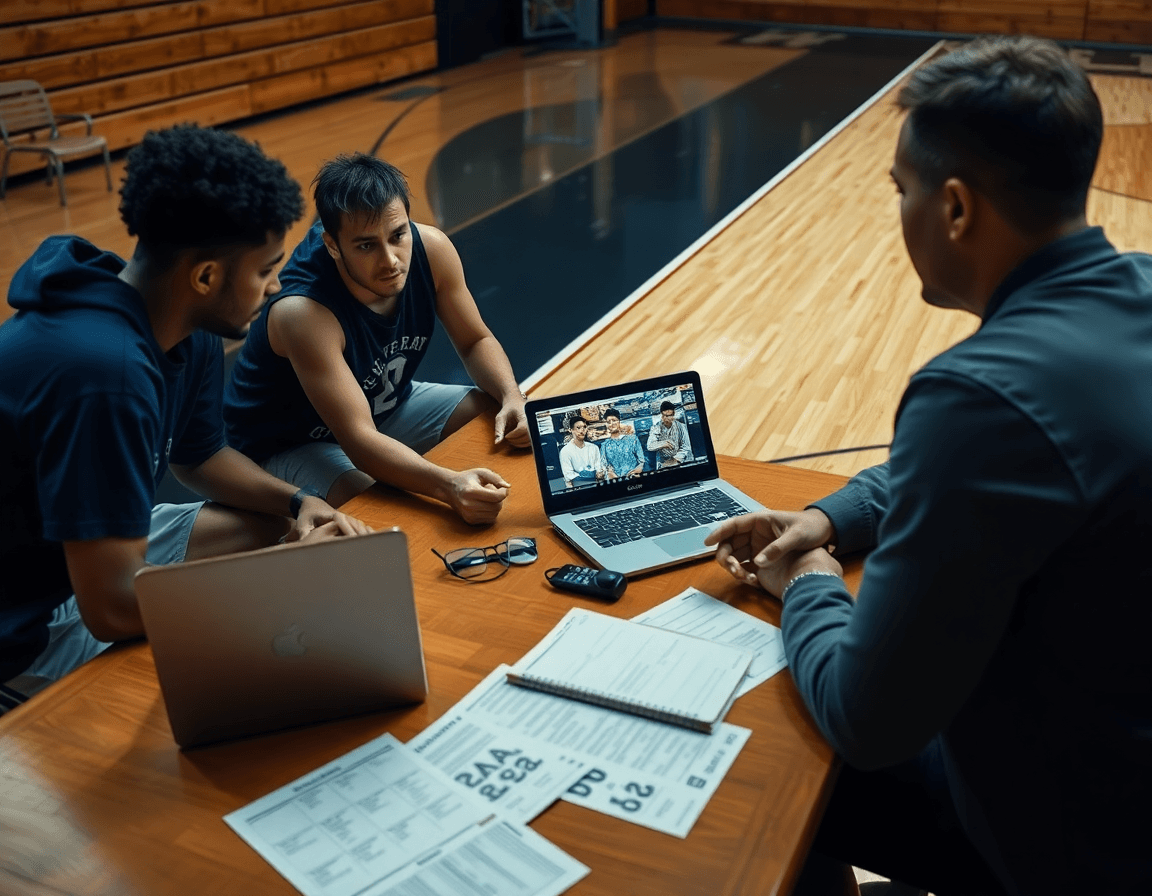
Practical workflow step: a 5-day weekly cadence for coaches
As a head coach who relies on an all-in-one platform, I structure the week around a tight, repeatable weekly cadence. Monday is for finalizing the practice plan using the drill library and the latest opponent scouting. I lock in the core drills, map them to our weekly practice schedule, and push the plan to my assistants so everyone starts from the same page.
Tuesday is all about installation of plays on the digital whiteboard and sharing PDFs with staff. I export the playbook into clean PDFs that we can annotate, and the staff can access from anywhere. This is where the momentum shifts from planning to execution, all under our playbook software that keeps everyone aligned.
Wednesday involves running practice with video clips tied to objectives. I pull short clips from recent games and cut them to illustrate the exact actions we’re chasing—PnR timing, spacing, reads. The players see the clip, then perform the drill live, reinforcing the lesson while analytics track which objectives get hit.
Thursday is for reviewing opponent prep and adjusting scouting reports. We compare notes from the field with what’s in the scouting reports, update tendencies in real time, and decide on tweaks for next week. That loop—plan, review, adjust—keeps our roster management and team analytics sharp.
Friday wraps with player playlists and prep for the next week. I assemble targeted clips and assignments for each player and push them through the session builder so they know exactly what to work on over the weekend. With this rhythm, the coach schedule stays predictable and the development path stays clear.
If you build plans like this every week, CourtSensei keeps your drill library, whiteboard, and video clips in one place — try it free.
FAQ
What are basketball coaching tools and how do they fit into a weekly workflow?
Think of the core kit as a five-piece weekly toolkit: practice plans, digital whiteboard, video clips, scouting reports, and playlists. These tools keep sessions aligned with objectives and cut guesswork. You map every session in the practice plans, and the digital whiteboard turns ideas into action. Sharing the plan in a single hub keeps staff and players on the same page.
What features should basketball coaching software include?
Look for a robust drill library with searchable options, integrated video clips, and a clean planning flow. Add a digital whiteboard for diagrams, shareable plans for staff and players, roster management, and analytics. A strong tool ties scouting notes to player development, so you can prep for games and adjust on the fly.
How can AI coaching help basketball training?
AI coaching can surface data-driven insights from video and tracking. It helps create adaptive drills and personalized practice plans based on a player's strengths and gaps. Expect automated shot charts, fatigue indicators, and pace analysis that prompt adjustments. Use AI as a teammate for objective feedback, not a replacement for your coaching judgment.
What is a basketball playbook and how do you create one?
Your playbook is the living map of your offense and defense. Create it by diagramming plays on the digital whiteboard, labeling reads and responsibilities, and linking each diagram to drills in the drill library. Export PDFs for staff and share links with players. Over time, store sequences in a collaboration library so you can pull them quickly.
How can video analysis improve basketball coaching?
Video analysis lets you clip key moments, tag by player and drill, and map clips to specific plays. Create shareable clips and distribute via shareable links so players can review on phones. Attach coaching cues in the session builder and connect clips to your playbook so reviews reinforce the same actions.
How do you plan basketball practices effectively?
Start with a clear objective, pull from the drill library to build balance across shooting, ball handling under pressure, and defense. Structure warm-up, skill work, situations, and recovery, and adapt using opponent scouting notes. Share the plan as a shared plan with staff and players, and use rotation tracking to keep minutes aligned.
How can you track player progress in basketball?
Track progress with a simple dashboard that shows minutes, shooting, and drill mastery. Attach video notes to each player and use roster management to assign roles and development plans. Regular check-ins and concise reviews keep players accountable and growth-focused.
