Basketball Depth Chart Template for Weekly Coaching
Coach-focused guide to a basketball depth chart template for weekly planning, rotations, and game prep—integrating practice plans, whiteboards, and video.

Key takeaways
- Use a depth chart template at week start to clearly label starters vs. bench, with minutes.
- Pair rotations to practice blocks with explicit minutes expectations, guarding pace and clarity for assistants.
- Integrate scouting notes into the plan so matchups drive who earns extended minutes.
- Reflow rotations on early fouls or injuries; the template supports next-up without chaos.
- Close the loop with a PDF export and scouting video to align staff.
Frame the weekly roster with a depth chart template
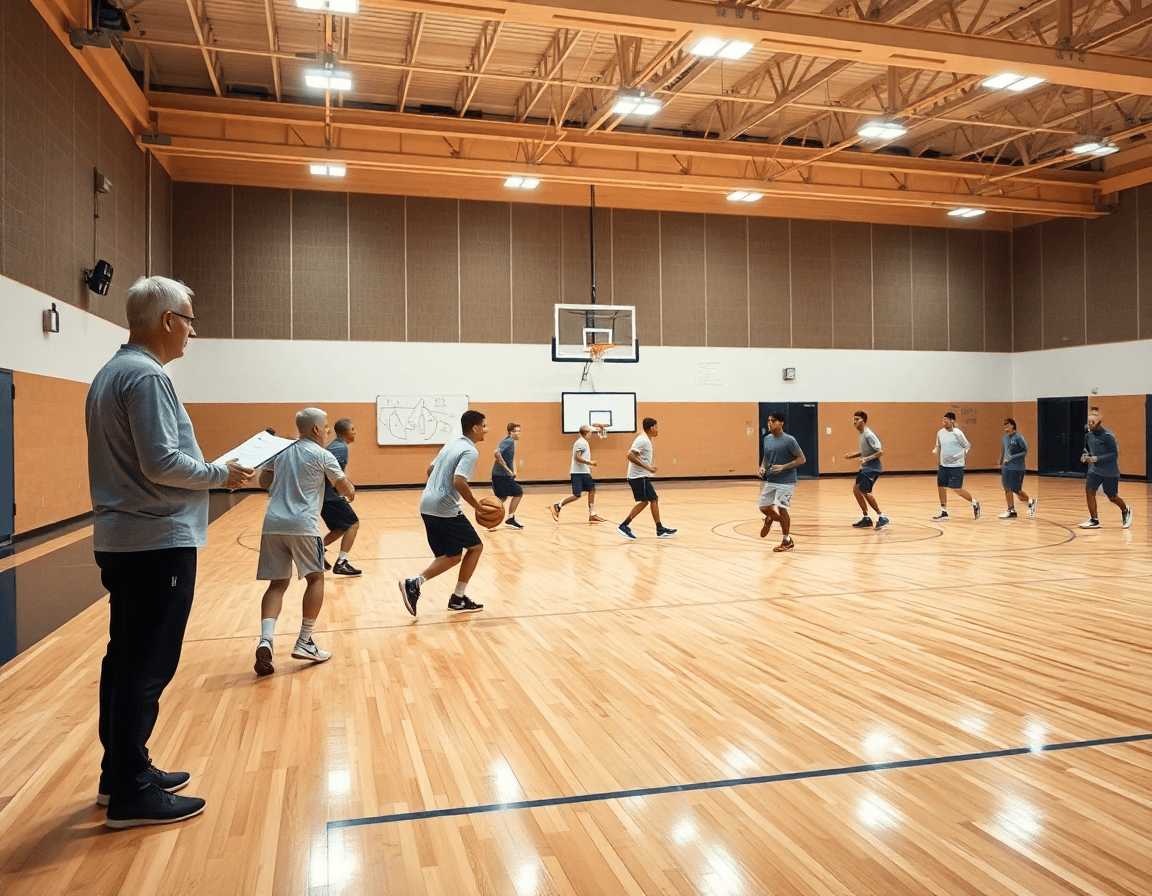
As I open the week, I populate the basketball depth chart template with who starts by position (PG, SG, SF, PF, C) and who backs them up. I label starters vs. bench players, and I separate primary players from secondary players. I note injury status, days to rest, and projected minutes, so the rotation stays consistent from one practice to the next. Using a single depth chart template keeps our language consistent across the staff and makes it easy to communicate expectations to assistants and players. It also gives us a clean way to frame the rotation going into both practice and the game.
With the roster set in the plan, I connect it to weekly objectives: conditioning days, controlled scrimmages, and scouting focuses. In the plan, the depth chart sits alongside the practice plan; on the tactical whiteboard I diagram plays with the lineup, noting where rotations enter and exit. After drill work, a short video clip reinforces substitutions and minutes. A scouting note lets me size up the opponent’s preferred lineups, so I can adjust primary vs secondary players accordingly.
Link depth chart to weekly practice plans and rotations
In practice planning, the depth chart is the compass that keeps your weekly planning honest. When you link the basketball depth chart template to weekly planning, you can map rotations to each drill, set minute targets, and assign rest periods ahead of time. That clarity carries into every session—from the first warm-up to the final group work. On the whiteboard, you see the lineup for each drill and you know who should start rep A, B, and C.
Translate the depth chart into rotation-focused practice plans so each drill lines up with minutes expectations. In the plan, group players by the chart: starters run primary ball-handling and early-transition work; primary players off the bench focus on screening and decision-making; secondary players cycle in for rebounding and rim protection. Assign groups to specific practice blocks so reps reinforce roles during the session. This approach keeps your schedule tight and your message clear for assistants and players alike.
Prepare contingencies for injuries or foul trouble from the template data. If a starter picks up early fouls, the depth chart automatically reflows and a next-up steps in without chaos. Use scouting notes to anticipate where the drop-off might be and adjust drills accordingly. A short video clip after practice can illustrate the adjusted rotations so assistants know exactly who stays in and who sits, ensuring your roster management stays proactive rather than reactive.
From chart to whiteboard: diagram plays and matchups
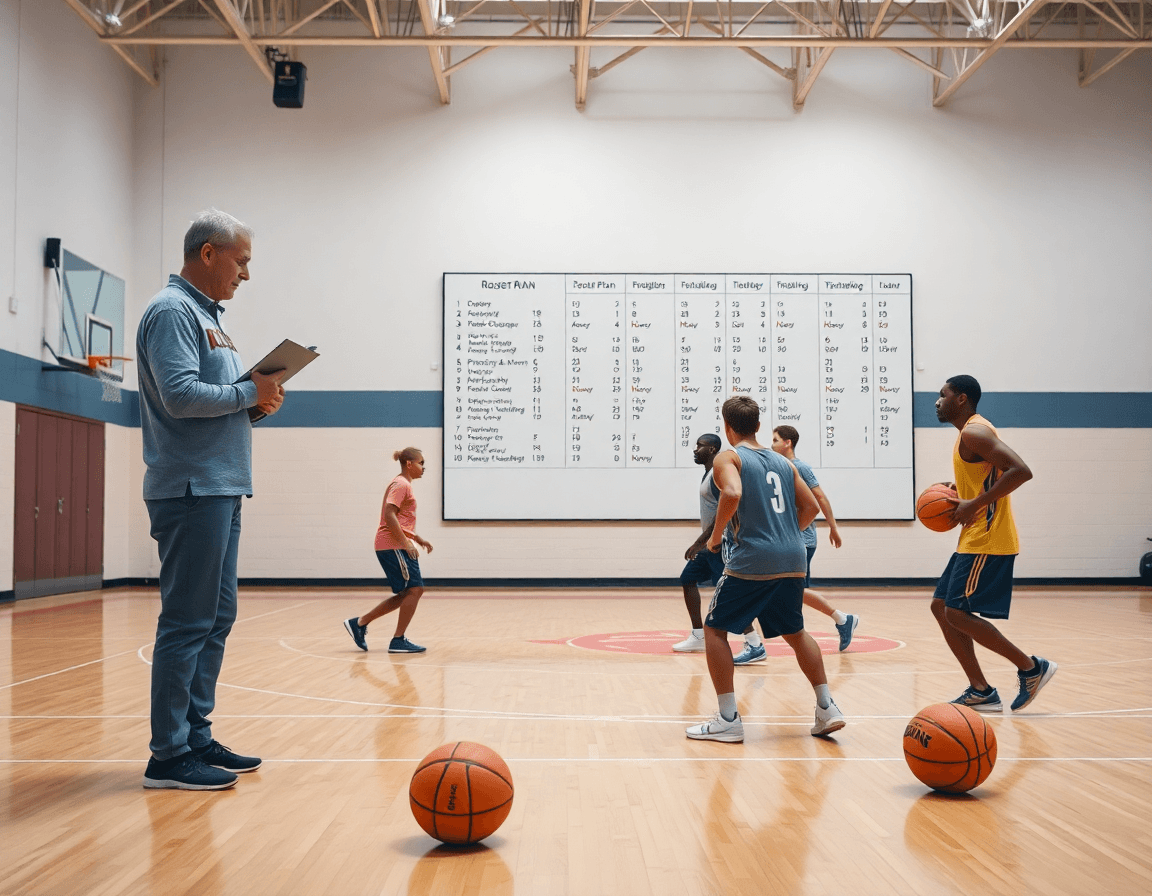
On Monday I pull the basketball depth chart template from the library and pin it to the whiteboard. The visual separates starters, primary players, and key bench guys, with projected minutes beside each name. In the plan, this chart becomes the anchor for the session: we reference it during drills, adjust roles on the fly, and perform a quick PDF export to share with assistants and scouts. The outcome is a clear, at-a-glance reference that keeps the team aligned as we work through shooting, rebounding, and transition blocks.
From the chart, I build on the whiteboard diagrams that map each action and matchup. The diagram plays flow directly from the depth chart, guiding decisions for BLOB/SLOB/ATO/PnR scenarios and how we counter the opponent’s coverages. If the top two wings are stacked, we diagram a quick SLOB over the top and a back-cut option for the guard. If we need space for a shooter in a PnR, we sketch the screen, then the drop and the rim run. It’s real-time tactical planning, not a slide deck.
During the drill block, I annotate the diagrams with projected minutes and player responsibilities, so assistants know who anchors the first unit and who slides into the second group. If a matchup flips, we update the call on the whiteboard and adjust minutes on the fly. After practice, I snap a photo of the board, save as a PDF export, and drop it into scouting notes, paired with a short video clip for players to review in the playlists. It closes the loop between planning, teaching, and review.
Incorporate scouting into depth chart decisions
Think of scouting reports as the weather forecast for your depth chart decisions. When you know opponent tendencies—where they hurt you, who initiates the action, how they close out—you can shape your rotation to blunt their strengths and exploit weaknesses. In weekly planning, the basketball depth chart template becomes a living map that links roster visuals to the plan on the floor. The goal is to move from reaction to preparation, so the rotation aligns with the scouting notes and the team’s rhythm.
Start the week with a quick scout review: pull the latest scouting reports, tag the relevant opponent tendencies, and mark matchups that give you a chance to swing the game. Translate that into depth chart decisions: assign matchups that exploit those tendencies, designate who defends the primary threats, and decide which players earn extended minutes as starters or bench players. Use the basketball depth chart template to label starters, primary players, secondary players, and projected minutes.
On the floor, bring those decisions to life on the tactical whiteboard. Diagram the action with BLOB/SLOB/ATO and pair it with a short video clip from scouting—show the weak side, the shooter in the corner, the ball-handler who stings in the pick-and-roll. Use the plan to rehearse counters in practice and ensure the players know their roles. After the session, update the depth chart with any adjustments and share with assistants via a clean, linkable playlist.
Transparency matters: document adjustments in the depth chart for clarity with assistants. If a counter-action works, reflect it in the rotation and minutes, and if not, pivot quickly. This creates buy-in and reduces guesswork—the depth chart becomes a single source of truth that aligns scouting reports with video clips and practice plans.
Video-based updates: clips, minutes, and communication
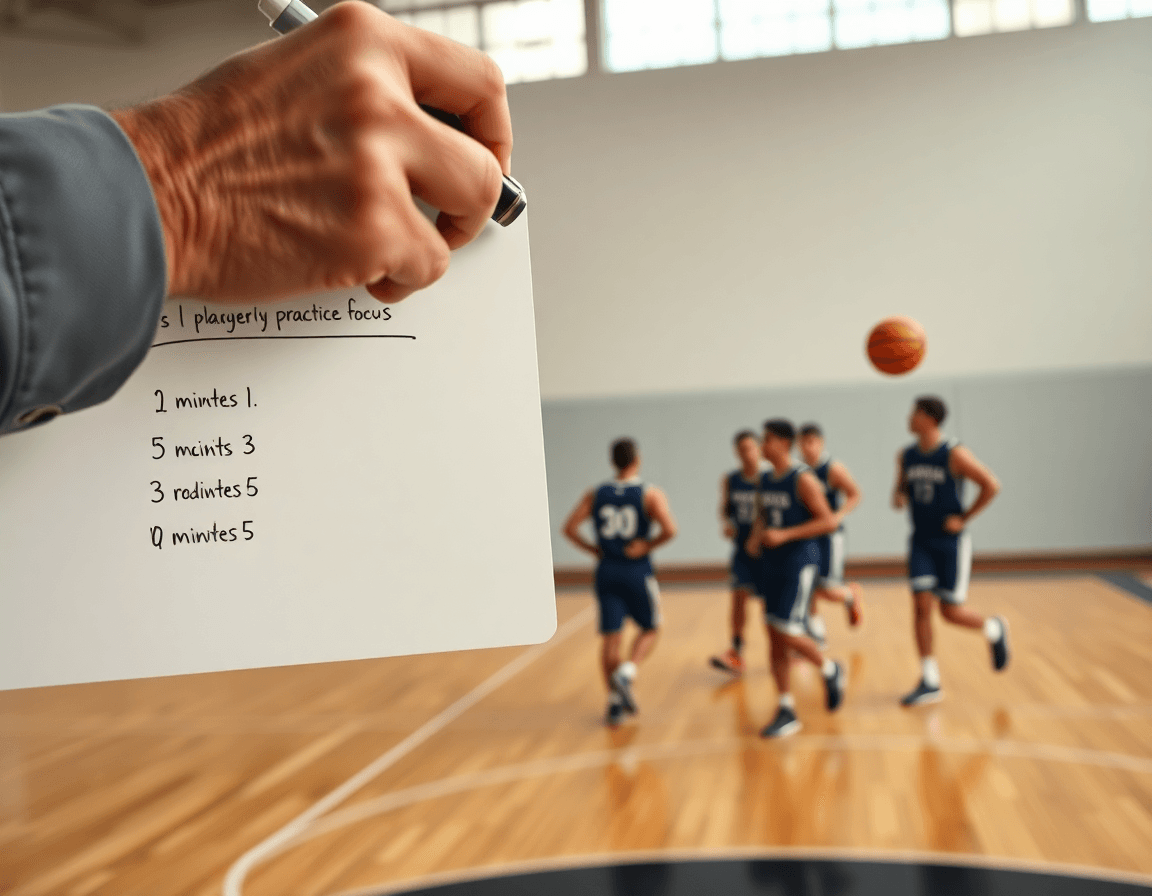
In the weekly cycle, I open the basketball depth chart template beside my practice plan and map it to what we’re teaching this week. I pull game footage and create clips from the last game to see how our rotations played out. Clip and tag game footage to verify rotation decisions and minute projections, so our depth-chart visuals stay tied to reality. I label each clip by Starter, Primary, Secondary, and Bench so the coaching staff can scan minutes quickly and see who earned time when the game was on the line.
When I’m in the film room, I mark key sequences that illustrate roles—who vacated a spot, who stepped up, and how the pace affected substitutions. This is where video becomes a feedback loop for player communication. I share personalized clips with players to reinforce roles and expectations, linking each clip to a specific assignment on the depth chart. The goal is simple: a clear, repeatable message about where each player fits, not just what happened last game.
To keep everyone aligned, I flatten the workflow with shareable playlists that tie footage to depth-chart outcomes. A single playlist can pull clips for starters, bench players, and those on the edge of the rotation, all mapped to projected minutes. Players can review their clips on their own time, but the links live inside their player portal along with notes from the scouting report and practice plan. In the end, it’s about turning video into measurable progress—clarifying roles, reinforcing expectations, and making minute projections a living part of the week.
Practical weekly workflow: a 6-step process
Step 1: I kick the week off by reviewing last week’s minutes and performance by position, pulled from my depth chart template in the plan. I look for who earned steady minutes, which lineups clicked, and where we had mismatches or fatigue. This baseline starts the weekly workflow.
Step 2: I update the depth chart based on practice data, injuries, and scouting notes. An ankle tweak bumps a starter to the bench; a scout report flags a tough wing matchup. I adjust roles and note projected minutes, so the chart stays current through game prep.
Step 3: I map rotations and practice blocks that line up with the depth chart. Starters get early reps, the bench runs complementary blocks, and late-practice scenarios fill our situational needs. The goal is a clean path from plan to court, not guesswork.
Step 4: I create or export a whiteboard diagram for the upcoming game. On the board I sketch BLOB/SLOB/ATO sequences and export the diagram as a PDF for assistants and analytics staff so everyone can follow the game plan on any screen.
Step 5: I compile and share video clips that support the depth-chart decisions. Short clips highlight rotations, switches, and rebounding angles, then I drop them into playlists or a shareable link for players and staff to study.
Step 6: After practice and early-week adjustments, I revisit and tighten the depth chart. This is where the checklist for weekly depth chart comes in—minutes, injuries, scout notes, rotations, and clips all updated so the roster stays aligned with both the plan and practice reality.

Collaborate and share: distributing the depth chart with staff and players
In this week-long workflow, the depth chart template is the hub you don’t notice until it’s missing. I spin up a single-source depth chart and share it with the staff via shareable links, so every tweak to rotations or minutes is visible in real time. As the week unfolds, rotation updates flow from practice outcomes into the chart, and everyone stays on the same page. This keeps the plan, the whiteboard diagrams, and the scouting notes linked to one roster view.
For assistants, that link-based collaboration is gold. They drop quick feedback on who belongs in the primary and secondary roles, who shifts up due to performance, and where projected minutes need trimming or expanding. We keep version control simple: every update creates a new version, with comments tied to the change. No more back-and-forth through emails or screenshots. The depth chart template becomes a living document that accelerates decisions during game-week prep.
Players get a clear, accessible version of roles and expectations. On game-night windows, they can see who’s in the rotation, who backs up, and where their minutes fit. It’s not a mystery box—it’s a transparent map aligned with practice plans and scouting notes. When you couple the depth chart with short video clips and upcoming plays, players understand how their role translates to the floor. A couple of shareable playlists for clips of their rotations helps reinforce the message without clutter.
Across the week, updates ripple through the plan, the tactical whiteboard, and the scouting sheets. A single scene: your depth chart template, updated, shared, and trusted by assistants and players alike for rotation updates.
If you build plans like this every week, CourtSensei keeps your drill library, whiteboard, and video clips in one place — try it free.
FAQ
What is a basketball depth chart template?
Think of a living roster map — a depth chart template — that organizes every player by position (PG, SG, SF, PF, C) into starters, primary backups, and secondary players. It also tracks injury status, rest days, and projected minutes. The goal is a clear, referenceable guide that standardizes how you talk about rotations across staff and players. With it, you frame every practice and game around a consistent lineup.
How can I create a basketball depth chart template?
Start with a simple format for your depth chart template: list each position (PG, SG, SF, PF, C), label starters versus bench, and add fields for injury status, rest days, and projected minutes. Create it in a shared sheet so staff can update in real time. Tie the chart to weekly planning and the practice plan, then export a clean PDF for scouts and assistants.
Is there a cost associated with using the basketball depth chart template?
There isn’t a universal price. A basic depth chart template in a spreadsheet is free; more feature-rich options come with paid coaching platforms. If you’re building in-house, you control the cost by choosing your software and the depth of customization.
What features does the basketball depth chart template offer?
Key features include labeling starters vs bench, tracking injury status and rest days, and listing minutes projections by position. It also acts as a hub for weekly planning, connects drills to the chart, and supports easy exports for scouts. A clean setup keeps the team aligned from practice to game.
Can I integrate the depth chart template with other tools?
Yes. The template plays nicely with other tools: pin it to a whiteboard, attach it to a plain PDF export for staff sharing, and link it to scouting notes and video playlists. This creates a seamless loop from roster to drill to review, with consistent language.
How do injuries impact fantasy basketball depth charts?
Injuries force rapid reflows of the depth chart. Update the template to reflect injury status, shift minutes to the next-up, and reassign roles on the whiteboard. Keep the plan proactive with scouting notes and a quick video recap so assistants know who starts and who sits when a player is out.
