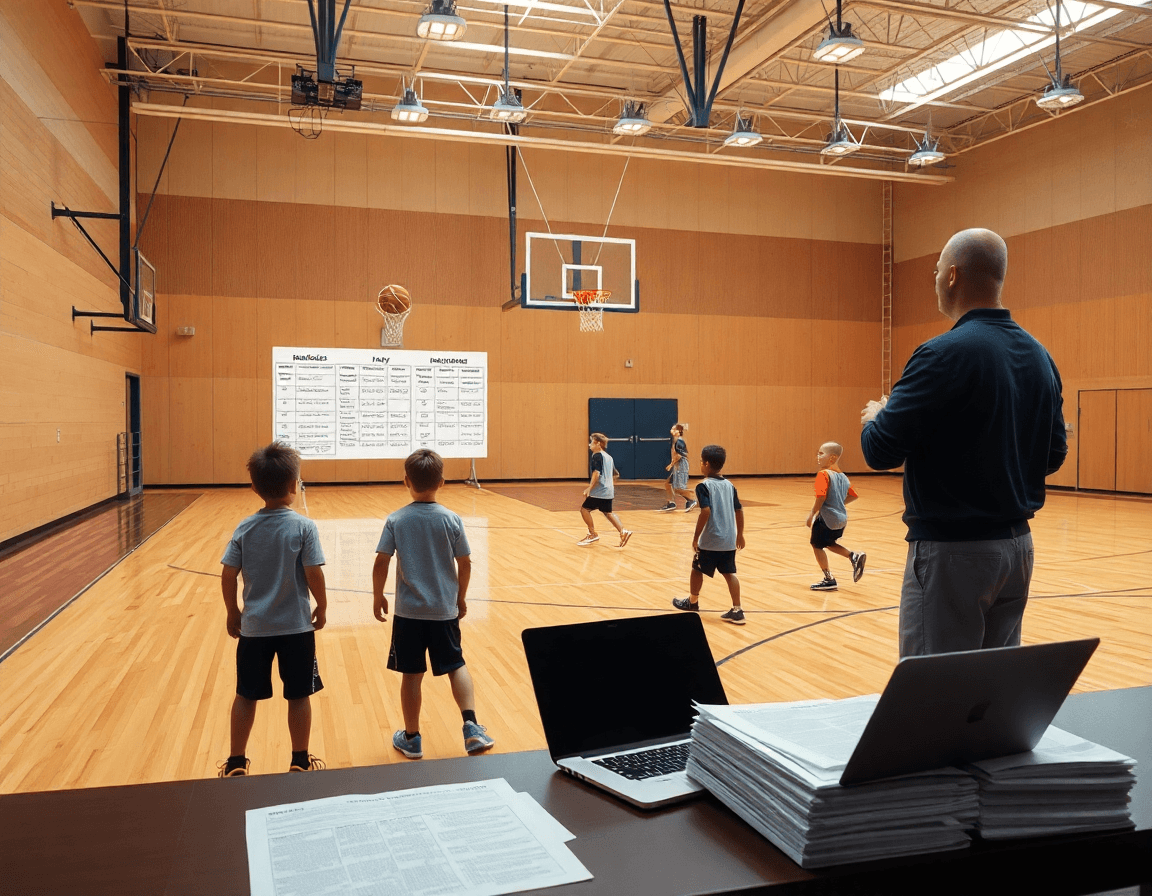
Youth Camp Daily Schedule PDF for Coaches
Learn a practical youth basketball camp daily schedule pdf for coaches—time-blocks for stations, drills, 3v3/5v5, and PDFs to streamline planning.

Key takeaways
- Create a time-blocked daily schedule PDF with defined check-in and warm-up, and clear transitions.
- Use 6- to 10-minute blocks for drills and transitions of 3–5 minutes.
- Balance skill stations with live play like 3v3/5v5 to reinforce concepts daily.
- Export and share a single daily schedule PDF with linked playbooks for staff.
- Include quick checks like ball-handling drills and shooting, plus a closing 3-on-3 to cap day.
- Build a printable, staff-ready plan with clear roles for each block and export-ready.
Understanding the typical daily structure for a youth camp
A youth basketball camp daily schedule pdf gives you a clear day frame before players arrive. It breaks the morning into time-blocked chunks, starting with a quick check-in and a purposeful warm-up. With the PDF in hand, you can map arrival, hydration, and a smooth entry into the first on-court block without guesswork.
From there, you rotate through blocks like skill stations and short breaks, then into competitions to keep energy high. A camp schedule template helps you mirror the flow across days. The plan should balance skill stations with actual game play (3v3/5v5) to reinforce concepts and decision-making. A few minutes between stations help players reset and stay focused.
Keep durations and transitions age-appropriate. In a typical day, you might set 6- to 10-minute blocks for drills, with 3- to 5-minute transitions. This cadence sustains attention and reduces fatigue, which matters more in camps than in regular practices. The daily schedule pdf acts like a personal referee for tempo.
Another strength: exporting and linking. The daily schedule PDF can be exported as a reference for staff, and you can attach playbooks and scouting notes into a single coaching workspace. That way, you’re not flipping apps mid-practice; you’re grabbing a plan, a drill library, and a scouting snippet from one place.
Finally, pepper in a couple of short evaluations: a quick ball handling drills circuit, a dedicated shooting drills block, and a free throw competition to close a station. The structure supports a fast-paced day while still giving coaches room to adjust on the fly.

Step-by-step workflow to build a weekly camp schedule
Start by deciding full-day vs half-day format and create corresponding blocks. A typical youth camp might run from 9 a.m. to 4 p.m. for a full day, with blocks for warm-up, ball-handling drills, shooting drills, skill work, and competitive play. If you opt for a half-day format, you can compress those into two solid blocks with a quick evaluation at lunch. The core is a time-blocked weekly training plan that keeps every period purposeful and easy to follow. Define the cadence—what happens first, what comes next, and what needs to happen before the next block.
Allocate time for stations, skill work, and competitive play. Use skills stations to rotate players through ball-handling drills, passing sequences, and finishing at the rim. Put shooting drills in a dedicated block, then cap the day with a competitive 3 on 3 game to apply what was learned. Build in short transitions between blocks to reset, grab a quick drink, and deliver a brief chalk talk. This structure makes the checklist for camp planning straightforward and repeatable.
Create a printable PDF and a staff-ready plan with clear roles for each block. Assign a lead for ball-handling drills, a coach for shooting drills, and a facilitator for 3 on 3 games or a quick free-throw competition. In your coaching workspace, link the playbooks and scouting notes to the blocks so coaches can pull a drill or a scouting snippet in seconds. When ready, export the schedule as a daily schedule PDF and share a read-only link with staff to review beforehand.
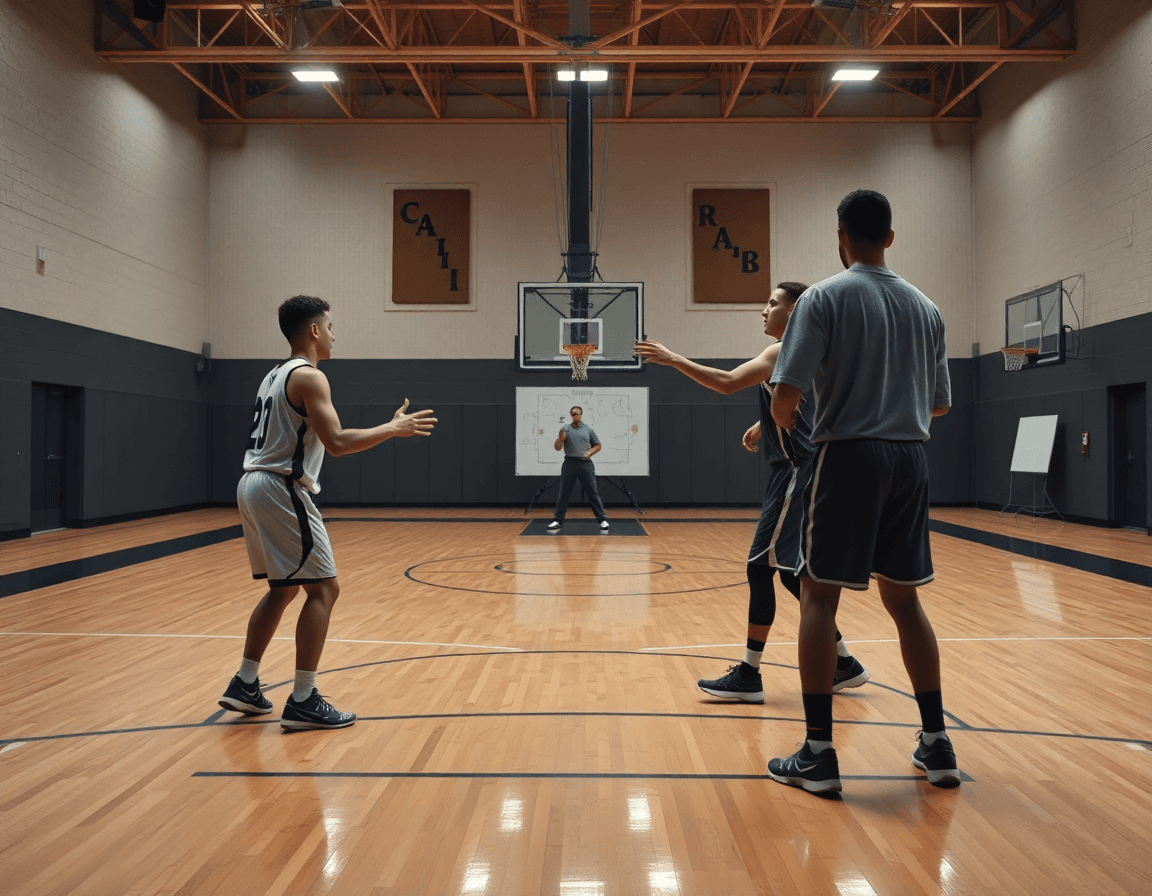
Designing skill stations and game blocks
Design 4–6 skills stations, each targeting a specific area—ball handling, passing under pressure, footwork, shooting form, finishing at the rim. Run each station in a rotating 12–15 minute blocks to maximize focus and keep the pace up. A quick 60–90 second transition between stations helps reset and maintain intensity.
Insert game blocks by weaving in 3v3 and 5v5 segments. 3v3 keeps players active in space and reinforces decision making; 5v5 brings in team concepts like spacing and screens. Aim for a couple of short 3v3 games mid-morning and a full 5v5 closer to lunch to translate technique into live decision making.
Never overlook rest/transition periods. Short water breaks and quick chalkboard notes between stations slow the tempo just enough to prevent fatigue and maintain sharp execution.
In the planning workflow, treat this as a unit within the coaching workspace: time-blocked training plans, a drill library, and a PDF export of the day’s schedule. Link playbooks and scouting notes so the plan stays connected to scouting and game prep. A youth basketball camp daily schedule PDF helps coordinators share the plan with staff and families, and a clear basketball camp schedule keeps everyone aligned. Include a few rounds of ball handling drills, shooting drills, and a short free throw competition, followed by 3 on 3 games to close the day.
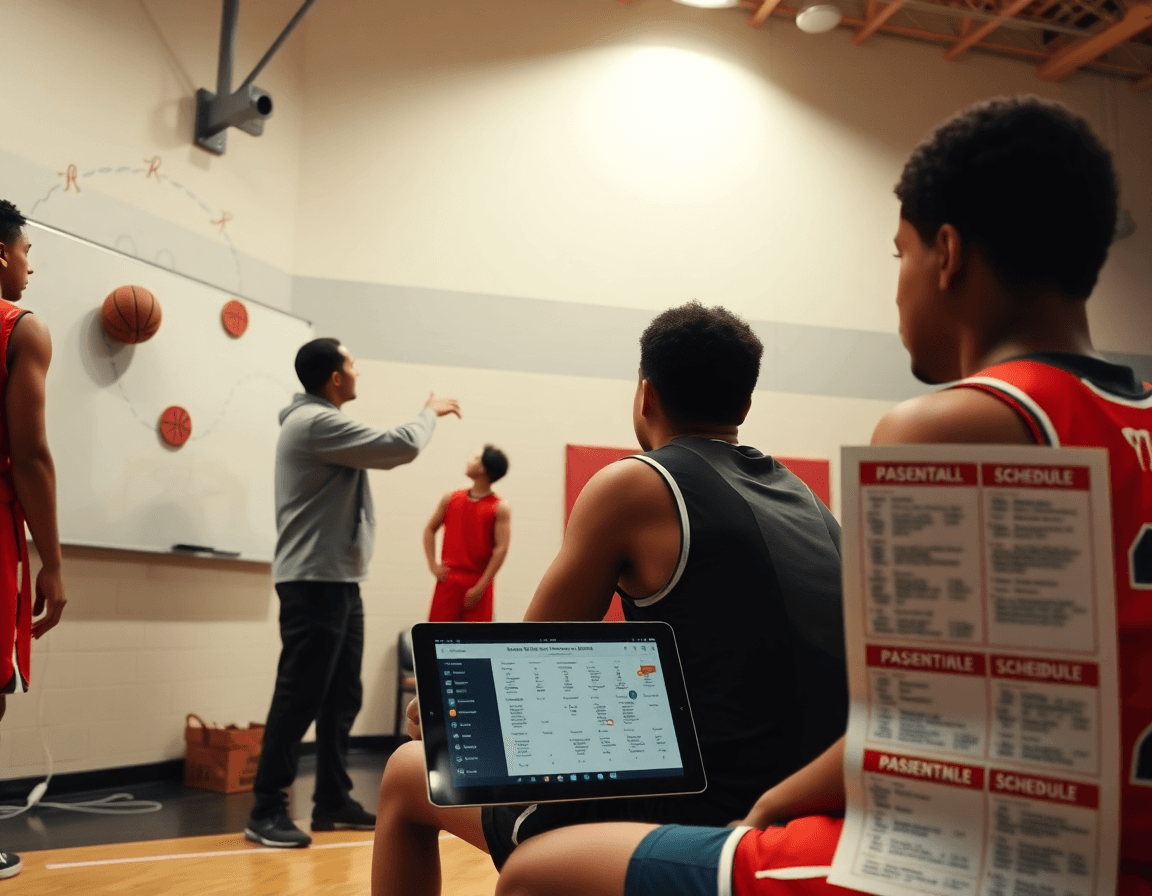
Exporting and sharing PDFs of camp schedules and playbooks
Exporting and sharing PDFs of camp schedules and playbooks
When you map out a week of youth camp activities—ball handling drills, shooting drills, skills stations, a free throw competition, and 3 on 3 games—the clarity of a single document matters. With CourtSensei, you can export the weekly plan as a PDF for easy distribution to staff and parents. The camp schedule PDF consolidates time blocks, drill rotations, and the linked playbooks into one clean file that travels well from the gym to the office. It creates a reliable, repeatable reference for the entire camp week.
Use a read-only link to share the schedule and playbooks securely. This keeps everyone on the same page without allowing edits, so assistants and site leads can review the plan, watch a short clip, or pull a scouting note without altering the master document. A secure link lets you circulate the same material across multiple locations, saving time and reducing confusion during day-to-day camp operations.
Keep a reusable template library for quick weekly updates. Store time-blocked formats for different age groups or session lengths, and simply swap in new drills or notes before exporting the next campus or weekend session. This workflow—plan in the weekly view, attach a quick scouting note, and export a fresh camp schedule PDF—lets you stay ahead without reinventing the wheel. The result is consistent, shareable PDFs that support smooth execution across activities like ball handling drills, shooting drills, and 3 on 3 games.
Integrating scouting notes and video into the camp plan
In a youth basketball camp, embedding scouting notes into the plan helps you pre-plan matchups and adjustments for the next sessions. Use scouting notes to forecast opponent tendencies and shape both defensive and offensive responses. Pair them with concise game prep notes for staff, so everyone is aligned when you hit the floor for ball handling drills, shooting drills, and skills stations. The result is a cleaner flow on your daily schedule PDF and a tighter camp rhythm.
Attach or link video clips and diagrams to illustrate plays and drills. This is where video integration truly shines in your coaching workspace. A short clip showing a ball-handling progression, a guard-penetration read, or a simple 3-on-3 rotation can be paired with a drill diagram for a quick teach moment. Keep clips organized in your library and attach them to the corresponding scouting notes to make the plan tangible for staff and campers.
Leverage integrated notes to speed up game prep across staff. When the plan calls for a unit on ball handling drills, you can link the scouting notes with a suggested drill, a video clip, and a diagram in one place. Exporting a complete plan as a daily schedule PDF makes it easy to share a full set of game prep notes with assistants, sub-varsity coaches, and volunteer helpers, ensuring everyone works from the same page during activities like free throw competition, shooting drills, and 3-on-3 games.
Template week-at-a-glance: a practical example
A practical week-at-a-glance starts with a clean, time-blocked plan that a coach can tweak as players move through age groups and skill levels. Use it as your weekly backbone: a compact framework for a time-blocked weekly training plan that stitches together a drill library, a playbook, and scouting notes inside your coaching workspace. Imagine a camp week where mornings focus on fundamentals and afternoons blend game-like scenarios. This template keeps the flow predictable so staff can execute with confidence.
A typical week follows a consistent rhythm, with each day built around core blocks. Your sample daily schedule might look like this: arrival and warm-up, skill stations, a short break, then a bigger block of live play or 3-on-3 games, followed by a quick tactical session and, if time allows, a brief film review. For example, you might schedule 8:30-9:00 check-in, 9:00-9:20 dynamic warm-up, 9:20-10:05 ball-handling drills, 10:05-10:50 shooting drills, 11:00-11:45 defense/positioning at a station rotation, 12:15-1:00 small-sided games, 1:00-1:30 film review. Each block can link to a playbook page and a scouting note to reinforce expectations. This is a solid sample daily schedule that doubles as a camp schedule template you can export as a daily schedule PDF.
Adaptability is key: shorten blocks for younger cohorts and extend for older groups, keeping the cadence intact. You can swap in more basic routines for beginners—focus on skills stations and simple finishing—while older players tackle more complex sequences that emphasize decision-making. Include a quick competition segment like a free throw or shooting drill rotation and finish with a short 3-on-3 games block to cap the day.
When you’re ready, assemble this template in your coaching workspace, attach the relevant playbooks and scouting notes, and export the whole week as a PDF to share with staff. The PDF export preserves the structure, while the linked materials keep everyone aligned in the same workflow.
FAQ
What is a typical daily schedule for a youth basketball camp?
Start with check-in, a quick warm-up, and a morning block of skill work. Use time-blocked segments for ball-handling and shooting drills, with short hydration breaks and quick chalk talks between blocks. Rotate through skill stations and short competitions to reinforce concepts, then move into 3-on-3 and 5-on-5 play to apply what was learned. A camp-day PDF helps set tempo and can be exported for staff reference from the coaching workspace.
How should I structure skill stations and game blocks across the day?
Structure the day with 4–6 skills stations and 12–15 minute drills per block. Build in 60–90 second transitions to reset energy. Interleave shooting, passing, and footwork, then insert mid-morning and post-lunch game blocks of 3-on-3 and 5-on-5 to translate technique to live decision making. In CourtSensei, you can link playbooks and scouting notes to each block in the coaching workspace for fast access.
Do camps include 3-on-3 and 5-on-5 games, and how should they be scheduled?
Yes, camps commonly include 3-on-3 and 5-on-5 games to apply skills in a controlled setting. Schedule these blocks mid-morning and before lunch, with short transitions to reset. Plan the games to reinforce spacing and decision-making. Use the coaching workspace to keep notes on concepts emphasized during each game block, without implying automatic analytics from the tool.
How can I export or share a daily schedule PDF with staff and families?
Export and share the daily schedule as a PDF so staff and families stay aligned. In CourtSensei, you can assemble the day’s blocks, drills, and linked playbooks into a file and export it as a PDF. Use a read-only link to distribute the schedule securely, so coaches pull the plan, clips, or scouting notes without editing the master document.
How should I divide campers into groups and manage transitions during the day?
Group campers by age or skill and rotate them through stations and game blocks, keeping group sizes manageable. Document groupings in the plan and assign staff leads for each station to preserve flow. Keep transitions tight and predictable to minimize downtime. The schedule PDF should show the groupings and rotations so staff stay on the same page.
What should I include in a youth camp daily schedule PDF to make it coach-ready?
For a coach-ready daily schedule PDF, include check-in, warm-up, 4–6 skills stations, 12–15 minute blocks, 60–90 second transitions, 3-on-3 and 5-on-5 blocks, rest breaks, and quick evaluations. Add staff roles, facility notes, and links to playbooks and scouting notes. Then export as a single PDF and store in the coaching workspace for quick access during the day.
