Basketball Drills PDF: Turn It Into a Weekly Practice Plan
Turn a basketball drills PDF into a complete weekly practice plan. Structure drills, build progressions, and integrate digital coaching tools for your team.

Key takeaways
- Treat the basketball drills pdf as your weekly backbone, mapping to 5–6 structured practice blocks.
- Organize by blocks and build from Footwork Drills to Dribbling Drills with progressive levels.
- Attach diagrams and video clips to their respective blocks for quick reference and consistent execution.
- Create a planning library of reusable blocks to scale across teams while preserving weekly structure.
- Turn moves into actionable whiteboard diagrams for BLOB/SLOB/ATO/PnR, then export clean PDFs for coaches.
Practical workflow: turning a drills PDF into your weekly plan
Your basketball drills pdf is the starting point for the week. I pull core drill groups from it: Footwork Drills, Dribbling Drills, Shooting Drills, Defense, Rebounding. These groups become the building blocks I use in the plan—every session should lock to one or two of them, with a clear drill progression for each. From there, I keep an eye on the pace I want players to move at and how the blocks connect to help our team execute cleaner in-game decisions.
Next, I map those drills to 5-6 weekly practice blocks to give the week real structure: warm-up, skill work, live action, situational reps, and review. That cadence keeps the players in a steady rhythm and makes it easier to track improvement from one block to the next. This is where the drill progression shows up in a practical way, turning a broad PDF into a concrete daily workflow. The goal is a cohesive weekly practice plan that fits the team’s level and pacing, not a long list of random drills.
Draft the plan in the planning tool and export a shareable version for assistants. In practice, I drop the PDF modules into the plan, attach the relevant blocks, and label them for +1 week ahead. The shareable version helps assistants prep practice stations, assign players to groups for live action, and pull up the short video clips tied to each block when we debrief. It’s about clarity, not clutter, so everyone is on the same page before we step on the floor.
Finally, convert PDF modules into reusable practice blocks for future weeks. Save each block as a template and link it to the drill progression you’ve established. That way, a single weekly plan can be refreshed with new variations while preserving the structure coaches rely on. The result is a scalable workflow—a true foundation for consistent execution, with a library of blocks you can reuse as you scale up to more teams or higher levels.
Organize drills by skill blocks to build balanced practice
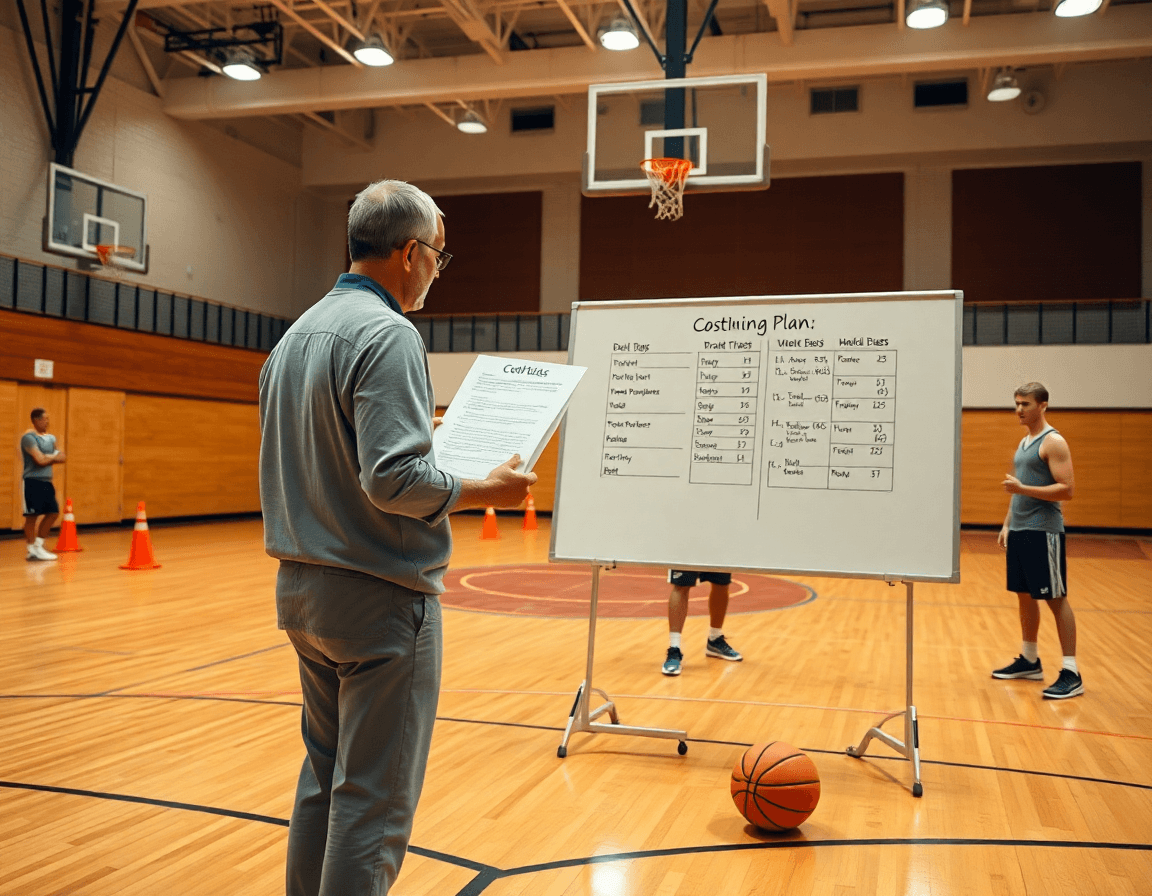
Think of a basketball drills pdf as the backbone of your weekly plan. When you organize drills by skill blocks, you build a balanced practice from the jump. The modules you pull land under blocks like Footwork Drills and Dribbling Drills, plus Shooting, Defensive, and Rebounding Drills, along with passing sequences. Grouping by block keeps sessions focused and evenly distributed across the roster.
Within each block, use progression levels—from beginner to advanced—to keep the pdf content fresh and challenging. In Dribbling Drills, start with stationary moves, add Live Ball Moves, then layer Crossover Dribble and Spin Dribble sequences that mirror game tempo, finishing with decision-making under pressure. The focus stays on technique, footwork, and control.
Pull modules into your centralized planning library to remix for the week. In your plan, couple drill blocks with practice plans and whiteboard diagrams to map reps, rotations, and substitutions. A short video clip illustrating a coaching cue can be dropped in for players who learn best visually, and tagged with relevant drill tags like Passing or Shooting.
Align drills with skill goals and assessments for the roster to ensure weekly progress. For a squad with mixed roles, you can assign Footwork Drills to guards and Rebounding Drills to bigs, then track improvement via quick checks in your scouting notes and video clips. The result is a clear, repeatable rhythm each week.
Over the course of a season, this approach turns a static PDF into a living playbook. You pull from your basketball drills pdf, remix by roster need, and execute a consistent loop—from plan to whiteboard to clip to playlist—so players know exactly what to work on in every weekly cycle.
From PDF to diagrams: turn drills into actionable whiteboard plays
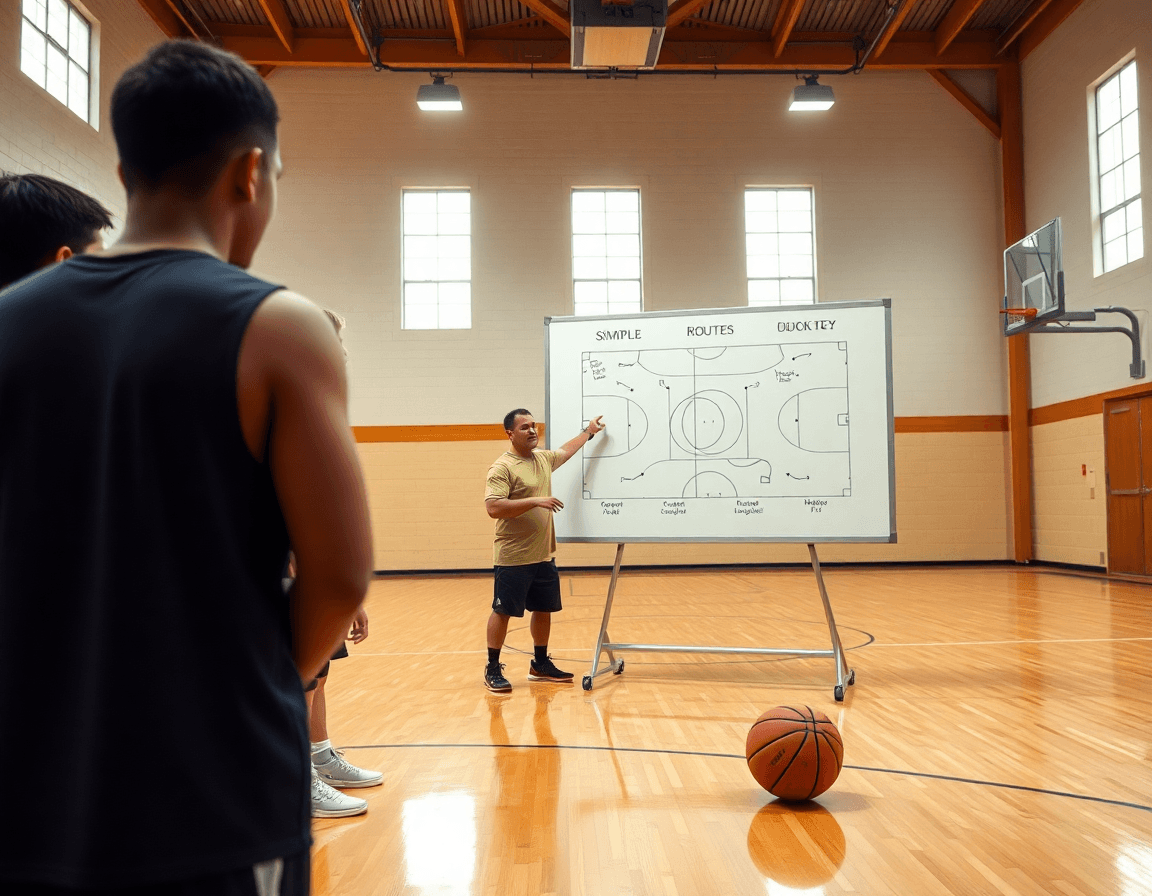
Take a Basketball Drills PDF and turn it into actionable weekly work by diagramming the moves on the whiteboard. When I sit down in the plan, I pull a few “diagram drills” from the PDF and map them to our practice flow. On the whiteboard, I sketch the action paths for BLOB/SLOB/ATO/PnR, so our assistants and players see the sequence at a glance. The diagrams aren’t just pretty pictures—they’re the blueprint for how we execute in transition, in ball-screen reads, and in set plays.
Export diagrams as PDFs to share with assistants and players. After we lock in the weekly focus, I export the whiteboard diagrams as PDFs and drop them into the plan for the week. That gives every coach and every player a clean, portable reference, whether they’re in the gym, on the road, or in a classroom. The ease of distribution keeps every mind aligned and minimizes questions during practice.
Link diagrams to corresponding practice blocks for clarity. I attach each diagram to the exact practice block it informs—so if we’re working on a PnR sequence Tuesday, the diag sits under the “PnR” block with a quick note tying it to the day’s objectives. This cross-linking makes it simple to switch topics mid-week and still maintain a coherent progression.
Keep a visual library for quick recall during sessions. Over time, we build a library of diagrams—Footwork Drills, Dribbling Drills, Live Ball Moves, and the like—so, in the huddle, I can flip to a quick reference for a reset or a reminder. When I pull up a Crossover Dribble or Spin Dribble diagram, the team knows exactly how the move should look in the upcoming drill sequence. It’s a small investment that pays off in tempo and clarity.
Using video clips to teach and track drill progress
From your basketball drills pdf, you can curate clips that map directly to each drill module you’re running that week. When you build the plan, pull clips for Footwork Drills and Dribbling Drills that mirror the PDF progressions, plus a Live Ball Moves snippet to simulate game tempo. The idea is to show the exact technique you’re teaching, so players see the cue in action, not just hear about it.
Attach videos to drills in the weekly plan and share playlists with players. In practice, drop the clip onto the drill node (for example, a Footwork Drills segment) and assemble a short video playlist they can review on their own. This keeps the flow smooth and gives players a clear reference—perfect for drill feedback video they can reference after station work or before the next session.
Annotate feedback and monitor progression over weeks. After each session, add quick notes to the clip: what went right, what needed refinement, and which players hit the mark on the movement. Over time, you’ll see trends in how players handle a crossover dribble or a spin move, and you can adjust the plan accordingly. Use the drill feedback video to anchor your notes and your expectations, so the progression is visible, not vague.
Use video to reinforce technique during practice and in review sessions. When a drill hits a sticking point, pause the action on the tablet or projector, rewind to the key moment, and call out the cue—then let players imitate it in live reps. That approach keeps the tempo up and makes the feedback immediate, tying the clips directly to the on-cloor work and later reviews. This is where the weekly plan truly comes alive.
Scout-driven drill customization: align PDFs with opponent tendencies
When you start with a basketball drills pdf, you’re not locked into a static sheet—you’re launching a week-long plan. Import the drill modules into your digital planning workflow (practice plans, whiteboard diagrams, video clips, scouting notes, and shareable playlists) and let the pdf act as the spine. In the plan, you’ll see a quick note: “scouting notes” exploded into action, a couple of lines on matchup tendencies, and a link to a short clip you’ll show the team before drills. It keeps your tempo honest and your players focused.
Next, map defensive and offensive counters to drills in the PDF library. If you’re facing a team that overhelps in the paint, couple your defensive drills vs opponent with more Live Ball Moves and Passing Drills to create seams. The pdf becomes a living map: a page for opponent tendencies, a column for counters, and a row of drill options that you can drag into the plan as needed. This is where the workflow earns its keep, turning a static document into a dynamic training engine.
Plan tweaks for specific opponents and competition blocks come next. Week by week, you’ll adjust emphasis and timing—shorten or extend rep cycles, shift from Footwork Drills to more Dribbling Drills when you’re breaking pressure, or bump up Spin Dribble work to loosen traps. Your opponent tendencies drill plan evolves with scouting insights, so the team practices with purpose, not guesswork.
Finally, document adjustments for future reuse in the plan library. Every change—new drill order, added video clip, updated scouting note—gets tagged and saved back into the library. The goal is a living repository: scouting reports drills informing the next cycle, so the same pdf helps you plan, rehearse, and execute against future foes with even more precision.
Deliver and iterate: shareable playlists and exportable PDFs for your staff
That basketball drills pdf serves as the starting point for your weekly plan. I pull the drill modules into our digital planning workflow: a tailored practice plan, on-court diagrams on the whiteboard, a library of short video clips, and scouting notes. The PDF becomes a living blueprint I tweak as we move from plan to on-court reps, not a static handout.
From there, I assemble shareable playlists of drills and videos for players and assistants. A typical week includes Footwork Drills and Dribbling Drills, a Live Ball Moves sequence, and a quick clip of a crossover or spin dribble to show the cue. I share the playlist on the staff channel and assign it to whoever needs it most, so everyone stays in sync during practice.
Export the weekly plan as a PDF for offline use and distribution. The exportable PDFs let staff print sheets, pull drills into the plan, or review on a plane ride. This is where the practice plan export comes in: the PDF acts as the formal record of what we ran and what’s coming next.
Assign drills to players through playlists for the upcoming week. By tagging players to specific playlists on the roster, ball-handlers and wings get a focused cycle: one day features a Crossover Dribble progression, another day a Spin Dribble set, and a third day finishing with Passing Drills. This keeps reps tight and accountable, even when coaches aren’t in the gym.
Iterate based on performance data and scouting feedback. I pull scouting notes and performance data from the week’s video clips to inform the next cycle. If the data says our Live Ball Moves are sluggish, I swap in a sharper drill from the Footwork or Dribbling family and re-link it in the playlist. The cycle continues—plan, execute, review, adjust.
If you build plans like this every week, CourtSensei keeps your drill library, whiteboard, and video clips in one place — try it free.
FAQ
What essential basketball drills should beginners focus on in a PDF-based plan?
Start with core blocks that build fundamentals: Footwork Drills for quickness, Dribbling Drills to control the ball, and basic Shooting Drills to build form. Structure your PDF plan so each session targets one or two blocks, with a clear progression from basic to more challenging moves. Keep reps tight and emphasize technique before speed.
Where can I download free PDF basketball drills?
Look for coach resources that offer printable PDFs or shareable drill blocks. Start with your existing basketball drills pdf and create a library of reusable blocks you can export as PDFs. Then search for terms like "printable basketball drills" or "free PDF drills" to supplement your blocks. Keep the focus on clean, scalable content.
How should I structure a basketball drill progression in a PDF?
Build with clear, repeating blocks that move from foundational to game tempo. Use progression levels within each module and tie them to your weekly plan. For example, start with stationary footwork, then add live-ball moves, then speed and decision-making under pressure. Link each progression to a specific practice block for easy tracking.
Are there printable basketball drills PDFs for youth teams?
Yes. Build around 5–6 weekly blocks and scale pace to fit age groups. Use age-appropriate progressions, with blocks labeled for guards and bigs when needed. Include diagrams and short video clips linked to each block to aid learning, and keep drills short but repeatable so players feel steady progress week to week.
What are good defensive basketball drills in PDF format?
Focus on stance, footwork, and rotations, then surface into live-action reps. Use Defensive Drills that teach closeouts, lateral slides, and help-and-recover concepts, and attach simple cues or video clips. Structure your PDF so defense sits as a dedicated block or sits between offensive blocks, with clear objectives and progressions.
How can I use drills like footwork and ball handling in practice plans?
Map them to skill blocks and to players' roles. Pair Footwork blocks with guards, and Ball Handling blocks with primary ball-handlers, then anchor sessions with a focused progression and a quick check-in. Attach diagrams and short clips for reminders, and schedule these blocks across the week to build a cohesive rhythm.
How do you use a drill collection to plan basketball practices?
Treat a drill collection as a library. Pull modules into your plan by block, apply a consistent progression, and tag each drill by skill. Save common sequences as templates, then refresh weekly with variations while preserving structure. This keeps practices scalable and ensures players get steady reps.
