
Basketball Game Plan Template: A Coach's Weekly Workflow
Discover a coach-friendly basketball game plan template to structure weekly practices—time blocks, drills, scouting, and shareable PDFs that streamline prep.

Key takeaways
- Adopt a master basketball game plan template as your weekly backbone, then layer practice assets and scouting notes.
- Define core sections: pre-game warm-up, offensive sets, defensive schemes, and special situations with consistent time blocks.
- Curate a starter drills library mapped to weekly objectives; tie ball-handling, shooting, and defense to coaching points for quick drill selection.
- Plan template cloning for opponents and game days; integrate scouting notes, whiteboard diagrams, and video playlists.
- Establish an export workflow: generate print-ready PDFs for staff and players, and keep a living plan with updates.
- Treat the plan as a living document, updated after practice and mapped to opponent adaptations.
Build a repeatable game plan template for weekly use
Building a repeatable basketball game plan template gives you a single source of truth for every week. Start with a master basketball game plan template, then layer in your practice assets, scouting notes, and whiteboard diagrams. This weekly backbone makes it easier to execute your plan, share it with assistants, and export a print-ready PDF for staff and players. The rest of CourtSensei ties in—drilled practices, video playlists, and scouting notes all aligned to that template.
Define core sections: pre-game warm-up, offensive sets, defensive schemes, and special situations. Establish default time blocks for each section to streamline weekly planning. For example, 12 minutes for warm-up, 16 for early offense, and 18 for defense and transition keep the tempo consistent across days and assistants.
Curate a starter drills library and map each drill to a clear coaching point. Tie ball-handling, shooting, and defensive drills back to weekly objectives, so every session supports the game plan. This is where the coaching points come into focus—snappiness, spacing, decision timing—so assistants can pull the exact drill and the point you’re reinforcing, quickly.
Set up a central template that can be cloned for different opponents and game days. Plan how this template will integrate with assistants and video resources—link scouting notes, diagram plays on a whiteboard, and organize video clips into playlists. When ready, export a printable basketball practice plan and share with staff and players to lock in the week.

Structure the template with time blocks that fit your calendar
Structure the template with time blocks that fit your calendar. Start with the master basketball game plan template in CourtSensei and lay out consistent blocks for the week: warm-up, skill work, team drills, scrimmage, conditioning, cool-down. Assign rough durations and coaching points to each block so assistants know what to emphasize and when to push intensity.
Different calendars demand different durations. HS schedules tend to cluster shorter blocks, while junior college and club programs may stretch key segments. Build a printable basketball practice plan version for handouts and quick reference on game days, then export a PDF you can share with staff and players.
Within each block, add notes for substitutions, rotations, and rest periods. This keeps rotation patterns clear for the bench and helps coaches manage fatigue without breaking flow. Use the practice plan template to keep the cadence consistent, and tailor block lengths to your roster so players stay engaged without burning out. Adjustments for HS, junior college, or club calendars come naturally when you view block lengths through a roster lens.
On game days, the calendar-driven blocks inform how you run the quick huddles and the warm-up, all visible on the tactical whiteboard. Attach scouting notes and link relevant video clips into playlists to reinforce each block’s goals. With CourtSensei, you can export print-ready PDFs for staff and players and keep a clean, weekly loop of planning, teaching, and feedback.

Integrate scouting and opponent tendencies into the plan
As I map out the weekly rhythm, I start with the master game plan template and add a dedicated scouting section to capture opponent tendencies and counters. This is where staff prep lives—scouting reports—alongside our plan. I note their go-to actions: pressure in transition, ball-screen reads, how they defend ball reversals, and the rotations they show when we run a screen away. Keeping this in one place means I can pull the scouting notes during practice or export a PDF for staff discussion.
When I annotate the plan, I connect defensive rotations to observed opponent patterns and map our offensive actions to counters. If they trap the ball on a ball screen, our rotations swing to help quickly; if they switch early, we emphasize side-ball movement and read-and-react actions. This keeps our decision-making aligned with what we’ve studied, and it makes the game plan template a living document rather than a one-off file.
I also create a dedicated page or block for game-plan adaptations by opponent, so the staff knows exactly what to expect and how to respond. I store scouting notes alongside the template for quick reference during practice, and I export print-ready PDFs for the crew. By reusing weekly scouting integrations across the season, we build consistency in opponent prep and in practice design—time blocks, warm-up drills, ball handling drills, and shooting drills—all under one master plan.
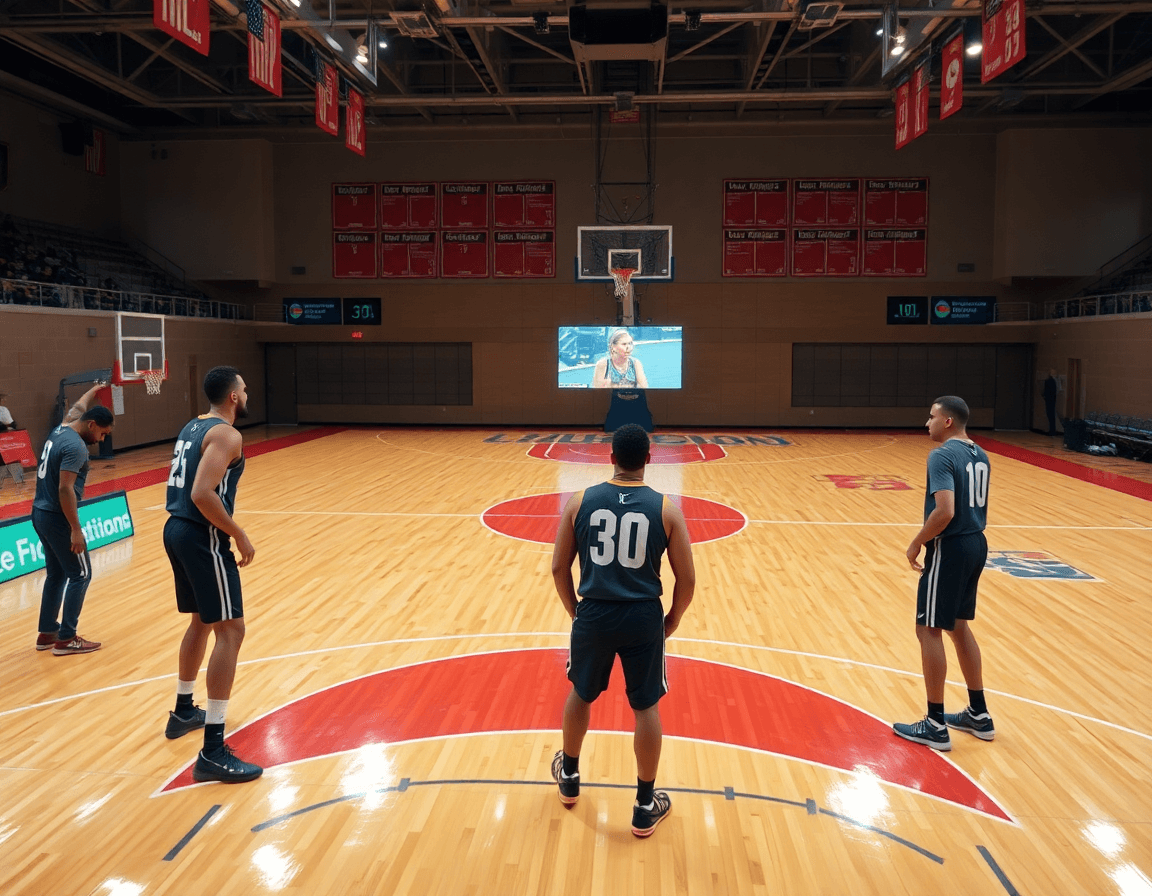
Diagrams and plays on a tactical whiteboard
Each week, I load the basketball game plan template and map diagrams on the tactical whiteboard. I diagram PnR options, spacing, and set plays with clear labeling (BLOB/SLOB/ATO) so the plan reads at a glance. I attach those diagrams to the plan and export as PDF for staff and players to study before practice and in the locker room. In CourtSensei, that start-to-finish workflow ties planning, diagramming, and sharing into one place.
To keep everyone on the same page, I enforce a standardized notation system on the whiteboard and in the plan. That consistency eliminates confusion when assistants draw the next box or we review a scouting clip. I lean on a library of plays I can reuse and tailor for different lineups, quickly swapping in a post-up or spacing change.
During quick teaching moments, I reference animated plays and short notes that live in the plan. The ability to embed or reference motion on a play while explaining a read helps players connect the diagram to execution. It’s not just pretty pictures; it’s a live teaching tool that stays with the team as we practice.
All of this feeds into a printable basketball practice plan that fits the week’s time blocks. I export a clean PDF, share the plan with the staff, and give players access to the clips in playlists. With a solid basketball game plan template in place, we move from diagram to decision, and from practice to real-game decisions.
Video clips: organize, link, and reinforce the plan
In a typical week, I start from the master basketball game plan template and build a drilled library of practices. I clip relevant game and practice footage and tag by drill or outcome—think a broken spacing read on a drive or a clean in-between pass. These video clips sit behind the plan, ready to be pulled into a block on the whiteboard during planning or film review.
Each block of the plan gets its own playlist. For Block 1, transition defense, I pull clips showing proper sprint angles and rotation; Block 2, ball handling, includes clips on firm handles and balance. Short, focused video clips reinforce the exact actions we’re coaching, so players internalize the flow without wading through unrelated footage.
Shareable links let me deliver content directly to players and staff, so everyone can access the same material whether they’re in the gym, film room, or at home. Playlists can be embedded in a film session or sent as a quick reference during practice, keeping the coaching language consistent and the weekly runtime tight.
Attach clip references to drills and scouting notes for context, so when I diagram a play on the whiteboard, the corresponding clip illustrates the precise movement and outcome we’re chasing. This linkage between clips and scouting notes prevents ambiguity and keeps the defense or offense adjustments grounded in real footage.
Track progress by revisiting clips across sessions. As players rewatch, you’ll see how decisions improve and timing sharpens, validating the weekly plan and turning video into real, visible growth. Video clips reinforce the plan, and playlists organize that reinforcement for easy, recurring access.
Practical workflow: from template to printables and sharing
As a head coach, the weekly routine starts with a reliable basketball game plan template. I treat it as the single source of truth that threads together practice plans, scouting notes, and diagrams. With CourtSensei, this master plan informs every decision, from warm-ups to game tempo. When I sit down Sunday night, I open the template, set the focus for the week, and map it to the upcoming opponent as part of my weekly workflow. This is how to plan a week with intention.
Step 1: Create or open the master game plan template. Step 2: clone it for the upcoming opponent or game date. I keep the core structure intact, so time blocks and coaching points map cleanly to the week ahead, and I can move fast without losing consistency. This is a practical way to maintain a steady cadence you can trust.
Step 3: Populate time blocks, drills, and coaching points. Step 4: Attach scouting notes and opponent tendencies. I fill in the time blocks with a mix of warm-up drills, ball handling, and shooting sequences, then drop in precise coaching points for each segment. The scouting notes sit right beside the plan, flagging opponent tendencies and late-game actions.
Step 5: Diagram plays and add any corresponding videos. Step 6: Export to PDF for printouts or handouts. On the whiteboard I sketch BLOB/SLOB/ATO/PnR diagrams, then attach short video clips to the actions so players can study the cues away from practice. The PDF printouts become a tangible reference for staff and players.
Step 7: Share with assistants and players via a centralized link or playlist. Step 8: Archive the completed plan for future reuse and adaptation. Once shared, the staff can access the plan from any device, and players can pull up the video playlist for quick study. After a game, I archive the plan so concepts stay fresh for next season or a similar opponent.
If you build plans like this every week, CourtSensei keeps your drill library, whiteboard, and video clips in one place — try it free.
FAQ
How do I build a practical basketball practice plan?
Start with a master basketball game plan template. Layer in your drills library, scouting notes, and coaching points so every session reinforces the same goals. Map each drill to weekly objectives, and use time blocks to keep the pace. Export a printable PDF for staff and players, so everyone stays aligned.
What duration should a typical basketball practice run?
Keep a consistent cadence by using pre-set time blocks across the week: warm-up, skill work, team drills, and conditioning. For example, 12 minutes warm-up, 16 minutes early offense, 18 minutes defense and transition. Adjust slightly for age and schedule, but stay within the blocks. Create a printable plan so assistants and players know the flow.
What should be included in a basketball practice plan?
Include: pre-game warm-up, offensive sets, defensive schemes, and special situations. Add substitutions, rotations, and rest periods. Tie drills to weekly objectives, and capture coaching points for crisp cues. Attach whiteboard diagrams and video links, so staff can study and players can visualize before practice.
How often should a team practice per week?
Most programs thrive with a weekly rhythm of 3-5 practices, depending on level and season. Build a template with consistent cadence and adjustable blocks for opponent prep and video resources. Use a calendar view to plan scouting and rest, ensuring players stay fresh without losing momentum.
How can I make practice engaging for young players?
Keep sessions fast and focused with a clear drills library mapped to objectives. Use competitive yet supportive formats, short coaching notes, and rotate roles to sustain energy. Celebrate progress and provide quick feedback. A well-structured plan minimizes downtime and makes every rep meaningful.
Can I use the same plan every day, or should I vary it?
You can rely on a default template, but adapt blocks for the opponent, roster, and video clips. Keep a baseline to preserve consistency, then rotate drills and game-like reps to prevent stagnation. The goal is predictable cadence with occasional fresh elements.
Why is Adobe Express a great tool for coaches creating practice plans?
Adobe Express helps you craft and share plans quickly: ready templates, clean PDFs, and media integration. Create a single source of truth, attach scouting clips, diagrams, and notes, and export print-ready PDFs for staff and players. It saves time and keeps planning and teaching aligned.
