Basketball Practice Plan Example: Weekly Coaching Template
A practical basketball practice plan example to structure your weekly coaching workflow: warm-up, skill work, team concepts, scrimmage, and film-linked drills.

Key takeaways
- Define a clear weekly cadence with 60- or 90-minute blocks to align staff.
- Map every block to a team concept, using a dynamic warm-up and a single source of truth for consistency.
- Time windows guide length: warm-up 8–10, skill 18–22, offense 18–20, defense 12–15, scrimmage 12–15.
- Attach a video playlist and keep PDFs for staff; use shareable links and editable permissions.
- After each session, drop notes on the plan and annotate feedback to guide adjustments for the next cycle.
Basketball practice plan example: weekly cadence you can reuse
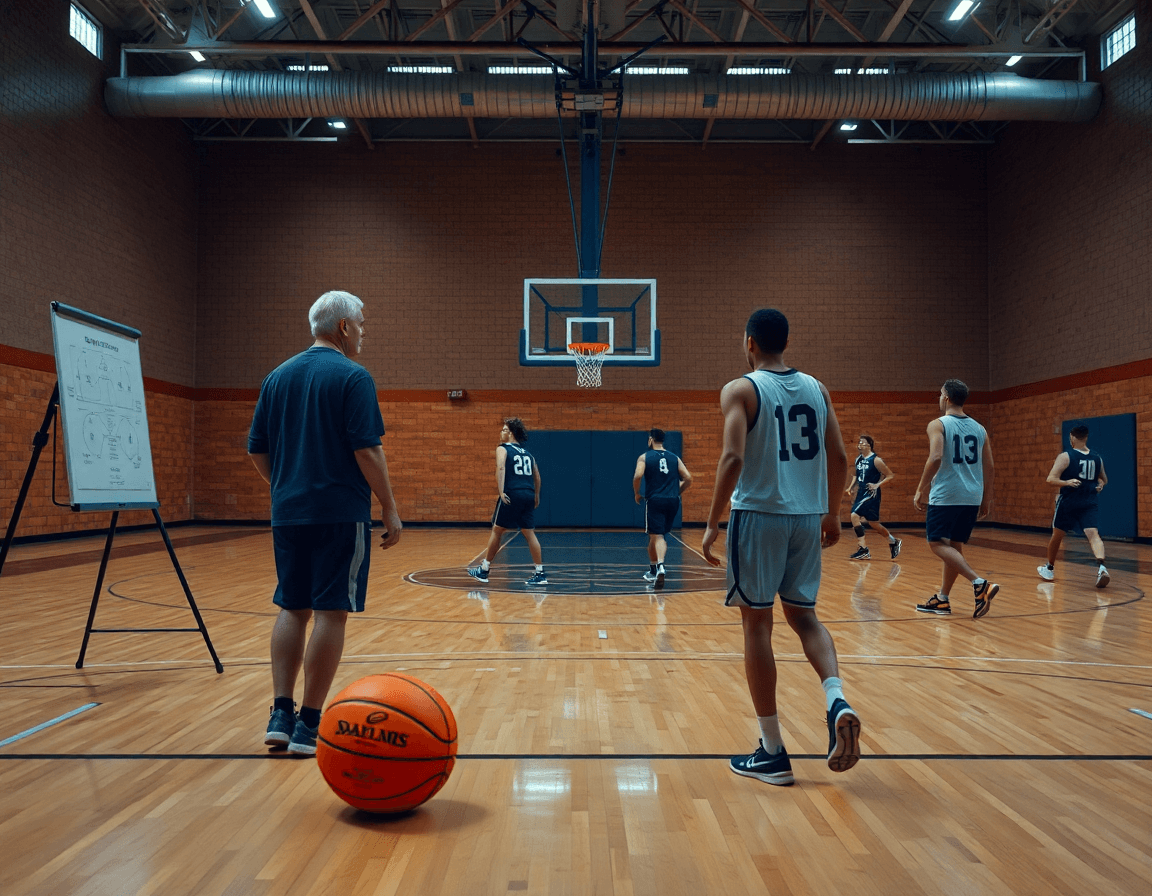
As a coach, I build a weekly cadence you can reuse block by block. This basketball practice plan example is designed to be reused weekly, with clear, game-oriented goals mapped to the team's concepts so assistants stay aligned. For younger groups I lean on a 60-minute tempo, while older or busier schedules justify a 90-minute window. In CourtSensei, you outline the plan in Practice Plans, diagram drills on the Whiteboard, and keep a single source of truth that you can export as a PDF for staff. This rhythm keeps planning focused and players moving through warm-ups to scrimmage with purpose.
That 90-minute cadence starts with a warm-up: dynamic warm-up to prime the group and sharpen footwork (8-10 minutes). Then Skill Development focusing on ball handling and shooting drills (18-22 minutes). Next, Team Offense dedicated to core team concepts and spacing (18-20 minutes). Follow with Team Defense to work on communication and shell rotations (12-15 minutes). Then a Scrimmage to apply reads in a controlled tempo (12-15 minutes). Finish with a Cooldown to reinforce mobility and quick film notes for players (3-5 minutes). If your window is 60-minute, you can condense blocks to roughly 7–8 minutes for warm-up, 12–15 for skill, 12–15 for offense, 10–12 for defense, 7–8 for scrimmage, and 2–3 for cooldown. You can map each block to the team concepts in the Practice Plans and attach a video playlist for targeted on-court coaching.
Block-by-block structure: times that maximize learning
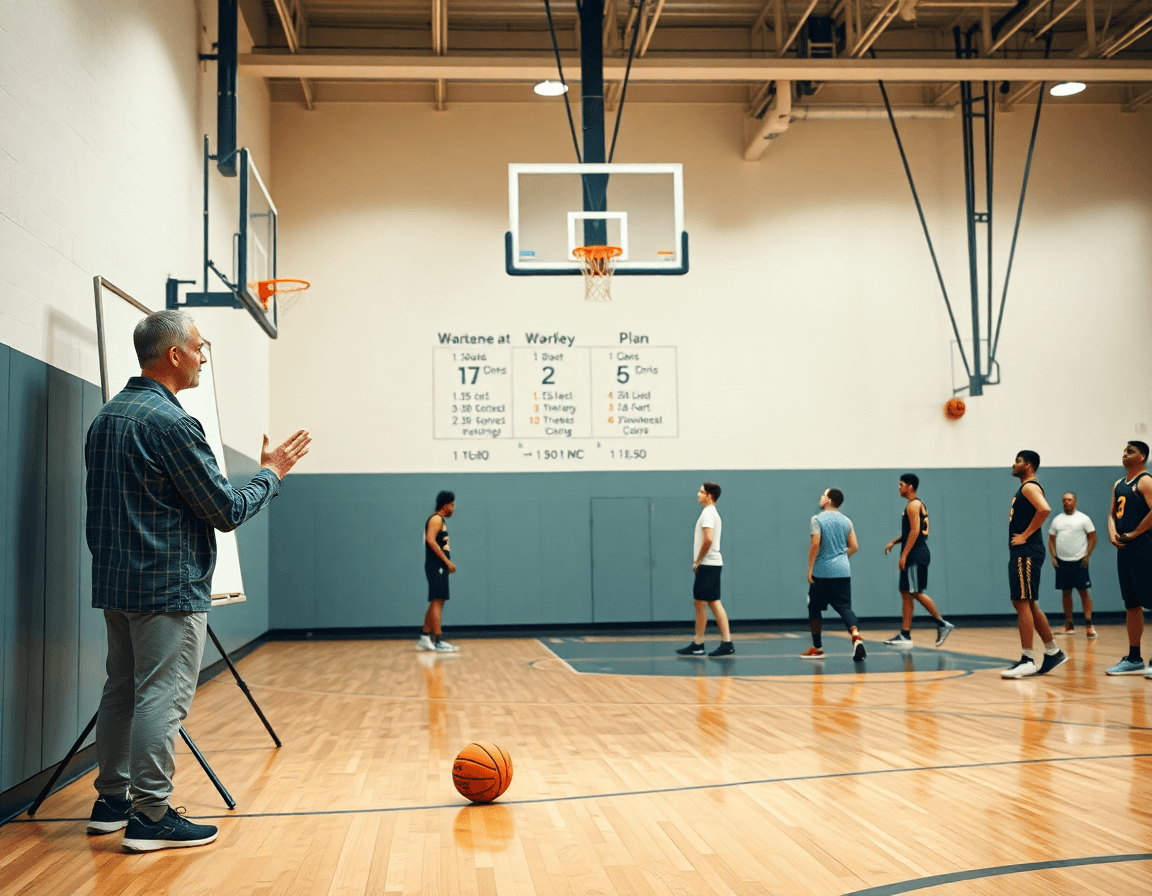
As a coach who builds weekly routines, I rely on a block-based structure that fits the roster and season goals. For a 90-minute practice plan, the day starts with a dynamic warm-up and ball handling to prime touches and footwork. That first block sets tempo and intent, and I map it to a couple shooting drills so players feel the ball early. The plan becomes the single source of truth for assistants to view, annotate, and adjust.
Typical cadence: 10 warm-up, 20–25 skill work, 20–25 team concepts, 15–20 defense, 10 scrimmage, 5 cooldown. Each block ties to a specific drill library and a coaching cue. In practice, I pull from the drill library to select ball-handling and shooting drills, then we move into team concepts like spacing and ball movement. After the team block, the defense block gets reps on rotation and communication; we finish with a quick cooldown and breath work.
Adjust blocks for age groups; keep transitions tight. For younger teams, shorten the skill work and tighten transitions; for older players, increase complexity in the team concepts and defense blocks. Regardless, I link each block to a drill library and a coaching cue to ensure consistency across assistants. The goal is a clean, predictable flow so players know what to do and when.
Workflow in action: in the plan, on the whiteboard, and in a short video clip. After each block, we tag it and attach a video playlist for players to review. That single source of truth helps assistants stay aligned and lets you export PDFs for staff meetings. When I walk through the gym, I can point to the exact block on the plan, show the diagram on the whiteboard, and pull a targeted video clip to reinforce the coaching cues.
From drills to concepts: aligning content with team play
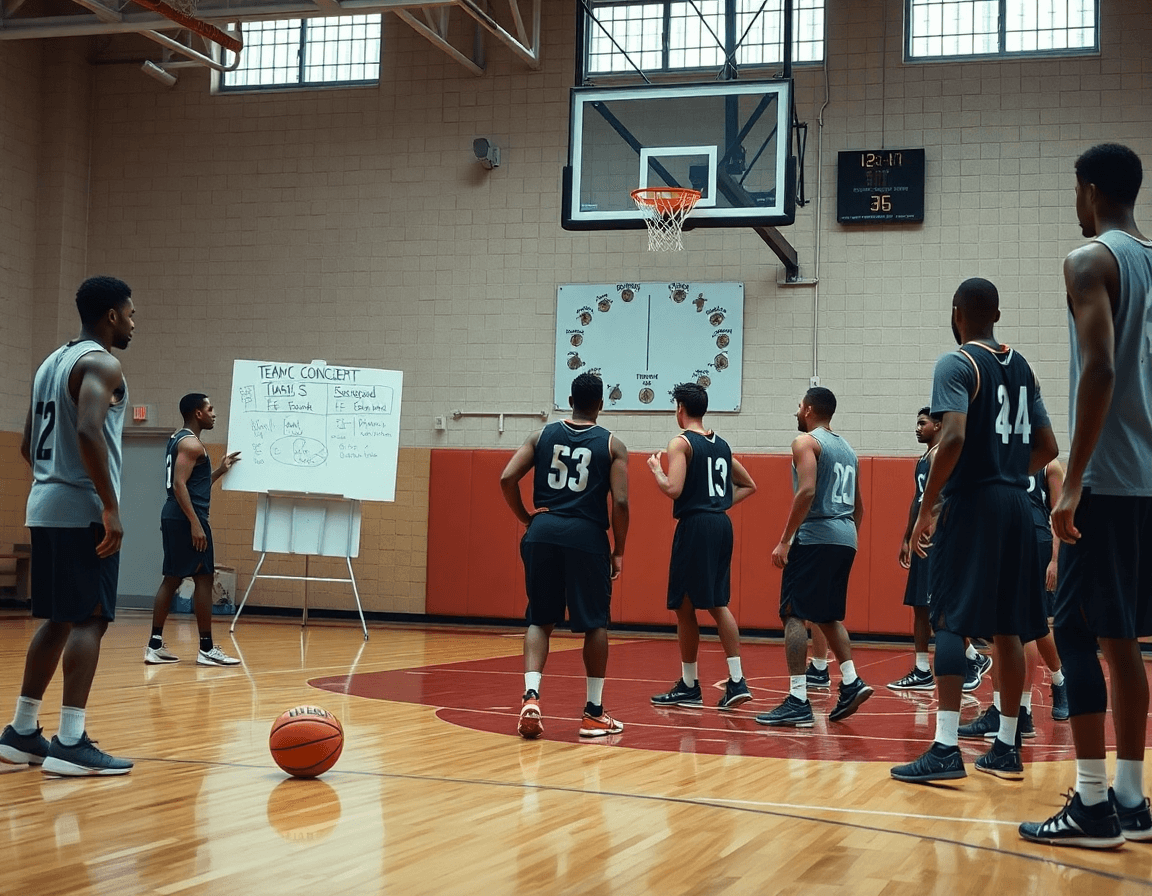
In a typical weekly basketball practice plan example, I start by organizing drills by the concepts they reinforce: ball handling, shooting drills, spacing, and defense. This approach keeps every rep tethered to a bigger objective rather than a string of random drills. When I pull from the library, I tag each drill with its focus so assistants know exactly what to reinforce and what to coach live. A solid drill rotation keeps us cycling through handling work, catch-and-release reps, and quick decision-making without losing our tempo.
Label drills so assistants know what to support and what to coach live. With a simple dynamic warm-up, a focused shell drill, and a quick cooldown, we map the session to a 60-minute or 90-minute practice plan. The labels spell out who cues spacing, who corrects footwork, and which drill ties into the team concepts. A single source of truth helps keep feedback consistent across days, whether we’re on the floor or sharing notes from a post-practice review.
Create a simple mapping between drills and your offense/defense system. For example, a sequence that emphasizes ball movement feeds your team concepts like spacing, drive-and-kick, and help-and-recover. I connect each drill to a concept and a defensive call, so the drill rotation aligns with the game plan. On the whiteboard, diagram plays and link each box to a clip in the video playlists for targeted coaching moments during practice. The result is a credible, searchable workflow we trust week to week.
Practical workflow: build, share, annotate, and export
Kick off the week with a basketball practice plan example that acts as a lean, repeatable 60- to 90-minute template. In the plan, you slot blocks for a dynamic warm-up, ball handling, shooting drills, and team concepts, then finish with a controlled scrimmage and cooldown. Build the plan once, and that practice plan template becomes your baseline for the week, easy to tweak as the focus shifts.
Publish the plan to your assistants with editable permissions via shareable links. This keeps everyone aligned—the plan exists as the single source of truth for how you want the week organized. If you need a sideline reference, a simple PDF export of the plan lets staff print a copy and stay in sync without opening another app.
After each session, drop notes directly on the plan to capture what worked and what to tweak for the next cycle. Use the annotate feedback feature to tag drills like ball handling or shooting that underperformed, and assign follow-ups to assistants. The feedback loop becomes the fastest way to improve your plan for the next cycle.
On the tactical side, attach plays with diagrams on the whiteboard and link video clips for quick coaching references during film time. Map each drill to a team concept and add a linked Play diagram so you can walk through Xs and Os without flipping between apps. When you share the Play diagrams and Video Clips in one place, the team stays on the same page during practice.
Film and playlists: using video to reinforce weekly goals
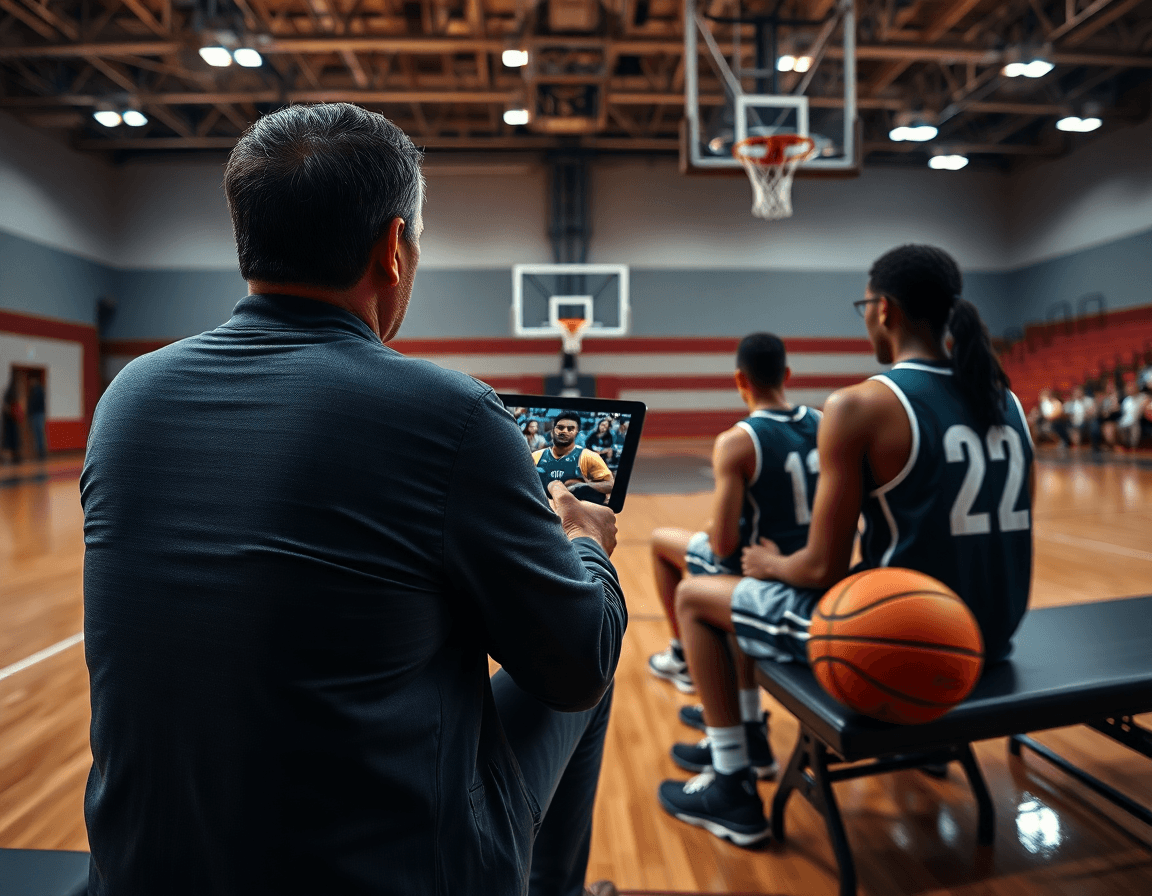
In a solid basketball practice plan example, I bake film into the weekly rhythm to reinforce the targets we set during planning. The trick is to link video clips to the blocks we’ll run on the floor: dynamic warm-up to wake the body, ball handling to sharpen decision-making, and shooting drills tied to team concepts. While I map plays on the whiteboard, I drop in clips that show correct spacing in a get-to-the-ball transition or a hard-closeout in a scramble. Clip-by-clip, players understand the reactions we’re chasing and I adjust the plan accordingly.
Then I build playlists for players to review after practice. I assemble clips into position-specific groups: one playlist for shooters, another for ball handlers, a third for transition defense. Each playlist links to the weekly goals so players can watch on their own time and come back with questions. All of this sits in our video integration and the coach-facing workflow: quick exports to PDF for the staff, and a single source of truth where assistants can annotate and leave feedback. A concise plan keeps everyone on the same page.
Use clips to guide post-practice review and player development plans. After the session, I pull a few moments—a missed box-out, a decision in a drive-and-kick—drop them into a short, targeted review for each player. This keeps the coaching staff aligned with the team concepts and the weekly cadence of the 60-minute practice plan. When we plan the next week, those clips feed the new blocks on the floor and the updated drills on the whiteboard, linking motion to decision the moment it matters most—on the court.
Scouting and opponent prep within the weekly plan
Start the week by grounding your practice in scouting reports and opponent tendencies. If the upcoming opponent tends to pressure the ball at the point and switch on screens, I slot a strong emphasis on ball handling under pressure and on-ball defense into the plan. We map this to our practice block: a focused ball-handling progression, a quick-footed defensive drill, and a concepts-driven segment on how we defend ball-screen actions. The goal is a cohesive flow where every drill ties back to the game plan, so the players feel the plan in every rep and the assistants can see the logic at a glance.
Maintain a living document of opponent tendencies for future weeks, and keep it accessible in the same weekly plan. I tag patterns I expect to see, note what we liked and what exposed us, and link quick hits to specific drills. This isn’t a throwaway notebook — it evolves as we collect more data. If we record a tendency on a late closeout and a couple of successful counter-reads, that becomes a reference for scout plays we can pull up and annotate on the whiteboard during future sessions. Having this centralized, annotated trail helps with game prep for the next matchup and keeps the staff aligned.
Turn scouting notes into actionable drills or quick plays for the next practice. If the notes show the opponent overhelps on drives, we drop in a drive-and-kick drill and a quick scout play that spaces the floor and invites kick-outs. We attach video clips for context, then shape the day around a few key reads that map to team concepts and the scrimmage. The workflow bleeds into the cooldown, so players leave with a clear sense of what to defend, how to attack, and why.
If you build plans like this every week, CourtSensei keeps your drill library, whiteboard, and video clips in one place — try it free.
FAQ
What exactly is a basketball practice plan and why should you use one?
A basketball practice plan clarifies weekly goals and links every drill to team concepts. It keeps assistants aligned, lets you export a PDF, and acts as the single source of truth for what to coach, when to cue drills, and how to track progress. Use it to move players from warm-up to scrimmage with clear intent.
How long should a basketball practice last, and does it vary by age?
Most teams run either a 60-minute or 90-minute session. Younger groups benefit from shorter blocks and tighter transitions, while older players handle more complexity. Build the plan with a consistent rhythm—warm-up, skill work, team concepts, defense, scrimmage, and cooldown—and adjust only the durations as needed.
What components should a solid basketball practice plan include?
Start with a dynamic warm-up to prime movement. Then a focused ball handling and shooting block, followed by team concepts like spacing. Add a defense block with shell drills, a controlled scrimmage, and a cooldown. Tag each drill to a concept so assistants know what to reinforce and what to coach live.
How do you structure a basketball practice for youth?
Keep the pace friendly and the blocks short. Use a simple 60/90 minute template with clear calls and transitions. Tie drills to fundamentals like footwork and passing, then layer in team concepts gradually. Use quick checks and live cues to keep players engaged without overload.
How important is a written practice plan?
Very important. A written plan guides the staff, reduces surprises, and helps you review and adjust. It also serves as a reference for players, so they know the day’s map. Treat it as the baseline document and update it after each session.
How can video be used in practice planning?
Link video playlists to each block so players review target cues. Create a quick post-practice review with clips to reinforce feedback. Use the videos to support your coaching cues during the plan and to help players study on their own.
