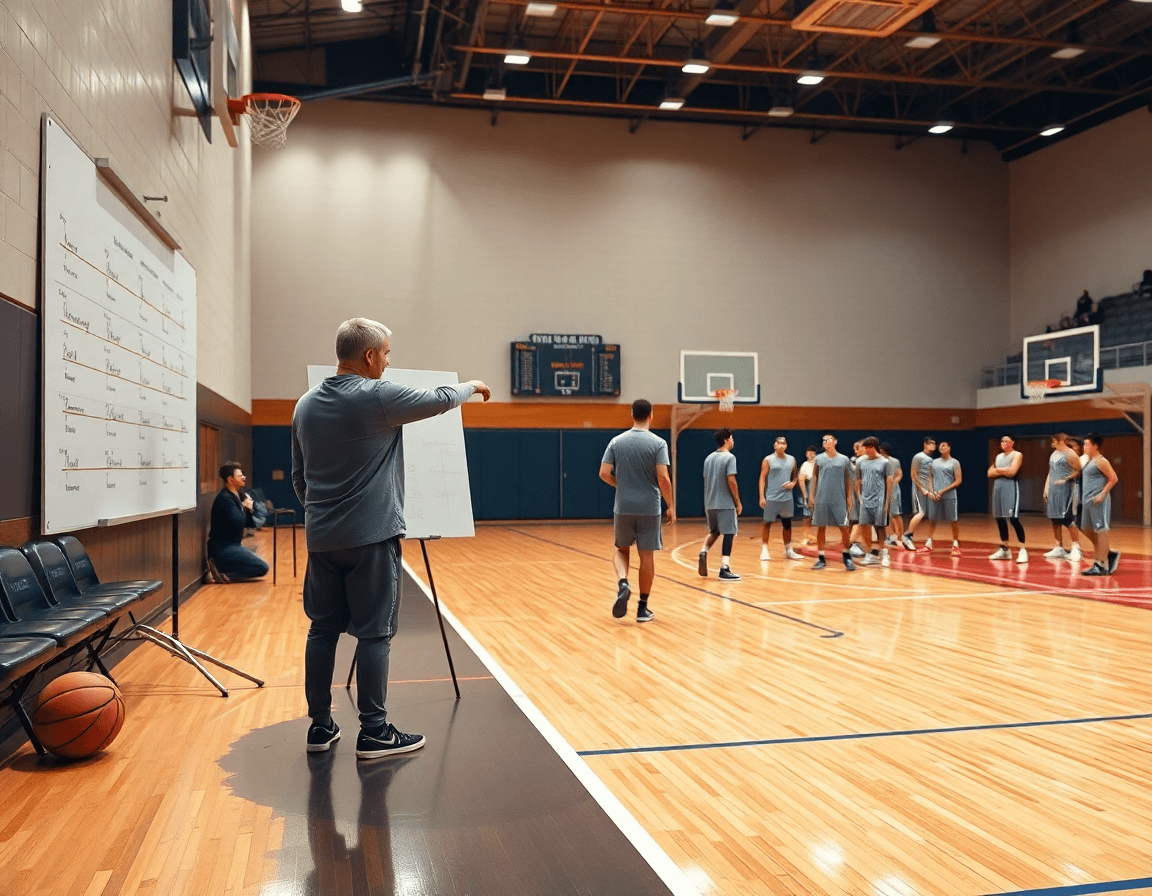
Basketball Play Diagram: A Coach’s Weekly Prep Guide
Master the basketball play diagram for weekly prep: plan offenses/defenses, diagram with arrows, export PDFs, and link video and scouting for your staff.

Key takeaways
- Set weekly install goals that align with opponent tendencies; translate strategy into clear, readable steps for players.
- Use a diagram tool to sketch plays with actions, then tag triggers—pre-snap reads and decisions—for clarity.
- Export diagrams to PDF and share with assistants; attach scouting notes and link relevant video playlists for reviews.
- Build a living library of diagrams; categorize into Offense/Defense and reuse templates linked to scouting notes.
- Link diagrams to scouting notes and video clips to tailor plays to opponent tendencies.
Practical Workflow: Diagram, Share, and Apply Plays This Week
Set the week’s install goals: which offensive sets and defensive concepts to install or reinforce. This is where your weekly plan begins to take shape, guiding every drill and scout report you’ll reference later. I focus on a couple of core options tied to the opponent’s tendencies, so our practice plan has a clear throughline. When I think about a basketball play diagram, I’m translating strategy into steps each player can read.
Use a diagram tool to sketch plays (starting positions, routes, and actions) with arrows and labels. I map out spacing, cuts, and screen angles, then tag triggers—pre-snap reads, ball reversals, and decision points. If we’re facing a hedging big, I diagram a pick-and-roll with a slip and a backscreen to create a late-entry option. For a different look, I add a give-and-go sequence from the triangle offense to stress movement without the ball. The diagrams become our coaching language; the kids see the play, not just the words.
Export diagrams to PDF and share with assistants and coordinators; attach to scouting notes for context. This keeps everyone on the same page, whether they’re in the gym or watching from the office. The PDF export preserves line shapes, arrow directions, and labels, so you can reference the exact action during walkthroughs and timeouts. Pair the document with a quick note on defensive response so the staff can preview matchups and counters.
Create playlists of video clips tied to each diagram to illustrate execution. Short clips from practice or game footage linked to a specific diagram turn theory into reality for players. Use a play designer workflow to assemble clips that show each read and action, then share the playlist with the squad for review between sessions. Seeing the action in motion helps players feel the rhythm of the sequence.
Keep color-coding and naming conventions consistent so the staff can quickly locate and review. I keep offense and defense separate, rotate through phases like set, transition, and late clock, and name files with a simple scheme (play name, opponent, week). Consistency cuts search time, so coaches can focus on teaching and adjustments rather than hunting for the right diagram or clip. This approach makes the weekly cycle—plan, diagram, export, review, and replay—into a smooth, repeatable workflow.

Build a Library of Diagrams for Offense and Defense
A living library of diagrams is the backbone of weekly prep. In our workflow, you build a dedicated collection of basketball play diagram files that live with your planning and the tactical whiteboard. Two big folders: Offense and Defense, each with a mix of half-court and full-court sequences. The goal is fast access during plan development and in the huddle.
Within each folder, categorize by situation: early offense, late clock, transition, or pressure defense. The library should store common concepts as templates for quick reuse—think about the big building blocks like pick and roll, give-and-go, horns, and the triangle offense—so you’re not drawing from scratch every week. Use clear Xs and Os notation to keep everyone on the same page.
Link diagrams to relevant scouting notes and video clips for quick context during prep. If the opponent overhelps on a pick and roll, your defense diagram can cue a hedged recovery or a back-side sprint. That context makes a difference in the plan, and the assistant coaches will thank you when they can pull the right look from a basketball play diagram and see the linked notes and clip.
Maintain a living library that teams can pull from week to week; regularly prune or update plays based on results. Each diagram can be tagged as a half-court diagram or full-court diagram and linked to a scouting note and a clip. In the weekly cycle, we pull a couple of offense sequences for Tuesday's drill and test a defense look Friday—then capture the outcome in the playlist. This workflow keeps the system sharp and responsive.
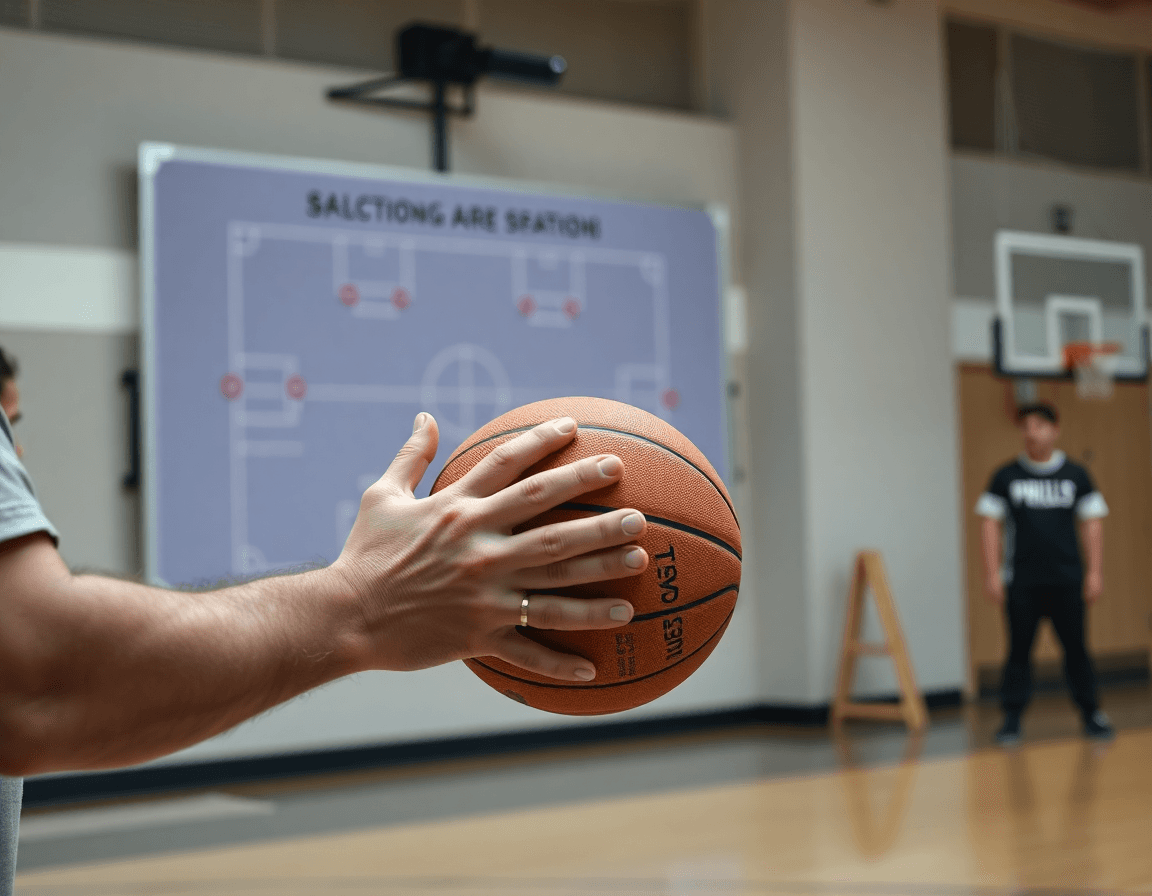
Symbols and Conventions: Diagram Like a Pro
To diagram like a pro, adopt standard notation from the jump. In every basketball play diagram, use players 1–5 on offense, defenders as Xs, and clear marks for ball movement arrows and movement paths. This consistency—Xs and Os notation and arrows—keeps the symbols in diagrams understood across the staff and players, whether you’re in the plan, on the whiteboard, or exporting a short video clip for scouting notes.
To convey intent, differentiate line styles: use dashed lines for passes, zigzag for dribbles, and dotted lines for shots. That visual language travels with you from plan to practice—when you review sequences in video or in scouting notes, the intent is immediately clear. This consistency also helps assistants pick up the system quickly and coach players with precision.
Highlight screens, cuts, and action transitions with consistent color and line styles. For example, assign one color to off-ball movement and another to on-ball actions, then stay with it across every diagram. Readability blooms in the huddle, during clip reviews, and when players trace the path on the board before a drill.
Drop in well-known sets as recognizable starting points: pick and roll is a staple, horns helps with spacing, and you can reference triangle offense history without dragging it into every diagram. As the library grows, you’ll compare variations of a set—flex, give and go, on-ball screen—keeping the basketball play diagram an active part of your weekly prep workflow.

Link Diagrams to Scouting: Tailor Plays to the Opponent
During weekly prep, I pull scouting reports into the diagram workflow to tailor basketball play diagrams to opponent tendencies. In the plan, diagrams ride alongside notes and short video clips, so what we draw on the whiteboard matches what we saw on film. If the opponent overplays passing lanes, we script a quick give-and-go off a high screen and mark spacing to attack the seam. This is where the process starts: a living map that links offensive strategies to defensive reads and guides our practice install.
Annotate diagrams with notes on weak spots, preferred defenses, and timing against the scouting data. When we face a team that hates ball reversals, I sketch a quick on-ball screen sequence and point out where their help splits. I tag each diagram with defensive strategies and offensive strategies to cue the entry, the timing, and the reads. We call out specific options—pick and roll, give and go, triangle offense variants, or off-ball movement—that exploit the opponent’s tendencies. The goal is clear: every diagram carries a concrete counter since we’ve watched the scout tape together.
Create opponent-specific variants (adjusted spacing, personnel emphasis) and save as templates. Those templates live in the library, ready to deploy against the same scout week after week. Use the integration between diagramming and scouting to accelerate install during practice week, so players see the plan, then jump to a short video clip and walk through the sequence on the floor. It’s all about turning data into action—a smoother path from plan to performance.
Video Integration: Teach and Rehearse with Clips
As a coach, I kick off the week with a simple frame: a basketball play diagram provides the teaching map, but video clips turn it into reality. I pull clips from recent games or practices that demonstrate each diagram’s actions—whether it's a pick and roll, a triangle offense sequence, or a give-and-go. On the whiteboard I sketch the paths and timing, then drop in the corresponding clip so players see the motion as it happens. When the clip aligns with the diagram, players understand not just the idea, but the execution.
I annotate the clip to match the diagram (paths, timing, and player responsibilities) and attach it to the diagram. Build playlists of clips for individuals or groups and share via secure links. If needed, export PDF coaching notes for printouts in meetings. This workflow keeps the teaching tight: one diagram, one clear clip set, one shared reference for the whole staff.
Use video insights to adjust the basketball play diagram before the next practice or game. A clip can reveal misreads on an on-ball screen or gaps in off-ball movement, prompting a quick tweak in timing or spacing. For example, a pick and roll clip might show the ball handler reading the helper too early, so I nudge the screener’s pop and the guard’s decision point. The same approach applies across offensive strategies and defensive strategies, letting you refine plan details while you study scouting notes ahead of the next test on the floor.
Sharing, Feedback, and Iteration: Fine-tune Your Diagrams
After finalizing a set of basketball play diagrams for the week, I drop a shareable link to the assistants. They can leave quick feedback and make collaborative edits, even attaching a short video clip that shows a misread in a triangle offense or a timing issue on a give-and-go. This is collaboration in real time—no wordy back-and-forth emails needed.
Next, I solicit feedback on readability and routes from players and fellow coaches. If the diagram on the whiteboard isn’t clear during an on-ball screen or a pick-and-roll sequence, we tighten spacing, adjust the arrows, and simplify movement so the routes are obvious for the ball-handler and shooters alike.
Iterate weekly: after practice, I update the diagrams based on what we actually ran and how the defense adjusted. I re-save as updated templates for next week, so our offensive and defensive strategies stay sharp. The cycle has you revising not just plays, but the way we teach them—from a basic give-and-go to more complex options within the triangle offense or kick-out off-ball movement.
Finally, I leverage playlists and links to assign revisions and keep everyone aligned. A playlist of clips tied to each diagram helps assistants and players review the same material, while the shareable links formalize accountability across the plan. This keeps the workflow smooth—from the plan in the weekly training plan to the tactical whiteboard, a short video clip, and the scouting note—and ensures we’re all speaking the same language about basketball play diagrams.
If you build plans like this every week, CourtSensei keeps your drill library, whiteboard, and video clips in one place — try it free.
FAQ
What is a basketball play diagram, and why should I use one?
A basketball play diagram is a visual plan that shows where each player starts, where they move, when screens happen, and how passes and reads unfold. It uses a consistent notation and color coding so the whole staff and players read the same language. Coaches use diagrams to install weekly plays quickly, rehearse timing, and reference actions in film sessions.
How do you draw basketball plays effectively?
To draw effective basketball plays, start with the offense's starting positions, then sketch routes with arrows that show movement, passes, and screens. Label triggers and decision points (pre-snap reads, reversals, reads). Keep spacing consistent and use clear line styles for passes, dribbles, and shots. Save a master template and tailor it for each scouting plan.
What symbols and conventions should you use in diagrams?
Use offense players numbered 1–5 and defenders as Xs, with arrows for ball movement and solid lines for player paths. Different line styles convey intent: dashed for passes, zigzag for dribbles, dotted for shots. Xs and Os notation and color coding keep a consistent legend so staff and players read it the same way.
What are the most common plays like pick and roll, give-and-go, and horns, and how should I diagram them?
Treat each as a named starting point. For pick-and-roll, show the ball handler, the screener, and the roller’s path after the screen, plus a back-side option. Give-and-go highlights a quick pass then cut; use a line to show the off-ball movement after handing off. Horns emphasizes spacing, with two wings and a high-post screen to create shots.
Can I create basketball play diagrams digitally and export as PDFs?
Yes. Use a digital tool to sketch positions, arrows, and labels, then export as PDFs. Digital diagrams travel with scouting notes and are easy to share with assistants. Keep diagrams high-contrast and legible, and attach video clips as playlists to illustrate timing and reads.
How should I build and maintain a living library of diagrams for offense and defense?
Set up a living library with two main folders: Offense and Defense. Store half-court and full-court diagrams, tagging them by situation (early offense, late clock, transition) and linking to scouting notes and video clips. Use templates for common concepts like pick and roll, give-and-go, horns, and triangle. Maintain naming conventions and color coding for quick access.
