Basketball Playbook App: Plan, Diagram, Share Plays
Discover how a basketball playbook app fits your weekly coaching workflow—design plays, diagram tactics, export PDFs, and share clips with the team this season.

Key takeaways
- Map weekly goals to actions in the basketball playbook app and review on tablets.
- Create a clean practice plan linking sessions to plays, assign duties, and share via link.
- Use cloud-synced libraries to keep plans consistent across devices and teams, everywhere.
- Export PDFs for staff references and keep action labels like BLOB/SLOB/ATO linked.
- Attach scouting notes to plan and annotate against defensive schemes for ready counters.
Weekly coaching workflow with a basketball playbook app
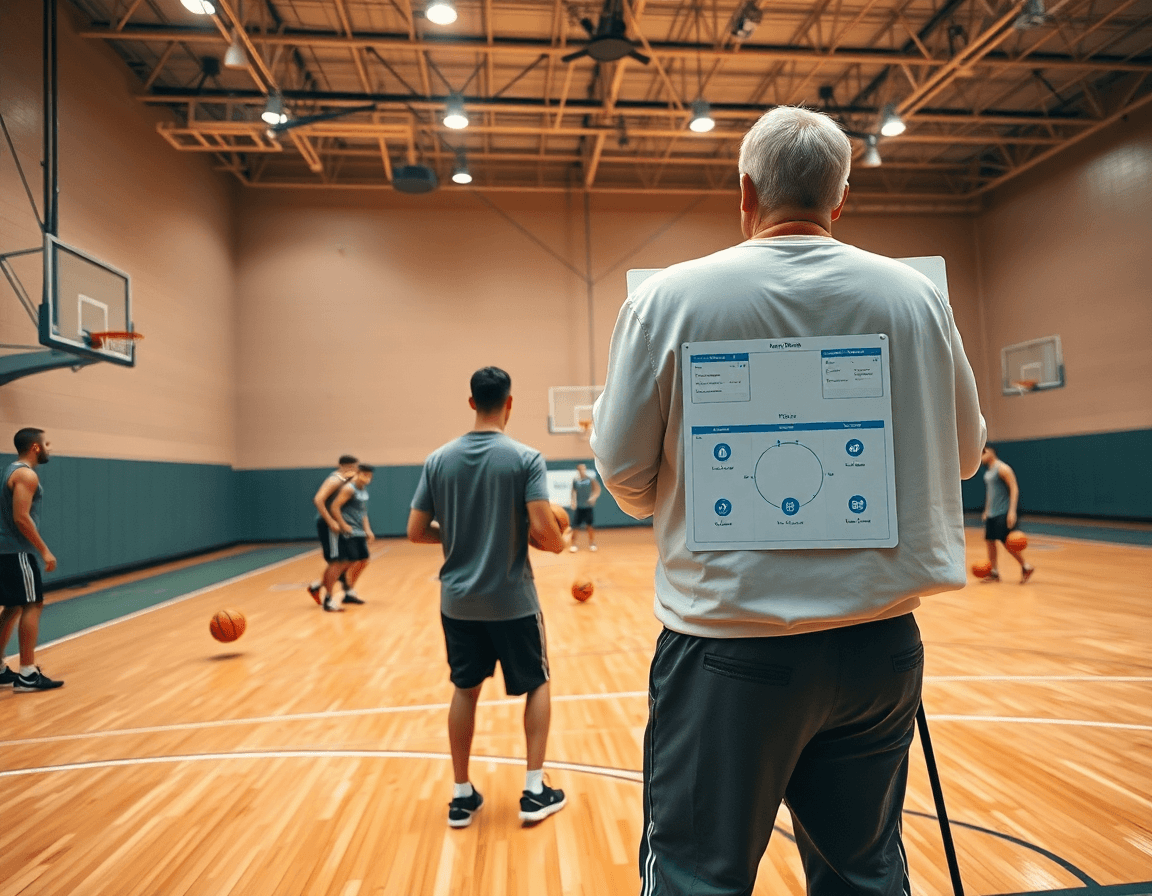
Kick off the week by outlining offensive and defensive goals, then map those targets to specific plays and drills inside the basketball playbook app. It’s the backbone of my weekly coaching workflow: outline the goals, then translate them into actions on the court using the basketball playbook app. I pull up the plan on a tablet, sketch spacing, tempo, and ball movement ideas, and share the path from concept to practice with the staff.
From there I assemble a clean practice plan, connecting each session to the plays we want to rep. I assign duties to assistants, drop in whiteboard diagrams, and share with assistants and players the plan via a simple link. When the schedule is set, the session page brings up the linked plays, so we start with certainty rather than improvisation.
My cloud-synced libraries keep plans consistent across devices and teams, so a coach in the locker room and another on the sideline see the same content. In practice I draw plays on a court, then save them in the basketball play editor to reuse later, keeping our workflow tight and scalable.
When it's time for a staff meeting or a timeout huddle, I export PDFs of the week’s plays and drills so everyone has a clean reference. The diagrams carry action labels (BLOB/SLOB/ATO/PnR) and the play names stay linked to the session schedule for quick navigation.
I attach scouting notes to the plan so the staff can see tendencies, counters, and adjustments before we face the next opponent. It keeps game prep aligned and makes it easy to pull up scout plays on demand.
Key features that matter for coaching teams (playbook app)
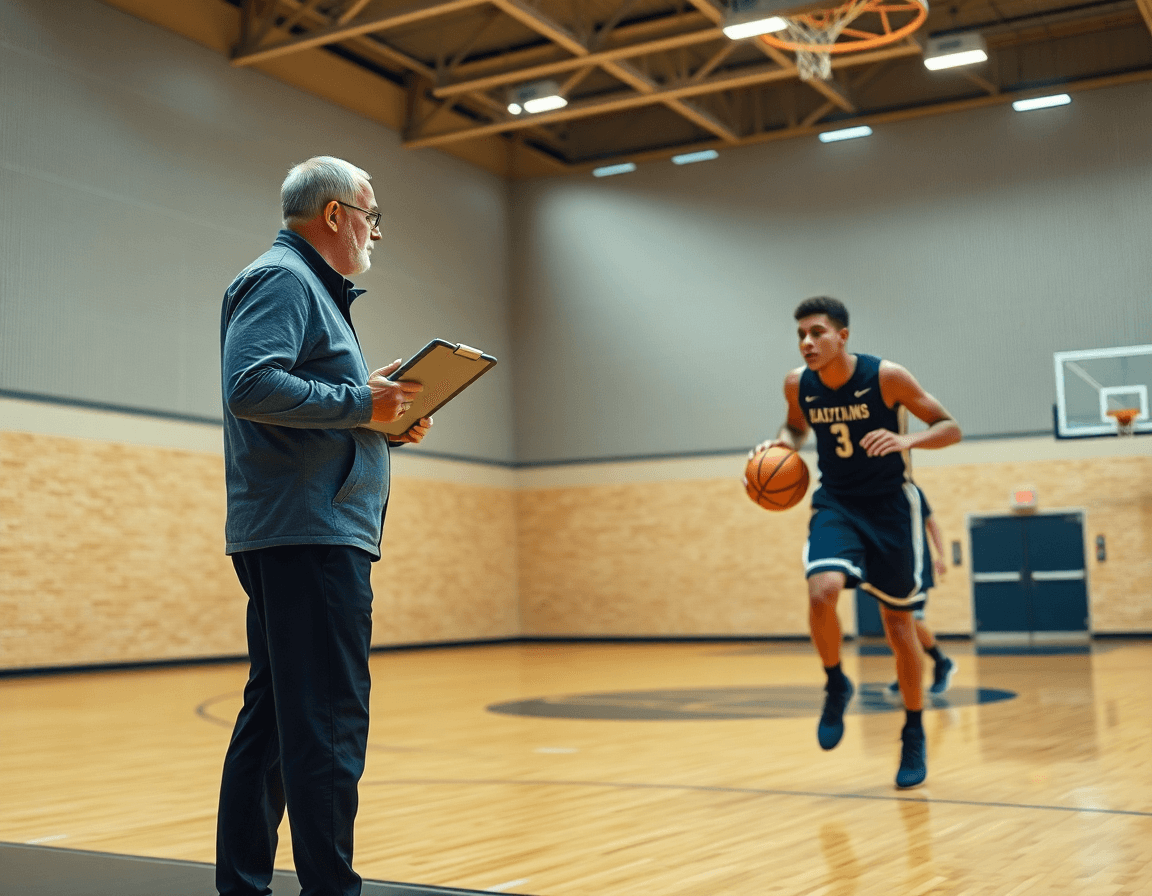
In a typical week, the basketball playbook app you rely on has to support planning, diagramming, and sharing—without slowing you down. The right online playbook tool keeps your ideas centralized as you map out practice plans, set up drills, and prep scouting notes. It’s the hub you open Monday and close Friday.
On the tactical whiteboard, you diagram every movement and assign roles. You can trace spacing, movement notes, and who links up with whom at the point of attack. Tag options like BLOB, SLOB, ATO, and PnR so assistants read the same cue. A quick glance tells you if the spacing holds under pressure. tactical whiteboard.
Ready to share? Use PDF exports to give staff clean handouts and to print at practice. A single play flow or drill sequence becomes a dependable document for the scout team and for the gym table, and you can use export PDFs to share with staff.
The multi-team and cloud-sync capabilities let you manage varsity, JV, and season rosters without losing track. You can push updates to one squad and have them reflect across others, so your staff stays aligned even as personnel changes. cloud-sync.
Video integration allows you to attach game clips to plays or drills for context. Show a read or a decision right from the diagram, then let players view the clip on their tablet. A short video clip after a diagram helps buy-in and retention. Video integration.
Pre-drawn play libraries give you a solid base, and the basketball play editor lets you customize plays to fit your personnel. When you’ve tweaked it, you can share plays with team in one click, then attach a clip or diagram to reinforce the message. basketball play editor.

Practical workflow step: plan, diagram, and share
In a typical week, I rely on a tight, repeatable workflow that keeps our playbook fresh and the practice moving. With our basketball playbook app, I move from planning to diagramming to sharing in a single, streamlined loop.
Step 1 — Plan: Build a weekly plan focusing on a handful of plays and drills. I start with a small checklist for the week—3 plays, 2 drills, and a clear progression for timing and decision-making. The aim is to have a crisp backbone that guides every practice.
Step 2 — Diagram: Use the whiteboard to diagram each play with route designations and timing. I sketch spacing, reads, and actions, labeling actions like ball screen, slip, and flare. The diagrams become a reference that players can visualize during film sessions and in walkthroughs.
Step 3 — Attach context: Add notes, counter-sets, and anticipated defender actions. I drop in against-coverage notes and situational tweaks (late game, press, or mismatch scenarios) so the team sees not just the play, but how to attack the defense we expect.
Step 4 — Video: Clip relevant game footage and attach to the corresponding plays. A short video clip can show how the action looks in real game flow, making it easier for players to connect the diagram to actual movement.
Step 5 — Share: Generate a player-accessible link or PDF to review and practice. We export PDFs or share a secure link so the team can study the plays on their own time, reinforcing what we covered on the floor.
Step 6 — Review: Adjust the plan after practice and update the playbook for next week. I reflect on what worked, what didn’t, and rotate in a new variation or counter to keep the workflow tight and responsive.
Integrating scouting reports with your plays
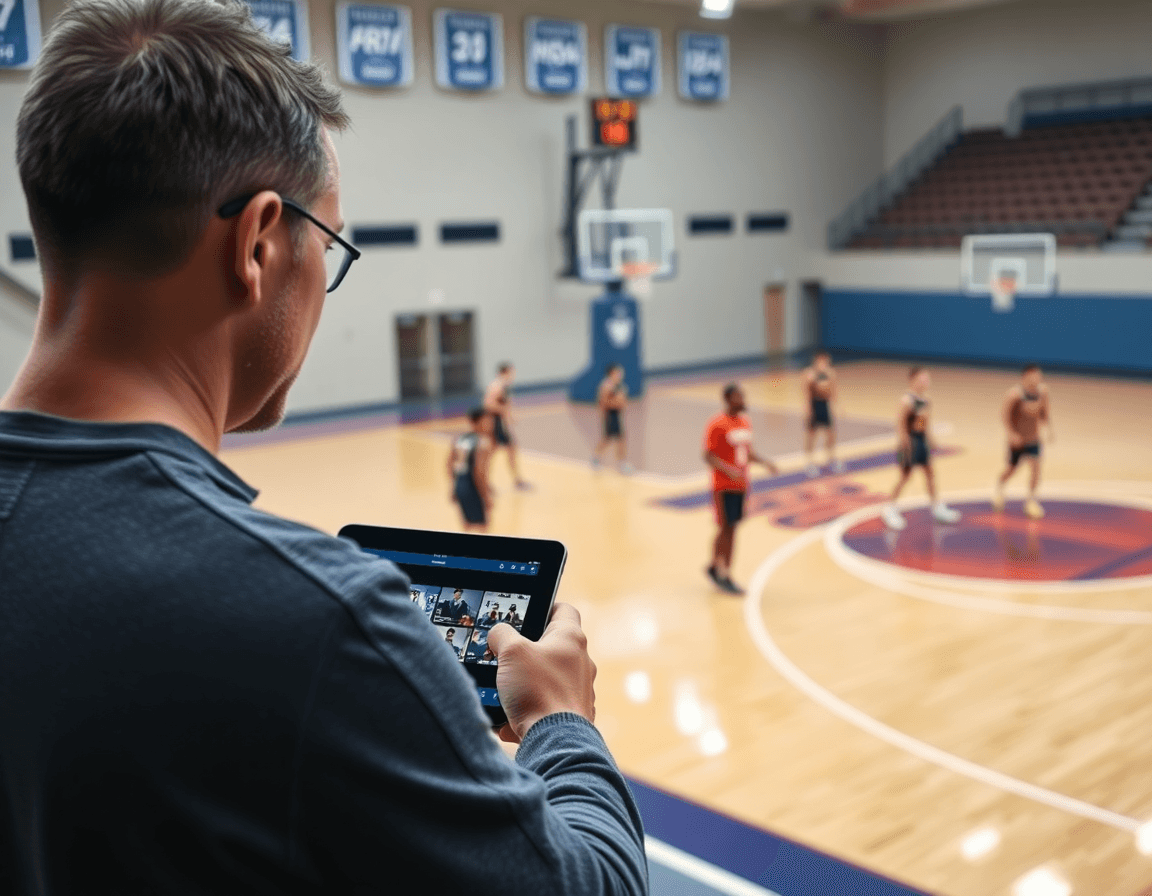
Integrating scouting reports with your plays starts by pulling in opponent tendencies. In a typical week, you collect tendencies—where a guard likes to attack off the pick, how a team hedges ball screens, or how they rotate late in possessions. In a basketball playbook app like CourtSensei, those insights live in your weekly plan and tie directly to your plays. When I build the plan, I tag each play with relevant scouting reports and opponent tendencies so assistants see the connection at a glance on the board and in the play library.
On the tactical whiteboard, you can annotate plays to exploit defensive schemes observed in scouting. For example, against a team that overhelps at the nail, I diagram a skip-pass sequence that presses rotations; against a 2-3 zone, I outline a weak-side flare and a backside cut. The ability to draw basketball plays on a court in real time keeps the coaching staff aligned, and I save the diagram with the context so it easily travels into the next practice. This is where the weekly flow—plan, diagram, review the notes—really comes together.
Export PDFs of scouting notes and attach them to relevant plays for quick reference during practice. When assistants update tendencies mid-season, those changes ride along with the plays, so you don’t waste time hunting for the latest input. I also attach short video clips to the corresponding plays so players can see the exact reads and reactions before we run it. This keeps the workflow tight: plan, diagram, and review the clip before execution.
Collaborate with assistants to update scouting inputs mid-season and reflect them in the playbook. As data changes, you push revised notes into the weekly plan and mark affected plays. The integrated workflow—scouting, plan, and play—helps you stay ahead. With an online playbook tool, you can share plays with team and keep everyone on the same page.
Video clips and playlists: turning footage into coaching action
As a head coach, after a game or a practice, I pull Video clips from the session and trim them into short sequences that map to specific plays or defensive rotations (PnR, BLOB, SLOB, ATO). I label each clip with the play name and the outcome, then drop it into the weekly plan. This turns raw footage into actionable teaching moments and feeds the digital basketball playbook with real context.
On the floor, I build player-facing playlists with linked clips for easy review on mobile. Each playlist groups clips by call or concept (e.g., "HBX 44 ISO" or "ball screen actions"), so a guard can study it during downtime or before the next game. If a player misses practice, they can catch up by watching the playlist.
Shareable links let players access clips without logging into multiple systems. I drop a link into scouting notes or the team chat, so everyone reviews the same footage at their own pace. This keeps the roster aligned and reduces back-and-forth emails between assistants and players.
Attach videos to plays and drills to provide concrete context during practice. For example, during a late-game out-of-bounds set, I attach the relevant clip to the play in the board and cue it up during a walk-through. The assistant coach can reference the video as spacing and timing are explained live.
Weekly checklist for planning and review
At the start of the week, I open the planning module in our basketball playbook app and lock in the game plan. I confirm weekly goals and align them with our team strengths and the opponent tendencies. In practice, I map these goals into the weekly plan, assign tasks to assistants, and pull relevant drills from the library. On the floor, I walk through a transition push and sketch it on the tactical whiteboard, the arrows signaling the motion to players. Think of this as a 'checklist for X in weekly training'—the X being planning and execution—and it keeps our week cohesive.
During the week, I create or revise at least 2-3 core plays and 1-2 defensive schemes. I diagram plays on the tactical whiteboard and export play PDFs for coaching staff and players. The digital basketball playbook makes it easy to tweak routes, spacing, and reads, then save as a polished PDF for quick distribution. This step keeps our scouting and prep tight while allowing us to import pre-drawn basketball plays or customize on the fly.
Toward the end of the week, I attach game clips and add notes for context. I share the week’s plan with the team and collect feedback so we know what landed and what needs tweaking. We keep a living record in the online playbook tool, with scouting notes and a quick post-practice review. Then we adjust the plan for the next week: tweak a drill, revise a read, or swap in a new play from the library. This cycle keeps the workflow smooth and focused.
If you build plans like this every week, CourtSensei keeps your drill library, whiteboard, and video clips in one place — try it free.
FAQ
What is a basketball playbook app?
A basketball playbook app is a digital hub for planning and diagramming your plays, drills, and scouting notes. It lets you map weekly goals to practice, sketch spacing and timing, and annotate reads on a whiteboard. Saved plays can be reused across sessions. With cloud-sync, the same plan stays current across devices for coaches, assistants, and players—streamlining your weekly workflow from concept to court.
Can I export plays as PDF with these apps?
Yes. You can export PDF exports of play sequences and drills for staff handouts or practice printouts. PDFs stay linked to the session plan for quick navigation, and you can share them with assistants, scouts, or the whole team. This gives everyone a clean, printable reference.
Do basketball playbook apps work offline?
Yes, most offer offline access to saved plays, diagrams, and notes, so you can prep in the gym without internet. Some features—like cloud-sync and live updates—require online when you reconnect. Build your routine around offline availability so practice isn't slowed by connectivity.
Can players access the playbook on their phones?
Yes. For teams, mobile access is common: players can view plays on their phones or tablets via the app or a secure link. You can set permissions and even attach videos for context. This keeps everyone aligned and reduces on-floor confusion.
Are there pre-drawn plays available in these apps?
Most playbook apps include a library of pre-drawn plays you can customize for your personnel. Use the play editor to tweak spacing and timing, then save and share the updated plays with the team. It accelerates setup without sacrificing specificity.
Can you import plays from FastDraw into these apps?
Some platforms support an import path from FastDraw or offer conversion where possible. Check compatibility with your version and expect tweaks after import. If import isn’t supported, you can usually recreate moves quickly in the editor.
