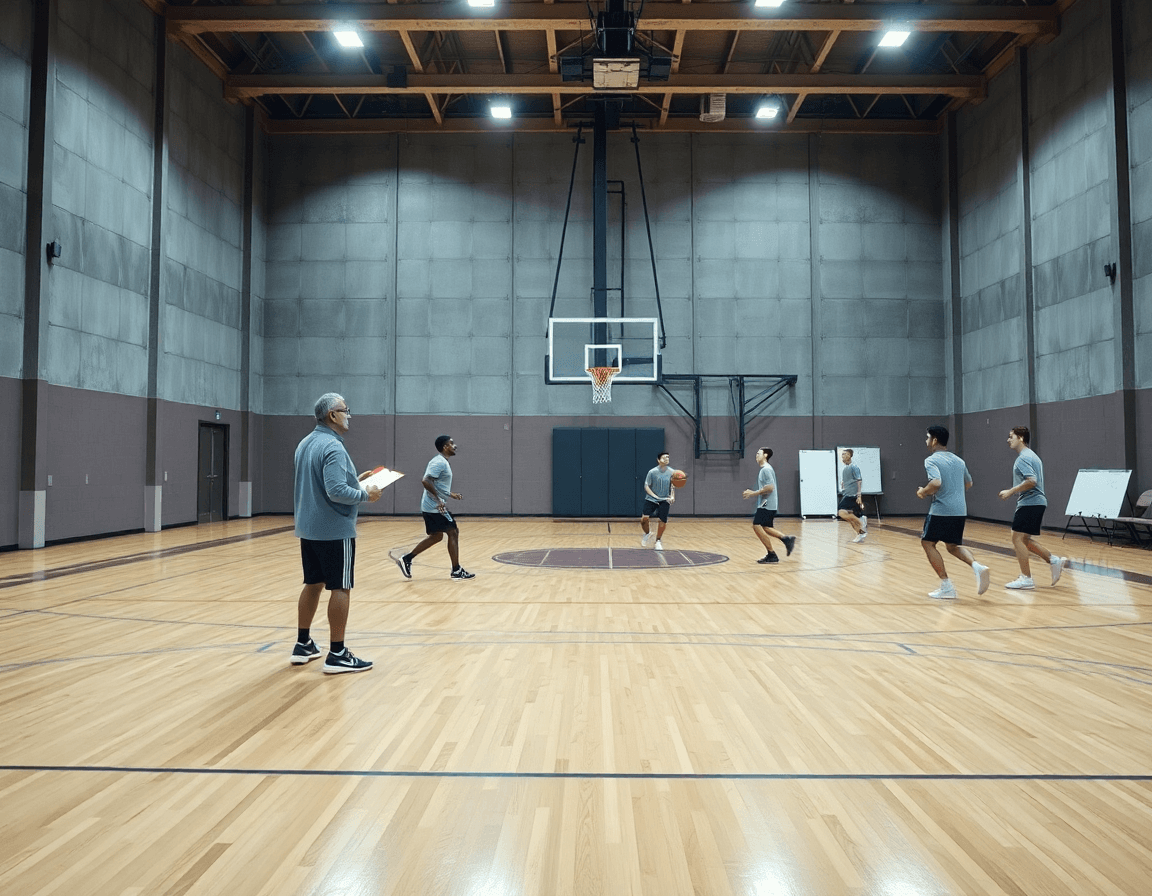
Basketball Practice Plan Template for Google Docs
A coach-focused guide to a weekly basketball practice plan template google docs, outlining warm-up, skill work, team concepts, scrimmage, and cooldown.

Key takeaways
- Start with a core weekly template (60- or 90-minute sessions) and adapt by age and level.
- Customize blocks (warm-up, skill work, team concepts, scrimmage) to match weekly goals.
- Leverage a shared Google Doc and export a PDF for print-and-go on-court.
- Use a templated library to assemble plans quickly and maintain consistency across staff.
- Attach video clips and playlists to reinforce concepts and enable quick reviews.
Adapting a Google Docs plan for weekly workflow
Starting from a basketball practice plan template google docs, you want to move from a static page to a living weekly workflow. Start with a core weekly template that fits 60- or 90-minute sessions and adjust for age and level. Think of this as your skeleton: a cadence you can reuse, tweak, and share. A practical starting point is a concise outline that maps to your weekly goals, and a plan that can serve as your baseline for the week ahead.
Next, customize blocks: warm-up, skill work, team concepts, scrimmage, cooldown — to match the upcoming week’s goals. For example, you might run a dynamic warm-up, a 20-minute skill block, and a 15-minute team concepts segment, followed by a controlled scrimmage. These choices become your backbone of the practice plan template 60 minutes or 90 minutes, depending on your roster. The idea is a flexible, predictable flow you can rely on when you’re setting up the plan in your plan-in-progress.
Use a shared Google Doc to capture weekly objectives and notes from assistants, then export a PDF for print-and-go on the court, while keeping a living digital version for updates. Leverage a templated library to quickly assemble plans and maintain consistency across staff. When you’re ready to elevate execution, you bring in CourtSensei features: plan templates, a tactical whiteboard for diagramming BLOB/SLOB/ATO/PnR, a library of drills, video clips, scouting reports, and shareable playlists for players. Your weekly plan becomes a workflow that slides from the plan in the plan to the on-court reality—short video clips to illustrate a concept, scouting notes to prep for opponents, and a playlist you can share with players.
Block structure for efficient sessions
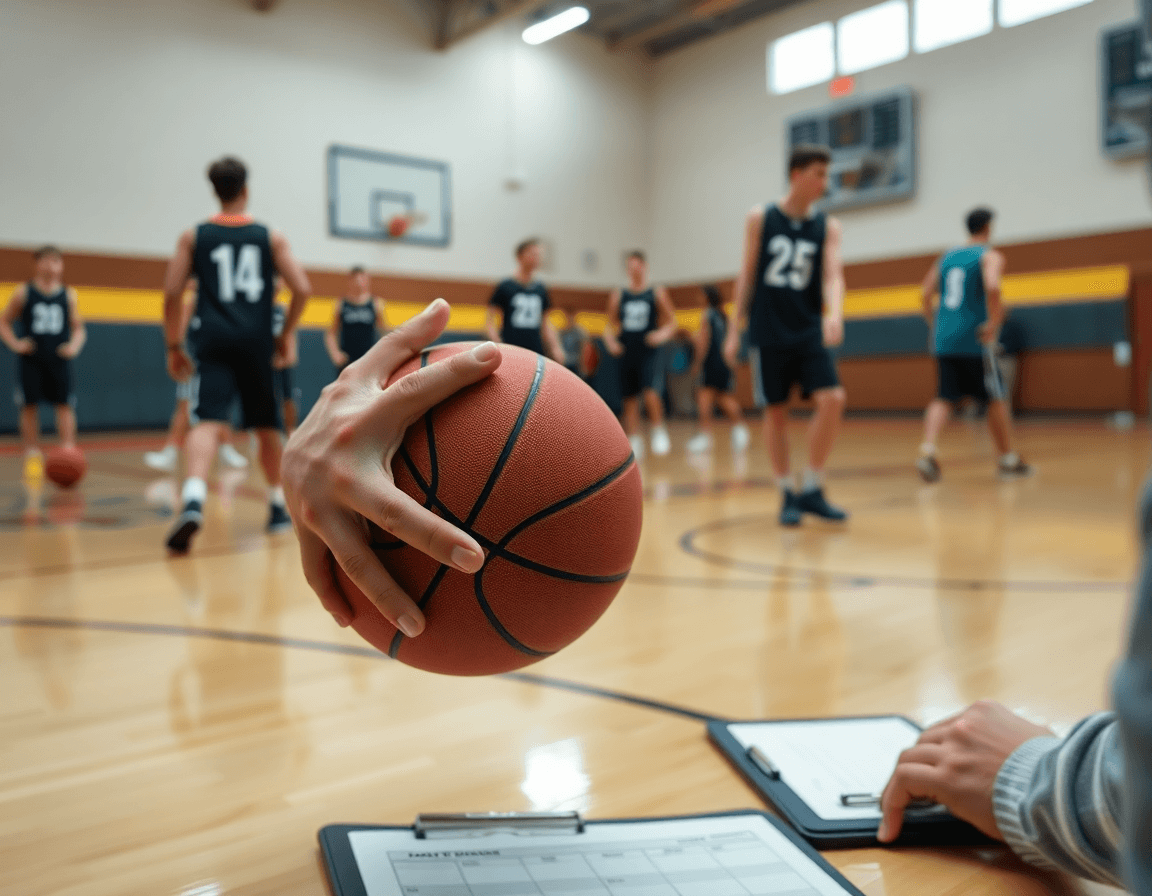
Block structure is the skeleton of a productive week. Typical blocks are Warm-up, Skill Development, Team Offense, Team Defense, Competition, and Conditioning/Closeout. In a 60-minute session, I guide the group through about 8 minutes of a dynamic warm-up, 20 minutes of Skill Development, 12 minutes on Team Offense, 12 minutes on Team Defense, 6 for Competition, and 2 for the closeout, with clean transitions between blocks. In a 90-minute session, I stretch to 12 for Warm-up, 28 for Skill Development, 20 on Team Offense, 20 on Team Defense, 8 for Competition, and 2 for Closeout. Aligning block aims with weekly objectives—neutralize opponent tendencies, improve spacing, pressure defense—keeps us focused. The plan starts as a basketball practice plan template google docs, but the real payoff comes when it becomes a living workflow in CourtSensei.
On the floor, the flow matters. Use the whiteboard to diagram plays and concepts (BLOB/SLOB/ATO/PnR) and export diagrams as PDFs for staff. A simple shell drill can be the anchor for the Team Defense block, letting us practice spacing and communication while we move through rotations. Clear transitions help keep players engaged and coaches sharp.
From a basketball practice plan template google docs, I map the week into CourtSensei's templates, attach a library of drills to the Skill Development block, drop in a few video clips to illustrate a concept, and keep scouting notes for the opponent in the background. When a block ends, I generate a shareable playlists for players to quickly review clips before the next session. That workflow minimizes wasted time and keeps players moving.
Plan sharing and collaboration with assistants
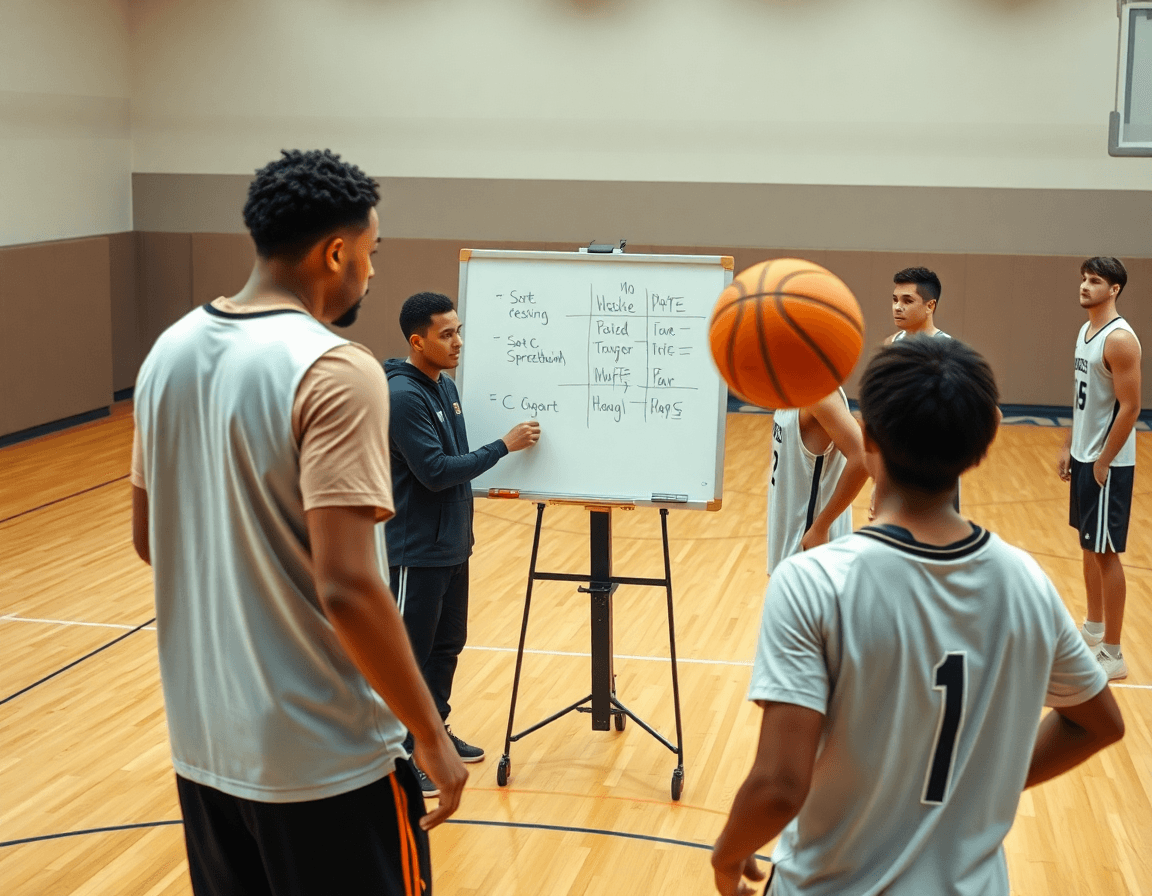
When I start a weekly plan, I begin with a basketball practice plan template google docs as the skeleton. Then I pull in a central library of drills and plays and map them into the plan. The real shift comes when I turn that template into a living workflow with CourtSensei: plan templates, a tactical whiteboard for BLOB/SLOB/ATO/PnR, and a library of drills I can reuse across weeks. That keeps the core framework intact while letting me mix in a new wrinkle for each level.
Plan sharing with assistants is where the work pays off. We use one-link sharing to give staff access with the right permissions, and use secure links to keep the material safe. For meetings, I export a PDF of the current week’s plan so we can review on the projector or printouts. When a walkthrough runs long, the plan travels with us rather than staying locked in the file.
Video plays a big role here too. I build a few playlists that group video clips by drill or concept and link them back to the plan. If we’re heavy on a 4-out spacing concept, the playlist surfaces the exact clip for a 2-on-2 shell drill and a sequence from our team offense; players can click and review during a timeout or on their own.
Feedback flow is critical. Allow staff comments on the plan and edits that land after practice; we incorporate those tweaks into the next cycle. The shared workflow helps us catch inconsistencies early and keeps everyone aligned without a million email threads.
Bottom line: you maintain consistency across practices while enabling level-specific adjustments. The plan becomes a living document that grows with the team while staying anchored to the core concepts like dynamic warm-up, team offense, and team defense. It’s a practical bridge from a standard template to a true coaching workflow.
Using video clips to reinforce drills and plays
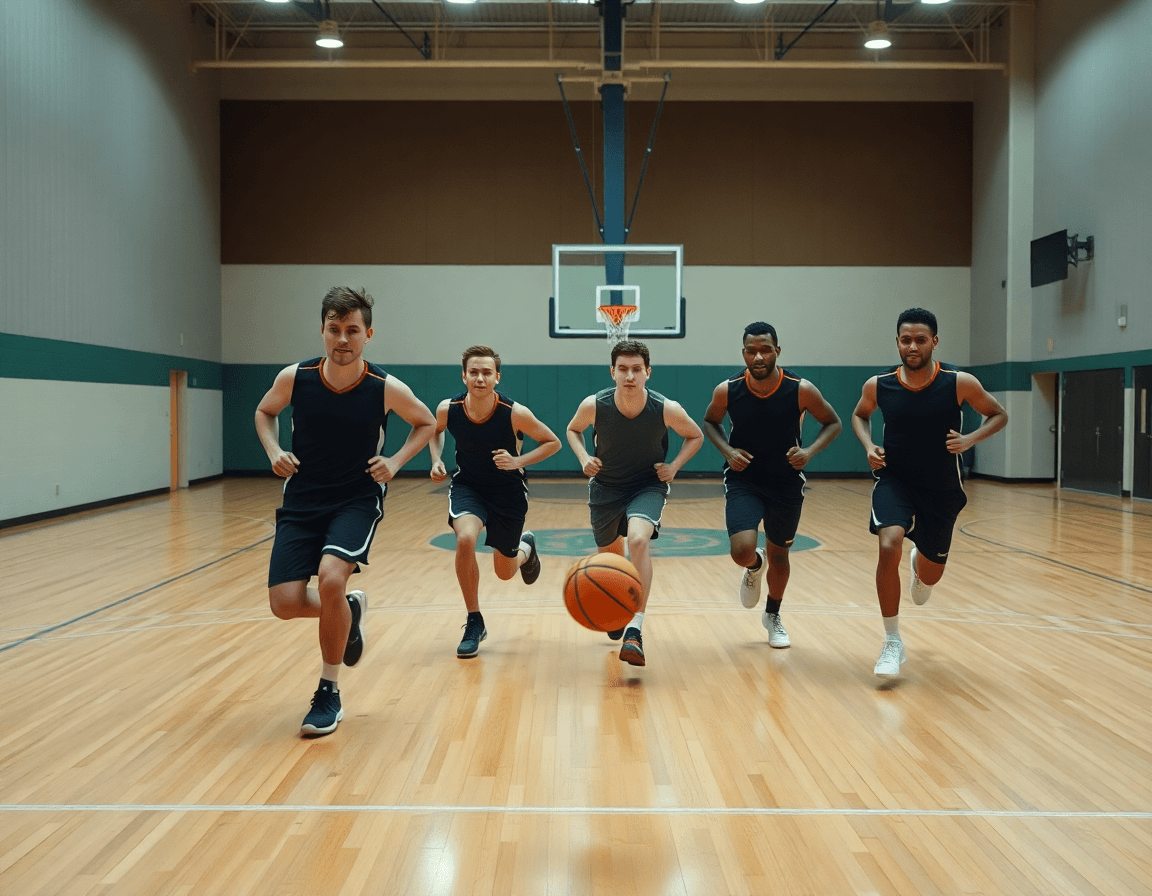
Starting from a basketball practice plan template google docs, I pull video clips from recent games and practices to reinforce the drills and plays in the weekly plan. I attach them to the relevant blocks on the whiteboard, so the diagram for a ball-screen or PnR shows not just the Xs but the cadence and timing. This keeps the plan dynamic and tied to real execution.
Then I organize those clips into playlists so players can review specific concepts outside of practice. For a 60-minute session, I build a playlist around our fast-break reads; for a 90-minute session, I add transition defense clips. The playlists live in the clip library and link back to the plan template in Google Docs. The clip workflow ties back to scouting notes for upcoming opponents.
On the board, I attach animated plays or video demonstrations to the whiteboard diagrams for clarity. If a diagram shows a cross-screen, I drop in the clip that shows hands and footwork in real time.
I share the clip library with players so they can study on their own to reinforce learning and accountability. We also annotate which clips back up a drill, and I track who watched them so the coaching staff can tailor feedback.
Video-backed planning accelerates understanding and execution on court. In practice, we can adapt on the fly if a defender overplays a gap, and players can pause and rewind to study the reaction and spacing.
Scouting and opponent prep in weekly cycles
Every week begins by turning a basketball practice plan template google docs into a living coaching workflow. I pull last game scouting notes and drop them into the plan as guiding principles, then sync them with our weekly blocks. Those observations become concrete targets in the plan: scouting reports shape defensive emphasis, opponent tendencies influence tempo and rotations, and the plan templates keep every coach aligned. The result is a single, actionable blueprint that travels from pre-practice huddles to late-week practice installations, instead of sitting on a shelf.
Next, I translate the most relevant insights into scout plays on the tactical whiteboard, diagramming how the opponent attacks in different action sets—BLOB, SLOB, and PnR variations. For each scout play, I pick a corresponding drill from the drill library and slot it into the week’s blocks (60–90 minutes for practice work). A quick export to PDF keeps assistants wired in and ready for the gym.
Midweek is when the video clips come alive: I pull video clips that illustrate the opponent’s tendencies and stitch them into a short loop for players. Clips are tagged by action and paired with a brief note for quick review at the end of practice. The plan becomes a hub—shareable playlists for players and assistants keep everyone synced, with links they can open from anywhere.
By Friday that weekly cycle is in plain sight: adjust the blocks, sprinkle in scout plays, and rehearse on the whiteboard before the gym opens. The scouting notes stay accessible through shareable links, and the plan’s momentum carries into the weekend. When the players step on court, preparation isn’t a memory game—it’s a guided workflow.
Practical workflow step: from plan to on-court execution
I start by building the weekly plan in Google Docs or the plan builder, laying out the blocks and aims for the session. Think in terms of a practice plan template 60 minutes (even a 90-minute version) and how the flow will feel on court. The goal is a clean skeleton you can flesh out during the week, with clear priorities for defense, offense, and transition.
On the tactical whiteboard, I diagram the plays we’ll run (BLOB/SLOB/ATO/PnR) and attach the corresponding drills or clips right to each diagram. It’s the moment where plan meets action—the diagrams guide the page, and the drills provide the exact reps needed to execute.
I import or link drills from the library and attach the relevant video clips to the blocks they support. This keeps the practice plan dynamic: if we tweak a rotation, the associated clips travel with it, and the players have quick access to the exact sequences they need. I also build concise playlists of clips for quick review.
Opponent scouting gets baked into the plan as actionable notes and scout plays. I’ll note tendencies, counters, and preferred sets so the staff can adjust on the fly. The goal is a living document that nudges us toward smarter decisions during the week.
Sharing is seamless: I export a PDF for staff and players or send a single link for quick access. The ability to pair a clean, printable plan with an online, always-up-to-date version keeps everyone aligned—especially when we need a quick refresh during a break.
We run practice, then finish with a short practice log to capture what went well and what to adjust. A few bullets about timing, player understanding, and execution feed directly back into the plan, closing the loop for the next cycle.
If you build plans like this every week, CourtSensei keeps your drill library, whiteboard, and video clips in one place — try it free.
FAQ
What is a basketball practice plan template and how does it help coaches?
Think of a practice plan template as a reusable skeleton you can apply week after week. It standardizes your blocks, drills, and aims, so you’re not reinventing the wheel every session. It saves prep time, keeps your coaching staff aligned, and lets you scale for age and level. Use it as a living document you tweak as needed.
How long should basketball practices run for younger players compared with high school?
For younger groups, aim for about 60-75 minutes; for high school, 90 minutes is common. Adjust by skill level, attention span, and travel schedules. The key is balance: enough time to build technique and team concepts without overloading players. Use this as a baseline and tune weekly.
Which blocks make up a typical 60- or 90-minute practice?
Typical blocks provide a predictable flow: warm-up, skill development, team offense, team defense, competition, and cooldown. In a 60-minute session, you might run about 8 minutes of a dynamic warm-up, 20 minutes of skill work, 12 minutes on Team Offense, 12 minutes on team defense, 6 minutes for competition, and 2 minutes to close. For 90 minutes, add more time to each block.
What’s a practical method to structure a plan that stays aligned with weekly goals?
Start with a core weekly template for 60- or 90-minute sessions and adapt for age. Map each block to your weekly goals and adjust based on opponent tendencies. Use a shared Google Doc so assistants can add notes, then export a PDF for court use. Treat the plan as a living workflow rather than a static page.
Are there Google Docs templates I can use for basketball practice plans, and can I share them with my assistants via a link?
Yes. Start with a base Google Docs template for basketball practice plans as a skeleton, then wire in a central library of drills and plays. Turn it into a living workflow with plan templates, a tactical whiteboard, and a drill library you reuse weekly. Use one-link sharing to give staff access and export PDFs for review.
How can you track progress across practices through a season and leverage video clips for coaching?
Use progress tracking by tying each week's blocks to measurable aims—spacing, decision-making, and execution timing. Keep a living document with notes from assistants and scouts. Use video clips to reinforce concepts: attach clips to relevant blocks and build accessible playlists players can review on their own or during breaks. This creates a concrete, season-long feedback loop.
