
Basketball Software Programs for Coaches
Explore how basketball software programs streamline a coach's weekly workflow—planning, play design, video, scouting, and playbooks in a webbased solution.

Key takeaways
- Identify your core weekly needs and pair them with a coaching workspace to avoid tool sprawl.
- Start with five recurring activities and map to capabilities like a planning library and play design.
- Choose an all-in-one platform to reduce tabs, setup time, and miscommunication across video and scouting.
- Build a practical weekly workflow with a live playlist linking drills, clips, and opponent notes.
- Budget for a cohesive platform that covers planning, video, and scouting with a clear per-coach price.
Identify the core weekly coaching needs
Every week, a coach runs a weekly cycle: plan the practice, execute on the court, review video, scout the upcoming opponent, and give feedback. This rhythm defines what a basketball software program must support. The goal is to have a single coaching workspace that keeps all moving parts in sync, from day one of planning to the end of the scouting notes. By mapping your needs to concrete capabilities, you avoid tool sprawl and keep your staff focused. In short, identify the core weekly needs first, then look for a platform that unifies them.
Start with the five activities that recur every week: planning, practice, video review, scouting, and feedback. For each, map to capabilities: a planning library supports practice planning; a solid diagramming tool covers play design; a space for video clips enables video analysis; a structured scouting notes/reports section houses opponent tendencies. A connected playbooks area stores sets and counters for quick access during film or on the sidelines. If you rely on PDFs or scattered files, you’ll appreciate how a unified workspace links plays, drills, and scouting into one playlist.
Prioritize features you actually use weekly to avoid tool sprawl. Start with the basics: a few drills in the planning library, a small set of plays in the play design area, and quick video analysis clips. Add scouting notes to capture opponent tendencies. Tie everything into organized playlists you can share with assistants via read-only links. If you’re evaluating software, lean toward a platform that lets you test a workflow with a free trial before committing, and keep the path from planning to scouting as simple as possible.

All-in-one vs specialized tools: which fits your weekly workflow
Basketball software programs come in many shapes, but the big question is whether to centralize tasks in one platform or stitch together best-in-class tools. An all-in-one solution that combines planning, diagramming, video, and scouting into a single coaching workspace can streamline the weekly cycle for a head coach or assistant. It reduces the number of apps to open, shortens setup time before practice, and helps keep everyone on the same page as you move from the plan to the court to the review.
Consider how easily plays, video, and scouting connect when they live in the same place. In a typical week, you can lay out the practice plan, design a couple of plays using play design diagrams, attach a short video clip for the breakdown, and append scouting reports so assistants can review. The result is a clean playlist that serves as a living playbook your staff can access and update. If you rely on separate tools, you may end up duplicating work or chasing data across tabs. A cohesive workflow makes the transition from practice planning to on-court execution smoother, and it keeps your team aligned around the same set of resources. Spotlighting items like a well-organized playlist and clear play design can dramatically cut down on setup time and miscommunication, especially during busy weeks with multiple games and scouting notes to process.
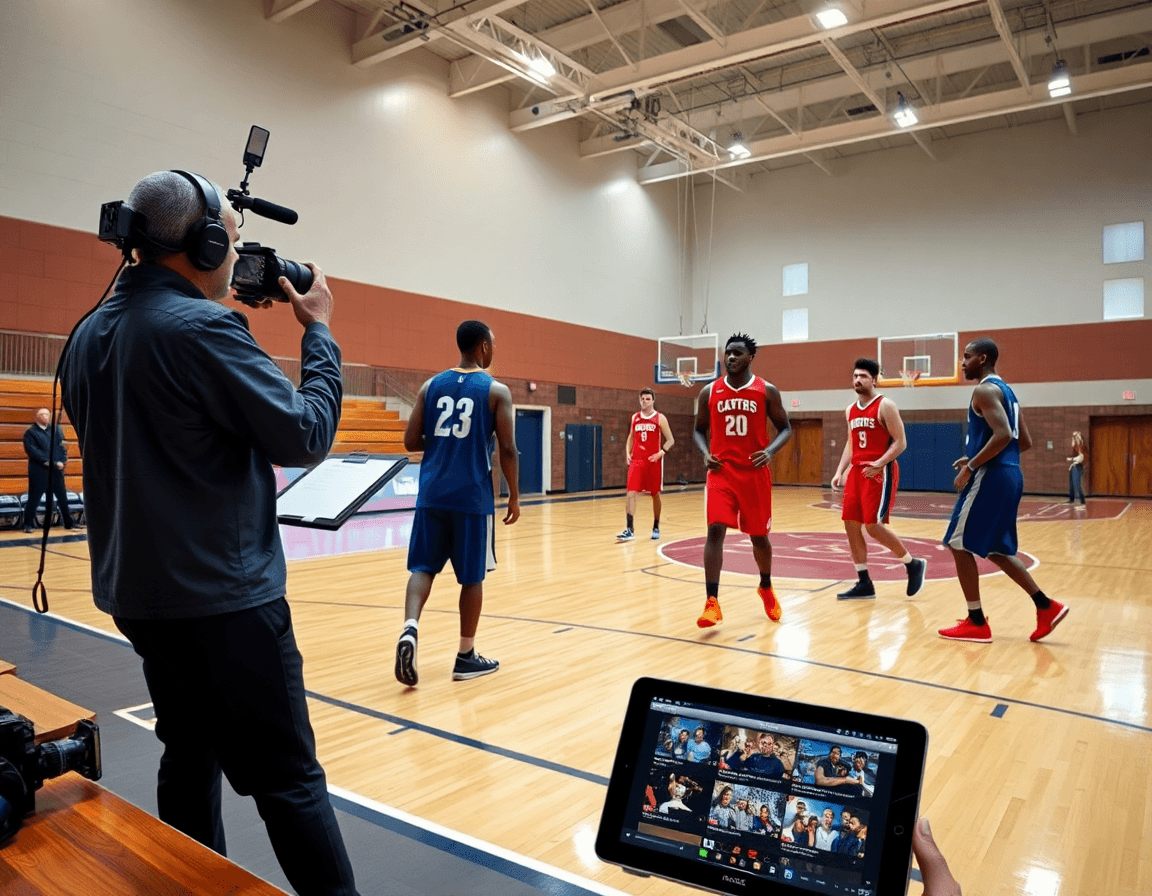
A practical weekly workflow with a basketball software program
On Monday, you pull the weekly plan from your library and assign drills to players or groups. This sets the tone for planning the week and gives you a concrete starting point for each session. Everything sits in your coaching workspace, so references stay organized and easy to share with assistants.
Tuesday is for play design: design or adjust plays and shot setups, then link them back to the plan. By tying diagrams and outcomes to your weekly objectives, you keep practice crisp and ensure that each possession looks purposeful when you teach it on the whiteboard.
Wednesday, you assemble a detailed practice plan with diagrams and clips, so your staff can reference plays from the board or on screen. This day focuses on tempo, spacing, and execution paths, turning concepts into a concrete, runnable session.
Thursday is the video day: upload, cut, and organize clips; build session playlists that mirror the day’s objectives. A well-structured playlist lets you pull the right clips in the huddle and keep drill progress aligned with the plan.
Friday, compile scouting notes and opponent tendencies. Convert field observations into quick reads for the staff and format them into opponent tendencies snapshots. When you annotate scout material, you’ll have ready references to inform decisions for the next week.
Saturday/Sunday: share playbooks and read-only links with staff; prep for next week by tightening resources and ensuring everyone knows where to find the diagrams, videos, and scouting notes. This keeps your coaching workspace cohesive and ready for the cycle ahead.

Pricing and scalability: what to expect
Pricing for basketball software programs varies widely, especially when weighing a unified coaching workspace against stitched-together tools. Expect variability in pricing; look for a per-coach price or per-organization model and clear trial options. A true platform that unifies planning, play design, video, and scouting typically comes as a subscription that unlocks all modules, not pay-per-feature.
In your weekly plan, you want one container for planning, plays, and video review. Budget for a platform that covers planning, video, and scouting rather than isolated tools—the kind of package that supports planning, play design, and video review in one place. When you build a playlist of drills and clips, the system should map them to a shared library you can organize on the tactical board and in your plays. A solid workflow ties play design to scouting reports, so you’re always aligned before the next practice.
Be mindful of add-ons or hardware that could affect total cost. Some vendors push cloud storage, extra features, or hardware for video capture; those extras can push the bottom line beyond the base. If a program leans into roster management or analytics as add-ons, factor those choices into the budget and choose a package that truly covers planning, video, and scouting in one place.
Finally, start with a free trial to confirm the subscription fits your routine. Test how the platform handles your week—practice planning, play design, video uploads, and scouting notes—and see if it genuinely streamlines your workflow.
Organizing plays, playlists, and PDFs for quick access
Organizing plays starts with clean play design. Create plays as diagrams using diagramming tools and group them by offense and defense categories to keep your library navigable during tight planning windows. For each diagram, add concise notes on spacing, rotations, and counters so anyone can run it without hand signals. When you label plays by category, you can pull the exact set you need during a quick walk-through or at the chalkboard without rifling through folders. This structure also makes it easier to reuse concepts across drills, preventing you from reinventing plays every week.
Build playlists for practice sessions and game prep; export PDFs of playbooks. A playlist groups related plays, drills, and transition actions into a repeatable flow. You can time out a 90-minute practice, starting with warm-ups, moving through diagram-reviewed sets, then live reps. When ready, export PDFs of the playbook to share with assistants or print for sideline use. Players access the same organized material, reinforcing consistency across sessions.
Keep actions, drills, and scouting notes linked within a centralized workspace. This linked structure keeps the learning loop tight: a fast-break action tied to a drill, and the scouting note on a defensive reaction sits in one place. As scouting reports evolve, update the references so the whole staff sees the latest context. The result is faster weekly prep and clearer play execution when it matters most.
Common pitfalls and quick wins
The biggest pitfall is juggling multiple tools—spread sheets, video platforms, and scouting apps—that fragment your week. The quick win is to lean into a cohesive coaching workspace. Use standardized workflow templates to map your week from planning to scouting, all in one place.
Another trap is inconsistent planning across practice and game prep. Fix with templates for practice planning and play design. Build a weekly plan that links drills to plays, tracks time, and drops into a single playlist for easy access on game day.
Scouting reports and video often get scattered. Create standardized scouting reports templates and organize video clips into playlists tied to opponent actions. In your weekly plan, attach scouting notes to the relevant playbooks or drills, so the connection between data and decisions is clear.
Sharing is where many coaches lose control—emails, drives, and PDFs that go out of date. A quick win is to distribute plans with read-only links so staff can view but not edit. This keeps versions clean and ensures everyone stays aligned during the week.
If you’re unsure about the workflow, try a free trial and test how templates, playlists, and scouting notes weave together. Focus on a few simple quick wins first: standardize your planning templates, curate a couple of playlists, and start sharing using read-only links. The result is a tighter, more predictable cadence—without leaving your coaching toolbox.
FAQ
What is the best basketball coaching software for a medium-sized program?
For a medium program, prioritize an all-in-one solution that unifies planning, play design, video, and scouting in a single workspace. CourtSensei delivers this integrated flow: a planning library, clear play design diagrams, and a library of video clips with organized playlists. The result is less tool sprawl and easier collaboration from planning through on-court execution.
Is there free basketball coaching software available with a solid feature set?
Yes—many vendors offer a free trial to test core workflows. Expect features like a planning library, video management, and basic scouting notes, often with limits on storage or advanced tools. Use the trial to map your weekly cycle from planning to scouting. If you outgrow the free tier, look for a scalable platform that keeps your workflow intact.
Do I need separate tools for plays, practice, and scouting, or is an all-in-one solution sufficient?
An all-in-one coaching workspace often fits a weekly cycle well: plan, design plays, review video, and capture scouting notes in one place. It reduces data handoffs and setup time. If you rely on separate tools, be prepared for duplication and harder cross-reference. The question is whether the workflow from plan to scouting stays smooth.
How much does basketball coaching software cost in 2026 and what drives the price (per coach vs. per organization vs. enterprise)?
Pricing varies widely. Look for models such as per-coach or per-organization subscriptions, and seek clear trial options. A unified platform that bundles planning, play design, video, and scouting tends to be more predictable than pay-per-feature setups. Watch for add-ons (storage, support) that can push the total, and ask about tiered plans that fit your program size.
What features should I look for when choosing basketball coaching software (video, tagging, play diagrams, scheduling, registrations)?
Focus on features that support the weekly routine: a robust planning library of drills, clear play diagrams, a space for video clips with organized playlists, structured scouting notes, and shareable playbooks (PDF export). Ensure you can share read-only links and connect drills to your plan. A cohesive setup saves time and reduces miscommunication.
Can I start with a free trial and what should I expect during vendor demos?
Yes—start with a free trial to run a real weekly cycle: plan, design plays, upload clips, and review scouting notes. In demos, expect a walkthrough of the coaching workspace, with examples of playlists, diagrams, and shared access. Have your current plan-to-scouting process ready to map to the platform, and ask about onboarding and ongoing support.
