Free basketball coaching software workflow
Explore a coaching workflow with free basketball coaching software, and see how a workspace for plans, video, plays, and scouting boosts efficiency.

Key takeaways
- Define weekly coaching priorities and map time blocks to warm-up, skill work, and drills.
- Build a drill library and structure sessions by objective and time; annotate with coaching cues.
- Draw plays with the play designer, link to drills, save templates, and export PDFs for staff.
- Attach plays to weekly plans to ensure on-court repetition and staff coordination.
- Establish a video workflow: upload, clip, organize, create playlists, and share read-only links.
- Keep it lean using free tools and a unified workspace so plans stay actionable.
Define your weekly coaching priorities
Define your weekly coaching priorities.
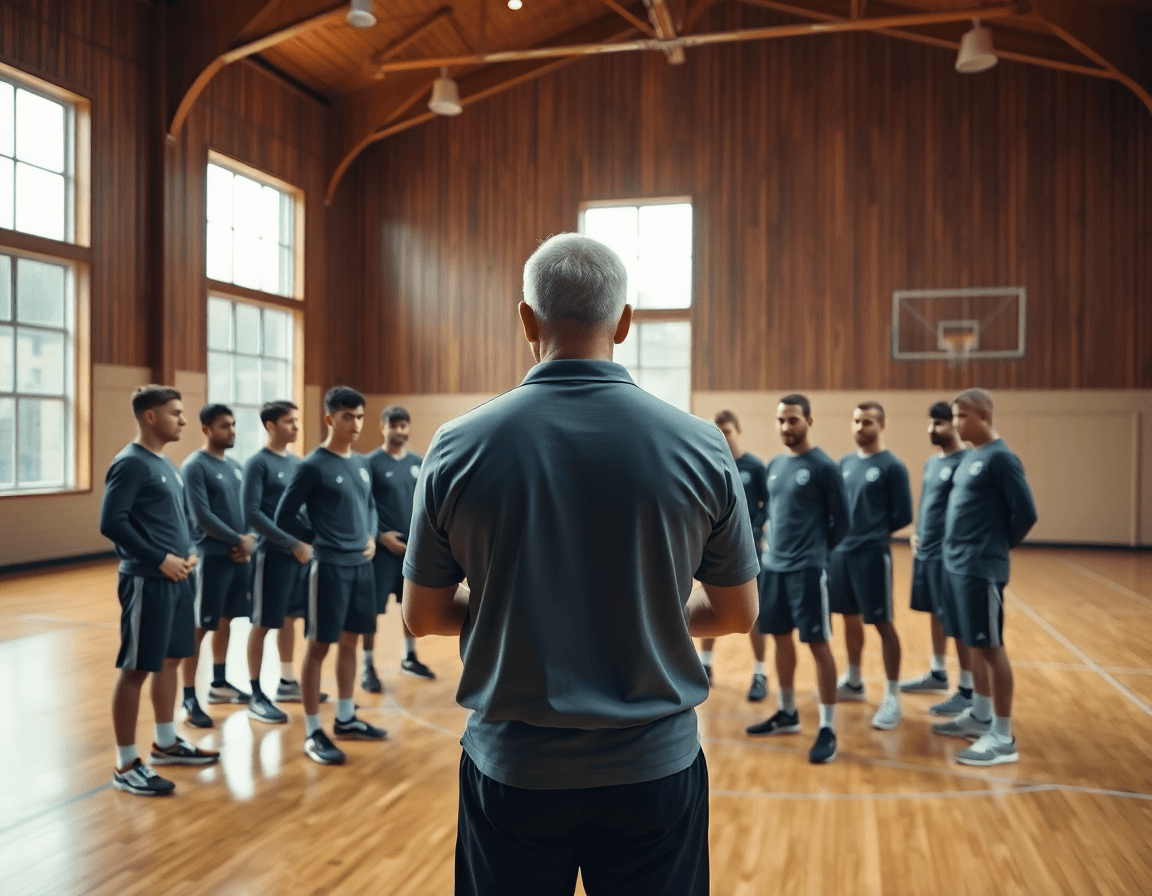
Identify team objectives for the week (skill focus, team defense, situational reps). Map time blocks to practice components (warm-up, skill work, team drills, review) to create a simple plan outline that can be executed with free tools and your own coaching notes, forming your weekly workflow. This approach keeps the focus on what matters most in the coming days and prevents last-minute scrambling.
Turn those priorities into a concrete structure.
Use a couple of flexible blocks for each day, and let the plan evolve as you assess players day by day. A straightforward mapping helps you stay consistent: begin with a brief warm-up, move into targeted skill work, then run team drills that mirror your game plan, and finish with a quick review. This is where a unified coaching workspace shines—you can sketch the plan, then incorporate a play designer, video uploads, and scouting notes as the week unfolds. Keep it lean: the goal is a clean, actionable outline that you can execute with the tools you already rely on.
Example in practice (week-at-a-glance).
On day one, you might center on ball-handling and decision-making in your drill library basketball setup, then couple it with situational reps. On day two, emphasize defensive communication and shell principles. On day three, run a short video clip after practice to highlight a couple of reads, and add scouting notes for upcoming opponents. The point is to keep a steady rhythm: plan, execute, review, repeat. By framing the week around clear priorities and a practical workflow, you free mental bandwidth for adjustments on the fly and stay aligned with your players’ development.
Build a drill library and structured sessions
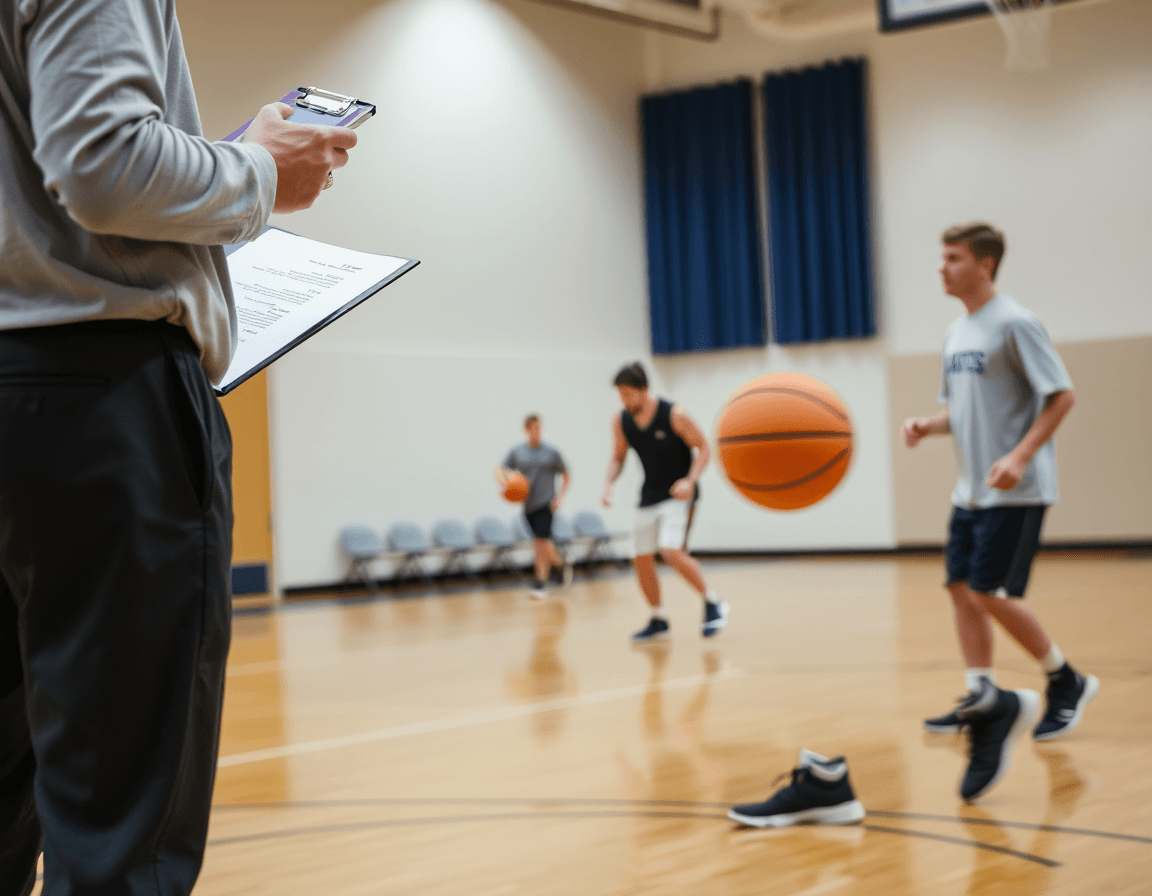
Every week starts with a starter kit. A solid drill library lets a coach assemble a starter set of progressions using a free drills library. Build it around core skills: ball handling, shooting off movement, and decision-making in spacing. Start simple, then layer complexity—stationary dribbles, dynamic cone work, and 2-on-2 actions. As you add progressions, map each drill to an objective and a time block. Over time, the collection becomes a ready-to-use resource for your weekly plan, and you can link drills to your own plan library or notes for quick retrieval.
Structure sessions by objective and time, then annotate with coaching cues. For example, dedicate 20 minutes to a shooting progression tied to a clear objective (catch-and-release under pressure, catch-and-shoot with movement). Break it into blocks: warm-up, skill work, and a short defensive drill. Tag each drill with a cue list: stance, footwork, eyes, and decision points. In a weekly routine, this is where a coach shifts emphasis from technique to decision-making, using a short video clip or diagram on the tactical board to reinforce the cue.
Link drills to your plan library or notes for quick retrieval. After you finalize a drill, attach it to the corresponding weekly plan and add a quick scouting note if needed. This keeps you from flipping through sheets mid-practice. A well-connected drill library also makes it easy to pull related drills when prep for an opponent exposes a particular weakness. If you use video, attach a brief clip to illustrate the progression and keep the workflow tight. In CourtSensei, you can connect drills from a free library to your plan library and notes to support a cohesive weekly routine.
Draw plays and practice scenarios
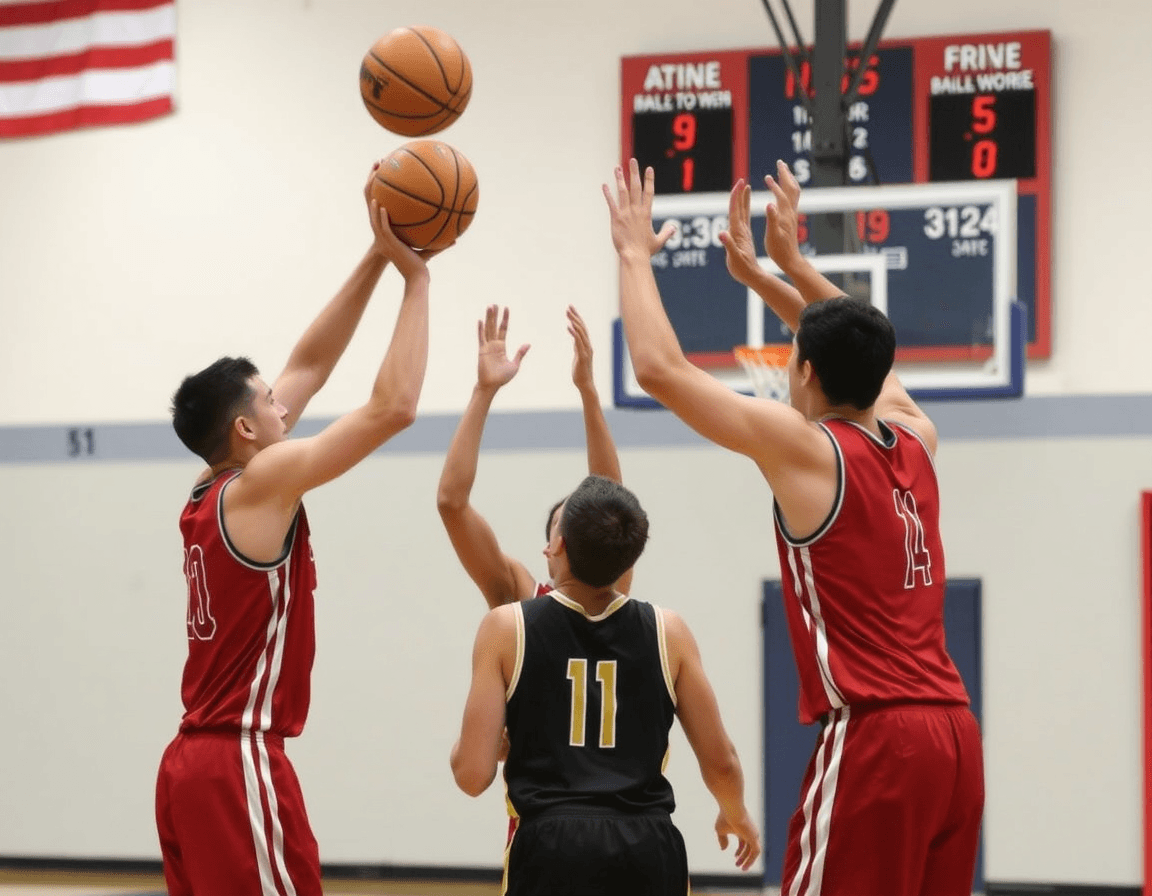
Draw plays and practice scenarios with the play designer tool. It lets you sketch offensive and defensive sequences on a court diagram, map ball screens, backdoor cuts, and rotations with a few taps. Each sequence can be linked to existing drills in the drill library to ground it in practical reps. If you’re starting with free basketball coaching software, you can begin here and then bridge those elements into CourtSensei’s unified workspace for the week ahead.
Save plays as templates and use PDF export to share with assistants and players. Turn a line of action into a reusable blueprint, then hand out a clean PDF to your staff and players for the film session or pre-practice walkthrough. Having these materials ready in a printable format makes on-court reps smoother and keeps everyone on the same page, even when you’re switching between courts or facilities.
Attach plays to weekly plans to ensure on-court repetition. When a play sits in a plan, it becomes part of the weekly routine—each practice builds the same action at a similar progression point. Use the same set for multiple drills, vary spacing or tempo, and watch recognition grow. The goal is a cohesive rhythm: players know what’s coming, and your assistants can cue the action with confidence during drills and walkthroughs.
Video workflow: upload, clip, and organize
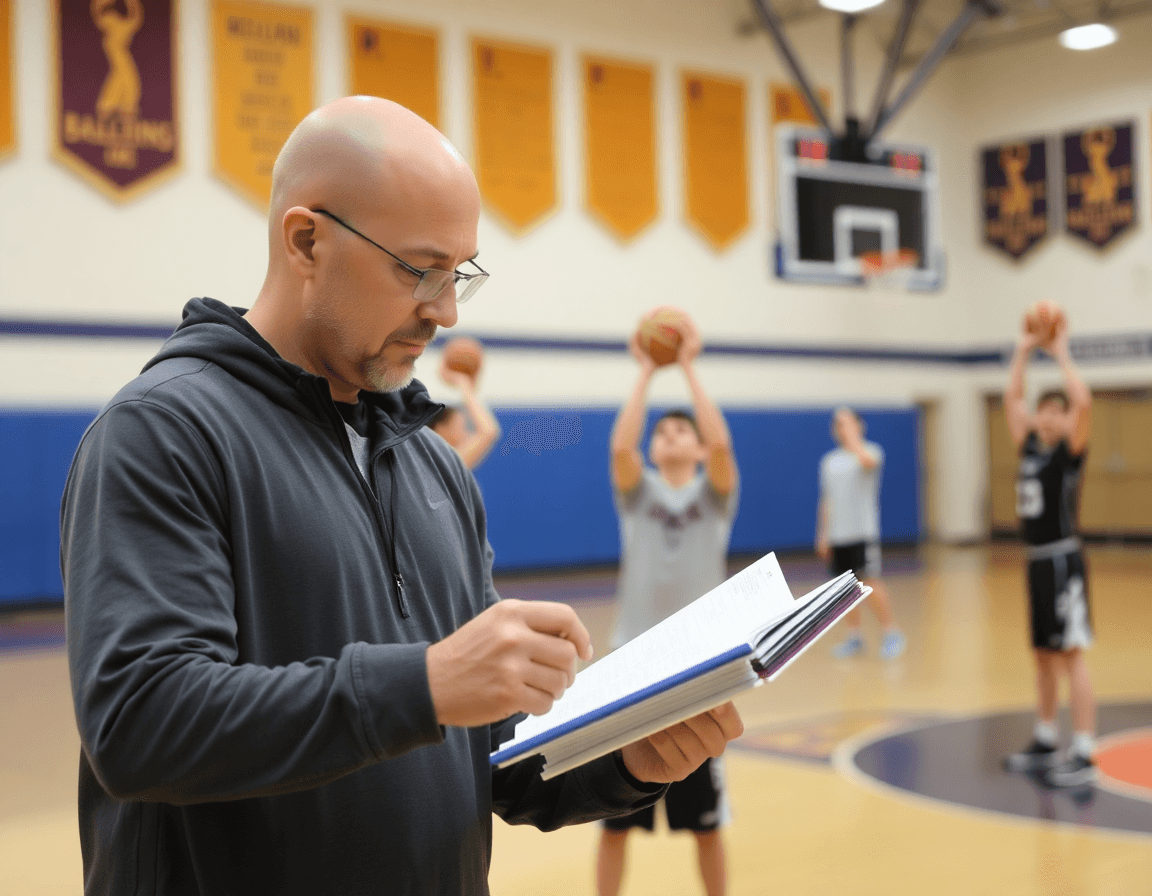
Video workflow is the engine behind a weekly coaching routine. You can upload game or practice footage, manually clip key sequences, and categorize clips into a growing library. This keeps all film in one place and makes it easy to pull the exact moments you want to show in team meetings or on the floor. Having a centralized source also reduces the time spent hunting for clips across drives. This is a core part of free basketball coaching software that keeps film organized and accessible.
Create playlists of clips for quick playback during practices or film sessions. A playlist keeps tempo during film study: short cuts for defensive rotations, longer sequences for offensive sets, and spotlight clips for individual players. It’s a fast, repeatable way to run through adjustments without fumbling through files. Label clips by opponent, play type, or defensive coverage to speed scouting notes later.
Share read-only links with staff or players for review without altering the clips. This lets assistants or scouts study the film and give feedback, while the original videos stay intact. It also protects the source material from accidental edits during busy weeks. Use a consistent naming convention to help teammates locate a clip in seconds.
All of this sits inside a unified coaching workspace that ties video work to training plans, plays, and scouting notes. When you map clips to drills in the drill library basketball or to a specific game-prep note, you speed up weekly workflows and keep everyone aligned. The setup also supports a clean weekly plan: pre-build a set of clips for Monday’s film session, then tweak them after Sunday scrimmage.
Scout reports and game prep
For a steady weekly rhythm, collect scouting notes and opponent tendencies in a centralized space. This keeps patterns—how they handle ball screens, where they trap late, and which rotations are vulnerable—visible to the entire staff. With everything in one place, it’s easier to build a coherent game plan and log adjustments in the team management basketball workflow. The result is a single source of truth that underpins decisions from practice planning to game night. If you’re starting with free basketball coaching software, moving to a centralized workspace can unlock a more efficient flow.
Organize game prep by scenario (press, late-game calls) and assign responsibilities for each matchup. When an opponent leans into pressure in the second half, designate a counter sequence, name a point person, and schedule a quick walkthrough clip. Tie the scenario to a drill or set from the drill library basketball to rehearse reactions and counters, ensuring a crisp, executable plan on the sideline.
Make notes accessible to your coaching staff ahead of matchups. Use read-only links to share scouting notes basketball with assistants and analysts so everyone can review before practice or travel. The centralized notes feed into the weekly plan, readable on a tablet or laptop, and ready to reference during timeouts or pregame huddles. When everyone sees the same material, the team can adjust quickly without losing tempo.
Practical weekly workflow: plan, practice, review
Sunday is your planning day. You finalize weekly goals and map out the practice blocks that will drive the sessions, using time-structured training plans to keep everything sequenced. This is where you set the tempo for the week, writing a compact checklist for X in weekly training to stay on track. In your coaching workspace, you lock in a few high-leverage blocks—skill work, quick-hitting plays, and film-ready drills to carry into Monday.
On Monday through Wednesday you run the planned blocks, executing drills and plays on the floor. You upload practice video, manually clip the moments you want to emphasize, and drop them into updated playlists for quick review. Tap into the drill library basketball for proven patterns, and use the play designer basketball to sketch and annotate actions that fit your week’s tempo.
Thursday and Friday are for the scouting beat-down: you finalize scouting notes and outline the opponent game plan. You pull tendencies from video clips, annotate what to defend and exploit, and attach relevant plays or drills to your weekly plan. Everything stays in the coaching workspace, so the scouting notes connect to drills, plays, and clips you’ve already prepared.
Friday and Saturday are for reflection. You review progress against goals, adjust plans if certain blocks underperformed, and prep for next week. Use read-only links to share a concise progress snapshot with assistants or the support staff, keeping the workflow clean and focused. This cycle wraps with an updated plan in the workspace, ready to hit Sunday again.
FAQ
What is free basketball coaching software?
Free basketball coaching software is a set of cloud tools that helps you plan, document, and share weekly workouts. It usually includes a drill library, the ability to draw plays, and a place to store video and scouting notes. A practical free workflow maps time blocks to warm‑ups, skill work, and team reps, then links drills and plays into a week. CourtSensei offers a unified workspace for this: weekly planning and drill library.
Do these apps work offline or require constant internet access?
Most coaching software today is cloud‑based and relies on internet access to sync plans, video, and notes. Offline access is usually limited. If you need to prep on the go, draft plans offline and sync when you’re connected. CourtSensei is designed as a connected workspace; expect online use to access the play designer, video library, and scouting notes.
Can I track shots and zones with a free coaching app?
Short answer: not typically. Tools like CourtSensei focus on planning, plays, video organization, and scouting—not shot tracking or zone analytics. You can still capture shot data in notes or scouting reports manually and use video clips to review decisions and defensive concepts.
Are there free play designer tools to create and share plays?
Yes. A basic play designer lets you sketch sequences on a court diagram, map actions, and link plays to relevant drills. You can export PDF exports to share with assistants and players. In a free workflow, start with a simple diagram, then attach it to weekly plans. CourtSensei includes a play designer with PDF export and linkable drills.
What features should I look for in basketball coaching software?
Look for a system that supports weekly planning, a growing drill library, a reliable play designer, easy video uploads and organization, and simple scouting notes. The right tool should let you attach plays to plans and export PDFs. Avoid features you don’t use, and beware of overpromises like AI analysis or roster management.
What are the best free basketball coaching apps for coaches and players?
Prioritize apps that enable planning, drills, video, and scouting in one place. CourtSensei positions itself as a unified workspace for these needs, though it does not include AI analysis, shot tracking, or roster management. If you want AI features, check each app’s specifics, but for a human‑led weekly workflow, a single, connected solution is often the simplest.
