Free basketball coaching app: weekly workflow
Explore a weekly coaching workflow with a free basketball coaching app concept: plan drills, build plays, organize video, and scout opponents in one workspace.

Key takeaways
- Create a weekly skeleton with warmups, skill work, team drills, and cool-down for consistency.
- Pull drills from a centralized drills library and map progression by age groups and goals.
- Export or share the weekly plan as a PDF export for assistants and players.
- Attach short videos and coaching notes to plays for quick adjustments midweek.
- Organize video clips with playlists and a clear playbook animation linked to drills.
Plan a Week of Practices with a Structured Plan Library
Start with a clean weekly skeleton: warmups, skill work, team drills, situational reps, and a cool-down. Think of this as your practice planner—a living blueprint you reuse each week. A solid skeleton helps you balance effort across practices, reduces decision fatigue, and keeps players fresh. Tailor the drills to age groups so the pacing and difficulty scale up naturally from Monday through Saturday. If you're evaluating a free basketball coaching app, this approach still maps to how you plan the week.
Pull drills from a centralized drills library and assign progression by age group and team goals. This keeps consistency across staff and ensures every session moves players toward tangible outcomes. Link each drill to a specific game prep objective—fast-break transitions, late-clock defense, or ball-screen rotations—so the weekly plan flows into what you’ll test in the next game.
Export or share the weekly plan as a PDF export for assistants and players. A clean PDF keeps everyone on the same page about daily goals, timing, and expectations, reducing back-and-forth during practice. It also provides a ready reference if a shift in staff occurs midweek, so the training stays on track.
Within your weekly workflow, attach a short video clip or a quick playbook animation to illustrate setup, then add some scouting notes about opponent tendencies to address in next week’s plan. Keeping video organization linked to planning helps the staff stay synchronized and ready to pivot if scouting reports flag new tendencies.
Visualize and Animate Plays to Elevate Installations
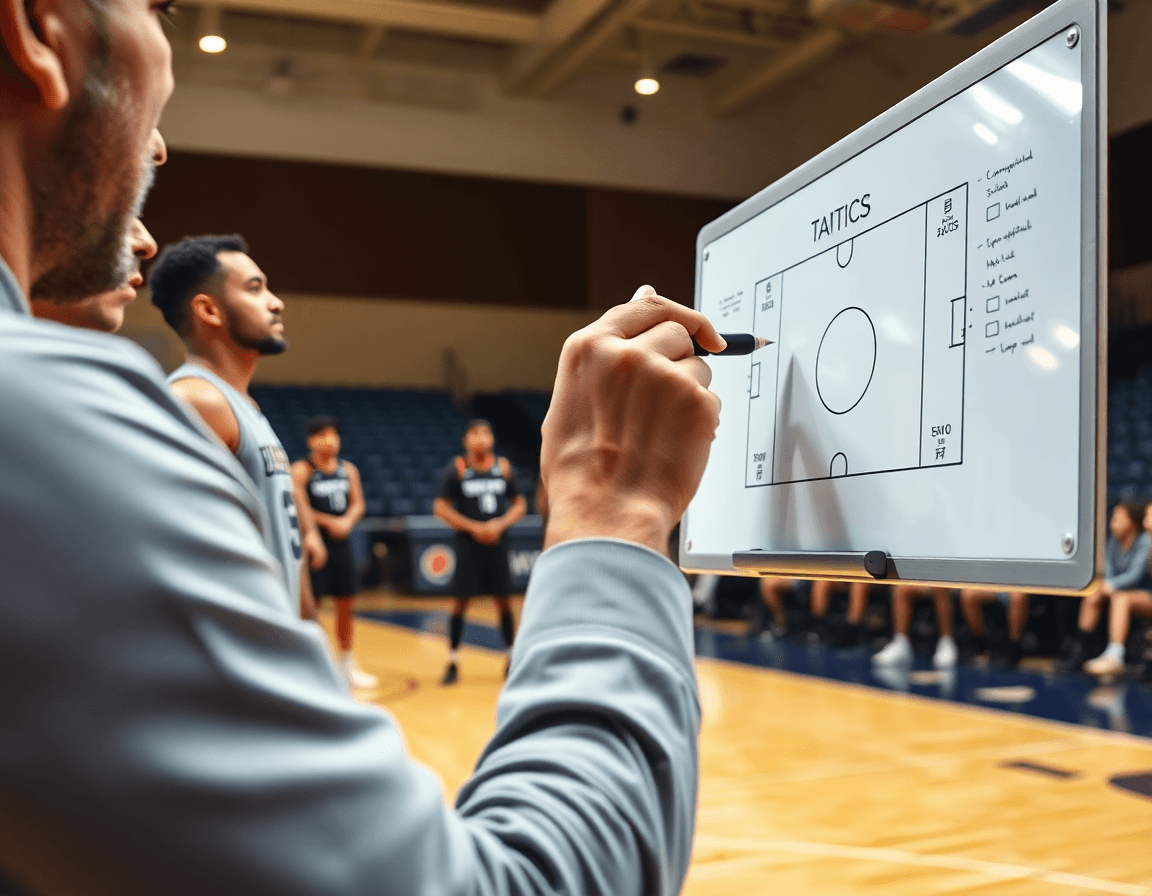
A coach can visualize spacing and timing by drawing plays and animating them to show how each movement unfolds on the floor. This kind of clarity makes it easier to teach install concepts, especially when players struggle with reading space or timing. Pair each action with a clear sequence in the playbook, so you’re building a library where plays connect to the drills and clips that teach them. Think of it as a practical use of play drawing/animation to elevate every installation.
Build a cohesive playbook animation by linking each play to the relevant drills and clips. When you drag a play into the plan, you’re tagging it with the exact practice you want to run—so a single play becomes a mini curriculum. The result is a more intuitive way to teach offense or defense during practice, and a faster path from concept to on-court execution. The linked structure also enables a straightforward route to export or share, which is where the next step matters.
Export a sharable PDF or a link for assistants and players, so everyone can review the install outside the gym. The ability to produce a PDF export or a clean shareable links URL reduces back-and-forth in scouting or film sessions and keeps the staff aligned. This is especially useful when you want to send a quick reference to scouts, or to the video staff for later breakdowns.
Attach coaching notes to each play for quick adjustments during the week. These notes—paired with a concise caption and a few lookup points—let you address adjustments without reworking the entire sequence. In practice planning, this streamlined approach supports a smoother weekly workflow within your training plan and keeps your scouting and video assets organized for rapid retrieval. The combination of coaching notes and a linked playbook creates a practical, repeatable process that coaches can rely on.

Organize Video Clips and Drills for Clear Instruction
Uploading game footage and practice clips into your video library sets the stage for clear instruction. Use clip editing to trim, label, and organize clips by topic—shell reads, on-ball decisions, transition sequences. Build topic-specific playlists that line up with your weekly plan, so you can pull the right clip at the right moment. When the tempo picks up during a session, a tidy video library and precise edits keep teaching moments crisp and repeatable.
Tagging and categorizing clips is your best bet for future sessions. By maintaining a simple taxonomy, you can reuse the same clip across drills, angles, and lineups. When players need a quick refresher, provide read-only links—no friction, just clean playback. Use these links to assign video homework, prep for scouting, or review a game highlight without piling on emails or messages.
Structure your days with playlists that map directly to the week’s teaching moments: Monday for defensive principles, Tuesday for ball movement, Wednesday for playbook animation walkthroughs. A well-organized playlist system acts as a storyboard for your sessions, guiding drills and clips as you progress. If you’re evaluating a free basketball coaching app, this approach—video library, clip editing, playlists, and video sharing—still holds. CourtSensei helps you connect clips to scouting notes and game-prep observations, keeping the staff aligned and ready for the next opponent.
Scout and Prep: Consolidate Opponent Tendencies in One Workspace
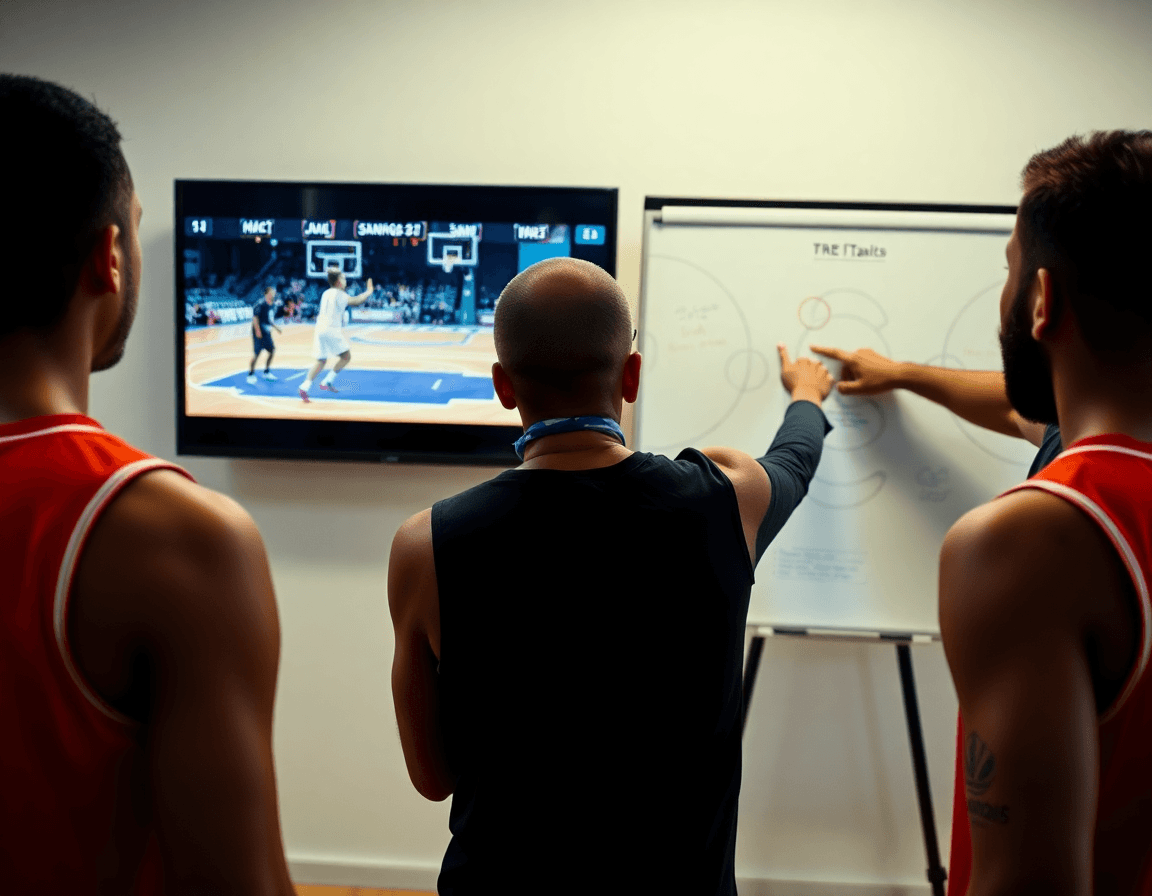
Think of scouting and weekly prep as your single source of truth for opponents. In a consolidated workspace, you generate scouting reports that distill opponent scouting tendencies—press-break patterns, guard rotations, late-clock reads—and pair them with notes that translate those findings into actionable adjustments. This keeps your notes, reports, and tactical insights searchable and accessible throughout the week, so the staff can reference a concise picture of the upcoming game.
Attach relevant plays and drills to scouted tendencies for quick recall. Bring in plays from the drills library, and use a playbook animation to illustrate a counter. Clip editing lets you annotate a specific sequence, while video organization keeps all clips neatly categorized. If needed, export a concise PDF to share with staff.
This is where the weekly cadence clicks: share prep docs with staff and set viewing permissions so sensitive notes stay private. A shared workspace ensures everyone is aligned on game plan—scouting reports, game prep notes, and attached plays stay in one place, and a quick PDF export can be handed to assistants in the last-minute huddle.
Link Actions, Drills, Clips, and Scouting for a Seamless Workflow
Cross-link actions, drills, clips, and scouting within the coaching workspace. This is where your workflow integration really pays off and asset linking keeps everything cohesive. Even if you're evaluating a free basketball coaching app, start with a scouting note, pull a relevant drill from the drills library, map it to a play in the playbook animation, and attach a clip that shows the decision point. When these elements are linked, the weekly plan reads as a single stream rather than a collection of scattered files. Use read-only links to share the cohesive plan with players and assistants.
Design practice sequences that flow from scouting insights to on-court reps. In your plan, harness the play and drill linkage to map a scouting insight into a specific drill, then attach a clip that shows the actionable cue. Design the sequence so it guides players from warm-up through a core rep and into a quick review clip. This approach keeps the workflow tight and ensures the training plan, video organization, and on-court execution stay in sync.
Use read-only links to share a cohesive plan with players and assistants, while a PDF export provides a printable snapshot for staff meetings. The linked assets also feed into scouting reports, keeping everyone aligned on opponent tendencies and the adjustments for the week.
Practical Workflow Step: 60-Minute Weekly Prep
Step 1: Open scouting notes for the next opponent; identify two focus areas. In the coaching workspace, pull up the scouting notes, scan opponent tendencies, and lock in two concrete priorities—like clogging the lane on drives or denying weak-side catch-and-shoots—for quick reference during walkthroughs and film sessions. This keeps your weekly prep laser-focused from the jump.
Step 2: Draft the weekly practice plan and assign drills and plays from the library. Use the drills library to assemble sessions and the practice planner to assign specific drills to days and time blocks, ensuring a robust weekly plan that covers offense, defense, and transition. Lean on the checklist for weekly plan to verify nothing slips through the cracks and the team stays on the same page.
Step 3: Build or refine plays with animations and attach to the plan. Create or tweak two or three core sets with the play drawing/animation tool, then attach them directly to the plan so staff can study the movements in a quick glance on the board or tablet. A clean, animated playbook helps the staff visualize the action without hunting through separate files.
Step 4: Upload or clip game footage for teaching moments and add to playlists. Upload footage or pull from existing clips, perform clip editing to highlight teachable moments, and drop the clips into teaching playlists tied to the week’s plan. This makes it easy to pull a short clip during a meeting or before practice as a reminder.
Step 5: Generate and share a staff-friendly PDF of the week’s plan and notes. Export a concise PDF that captures the week’s plan, scouting notes, and key teaching moments, then share it with assistants to keep everyone aligned ahead of the first session of the week. This is the week’s final reference point for everyone.
FAQ
How can I plan a week of practices with a free basketball coaching app?
Start with a clean weekly skeleton: warmups, skill work, team drills, situational reps, and a cool-down. Treat it as your practice planner—a living blueprint you reuse each week. Adjust pacing by age group, from Monday through Saturday. Even in a free app, this framework keeps your sessions consistent. CourtSensei helps you connect drills, clips, and scouting notes into that weekly flow.
What features should I look for in a drills library and progression in a coaching app?
Look for a centralized drills library and clear progression by age group and team goals. Tag drills to game prep objectives—fast-breaks, late-clock defense, or ball-screen rotations—so your weekly plan flows into next-game testing. CourtSensei offers a drills library with progression tagging and links to plays and clips to keep everyone aligned.
How can I visualize plays and export playbooks in a free coaching app?
Draw plays and animate timing to show spacing and movement. Attach a clear sequence in the playbook so plays become a mini curriculum. When ready, export a PDF or share a link for the staff and players. This reduces on-court confusion and keeps installs aligned with your weekly plan.
How do I attach scouting notes to the weekly plan and address opponent tendencies?
Think of scouting notes as the knowledge base for your week. Attach notes to relevant plays or drills, so adjustments live where you teach them. Generate opponent tendencies—press-break patterns or late-clock reads—and connect them to a play or drill. Export a concise PDF export if needed, and keep the workspace searchable for quick recalls.
Can I organize video clips and share read-only links in a free app?
Yes. Upload your video library, trim, label, and organize clips by topic—shell reads, decisions, transitions. Build topic-specific playlists that map to your week, then share read-only links with players or staff. Tagging and simple taxonomy keep clips reusable across drills and lineups.
Does CourtSensei offer AI coaching or form analysis?
Not at this time. CourtSensei does not provide AI analysis, auto-tagging, or predictive coaching. It focuses on structured planning, a drills library, video management, play drawing, and scouting within a single workspace. If AI features matter, compare those needs to a product category rather than CourtSensei's offering.
Who is CourtSensei best suited for in weekly planning?
CourtSensei is built for head coaches or assistants in clubs, youth teams, high school, university prep, or semi-pro levels. It centers on planning, video, drills, and scouting. It is not designed for parents, players, or one-on-one training programs, and it should be evaluated as a weekly workflow tool for your coaching staff.
