Basketball Scouting App: Weekly Coach Workflow
A coach-focused guide to using a basketball scouting app in a weekly workflow, integrating film, tagged data, reports, and scouting notes with Playbook.

Key takeaways
- Set clear weekly scouting goals in your basketball scouting app to focus opponents and metrics.
- Align those goals with your training objectives in the coaching workspace and lock a single weekly objective.
- Translate targets into concrete actionable items and link insights to a drill and clip for staff visibility.
- Maintain a simple, searchable film library with labeled clips and tagged data to filter by matchup or defensive look.
- Export a PDF export for the weekly plan and assemble video playlists to align drills with counterplays.
Set your weekly scouting goals
Begin the week by deciding what you want to learn about opponents—personnel, schemes, tendencies—and which metrics to track. In a basketball scouting app workflow, those decisions sit inside your coaching workspace, alongside film access and tagged data so you can see how insights line up with your plan. Frame your goals clearly as your weekly targets—your weekly scouting goals—so you’re building a concrete scouting lens for the next practice.
Next, align those goals with your training objectives and lock them into a simple plan within the coaching workspace. Choose 1 primary objective for the week and 2 supporting targets, then map them to the drills, film sessions, and scouting reports you’ll push into your plan. With CourtSensei, you can attach scouting notes to specific clips, tag footage by opponent tendencies, and keep the entire workflow in one place so you aren’t scrambling between apps. This alignment turns a scattered week into a cohesive routine and keeps your players focused on the right reads during prep.
Finally, translate those targets into a concrete item for the upcoming practice. For example, if scouting notes show the opponent relies on a ball-screen attack, set an actionable item like: “Monday practice—practice hedge recovery and quick rotations; review 2 clips; run a short video clip during warm-ups.” In your coaching workspace, link the insight to a drill and a clip so the plan is visible to the staff in one place. This is how you turn scouting into a productive weekly cycle.
Streamline film access and tagging
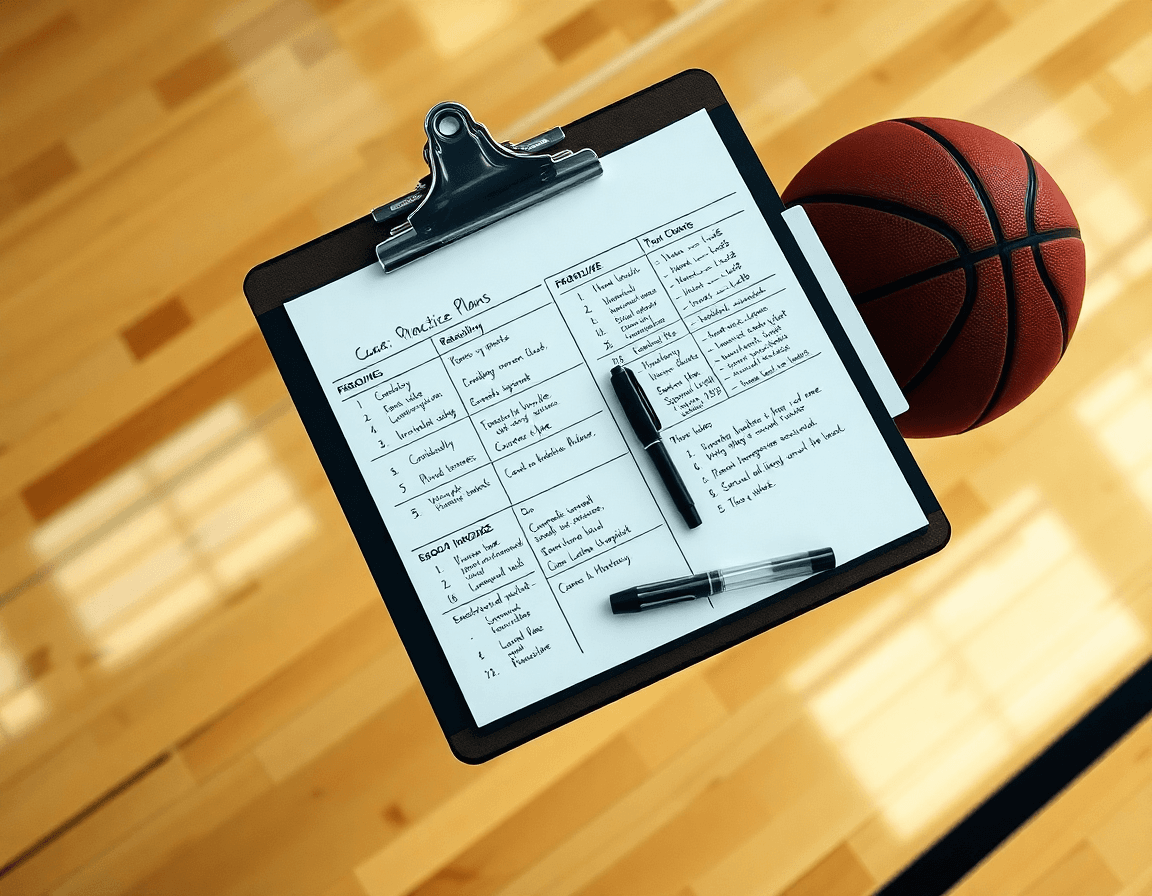
Within a weekly coaching workflow, set up a season-film library with logical folders and labeled clips (opponent, play type, defensive scheme). This is the film access backbone for your scouting app. When notes point to a specific matchup or defensive look, drop the clip into the right folder and label it accordingly. CourtSensei keeps this library connected to your plan, so you can pull relevant footage during prep, annotate on the fly, and share a compact tape package with assistants. It’s more than storage—it’s a centralized hub that links film, scouting, drills, and play creation into one smooth weekly rhythm. Focus on keeping the structure simple and searchable, so your plan stays faster than the clock.
Manually tag clips to capture context (positioning, sequence, matchup) for quick retrieval. With tagged data, filters pull you to the exact moment that illustrates a principle or a matchup pattern. The workflow stays practical: a short clip on a sideline decision, a zone-rotation sequence, or a ball-reversal thread. These tags make it easy to build a scouting narrative that supports the upcoming week’s practice plan. There’s no reliance on automated tagging here—coaches control the context and precision, which keeps the process aligned with your game plan.
Summarize findings in a scouting report section ready for practice planning. After tagging, distill insights into a concise scouting report that highlights tendencies, cues, and exploitable patterns. Link those insights to the weekly plan: pull specific clips into practice playlists, attach drills to counterplays, and create teaching sequences for the next session. In short, this approach tightens the bridge from film study to on-floor coaching, keeping your video workflow and scouting notes in one place for the week ahead.

From scouting to drills: building weekly plans
Your week starts with scouting. In a basketball scouting app, you pull opponent tendencies from film and notes, then translate them into a concrete weekly training plan. The idea is to build practice blocks around the insights: a Tuesday session focused on press-break timing, a Thursday drill block to sharpen late-game decision making. Keep the plan time-blocked so you can see daily objectives and recovery days.
Take your scouting notes and map them to drills from your library. Each drill should target a concept exposed by your scouting: ball-screen rotations, transition timing, or weak-side shooting. Link these drills to a playbook entry or sequence on the board, so when players run the drill, they rehearse the corresponding play during practice.
In the plan, annotate session goals and court positions, and outline expected outcomes. The system allows you to export or share PDFs of the scouting-driven plan for staff and players. This PDF export ensures everyone starts practice with the same expectations and keeps your notes attached to the drills and plays.
Finally, weave the plan back into your game prep. A concise scouting note, a quick video clip, and a linked playlist help keep the weekly cycle tight. The result is a cohesive coaching workspace where film access, scouting, and drills connect to drive your team’s preparation for the next game.
Draw and animate plays for quick prep
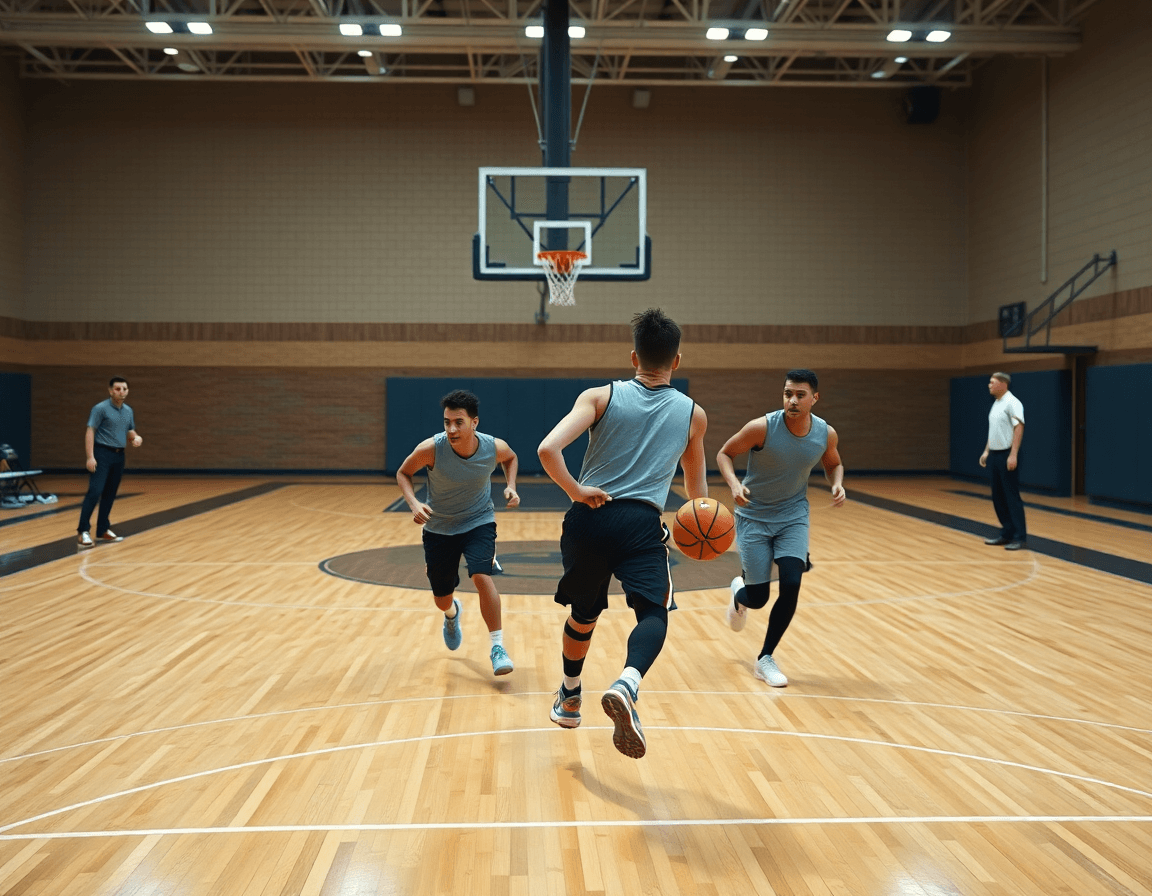
In your weekly prep, you diagram and animate plays to visualize situational concepts. Use CourtSensei to sketch routes, set actions, and run through options on the board or screen. Think of it as building a living playbook with video diagrams you can tweak before practice. A simple scenario: draw a late-clock inbound and map three options—drill the ball handler, slip to a shooter, or run a stagger away from the ball.
Create clip-based plays: pull short clips that illustrate a concept and assemble them into a playlists for meetings or film sessions. Show how ball screens, staggered screens, and off-ball cuts unfold, pausing to discuss adjustments. These clip-based plays become a focused teaching tool in your film room, and you can share the playlists with assistants for quick reference.
Store and share these diagrams as PDF exports or read-only links for staff. Export your diagrams for printing in meetings, or send a read-only link to assistants. Keeping everything in one place makes it easy for your staff to study, annotate, and discuss layouts between sessions.
As you close your weekly plan, hook these assets into your workflow: link diagrams to practice drills, attach clips to a film session, and map concepts to scouting notes. The result is a cohesive coaching workspace where visual plays, clip-based instruction, and PDF exports stay connected across your plan of attack.
Turn clips into game-prep notes
In your weekly scouting workflow, turn clips into concise scouting notes for upcoming opponents. Upload footage, manually trim 3–5 key clips that reveal their primary actions—sets they rely on, how they attack mismatches, and where they tend to adjust under pressure. Build a tight game-prep sheet from those clips with clear bullets, a short read on tendencies, and two or three concrete adjustments for your defense. The emphasis is on actionable scouting notes that feed directly into your game-prep planning.
Attach tendencies to specific players or lineups to guide matchup decisions. For each opponent you identify a key matchup—say the wing who pressures early or the post who slips to the nail—link those traits to the relevant clips and notes. This makes your scouting reports actionable: when you see a similar lineup on the floor, your plan is ready. Keep the association explicit in the coaching workspace, so you can pull the right data during pregame and in the film session without hunting through folders.
Keep everything centralized in the coaching workspace for easy access during game prep. Once your clips are tagged and notes compiled, everything—scouting notes, player and lineup tendencies, and the game-prep sheet—lives in the same place. This setup makes the pregame routine efficient: pull the scouting reports, review the matchup plan, and share a read-only link with assistants so everyone stays aligned. The centralized workflow keeps you focused on the next opponent rather than on file management.
Practical Workflow: From Film to Playbook
In the Morning, treat your basketball scouting app as the open window to the week. Pull the latest game clips from your film access, tag events, and outline key scouting takeaways. Those tags turn film into a searchable data set you can reference as you map out practice needs. With a few clicks you’ve captured transitional cues, defensive gaps, and the pace of a game—information that becomes the backbone of your weekly plan and the way you connect film to drills and plays.
In the Afternoon, you build a 5-day plan with linked drills and plays tied to those takeaways. Each drill should directly address a scouting insight and live in the library or playbook for quick retrieval. Generate a PDF scouting brief that summarizes opponent tendencies and your weekly objectives for staff and assistants. The goal is a tight loop: annotated clips inform the plan, the plan informs practice, and everything lives inside the central coaching workspace so you can adjust on the fly without losing momentum.
In the Evening, create or update playlists for quick classroom or film-room references and share with assistants. These playlists, along with read-only links, keep everyone aligned and enable easy access during walkthroughs or team meetings. The playlists tie back to the playbook and scouting reports, so you can show a sequence to emphasize a specific action or adjustment. This is how a basketball scouting app becomes a living, weekly workflow—binding film, scouting, drills, and play creation into one cohesive routine.
FAQ
What should you look for in the best basketball scouting app in 2026?
Look for a tool that helps you set and track your weekly scouting goals and keeps everything inside a single coaching workspace. It should tie together film, notes, and drills so insights align with the game plan, and support manual, labeled data plus simple exports. CourtSensei brings planning, a labeled film library, playable diagrams, and shareable reports in one workflow—without AI-driven analysis.
What is the cheapest good scouting app for high school coaches?
Value matters. Look for a scouting app that covers a season-long film library and can export reports as PDFs, with notes that map to drills. CourtSensei offers a centralized workflow that reduces tool-juggling and keeps planning consistent for high school programs.
Do I need Synergy if I already have Hudl?
If Hudl covers your video needs, Synergy is another option in the market. For weekly planning and teaching, a separate workspace that connects film, notes, drills, and play creation adds value. CourtSensei provides that centralized space, helping translate scouting insights into practice.
Which scouting app is fastest for game prep?
Speed in game prep comes from a cohesive workflow on a single platform: quick access to film, notes, drills, and playlists. Keeping everything together in the coaching workspace helps you pull the right clips and notes quickly for practice. CourtSensei centers on this integrated setup.
What are the four jobs of basketball scouting apps?
The four core jobs are to organize film and notes, translate insights into practice plans, visualize plays for teaching, and share prep with the staff. CourtSensei supports these with a season-film library and integrated sharing options.
How much does Hudl cost?
Pricing varies by tier and school size; compare what’s included and the total cost of ownership. CourtSensei offers a focused workflow with essential capabilities in one place.
What is AI scouting engine HoopBrief?
HoopBrief markets an AI-based scouting engine; CourtSensei does not include AI analytics.
