Best basketball coach app: weekly workflow
Discover a practical weekly workflow with the best basketball coach app: plan practices, draw plays, clip video, and prepare scouting notes.

Key takeaways
- Define weekly goals aligned with scouting and last week results; make targets tangible and measurable.
- Turn goals into a concrete plan with timed practice blocks and a reliable plan-builder.
- Pull drills from your drill library and map them to time blocks and stations.
- Link plans to scouting notes and opponent tendencies to keep coaching decisions aligned.
- Create a staff-ready playbook segment and share via PDF export; attach clip playlists for quick reference.
Define your weekly coaching goals
Begin by identifying the core objectives for the upcoming week: technique refinement, transition timing, and the overarching game plan. When you set these goals, tie them to both your opponent scouting and last week's results so every practice topic has a purpose. In your weekly workflow, capture targets that feel tangible—repetition counts, decision points, or execution under pressure—and plan to evaluate them at Friday's session.
Turn goals into a concrete plan by laying out timed practice blocks. Use your drill library as the backbone for technique and transition work, and link each block back to the scouting notes that informed your targets. In this phase, the act of planning becomes a living map: you drop in drills, allocate time, and map each session to a specific objective. When you export these blocks into your PDF or shareable plan, you’ve got a clean reference for the week.
Example: if the aim is to sharpen ball-handling under pressure, plan two 12-minute blocks of controlled dribble reps and two 8-minute decision drills, mapped to the weekly targets. If transition timing is the focus, slot a dedicated midweek block and pair it with short clip playlists for post-practice review. Tie these reviews back to your scouting notes so the team can see the link between what you’re teaching and what opponents run.
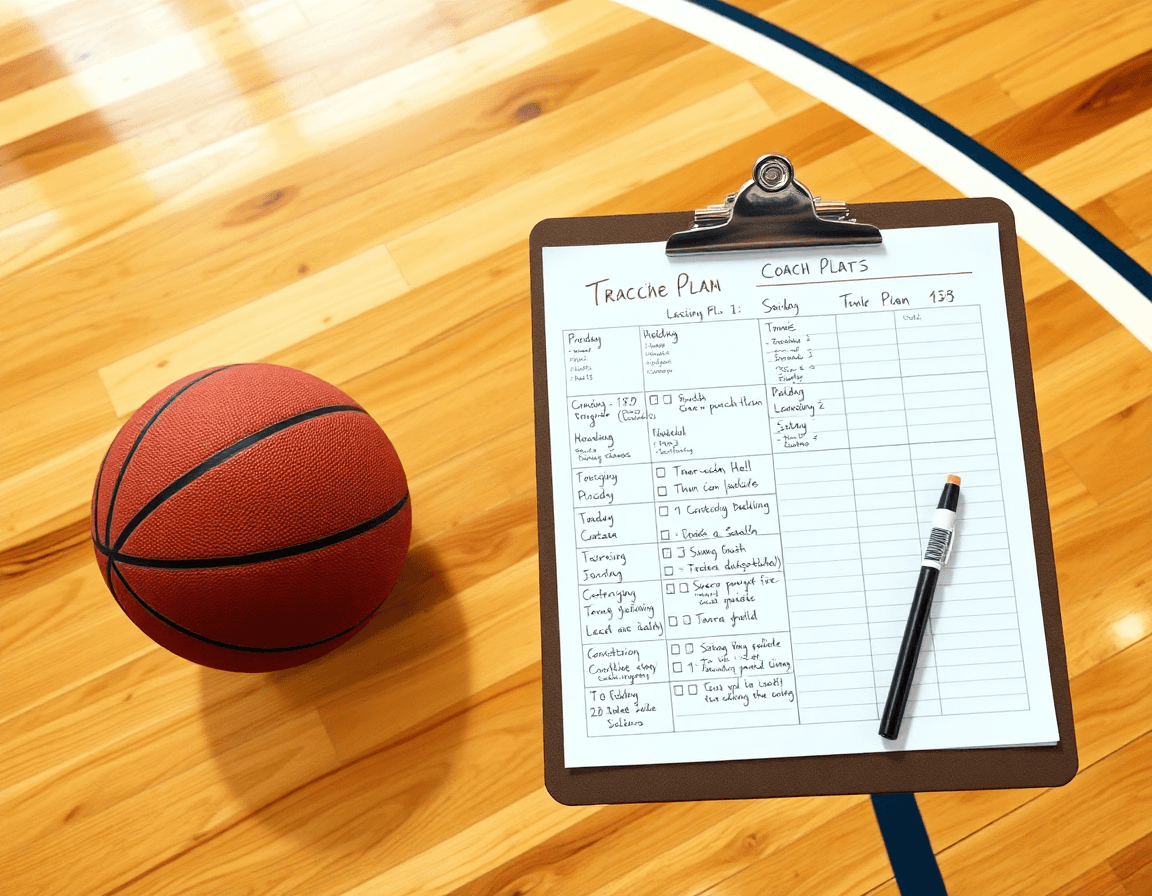
Practical workflow step: Build a practice plan
As you map out a weekly plan, start with a structured tempo using a timed practice plans approach. Build a session-by-session framework with the plan-builder tool. The goal is to lock in pace, scope, and recovery so practices flow without guesswork. A typical day can include a warm-up, skill block, and situational reps, all scheduled within a single page. With timed practice plans, every segment has defined duration, which helps you hold players accountable and keep station rotations on track.
Once the framework is in place, pull drills from your drill library and drop them into specific time blocks and stations. You can assign a drill to a station, run it for a few minutes, and then rotate. Attach any relevant clips or plays to the plan for quick reference during practice. If scouting notes or opponent tendencies exist, link those to the plan so coaching decisions stay aligned with game prep. A short video clip at a station can reinforce a drill or smooth the transition to the next block.
Toward the end of the week, use PDF export to share the plan with assistants and staff. The export preserves structure, duration, and attachments, providing a portable reference to keep everyone on the same page. Within the same coaching workspace, you can use the play designer to tailor plays and then leverage playbook export to surface those plays in a compact reference. This end-to-end workflow keeps planning, drills, plays, and scouting aligned in one place, supporting a coach-first routine while staying within CourtSensei’s boundaries.
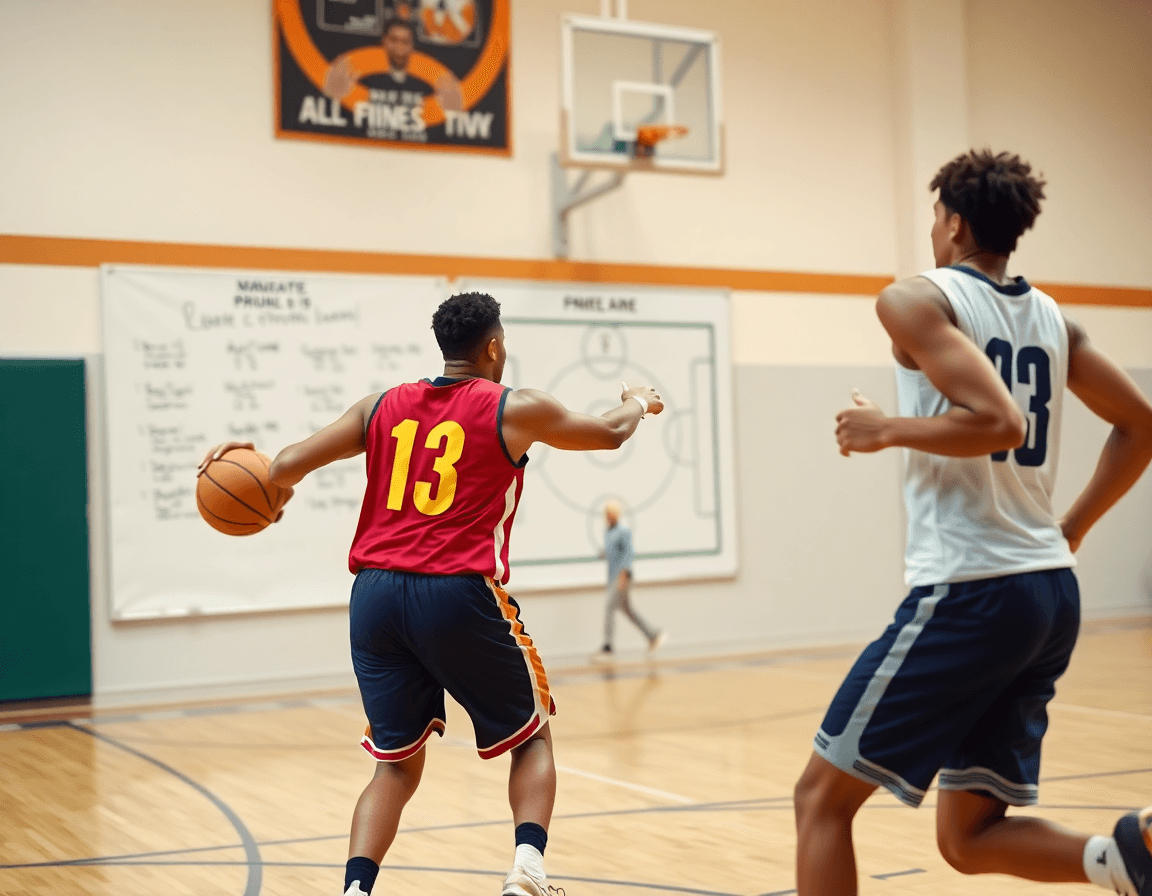
Design plays and connect them to drills
Draft plays and tag them with related drills in the library. In the play designer, sketch the sequence, then tag the action with specific drills pulled from the drill library so each movement has a clear teaching cue. This creates a direct link between the concept and the drill work that follows in practice planning. Use the built-in visuals to outline spacing, timing, and reads, and keep the tags tight to your weekly curriculum. The result is a searchable, cohesive set of plays that stay rooted in your library of drills.
Link each play to the corresponding practice segment to maintain flow. Place the play into the weekly plan, then map it to a specific practice segment—shooting, movement, or transition—so the action advances smoothly from drill to shell work to live reps. Attach relevant clip playlists that illustrate key moments in the action, and connect any scouting notes that highlight situational matchups or opponent tendencies. This keeps your taktical board organized and ensures every play has a practical, on-court pathway during the week.
Prepare a printable or exportable playbook section for staff use. From the connected plays, drills, and clips, generate a clean, staff-friendly playbook segment you can export. The PDF export should include diagrams, drill tags, and brief notes on tempo and spacing, ready to share in a staff meeting or on game-day prep. With a single export, your end-to-end workflow moves from design to practice to printable reference, all within your coaching workspace. Use the playbook export to keep everyone aligned without duplicating effort.
Clip and curate game footage into playlists
A coach can capture key moments from a game, trim clips, and organize them into thematic clip playlists. The emphasis is on practical review—no automated tagging or analytics. With manual clipping, the coach can label sequences by transition, ball-screen, or defensive coverage, then save them for quick access in the clips library. These curated moments support on-court conversations and instant feedback, turning a long game into targeted teaching moments. In the context of the best basketball coach app, clip-driven workflows anchor the weekly plan. The emphasis here is on practical, human-led review of game footage.
Create teachable sequences that align with the week's drills and plays. A coach can craft these sequences by pulling from the drill library and linking to specific plays. By organizing clips into thematic playlists that follow the sequence of practice reps, the teaching flow stays cohesive. This approach makes it easier to present a defensive rotation or a drill progression during film sessions, and to reuse proven clips when scouting notes point to similar scenarios. The integration of clips with the play designer helps keep attention on actionable patterns rather than scattered highlights.
Finished playlists—complete with context notes—can be shared with the team through read-only links, supporting on-court adjustments and at-home study. When a coach exports the playbook to PDF, the clips and notes travel with the group to the gym for review. By tying clips to scouting software and game-prep notes, the weekly workflow turns video into a practical teaching tool rather than a file sitting in a folder. This approach keeps clip playlists central to planning, scouting, and in-season adjustments.
Scout prep: link scouting notes with plays and clips
Scout prep: link scouting notes with plays and clips
You start by turning each scouting observation into usable game-prep notes. While you’re watching film or reviewing scouting sheets, capture tendencies, sets, and rotations in concise entries. In your workflow, you can link these notes directly to the plays that counter or exploit them. Attach a scouting observation to a specific action or to a clip set, so when you open the play in the play designer or drill library, the context behind it is visible. This keeps your plan anchored in concrete scouting rather than vague ideas, helping you adjust coverages, matchups, and late-clock decisions with consistency. Use the scouting software workflow to keep notes organized by opponent, date, and game type, so you can pull them up quickly when plan time arrives.
Aggregate scouting resources with clips to facilitate quick game prep. Build clip playlists tied to specific opponents—a pick-and-roll pattern, a defensive pressure sequence, or a late-clock setup. When you open a scouting note, you can scroll to the linked clip playlist and see the exact action in motion, followed by the corresponding plays and drills in your library. This trims search time before shootaround and keeps staff aligned. You can export a PDF bundle of game-prep notes, scouting observations, and linked clips for a staff meeting or to share with assistants who aren’t in the gym.
Keep a centralized workspace where actions, plays, and scouting converge. In one place, you connect actions, plays, clips, and scouting materials to support your weekly plan—so every decision from practice design to game-day adjustments has context. This workflow helps you build a coherent game plan, ready to export, share, or revisit as the season unfolds.
Export, share, and review: PDFs and read-ready resources
In your weekly plan, you can export plays, PDFs, and scouting materials for staff and players. The PDF export creates a clean, printable record of your timed practice blocks, linked plays, and drill notes. The playbook export bundles your drill library and play sequences into a single document that teammates can study on the sidelines. Scouting materials—notes on opponent tendencies, action tendencies, and game-prep highlights—can be bundled with the playbook for quick reference. Use read-only links to share clip playlists with assistants or fellow coaches without altering the original content.
Create ready-to-share read-ready materials that summarize weekly priorities. The read-ready materials should include a concise one-page summary for staff and players, plus a printable PDF of the weekly plan. Add a short clip playlist reference for drills and actions, so everyone knows what to review in advance.
Review feedback in the coaching workspace to refine the next cycle. The coaching workspace collects notes on drills, plays, and scouting insights; use those to adjust your drill library, tweak action sequences, and plan adjustments for the next week. Each cycle, you can update the linked plays and PDFs to reflect changes, ensuring the staff and players stay aligned.
FAQ
Which basketball coaching app is best in 2026?
In 2026, the right coaching app depends on your weekly rhythm. For a coach who wants a single, living planning system, CourtSensei offers core capabilities: timed practice plans and the plan-builder to map drills and scouting notes into one map. Pull drills from the drill library, attach relevant clips, and export PDFs for staff. It keeps planning, drills, and scouting aligned without relying on AI analytics.
Which scouting app is fastest for game prep?
Speed in game prep comes from how quickly you connect scouting notes to practice blocks and playlists. In CourtSensei, you wire a plan with the plan-builder and assemble clip playlists that reflect scout reports, so prep stays sharp and targeted. It relies on manual, coach-led clipping and organization—not automated tagging or predictions, which keeps you honest in film review.
Do I need Synergy if I already have Hudl?
CourtSensei isn’t a film platform replacement. It complements your setup by letting you attach scouting notes and coaching cues to the weekly plan and linked plays via the play designer. It provides a structured workflow that ties scouting to on-court work without duplicating film libraries or analytics.
Can coaches share video playlists?
Yes. You can create clip playlists from game footage and share them with staff through read-only links inside the coaching workspace. Keep critique focused by labeling clips by transition, defense, or set. The sharing stays controlled, while your team reviews guided clips that map to weekly targets and practice blocks.
How do I export plays or PDFs from a coaching app?
Draft plays in the play designer, tag actions to drills from the drill library, then export. Use the PDF export to share a staff-ready plan with diagrams, tempo notes, and spacing, and use the playbook export to surface those plays as a compact reference inside your coaching workspace.
What features should I test during a coaching-app trial?
During a trial, test the core workflow: timed practice plans to judge pacing and the plan-builder to map blocks. Evaluate the drill library for variety, the play designer for how plays translate to practice, and the clip library’s organization. Finally, confirm that export options (PDF and playbook) meet your staff’s sharing needs.
How much does Hudl film access cost?
Pricing for Hudl film access cost varies by plan and scope. CourtSensei is not a film provider and does not publish film-access pricing. Use it to organize weekly planning, scouting notes, and clips while continuing to source film through your existing providers. The app shines in tying assets to a coach-friendly workflow.
