
Free basketball plays software for coaches
Coach-focused guide to free basketball plays software in a weekly workflow: plan, draw, share PDFs, and scout inside your coaching workspace.

Key takeaways
- Frame weekly objectives using a central plan library and clear success criteria.
- Pull the week’s plan from a structured plan library and slot the core plays.
- Highlight actions with the playbook’s drawing and animation tools to reinforce sideline teaching.
- Attach notes or video links for richer context and a self-contained teaching package.
- Generate shareable links and PDFs to keep staff aligned before practice every week.
Frame your weekly coaching objectives
Frame your weekly objectives by defining the team's targets for the week—offense, defense, and progression. Start with what you want to accomplish in drills and reads, then map those targets to a small set of goals for the staff. Link these targets to a central plan library or calendar to keep everyone aligned. Set simple success criteria to measure weekly progress.
In practice, you pull the week’s plan from a structured plan library and slot the core plays into the daily schedule. Use the playbook’s drawing and animation tools to sketch the sets and actions for teaching on the sideline and in the film room. Build a short video clip playlist from recent games to reinforce reads and rotations, and attach scouting notes for the upcoming opponent. Export a printable PDF with diagrams for the next staff huddle, and keep everything in a centralized coaching workspace so the staff stays coordinated. There are free options in the market—like browser-based whiteboards and drag-and-drop play creators—but a cohesive, product-like workflow improves consistency and collaboration across the staff.

Build a reusable playbook for the week
To kick off the week, build a reusable playbook using templates for plays. Start with a starter set that fits your system and then drop in additional concepts with the drag-and-drop play designer. Keep a few base diagrams ready for different age groups or opponents, and group plays into short playlists (inbound sets, fast breaks, half-court sets) so you can pull the right diagrams during planning without digging through folders.
Annotate timing, spacing, and player roles for quick teaching reference. Define who makes the screen, where the cutter should be, and how the spacing should stretch the floor. A clear tempo timeline helps players visualize the sequence, and you can attach short video clips or static diagrams to illustrate a concept. The aim is a teachable reference you can loop in practice, so every coach on the staff is aligned on the cues.
Export the playbook to PDF for printing or sharing with the staff. A PDF export preserves diagrams and annotations, so assistants can study drills away from the court and you can hand out a consistent reference before meetings. Printable play diagrams support pre-practice walkthroughs and ensure coaching cues stay aligned across volunteers.
Sync or reference the playbook within your coaching workspace for easy access. Because it’s browser-based and centralized, the staff can pull up the right play during pre-practice huddles or in-practice walkthroughs. This kind of workflow reinforces consistency, speeds game prep, and links plays, timing cues, and scouting notes in one place—true basketball playbook software for a cohesive weekly plan.
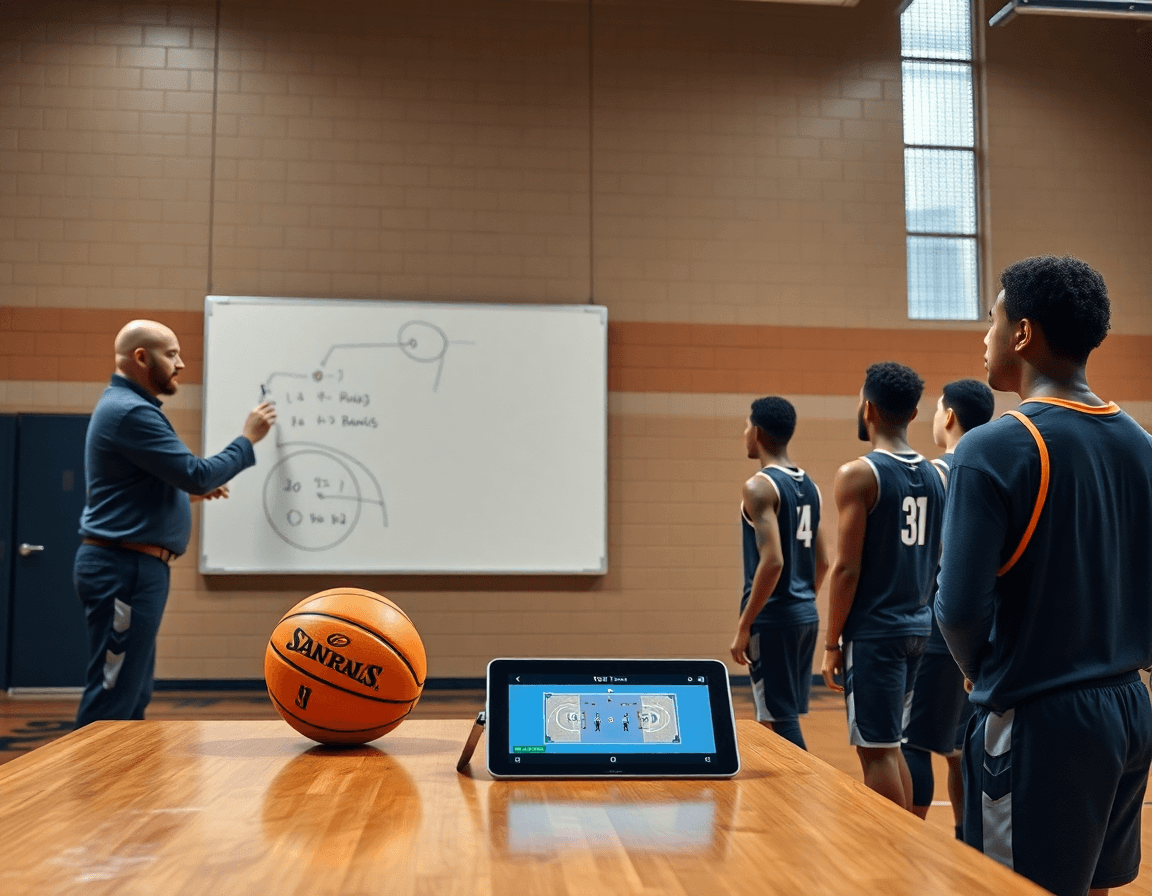
Draw, animate, and annotate plays for teaching
As a coach, you can start by using the drag-and-drop play designer to illustrate movement and sequences on the court. Drop players into positions, draw passing lanes, and sketch cuts with a few clicks. The diagram becomes a living, browser-based blueprint you can adjust between drills, so everyone on the staff shares the same language during meetings and practices.
Next, you can animate key actions to emphasize timing and spacing in practice. A short sequence-through shows the ball handler’s read, the screener’s roll, and the fill behind it. The motion cues help players feel the rhythm of the play, making reps more purposeful instead of just going through the motions.
Attach notes or video links to plays for richer context. A quick coaching tip, opponent tendencies, or a clip from a prior game can sit alongside each diagram. This creates a self-contained teaching package you can reference during practice and during film review, without hunting through separate files.
Generate shareable links for quick collaboration with assistants, position coaches, or scouting staff. After refining a set, export to PDF for printable play diagrams, or send a browser-based link for on-the-fly edits. While there are free basketball plays software options out there, a cohesive, product-like workflow keeps your staff in sync week after week.

Organize video clips and playlists to support practice
In a typical weekly cycle, you upload game or practice footage to your browser-based workspace and clip out the moments that illustrate a concept—a misrouted screen, a timing hitch in a cut, a clean ball reversal. These curated video clips become the backbone of your practice critique. Keeping this in a browser-based setup means you and your staff can review on any device, from the video room to the sideline.
Next, build playlists aligned to scenarios: film study, set plays, and transition. Use a drag-and-drop play designer to assemble clips in the exact sequence you want players to study, then label each playlist with a clear objective. This organized approach helps you move from observation to action quickly during prep days and in-season reviews.
Attach clips to plays or drills to provide visual coaching cues during on-floor instruction. A short video can show spacing in a horn-set or demonstrate how a screen should look from the weak side. Linking clips directly to the corresponding drills keeps your coaching cues concrete and repeatable for the entire staff, not just the lead coach.
Deliver playlists via shareable links for players and staff, so everyone has access before practice or during study blocks. A single browser-based link keeps the workflow clean and consistent, and you can pair it with a PDF export of key diagrams when you need a portable reference. This integrated approach helps maintain continuity across practice plans, film sessions, and scouting notes.
Build scouting notes and game-prep sheets
In the weekly workflow, a coach keeps scouting notes and game-prep sheets in a single, organized space. This centralized approach makes opponent tendencies and staff observations easy to find, reference, and act on. Tie each scouting insight directly to related plays and drills so when you flip to the plan, the connection between what you saw and what you teach is obvious. The goal is consistency across the staff and the court.
Start with gathering data from video clips, post-game notes, and on-court observations. Break it down by opponent tendencies—ball-screen reads, late-clock decision-making, or defensive rotations. Then map each insight to specific plays and drills in the playbook, adding quick annotations or tags. This keeps scouting reports tightly coupled with the training plan, so practice topics align with what you expect to see in the game.
Export and share what matters. Use PDF export to create clean scouting sheets and game-prep notes for meetings or printer-friendly handouts. A printable format supports quick discussion during prep sessions and lets assistants annotate on the fly. When possible, attach related clips or diagrams to the same document so everyone walks away with a complete picture.
A practical Monday-to-Friday rhythm helps maintain momentum: collect observations, translate them into actionable plays or drills, distribute PDFs to the staff, tweak plans, and finalize for the week. Within a coaching workspace, you keep scouting and planning in one place, which boosts efficiency and clarity when preparing for the next opponent. If you’re weighing options, remember that even with free basketball plays software, a cohesive, integrated workflow still makes the difference for game prep and coordination.
Practical workflow step: from weekly plan to practice
Step 1: Set weekly objectives and assign responsible staff. A coach defines the week’s goals—what needs to be taught, what to tighten, and who will own each piece. This aligns with the season plan and the team’s current priorities in the coaching workspace.
Step 2: Build and review plays in the playbook. Use drawing and animation tools to visualize options, then export a PDF to share with the staff. Regular review helps ensure every action has clear timing and a purpose.
Step 3: Clip relevant game footage and assemble playlists. A short clip highlights a decision point, while playlists group clips by concept—ball screens, transition, late-game defense. This keeps teaching focused and repeatable.
Step 4: Prepare practice sessions with aligned drills and checklists. Map each drill to a weekly objective, and use a checklist for X in weekly training to confirm details: spacing, pace, and competitive reps. Short, purposeful practices reinforce the plan.
Step 5: Review outcomes and adjust plans for the next week. Distill scouting notes and on-court results, then tweak the plan so the next cycle targets the right gaps. A centralized system helps staff stay aligned.
Even with free basketball plays software options in the market, a cohesive, product-like workflow improves consistency and collaboration across staff.
FAQ
What is ClickPlays, and is it free for coaches?
ClickPlays is a browser-based tool that helps coaches diagram basketball plays and share them with staff. Pricing varies; some plans offer a free tier, but features may be limited. For a weekly coaching routine, a centralized coaching workspace can streamline planning, diagrams, and scouting notes in one place. CourtSensei provides this integrated workflow with a plan library and play diagrams.
Is ClickPlays free?
Yes, there can be a free tier or trial, but many features require a paid plan. The pricing varies, and limits can hit during busy weeks. If the goal is steady weekly planning, a solution that combines planning, diagramming, and video playlists in one space often pays off. CourtSensei offers that cohesive workflow.
Do I need to download ClickPlays?
No download may be required if ClickPlays has a browser-based version. Browser-based tools let you access plays from any device with internet access. If offline work or a single staff login matters, consider a dedicated centralized workspace that stays synchronized across devices. CourtSensei uses a centralized workspace for consistent planning.
Can I print or export plays from ClickPlays to PDF?
Export options are common in play tools. ClickPlays may support PDF export and printable diagrams. If printing or PDF handouts are part of your weekly routine, look for a solution that preserves diagrams and annotations. CourtSensei also exports printable PDFs and keeps diagrams, notes, and playlists in one place for easy staff handouts.
What can OpenDraw do for basketball coaching?
OpenDraw is a free, browser-based drawing tool you can use to sketch plays and diagrams. It’s handy for quick on-the-fly teaching, but it doesn’t replace a full coaching workflow—like a plan library, video playlists, and scouting notes. For weekly planning, pair drawing tools with a centralized system that keeps cues and context in one place.
Does The Hoops Geek offer a free plan?
The Hoops Geek offers some free resources, but a free plan with full features isn't guaranteed. When evaluating options, focus on core weekly-workflow capabilities: a plan library, diagramming, video playlists, and scouting notes. CourtSensei positions itself as a complete coaching workspace tailored to weekly planning and game prep.
