
Basketball Tryout Evaluation Form PDF: A Coach's Weekly Workflow
See how to integrate basketball tryout evaluation form pdf into your weekly coaching workflow—combine scouting, video notes, and sheets for fair keep/cut decisions.

Key takeaways
- Before tryouts, embed a rubric (1–5) in scouting reports for the basketball tryout evaluation form pdf.
- During tryouts, collect ratings, attach notes, and link video clips to each player's scouting profile.
- Consolidate scores into a single scouting report and export to PDF for staff decisions.
- Link evaluation results to weekly practice planning; gaps trigger targeted drills and individual development plans.
- Export and share PDFs with staff, attach per-player playlists, and archive video-backed notes for audit.
Practical workflow step: Build a tryout rubric in scouting reports
Before tryouts, define core evaluation categories (shooting, ball handling, defense, passing, basketball IQ, athleticism, attitude) and set a 1–5 rubric with a notes field and a final Keep/Cut decision. This becomes the backbone of your basketball tryout evaluation form pdf. Build the rubric inside the scouting reports so it’s standardized for every evaluator. Use it to frame strengths, gaps, and actionable next steps, not just a numeric total.
During tryouts, have assistants collect ratings, attach evaluator notes, and link video clips to each player's scouting profile. The notes field should capture context—how a defender reacts to a drive, or decision-making in a fast break. Attachable video clips let you see rhythm in shooting or footwork, and you can assemble per-player video playlists for quick review after each session. The combination of notes and video keeps the evaluation concrete and coachable.
After tryouts, consolidate scores in a single scouting report and export to PDF for staff sharing; use it as the roster decision foundation. The basketball tryout evaluation form pdf serves as a reference point across staff meetings and decision-making. If there’s a close call, highlight specific rubric categories and attach supporting video to justify the Keep/Cut decision without ambiguity.
In CourtSensei, leverage the scouting reports module to standardize rubrics and keep all data centralized for the weekly workflow. Tie results to weekly practice planning: a gap in shooting triggers targeted drills, while a keeper influences individualized development plans. This is how the evaluation translates into real roster decisions and a coherent week-to-week plan.
Using video to validate tryout scores and build player playlists
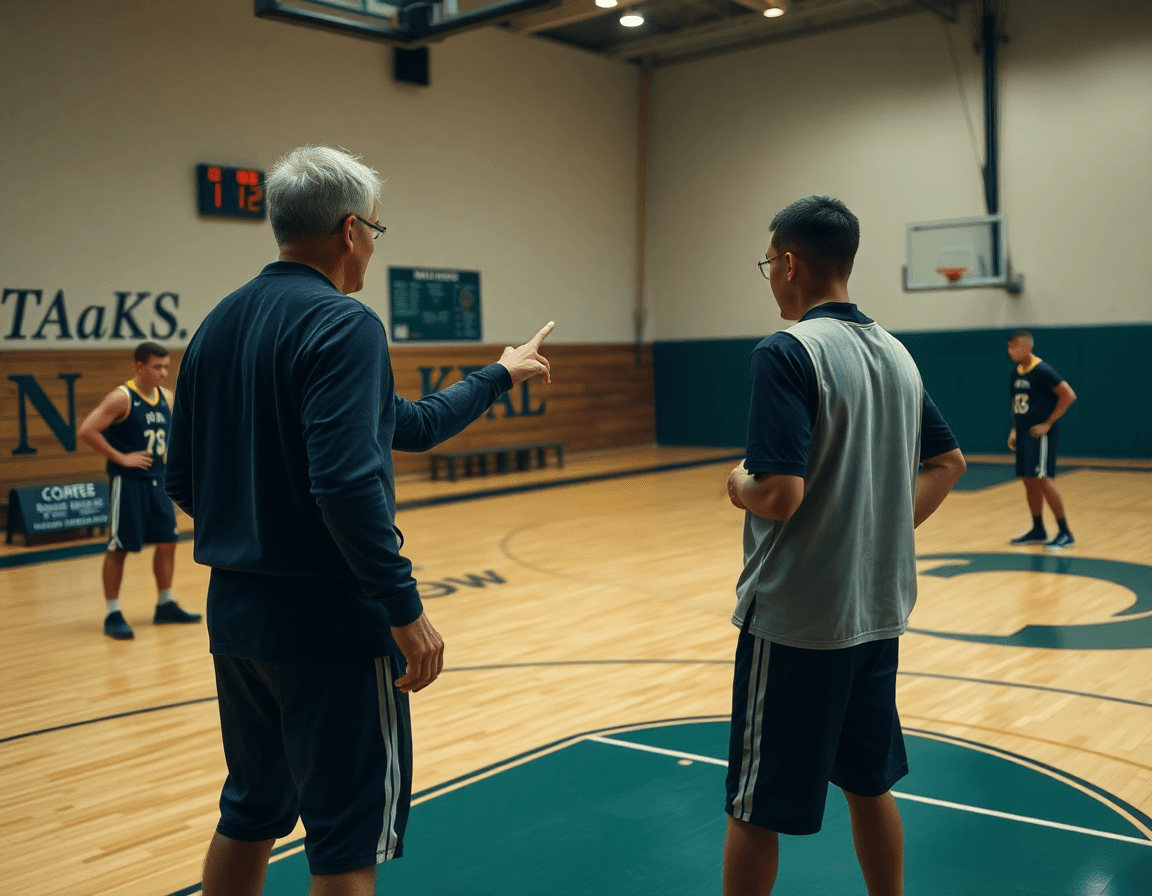
During tryouts, video is your truth serum. Capture tryout video across station drills and live 5-on-5 segments, then tag clips to the corresponding player profiles so a drive to the rim, a spot-up jumper, or a defensive rotation sits with the player it belongs to. With the video clips module, you can trim moments, label them, and link them back to each player's profile for quick, objective review.
From those clips, build per-player playlists that illustrate strengths and growth areas, anchored to rubric scores from the basketball tryout evaluation form pdf. For example, a player who shows strong shooting but inconsistent ball handling gets a playlist that pairs clean jump shots with drive-and-kick sequences and a few handling reads, each item mapped to Shooting, Ball Handling, and Basketball IQ. The result is a clear narrative behind the numbers.
Share playlists with assistants for consensus using shareable links, and keep evaluator notes linked to each clip for transparency. When someone reviews a clip and reads the note, the rationale behind a score becomes obvious, not inferred. This cross-check keeps evaluation honest and speeds up decisions when ranking players for the weekly plan.
All of this feeds into weekly practice planning: the video evidence informs which drills to pull into the plan and which players to prioritize. You can export or share the assessment as PDFs for staff decisions, tying the tryout outcomes directly to the upcoming week’s work.

Link evaluation findings to weekly practice planning and development
Turn the basketball tryout evaluation form pdf into a living plan. When you import rubric results into CourtSensei's scouting reports, you turn snapshots into a development map. The data across shooting, ball handling, defense, rebounding, passing, basketball IQ, athleticism, and attitude becomes a blueprint for weekly improvement. This is where the plan-to-play loop starts—your evaluation informs your weekly practice planning and your staff can access consistent notes on each player.
Translate rubric results into development goals and map them to upcoming week's practice plans. If a player shows gaps in ball handling under pressure, set a clear development goal to tighten ball control while moving and attacking. Attach a progression in the practice plan: fast-hand drills, change-of-pace moves, and decision-making under pressure. Tie in movement without the ball and shooting patience as complementary targets, so the plan covers multiple facets without overwhelming one session. The result is a cohesive set of targets that evolve as the player progresses.
Assign drills and progression steps in practice plans to address identified gaps (e.g., ball handling, movement without the ball, defensive rotations). Use the evaluator notes to pair each development goal with a practical skill progression—drills that build grip, footwork, and spatial awareness, then layer in team concepts like help-and-recover and close-outs. As you build this cadence, reference per-player video playlists to reinforce concepts and show tangible progression over time.
Use your evaluation data to track growth over time and inform future rosters or tryouts. With a clean history of performance from the tryout form pdf, you can visualize improvement in core areas like shooting, ball handling, defense, and attitude. That trajectory feeds into roster decisions, and helps you identify who’s ready for the next level or where extra development is needed.

Share and archive: exporting evaluation results as PDFs for staff
After the tryout, my job shifts from collecting notes to delivering them. In CourtSensei, exporting the evaluation results to PDF export is the simplest way to share with assistants and evaluators. Build your rubric in scouting reports—shooting, ball handling, defense, rebounding, passing, basketball IQ, athleticism, attitude—and attach evaluator notes. Then bundle a per-player video playlist to illustrate the verdict, or a key clip that shows a decision at the rim. The PDF export becomes the staff-facing, portable document you can open on a tablet during meetings, ensuring everyone reads from the same sheet for keep/cut decisions.
Archiving is not optional; it’s a governance habit. Save each per-player evaluation sheets as PDFs in a secure folder, labeled by week, age group, and position. This archive creates a transparent, auditable roster process—you can trace every evaluation back to the weekly plan and the on-court notes from the tactical board. When assistants review, they see the same evaluation results and video playlists, which minimizes back-and-forth and speeds staff decisions. In practice, this is what keeps the workflow clean as rosters change.
Looking ahead, use PDF exports to compare cycles across seasons or age groups. With a few clicks, you can study trends in shooting, ball handling, defense, rebounding, and attitude, plus the growth of basketball IQ and athleticism. Those insights feed directly into next week's practice plan: adjust the rubric on the tactical table, drop in new evaluator notes, and refresh the video playlist for the player. The result is a repeatable, coach-friendly workflow where evaluation results drive planning, not paperwork.
Age-appropriate rubrics: fairness and growth over time
Age-appropriate rubrics are the backbone of a fair evaluation when you’re sorting players across age groups. For younger teams (12U), emphasize basic execution and effort; for older groups (18U), expect accuracy under pressure and smarter decision-making. In this framework, the rubric categories—shooting, ball handling, defense, rebounding, passing, basketball IQ, athleticism, attitude—are tuned to development level. Built into the basketball tryout evaluation form pdf, this approach keeps scoring consistent while evaluator notes foreground growth rather than just raw talent.
Consistency in scoring keeps the conversation constructive and gives you a reliable baseline for growth across weeks. For example, a 12U guard might hold a steady score on defense, but notes can highlight improvements in anticipation and footwork. Attach evaluator notes to the scouting reports and link to a short video clip in the per-player video playlists to illustrate progress. This is where the workflow shines: plan in the weekly training block, annotate in the scouting notes, attach video, and export or share the PDFs for staff decisions.
Documenting growth targets helps guide long-term development plans and future tryouts. In your weekly practice planning, set a growth target for each player aligned with their age, then design drills to move the needle toward that target. Use the notes from the plan of training to keep mentors aligned on expectations, and let the growth-focused language in your PDF export serve as a compass for future evaluations. This approach supports youth basketball pathways while preserving fairness and clarity for every evaluator.
Template you can adapt today: a ready-to-use tryout rubric skeleton
This is a template you can adapt today in CourtSensei: a ready-to-use tryout rubric skeleton. Start with a 6–8 category rubric (shooting, ball handling, defense, passing, movement, IQ, attitude) to keep evaluations tight and comparable across evaluators. Attach it to each scout file in the scouting reports module and mirror it in your video playlists so what you see on the floor lines up with what you show on film. When you’re ready to share with staff, you can export a clean PDF that collects the rubric, notes, and clips in one place.
Each category uses a numeric rubric (1–5) to keep the lens objective and add a final Keep/Cut decision plus a notes field for context. For example, you might see Shooting (1–5), Ball Handling (1–5), and so on, with a final Keep = yes/no and a short line for evaluator observations. This structure supports a transparent decision trail and makes it easy to compare multiple players side by side.
A sample player profile helps demonstrate the workflow: Name: Jordan Lee; Position: Combo Guard; Evaluator inputs: Shooting 4, Ball Handling 3, Defense 3, Rebounding 2, Passing 4, Movement 4, Basketball IQ 3, Attitude 5; Keep/Cut: Keep; Notes: "Shows quick release, needs to tighten footwork on defense; playlist includes pick-and-roll reads and spot-up shooting clips." This profile sits in the scouting report, with a linked video playlist built from the clips that support each rating.
Think of this as a living scaffold in your weekly workflow: build the rubric in the plan for tryouts, attach evaluator notes on the planning board, assemble per-player video clips, and export as PDFs for staff decisions. This adoptable template keeps your evaluations consistent and decision-ready.
If you build plans like this every week, CourtSensei keeps your drill library, whiteboard, and video clips in one place — try it free.
FAQ
What should I include in a basketball tryout evaluation form PDF?
An practical basketball tryout evaluation form PDF should cover core on‑court skills plus important intangibles. Include core evaluation categories: shooting, ball handling, defense, passing, basketball IQ, athleticism, and attitude. Add a notes field for context and a final Keep/Cut decision. Use a single, standardized rubric so evaluators score consistently; attach per‑player notes and, when possible, a short video clip to illustrate trends. This keeps feedback actionable.
Should I use a 1–5 rating scale or a 1–3 scale for basketball tryouts?
Go with a 1–5 rating scale for basketball tryouts when you need nuance; a 1–3 scale works for quick screens. Define what each point means, and keep that mapping across all evaluators and stations. Pair scores with concise notes to explain decisions. This consistency helps you apply Keep/Cut decisions fairly, even in close calls.
How can a coach use a tryout evaluation form to make Keep/Cut decisions fairly?
Use a standardized rubric plus evaluator notes and, when possible, video clips linked to each player. Review scores in staff meetings, grounding decisions in documented context rather than totals. Prioritize objective categories (shooting, handling, defense, IQ) and tie every Keep/Cut decision to a concrete development plan. This discipline makes Keep/Cut decisions defensible and fair.
Are there age-specific rubrics for youth basketball tryouts (e.g., 8U–14U)?
Yes—adjust age-specific rubrics for youth tryouts. Youth tryouts benefit from scaled expectations: faster pace and simpler skill checks for younger ages, with more complex decision‑making for older groups. Build separate rubrics or adjustable anchors that reflect developmental norms, and train evaluators to calibrate accordingly. A consistent framework across ages improves transparency for players and families.
Where can I download a printable basketball tryout evaluation form PDF?
Start with trusted templates or export from your scouting system as a printable PDF of the basketball tryout evaluation form. If you’re building from scratch, create a clean PDF using your rubric and per‑player notes, then export for staff sharing. Maintain a native editable version and a separate printable PDF for quick sessions.
What categories are most important when evaluating players during tryouts?
Focus on practical, observable categories: shooting and ball handling, with defense as a close second. Add passing, basketball IQ, athleticism, and attitude for a complete view. Keep the rubric lean and weight scores consistently, then validate with video clips to confirm strengths and gaps. This approach makes roster decisions clearer and supports targeted development.
