Best app for basketball plays: plan, diagram, and share
A practical guide for weekly planning, play diagrams, and video playlists—perfect for high school, club, and college programs. Also suitable for youth leagues.

Key takeaways
- Set weekly objectives aligned with team goals and opponents to give every drill purpose.
- Build a library of drills and plays, tag by phase, and enable cloud sync across devices.
- Annotate roles, timing, and spacing on diagrams; export PDF exports for printing and timeouts.
- Clip, tag, and share video clips; central library with cloud sync and offline access.
- Link scouting notes to plays; export PDFs and align weekly plans with opponent prep.
- Create playlists tailored to each player's role; map drills to game-ready reads.
Weekly practice planning for basketball coaches
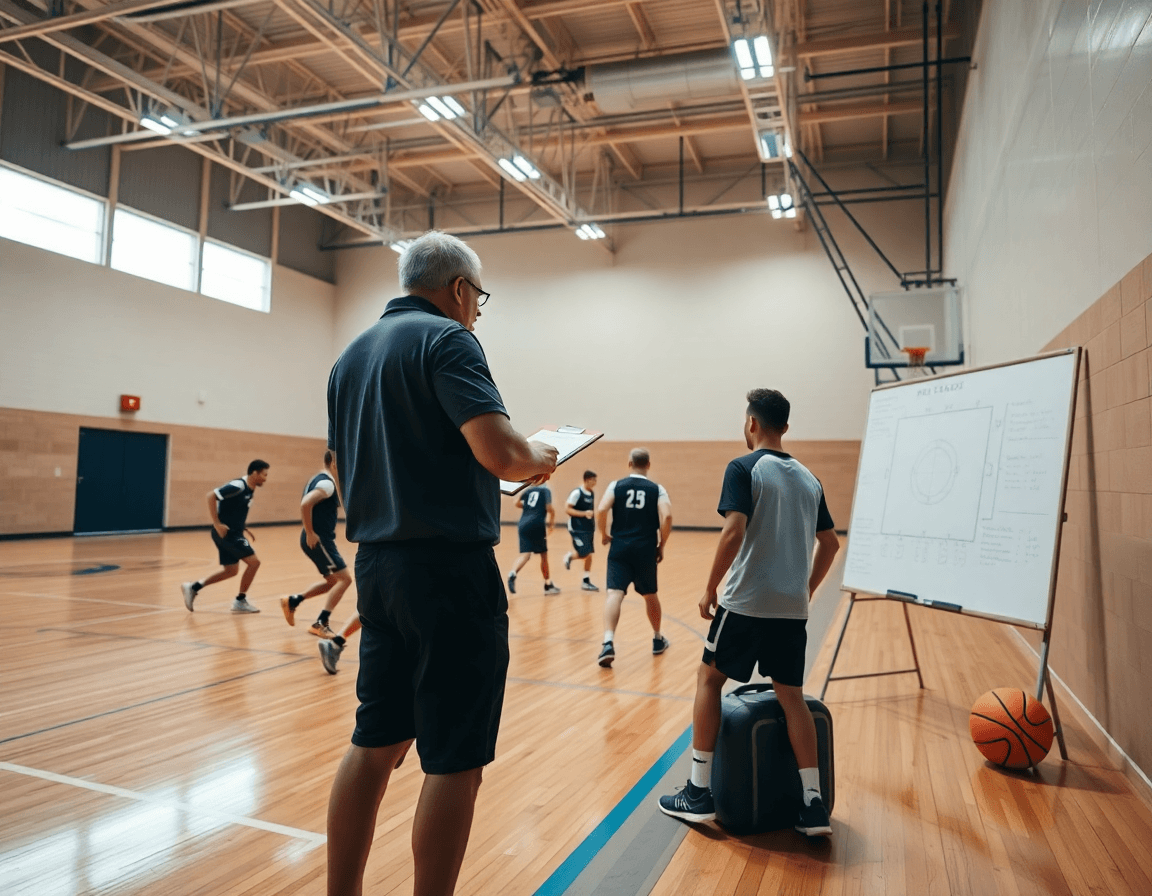
As a coach running a weekly cycle, I start with weekly objectives aligned to team goals and the upcoming games. This gives every drill a purpose and makes the plan easy to execute on the floor. This is how to plan weekly basketball practice: define the objectives, review the opponent’s tendencies, and lock in a simple weekly checklist for the staff.
From there, I create practice plans that pair drills with related plays and defensive schemes. On the floor, we run a sequence: a footwork drill tied to a ball-screen action, then a corresponding half-court set. The tactical whiteboard captures the diagram, the play editor keeps the actions clear, and the plan stays in sync with our defensive calls.
Next, I build a reusable library of drills and plays for quick assembly. When the week shifts, I pull from the library, tweak the drill names, and tag items by phase of the season. Cloud sync ensures everyone has the latest version, and I add quick scouting notes to the film section as we prep for the next opponent.
Sharing plans with assistants and position groups is how we stay aligned. I push the plan to the staff and group players by position when needed, so everyone knows their role and the sequence remains tight. The workflow stays smooth: plan on the fly, review on the board, and adjust in real time.
Finally, export a clean PDF plan for printing or offline review. The export stitches goals, diagrams, and drill labels into one file, which makes pre-practice prep and post-game recaps fast and repeatable.
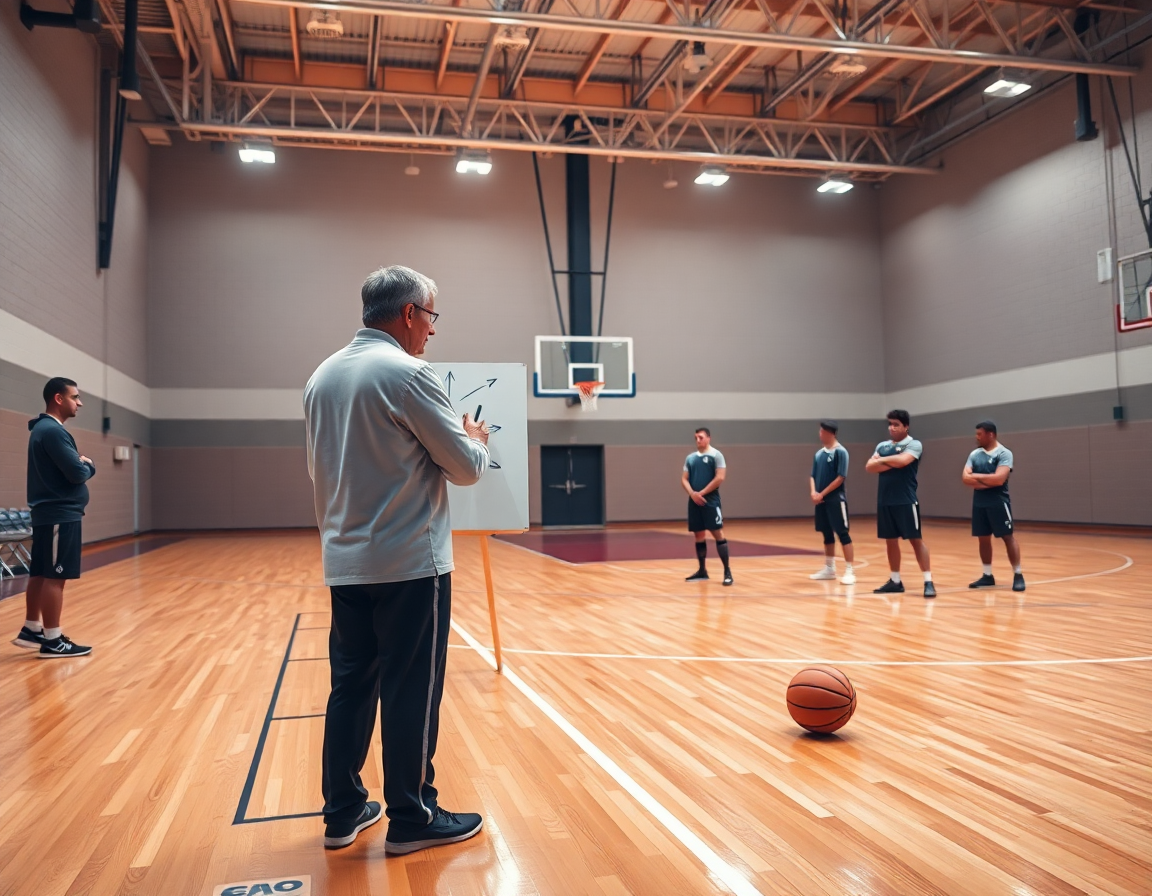
Diagram plays on a tactical whiteboard and export options
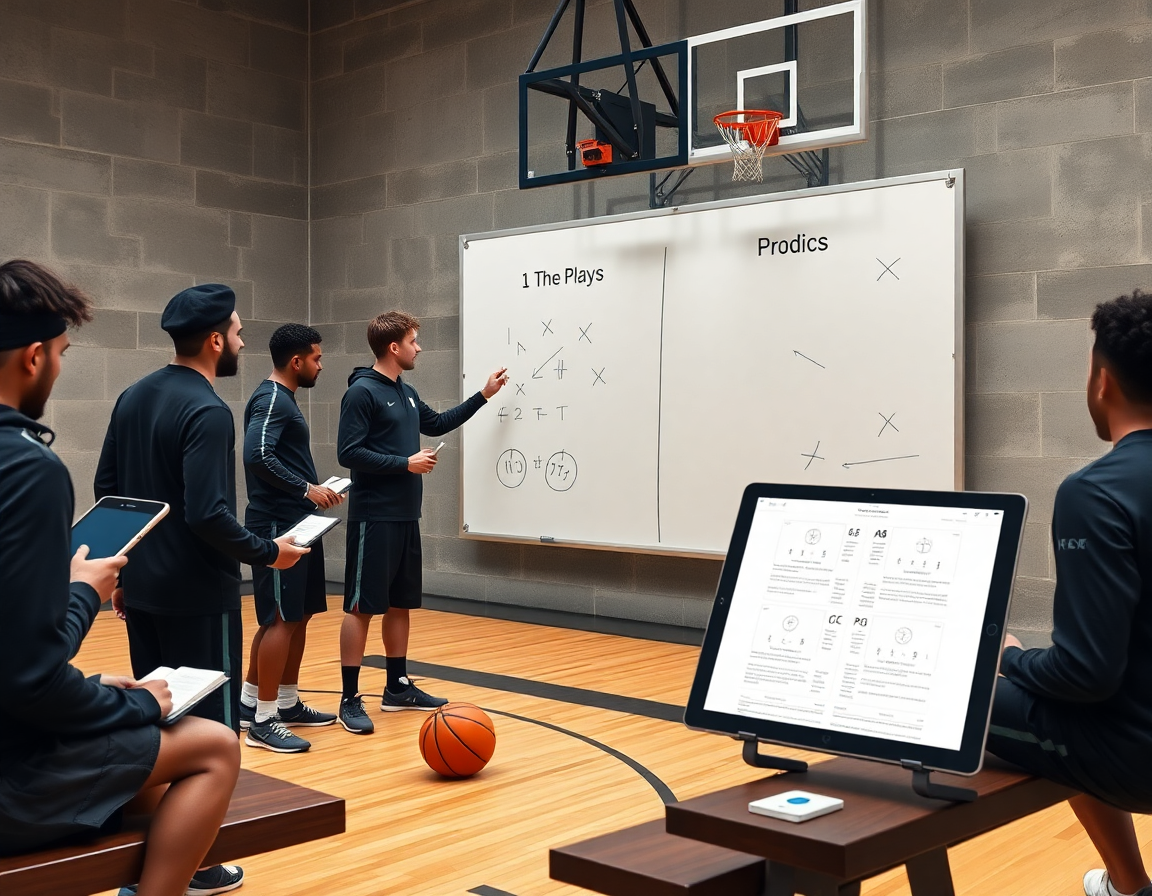
On the tactical whiteboard, I build a play with the play editor to map BLOB/SLOB/ATO/PnR with clear movement routes. The diagram shows who initiates the action, where the screen comes from, and where each player relocates after the ball moves. I keep the routes clean and legible so a coach can read them at a glance during a timeout. If I need a quick variation, I switch to draw on court mode for a live adjustment, then lock the base set in the diagram.
I annotate roles, timing, and spacing for each play—who cuts, when the ball moves, and how far players should be apart. Those notes ride with the diagram on the board, and they sync to the cloud so assistants can chime in from the sideline. When we run it in practice, a tiny timing adjustment—say a tenth of a second—can tighten the spacing and sharpen the read.
I organize plays by game type and opponent tendencies, so I can pull up the right package before a matchup. Export options let me save diagrams as a PDF export or image for quick sharing during timeouts. With cloud sync, the diagrams stay accessible across devices, and I can easily share with the team or incorporate them into roster management discussions ahead of film review.
Clip, organize, and share game and practice video with players
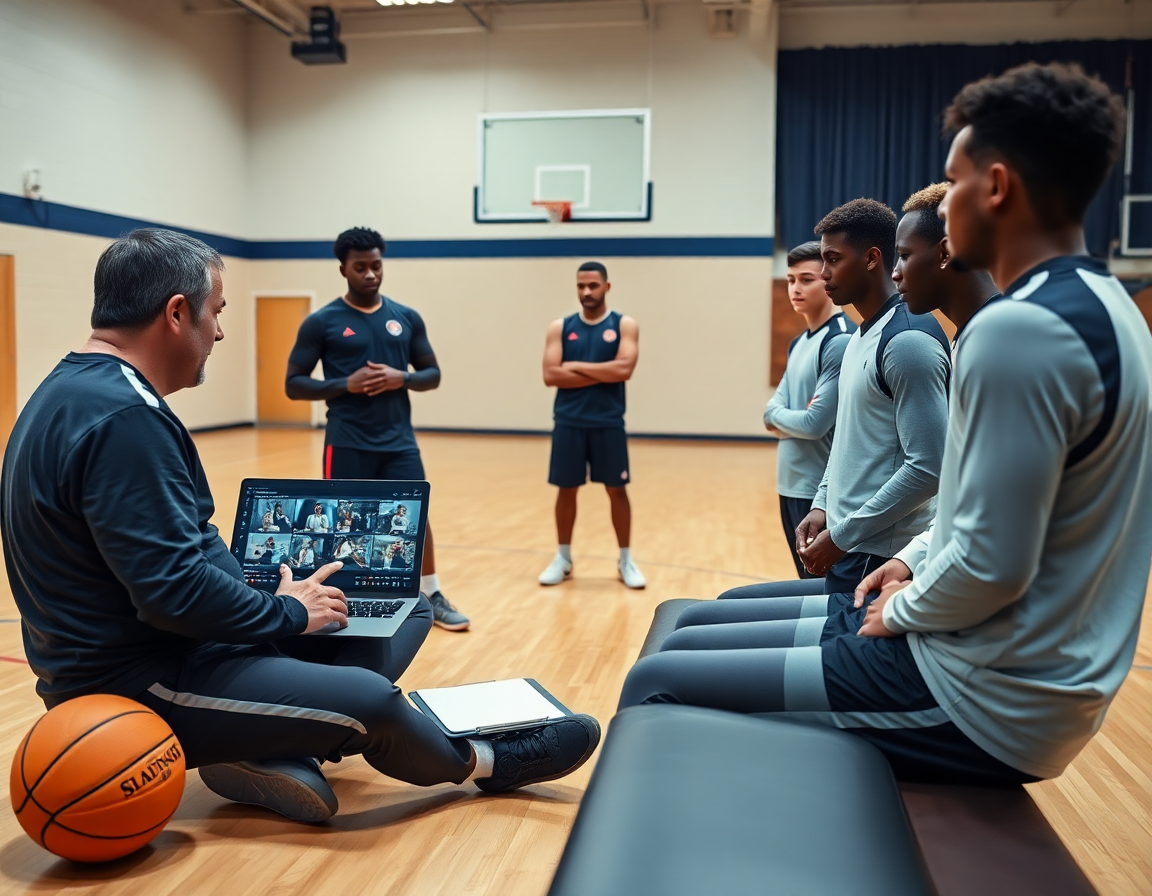
After practice, I pull the video clips from our latest session and flag only what we need the team to study. The moments that matter—defensive rotations, late closeouts, and decision windows on the floor—get captured and labeled. I drop those clips into the central library, where they stay organized and easy to pull up in a pinch. It’s all part of my weekly workflow, from plan to on-court teaching.
I use the tagging system to tag clips by play, opponent, or player for easy study. When I pull a sequence, I can re-watch it from different angles—ball movement, spacing, and timing—without hunting through hours of video.
From there, I create playlists and shareable links that work on any device, so players can study with or without a laptop. A quick link sent to the group chat means they’re watching clips on phones during downtime or on a tablet in film room. It’s simple, fast, and keeps everyone aligned.
Everything sits in a central library with cloud sync so I can pull a clip during a film session or anytime I’m on the road with offline access. Clips stay labeled, searchable, and ready for the next practice—whether I’m building a scouting report, drawing up a new action on the tab, or revisiting a game-winning moment.
Scouting reports and opponent prep
As you prep for a new week, you draft scouting reports detailing opponent prep and defenses. The goal is to translate what you notice into actionable prep for the game plan. On CourtSensei, you pull clips, tag looks like ball-screen actions and trap schemes, and annotate what to watch in the film. Those reports become your guide for opponent prep, letting you map out what to emphasize in practice.
Link scouting notes to the corresponding plays and practice priorities to keep your week cohesive. You can export the tactical board as a PDF export for quick sharing with assistants and the video staff—PDF export keeps everything in one place. Tie the notes to specific plays, so each drill session knows exactly what to stress and when to run it in the plan for the week.
Throughout the week, you maintain roster management and track attendance to assess readiness. Those roster notes live with your weekly plan, so you can spot who might need extra reps or a lighter load. Use AI insights to surface fatigue patterns and matchup signals, guiding what you emphasize in practice and which players you bench or extend minutes for. All of this feeds into your plan, on the tactical whiteboard, and in the short video clips you tag for later review. For coaches weighing options, this approach shows how the best app for basketball plays could connect scouting, plays, and video.
Playlists and shareable links for player development
Playlists turn a week’s worth of video into actionable takeaways. I build playlists tailored to each player and role—one guard drilling read options in a quick ball-screen, a wing studying spacing off-ball, a post player reviewing finish moves. In the plan for the week, I drop a handful of clips into a playlist and tag them with notes from the play editor. With everything in one place, the workflow stays clean: plan, diagram, then clip, all tied together by a simple sequence of video.
Sharing is simple with shareable links that work on mobile or desktop. I generate links for the film room crew, another for a study session on laptops, and even a private link for a veteran with attached notes. Players open the link and see the same video with my context visible—no email threads, no lost files. It’s fast, it’s consistent, and it keeps everyone on the same page.
Offline access and cloud sync keep us connected when travel hits the road. Our playlists stay in sync across devices, so a guard’s phone, a laptop in the gym, and the coach’s tablet all show the same order of clips. If the Wi‑Fi drops, the essential clips still play; when you’re back online, everything updates automatically. The reliability means you can prep concepts in the plan, then review on the bus without missing a beat.
Attach notes or PDFs to playlist entries for context. A scouting note on a defense pairs with the clip showing the counter, or a PDF export explains the adjustment we want. It’s not just video; it’s a compact study guide—your basketball playbook inside a single tool.
Practical workflow: a step-by-step weekly cycle
Sunday/Monday: I start with the plan—objectives for the week, matchup notes, and a lean playbook assembled in the system. This is my checklist for weekly training: align every drill block with team goals, assign roles to assistants, and lock in practice blocks. It’s a practical weekly workflow for how I deliver plays.
Tuesday: On the tactical whiteboard, I diagram key plays and set formations (PnR, BLOB, SLOB, ATO). I keep a clean play editor to tweak spacing, and export a PDF for assistants to study on the go.
Wednesday: Clip and tag game and practice footage; I annotate decisions and tag clips by decision type (shoot, pass, rotate). Then I update the playlist library so players can watch the sequence before practice.
Thursday: Finalize scouting reports; compile opponent tendencies and adjust practice priorities accordingly. If AI insights are available, I fold those into scouting notes.
Friday: Share with team final plans and playlists; I rely on cloud sync to keep everyone on the same page and handle roster management when assigning playlists.
Saturday: Shootaround—run through the plays, draw on court, and simulate the opponent scout. I tweak timing and spacing and lock in final adjustments for Sunday.
If you build plans like this every week, CourtSensei keeps your drill library, whiteboard, and video clips in one place — try it free.
FAQ
What’s the best basketball playbook app for coaches?
Choosing the best basketball playbook app comes down to your workflow. Look for a robust diagram editor, a reusable library of plays, and reliable cloud sync so plans stay current across devices. Check export options (PDF or image files) for print or film review, and confirm Apple Pencil support for on-court annotation. If AI insights are included for practice planning, that’s a nice bonus, but not essential.
Can I export my plays as PDF or JPEG from these apps?
Yes—many playbook apps let you export plays as PDF or image files. You can package diagrams with timing, roles, and notes for print or review, and you may export an entire playbook as a single PDF or as individual images. Some apps also offer shareable links. Make sure the exports preserve labels and annotations you added.
Do these apps support Apple Pencil on iPad?
Most modern playbook apps support Apple Pencil on iPad, making drawing routes and annotations precise. Look for low latency, good palm rejection, and the ability to annotate directly on diagrams or during video review. On-court tweaks become faster when you can write or sketch without switching devices.
Is there a free basketball playbook app available?
Yes, you’ll find free tier options, but most advanced features live behind a paid plan. A free tier or trial can give you the core tools—diagram editor, basic sharing, and library access—enough to test fit. If you need exports or video integration, you’ll likely need a paid plan or a time-limited trial.
How can I share plays with my team using these apps?
Sharing is easiest with cloud-based syncing and group permissions. Create staff and player groups, push plans to everyone, and send shareable links or PDFs for teammates outside the app. Off-line access helps in the gym, and a centralized library keeps plays and clips aligned with the weekly plan.
What features should I look for in a basketball playbook app?
When evaluating, prioritize a strong diagram editor, a scalable play library, and clear tagging by phase or opponent. Look for video integration, scouting notes, and roster management, plus reliable export options. Don’t overlook cloud sync and offline access for on-site use. If AI insights are offered, evaluate how they translate to practice planning and player development.