
Basketball Whiteboard App: A Coach's Weekly Planning Guide
Learn how a basketball whiteboard app fits a coach's weekly workflow—digital diagrams, playbooks, video clips, and shareable playlists for practice prep and scouting.

Key takeaways
- Make the basketball whiteboard app your weekly planning hub for plays, notes, and tasks.
- Link diagrams with clips and PDFs to create a repeatable workflow for practice and film sessions.
- Color-code roles and actions to enhance on-court quick decisions during drills and scrimmages.
- Export PDFs of full-court and half-court diagrams for staff briefings and player walkthroughs.
- Attach clips to plays for a visual loop that maps actions to teaching points.
Why a basketball whiteboard app matters in a coach’s weekly plan
As I map out a typical week, the basketball whiteboard app sits at the center of my workflow. It brings together the weekly plan, the library of plays, and the notes I jot during scouting. With a couple of taps I sweep through practice plans, assign tasks to assistants, and pull up a clip from last game to illustrate a concept. This is more than a gadget; it’s a centralized planning tool that powers my coach weekly planning and keeps our library of plays tidy.
Throughout the week, the app keeps communication tight with assistants and players. I drop in notes, swap drills, and track progress in one place. When the plan shifts, I export PDF of the tactical board for staff meetings, and I send a shareable link to the team so everyone sees the latest diagrams and objectives. This is how a true centralized workflow stays nimble, and it minimizes back-and-forth email threads.
During meetings or after practice, the diagrams sell the idea fast. I sketch a quick BLOB or PnR on the board and flip to the video log to show what happened and why. The ability to toggle between full court diagrams and half court diagrams makes it easy to teach spacing and timing before we step onto the floor. Using a single interface also supports a clean workflow for “save plays” and reuse later.

Diagrams that convert: full-court, half-court, and color-coding
Using a basketball whiteboard app, you capture both ends of the court with purposeful diagrams. full court diagrams let you map transition sequences, press-breaks, and outlet options for a quick outlet to the wings. half court diagrams keep the spacing tight and clear for in-game plays, sideline adjustments, and out-of-bounds resets. For coaches building a weekly plan, switching between full- and half-court views gives you a visual rhythm that translates to practice reps.
Color-coding teams and actions makes decisions pop on the screen. I use color-code to assign roles — blue for guards, red for bigs, yellow for wings — and I also color-code actions: passes, slips, screens, and cuts. That contrast helps players see options at a glance and keeps the diagram readable when the sideline is noisy. It’s a simple habit that improves retention in the locker room and on the court.
Drag-and-drop players, add notations, and export PDFs with a couple taps. You can share with the team or assistants with a click, and save plays in the library for revisiting later.
All of this fuels the weekly workflow: diagram in the plan, review on the tactical board, and pull video clips to illustrate the result. On the court, the diagrams become quick references during drills, helping you keep pace across practices and scrimmages, while the team gets a clear, repeatable playbook that travels with them in PDFs and sharable snippets.
From playbook to practice: building and exporting PDFs
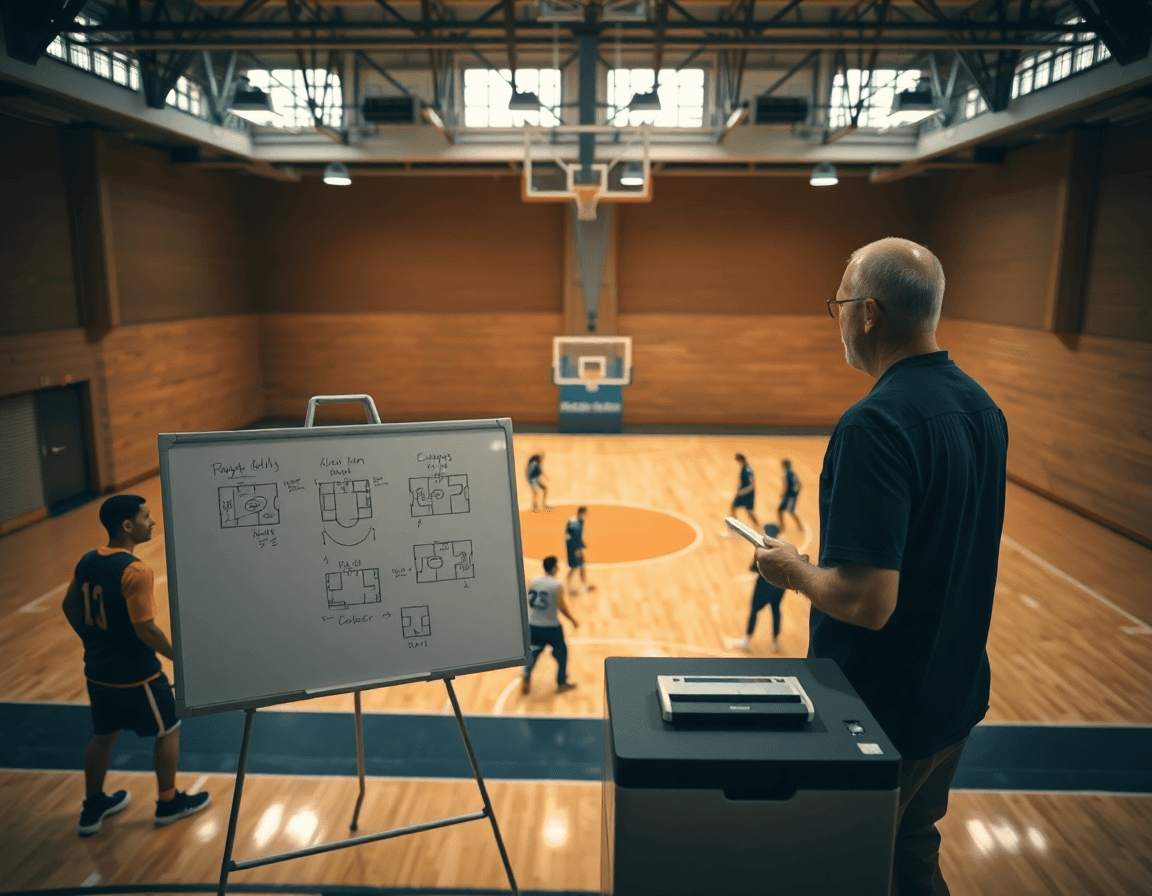
In my weekly plan, the basketball whiteboard app turns diagrams into a printable, shareable document before we even step on the court. I build each set as a clean, labeled play, then use the export workflow to generate a polished PDF. Think of it as turning the digital playbook into something you can hand to assistants and players for offline review. When I say “export PDF,” I’m talking about a ready-to-print version you can carry into film sessions or stat meetings without shouting over a tablet. A well-made PDF exports the exact routes, spacing, and timing you sketched on the digital whiteboard for clear, repeatable execution.
Organizing plays is where the weekly rhythm truly comes together. I segregate my assets into libraries that match that week’s phases—install, horn sets, inbounds, and late-game actions. Each library is a mini playbook within the larger playbook, so I’m not hunting through dozens of diagrams mid-week. It’s a simple tempo: draft a set, drop it into the appropriate weekly phase, then reuse it later in other contexts. You’ll end up with a robust system for both full-court and half-court diagrams, all ready to export as PDFs when you need print-ready references.
After a session, I share the compiled PDFs with the staff and players via a secure link or direct email. A quick click distributes the exact plays we worked on, instantly accessible for walkthroughs, rewindable reviews, or scout-style breakdowns. That’s the power of having a cohesive workflow: you plan, diagram, export, and share—without losing sight of the weekly routine. This is where a digital whiteboard for basketball becomes a dependable backbone for a coach’s practice week.

Video integration: clip management and player feedback
Video integration: clip management and player feedback
As a coach, video is where the learning sticks. In our basketball whiteboard app, I lean on clip management to pull game footage and training blocks that target specific feedback. I grab clips illustrating spacing, defensive gaps, and screen actions, label them by play type (PnR, BLOB, SLOB, ATO), and save them in a weekly folder. That keeps my plan cohesive: a quick clip to set the issue, followed by a clear diagram on the whiteboard to map the fix. It’s the fastest way to translate observation into actionable coaching points.
Link clips to plays and diagrams to reinforce learning. On the tactical whiteboard, I attach each clip to its corresponding play diagram—whether we’re charting full court transitions or half court spacing. This creates a visual loop from action to intention, so players see not only what happened but what should happen next. When I swap in a new clip, the linked diagram updates in real time, and the team can study the sequence in a single glance.
Distribute clips to players for review outside of practice. Share with players using a secure link or the built-in share with team feature so they can review on their own time. The goal is instant feedback—short notes, replayable sequences, and a clear path back to the floor. I also export PDFs of the combined clips and diagrams for film sessions or scout-friendly handouts, keeping everyone aligned even when we’re not in the gym together.
Practical weekly workflow: plan, diagram, video, and review
As a coach who runs week-to-week cycles, I lean on my basketball whiteboard app to anchor the daily grind. Monday kicks off the weekly workflow with finalizing the practice plan and key diagrams. I lock in objectives, assign stations, and map out BLOB/SLOB/ATO/PnR sequences on both full- and half-court boards, then save everything to the library for future reference.
Midweek I expand the game plan by building out plays in the library and exporting PDFs for the staff packet. With the digital whiteboard for basketball, it’s easy to tweak options, save variations, and ensure plan diagram video review comes together.
Pre-practice I clip relevant footage from earlier scrimmages and tag specific sequences—push, pop, or ball-screen actions—and assign short review tasks to players. The video clips sit with the diagram board, so when we huddle, everyone sees the exact context for the drill.
End of week I pull scouting reports and enemy tendencies into a clean summary, then share updates with the staff. We circle arrows on the whiteboard, compare what we saw to our diagrams, and plan adjustments for the next week.
Checklist: confirm access for assistants and players, and sync across devices so the workflow remains constant, no matter where we meet. This checklist for weekly planning ensures everyone has access to the same diagrams, PDFs, and clips.
Teams, sharing, and scouting: collaboration that scales
As a coach, I treat our basketball whiteboard app as the command center for the week. It unifies planning, diagrams, video notes, and scouting into one workflow. With cloud sync and offline access, the staff stays aligned whether we’re in the gym or on the road. In the weekly plan, I map out full court diagrams for press breaks and half court diagrams for primary actions, then save the core plays as reusable assets. This is where the idea of a digital playbook comes to life.
Attachments go beyond clips; I attach scouting reports to opponent tendencies and scout plays so the whole group can prep from a single source. When a tendency shifts, I swap in a new clip and update the diagram on the fly. The workflow scales from a small staff to a larger program, without losing clarity during meetings or on the bus ride home.
Sharing is where collaboration shines: we share playbooks and diagrams with the coaching staff and players, turning practice into a connected, fast-paced review. I use the “share with team” links to send a quick update after a session, and I export PDF versions for scouting trips or quick offline review.
Between sessions, cloud sync keeps edits in sync and offline access keeps us moving when Wi‑Fi is flaky. It’s not about bells and whistles; it’s about keeping everyone aligned, from the head coach to the assistant, so we can build better plays, review clips, and adjust scouting notes as a unit. The result is collaboration that scales, with every member pulling from the same source.
If you build plans like this every week, CourtSensei keeps your drill library, whiteboard, and video clips in one place — try it free.
FAQ
What is a basketball whiteboard app and why should I use it in my weekly plan?
Think of it as your digital coaching hub. A basketball whiteboard app lets you diagram plays, organize drills, and drop notes in one place. In my weekly plan, it’s a centralized planning tool that ties together practice themes, a play library, and scouting clips. It keeps the plan visual, synchronized with assistants, and easy to adjust on the fly.
How can I draw basketball plays digitally and keep them clear for players?
Drag-and-drop players, add notes, and switch between full court diagrams and half court diagrams to illustrate transitions and spacing. Use color-coding for positions and actions, so passes, cuts, and screens pop. It’s fast, legible, and repeatable on the board; reuse plays by saving them to your library and sharing a link with the team.
Can I export basketball plays as PDFs for staff and players?
Yes. Most basketball playbook apps offer a PDF export that preserves routes, spacing, and timing. Generate print-ready sheets for film sessions or sideline reviews, then distribute via a secure link or email. This keeps your offline reference aligned with what you practiced, minimizing confusion when the team studies the material away from the tablet.
Is there a free basketball playbook app I can try?
There are free tiers, but they often limit libraries, exports, or collaboration. A tester can get a feel for diagramming and clip integration before upgrading. If you’re building a weekly plan, look for a no-cost option that still supports full- and half-court diagrams, and easy sharing, so you can evaluate whether it meets your workflow.
How do I share my basketball playbook with players?
Shareable access is key. Use a secure link or built-in team sharing to give players access to the latest diagrams and objectives. You can also export PDFs for offline review, or push updates through the app so reps see the same playbook across devices. Keep permissions simple to avoid version confusion.
What features should a good basketball playbook app have to support a coach's weekly workflow?
Look for robust libraries, video integration, and offline access. A great app should let you organize plays by weekly phases, attach clips to diagrams, reset drills, and export/share easily. Templates or importable libraries help you scale. A clean interface reduces cognitive load during busy weeks.
