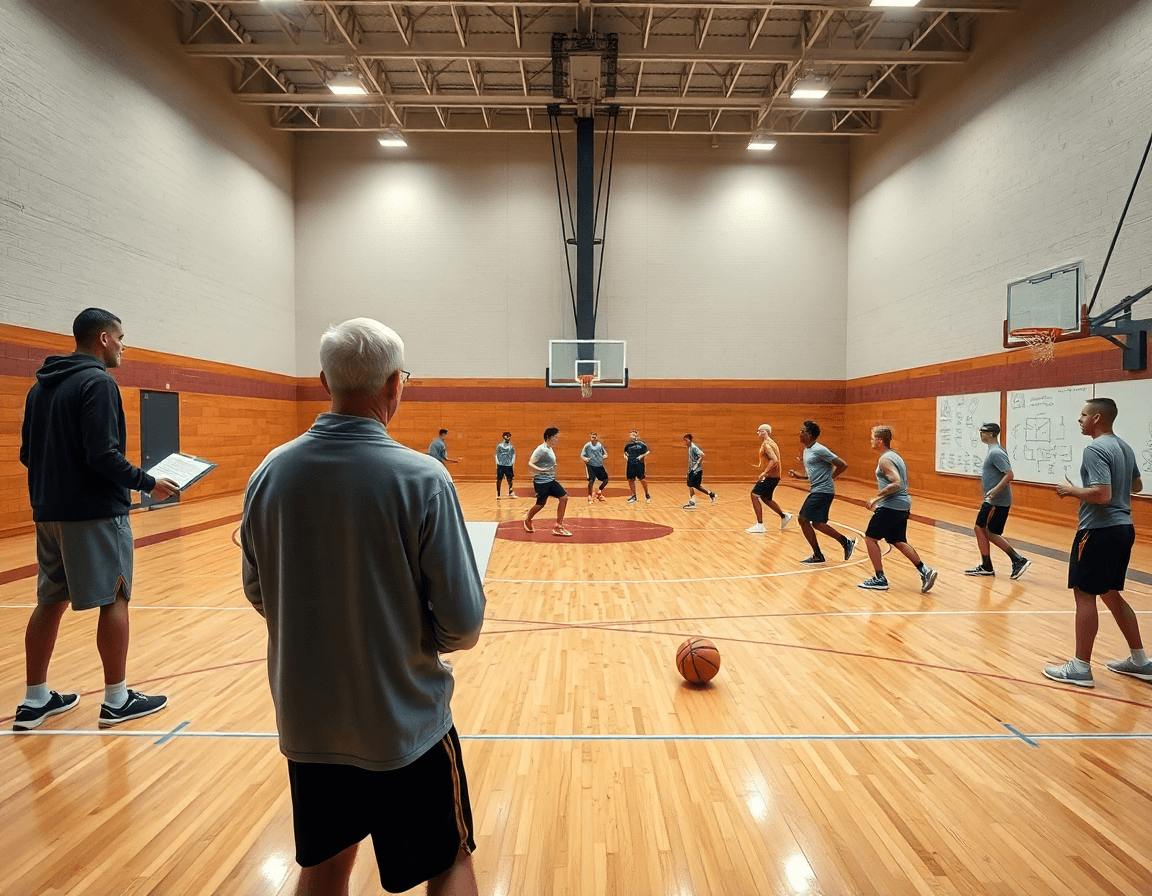
Basketball Coach Software: Weekly Planning & Scouting
Basketball coach software helps you implement a weekly workflow: plan practices, draw plays, edit video, and share scouting insights to boost team growth.

Key takeaways
- Define weekly objectives early and translate them into concrete practice plans and a shared playbook.
- Build a dependable drills library with reference videos to speed in-practice coaching.
- Convert scouting notes into practice tasks and rotations to keep players aligned.
- Use the whiteboard, PDFs, and diagrams to translate plays into crisp, executable actions.
- Streamline video analysis with playlists and clips to support data-backed decisions weekly.
Weekly planning cycle: from practice plans to scouting
Monday morning, I kick off the week by outlining objectives for the team: push tempo, protect the ball, and rim-run the rebound. Those goals become the backbone of the practice plans. With the practice planner, I translate them into concrete practice plans that map to each session, assign drills to players, and keep the same framework for my assistants. I export a quick PDF for the staff meeting, and I drop a copy into the team library for reference. The aim is consistency: every session, every drill, tied to the weekly objectives.
To keep practice efficient, I build a dependable drills library and attach reference videos or images for quick recall during drills. A couple of clips, a diagram, and key cues—these live in the plan so we don’t waste time hunting for them on the fly. As the week unfolds, I pull from that library to assemble a progression of reps: ball-handling under pressure, weak-side timing, and transition finishes. The result is a smoother, more focused session that still leaves room for feedback.
Scouting notes become real action when I translate them into practice items. I review the opponent’s tendencies, track their sets, and drop targeted actions into the whiteboard diagrams and the plan. Those notes become tasks for practice and prep, guiding which defenders to stress, which reads to rehearse, and which plays to prep for our own playbook. I convert insights into a short video clip for the players and share a concise rotation maker to keep the roster aligned.
Tactics on the whiteboard: diagrams, animations, and PDFs
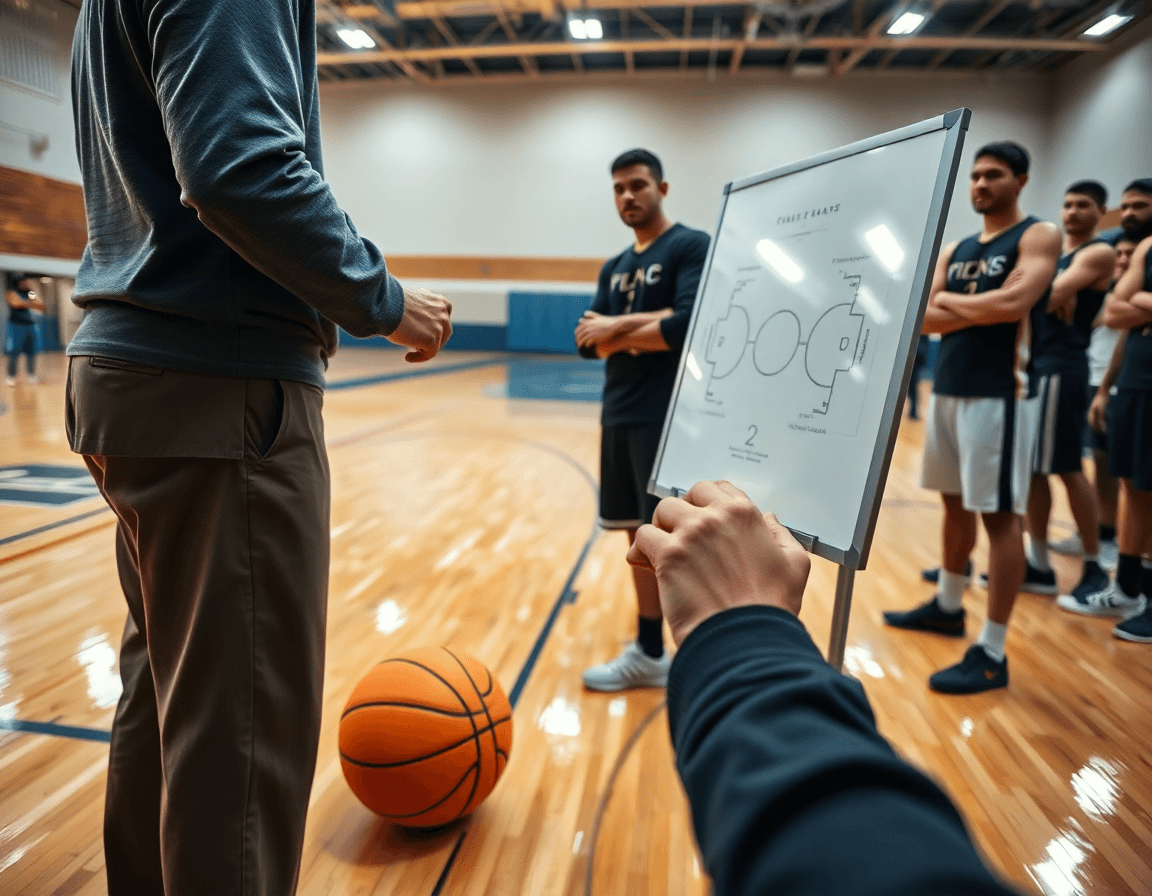
On the tactical side of the weekly plan, the whiteboard is where diagrams turn into action. I sketch PnR sequences, BLOB/SLOB reads, and ATO sets, drawing arrows to show ball-side reads and angles for the weak-side wing. The goal isn’t pretty chalk; it’s crisp decisions under pressure. After practice, I export the diagrams as PDFs for assistants and for scouts to study before the next session. These PDFs keep the language we use in our film work consistent and give everyone a single reference point. In my plan, one diagram equals one action with a clear assignment, and that simplicity saves time during the jump from floor to film room.
From diagram to motion, the play creator turns static boxes into animated plays. I push the same diagram into the tool to generate animated plays; players read the motion and the reads without a hundred hand signals. That clarity lets me assemble a playbook quickly, pulling diagrams and clips for fast reference during film study or pregame meetings. I drop these into a team library for easy access, and I can generate a shareable playlist of clips for the squad. The flow—from plan to on-court action to quick-access clips—keeps the weekly cycle tight and everyone on the same page.
Video workflow: clip, categorize, and share with players
Video workflow: clip, categorize, and share with players
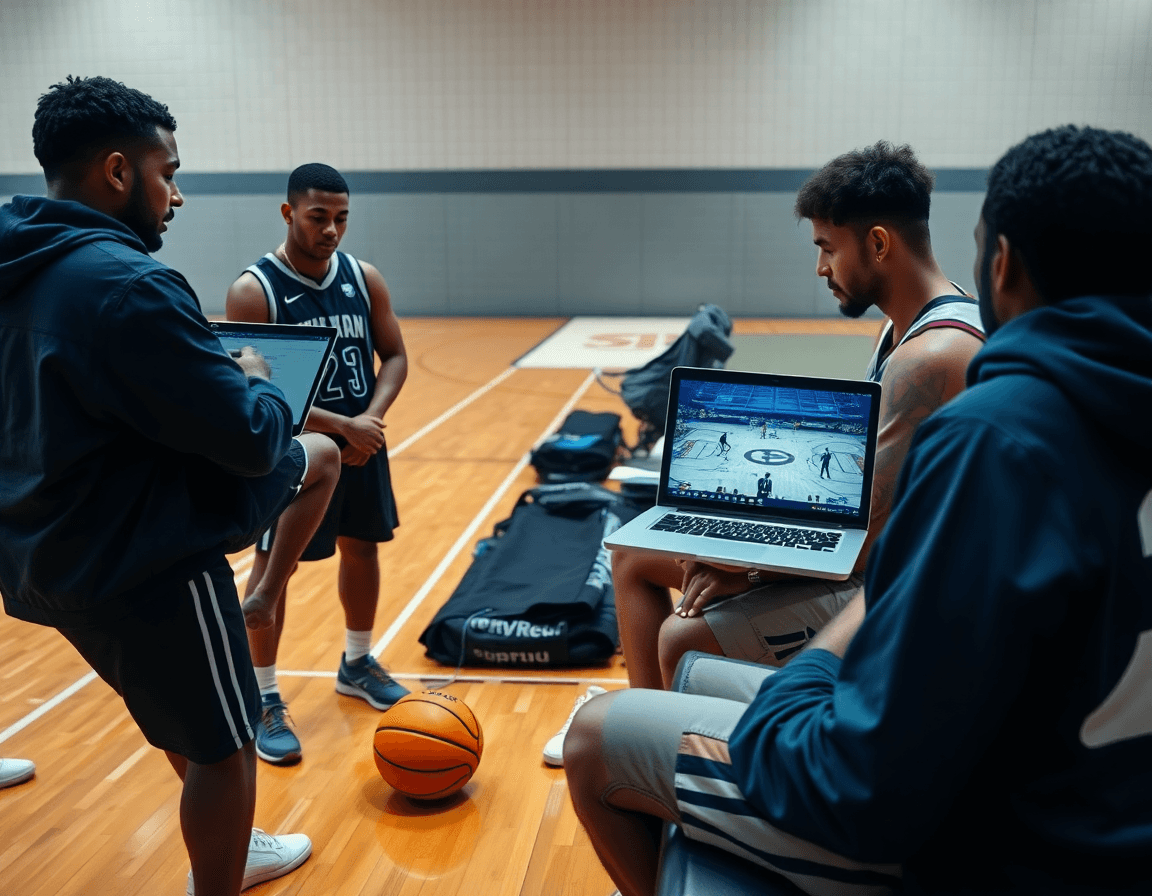
In the weekly rhythm, I start with clips from last game and practice, then strip them down to the moments that matter. I clip high-leverage sequences—transition breakdowns, ball reversals, and decision points on the pick-and-roll. Each clip gets a tag by player and by skill (defense, spacing, decision-making) so I can pull exactly what I need for the next practice. I also keep a few clips in the drills library for quick pull-ups or an animated play when we’re teaching a new concept. The aim is to turn raw footage into a precise toolbox, where a single clip sits in a well-organized playbook of ideas. This is where the video analysis and playlists come to life.
Once the clips are ready, I categorize them into playlists by player, by skill, or by game situation. A quick glance at a playlist reveals a player’s growth curve and the reps we’re emphasizing that week. I’ll drop a short clip into a rotation maker to illustrate a shift in responsibilities, or into the team library to show teammates how spacing should look on a specific action. The workflow is smooth when the clip-to-playbook connection is tight, and it keeps our practice planner aligned with on-court needs. We’re not guessing—these playlists become the reference for drills, walkthroughs, and quick hits between sessions.
Sharing is where real feedback happens. I generate shareable links and push them to players for review, then collect quick notes back through the app. The feedback informs adjustments to the practice plan and even tweaks to the play creator or playbook entries. It’s a loop: clip, analyze, adjust practice, and keep players aligned with crisp, data-backed messaging. This approach is the backbone of practical video analysis for our weekly routine.
Scouting reports and opponent prep: build a library of tendencies
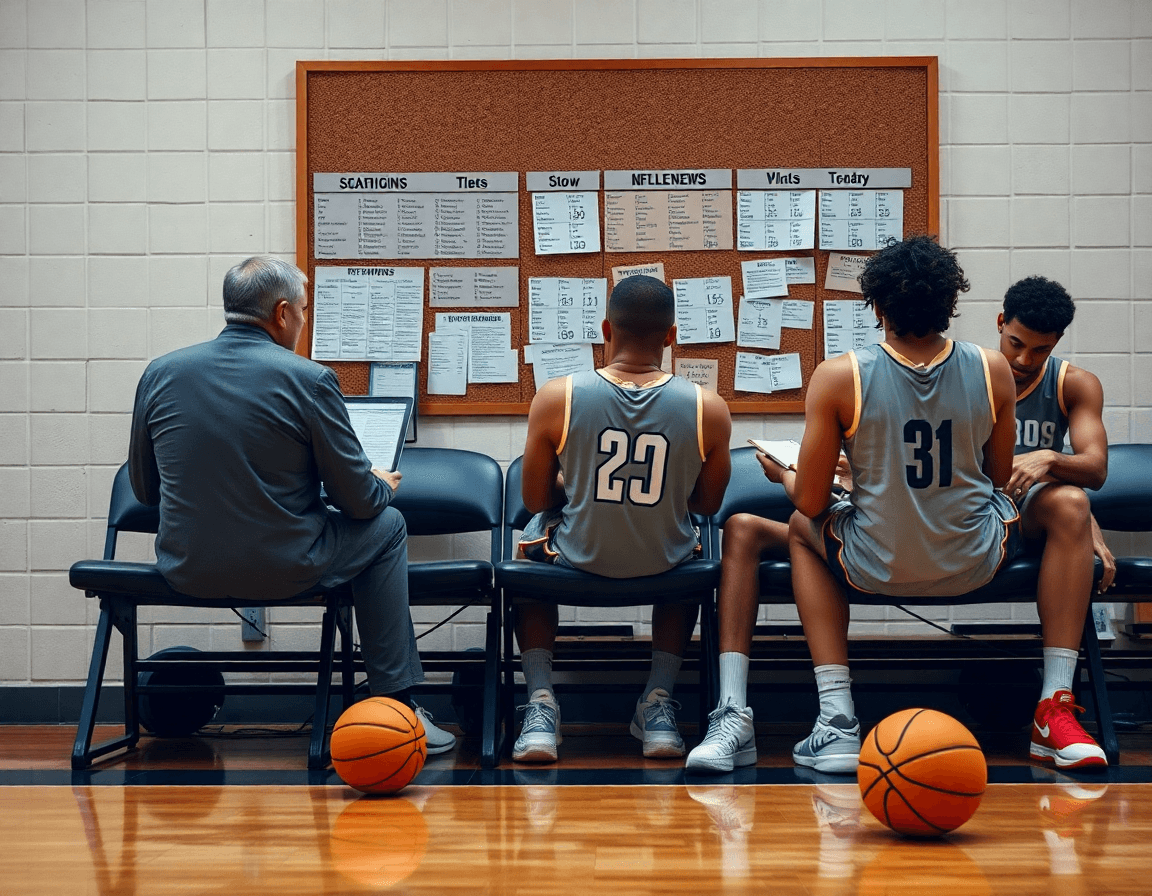
As a coach who relies on a clean, centralized workflow, I treat scouting as a living component of the weekly plan. Before Friday's practice, I pull notes from the opponent's recent films and lay them into a dedicated entry in the team library. The goal is to make it easy for the staff to skim habits at a glance—favorite sets, transition patterns, and how they respond to pressure. I tag each file with opponent name, date, and key tendencies, so a quick search surfaces the exact data I need. This feeds our scouting reports into the team library, becoming the hub for materials that inform the game plan and the playbook we reference in meetings and on the floor.
With tendencies captured, I translate them into scout plays using the play creator and map adjustments in the weekly cycle with the practice planner. If they lean into a strong side after ball reversals, I diagram a counter on the whiteboard and pair it with a focused drill from the drills library. If their pick-and-roll attack drifts toward a weak-side shooter, I save an animated plays version of the adjustment under that opponent’s file and assign the appropriate rotation maker-driven substitutions in our roster plan. The goal is action-ready material—diagrams, short clips, and rotations that fit our rotation and tempo, all sourced from the scouting workflow.
Create scouting reports and store them in a team library for quick reference. Translate opponent tendencies into scout plays and practice-ready adjustments.
Playlists and shareable clips: actionable feedback for players
In the weekly grind, playlists and shareable clips become the steady rhythm that turns planning into coaching on the floor. With a few clicks, you assign a set of playlists to reinforce decisions and then pull up clips for quick video analysis to show what happened and how to fix it. It’s not about more video; it’s about delivering instantly actionable feedback that players can actually apply in drills and scrimmage.
During planning, you lean on a few tools: create plays with a play creator to map out each option, and use a rotation maker to organize subs so every group knows when to enter. Attach these to your plan in the plan library, link them to the playbook, and keep a ready-to-run set of animated plays for practice.
After games or drills, shareable clips become a lifeline for rapid, targeted feedback. Produce clips highlighting a decision path, then send shareable links to the player(s) and a quick note on what to adjust. In the moment, a coach can reference the clip in the team chat or in a quick one-on-one, reinforcing learning with concise feedback and next steps.
All of this plays into scouting and roster management: tag clips to opponent tendencies, reference scouting notes, pull from the drills library, and drop them into a team library for quick reference. Assign clips to players through the roster management workflow, making it easy to curate position-specific playlists that reinforce decisions even when you're not in the gym.
Practical 60-minute weekly workflow: step-by-step
On Monday I start with the practice planner, laying out the week around our roster management and the upcoming opponents. I lean on a simple checklist for weekly training and set schedule reminders so assistants know what to prep—shootarounds, position drills, and scouts' notes become concrete tasks. This cadence gives the week a clear rhythm: plan, practice, review.
Ten minutes in, I move to the whiteboard to draw and refine key plays—PnR, BLOB/SLOB, ATO. I adjust spacing and roles, then export a PDF of the play diagrams for the assistants.
Fifteen minutes in, I flip to video clips. I clip and tag footage by action, opponent tendencies, and rotation needs, then organize the clips into logical playlists so players can watch their reps. The drills library comes in handy when I want quick references for a new sequence.
Ten minutes to compile scouting notes and map them to upcoming opponents. I annotate patterns I’ll face, attach these notes to a short scouting report in the team library. The analytics panel highlights tendencies—transition counts, ball-screen success rates—so I adjust practice priorities.
Ten minutes to share resources and assign clips/playlists to players. I drop targeted clips into a player's playlist and send a link to the roster. This closes the loop: players watch what matters, I track who watched, and I tweak the next practice plan.
If you build plans like this every week, CourtSensei keeps your drill library, whiteboard, and video clips in one place — try it free.
FAQ
What is basketball coach software used for?
Basketball coach software serves as the central hub for planning, coaching, and scouting. It lets you set weekly objectives, translate them into practice plans, build a drills library, track reps, and attach video references. It also surfaces scouting notes, opponent tendencies, and playbook updates in one place, so your staff stays aligned and you can pivot quickly.
What features does basketball coaching software offer?
Core features cover planning, drills, playbooks, and video. Look for a drills library you can tag by skill, a play creator for animated reads, whiteboard diagrams, and the ability to export PDFs for staff. A solid package also includes playlists, a team library, and opponent scouting to keep every session focused.
Is there free basketball coach software available?
Yes. Many basketball coaching tools offer free tiers with core planning and basic video features, though you’ll see limits on storage, rosters, or analytics. If free options don’t fit, try a risk-free trial of a paid plan or explore open-source tools. Free plans are useful to start, but plan for expansion as your program grows.
How can I plan basketball practices efficiently using software?
Efficient planning starts with a clear cycle: set weekly objectives, map them into practice plans, attach reference videos, and assign drills to players. Use a drills library to keep reps purposeful, then export PDFs for staff meetings. The result: consistency, faster prep, and a plan that adapts as the week unfolds.
Can basketball software manage rosters and scheduling?
Yes. Most coaching platforms manage rosters, schedules, and rotations alongside practice plans. You can assign players to drills, track availability, and publish a calendar for the team. The key is integration: keep roster changes synced with the plan and the film library so substitutions and rotations stay aligned between workouts and games.
How do I track player stats and performance with coaching software?
Track player stats by linking game and practice data to individuals. Look for dashboards that show trends in scoring, assists, shooting, rebounding, and minutes. Pair stats with clips and drills to reinforce improvement. Exportable reports help staff meetings, parent updates, and player feedback without digging through archives.
What is AI-powered basketball coaching software and how does it help?
AI-powered coaching software analyzes patterns across practices and games to surface improvements, opponent tendencies, and timely play adjustments. It can automate scouting insights, optimize drill sequences, and tailor feedback to each player. Use it to augment your judgment, not replace it—let the data guide decisions while you provide the context and accountability.
