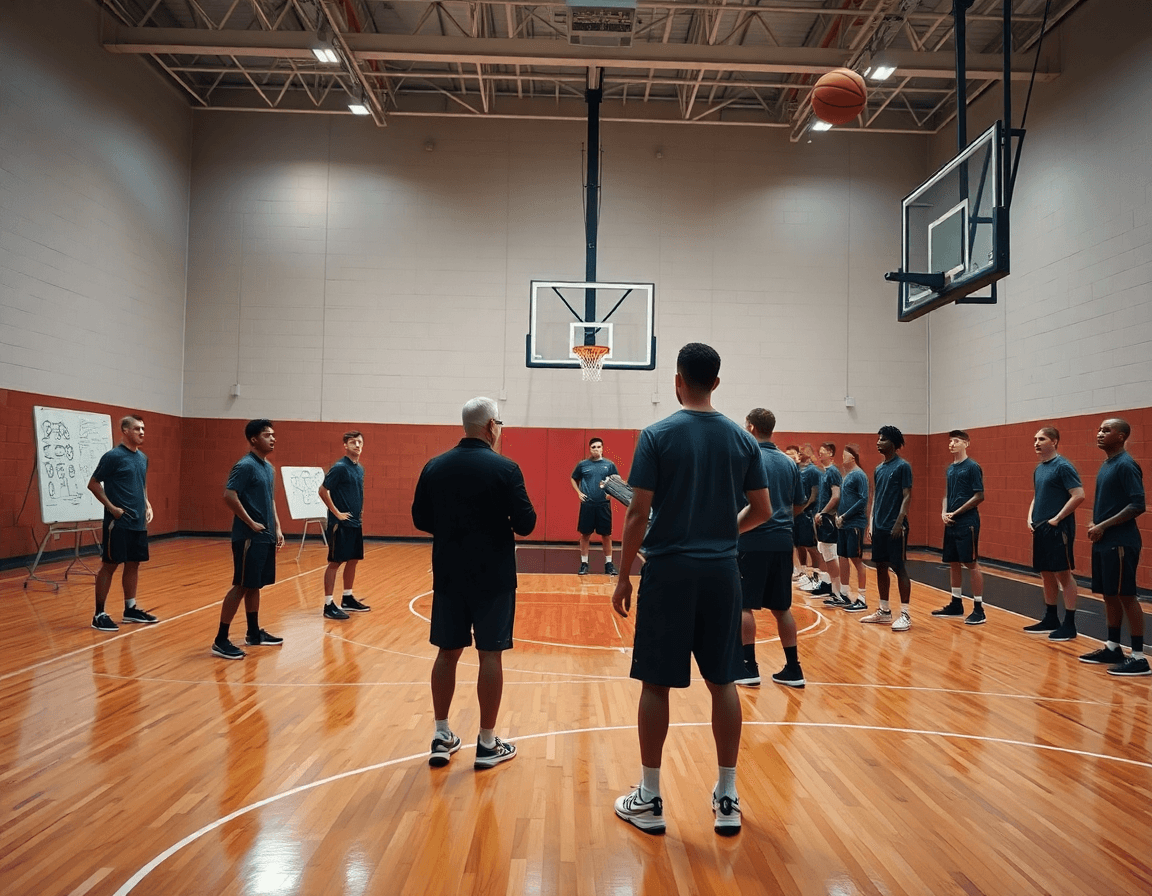
Best apps for coaches: weekly planning and scouting
Explore the best apps for coaches to streamline weekly planning, video analysis, scouting, and practice design, all tied to a practical, coach-first workflow.

Key takeaways
- Choose the best apps for coaches that map cleanly to your weekly workflow and a solid practice planner app.
- Start with clear weekly planning needs—practice ideas, drills, attendance, and player roles—to guide app choices.
- Evaluate single-week flow, drag-and-drop drills, and exportable formats for staff and players across roles.
- Leverage the drill library and templates to customize rosters quickly for the week.
- Export in shareable formats to keep assistants and players aligned across weeks.
- Integrate video analysis and scouting notes into weekly planning threads consistently across teams.
Choosing the right apps for weekly planning
Choosing the best apps for coaches starts with how cleanly they map to your weekly workflow. For me, a solid practice planner app is the backbone—it handles scheduling ideas, drill variety, and the flow of sessions. Pair that with a dependable drill library, and you’ve got a foundation that scales from HS to semi-pro.
First, define your weekly planning needs: practice ideas, drill variety, attendance, and player roles. That clarity shapes every decision, from what to pull from the drill library to how you assign roles on defense during a Tuesday session.
Evaluate apps by how they support a single week of sessions—planning, drills, and flow. Look for an obvious week view, drag-and-drop drill placement, and a clean sequence from warm-up through the closing stretch.
Scan for a drill library and templates you can customize to your roster management needs. I frequently tweak a guard-specific ball-screen progression to fit our tempo and spacing, and a good template makes that quick.
Consider how the app exports or shares plans with assistants and players. PDF exports work for the staff room, while shareable links or cloud access keep everyone on the same page.
Think about cross-compatibility with a broader coaching toolkit—video clips, scouting notes, and playlists. When a plan sits beside a scout report and a short clip, the week stays coherent and actionable.
Video analysis and coaching feedback that sticks
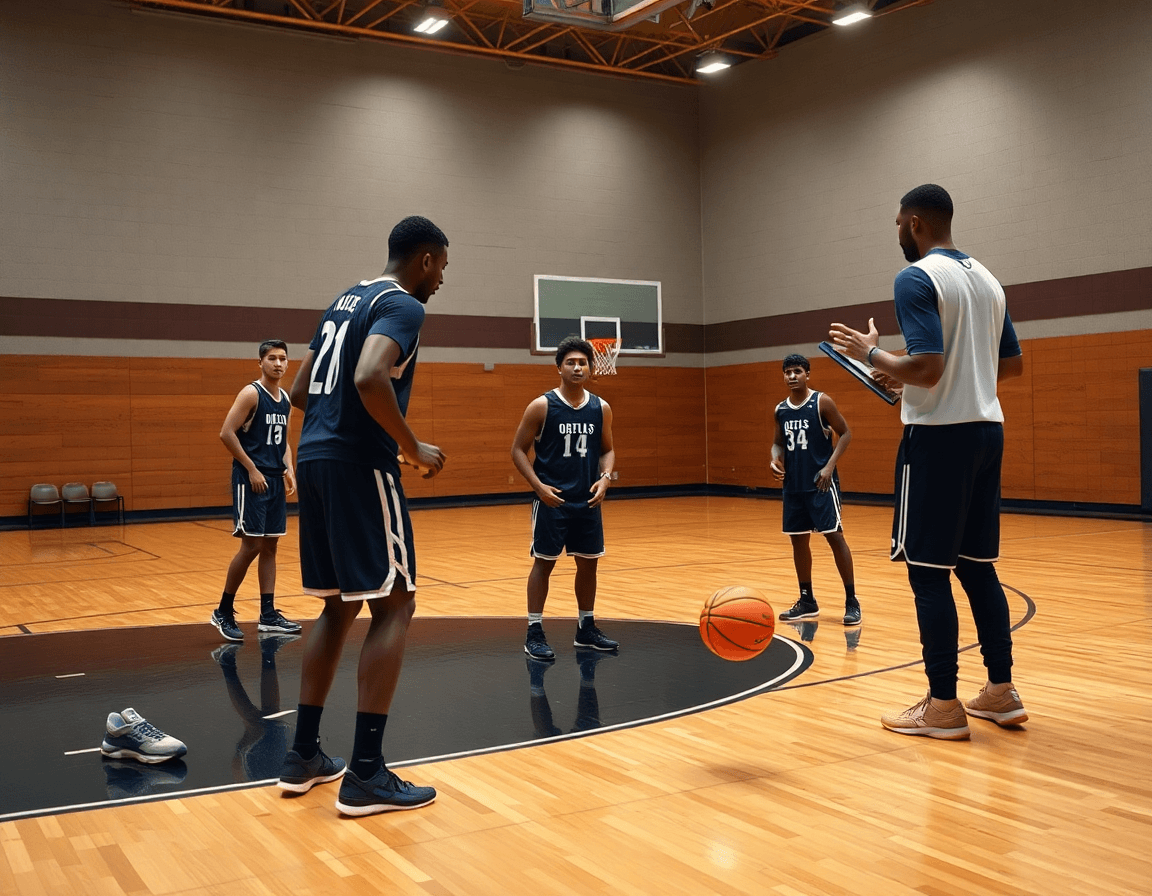
During the weekly film session, video analysis serves as the bridge between scouting notes and the court. I start with frame-by-frame feedback, pausing on a key moment—the defender’s stance as we drive, the offense’s miscommunication in a weak-side set—and drop quick annotations on the clip. This isn’t about cataloging every mistake; it’s about pinpointing the moment where decision-making breaks down. When I label a moment as “recover-shoot” or “deny-angle,” the players hear precisely what to adjust.
Clip creation flows fast: from a single game sequence, I cut to a handful of moments, assign clear labels, and generate shareable clips for players. From there, I attach concise coaching cues to each clip and export the package for players or assistants to review on their own time. The goal is to keep the feedback tight and actionable, not flooded with irrelevant footage.
Integrating video with planning and scouting notes makes the process actionable. I link the most telling clips to the current week’s practice goals in the practice plans, and I attach a few clips to the scouting notes so the whole staff stays aligned on tendencies and counters. Some platforms also offer AI coaching prompts to surface the frames that deserve the most attention, helping me stay efficient in the film room.
A practical weekly flow keeps everything cohesive. After Sunday scouting, I pull a few clips, annotate key cues, and drop them into the next day’s drill library. We review them on the tactical board and pair them with the corresponding practice activities, ensuring the film room insights translate directly into on-court progress.
Scouting and game prep: turning data into action
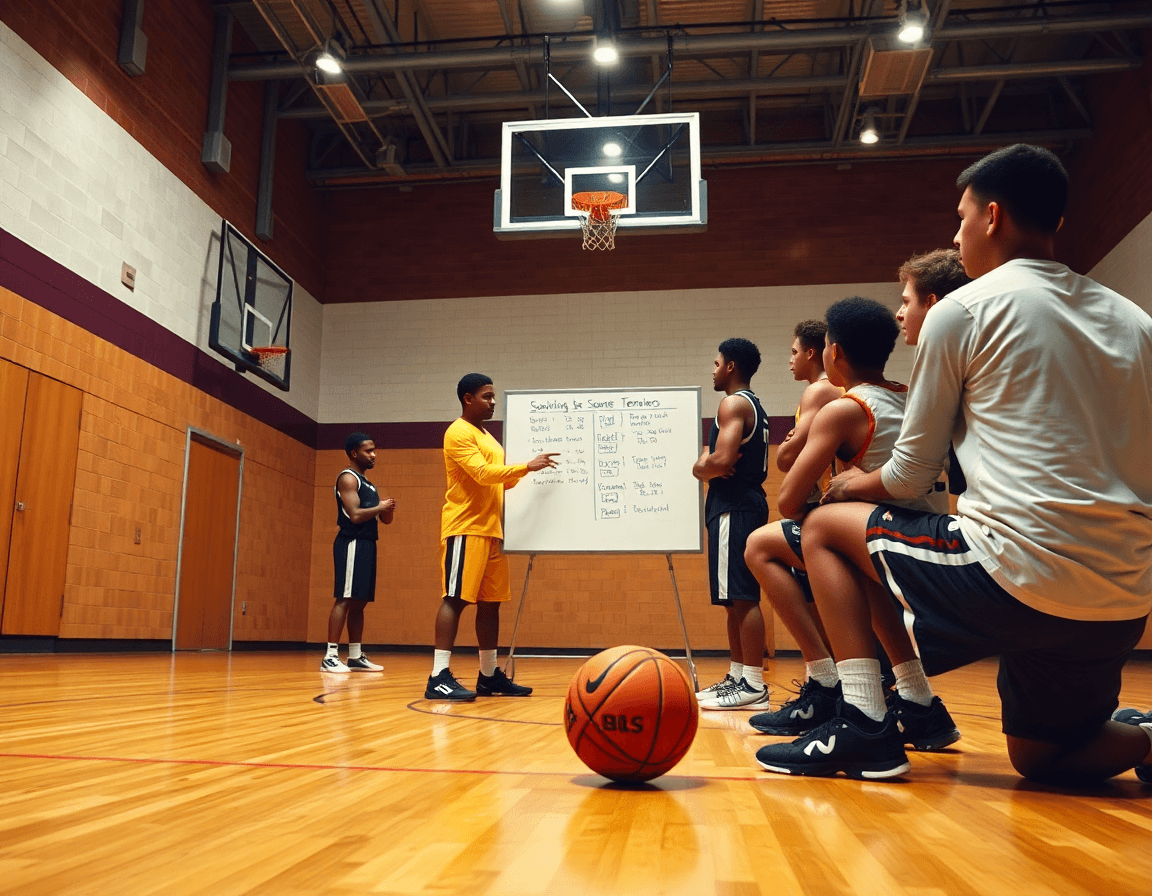
As a coach, scouting & game prep is where data meets decisions. I start with a clean set of scouting reports on the opponent: their pick-and-roll tempo, how they hedge on drives, and which players drop to the weak side late in possessions. I annotate these tendencies in our notes and pull a few clips into the film room. The goal is simple: capture what they actually run and translate it into what we practice.
Then I map those insights into the weekly plan and pull drills from our drill library that target their actions: drive-and-kick sequences for over-help, spacing reps for traps. I pair this with the practice planner app to sequence the session so each drill flows into the next, keeping our scout-derived adjustments visible on the whiteboard.
Accessibility matters. I export the scouting output as a PDF and shareable link to the assistants, while players can browse key clips in the film room or on their own devices. Keeping notes in a single format makes it easy to discuss in huddles and assign review tasks—this is how we turn data into action with clear, shareable formats and scouting reports.
Organization is the backbone of this process. I keep everything organized by opponent and week, tagging the roster of players and who is responsible for each scouting task. This archive lets us reuse scouting outputs week-to-week, swapping in fresh clips and drills without chaos. With roster management in view, the team stays aligned, and you can see who owns which updates as you prep for the next game.

From drills library to practice plan: building your week
From a practical standpoint, I start with the drills library to interlock warm-ups, skill work, and situation drills into a single thread for the week. One session might begin with a quick two-ball warm-up, flow into a ball-handling station, and finish with a late-clock scenario — all pulled from a searchable library so nothing feels random. This is where the drills library earns its keep, especially as you juggle roster needs and player progress tracking across groups.
Next comes the drag-and-drop planning, building a cohesive weekly progression without reinventing plans every day. In the plan view, I drop in warm-ups, stitch in skill blocks, and layer in situational reps, making sure each block transitions cleanly to the next. A solid workflow uses a single tool—a practice planner app—to keep tempo steady and goals visible for assistants and players alike.
Attach plays and cues to drills so the on-floor flow mirrors what you diagram on the whiteboard. With a simple link, I map a drive-and-kick sequence to the corresponding drills, add quick cues, and tag the next drill to sprint into. The play designer helps keep early-quarter sets aligned with the on-court rhythm, so players know what to execute before the whistle blows. It’s a small cadence that pays dividends in shot preparation and decision-making.
Finally, export or share the plan as PDFs or shareable links for assistants, so substitutions and scouting notes stay in sync throughout the week. When the plan travels with the staff, you gain a roster view, player progress tracking, and team analytics to inform the next cycle.
Roster, progress, and analytics: monitoring players and team
As a coach running a weekly routine, roster management is my starting line. I track attendance, minutes, and role assignments so I can allocate playing time fairly. A quick glance at last week’s numbers shows who logged heavy minutes, who earned a starter role, and who needs a developmental rep. Those decisions shape the plan for the week and get reflected on the whiteboard as rotations and responsibilities change.
Progress isn’t a mystery when you define clear objectives and milestones. I lean on steady player progress tracking against those targets—shots per possession, decision quality, and defensive stops. Those stats live in the drill library and flare up in quick video clips I share during feedback. When a milestone lands, I adjust practice tasks in the plan and annotate scouting notes to keep everyone aligned.
Team analytics is how I keep a beat on the group. I monitor minutes distribution, efficiency, and lineup trends to spot what deserves a weekly emphasis. A data-driven eye helps me push the right combinations, assign rest when needed, and fine-tune defensive schemes. All of this feeds into ai coaching ideas and the practice planner app, ensuring the plan and the table stay in sync. This cadence is exactly what people refer to when they say the best apps for coaches.
At the end of the day, performance data become the backbone of player feedback loops. I translate numbers into concrete conversations, film-room clips, and a concise scouting note that threads through the plan, the whiteboard diagrams, and a shareable playlist for each player. The result is a cohesive cycle: attendance and progress feed the plan, analytics guide tweaks, and feedback solidifies improvement.
Practical weekly workflow: a step-by-step routine
As a coach constantly juggling practice blocks, the best apps for coaches help me keep a sharp weekly workflow. In practice, I map the planning, diagram the action on the whiteboard, clip and tag video, build scouting notes, and assemble shareable playlists — all inside one integrated system.
Sunday kicks off with updating scouting notes and finalizing the week’s plan using the drills library and practice templates.
Monday I run a quick film review in the film room and annotate key competition or focus areas on the whiteboard diagrams.
Tuesday I implement planned drills and cue sheets in practice, pausing to adjust based on progress and how players read the cues.
Wednesday I update rosters and attendance forecasts, refining minutes and roles so every handler knows who’s on the floor and who’s watching from the bench.
Thursday I compile and share highlight reels or clips for player feedback, labeling them for quick review in shareable playlists.
Friday I finalize next week’s plan and draft a concise coaching brief for assistants, wrapping up the week with a clean handoff to the staff. This cadence isn’t guesswork—it’s a practical, repeatable routine that ties together the drill library, play designer diagrams, and a simple film room workflow. If you’re aiming for a true weekly checklist for weekly training, this approach keeps planning, scouting, and video work in one cohesive cycle, without leaving a single piece behind.
If you build plans like this every week, CourtSensei keeps your drill library, whiteboard, and video clips in one place — try it free.
FAQ
What are the best apps for basketball coaches?
Choosing the right tools starts with weekly planning, a solid drill library, and easy sharing. Look for a robust practice planner that handles scheduling and session flow, a drill library with customizable templates, and clear export options so assistants and players stay aligned. Also prioritize cross-compatibility with video clips and scouting notes to keep your plan cohesive.
Do basketball coaching apps offer AI or video analysis?
Yes. Many platforms include video analysis with frame-by-frame feedback, searchable clips, and coaching cues. Some also offer AI prompts to surface the frames that deserve attention, speeding up film sessions. Pair video with your planning notes so insights flow into practice goals and scouting reports, making feedback actionable for players.
Which apps help with practice planning and season management?
Focus on apps that support a clear weekly flow: a clean plan view, drag-and-drop drills, and templated sequences from warm-ups to situational reps. A good package pairs practice planning with season management, a robust drill library, and easy sharing of plans with staff. Tie scouting notes and clips to plans so every week stays cohesive.
Are there free plans or affordable pricing for coaching apps?
Yes, many apps offer free plans or low-cost tiers with core features. Check what’s included: number of plans, export options, video storage, and roster tools. If you’re budget-conscious, look for scalable plans that unlock essential modules as your program grows. Compare price against impact on planning, scouting, and film work.
Do these apps support youth basketball programs?
Absolutely. Look for roster management and role assignments suited to youth squads, plus family-friendly sharing and mobile access. Apps that work offline or with limited data help practices at community gyms. Ensure age-appropriate progress tracking and safe data handling for younger players.
What features should I look for in a basketball coaching app?
Key features to prioritize: a strong drill library, a versatile play designer, and a reliable practice planner. Also evaluate video analysis capabilities, easy sharing, opponent scouting outputs, and straightforward roster management. A cohesive toolkit helps you connect planning, film work, and game prep in one workflow.
