
Best basketball stats software for coaches
A coach-focused guide to evaluating the best basketball stats software, plus how a coaching workspace turns stats into planning, video, scouting, and playbooks.

Key takeaways
- Choose tools that enhance your coaching workflow, not just tally numbers; tie stats to drills.
- Context matters more than raw figures; use data-driven decisions to guide teaching plans and practice progress.
- Tailor your toolkit to weekly rhythm: lean on video clips, dashboards, and scouting notes that fit practice cycles.
- Evaluate tools by clean exports that feed weekly plans and link insights to practice and opponent prep.
- Build a concise five-step workflow: identify trends, pull teaching clips, craft scouting notes, and share with staff.
What 'best basketball stats software' means for coaches
What does 'best basketball stats software' mean for you, as a coach? At its core, you want numbers that illuminate trends and strengths, but you also want them to inform planning and teaching. Stats without action are a scoreboard; stats that feed your coaching workflow help you design practice plans, set scout goals, and adjust game prep.
Context matters more than raw numbers. A spike in opponent field goals in the paint means nothing if you don’t connect it to how you teach drill progression or how you guard the rim. With context, data-driven decisions fuel effective teaching and smarter game prep. That is how you avoid misleading conclusions and drive real improvements.
Different coaching goals demand different tools. Some programs lean on video libraries and playbooks; others crave dashboards and scouting workflows. The week-by-week cycle dictates what you need: quick clips to illustrate a concept, a ready-to-export scouting report on an opponent, or a simple game dashboard to track progress. Align your toolset with your weekly rhythm.
CourtSensei is not a stats engine; it is a coaching workspace that ties statistics to drills and scouting notes within one flow. After a game, you can route a trend into a short video clip for the next practice, attach a scouting note about opponent tendencies, and fold that into your weekly plan so the entire staff stays aligned.
Key features to support a weekly coaching workflow
When you’re evaluating the best basketball stats software, you want more than numbers. Look for features that translate data into coaching actions. The weekly workflow benefits from strong video integration and clip organization, plus the ability to tag teaching moments tied to stats—so a clip that highlights a defender’s help decision or a shooting location can become a teachable moment on the floor.
Add a drills library, play drawing/animation, and PDF export to translate stats into practice and game plans. A drill that targets decision-making after a particular passing angle can be pulled from the library, sketched into a quick sequence, and exported as a PDF to share with the staff. The linkage between drills, play drawing/animation, and playbooks helps turn data into repeatable on-court routines.
Scouting reports and opponent prep notes should live near your planning tools for seamless prep. Have game dashboards that summarize tendencies—like heat maps and shooting locations—accessible beside your practice calendar and game plan. When you annotate a scouting note, you can attach it to the upcoming week’s plan, so the prep stays connected to on-court tasks.
Shareable playlists and read-only links keep staff aligned. Create playlists of clips for the defensive shell, share the read-only link with assistants, and loop the same material into meetings and walkthroughs. This cadence helps ensure everyone is reviewing the same clips and notes alongside the weekly plan.
Practical checklist for evaluating stats tools
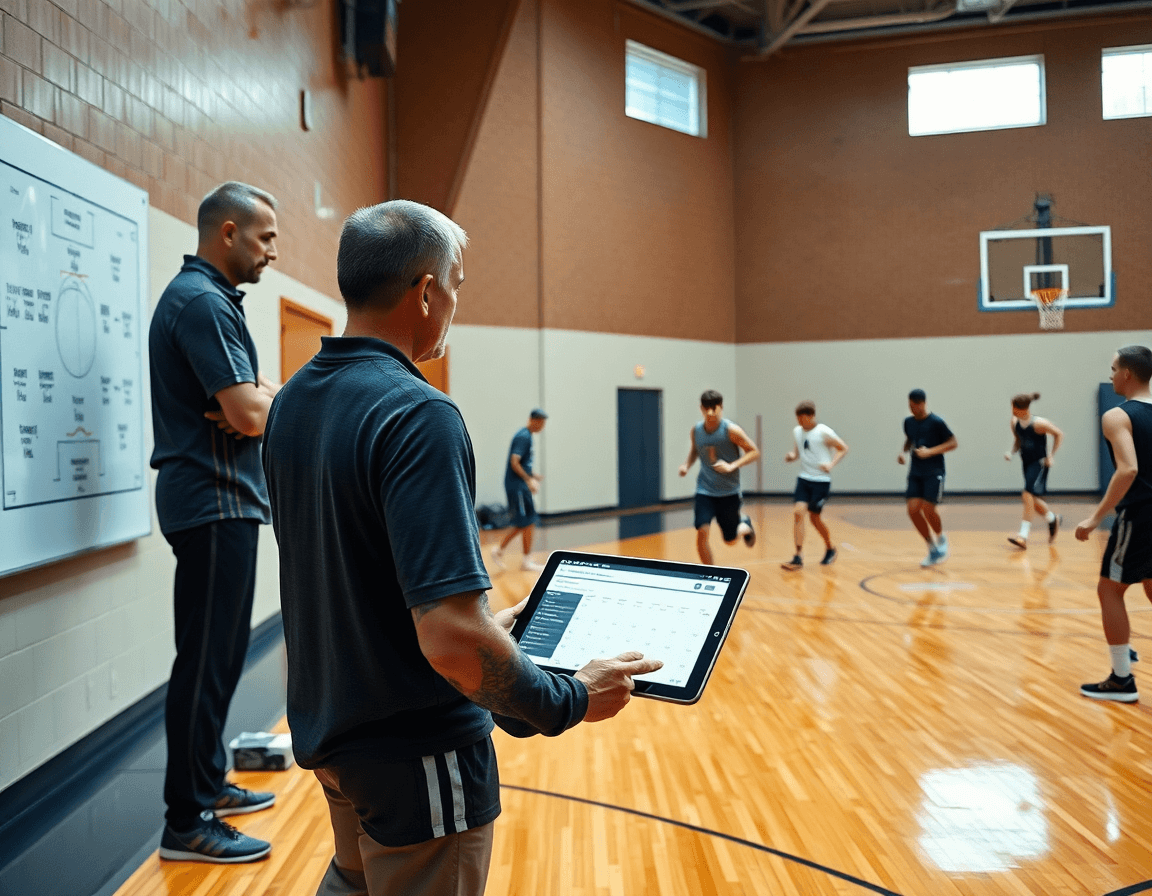
For coaches, a stats tool isn’t useful unless its outputs feed directly into the weekly plan. CourtSensei isn’t a stats engine, but you can evaluate tools by how well they partner with your coaching workflow—planning, video, scouting, and playbooks. Use this practical checklist to separate the signal from the noise.
Clear exportable teaching materials (reports, clips, and notes)? A solid option should offer clean exports you can drop into your week: a concise report for staff, a clip reel for film sessions, and a notes file tied to specific actions. Look for formats that keep context intact and are easy to share with assistants and captains.
Link stat-driven insights to teaching moments and practice plans? The strength of a stats tool lies in surfacing actionable teaching moments. Can you tag drills or plays to reflect data trends, or auto-create a lesson plan from a scouting insight? The tighter the link between numbers and a weekly plan, the more practical the tool becomes.
Built-in support for opponent prep and scouting without overcomplication? Prepping for the next opponent should feel streamlined, not like building a new dashboard from scratch. Seek scouting reports, bite-sized game plans, and clip libraries that connect to your read-and-reaction drills without adding heavy setup.
Costs, scalability, and ease of implementation for your staff? Consider pricing models against your program size and growth trajectory. How quickly can staff be trained to use it, and will it scale with more teams, more games, or deeper scouting notes? A clear path to adoption matters as much as the features themselves.
Integration with your coaching workflow? Finally, assess how well the tool integrates with your broader routine—training plans, video workflows, and scouting notes. The right fit should feel like an extension of your non-game day cycle, not a separate system to manage.
Practical workflow step: turn stats into game prep in 5 steps
If you're evaluating the best basketball stats software, you want tools that turn numbers into action. CourtSensei is not a stats engine, but a coaching workspace that connects training plans, video, scouting, and playbooks into your weekly workflow. It helps translate stat insights into practice plans and game prep without claiming to be a stats engine.
Step 1: Identify 1–2 stat trends you want your team to address this week, then drop them into your weekly plan as focal points. Use the plan to frame what you emphasize in drills and reps, keeping the focus tight and actionable.
Step 2: Pull clips that illustrate teaching points tied to those stats, labeling them by trend to keep film sessions tight. Short clips tied to your teaching points help players see the exact mechanics you want to improve, without drowning in data.
Step 3: Build a concise scouting note on the opponent’s tendencies and counters, feeding your scouting reports for quick reference before practice. This keeps your staff aligned on what to anticipate and how to respond.
Step 4: Create practice drills and playlists that directly address the identified trends, leveraging the drills library and video playlists to assemble a focused progression. The workflow links video, drills, and plan in one place.
Step 5: Export and share a one-page game plan or PDF export with the staff to ensure alignment ahead of the next game. A clean, ready-to-distribute plan helps everyone execute the same approach on game night.
How to integrate stats with film and scouting using a coaching workspace
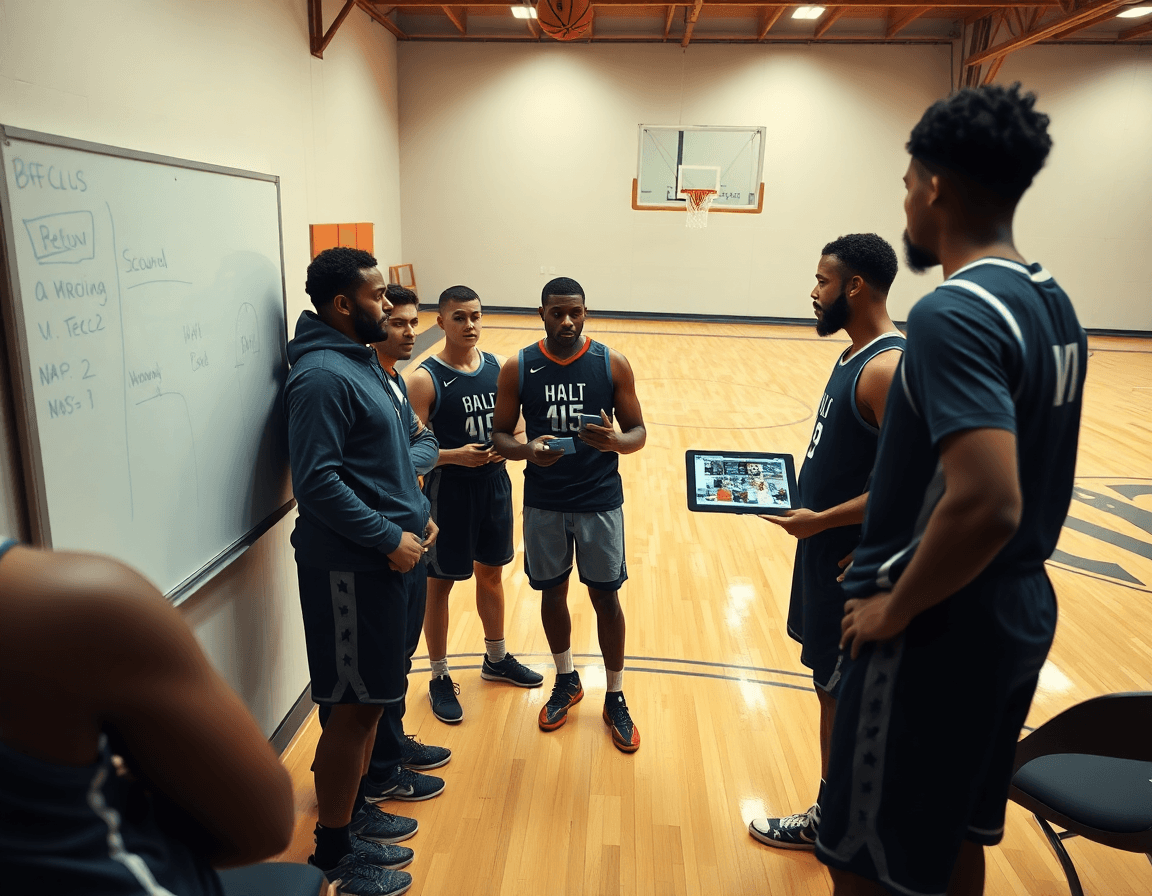
If you're evaluating the best basketball stats software, look for a setup that fits your weekly grind—not a standalone numbers tool. A true coaching workspace ties stat insights directly to practice planning, game prep, and scouting notes. In practice, that means a central workspace where you organize clips, drills, and playlists alongside scouting reports, so numbers are actionable on the court.
Start by linking stat findings to film and scouting in the same flow. Pull a quick clip that illustrates a tendency, tag it, and attach a concise scouting note. Build a drill or a short video sequence in your plan to address that issue, then drop it into a playlist for easy access during the week. This keeps video analysis software integration focused on teaching moments, not just data.
Weekly planning benefits from mapping opponent tendencies to teaching moments. Link reads of opponent prep to the teaching emphasis you want in practice—for example, a tendency on late-game switches becomes a drill sequence in your plan and a scouting note for the staff. Use heat maps and shooting locations from clips to shape defensive rotations and shooting drill emphasis, all organized under the same workflow.
Finally, avoid data overload by distilling stats into actionable teaching objectives and measurable practice outcomes. Convert a handful of key stats into clear objectives, then tie them to specific drills, clips, and scouting notes. By keeping a cohesive cycle—from scouting reports to game prep to practice outcomes—you turn raw numbers into a consistent, weekly coaching rhythm.
Common pitfalls and how to avoid them
One common pitfall is relying on numbers alone without teaching context or game plan implications. Stats tell you what happened, but not what to do next. Pair data with clear weekly targets: translate shooting efficiency or turnover rates into specific drills, and attach notes from scouting to that plan. In this workflow, you bridge raw data to practical, data-driven decisions that tie directly to the game plan.
Over-segmenting tools—trying to use too many platforms—leads to fragmentation. The coach ends up juggling data, video clips, and scouting notes instead of a cohesive weekly rhythm. Keep it simple: centralize planning, video analysis, and playbook updates in one coaching workspace. When you avoid bouncing between tools, you preserve the connections between video analysis software and the heat maps that highlight shooting locations and decision points in scouting notes.
Failing to socialize the plan with staff and players undermines adoption. If the plan lives in a folder nobody reads, the week goes off rails. Socialize a simple, accessible output: a playbook you can export as a PDF, short video clips for walkthroughs, and read-only links for staff. In practice, the workflow should produce actionable outputs: clear scouting notes, clips tied to drill lists, and a public-facing plan that players can study before practice. Prioritize sharing so everyone stays aligned.
Finally, underestimate the weekly cadence. A one-off data dump rarely shifts performance. Build a recurring loop: review opponent prep, adjust the plan, and deliver the updated playbooks and clips before the next session. Keep in mind that teams rely on a compact blend of video, small analytics summaries, and a concise practice plan—so you stay aligned without turning tracking data into a maze. CourtSensei helps by linking actions, drills, and scouting material inside a single coaching workspace, without pretending to be a full stats engine, and keeping the focus on practical coaching outputs.
FAQ
What is the best basketball stats software for coaches?
There isn’t a single best option. The key is how well a tool plugs into your weekly plan. CourtSensei isn’t a stats engine; it’s a coaching workspace that links numbers to drills, scouting notes, and playbooks. Look for clean exports, teaching materials tied to trends, and a workflow that fits your weekly rhythm for planning, practice, and game prep.
How is CourtSensei different from Hudl or Synergy?
CourtSensei is not a stand-alone video-analysis platform. It’s a coaching workspace that ties training plans, video clips, scouting notes, and playbooks into one flow. Hudl and Synergy focus more on breakdowns and dashboards; CourtSensei emphasizes turning inputs into weekly routines and shared plans.
Is CourtSensei just a basketball chatbot?
No. It’s designed to organize planning, video, scouting, and playbooks so the staff stays aligned. It isn’t an AI chatbot; it’s a workspace to connect data, drills, and prep into your week.
How much does CourtSensei cost?
Pricing isn’t listed here. CourtSensei’s pricing scales with program size and staff, and you’ll typically see a clear adoption path with features like a drills library, PDF exports, and shareable playlists.
Can I use CourtSensei with Hudl or Synergy?
CourtSensei is designed to centralize planning and notes inside CourtSensei to keep everyone aligned. It’s not a replacement for Hudl or Synergy, but you should confirm any integration options for your program.
How do I prepare for my next opponent?
Build scouting notes next to planning tools; attach them to the upcoming week’s plan; use video integration to pull clips of opponent tendencies; craft bite-sized game plans tied to drills.
