
How to Use Free Basketball Stats Software
Learn how coaches can weave free basketball stats software into weekly planning, scouting, and video workflows, while leveraging a focused coaching workspace.

Key takeaways
- Free tools offer real-time scoring and live updates, but expect basic capture and limited planning.
- Define a weekly stats-workflow: pull box scores, capture shooting splits, export clean CSVs, and stay portable.
- Map stat insights to practice by attaching 2-3 targets to drills and a clear action plan.
- Integrate scouting with video and plays: attach scouting notes to the playbook and link clips for cues.
- Keep a centralized coaching workspace with a living library of drills tied to stat insights.
- Share neutral data links with staff and players to maintain transparency without exposing sensitive details.
What free basketball stats software offers coaches
Coaches leaning on free basketball stats software look for something quick and practical on the sideline. You’ll find real-time scoring and live updates that let you track game flow without a heavy setup. These tools are typically mobile-friendly, so you can enter stats from the bench and flip quickly to viewing box scores at timeout. When the game ends, you can export PDFs or CSVs to share with assistants, film staff, or league observers.
Common limitations of free tools include basic stat capture and limited planning features. They also lack embedded coaching workflows that knit the numbers into weekly plans, video review, and scouting notes. Use these tools as a starting point, not a replacement for the weekly cycle of planning, film, and scouting.
Important distinction: these tools provide numbers but do not replace weekly planning, video, or scouting work. CourtSensei is designed to sit alongside free stats tools by organizing plans, plays, clips, and scouting into a single, actionable workflow. That pairing helps you connect game data to your weekly prep, turning numbers into scouting notes and film review in one place.
Define your weekly stats-workflow
Define your weekly stats-workflow
Set a cadence for your weekly stats-workflow: pull box scores from games, capture shooting splits and pace data from free basketball analytics tools, and skim for trends before practice. The aim is a quick read on what changed since last week and what warrants attention on the floor or in the film room. A clear rhythm keeps you from chasing numbers and instead focuses on action items for the week.
Create a simple intake process for box scores, shooting splits, and pace data. Establish a straightforward template you can reuse every week, then export clean CSV exports and save concise PDFs of the summaries. This keeps the data portable and easy to review in meetings, while you still honor court-time with your team. Remember that CourtSensei isn’t a standalone stats tool, but it can be the place where those inputs land and stay organized alongside your plans.
Decide what to review with your staff and what to attach to practice plans. Define who weighs in on specific metrics (shooting efficiency, transition pace, shot quality) and attach the corresponding notes to the week’s practice plan. Linking these insights to action items in your coaching workspace helps you prioritize drills, scouting notes, and the sequence of sessions without duplicating effort.
Consider how to export and share quantified insights with assistants and players via a neutral link. Provide a simple way for staff to glance at trends or for players to view non-sensitive, summarized data. Use neutral links for transparency while keeping sensitive details in your workspace. Include key figures for player comparison and attack-plan decisions without turning numbers into noise.
Plan how stats feed into scouting notes and drill selection for the week. Let the week’s numbers drive the scouting notes, then map those findings to targeted drills and situational reps. In your plan, label the exact clips, the playbook actions, and the reads you want emphasized in practice, all anchored by the week’s data.
Link stats to planning and drills
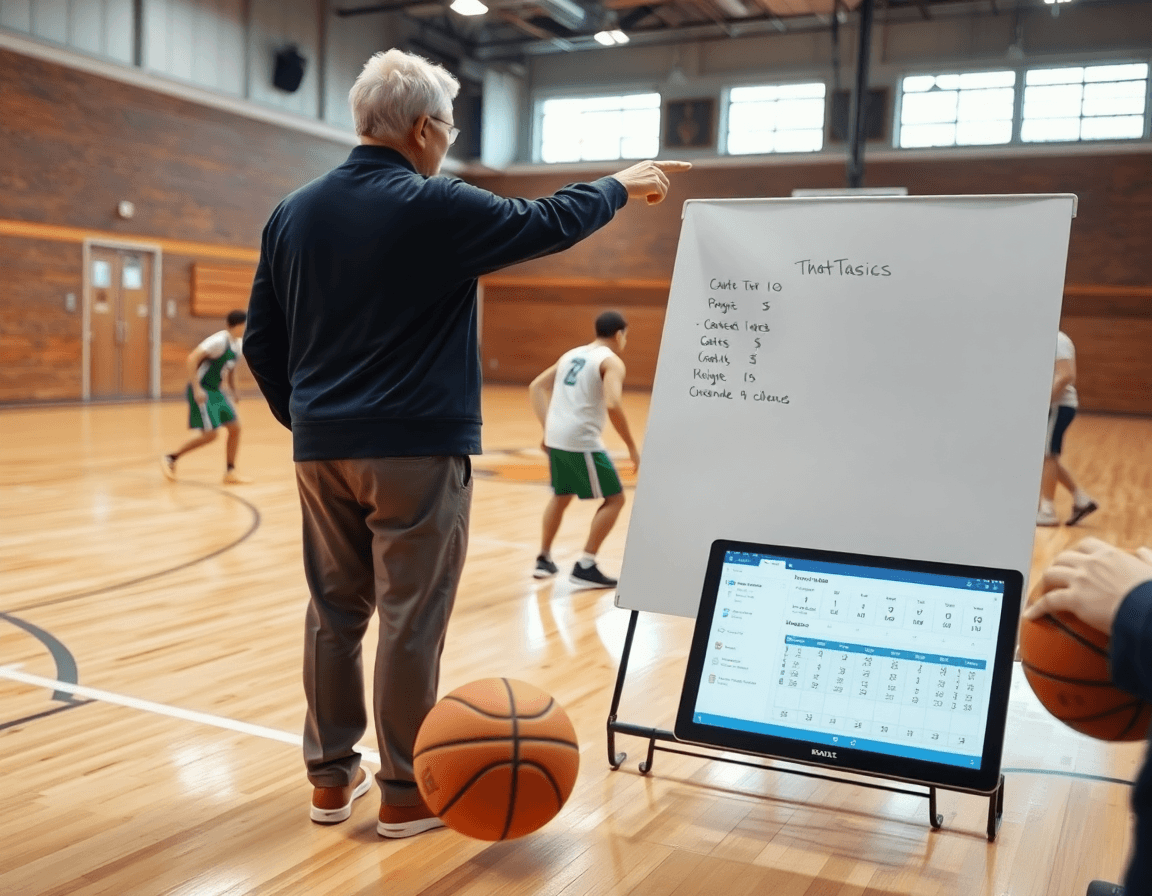
After a game, pull numbers from free basketball analytics tools to grab live stats and shot charts. Translate those numbers into actionable drills. In the weekly plan, identify 2-3 stat-driven targets—like shot selection, spacing, or decision making—and map them to specific practice tasks. The goal is to turn data into drills that show up on the floor. For example, if shooting metrics are down, add a short progression focused on catch-and-shoot rhythm and finishing around the rim.
With the targets set, the plan can attach drill progressions and tempo data to each day for clarity: what drill to run, what tempo, and what success looks like. This is where the idea of how to plan drills from statistics becomes practical: map stats to drills, then schedule them in the weekly blocks. If the box scores reveal a spike in turnovers during transition, pair a progression that emphasizes outlet passes and quick decision timing. Free tools often offer CSV exports and PDF reports that can feed into the playbook and scouting notes, keeping numbers and practice aligned.
In a centralized coaching workspace, stat-driven goals are tied to specific practice activities, play design, and scouting observations. Keep a living library of drills and progressions linked to your stat insights, so staff can reference them during huddles or video sessions. A short video clip paired with a box score snapshot or a simple player comparison can illustrate progress over time, and help steer weekly planning toward sharper execution on both ends of the floor.
Integrate scouting reports with video and plays
In the weekly workflow, you practically bridge scouting with game prep by tying scouting reports to video and your playbook. Pull scouting insights from free basketball analytics tools, export CSVs or PDFs, and attach them to the relevant notes. Use video integration to drop in short clips that illustrate tendencies—so the whole staff can see the cue, not just read about it. This keeps opponent tendencies clear and actionable for upcoming practice and a planned game plan. Bold: scouting reports, video integration, playbook.
Linking scouting findings to specific plays or counter-sets in your playbook turns notes into practice-ready leverage. If the opponent runs a heavy ball-screen action with quick traps, attach a scouting note to the corresponding counter-set in your playbook and pair it with a clip showing the exact cover or rotation. The goal is a direct connection between what you observe and what you call on the court, with clear cues for your team’s reaction. Bold: linking actions to video, playbook.
Organize clips, reads, and PDFs in a single workspace so coaches can reference them during game prep. A clean lane from scouting to planning means you can pull up the right reads while walking through a defensive sequence on the tactical table, with a quick video clip at hand. This consolidation also supports quick reference during shootarounds or pregame walkthroughs. Bold: video integration, scouting reports.
Share read-only links or curated playlists with staff to streamline game preparation. Give assistants or coordinators access to the exact clips and PDFs they need, without changing the core plan. It’s a small, powerful way to ensure everyone is aligned on what to study and how to respond, from scouting notes to counter-sets and the tied plays. Bold: read-only links, playlists.
Practical workflow step: a 6-day cycle
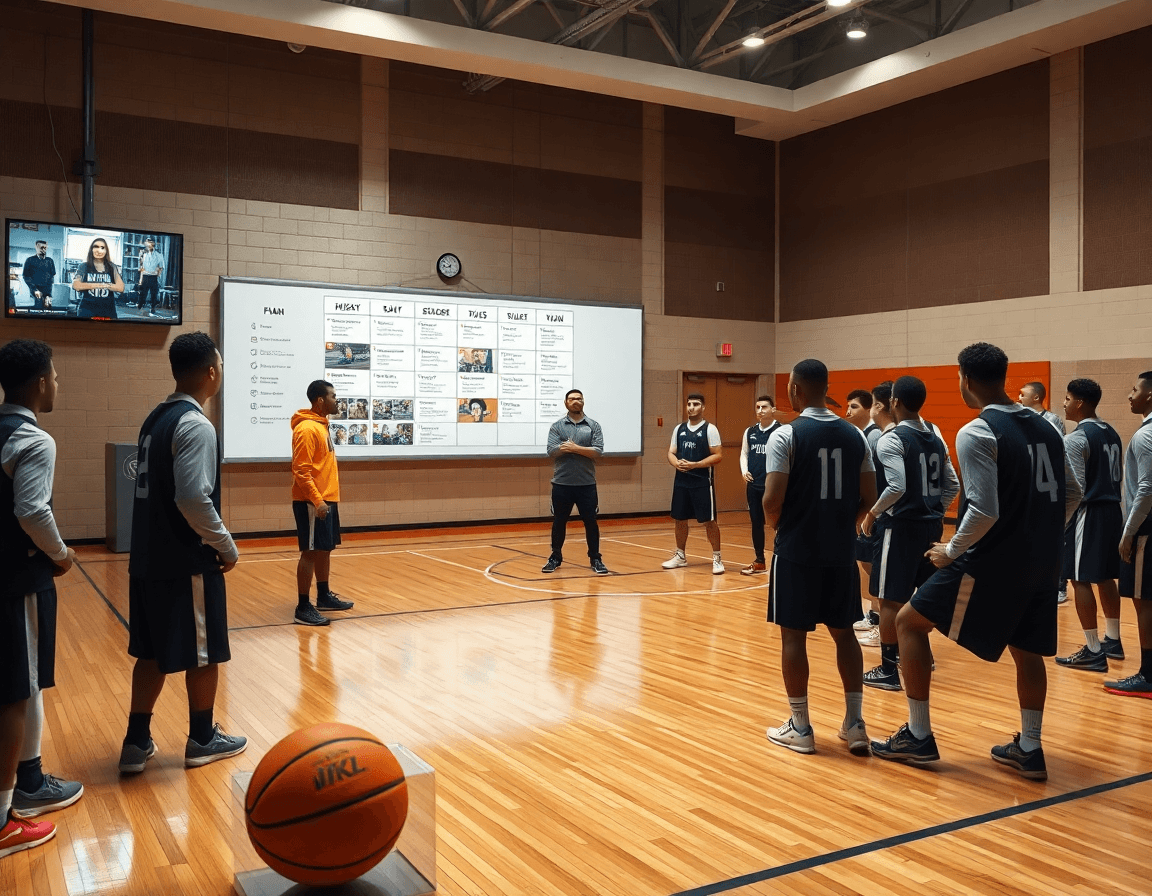
Think of a six-day cycle as the coach’s practical workflow step for turning numbers into next-week action. Day 1 focuses on a thorough review of the last game’s stats: where patterns show up, where mismatches hurt, and where small changes could swing possessions. Free basketball analytics tools are used to pull box scores, shot charts, and opponent tendencies, with CSV exports for quick glance. In CourtSensei’s coaching workspace, drop these insights into the scouting notes and map them to the week’s plan—creating a clear checklist for weekly planning so the data informs drill priorities and video clips. This is how to plan X during the week.
Day 2: Update scouting notes based on recent opponents and player performance. Day 3: Clip key moments and align them with planned drills and plays. Day 4: Build or adjust the playbook with stat-driven adjustments and practice sequences. The workflow links actions, drills, clips, and scouting into one screen, so patterns translate into concrete practice.
Day 5: Run practice focused on the week’s focal stats and scouting priorities. Day 6: Prepare reports and share concise insights with staff ahead of the next game, using PDF reports and read-only links. This completes the cycle and closes the loop between what’s been learned, what’s practiced, and what’s shared with the staff.
Export, share, and archive your week
At the end of a game week, export stats from free basketball stats software as PDFs or CSVs for distribution to staff and administrators. A PDF export gives a clean box-score snapshot you can print or attach to a scouting packet; a CSV export keeps every stat in a sortable table for quick player comparisons and trend checks. These exports form the backbone of your weekly notes—easy to share, easy to reference when you’re planning plays or prepping opponents.
Back in your CourtSensei coaching workspace, attach stat-driven notes to the corresponding video clips, plays, and scouting entries. This pairing keeps numbers, on-floor actions, and coaching decisions in one thread, so when you design a drill or build a play, you can pull the same stat context into your plan and prep.
For sharing, generate read-only access to key materials for assistant coaches or analysts without granting full workspace rights. Read-only links to PDFs, CSVs, and scouting reports let others study tendencies and player comparisons without risking edits to your library.
Finally, maintain an organized archive: label each week clearly, store PDFs, CSVs, notes, and clips together, and reference them when game plans roll around again. A well-built archive, a weekly workflow anchored by PDFs/CSV exports, stat notes, plays, and scouting, becomes a quiet engine for continuous improvement across the season.
FAQ
Is free basketball stats software truly free to use?
Free basketball stats software often means basic stat capture and live updates at no cost, with mobile-friendly input on the sideline. Real-time scoring and box-score generation are common, but many free tools lack deeper coaching features. Use them to get quick numbers, then export data for your weekly prep. They’re a starting point, not a replacement for planning.
What exactly is free basketball stats software?
Think of it as the basic engine for numbers: you capture points, rebounds, assists, shot attempts, and pace, then generate simple box scores and charts. It's not a full coaching system, but a data source you can export for review. The value is speed and portability, especially on game night.
Are there free analytics tools for basketball?
Yes, there are free analytics tools that deliver box scores, shooting splits, and pace data. They typically don’t include weekly planning, video review, or scouting notes. CourtSensei-style workflows are what you add on top to connect numbers to practice. Use these tools to surface trends, then funnel insights into your coaching workspace.
Can I export stats as PDF or CSV?
Most free tools offer PDF exports and CSV exports of box scores and summaries. That makes sharing with assistants or film staff straightforward. Remember to bring those exports into your weekly plan or playbook later, so data informs drills and counter-sets rather than living in isolation.
Do these tools require signup or accounts?
Most free options require a quick signup or access to an account to save your data and generate reports. Some offer guest access, but features are gated behind sign-in. If you’re coaching, plan for a lightweight workflow: collect data in one tool, then move it into your coaching workspace for planning with CourtSensei.
Is there a mobile app for basketball stats tracking?
Many free tools have mobile-friendly interfaces or apps for on-court entry, but capabilities vary. Some let you enter stats during timeouts and sync later. If you want solid outreach to the staff, pair the tool with a centralized workspace where you organize plans, clips, and scouting.
Can I track players and teams in real-time with these tools?
Real-time tracking exists in some free options, but it's usually limited. You'll get real-time scoring and updates, yet the deeper analytics and coaching workflows come from integrating with your coaching system. Use real-time data to flag trends on the sideline, then translate them into drills and play design in CourtSensei.
