Best Basketball Coaching App: Optimize Your Week
Discover the best basketball coaching app through a coach’s workflow: plan practices, design plays, clip video, and scout with an integrated workspace.

Key takeaways
- Align weekly practice with opponents and tournament cadence using a time-structured plan; keep context intact.
- Leverage the drill library to assign techniques and build a progressive arc, from fundamentals to situational reps.
- Attach video clipping to drills and plays for fast, visual references during huddles and reviews.
- Link video clips to drills and plays to streamline teaching from concept to execution.
- Use a unified workspace to keep scouting notes and export PDFs aligned with planning.
- Embrace a single source of truth to quickly adjust practice targets and game prep.
Practical Weekly Workflow: Plan, Drill, Clip, Scout
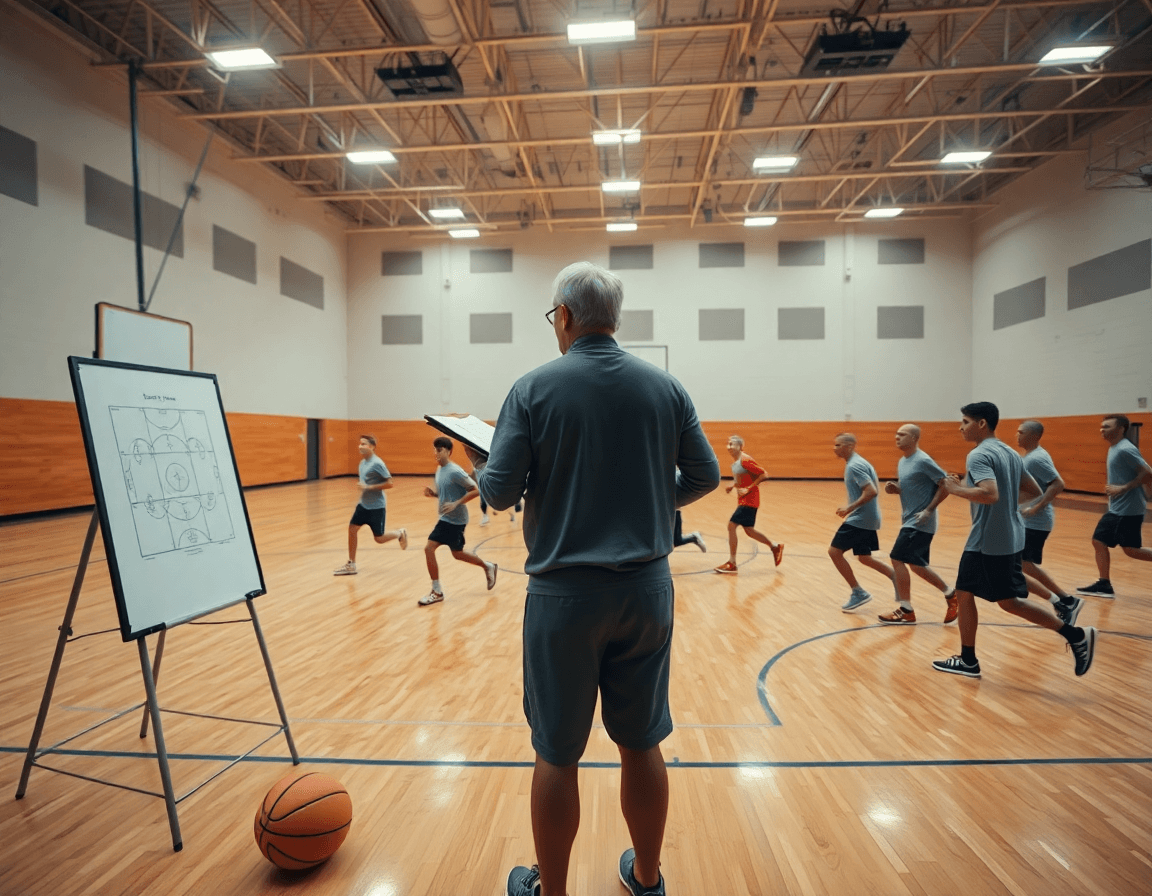
Frame the week by aligning practice planning with the upcoming opponent and the tournament cadence. A practical weekly cycle starts with clear decisions captured as time-structured plans, so you know what gets worked on which day. The end-to-end coaching workspace keeps that skeleton in one place, letting you adjust practice planning without losing context.
Leverage the drill library to assign techniques to each practice day, building a progressive arc from fundamentals to situational reps. The library serves as your technical backbone, helping you map shooting footwork, ball-handling, and decision-making drills to specific sessions. When you’re ready to scale, you can reuse sequences across weeks.
Attach video clipping to drills and plays for quick review with the team or staff. Short clips tied to a drill or a drawn play give you a fast, visual reference at the huddle or sideline. Use the play design tools to draw and animate sets, then export a playlist for practice; you can also export PDFs of plays for sharing.
Incorporate scouting notes into the plan to tailor game prep and adjustments. Scouting notes shape your mid-week practices and pregame adjustments, letting you annotate tendencies, key matchups, and clip highlights right next to your drill calendar. Keeping these notes linked to your plan helps the staff stay aligned while exporting PDFs for the game prep meeting.
Design and Organize Plays Efficiently
In practice, a dedicated play design tool lets you sketch, annotate, and animate actions with just a few strokes. You can lay out spacing, angles, and timing, then add notes for each option. This isn’t art class—it's a repeatable teaching tool that translates ideas into actions players can execute. In your weekly plan, start with a base set and adapt it for different lineups or pace.
Link every play to a central playbooks repository and export PDFs for offline use. When a situation comes up in game prep, pull the relevant play, print the PDF, and walk through the option with your assistants. PDF exports keep everyone aligned, whether you’re in the gym, at the board, or in a hotel before a road game.
Group related plays into playlists for quick access during practice or pregame prep. For example, a baseline drive family, a sideline out-of-bounds option, and a fast break sequence can live in separate playlists. When the input comes up in a drill or clip, you jump to the exact play in seconds, keeping reps efficient.
With your drill library, video clipping, and scouting notes integrated, these plays sit inside a single workflow. You can annotate a defender’s coverage, link that note to the corresponding play, and share a read-only link with staff. The result is a cohesive weekly cycle where planning, teaching, and review feed each other.
Link Video Clips to Drills and Plays for Fast Retrieval
During the weekly film wrap, you upload game and practice footage and clip just what’s needed for quick review. With video clipping, you trim to the exact moments that illustrate a concept—a guard handoff, a drop coverage read, or a cutting action. The aim is fast retrieval, so when a coach wants a teaching moment, the clip is ready to show without wading through hours of video.
Next, you can associate clips with the corresponding drills and plays to streamline teaching points. In your plan for the week, that clip sits alongside the relevant drill in the drill library and the play in the play design workflow. When you break down a concept on the board, the tied clip becomes a concrete reference, making it easy to transition from concept to execution on the floor.
Sharing is simple and purposeful. You can curate playlists and share them with assistants or staff via read-only links. This keeps everyone aligned: clips attached to drills and plays appear in the same organized sequence, so support staff can reinforce the same teaching points without needing access to your full workspace.
All of this ties into the broader weekly cycle. Clips linked to drills and plays feed into scouting and game-prep notes, and you can leverage the same connections to generate export PDFs for quick distribution or review. In short, the workflow- integrated approach keeps teaching points synchronized across video, practice planning, and scouting—so you spend less time hunting for footage and more time coaching.
Scouting and Game Prep in a Unified Workspace
As the best basketball coaching app, CourtSensei makes scouting and game prep the backbone of your weekly plan. You centralize scouting reports and opponent tendencies within the same integrated workspace as planning. That means a single place where notes from prior games, tendency tags, and opponent clips sit alongside your practice calendar and playbooks. The result is a coherent workflow where planning, drill selection, and export PDFs pull from the same source of truth.
During the week, you pull in scouting notes and attach them directly to the weekly plan. Embed game prep notes into your plan to drive on-court execution—e.g., a quick note about denying a specific ball-screen action, paired with a drill from the drill library to address it. Use the video clipping tool to extract clips of opponent actions, then annotate plays to highlight counter moves. Link those clips to your play design and playbooks, so every adjustment has a concrete, visual reference for the staff.
The power of a unified workspace shines when adjustments ripple through practices and scrimmages without losing context. A single change to a scouting takeaway updates sprint targets, recommended drills, and the corresponding plays in real time. That keeps your planning, scouting, and game prep in lockstep, ready for quick-handed decisions during a game or scrimmage. Share read-only links for assistants or coordinators, and export updated PDFs of the scouting packet and weekly plan—ensuring everyone is aligned and ready to execute.
Exportable Resources: PDFs and Shareable Playlists
Export PDFs of your plans and plays create durable handouts for assistants and players. In a typical weekly cycle, you’ll convert your time-structured plan and play design into clean, print-ready documents that travel with film sessions and pregame meetings. The PDFs preserve diagrams, drill progressions, and labeling, so everyone is on the same page even when you’re not in the gym. This is the practical backbone of a clear, repeatable workflow—without adding extra steps after practice.
Create playlists and provide read-only access for team-wide alignment. A single integrated playlist can bundle clips, drills, and scouting notes into a concise reference that players and staff can review before the next session. Share via a read-only link so the most current version stays intact while feedback flows through comments and notes. This is where you see the power of a cohesive cycle: every asset you produce feeds the next drill, clip, or scouting update.
Organize exports to support in-season adjustments and scouting debriefs. When the plan evolves, generate PDFs of revised playbooks for staff meetings and game-prep notes for opponents. A well-kept export strategy helps you align on scouting observations and action items, ensuring updates are ready to deploy during film sessions or on the sidelines. Keeping these exports tidy reduces scramble and keeps the weekly cycle flowing smoothly.
All of this sits inside an integrated workspace that ties planning, drill library, play design, video clipping, and scouting into a single weekly rhythm. When resources are exported and playlists assembled, you create a transparent flow from practice planning to game prep, reducing friction and keeping everyone aligned.
Choosing the Right App: Workflow Fit Over Feature Lists
Choosing the right app means evaluating workflow fit, not chasing the most features. The best basketball coaching app should support an end-to-end weekly cycle—planning, drills, clips, plays, and scouting in one place. An integrated workspace keeps all moving parts aligned: you map a Monday practice in the plan, pull from a drill library, play design, clip a key sequence from last game, and assemble a scouting packet—without switching apps.
Focus on how the tool links tasks across the cycle. Can you start with a plan, attach relevant drills, attach a clipped video, attach a scouting note, then export a PDF for staff and players? Prioritize practice planning and video clipping as connected steps, not separate tabs. A solid workflow means changes in one area reflect across the plan, drills, and clips.
Collaboration and sharing should be frictionless. Look for how staff and players access materials: playlists, read-only links, and shared playbooks that stay in sync with the weekly cycle. An integrated system reduces versioning chaos when a drill is updated or a scout note is revised. The right app keeps the plan, drill library, and scouting notes in lockstep, so everyone stays on the same page.
Practical scenario: midweek, you tweak the plan to address a scout report; you redraw a play on the tactical board and send out a revised playlist for the video clips. The best fit keeps the weekly cycle intact—linking planning, drill design, clip curation, play drawing, and scouting through one platform. This is how to move from scattered tools to a coherent, repeatable workflow.
FAQ
Which basketball coaching app is best in 2026?
For coaches planning weekly cycles, look for an end-to-end workflow: time-structured plans, a drill library, play design, video clipping, and scouting in one space. CourtSensei emphasizes an integrated workspace that keeps planning, teaching, and review in sync. It does not offer automated AI analysis or roster management, so match tools to needs.
How do you evaluate a basketball coaching app's workflow?
Start with the planning phase: can you create time-structured plans tied to days and opponents? Then check if drills are organized in a drill library and mapped to daily practice, and if clips link to plays for quick teaching. Confirm scouting notes live in the same workspace and PDFs export. A smooth workflow is cohesive, not disjointed.
Can coaches share video playlists within these apps?
Yes. Look for quick ways to share clips and playlists with staff via read-only links. Tie playlists to drills and plays so teammates access the same teaching points. The best apps let you curate collections without exposing the entire workspace, while keeping clips attached to the planned practice framework.
Should a program replace its current video platform with a coaching app?
Consider integration rather than replacement. If your current platform handles video well but lacks planning, clipping, and linking to drills, CourtSensei can unify those steps in a single workspace. Migrate selectively and export PDFs for game prep, while preserving archives elsewhere if needed.
What features should I look for in a basketball coaching app for practice planning?
Key features include a drill library to build progressive sessions, play design to sketch and animate actions, clips linked to drills/plays, playlists for quick access, scouting notes, and PDF exports. A solid app keeps planning, teaching, and prep connected, not scattered, so you coach with clarity.
How does CourtSensei compare to other apps?
CourtSensei presents an all-in-one workflow focused on planning, drills, video clipping, plays, and scouting within a single space. It does not provide AI-based video analysis, roster management, or automated progress reports. When evaluating tools, separate general categories from what CourtSensei actually delivers: integrated planning plus media and scouting, without the extra baggage.
