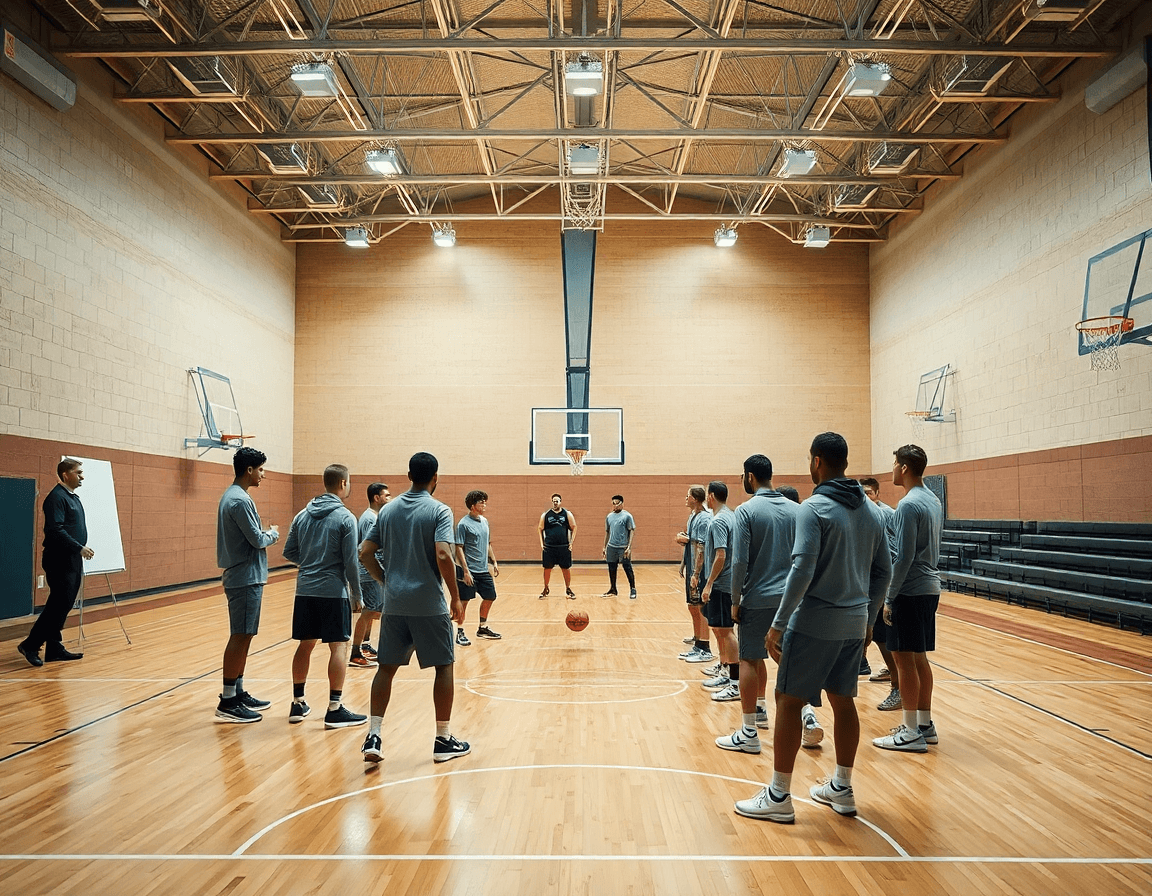
Best basketball play designer app coach workflow
Explore the best basketball play designer app from a coach's weekly workflow. Learn to diagram plays, link video, build playbooks, and share with staff.

Key takeaways
- Leverage a centralized coaching workspace to tie diagrams, drills, and scouting into weekly prep.
- Use drag-and-drop court diagramming to sketch plays quickly and keep the playbook honest.
- Multi-phase play sequencing should map timing and movements across the possession for real-time rehearsal.
- Animate plays to visualize spacing and eye lines, then export to PDF for staff review.
- Link diagrams to video to anchor teaching points within the same workspace.
What makes a great basketball play designer app in a coach’s toolkit
A great basketball play designer app is not just a pretty diagram board. It starts with fast, intuitive visualization. With CourtSensei, play design lives inside a centralized coaching workspace, tying diagrams to drills, video, and scouting for weekly prep. A coach can sketch plays quickly using drag-and-drop court diagramming to position players, with each diagram serving as a base for basketball play diagramming—dropping in passes, cuts, and screens. The best tools feel like part of that workspace, where diagrams stitch directly to drills and video for weekly prep. That seamless connection keeps your playbook honest and easy to iterate, rather than scattered across files or apps.
Beyond the layout, look for multi-phase play sequencing that maps timing and movements across the possession. A solid app lets you choreograph transitions from setup to action to finish, with clear indications of when each cut, screen, or pass should occur. You want to see the flow on screen in real time, so your staff can rehearse the sequence without guessing. This is where a true play designer app earns its keep: it reduces misreads and keeps practice focused on intent.
Animation of plays is the bridge between plan and reality. A quick animation lets coaches and players visualize spacing, eye lines, and movement without stepping on the court. At the same time, build a library creation for reusable plays and variations, so you can recall a set next week or adjust for a scouting report. When it's time to share, Export to PDF basketball plays or share-ready formats for staff, keeping your weekly prep tidy and accessible.

Practical weekly workflow: From concept to playbook
If you're evaluating the best basketball play designer app, CourtSensei makes weekly prep feel natural. It links your play design directly to a centralized coaching workspace, so diagrams, drills, and scouting live in one place. Start your week with a clear concept and a practical path from idea to playbook, following your play design checklist for weekly training.
On Monday, start with 1–2 new plays and sketch them visually. Use the diagramming toolbox to draw basketball plays and then refine with animations to create multi-step sequences. When you animate basketball plays, assistants can see the flow before you step on the court.
Next, build a structured playbook with variations for scouting reports. Create tags and variations for counters, and attach notes about tendencies. This keeps your playbook organized and ready to pull up for game prep or opponent scouting.
Link diagrams to training plans and drills in your workspace. Tie each diagram to specific warm-ups, drills, and progressions so the weekly plan comes alive in practice. The connection keeps you from chasing clips and notes in separate apps.
Finally, export, share with assistants, and collect feedback before practice. Use PDF export and share read-only links for review, then consolidate notes in the same workspace. Before the first drill, you’ll have a cohesive, coach-approved plan that maps how to plan plays this week.
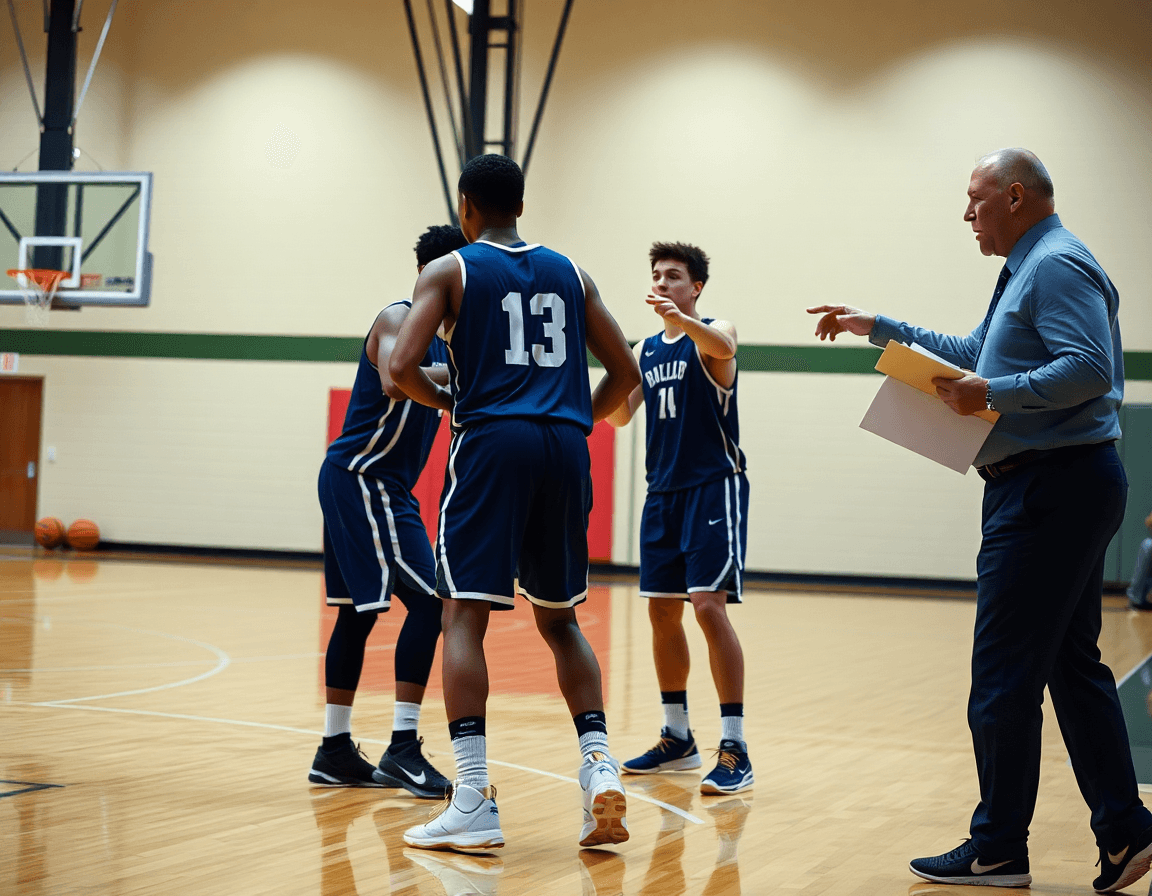
Linking diagrams to game video for teaching
A coach can upload game clips and tag relevant sequences, turning video tagging basketball plays into a core piece of weekly prep. Mark moments like transition opportunities, ball-screen reads, or late-clock actions so the right teaching points are tied to the footage. When the clip and the diagram sit in the same workspace, the teaching point becomes tangible rather than theoretical.
Attach diagrams to specific clips for context. This keeps the diagram anchored to the exact moment on the floor, so players understand where to be and when to move. The workflow supports adding notes to the clip, clarifying assignments and variations, and ensuring the teaching point travels from screen to court.
Use motion cues to illustrate timing and spacing. The built-in animation and motion cues show the sequence in motion, highlighting when screens pop, where cuts occur, and how spacing creates driving lanes. Short video clips paired with drawn plays give players a clear sense of sequence before you break it down in the plan of training.
Prepare presentation-ready visuals for team walkthroughs. Once the diagrams, clips, and scouting notes are synchronized, export to PDF basketball plays for the staff room or meeting room screen. In the weekly plan, these visuals anchor the walkthrough and give the team a concrete reference point for the coming week.

Managing plays, drills, and scouting in one workspace
In a coach’s weekly prep, the goal is to centralize plays, drills, and scouting notes in one place. CourtSensei serves as the hub where you can draw basketball actions on the diagramming canvas, attach drills, and link scouting clips for quick reference. This keeps your play design connected to video, scouting insights, and the rest of the coaching workflow without chasing scattered files across devices.
You can build reusable playbooks and drill libraries that grow with your program. Create a library of your favorite set plays and shell drills, annotate them by situation, and reuse with a simple pull into different lineups or halves of the season. When you update a play, the change cascades through all linked drills and diagrams, so everyone stays aligned. For coaches who want to see ideas move, you can animate basketball plays to illustrate motion and spacing and export precise PDFs of your diagrams and plays for print or handouts.
Sharing and collaboration are simple and controlled. Use read-only links to share a curated set of plays, drills, and scouting notes with assistants, video coordinators, or support staff. Everyone views the same source of truth, with permission levels that keep editing in your hands while enabling constructive feedback and quick approvals. This supports a true coaching collaboration playbooks workflow, where the staff contributes ideas without sacrificing the coach’s leadership.
The workflow remains human-driven and coach-led. There’s no reliance on AI-generated insights or auto-tagged content here—just a clear, deliberate process for designing, organizing, and communicating basketball plays, drills, and scouting material. This is a practical diagramming software for basketball that fits a weekly plan, not a gimmick or a one-off tool.
Practical workflow step: 3-day sprint to a reusable play library
Day 1 is about diagramming 3–5 core plays and noting variations. Use CourtSensei’s diagramming tools to sketch each action from multiple angles, label the sets, and jot intent and counters. Create a consistent naming convention (for example, 22-4 Horns Drive) so every coach on the staff can locate the play quickly in your weekly plan. This aligns with the play design checklist for weekly training: clear visuals, defined variations, and a structure that fits practice slots. By day’s end, you’ve built a readable bank of actions to test on the court.
Day 2 shifts to adding motion to the plan: attach videos, timing cues, and create playbook entries that tie to the diagrams. Upload a short clip showing the exact cut or screen, attach it to the diagram, and annotate the moment the action should unfold. Fill in timing cues so players know when to pop, slip, or flare, and wrap each action with a concise playbook entry that explains objectives and counters. This step makes your library immediately useful for the next practice, especially when you’re teaching a group with mixed experience levels.
Day 3 focuses on sharing and record-keeping: export, share, and log coaching notes for next week. Export to PDF for printed scout sheets, generate a shareable link for staff review, and drop quick coaching notes that capture what to emphasize in advance of the next session. Maintain templates and naming conventions for consistency so the library stays navigable as it grows. In a 3-day sprint, you build a reusable play library that answers how to plan plays this week and how to plan multi-phase plays.
Overcoming blockers when moving to digital play design
Moving from chalk to a digital play design workflow can feel intimidating for any staff. The main blockers are inconsistent language, scattered resources, and the fear of losing the weekly rhythm. If you’re evaluating the best basketball play designer app, you want a solution that ties diagrams to drills, video, and scouting in a single place for weekly prep. CourtSensei integrates play design with a centralized coaching workspace, keeping your plan, clips, and scouting notes aligned.
Secure staff buy-in by standardizing nomenclature. Create a shared glossary of play names and action tags (Screen, Cut, Hand-off), agree on color coding, and map each diagram to its drill in the plan. When everyone speaks the same language, the diagrams become a reliable, repeatable part of the weekly workflow in your centralized coaching workspace.
Start with a small library before expanding. Build confidence with a core set of 6–8 plays and a couple of variations, then layer in drills and scouting notes. Each diagram should link to a short drill and a corresponding video clip, so you can pull the plan together quickly for the week. That incremental approach makes the process feel practical rather than overwhelming and supports a true diagramming software for basketball.
Provide targeted training on import/export and templates. Run a focused session on how to import existing plays, export to PDF basketball plays, and apply reusable templates. If you’re in a facility with spotty Wi‑Fi, leverage an offline basketball coach app to keep the weekly prep moving.
Anticipate common pitfalls and implement quick fixes. Typical blockers include inconsistent naming, fragile diagrams, and missing links to scouting notes. Quick fixes: enforce templates, run a brief library audit, and establish a biweekly checklist for import/export accuracy. This keeps your playbook app ecosystem stable and aligned with the weekly training checklist.
In the end, the move to digital play design is most effective when it’s tied to your workflow—diagramming, animating basketball plays, and linking to drills and scouting for weekly prep. It’s the difference between scattered notes and a cohesive coaching engine you can rely on when you draw up the next set.
FAQ
Which tool gets coaches from blank page to a usable half-court diagram fastest?
It centers on drag-and-drop court diagramming inside a centralized coaching workspace. Start with a blank page, drop in spots, then add passes, cuts, and screens. The diagram links to drills and video, turning a concept into a usable half-court play in minutes. Use templates and prebuilt actions to accelerate setup, so the chart becomes a living part of weekly prep rather than a file on a shelf.
How do teams onboard play design staff who already know the system but need a consistent workflow?
Teams onboard by enforcing a standardized workflow in a single workspace. Use a common play design checklist and a play library to ensure everyone follows the same steps: sketch, animate, attach clips, export. Set clear permissions (view vs edit) and provide a quick starter template map. The goal is consistency, not reinventing the wheel every week.
Which option fits best for building reusable play sets for an offense and defense library?
Use a play library with variations and tags by situation to keep offense and defense sets organized. CourtSensei supports building reusable plays and shells, with built‑in animations to show motion. You can pull plays for different lineups, and when you update a play, changes cascade to linked drills and diagrams. Export handy PDFs for quick reference.
What’s the best workflow when the play design process depends on coaching video evidence?
Start by uploading game clips and tagging the relevant sequences, then attach diagrams that map to those moments. Link the diagrams to the footage so teaching points are anchored on screen, and use animation to show timing and spacing. Share with staff via read-only links for feedback, then fold insights into the weekly plan within the same workspace.
Which tools are better for collaboration, comments, and co-editing during live coaching walkthroughs?
Collaboration happens through a centralized workspace with controlled sharing. Use read-only links to review a curated set of plays, drills, and scouting notes, and add comments or notes directly on diagrams and clips. Real-time co-editing isn’t part of the workflow; edits stay with the authoring coach, and approvals flow through a structured feedback loop.
How do multi-step plays handle timing cues and movement paths without manual rework?
Rely on a multi-phase play sequencing feature to map timing cues and movement paths. The system supports on-screen flow and animation to visualize spacing and timing. When a cue changes, linked diagrams and drills update automatically, reducing manual rework and keeping practice aligned with the plan.
