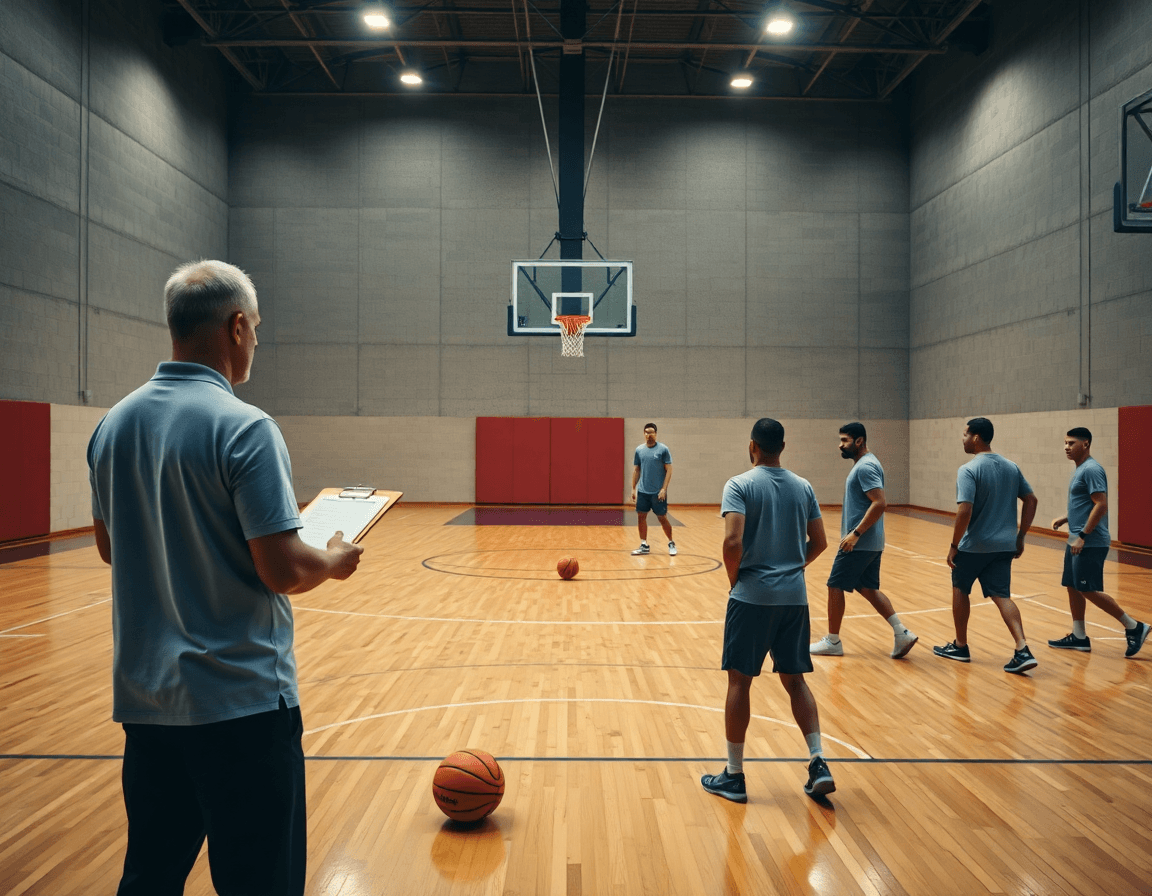
Basketball video analysis app: coach workflow
A coach-focused weekly workflow with a basketball video analysis app: plan practices, tag plays, build playlists, and prep scouting notes for teams.

Key takeaways
- Start with clear weekly objectives and map them to the drill library to keep plans focused.
- Curate video clips for offenses, defenses, and transitions; build playlists that align with drills.
- Link drills to a reusable practice-plan template; edits propagate to linked clips automatically.
- Export shareable PDFs of plans with scouting notes so staff and players stay aligned.
- After weekend games, review outcomes and refine the upcoming week's plan for tighter execution.
How to plan weekly basketball practices using video assets
Think of CourtSensei as a basketball video analysis app that also serves as your weekly planning hub. Start with your weekly objectives and map them to the drill library assets. In your plan, pull drills that directly target those goals, so practice builds toward the same outcomes. This keeps planning focused and repeatable.
Curate video clips that illustrate each target: offenses, defenses, and transitions. Upload footage, trim to key moments, and assemble clips into playlists that align with the drills. When you show a clip in the plan, players see exactly why a drill matters.
Link drills and clips to a reusable practice-plan template for consistency. As you tweak a drill, it automatically updates the linked clips in the plan, so you don't scramble to reconnect assets midweek.
Use exportable PDFs to share plans with staff and players. The plan travels with your scouting notes, so assistants can prep and players stay on the same page during sessions.
After weekend games, review outcomes to refine the upcoming week's plan, adjusting drill selection, timing, and clip emphasis based on what you saw on the court. This closes the loop and keeps the weekly workflow moving with clarity.
Organize and tag clips to fuel practice design
As the basketball video analysis app you rely on, CourtSensei brings video, planning, and scouting notes into one place. In this section of your weekly workflow, you organize and tag clips to fuel practice design. Tag plays by category (e.g., pick-and-roll, fast break) to speed up design sessions and ensure you can pull the exact look you want during drills.
Create clip libraries organized by drill type or game situation. A well-structured library keeps every clip accessible when you’re building a session—whether you’re rehearsing a late-game out-of-bounds set or a 3-on-2 transition drill. Link tagged clips to corresponding drills or sequences in your plan so your practice design stays visually anchored in real game actions.
Keep clips accessible for on-floor coaching and scout prep, and connect them to scouting notes for quick reference during game prep. When you surface a defensive rotation or an opposing action, you can pull the same clips to illustrate a concept in a huddle or to shape a game plan for the week.
Use simple, consistent naming for quick retrieval during practice, and you’ll cut search time on the fly. A clear naming approach—action_type_situation—lets you assemble a drill sequence with confidence, keeping your weekly workflow tight and repeatable. This is where clip tagging basketball and video tagging basketball converge with a cloud-based video analysis workflow, reinforcing your role as the planner who bridges video, drills, and scouting notes.
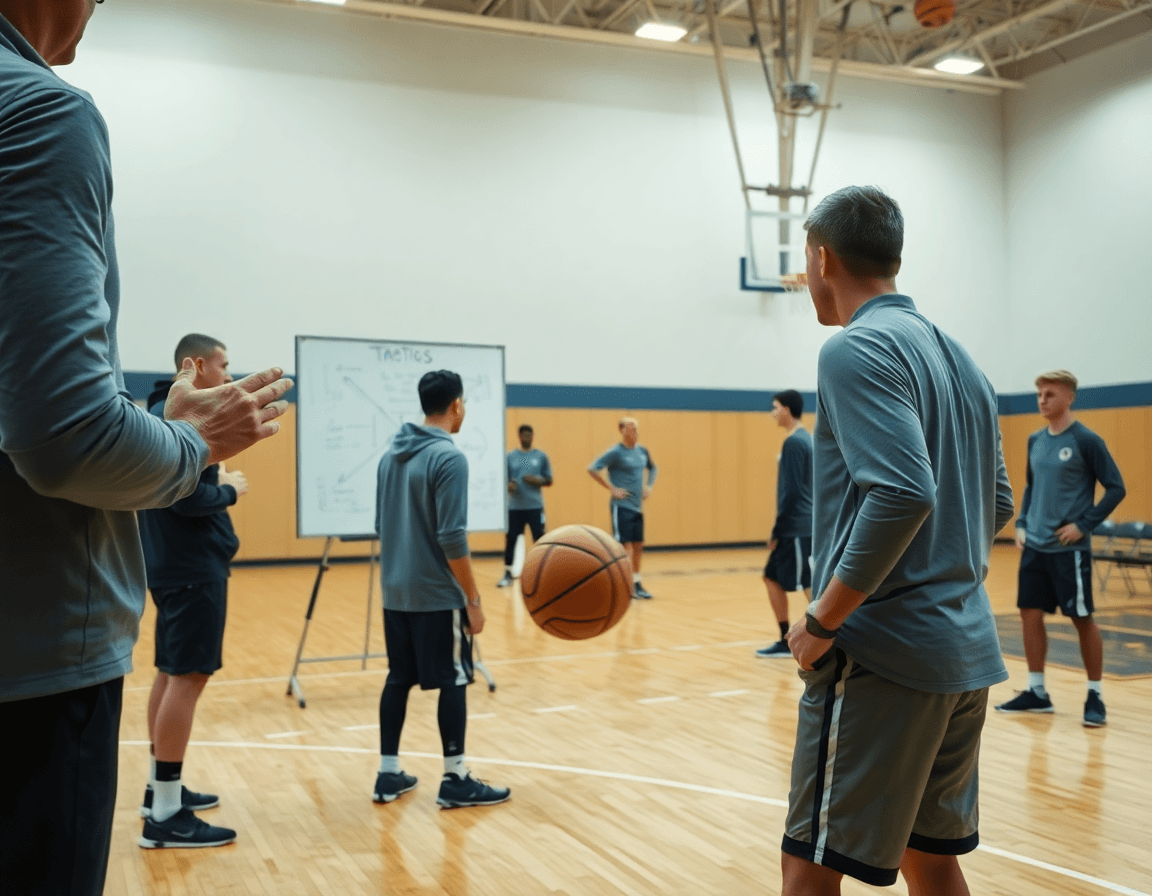
Build and share practice playlists for staff and players
Think of CourtSensei as a basketball video analysis app that unifies the weekly coaching workflow. You can build playlists for basketball practice that align with the practice plan. Each playlist pulls drills from the library, pairs them with the relevant plays, and binds in clip references, creating a clear, executable thread for staff and players.
Share basketball video playlists with assistants and players for prep. A single read-only link keeps everyone aligned, or you can export a PDF to hand out in meetings or pre-practice briefings.
Keep playlists up-to-date as plans evolve throughout the week. When you adjust emphasis—defense one day, transition the next—the changes flow into the central workspace and drive the week’s scouting notes, drill access, and clip references without losing the thread.
Use playlists to visually sequence drills and clip references for sessions. A typical session unfolds by following a clear flow: a quick warm-up, a library drill, and a clip reference that reinforces a concept, all tied together in one coherent coaching narrative.
Archive completed playlists for future reuse and scouting prep. Once a cycle closes, pull the playlist into the archive so you can quickly repurpose it for upcoming scouting prep or next season’s game plan, maintaining a growing library of proven sequences.
Create scouting and game-prep notes from video clips
As a coach, you know context matters as much as the clip itself. With CourtSensei, you attach concise notes to specific clips, so each clip carries context for the next drill. This is where your scouting notes and clip-by-clip context become a living part of the weekly plan, tying what you see on the floor to the practice plan, drill library, and playbook.
From a short clip of a ball-screen or a deny, you distill it into clear game prep notes from video that translate into on-court actions. Each note points to a concrete adjustment—hedge angles, gap reads, or rotation timing—and sits under a labeled opponent or scenario in your scouting library. It also supports create scouting reports basketball video when you need a quick briefing.
Organize your scouting notes basketball video by opponent, scenario, and matchup so you can pull a pocket of information for a specific game. In the same workspace, you connect those notes to related clips, drills, and a plan on the tactical board, making it easy to revisit and update as the week evolves. The system keeps everything cohesive, so you can loop back to a playbook page or a practice plan without chasing files.
Export notes into a ready-to-distribute format for staff meetings, keeping everyone aligned—from assistants to coordinators. A clean PDF or shared read-only link keeps the team on the same page, with the context needed to discuss scouting findings without hunting through folders.
Ultimately, use the notes to inform in-practice adjustments and game prep. The workflow ties video evidence to planning, so your week’s practice plan can reflect what the data suggests while staying grounded in what’s executable on the court.
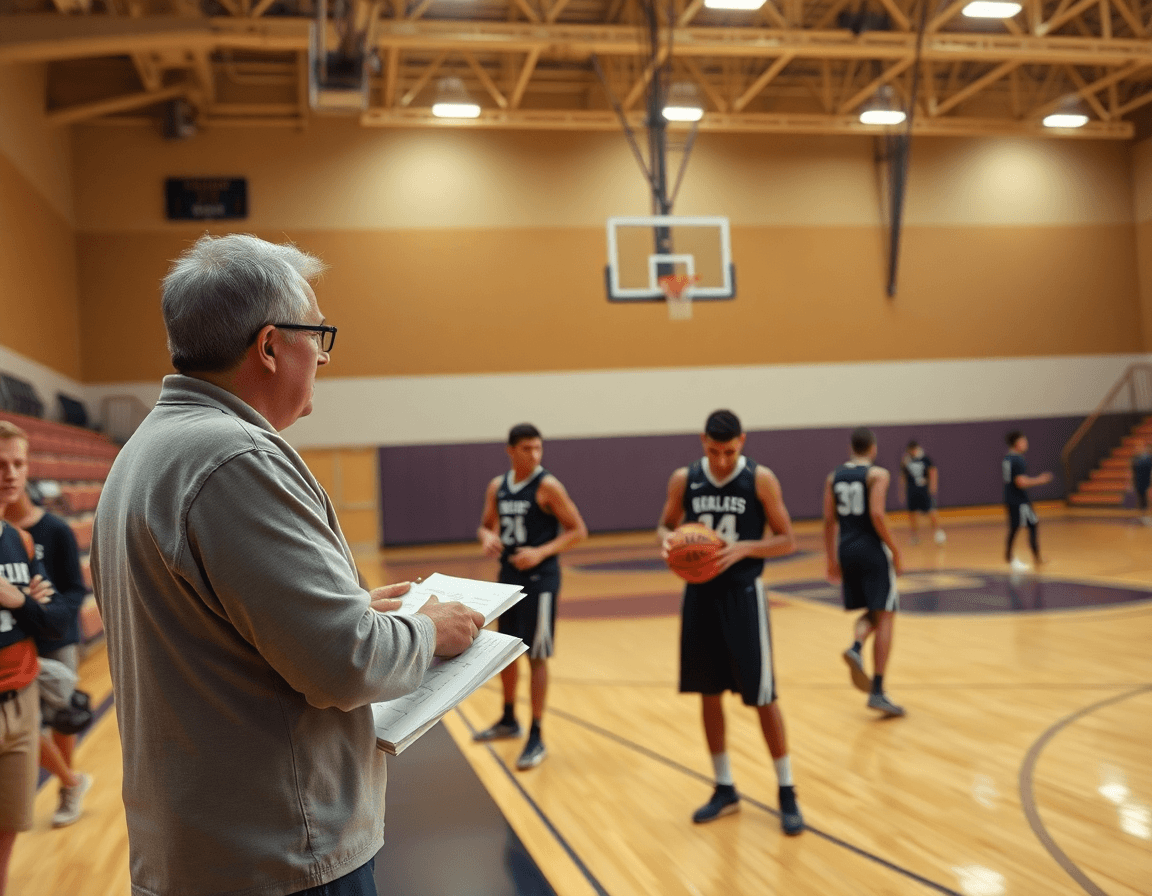
Annotate plays and integrate into the coaching playbook
annotate basketball plays video on frames to illuminate spacing, reads, and decision points. You can draw on frames basketball to show where spacing collapses, where reads are made, or how a defender’s rotation prompts a pass. The marks stay with the clip as you tag it, then live in a dedicated playlist that you pull up during plan-setting or a scouting session.
Link annotated plays to the coaching playbook for quick reference. With a single click, turn annotated clips into play entries and attach the teaching points to the matching drill or sequence. This playbook integration keeps your library cohesive, so assistants and players can see the exact scenario and action without digging through archives.
During breakout sessions, reference the annotated frames to guide the drill. Use the marks to explain spacing, reads, and timing in concrete terms, keeping feedback precise. A short clip with on-screen callouts helps players reproduce the reads in live action and build muscle memory quickly.
Maintain a clean, shareable playbook that teammates can access via read-only links or PDF exports. When the plan evolves—new wrinkles in a set or a scouting note—you update the annotated clip and the linked play entry, and the entire staff stays aligned.
In your weekly workflow, you start with a video library, annotate key plays, connect them to the playbook, and pull the right clips into scout reports and practice plans. The loop keeps planning, clip organization, and scouting notes tightly connected, so you can teach the same ideas across sessions.
Practical workflow: 5-step weekly routine
Your weekly coach workflow centers on a single, cloud-based workspace that ties video management to planning, the drills library, and scouting notes. This is your weekly coach workflow—a 5-step weekly basketball coaching workflow designed to keep planning, teaching, and review tightly connected.
Step 1: Gather video assets from recent games and practices. Upload clips into the shared video library, labeled by date and source so you can locate them during the week. This sets up an organized foundation before you dive into drill mapping.
Step 2: Plan objectives and map them to drills and clips. Define your weekly goals (for example, improve help defense or close-out timing) and connect each objective to specific drills from the drills library and to representative clips for quick reference during practice planning. This is the heartbeat of the week’s strategy.
Step 3: Clip, tag, and organize assets into playlists for each practice day. Slice key sequences, tag with terms like defense or drive, and assemble playlists for Monday through Friday sessions. The result is a teaching pack you can pull from on the sideline or on the board.
Step 4: Build scouting notes and game-prep plans from clips. Review clip sets, note opponent tendencies, and draft concise game-prep plans that align with your weekly objectives. Link scouting notes to the corresponding clips so context is always at hand.
Step 5: Review, adjust, and circulate the plan to staff before the week begins. Revisit assets, confirm priorities, and share the plan with assistants and position coaches. Use feedback to tighten the week’s focus before the first practice.
FAQ
What is basketball video analysis software used for?
This software helps coaches map out a weekly plan, build a drill library, and tie video to drills. You upload clips, trim to key moments, and assemble clips into playlists that match your practice goals. It also stores scouting notes and game-prep ideas in one place, making planning, teaching, and review more cohesive.
How can I choose a basketball video analysis app?
Look for a good fit with your weekly cycle: a strong drill library, support for video uploads and clip editing, the ability to build and share playlists, and a way to attach scouting notes. Compare ease of use and export formats. CourtSensei emphasizes an integrated, cloud-based workspace that keeps planning and learning in one place.
Is Hudl worth it for basketball analysis?
Hudl is a common option for video breakdowns and scouting. CourtSensei takes a different angle: a unified coaching workspace that links video, drills, playlists, and scouting notes into your weekly plan. It does not claim AI analysis or automated metrics. This clarity helps coaches focus on planning and game prep.
What features should I look for in basketball video analysis software?
Seek time-structured training plans, a robust drill library, easy video uploads with trimming, and the ability to create and share playlists. Also check for connected scouting notes and the option to export plans as PDFs. In CourtSensei, these assets weave together in one workspace to support planning and game prep.
Can basketball video analysis be used on mobile devices?
Mobile support varies by platform. In general, you want cloud-based access and shareable read-only links so staff and players stay aligned on the go. CourtSensei is designed as a cloud-based coaching workspace; verify current mobile access and offline options in product docs.
How do I tag plays in basketball video analysis software?
Tag plays by category and situation (e.g., pick-and-roll, transition) to speed up design sessions. Create clip libraries organized by drill type or game scenario, then link each tagged clip to the related drill in your plan. This keeps practice design anchored to visible game actions.
