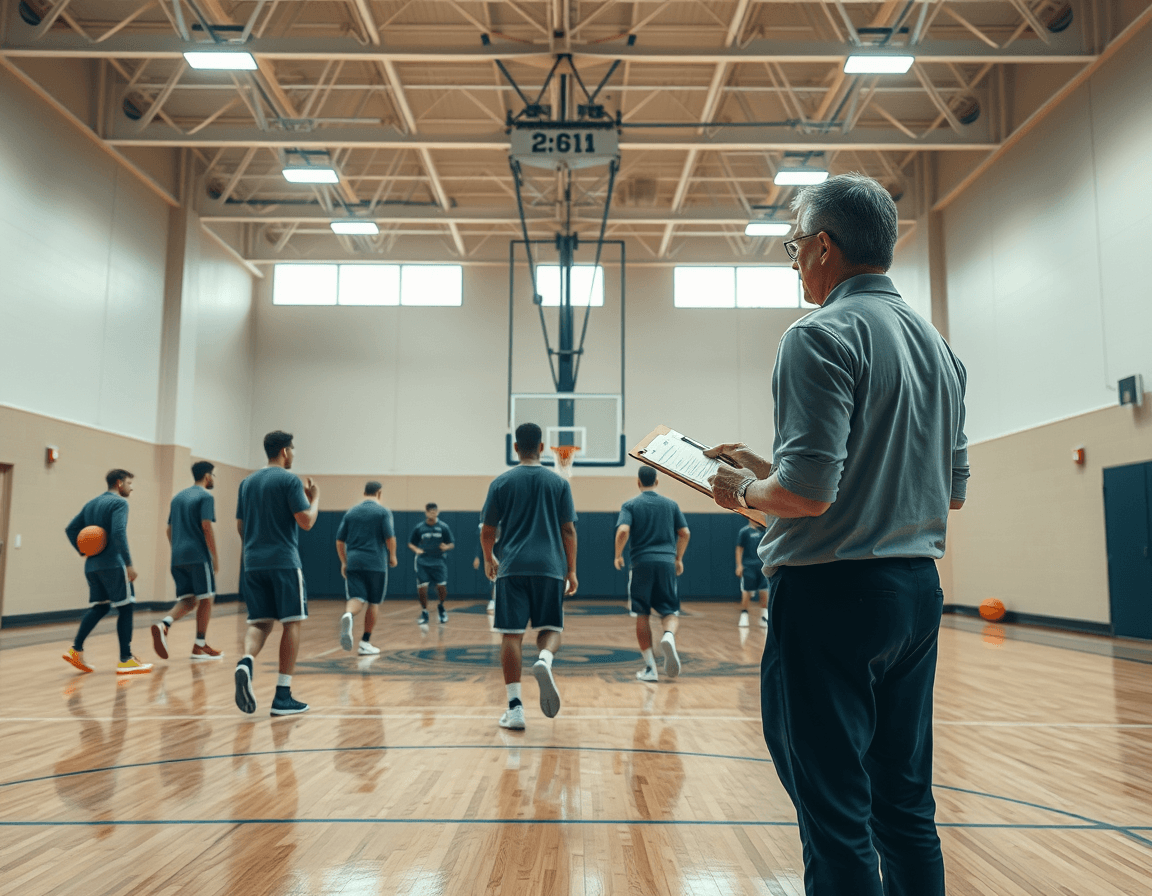
Basketball Scouting Report App: Coach Workflow
A basketball scouting report app fits a coach's workflow—plan practices, track opponent tendencies, assemble reports, clips, and playbooks, now.

Key takeaways
- Define weekly objectives that target top-screen decisions and transition pace to guide drills.
- Tag clips with consistent labels and build playlists to create a focused opponent narrative.
- Tie findings to drills with concrete next steps to speed practice design.
- Create a time-structured plan that links film, reps, and walkthroughs in the coaching workspace.
- Produce concise coach-ready reports highlighting tendencies, counters, and drill recommendations for practice.
Define weekly scouting objectives for the opponent
In a basketball scouting report app, defining weekly scouting objectives for the opponent starts with clarity about what you want to learn. Think about their primary actions in ball screens, transition habits, and late-clock tendencies. For the coming week, set a few concrete goals under the umbrella of opponent scouting, not an exhaustive catalog of every detail. By narrowing focus, you can extract actionable insights fast and keep your weekly prep workflow tight. Use this as the compass for your scouting notes and clip collection, all within the coaching workspace.
Translate these objectives into concrete scouting tasks that live in the coaching workspace. Create targeted tasks like “observe top-screen decisions,” “track transition pace after makes,” and “note late-clock efficiency.” Attach each task to the opponent scouting folder, link relevant video clips, and annotate what to look for on the tactical board. This keeps the data organized and visible for the whole staff, and ensures what you learn translates directly into practice planning.
Keep objectives simple and measurable to directly inform practice design. If you’re chasing a trait, define it as a small, observable action (e.g., “X action occurs in 70% of their ball-screens,” or “they recover in 2.8 seconds after switch”). Measurables feed into short video clips and scouting notes that you can reference when shaping drills and sequences in your plan of training. Clear metrics also make it easier to share concise findings during your weekly prep.
Tie findings to your playbook and drills to create actionable next steps. From an opponent scouting session, generate targeted adjustments you can fold into the playbooks and PDF exports for the staff. A brief scouting note paired with a clip reel can inform which plays to emphasize, which counter-sets to rehearse, and how to stage practice reps for the coming week. This is the core of your workflow for weekly prep.
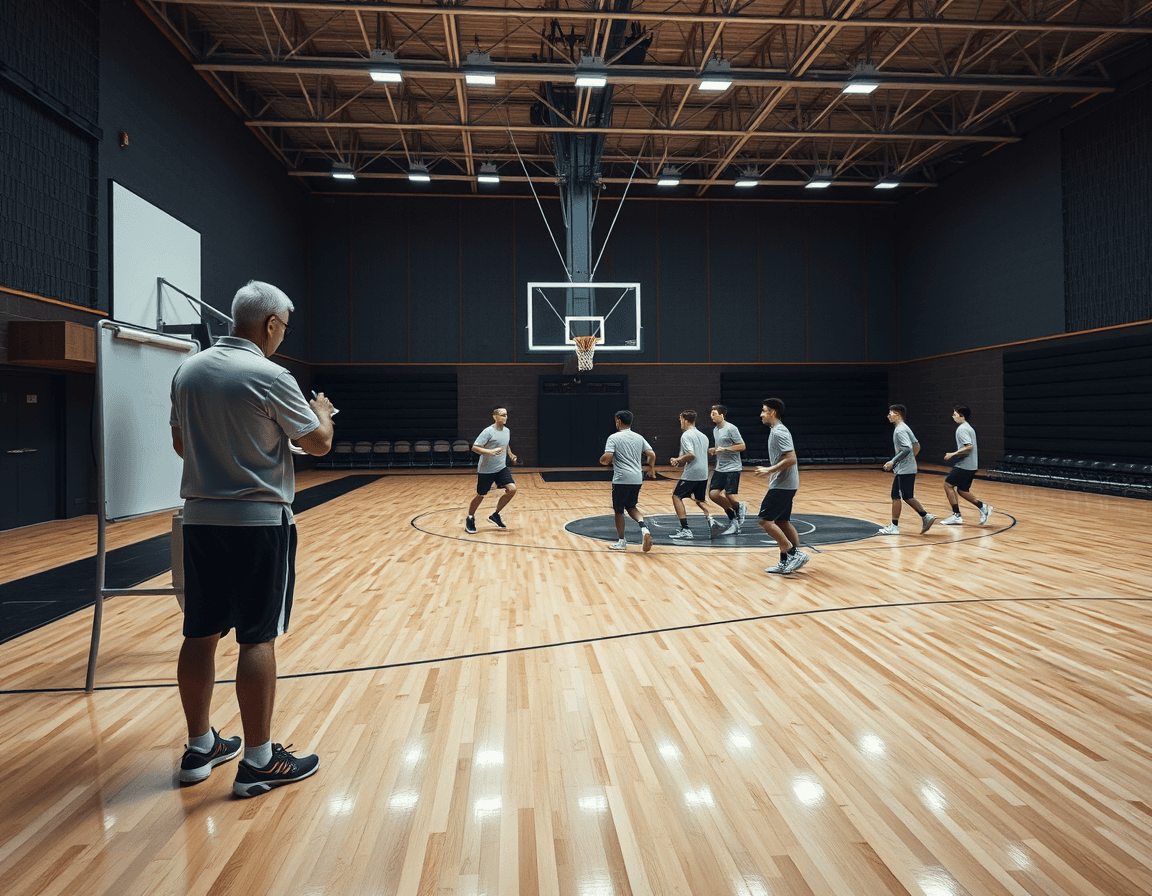
Collect and organize film and clips (manual tagging)
As a basketball scouting report app, CourtSensei anchors your weekly scouting flow by letting you upload game film and manually clip sequences that illustrate patterns—actions, triggers, personnel. This is your core video analysis workflow for film access—precise, coach-controlled, and replayable. Each clip gets context through careful labeling as you scrub through the footage, so the library stays reliable for plan-building and game prep. Keep the process tight: the fewer ambiguous clips, the faster you can pull what you need.
Label clips with consistent tags (e.g., "PNR ball-handler", "baseline out-of-bounds") and build playlists by opponent or game. When you pull clips into a playlist, you create a focused narrative you can reference in the tactical huddle or during scout sessions. The goal is quick access to the exact sequences you need for walkthroughs and adjustments. A well-tagged library means you can pivot from a single video analysis session to a full scouting plan in minutes.
Avoid relying on auto-tagging; rely on coach-driven annotations and clear labeling. You annotate each clip with notes on setup, reads, and outcomes, so others can follow your reasoning. This is where the coach-driven annotations and tag conventions live, making it easier to search for specific action types across opponents and seasons. The discipline in tagging saves you time when preparing a scouting report and marking patterns to watch.
Store clips and notes in a centralized coaching workspace for easy access. With a single place to hold film, tags, and playlists, you reduce the time spent hunting for footage. From here, PDF export of scouting reports can be generated for game preparation, and shareable playlists help staff review film asynchronously. This workflow keeps your team aligned as you prep for the week ahead.
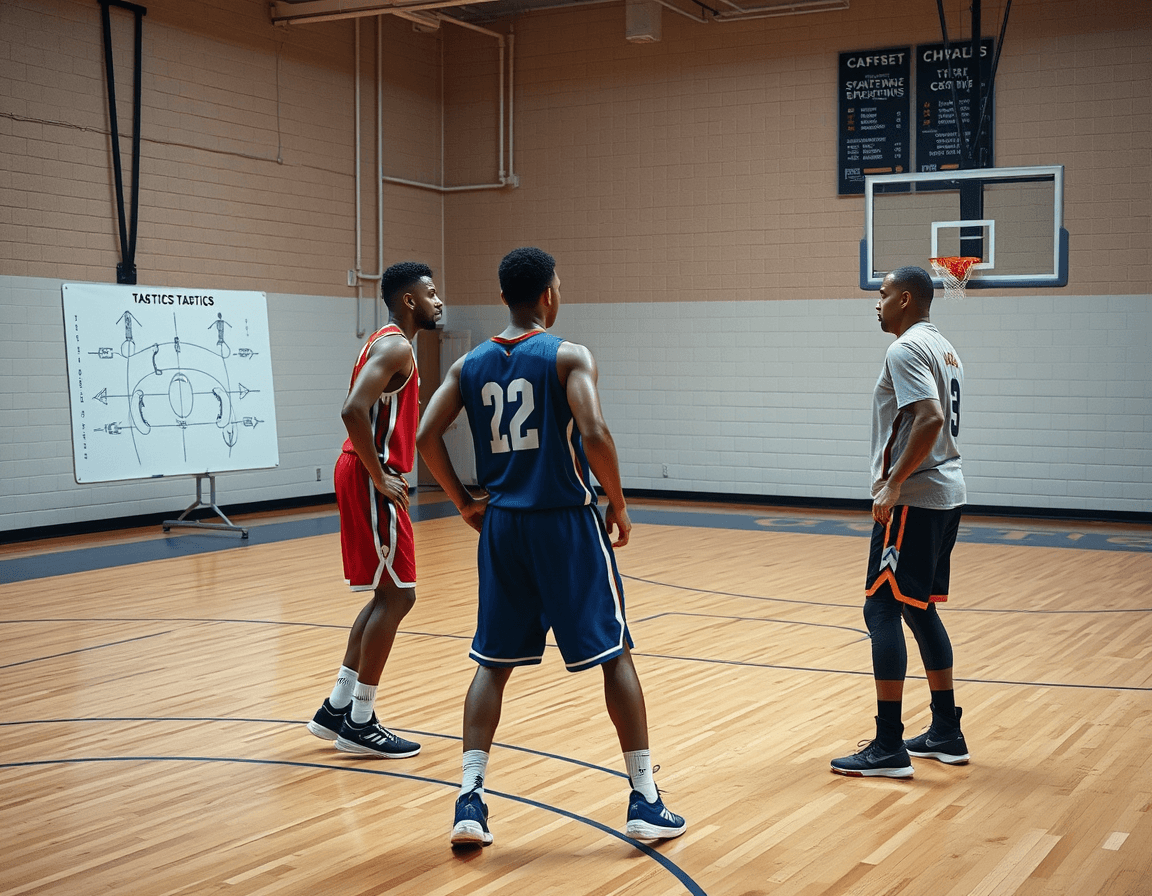
Link scouting to your training plan with a drill library
As a coach, you don't separate scouting from practice. The drill library becomes the hub where counter-sets live, and you can link actions to drills to counter the opponent's tendencies. Attach scouting findings from opponent scouting to specific drills in your plan practices, so every rep is guided by what you saw on film. By tying a single scouting notes page to the drill library, you build a week that targets the exact skills and decision-making your team needs, without reinventing the wheel each game.
Use drawing and animation tools to illustrate counter-plays and actions within your play diagrams. A quick sketch of a ball-screen defense sequence, animated to show hedge versus slip, helps players see what to do when the pressure comes. Save these annotated diagrams as part of the scouting-linked plan and use the PDF export to share with assistants. This visual link between scouting notes and play diagrams is what turns information into ready-to-run sequences.
Create a time-structured plan that blends film work, on-court reps, and walkthroughs. The workflow keeps links in your coaching workspace so weekly prep becomes repeatable; you pull up a scouting report, open the corresponding drill, run through the reps, then review on film and annotate adjustments. The process supports plan practices that flow from scouting findings to execution, with a clean trail from a film clip to a drill and back to the court.
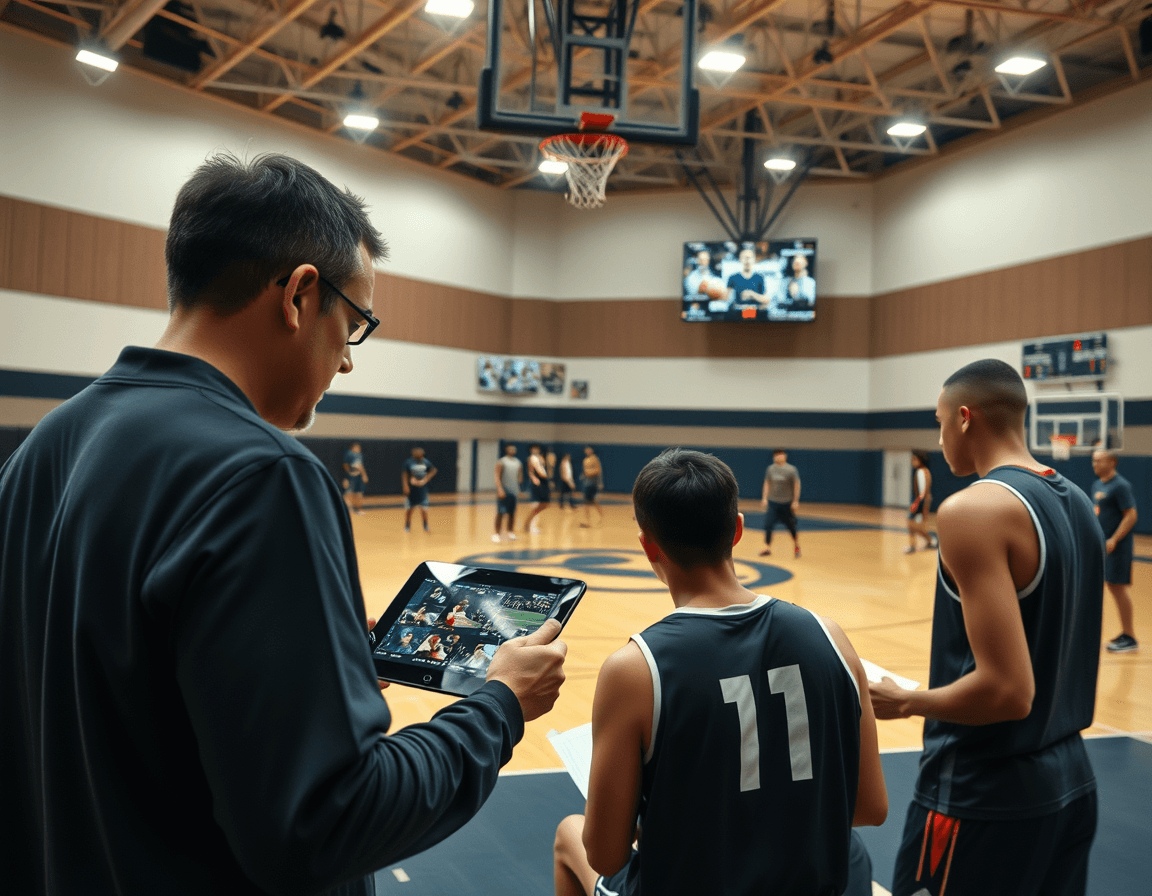
Create coach-ready reports and shareable outputs
In the weekly scouting cycle, you assemble a coach-ready scouting report that captures opponent tendencies, common counters, and recommended drills for your team. The write-up should translate the film into actionable takeaways—how an opponent attacks your ball pressure, where their spacing breaks down on ball screens, and which drills reinforce the correct adjustments. A clear, concise layout helps assistants and players digest the notes quickly and apply them in practice planning and game prep.
Once the notes are locked, pull them into a coach-ready PDF: a PDF export or a printable format you can distribute at meetings, film sessions, or prep huddles. The goal is a clean document that highlights key scouting report tendencies, quick counters, and the recommended drills, without drowning the reader in jargon.
From the clips gathered in your scouting session, generate targeted playlists of cuts—pick the sequences that illustrate the opponent's counters and your plan to respond. Share these via read-only links so staff and assistants can review without changing the library. Short, relevant clips in a shareable package speed up decisions in the film room.
Keep a clear, versioned record of every scouting output to reference in future weeks. This archive—scouting notes, clips, and the approved playbook references—lets you track what adjustments were made and why, ensuring continuity as personnel shift between games and seasons.
A practical workflow step: from film to game plan
As a basketball scouting report app, CourtSensei acts as the weekly scouting hub—connecting training plans, drill libraries, video clips, and scouting notes into a single coaching workspace, with playbooks PDF export and shareable playlists. For a coach, this is where game prep starts and stays organized, from film to practice design.
Monday: Upload latest film, tag key sequences, and annotate trends. On this day, you drop the latest video, highlight pivotal moments, and pull out patterns in film access that shape the week’s approach. A quick look at the sequence library helps you spot recurring issues, setting the tone for the rest of the week.
Tuesday: Build counter-attack plans and attach relevant drills. With the trends in mind, you assemble counter-attack plans and attach drills from your drill library that directly address identified gaps, tying them to concrete objectives on the court.
Wednesday: Draft the coach-ready scouting report and circulate with assistants. Drafts become shareable scouting reports you circulate to assistants for input, keeping everyone aligned on opponent tendencies and anticipated game scenarios.
Thursday: Integrate video and drills into the upcoming practice plan. You merge selected clips with corresponding drills to form the upcoming practice plan, ensuring every session targets the same game-prep themes visible in the film.
Friday: Finalize materials for team meeting; prepare any PDFs or handouts. Final touches go into team materials, with PDFs or handouts ready to distribute, so the staff and players see a clear path from film to play.
Saturday/Sunday: Post-game notes and adjust next week’s plan accordingly. Post-game notes feed back into the cycle, nudging the next week’s plan toward sharper execution and smarter scouting reports.
Keep the workflow scalable with a coaching workspace
In the market, you might encounter a basketball scouting report app, but CourtSensei stacks the pieces into a single coaching workspace. This weekly hub ties together training plans, drill libraries, video clips, and scouting notes, with PDF exports and shareable playlists. Think of it as your centralized command center for game prep and opponent prep, kept strictly coach-led.
Reuse templates for new opponents and seasons to save setup time. A solid template lets you capture headings, scouting sections, and color-coding you’ve refined over time, so you don’t rewrite the wheel every week. With a scalable approach, you can adapt one framework across multiple opponents and seasons, keeping your workflow scalable and consistent. Your scouting materials linked stay organized as you copy, adjust, and reuse without losing context.
Link actions, drills, clips, and scouting notes in one centralized place. When you pull video clips for a breakout opponent, you can attach the corresponding drills and notes in the same thread, so a single plan covers the film, the actions to run, and the key counters you’re tracking. Control sharing with read-only links and PDFs to ensure messaging stays consistent with staff, evaluators, and coordinators. This keeps everyone on the same page without permitting edits that drift from the plan. At the same time, you preserve the quick access to playbooks PDF export for quick handouts and game-week briefs.
Maintain a coach-led process that avoids reliance on automated analytics. Some systems push AI scouting reports, but you keep the interpretation and decisions in your hands. The result is a clean, reproducible workflow where scouting materials linked—plus video access and shot charts—support your preparation, not replace it.
FAQ
What is a basketball scouting report app for weekly opponent prep?
A basketball scouting report app helps coaches structure and centralize weekly opponent prep. It stores game film in a video library, supports coach-driven tagging and notes, and creates organized playlists by opponent. It then ties scouting findings to your playbooks and drills, and exports concise PDFs for staff briefings. This keeps your scouting focused, repeatable, and easy to execute on the court.
How do you define weekly scouting objectives in a scouting app?
To define weekly objectives, start with what you want to learn about the opponent. Set 2–4 concrete, measurable targets—like how they attack ball screens or their late-clock decisions. Phrase them as observable actions (for example, 'X action occurs in 70% of ball-screens' or 'they recover in under 3 seconds after a switch'). Attach these objectives to the opponent folder and translate them into clear tasks in the coaching workspace.
What is the role of tagging and clips in the scouting workflow?
Tagging and clips are your memory and search tools. Use manual tagging—avoid auto-tagging—and label each clip with consistent terms (e.g., 'PnR ball-handler'). Build playlists by opponent to create a focused scouting narrative. A well-structured clip library makes it fast to pull sequences for walkthroughs and adjustments.
How can you link scouting to your training plan and drills?
Link scouting to practice through your drill library. Attach findings to specific drills in your plan practices so reps target the exact reads you saw on film. Use drawing tools to illustrate counter-plays and save annotated diagrams as part of the scouting-linked plan. Then export a PDF to share with assistants.
What outputs can you generate and share with the staff?
You can generate coach-ready reports that summarize tendencies, counters, and recommended drills. Pair a scouting note with a clip reel to show context, and export PDF exports for staff meetings and game prep. Shareable playlists and read-only links keep everyone aligned, even if they’re remote.
How much does basketball scouting software cost?
Pricing varies by pricing plan, so check CourtSensei's pricing page for current options. In general, you want a setup that covers weekly objectives, a centralized coaching workspace, clip library, and shareable outputs without extra tools. The right pricing page should align with your scout workflow and on-court prep, not force workarounds.
