
Basketball scouting report software for coaches
Learn how basketball scouting report software fits a coach’s weekly prep: organize film, tag tendencies, craft clear opponent notes, and export reports.

Key takeaways
- Establish a lean, coach-driven scouting notes process after every opponent film using a standardized template.
- Attach clips and index by tendencies for quick reference during film sessions and practice.
- Export a concise PDF (1–2 pages) for staff, aligning game prep with clear notes.
- Build a structured opponent library with season and competition tagging to streamline weekly prep.
- Link scouting findings to drills and playlists, creating a playable, repeatable workflow for practice.
Practical workflow step: turn film into scouting notes
Turn film into actionable notes by using a standard scouting report template filled after each opponent film session. This template lives in your coaching workspace and covers the essentials: opponent basics, key personnel, and the tendencies you expect to see—what to run against you, what to attack, and where your defense must clamp down. Define sections for offensive sets to watch, defensive coverages, and common counters. Keep it lean so you can complete it quickly after a scouting reel, and align it with your weekly prep so your notes become real opponent scouting work you can act on.
Attach clips to notes and index by tendencies for quick reference. As you tag clips—ball-screen actions, transition cues, late-game sets—link them to the relevant note. A clean index lets you pull a short clip sequence during film sessions, and you can build targeted playlists around recurring tendencies to speed up practice planning and in-game adjustments.
Export a concise PDF report for Friday staff meeting. Once notes and clips are organized, generate a compact PDF—1–2 pages with a quick-hit summary of key tendencies and counter options. The PDF export keeps your staff aligned and ready for game prep on game day. Keep it simple and readable, so the staff can reference clear game-prep notes.
Maintain a non-AI, coach-driven approach to notes. This means no automatic tagging or predictive analytics—your scouting voice shapes every observation, counter, and takeaway. The emphasis stays on human judgment, with your notes guiding how you build playbooks and playlists and how you teach adjustments in practice. A coach-driven workflow preserves trust and clarity for the weekly prep.

Set up an opponent scouting library
A well-organized opponent scouting library is the backbone of weekly game prep. Create a dedicated space for each opponent with season tagging and competition tagging, so you can support your opponent scouting workflow. This structure keeps prep consistent across the season and makes it easy to compare tendencies from one team to the next. With everything in one place, the staff can quickly locate the right clips and notes before practice.
Upload opponent film and categorize it by opponent, season, and level. This is where the work of video analysis begins, letting you group clips by matchup and phase of the season. When a clip shows a guard attacking late in the shot clock, you pull it into a playlist for that opponent and that level, making review efficient during scout meetings or walk-throughs.
Add notes on tendencies and situational behaviors. Attach written notes to the folder or clip: what they run in ball-screen actions, how they defend on drives, and where they prefer to attack in late-clock situations. These notes help you tailor your prep and keep scouting consistent across staff. The goal is a clear, usable picture that travels with your clips, not scattered thoughts.
In your weekly plan, build targeted playlists around findings and export a reusable PDF for staff to review before games — the PDF export feature keeps everyone on the same page. This setup streamlines game-prep, reduces scramble, and gives you a solid, shareable foundation for preparing to face each opponent.

Templates that save time: reports, notes, and tendencies
Templates save time by giving you a consistent framework for every scouting report. Build a standard sheet with sections for Situations (end-of-game scenarios, inbounds setups), Tendencies (preferred actions after a miss, transition priorities), Counters, and Key Players. With this structure, your weekly scouting reports look the same—from the language you use to the data you capture—so the staff can scan and compare quickly.
Link tendencies to drills or plays for easy access. When you label a tendency, attach a concrete drill or a play from your playbook that counters it. This creates a direct chain from scouting findings to practice, and helps you assemble targeted playlists for film work. The result is a clean workflow that ties tendencies to drills and to related clips, making video analysis more efficient.
Keep templates flexible for different opponent styles. A rigid format slows you down when an opponent uses heavy pick-and-roll, a zone look, or a trap variation. Your template should accommodate variations—optional notes, alternate sections, and room to add game-prep or scouting notes on the fly. This flexibility supports smooth report production and responsive opponent scouting across weeks and matchups.
Practical example: during a late-week film session, you upload clips, tag a tendency like a dribble-hand-off hesitation, add a counter, and export a PDF for the staff. A quick checklist at the bottom keeps you aligned with game-prep notes, and the playbook integration ensures the video analysis links directly to practice plans, playlists, and shareable PDF export. This setup streamlines how your scouting material becomes actionable.
Linking scouting with drills and plays
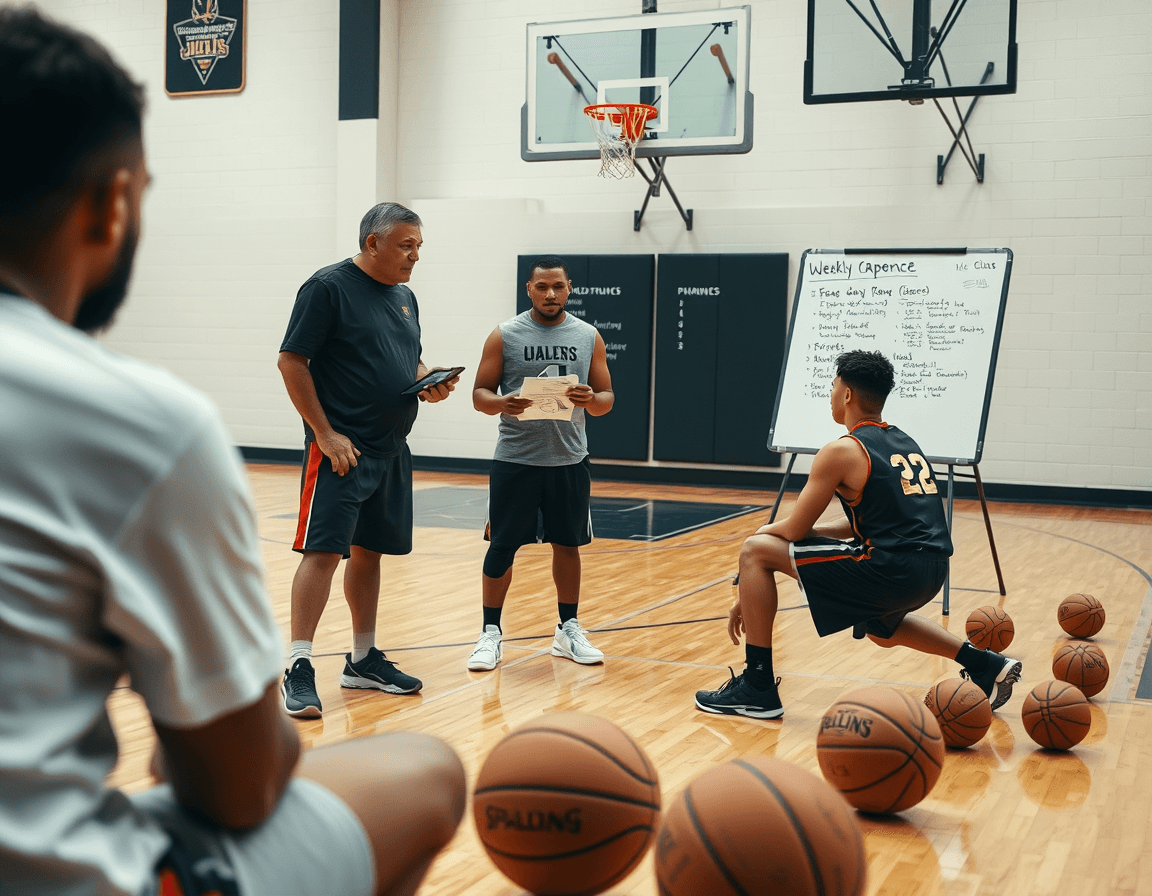
Linking scouting with drills and plays isn't about piling on files—it's about closing the loop between what you see on film and what you run on the floor. Start with a dedicated drill playlist for each opponent tendency: a plug-and-play set of clips, drills, and progression that targets a specific habit you expect to encounter. For example, if the opponent frequently runs early ball screens and drops, assemble a playlist that builds transition defense against switches, then a drill block on hedging and recovery. You can attach a quick clip to the drill so players see the exact look you're preparing for. Over time, these drill playlists become a playbook-like resource you reference during planning.
Attach relevant clips to each drill for quick review, so every session links back to the scouting findings. A small clip of the opponent’s shooter in transition can be paired with a drill that emphasizes sprinting to the corner and closing out with control. This is where clips meet drills in your plan, turning raw scouting data into repeatable on-court actions. Before you know it, players recognize the tells you identified—without sifting through separate files.
Integrate these links into your weekly practice planning so scouting informs every day on the court. Include the opponent-linked drill playlists in your plan blocks, and reference the attached clips during walkthroughs. When you finalize game-prep notes, export a PDF export that groups each opponent's tendencies, the associated drills, and the key clips for staff review. This playbook integration helps the staff stay aligned and accelerates decisions in the film room.
Keep it lean and iterative: after each week, review which drills addressed the opponent's tendencies most effectively and refine the playlist accordingly. A short post-practice scouting notes can capture adjustments for the next week and feed into the next cycle. The goal is a living library where opponent scouting findings, drills, and plays stay connected, accessible, and ready for staff-wide use.
Weekly cadence: what to review and when
Kick off the week with a focused cadence. On Monday, you upload opponent film into the centralized coaching workspace, skim the first pass, and start note-taking. Use quick annotations to tag sets, transition patterns, and defensive schemes, then assemble a rough scouting report draft you can refine all week. This is where the video review mindset becomes your daily habit, feeding usable clips into a dedicated playlist.
Tuesday is about tightening the narrative. Update your reports with new observations, swap in sharper clips, and clean up the notes. Align the opponent scouting insights with what you want to emphasize in your playlists, so the next session has a clear throughline for players and staff.
Wednesday centers on playbook integration. Turn findings into actions on the tactical board: call-and-sets that counter tendencies, and run-throughs organized in a dedicated playbook. Build playlists around the hot tendencies so clips and diagrams live together, ready for quick reference in drills or film sessions.
Thursday is the final stage of game-planning. Convert notes into concise game-prep notes, finalize rotations and matchups, and run a PDF export for staff circulation. The goal is a compact, printable guide that teammates can reference in walkthroughs and pregame meetings.
Friday wraps with staff prep and distribution. Make sure the right people can access the scouting reports and shareable PDFs, and that playlists link to the right clips. A clean, readable package keeps staff synchronized as you head into the weekend and next week's scouting.
Share, export, and prep for game day
As you wrap up a weekly scouting cycle, the workflow should feel seamless, not scattered. Export your scouting reports and the related playbooks as a clean PDF export for staff review. The PDF format keeps diagrams legible and notes intact, so assistants can pull a concise pregame brief, game-prep notes, and clear defensive matchups without hunting through piles of files.
Share clips quickly and securely to keep everyone on the same page. Use read-only links to give coaches and staff fast access to annotated opponent footage without altering your work. Build concise clip playlists around key findings, so the team can study specific sequences—without wading through unrelated video. This makes opponent scouting resources actionable during team meetings and on bus rides to the next game.
Finally, keep all materials in one organized coaching workspace to support game-day prep. Tie together your scouting reports, video clips, and playbook integration so staff can move from a scouting insight to a designed action in one place. On game day, a single export of the latest scouting materials and the linked clips ensures everyone reviews the same material, making quick adjustments and rotations more predictable. The result is a streamlined, shareable package that keeps the entire staff aligned and ready.
FAQ
What is basketball scouting software for coaches?
Basketball scouting software for coaches is a focused workflow that turns a video library into actionable notes. It combines a central clips library, a shared space for opponent scouting, and tools to build weekly prep plans. You’ll work in a coach-driven environment to assemble time-structured playbooks, playlists, and PDFs you can act on. The result is clear, actionable prep—without AI tagging.
What is a basketball scouting report and how do you build one?
A scouting report is a concise, coach-made document that captures opponent basics, key personnel, and the tendencies you expect to see. Build it in your coaching workspace using a standard template: note offensive sets to watch, defensive coverages, and counters. Attach clips to each note and index by tendencies for quick reference. Use a clean PDF export for staff meetings.
What should you look for in a basketball scouting app in 2026?
When choosing a basketball scouting app in 2026, prioritize an end-to-end, coach-driven workflow. It should support video uploads and manual clipping, organize clips into intuitive playlists, and link findings to your playbooks and drills. Easy export to PDFs and a shared coaching workspace are a must. CourtSensei emphasizes a playlists-driven approach and a seamless playbooks integration, without AI tagging.
How much does basketball scouting software cost?
Pricing varies by plan and usage. Look for transparent tiers that cover video, notes, playlists, PDFs, and sharing in one place. Check what’s included before committing and look for a trial or basic plan to test the workflow. For CourtSensei, consult the official site or sales for current options and quotes. The right pricing and plans reflect the value of your weekly prep.
Can scouting software generate AI-powered scout reports automatically?
No. CourtSensei keeps a non-AI , coach-driven approach—there is no automatic tagging or AI-powered scout reports. Your observations, templates, and linked clips shape every note, counter, and takeaway. This preserves trust and clarity as you build playbooks and practice plans.
Do you need multiple tools for a full scouting workflow?
You can run a complete scouting workflow inside CourtSensei: upload and clip video, organize clips, build an opponent library, link findings to drills and playbooks, and export PDFs for staff. That integrated workflow reduces the need for multiple tools, though some programs are used for specialty tasks depending on league or sharing needs. It keeps the team aligned for game prep.
